Flowers Packaging Mockup Set 2
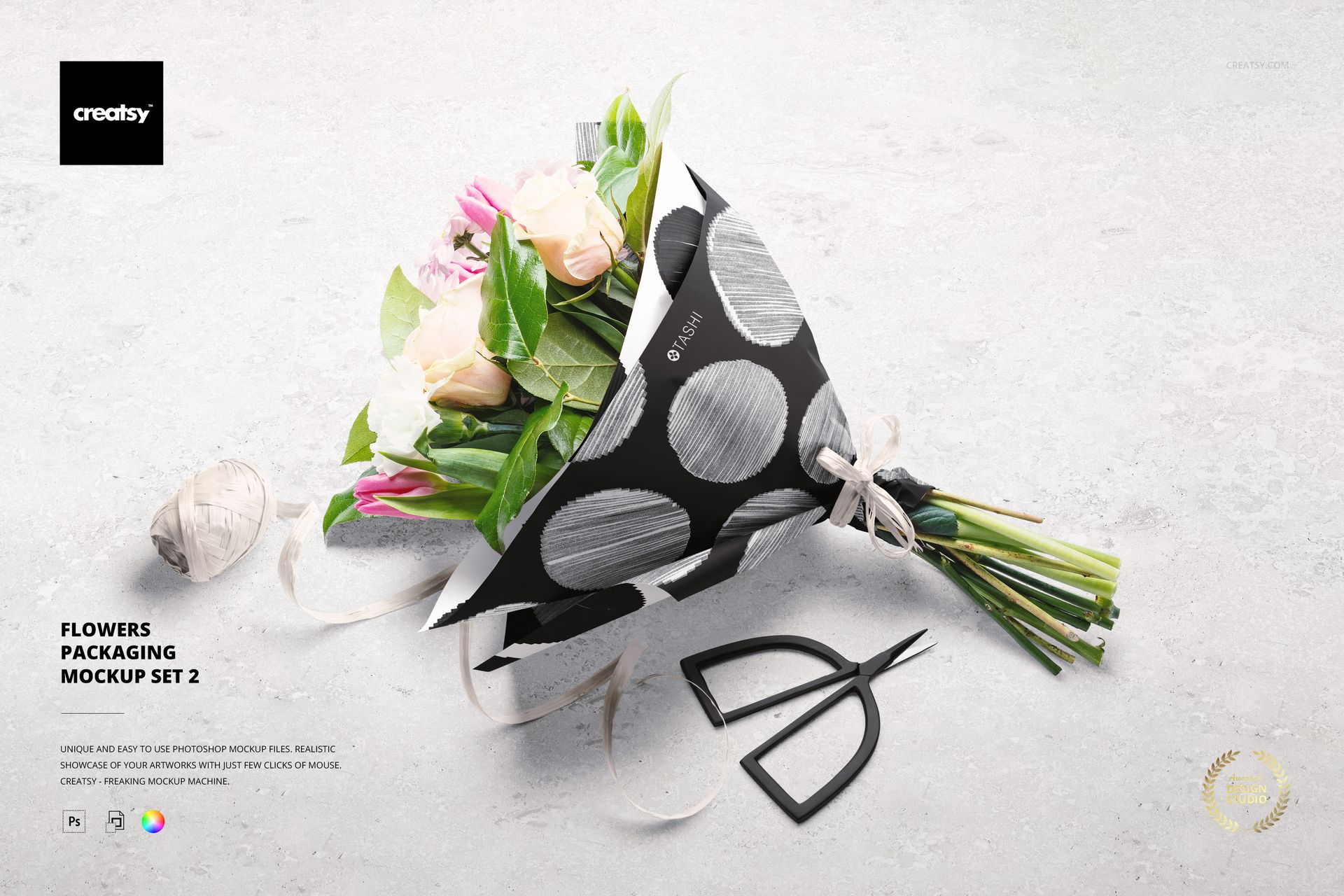
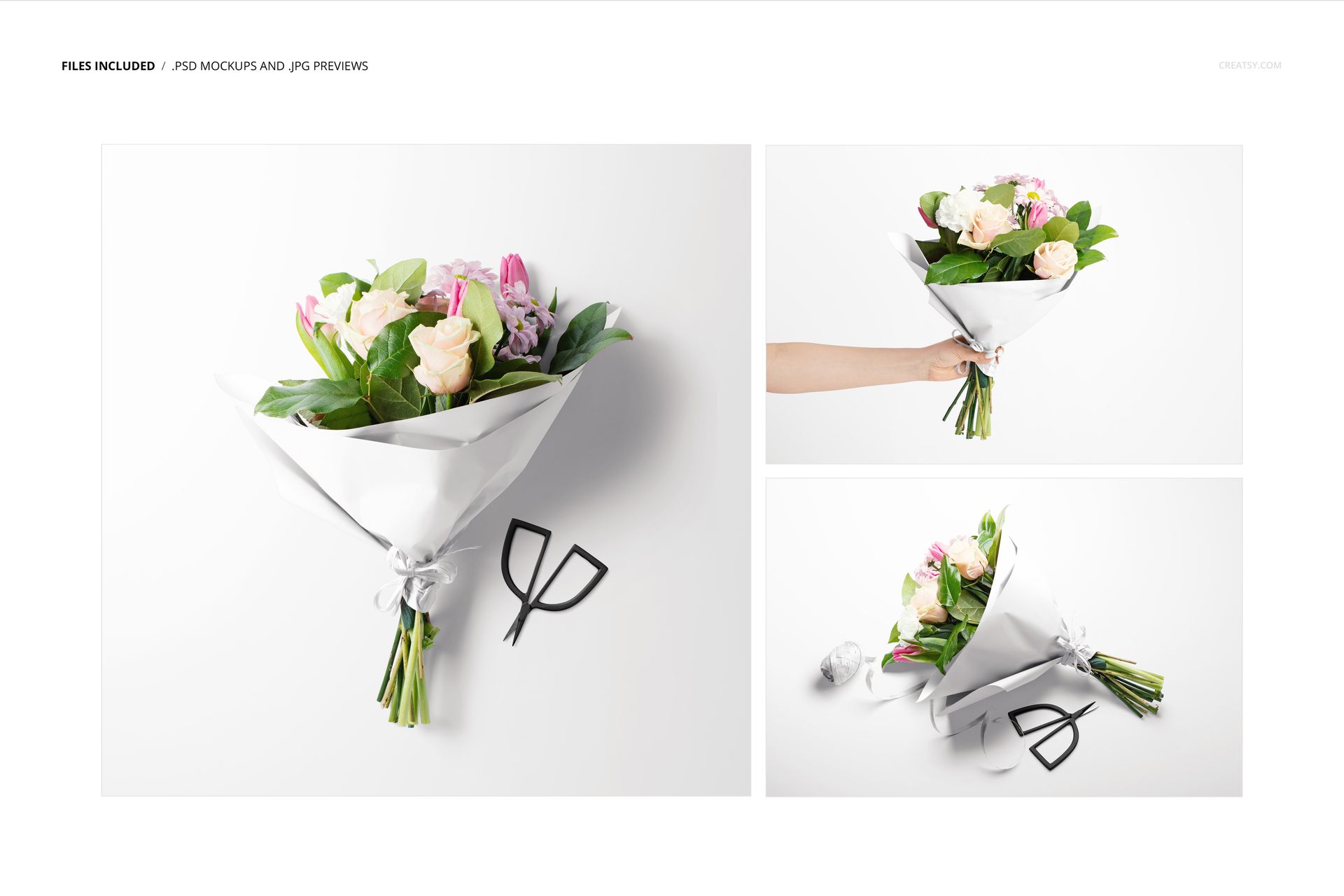
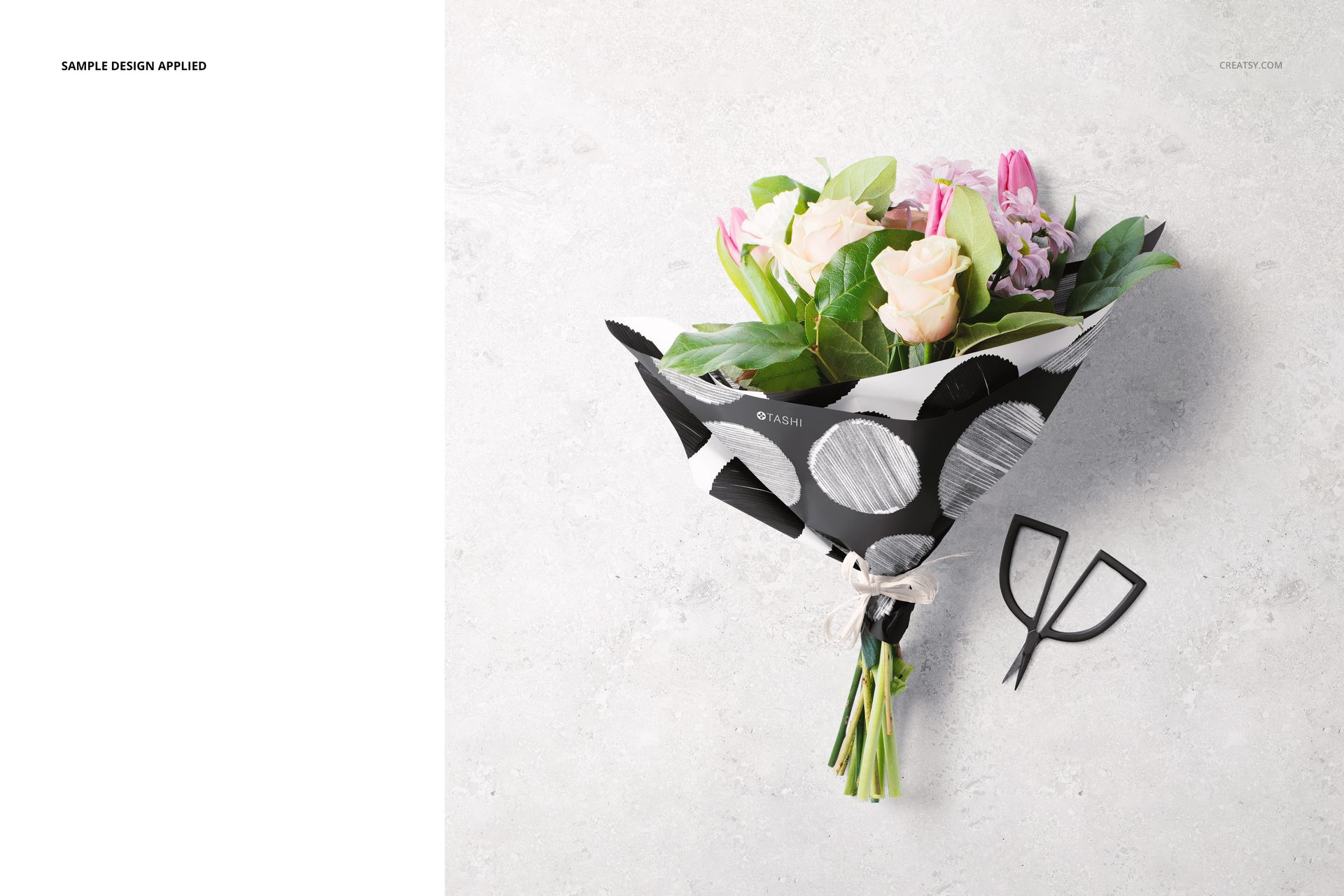
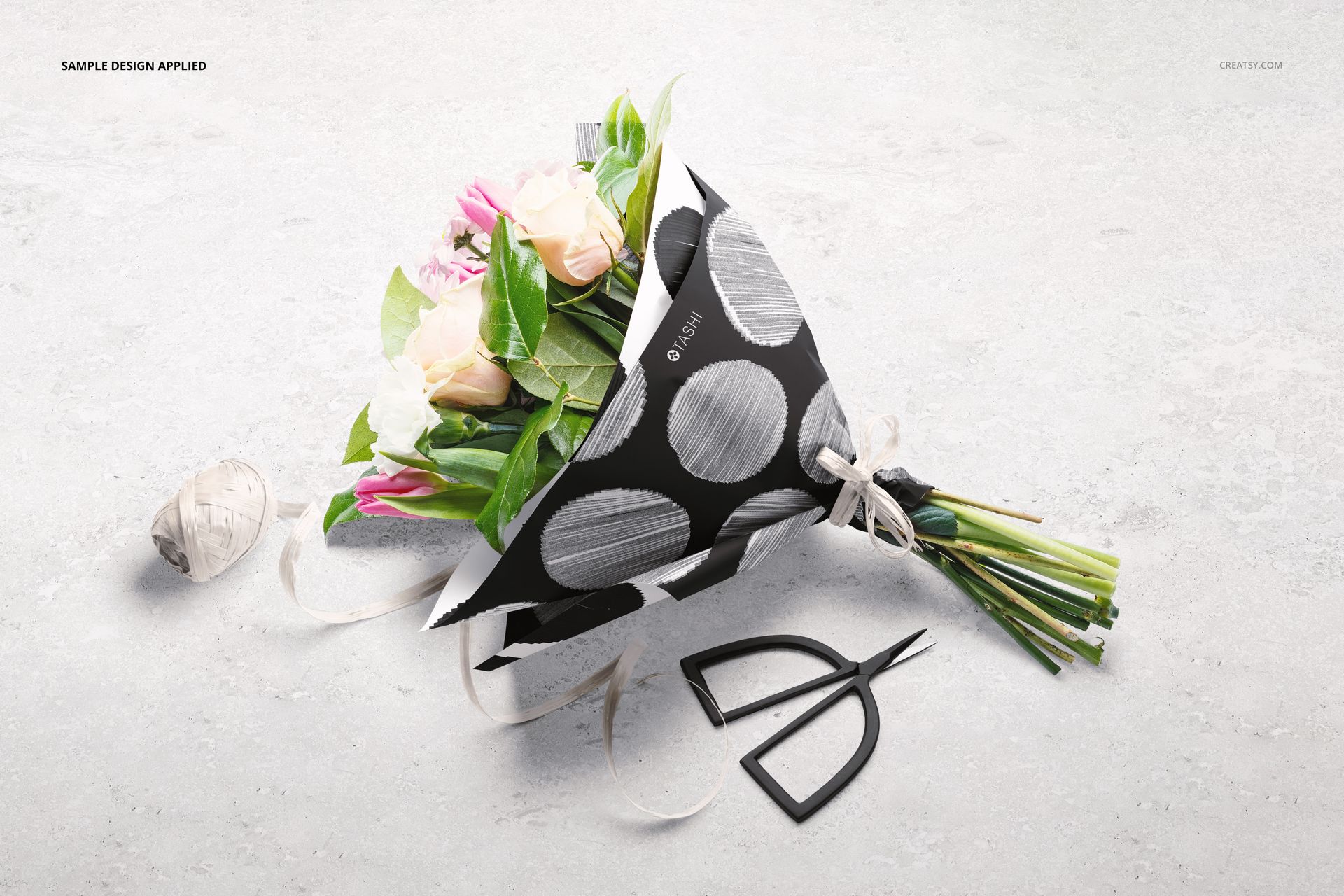
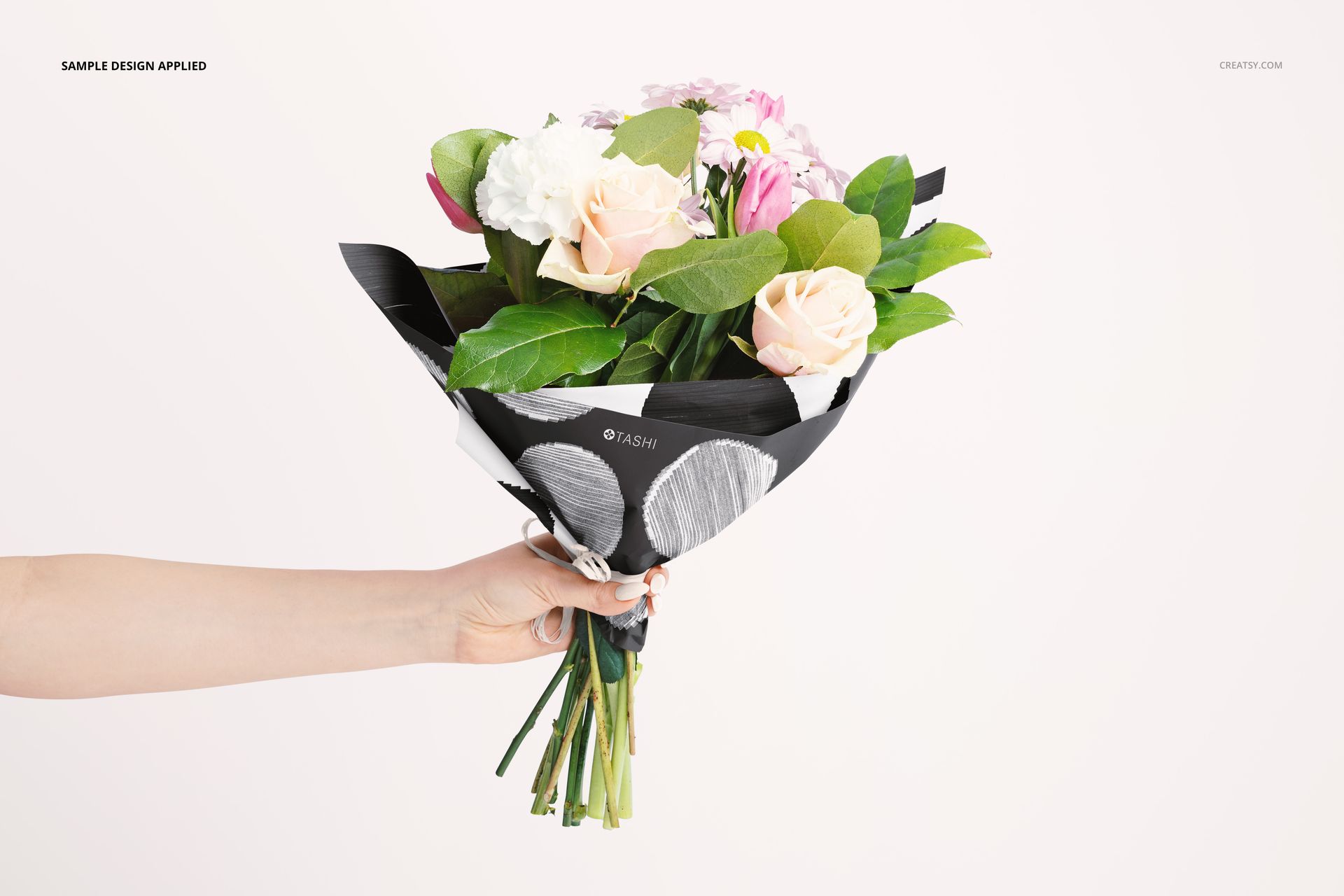
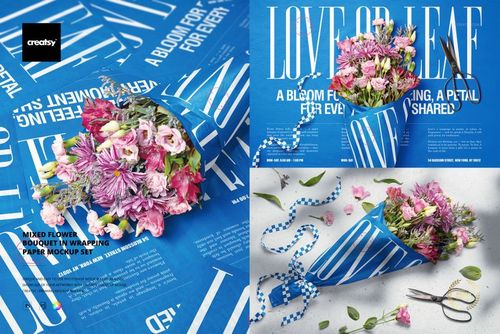
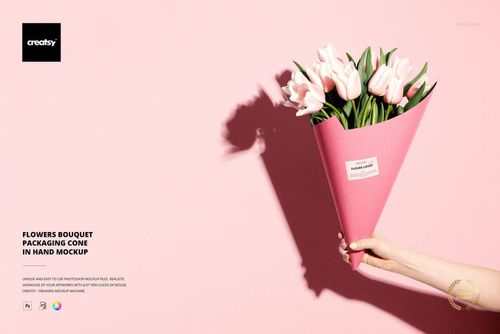
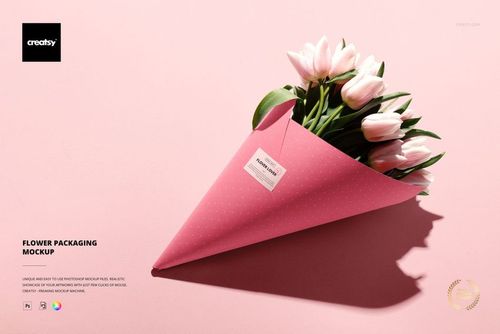
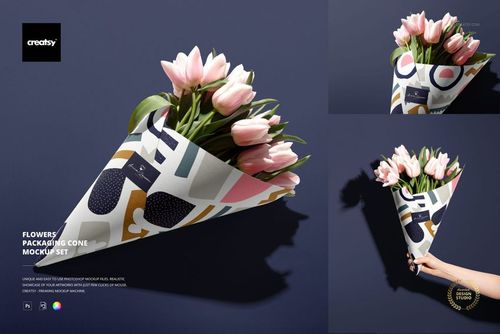
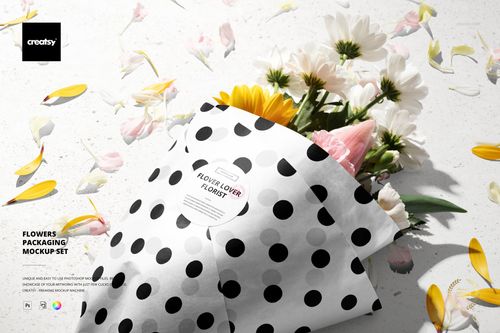
A bouquet changes shape when it is wrapped, laid on a worktable and lifted by hand. This three-scene flower wrapping paper mockup set shows a mixed bouquet in all three contexts, helping you judge how a pattern reads across folded paper rather than only as a flat swatch.
Compare a top view, an angled composition with florist tools and a handheld presentation. The same packaging idea can become a coordinated client proposal, a pattern portfolio story or a seasonal flower shop campaign.
What Is Included
3 layered PSD mockups with distinct bouquet scenes.
3 JPG previews and 1 PDF user manual, 7 files in total.
6000 × 4000 px and 5000 × 5000 px scene formats at 300 DPI.
Paper, Raffia and Florist Details
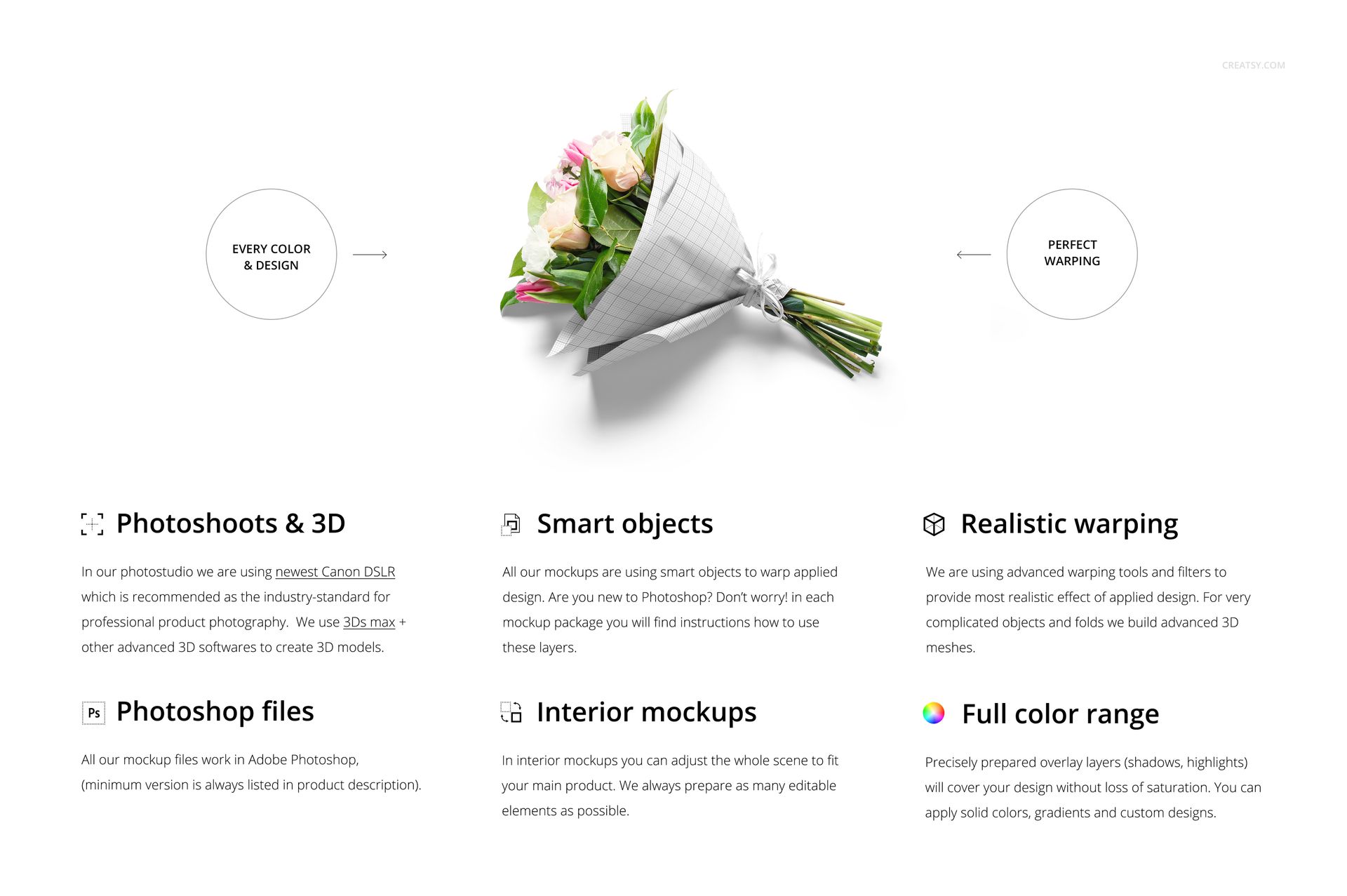
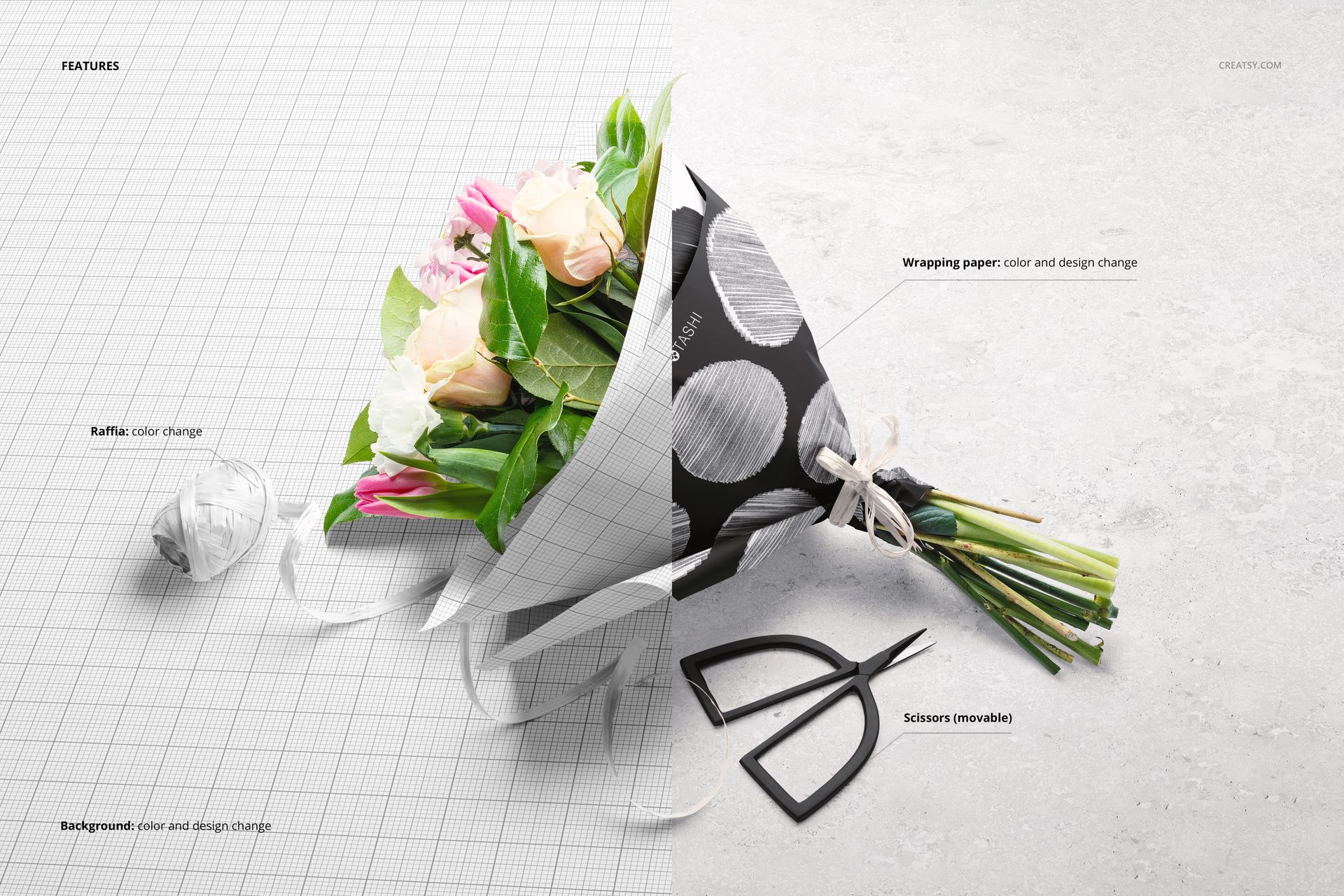
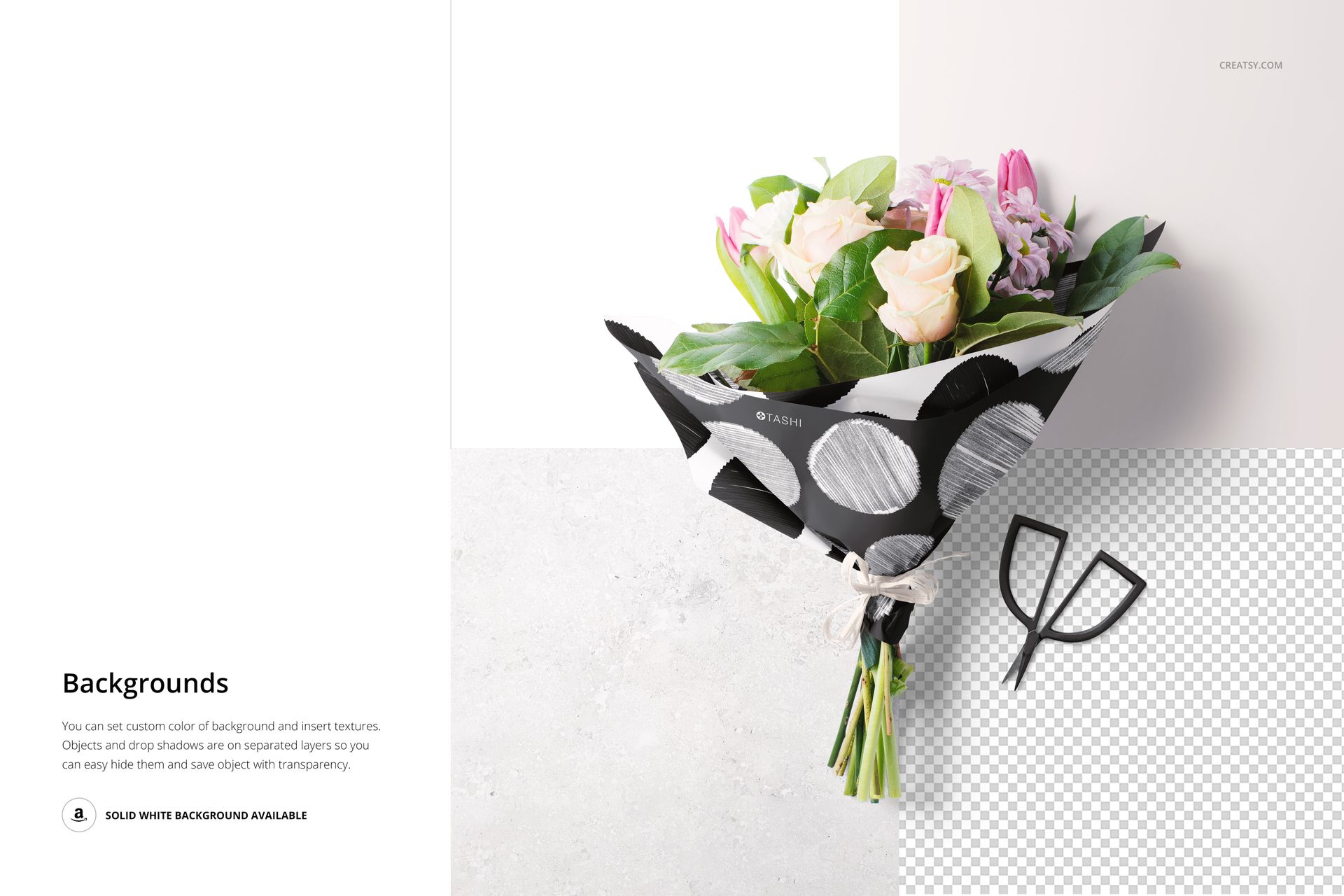
Change the wrapping paper color and artwork, coordinate the raffia color and adjust the background color or design. The scissors are movable in the scene where they appear. Separate object and shadow layers support white, colored, textured or transparent-background presentations.
Easy Smart Object Editing
Open a PSD in Adobe Photoshop CC2020 or newer, or Photopea. Replace the designated Smart Object artwork, save that Smart Object and return to the scene to review the result. Use the color layers to coordinate the paper, raffia and background with your design.
Perfect For
Surface pattern designers testing repeat size on folded bouquet wrap.
Florist branding studios presenting coordinated packaging concepts.
Illustrators building seasonal gift-wrapping portfolio projects.
This is a digital mockup download, not printed packaging or a physical bouquet. Sample artwork shown in the previews is not included.