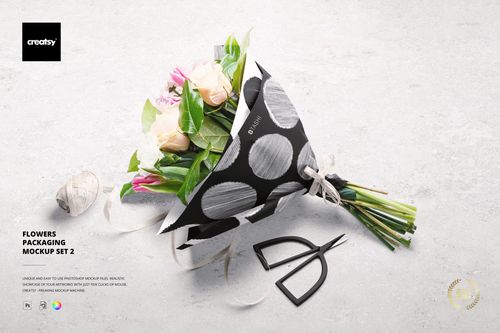
Flowers Packaging Mockup Set
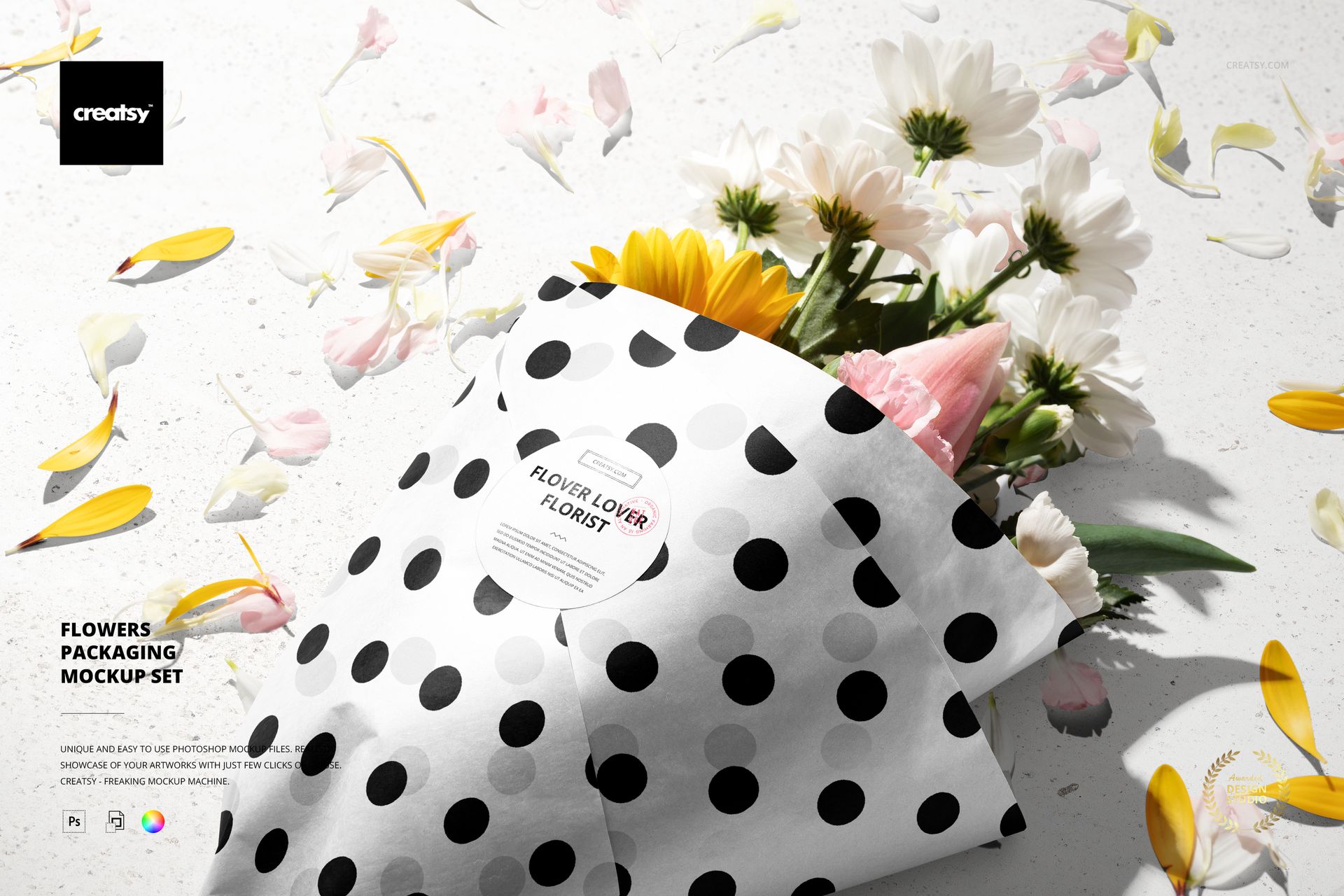
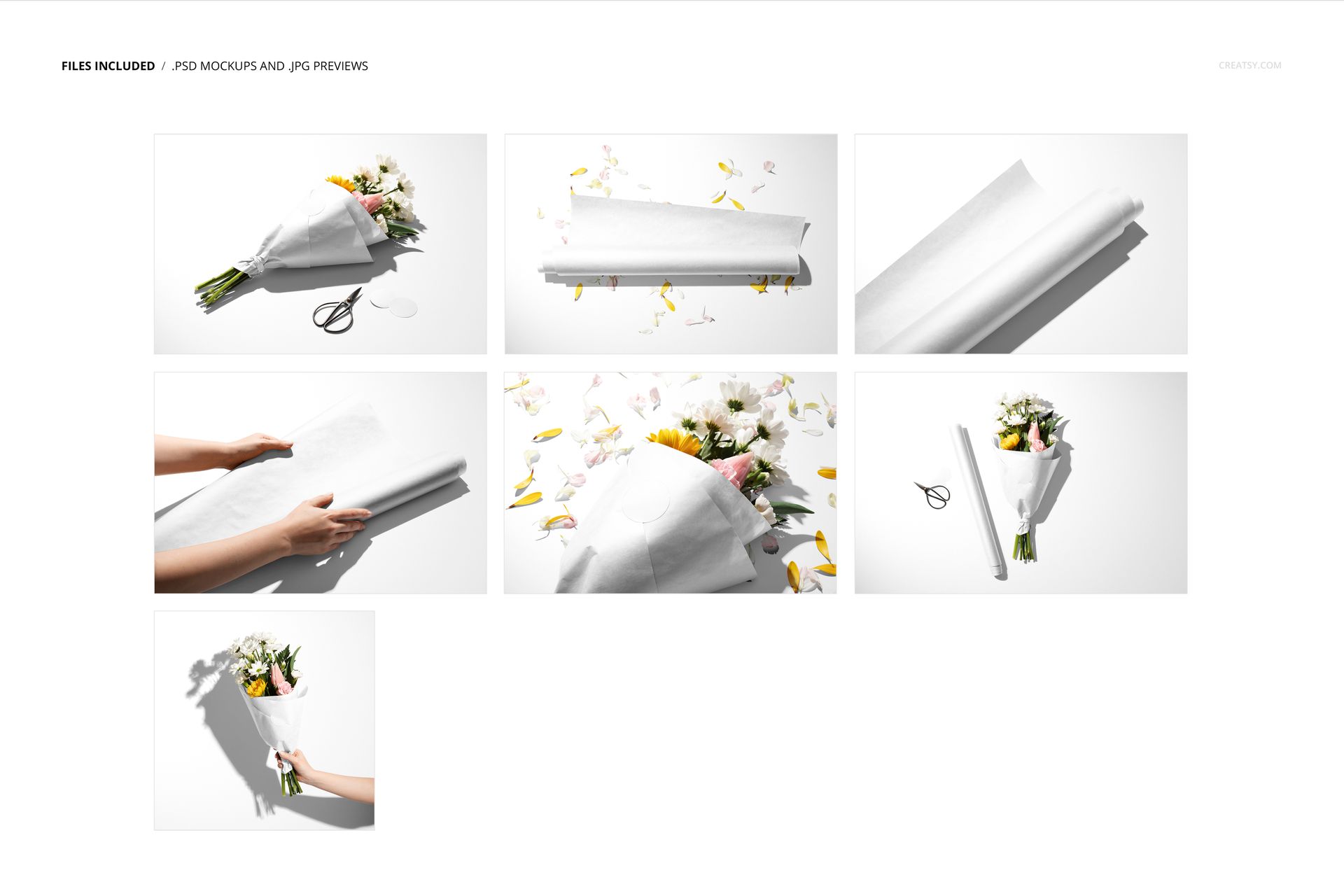
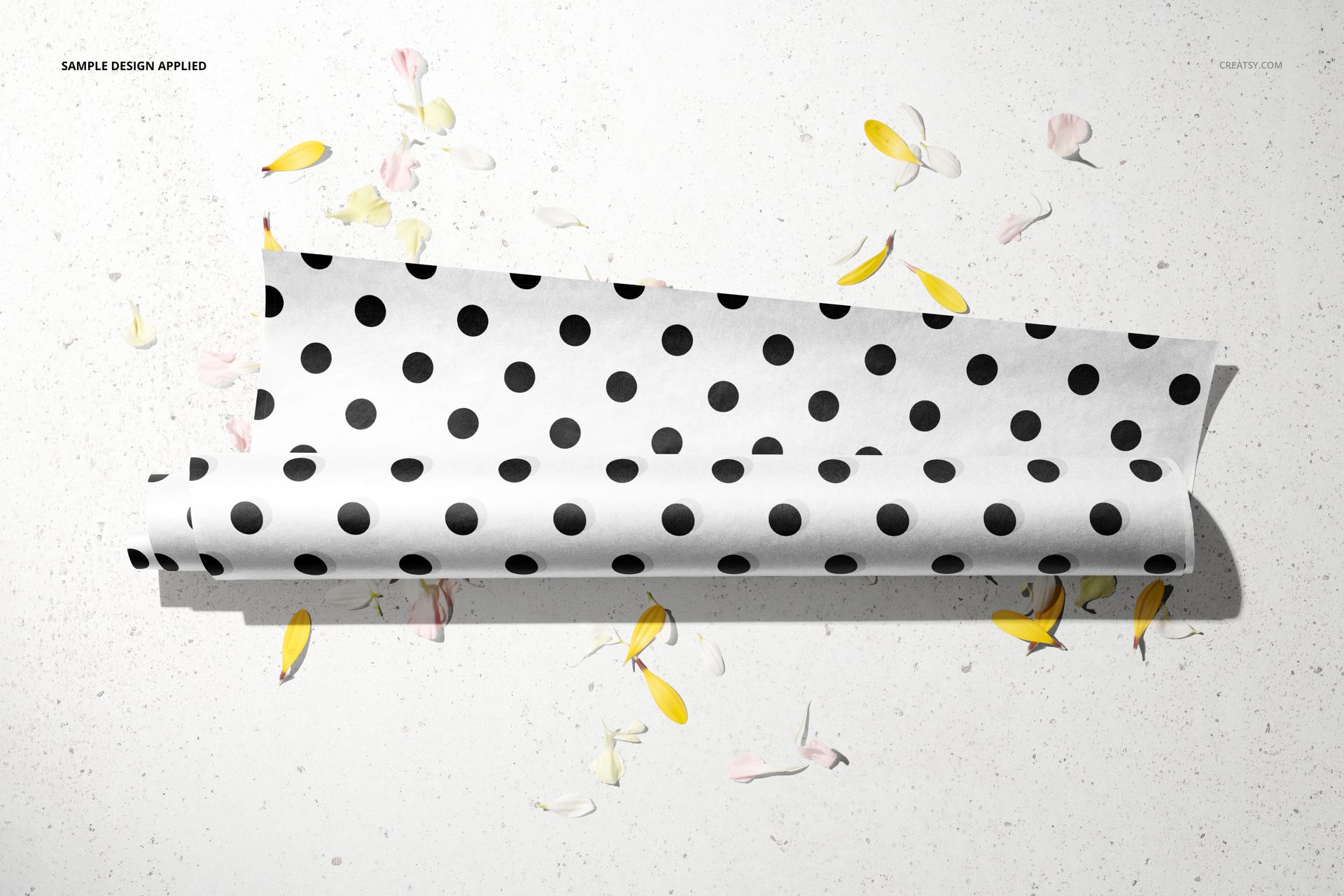
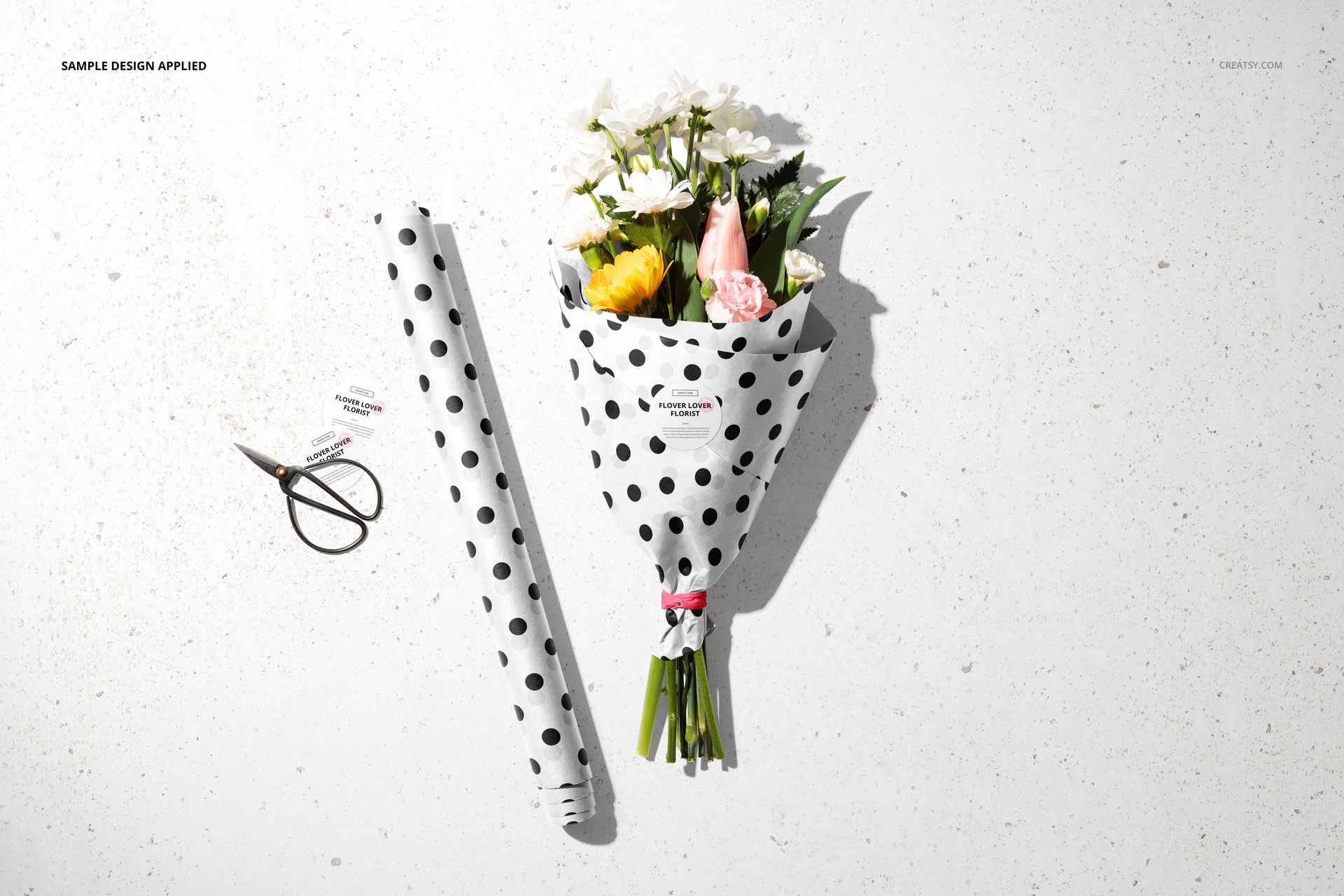
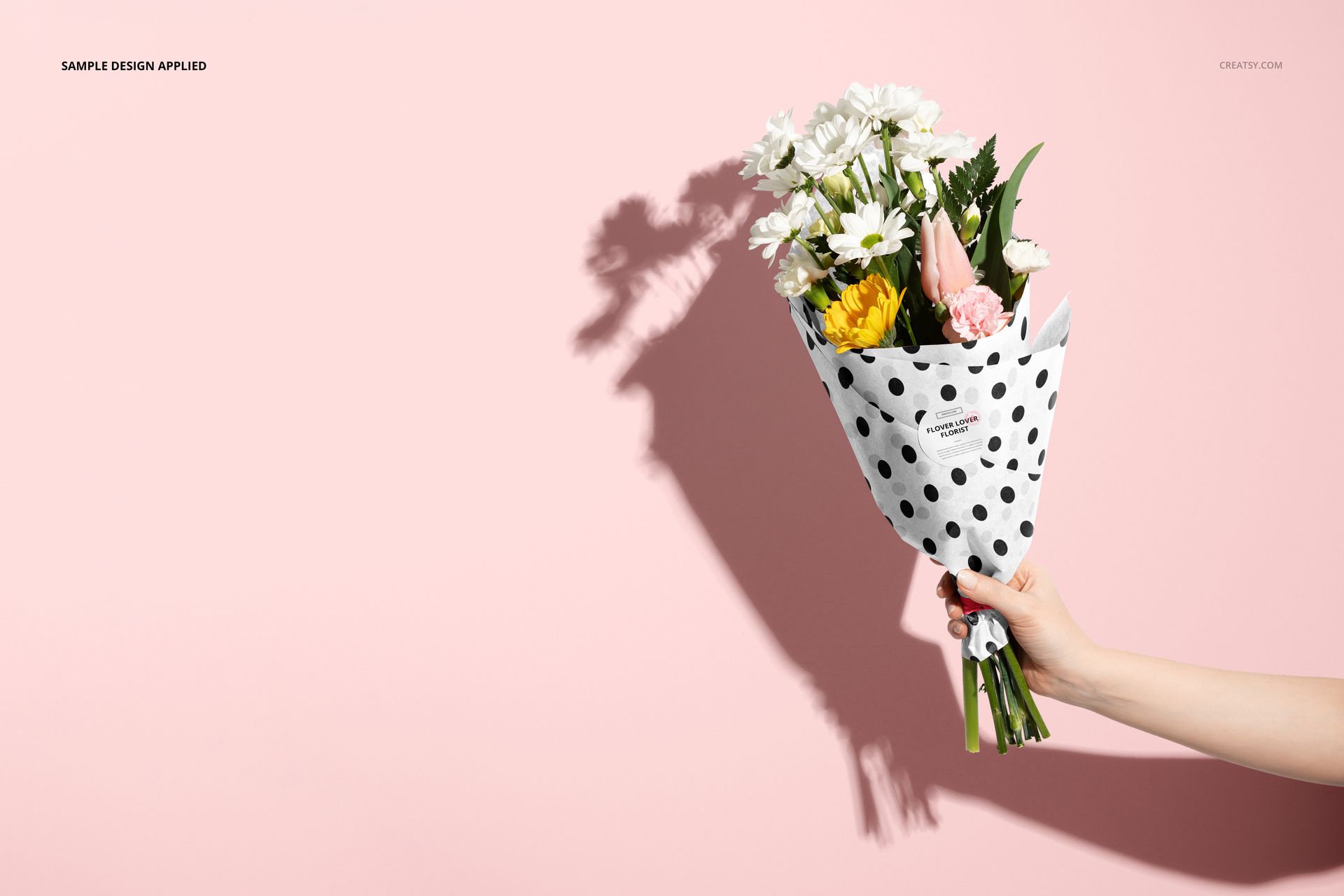
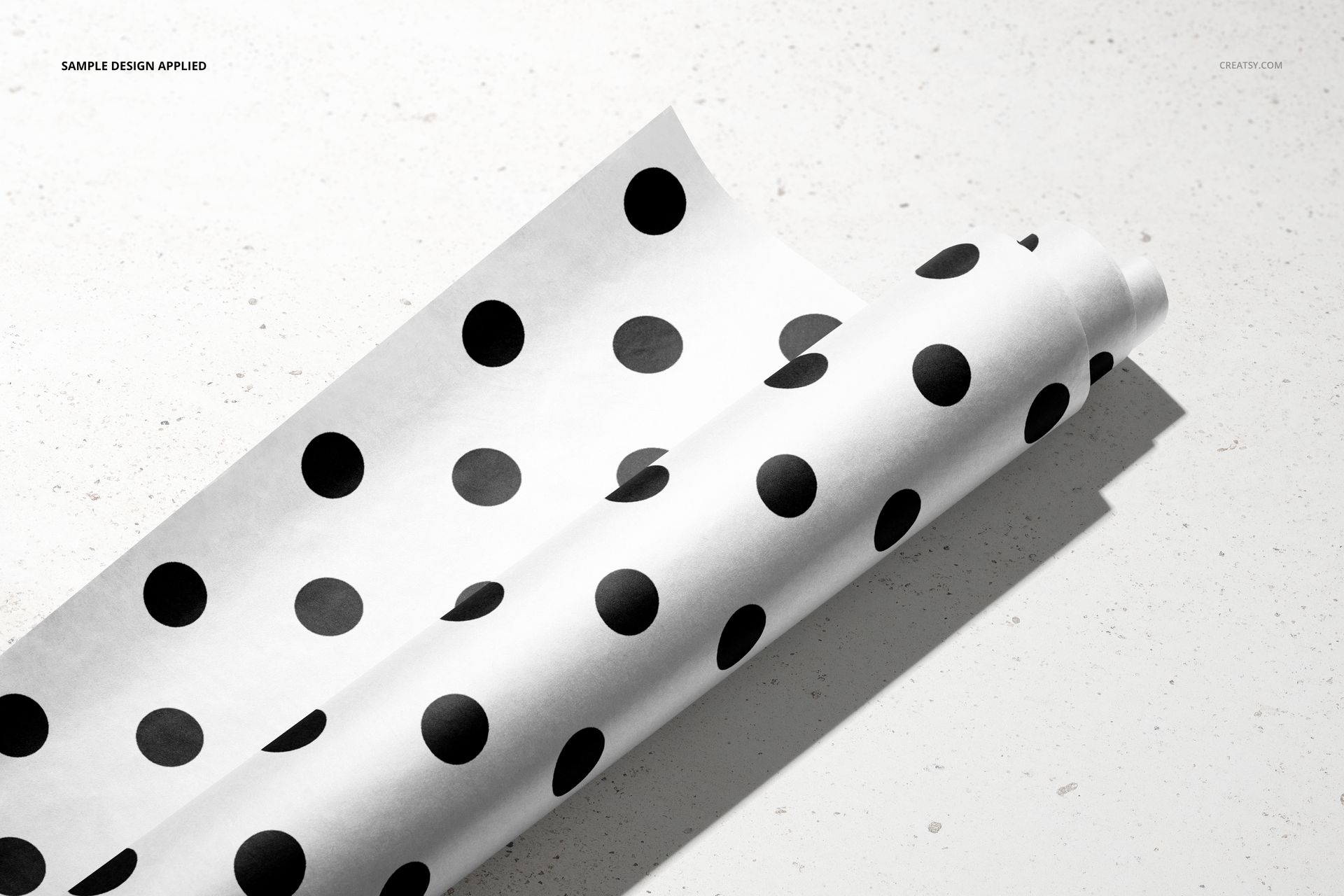
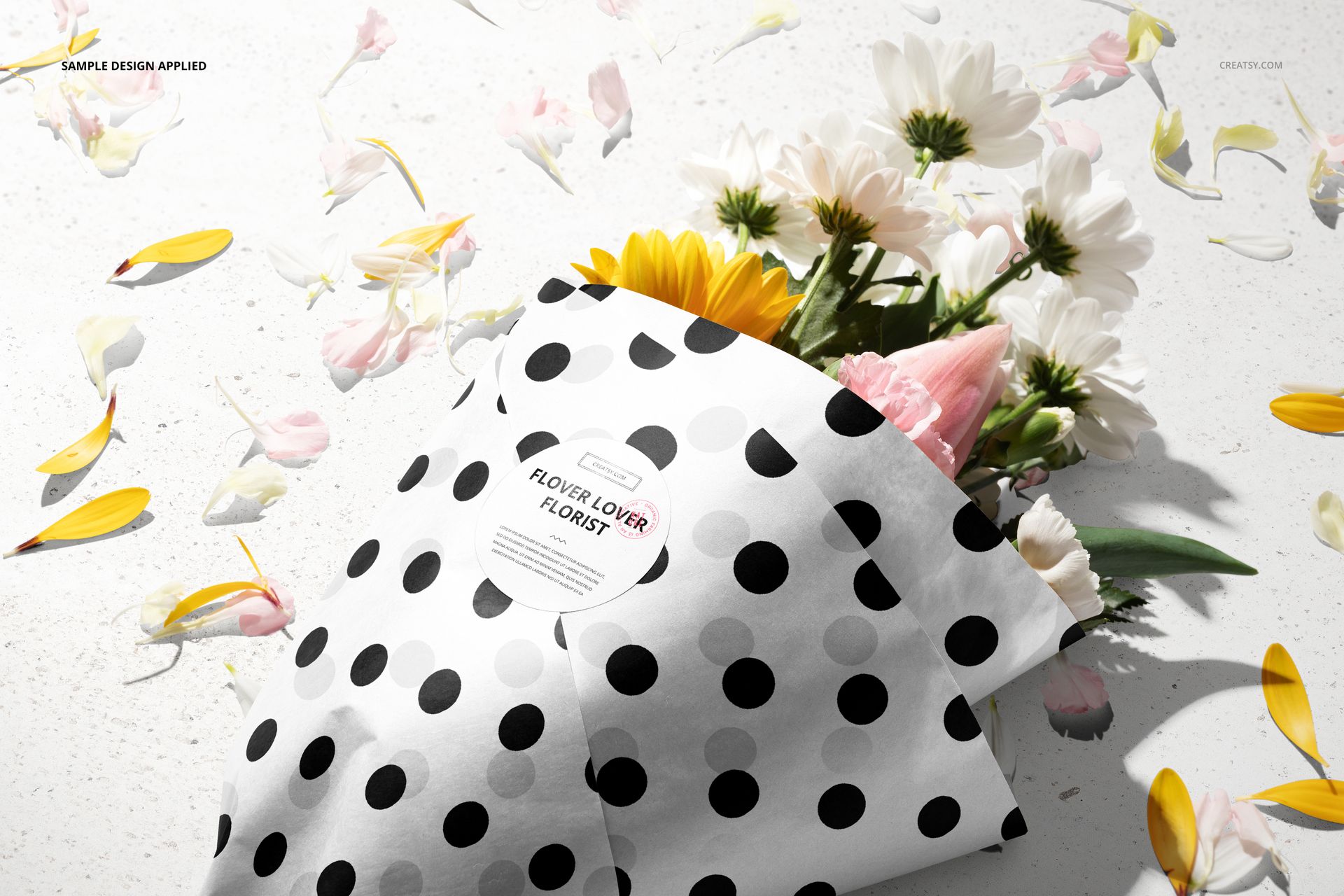
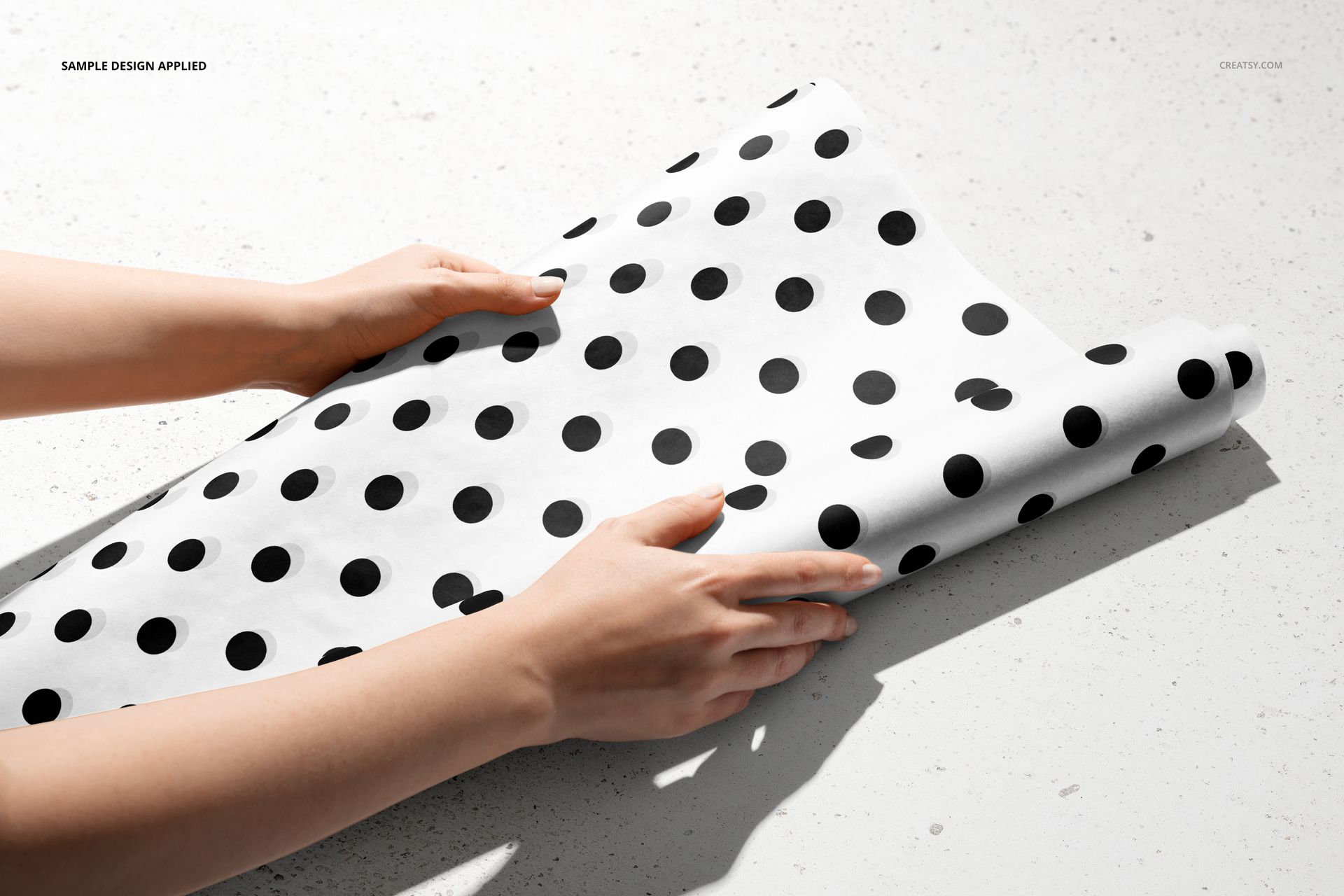
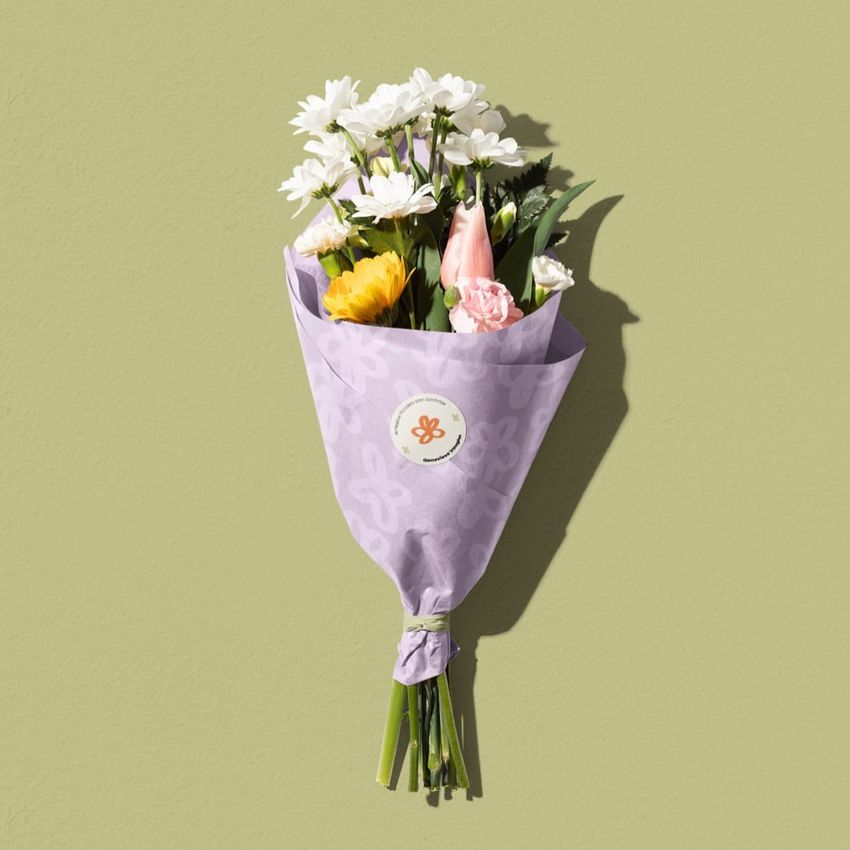
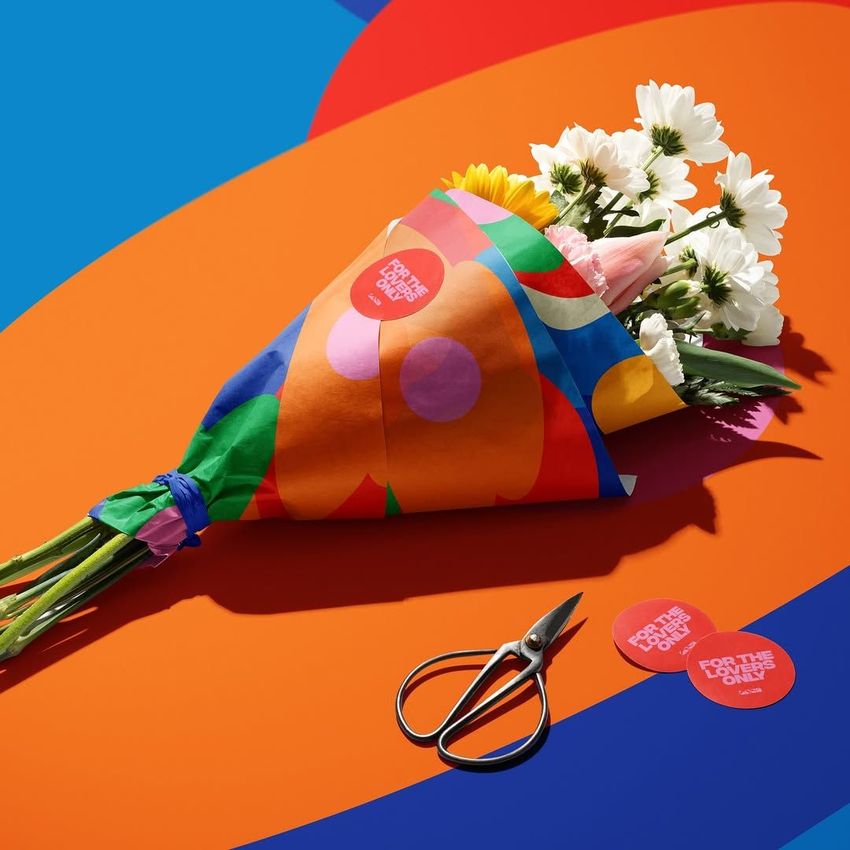
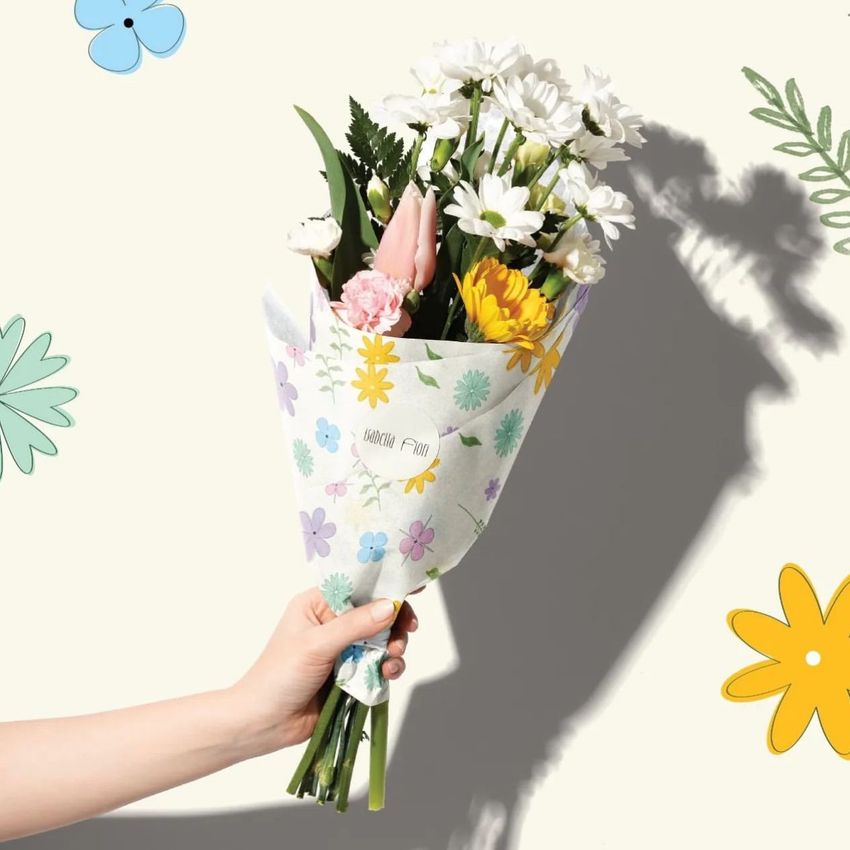
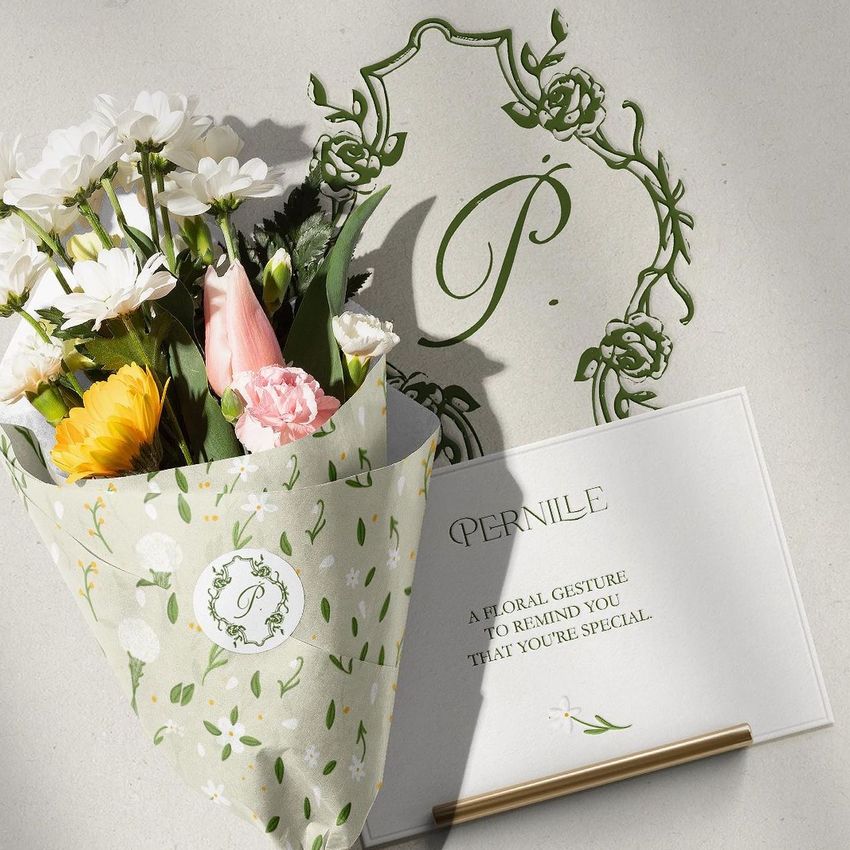
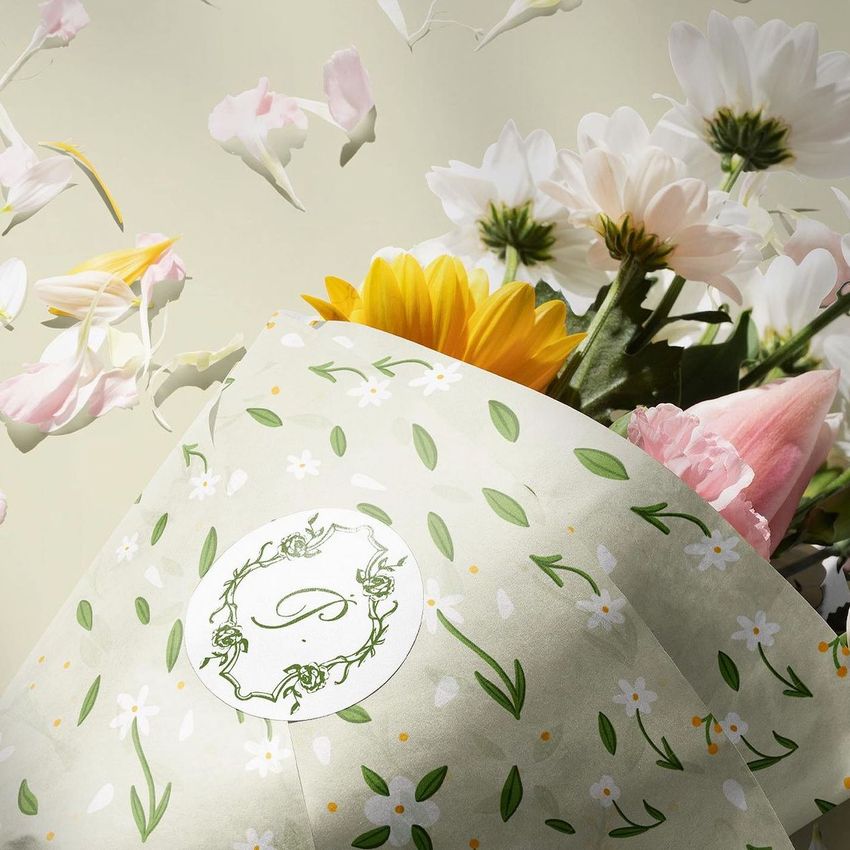
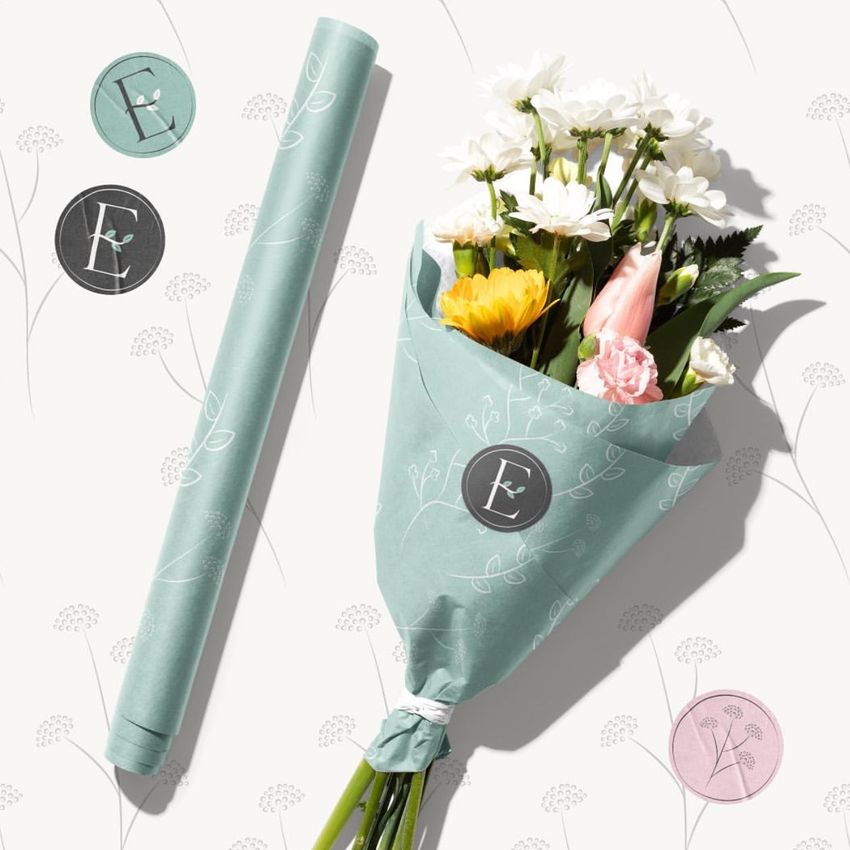
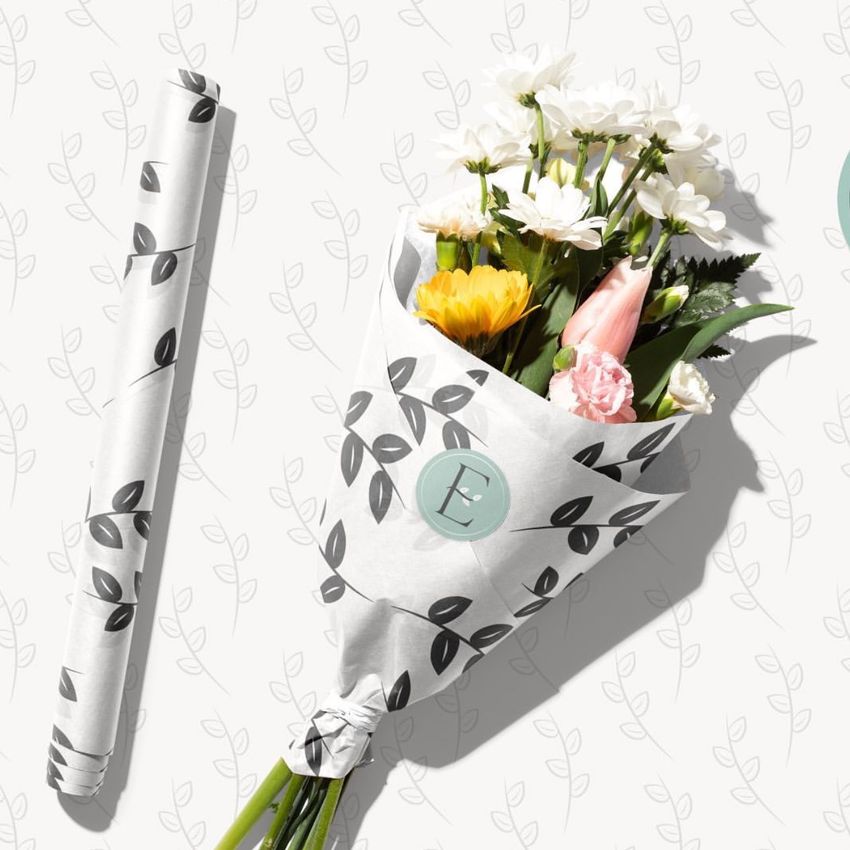
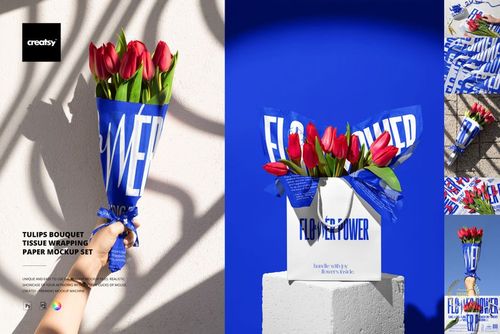
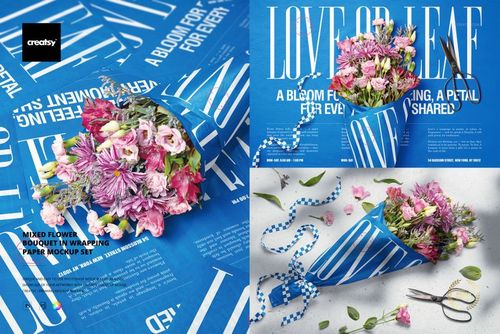
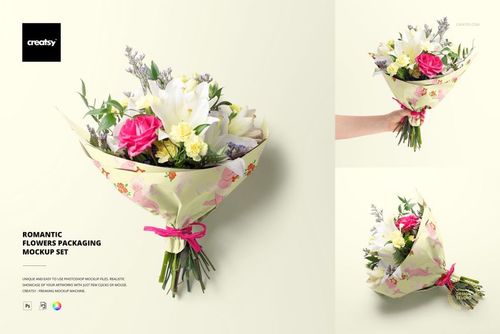
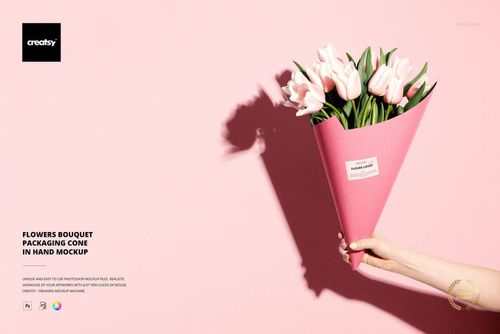
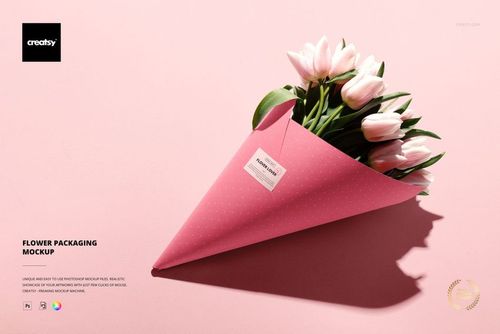
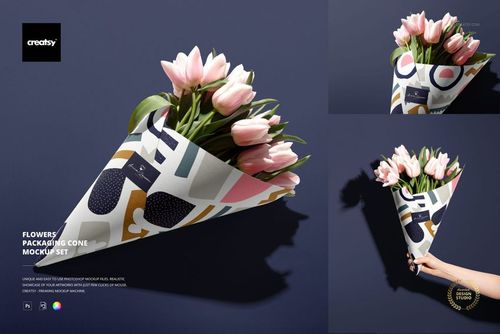
Show how a wrapping paper pattern moves from a loose roll to a finished mixed-flower bouquet. These seven PSD scenes combine paper close-ups, wrapped flowers and hands holding or unrolling the packaging, giving a florist identity more context than a flat artwork preview.
Use the different views to compare repeat scale, check how a motif reads across folds and present a coordinated paper-and-sticker concept to a client.
What Is Included
7 layered PSD mockup scenes at 300 DPI: scenes 1–6 are 6000 × 4000 px, and scene 7 is 4500 × 4500 px.
7 JPG scene previews and 1 separate 6000 × 6000 px plaster texture JPG.
1 PDF user manual, for 16 files in total.
From Paper Roll to Finished Bouquet
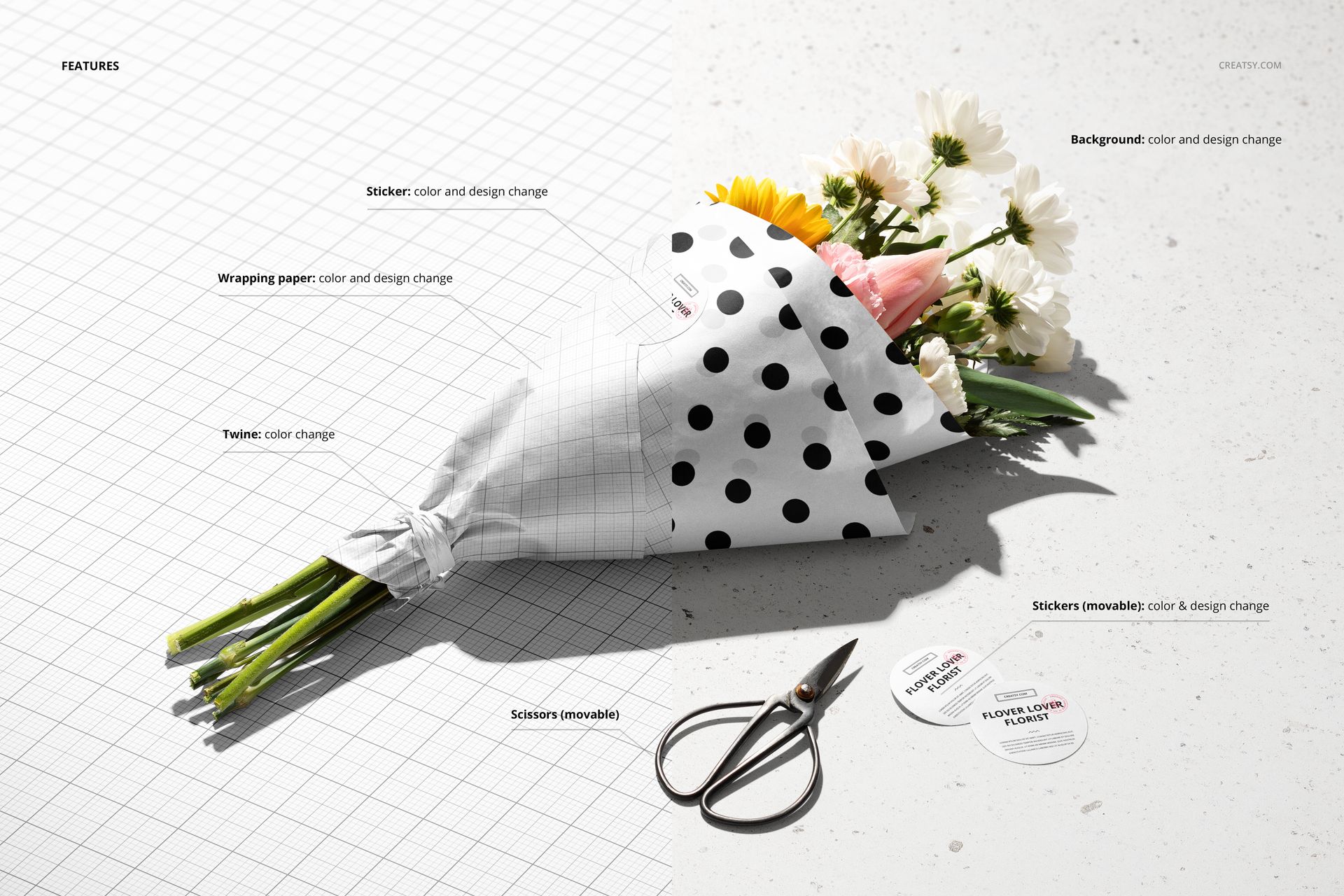
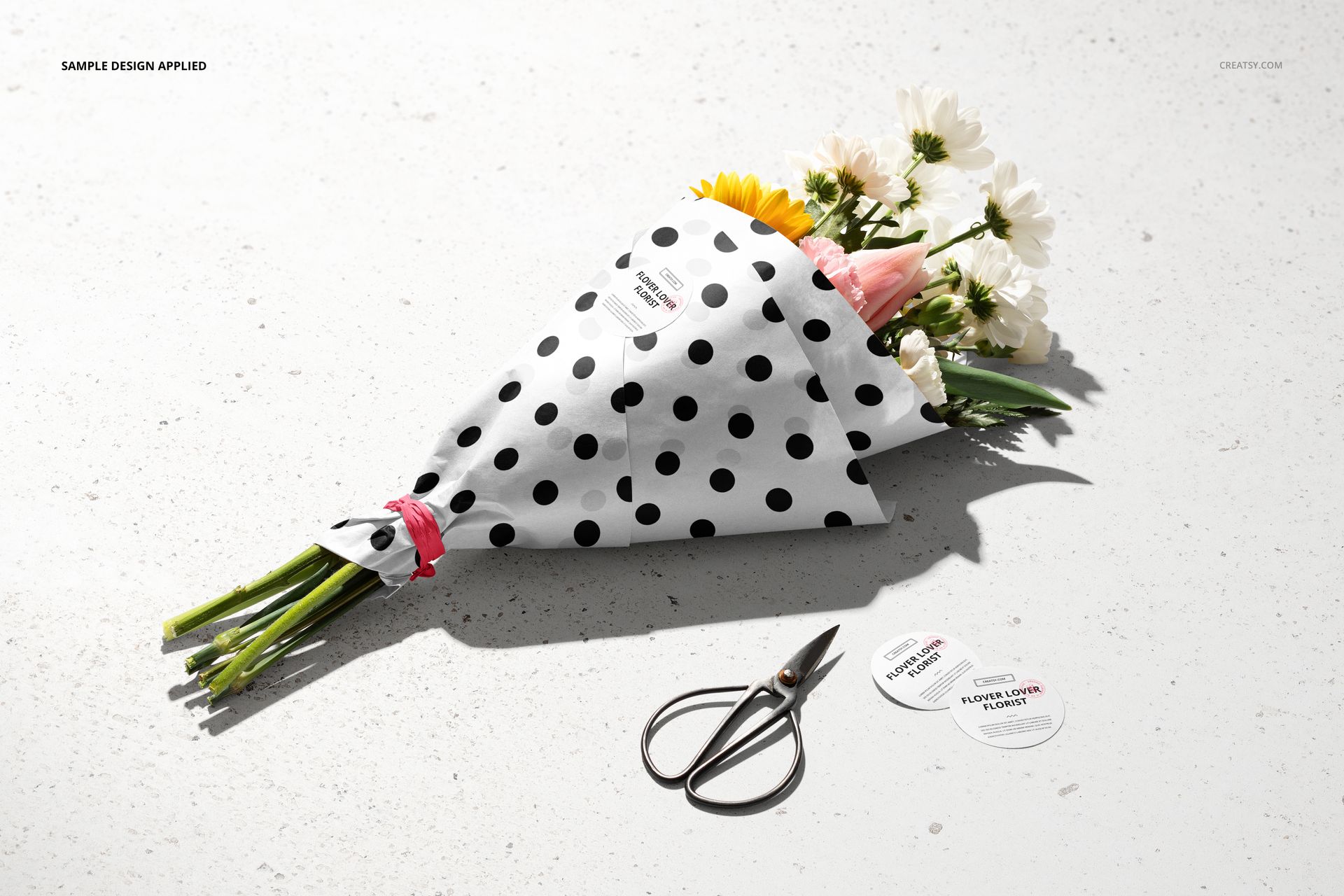
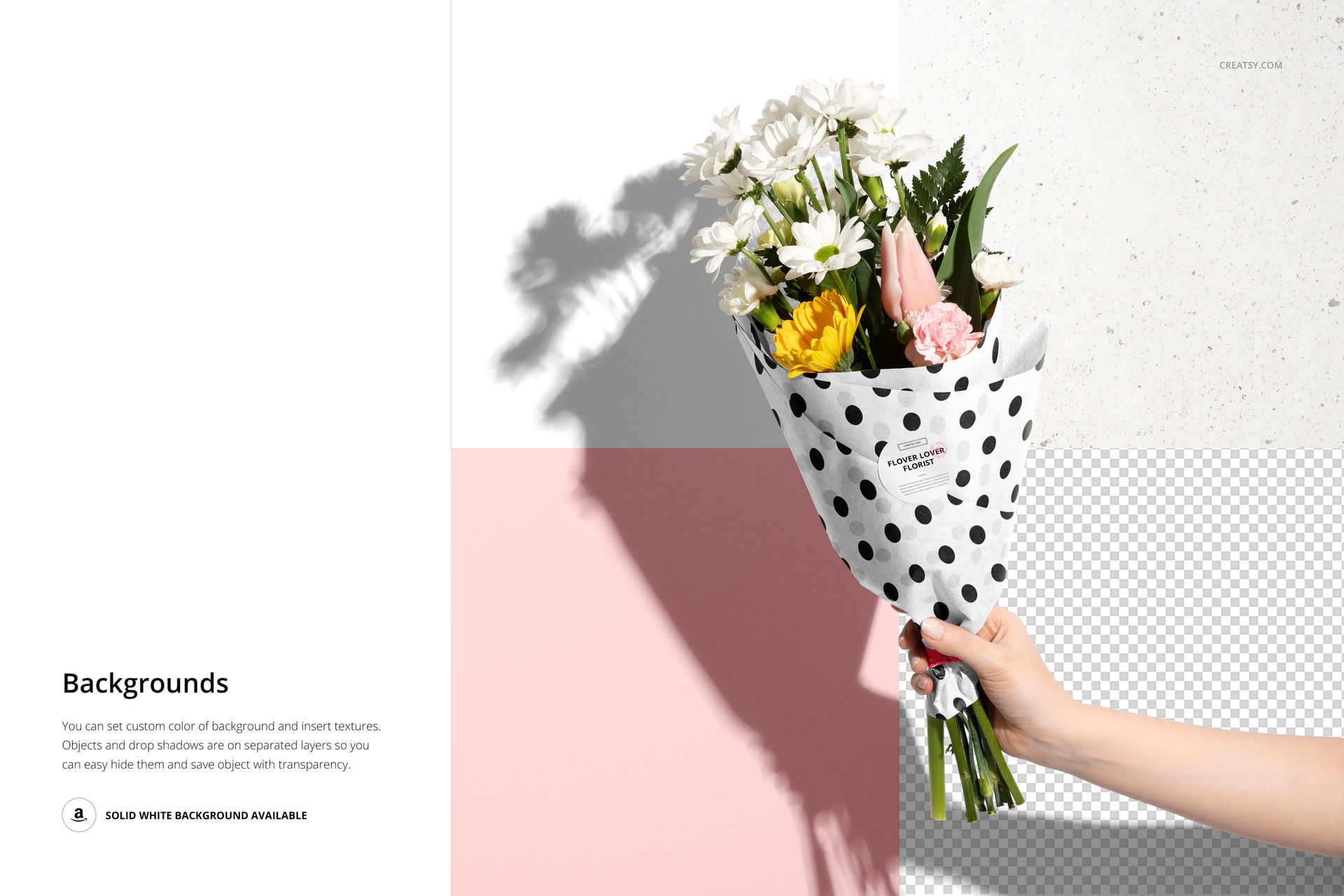
Replace the wrapping paper and sticker artwork, adjust their colors and change the twine color. Loose stickers and scissors can be repositioned in the relevant scenes. Choose a background color or add a texture; separate shadow layers also support presentations on transparency.
Easy Smart Object Editing
Open a PSD in Adobe Photoshop CC2018 or newer, or Photopea. Insert your artwork into the relevant Smart Object, save that object and return to the scene to review the result. Organized layers keep artwork, color choices and shadows accessible.
Perfect For
Surface pattern designers presenting repeat collections for floral packaging.
Florist branding designers coordinating wrapping paper and round seals.
Illustrators building licensing portfolios and client presentation galleries.
This is a digital mockup product. Physical flowers, packaging and the sample patterns shown in the previews are not included.