Romantic Flowers Packaging Mockup Set
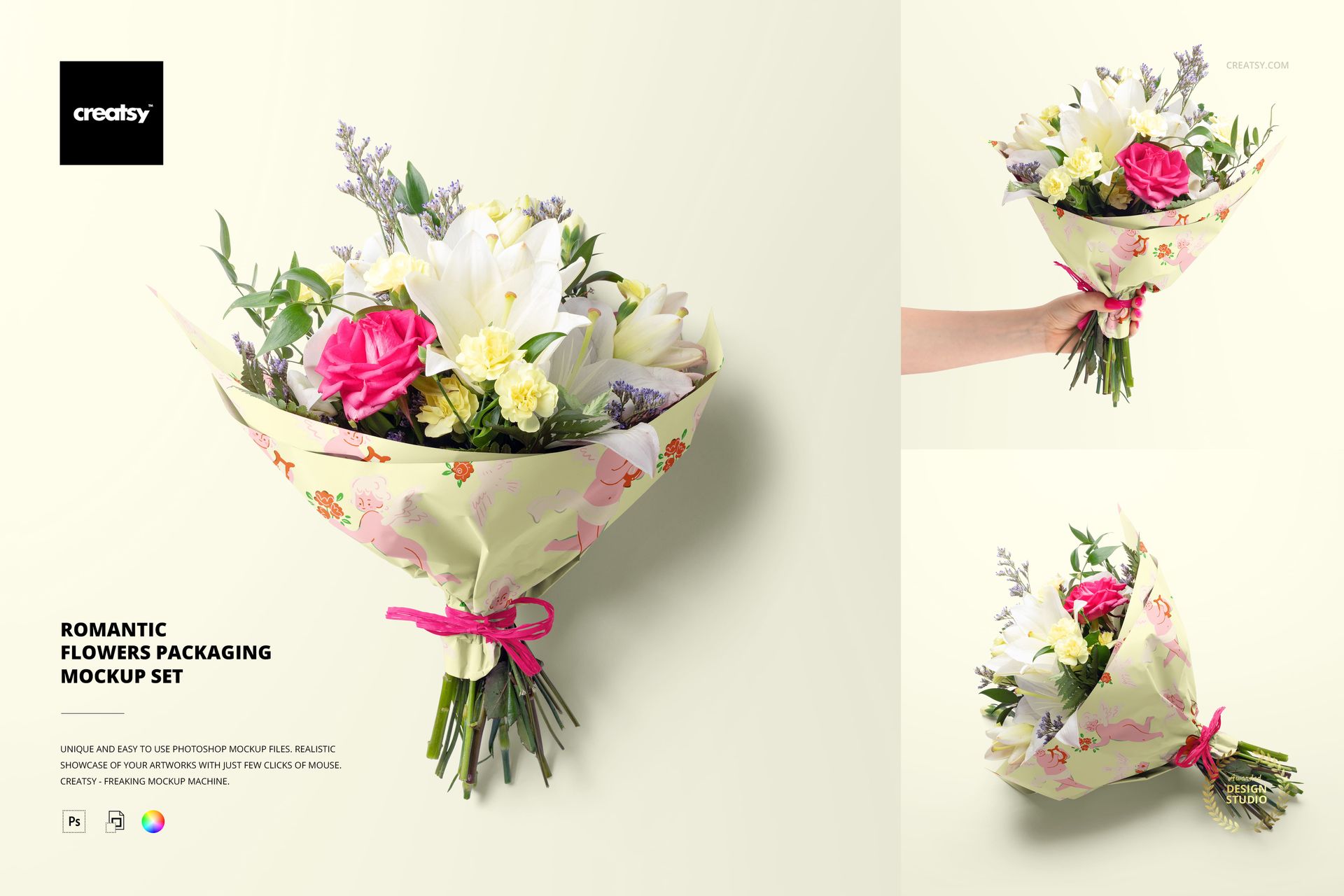
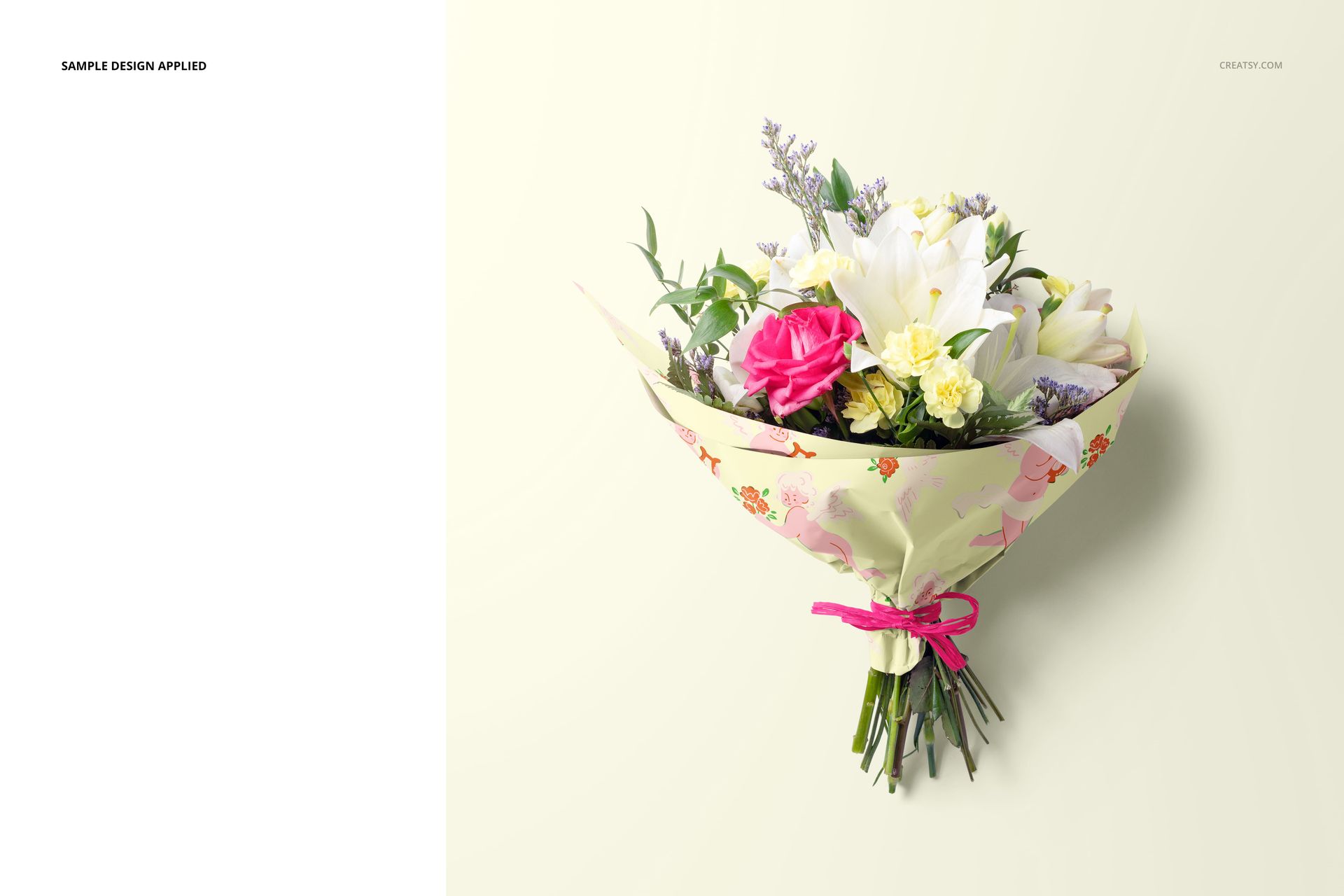
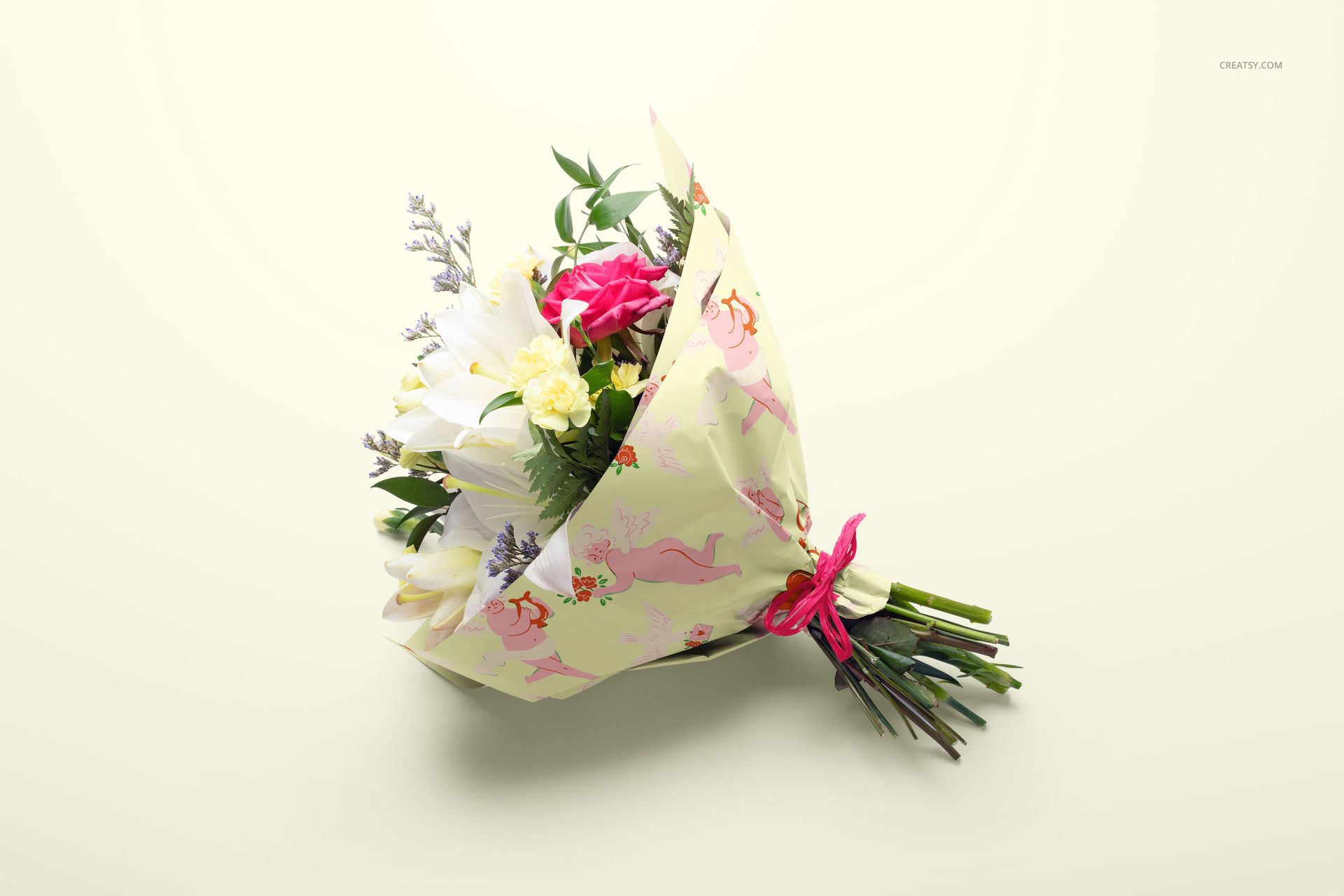
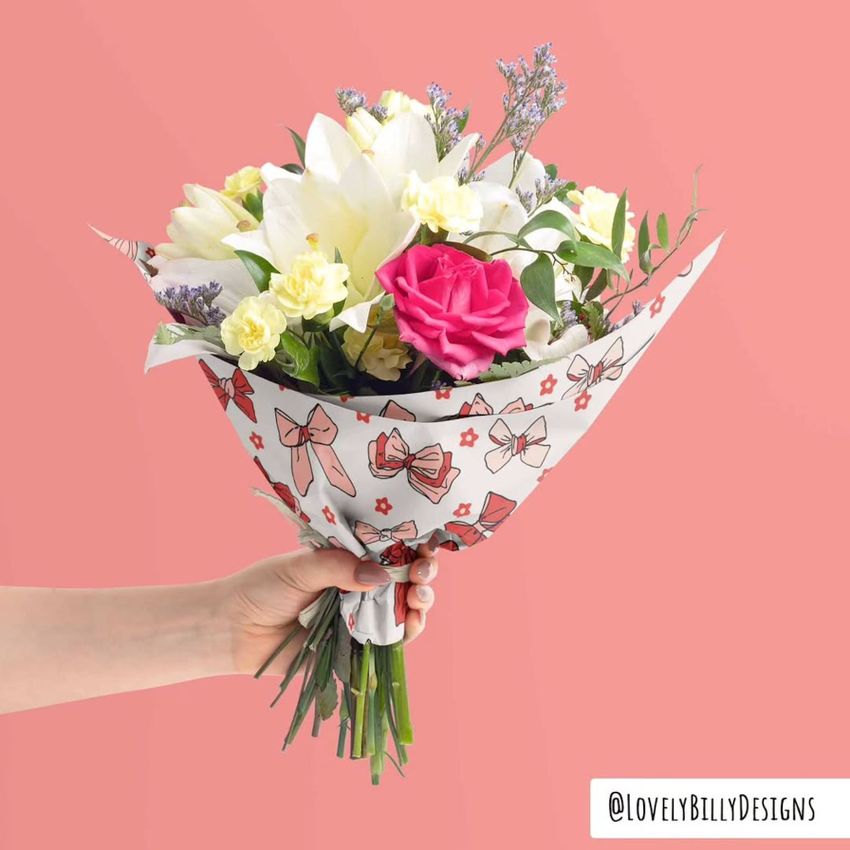
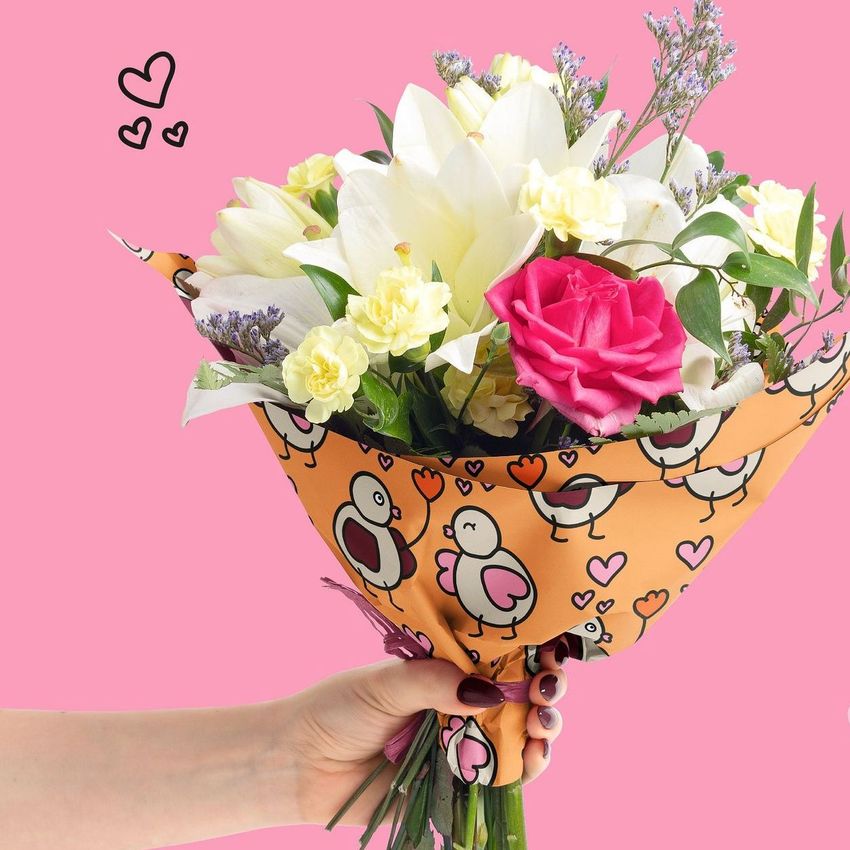
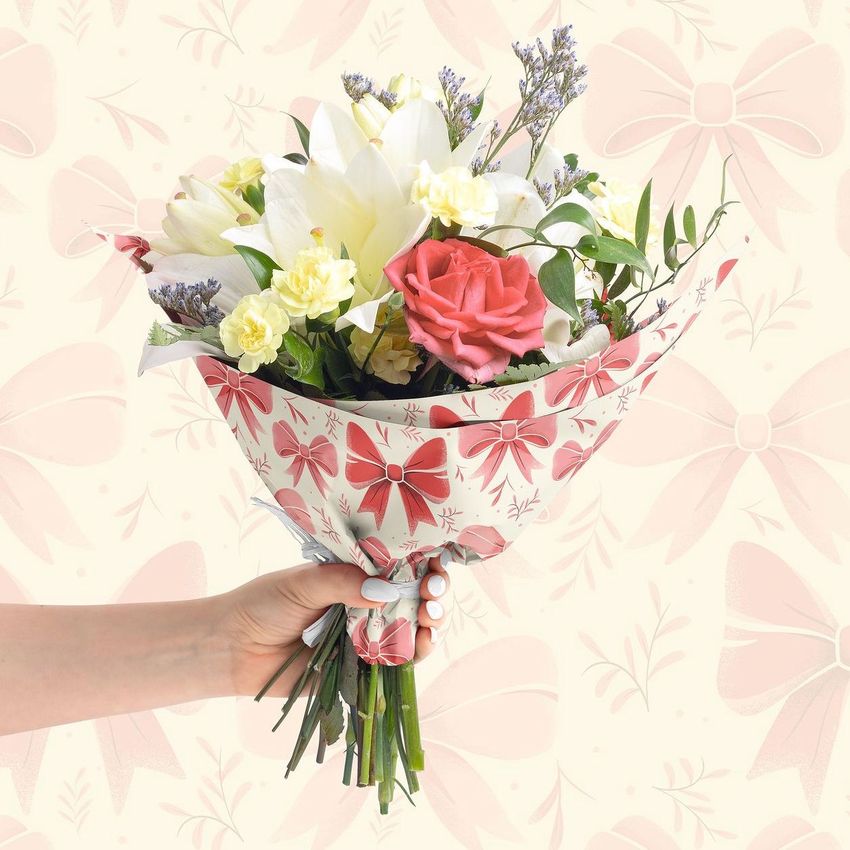
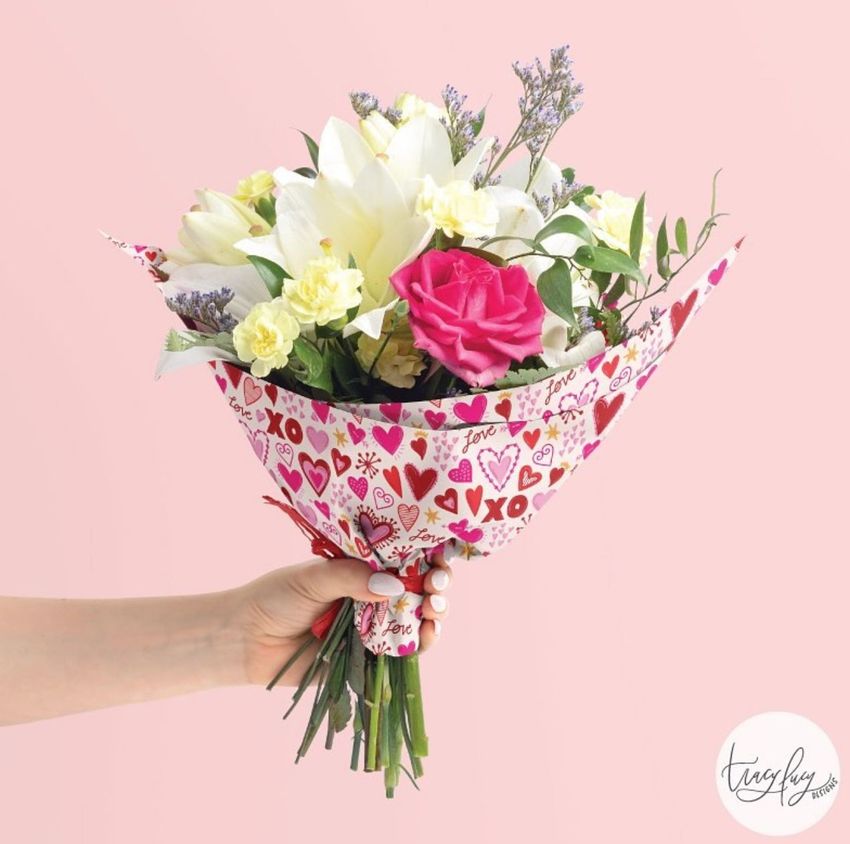
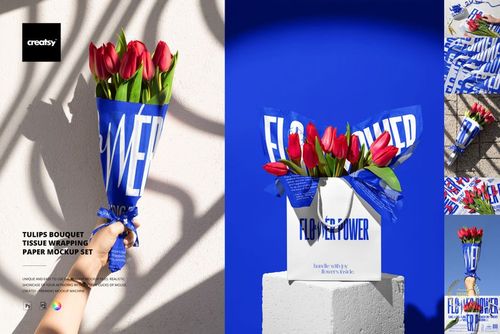
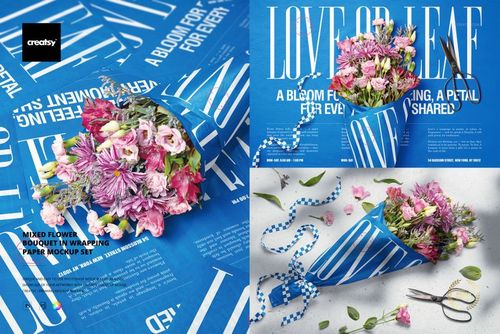
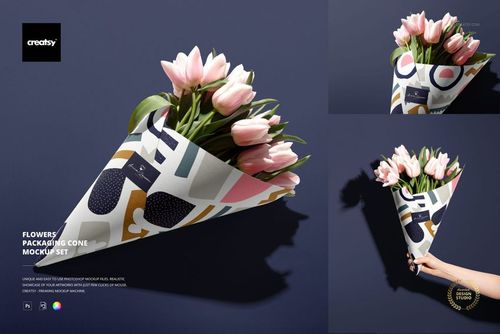
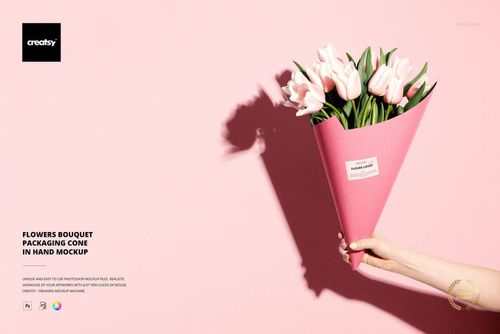
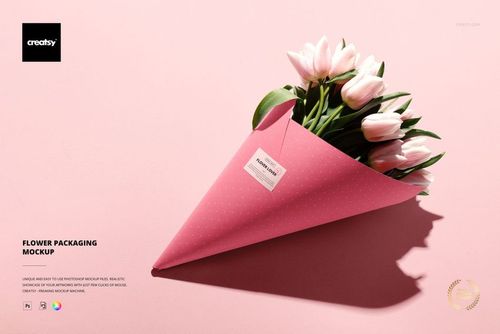
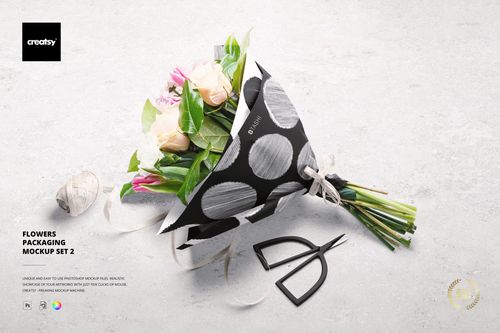
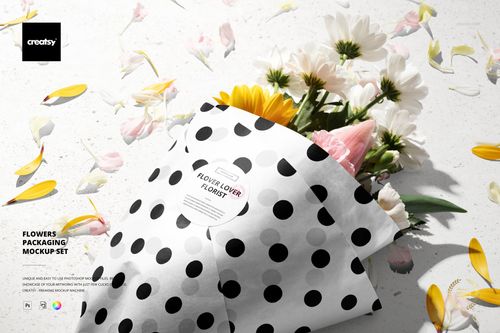
Present a floral wrap through three complementary compositions: a bouquet held in one hand, an overhead arrangement and an angled bouquet resting on its side. Pink roses, white lilies, pale yellow blooms and greenery give this romantic flower packaging mockup set a colorful setting for gift-shop identities and illustrated wrapping paper.
What Is Included
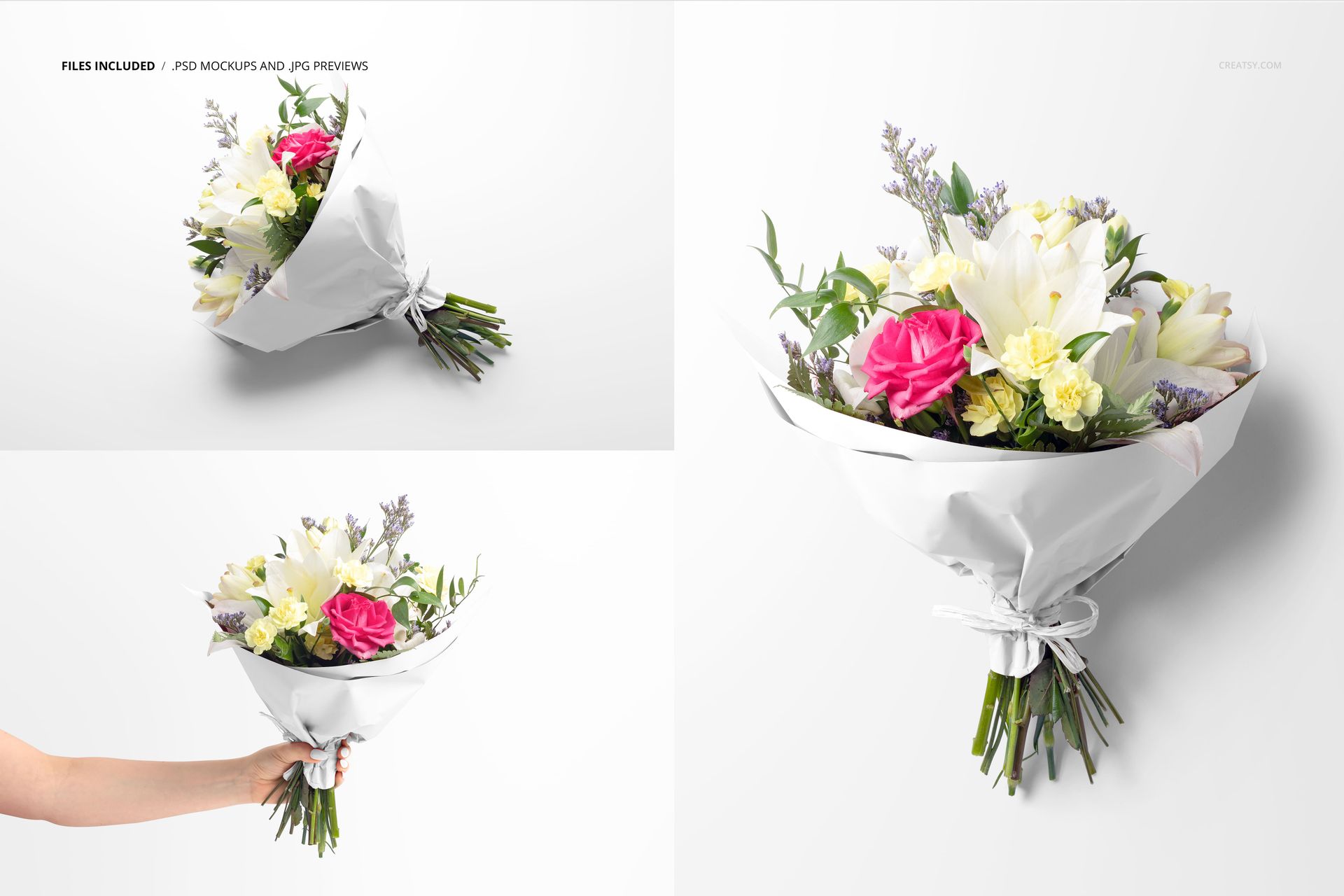
3 layered PSD mockups: one square scene at 5000 × 5000 px and two landscape scenes at 6000 × 4000 px.
3 JPG previews, 6 files in total.
300 DPI files for Adobe Photoshop CC2020 or newer and Photopea.
See a Pattern Across Different Folds
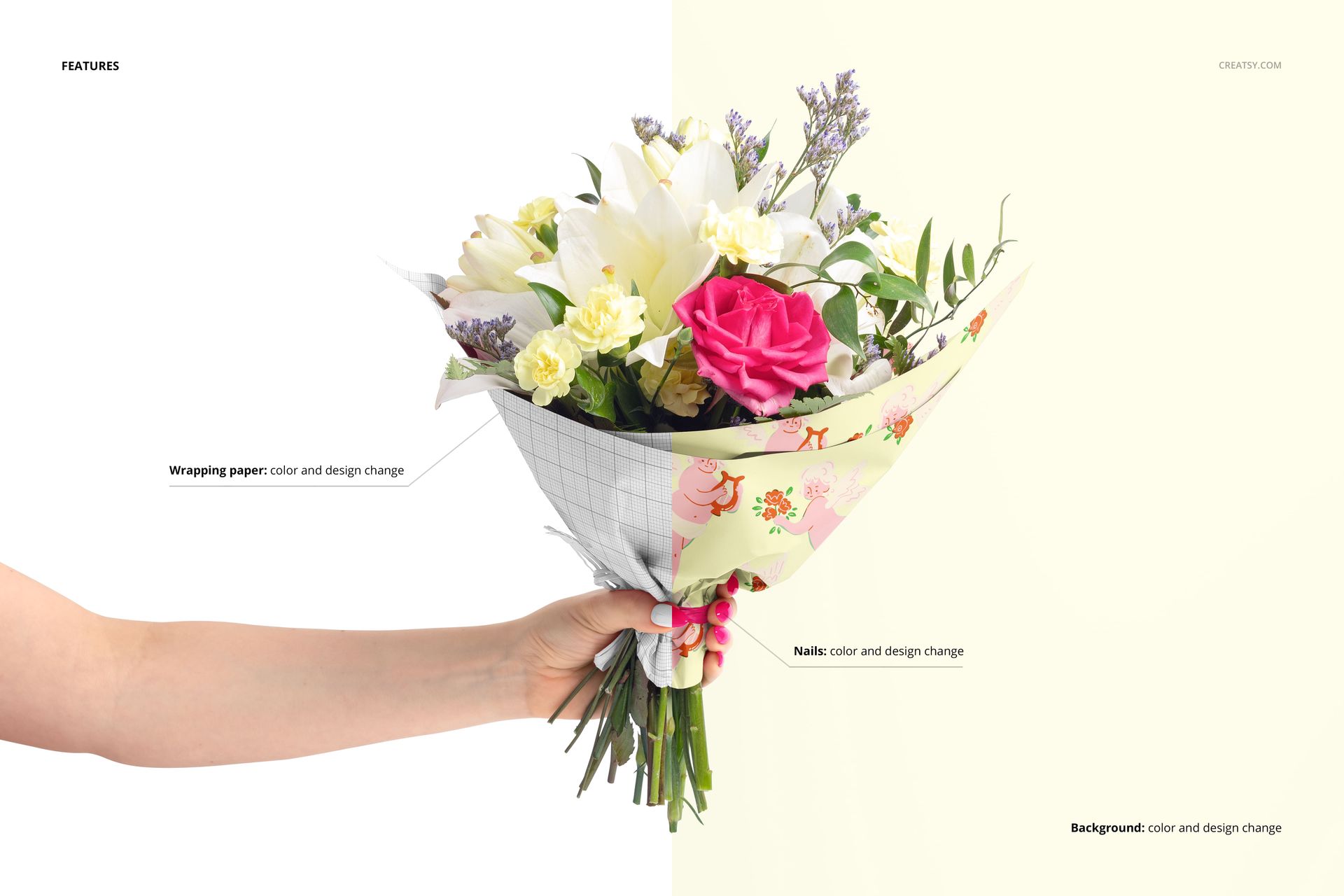
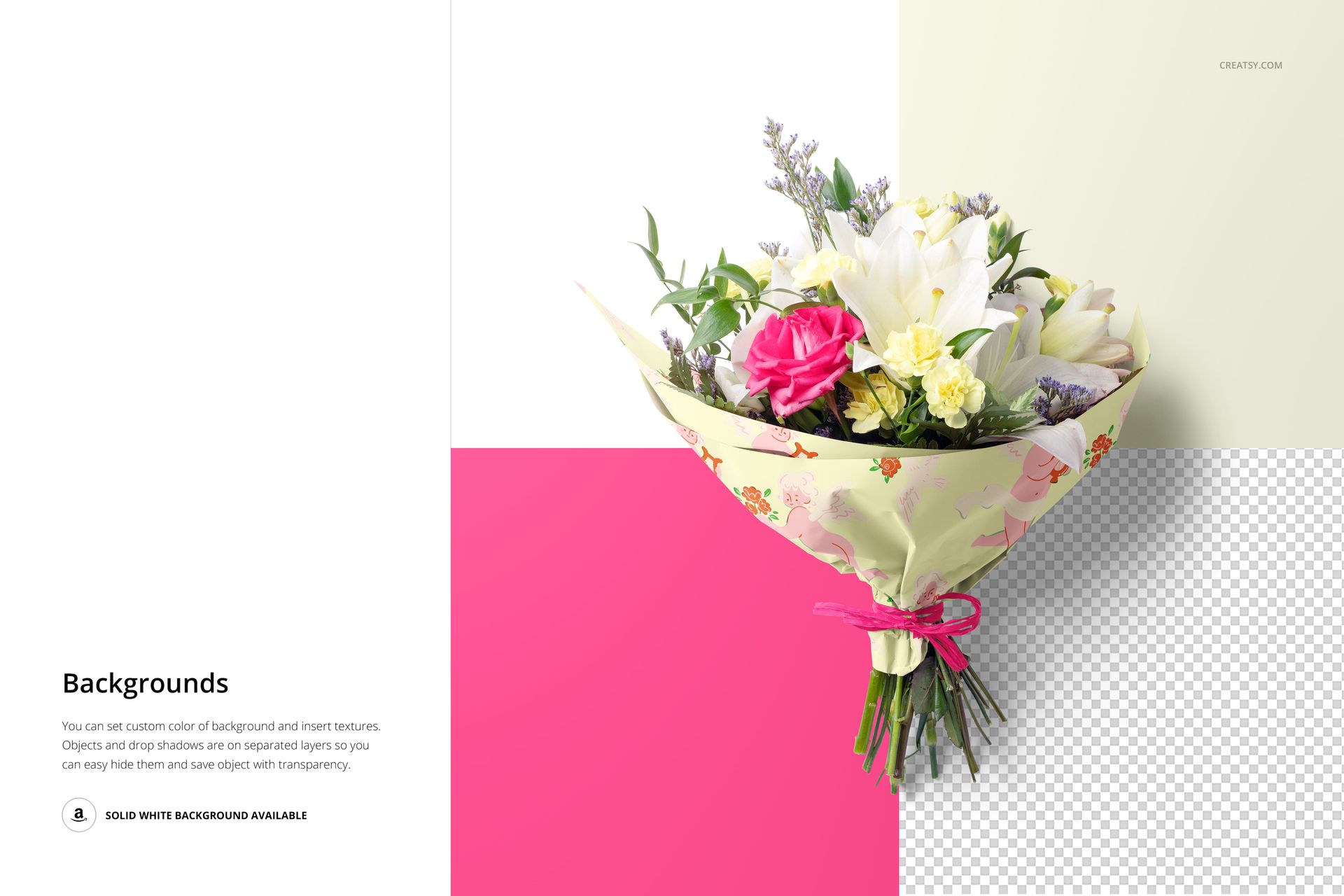
The gathered wrapping paper shows your artwork on broad panels, creases and the narrow area around the stems. Change its color and design, coordinate the background with a color or texture, and customize the nails in the hand-held scene. Object and shadow layers are separate, with white or transparent-background presentation options.
Easy Smart Object Editing
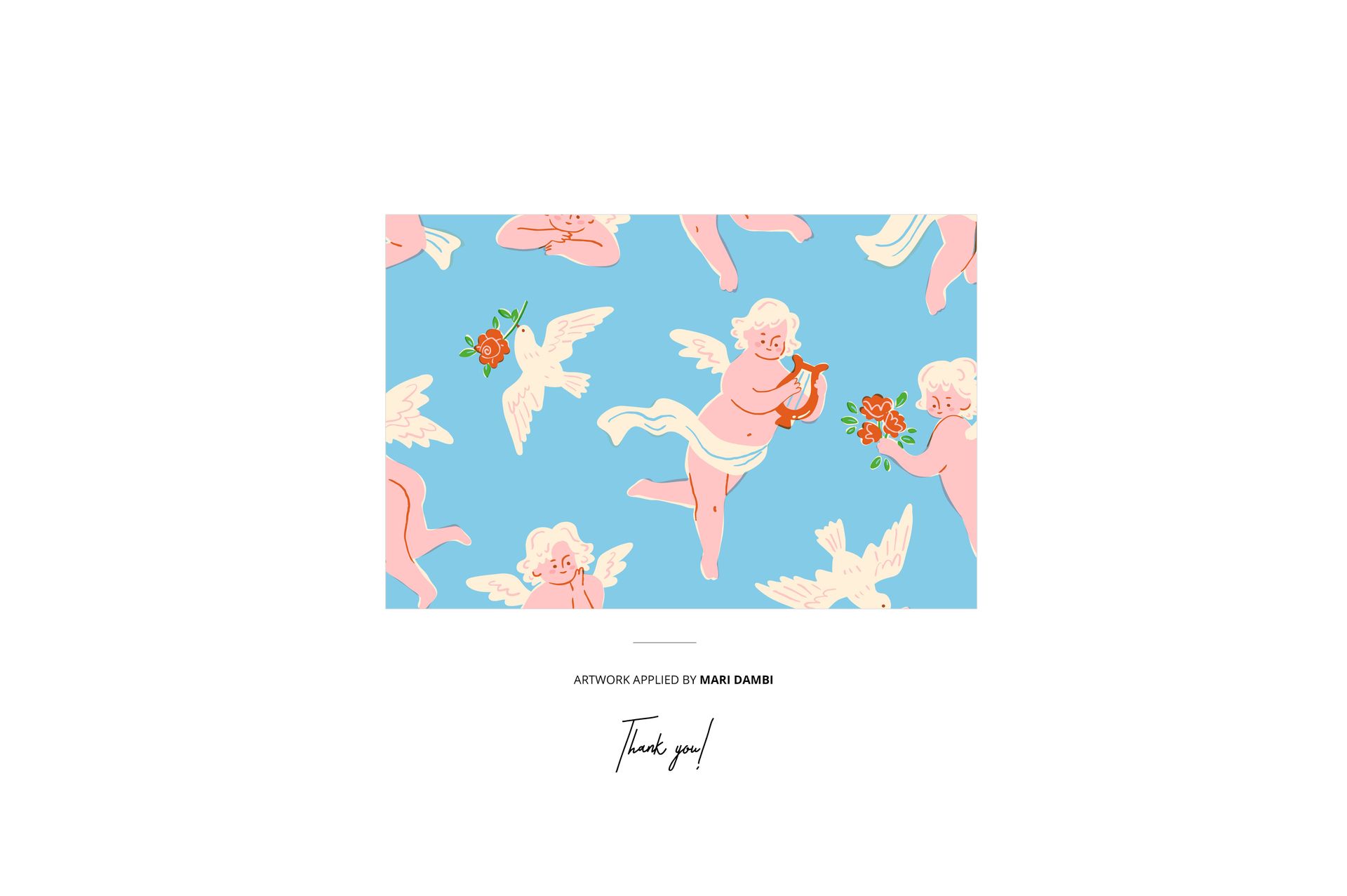
Open a PSD and replace the wrapping artwork inside its Smart Object. Save the object to update the bouquet, then adjust the available color layers and export the scene. Repeat with the other compositions to build a consistent three-image presentation.
Perfect For
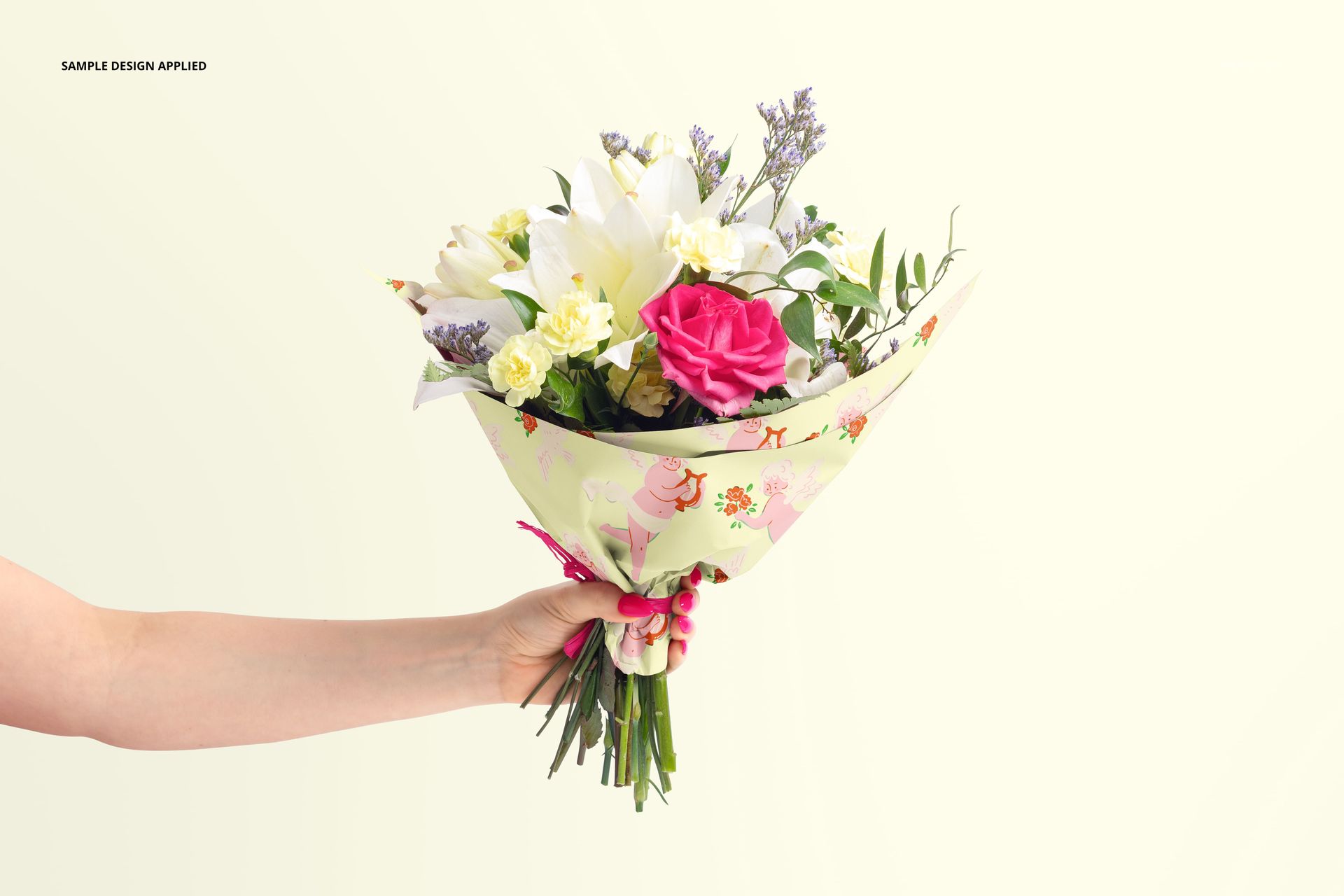
Create florist brand proposals, Valentine’s Day packaging concepts, anniversary gift visuals and illustration portfolio pieces. The hand-held view introduces a human gifting context, while the resting bouquet gives clients another view of the printed wrap.
Digital mockup files only. Physical flowers, wrapping supplies and the sample artwork by Mari Dambi are not included.