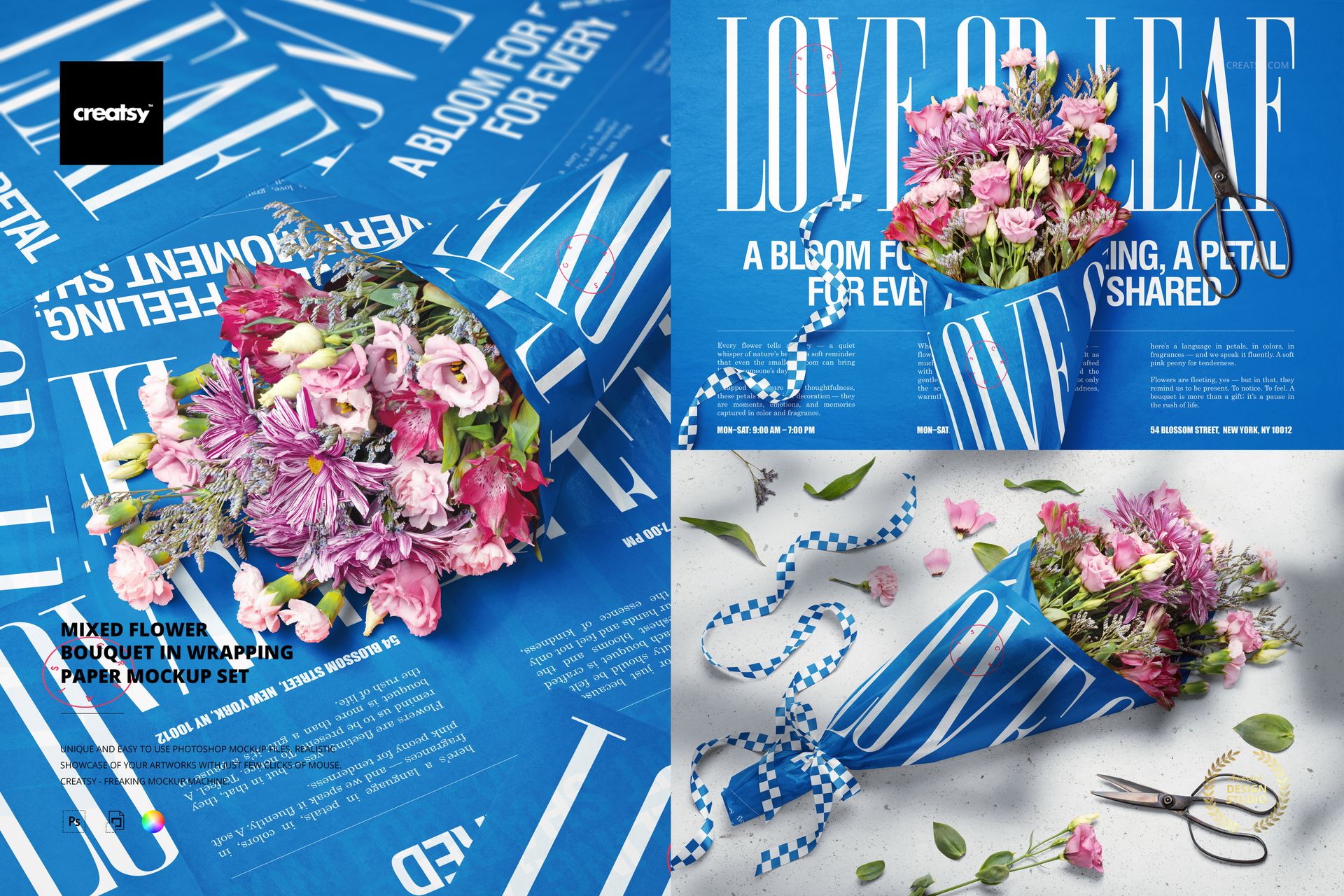
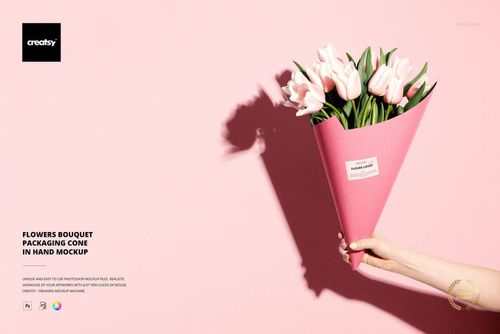
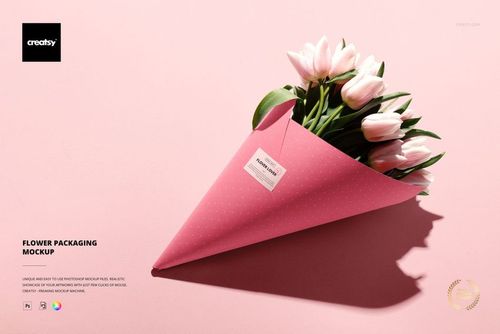
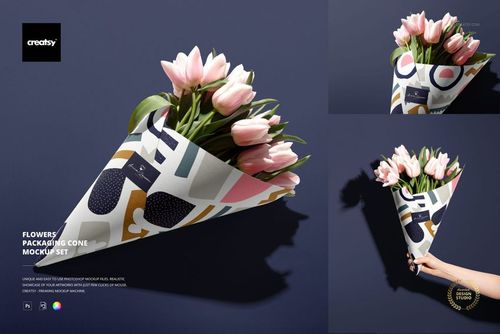
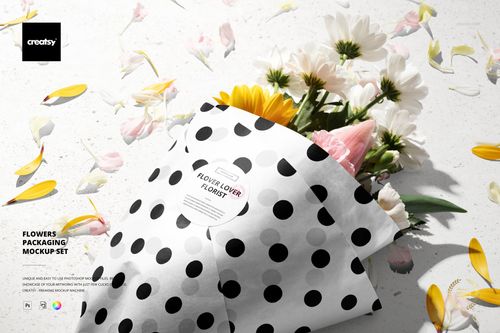
Mixed Flower Bouquet in Wrapping Paper Mockup Set
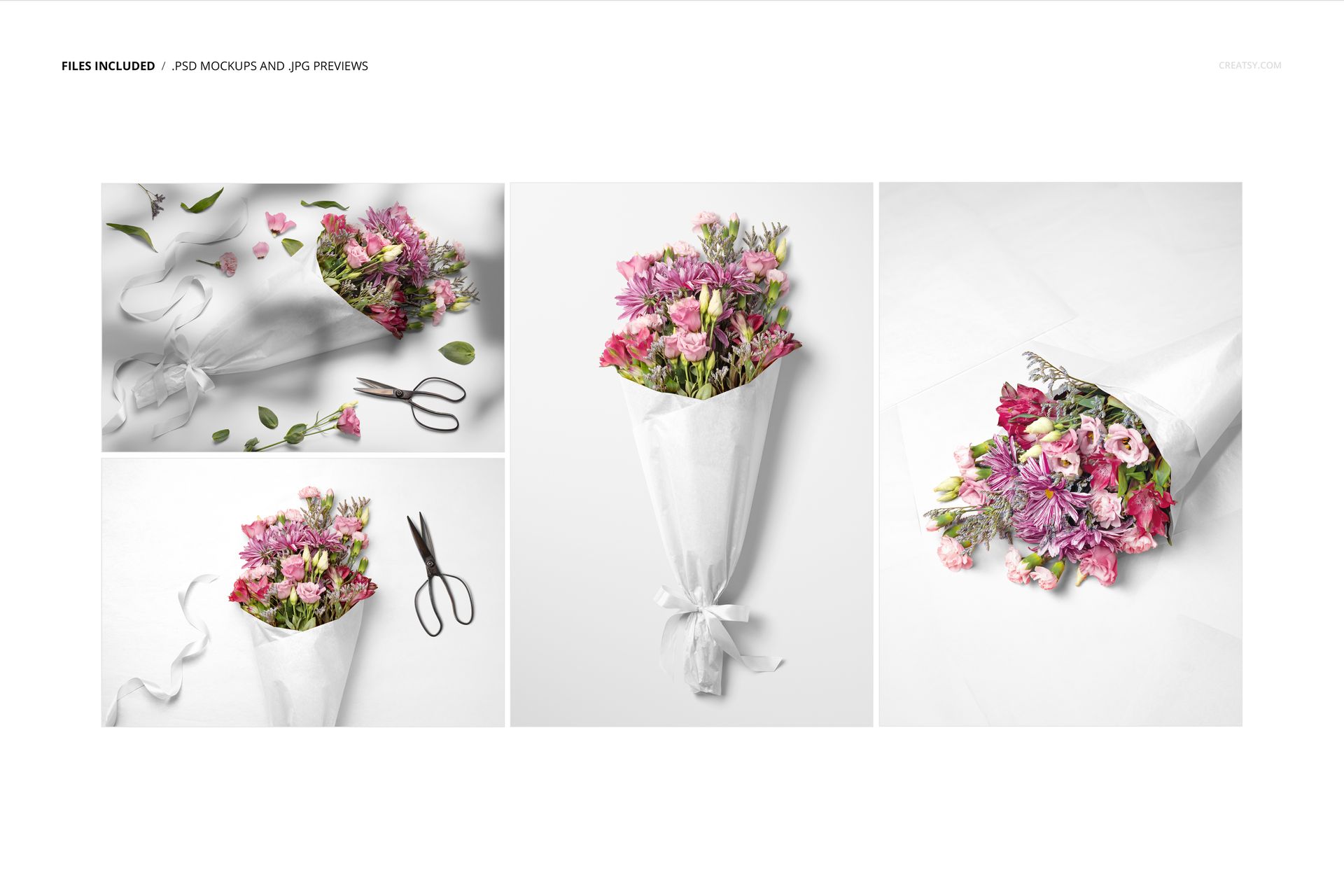
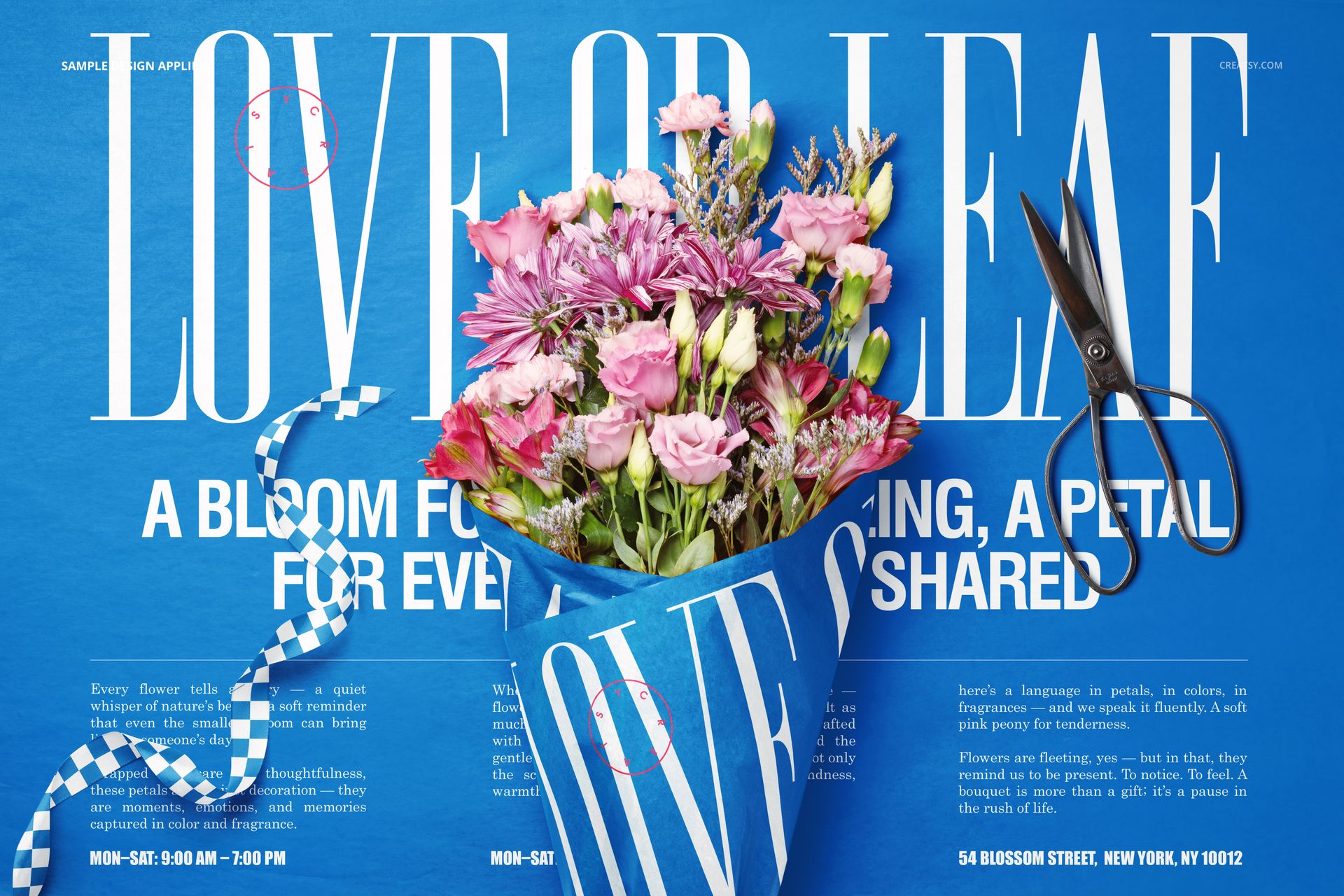
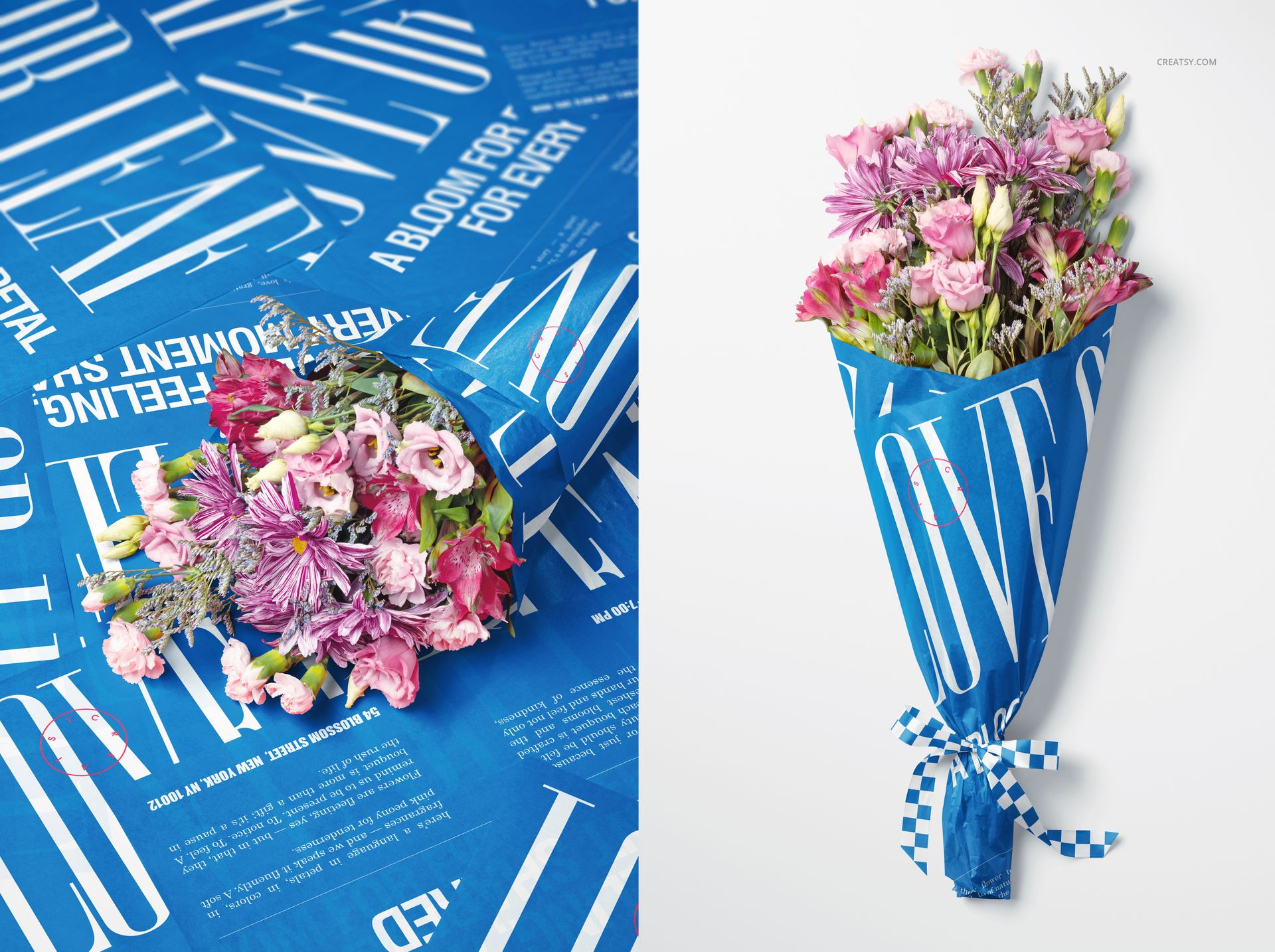
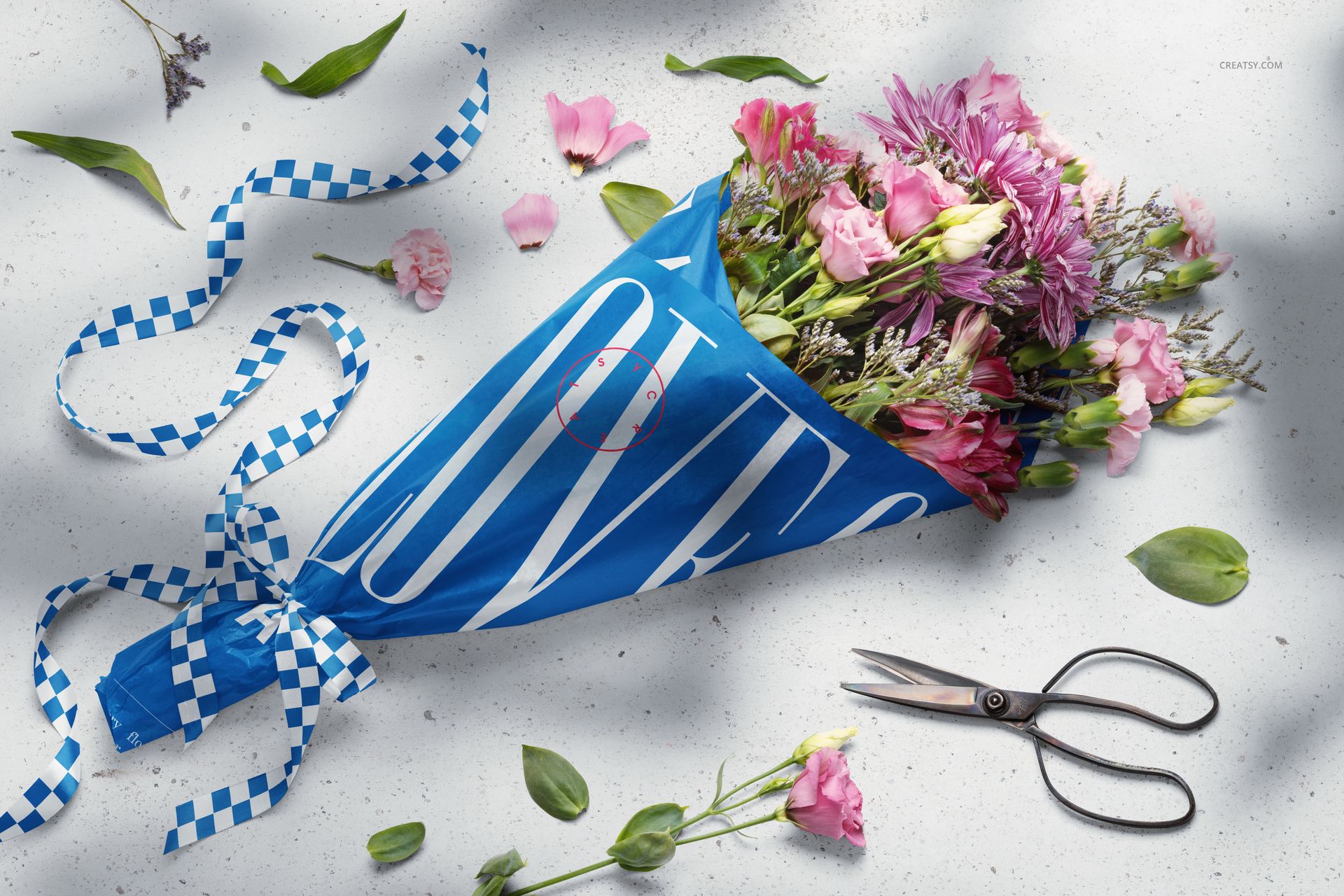
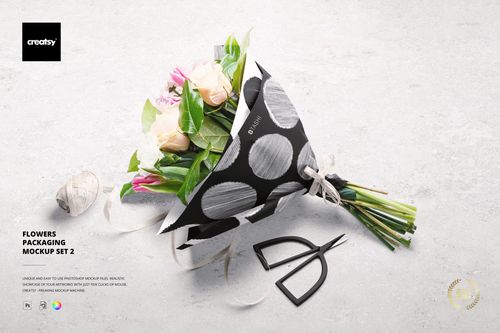
Carry a florist identity from the wrapping paper onto the ribbon, then show it across four styled bouquet scenes. This mixed flower bouquet mockup set combines pink and purple blooms with paper folds, loose petals and scissors, offering both clean bouquet views and a more detailed wrapping-table presentation.
What Is Included
4 layered PSD mockups with landscape scenes at 6000 × 4000 px and portrait scenes at 4000 × 6000 px.
4 JPG previews, 8 files in total.
300 DPI files compatible with Adobe Photoshop CC2020 or newer and Photopea.
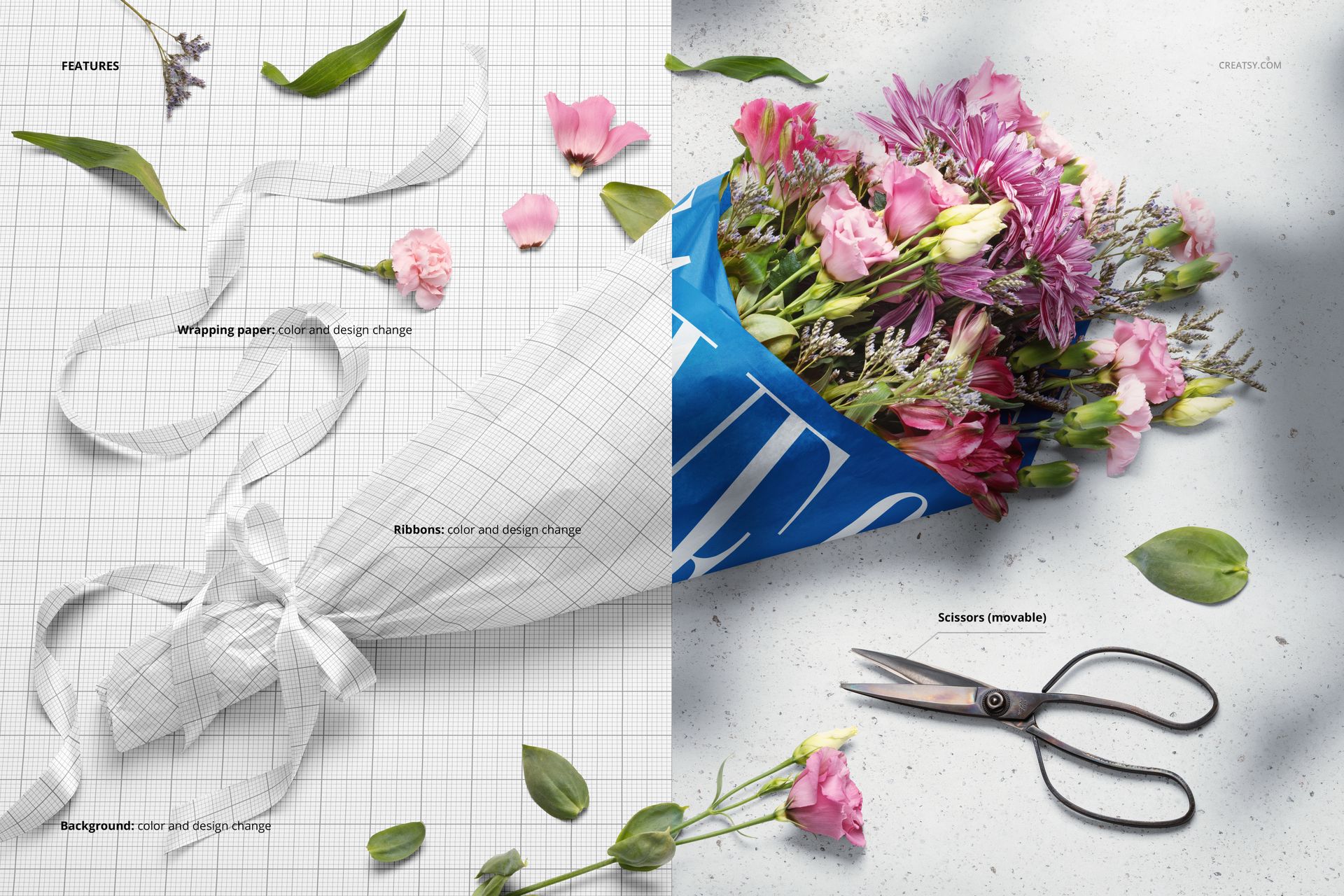
Design the Wrapping Paper and Ribbons
Change both the color and design of the wrapping paper and ribbons. This lets you pair a bold paper graphic with a contrasting ribbon pattern rather than relying on a plain-color accent. Customize the background color or design, and reposition the scissors in the scene where that control is provided.
Easy Smart Object Editing
Insert your designs through the Smart Object layers, save the edited objects and return to the main composition. Adjust the available colors and background to suit the proposal. Use the organized layers to review each surface, then export the four views for a coordinated presentation.
Perfect For
Build florist packaging case studies, boutique flower-shop branding proposals and surface pattern presentations. The fuller compositions show how a wrap, ribbon and floral palette work together, while the simpler views give the packaging more room to stand out.
This is a digital mockup set. Physical bouquets, wrapping materials and the sample designs shown in the product previews are not included.