Special Effects Vinyl Record on the Adriatic Shore Mockup
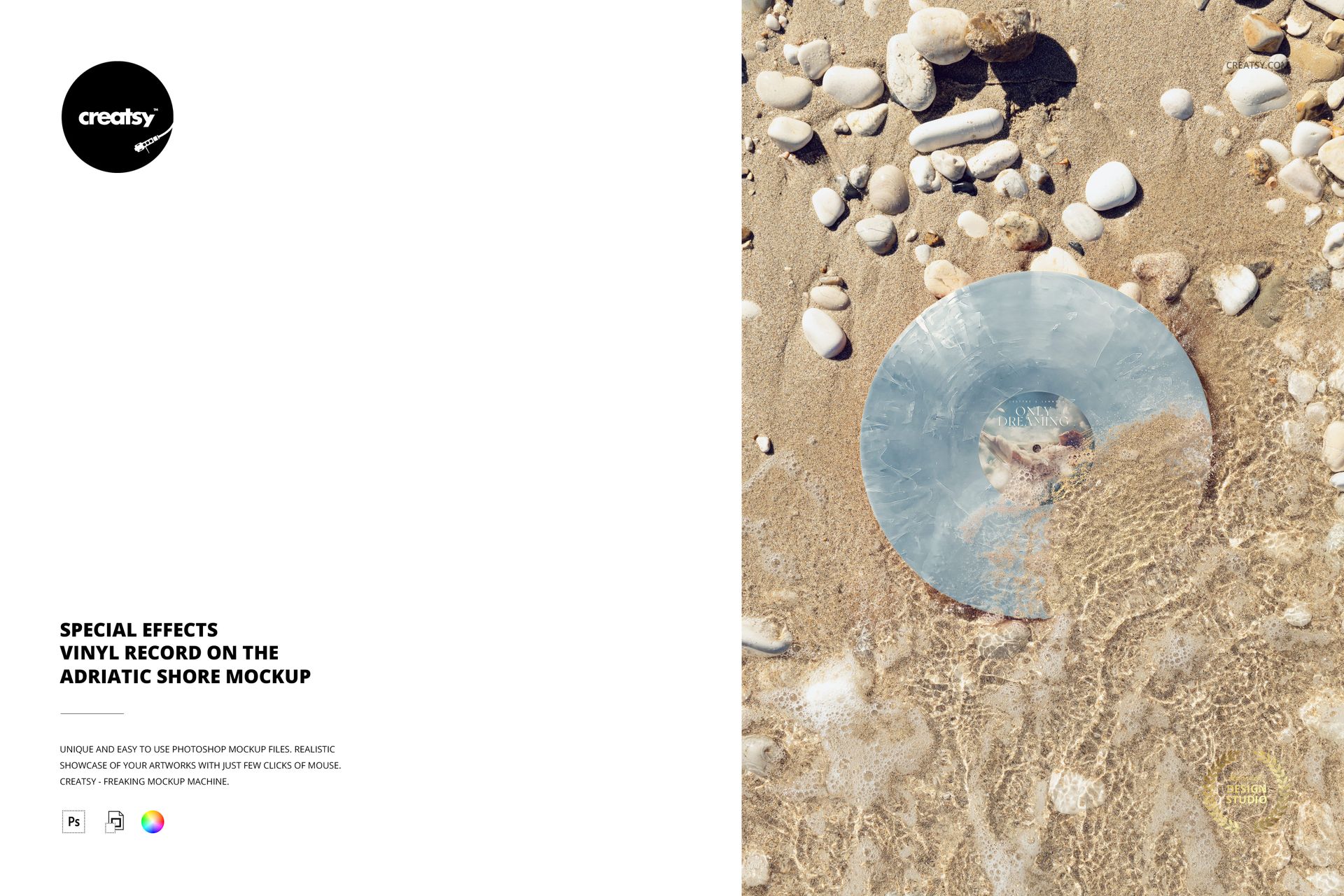
A thin wave crosses the record and center label in this overhead Adriatic shore scene. Sand, scattered pebbles and bright water patterns create a coastal backdrop for presenting a new release with a sense of movement. The special effects vinyl record mockup combines one portrait composition with editable label artwork and a choice of colored vinyl finishes.
What Is Included
1 editable, layered PSD scene and 1 JPG preview.
2 files in total, with a 4000 × 6000 px portrait PSD at 300 DPI.
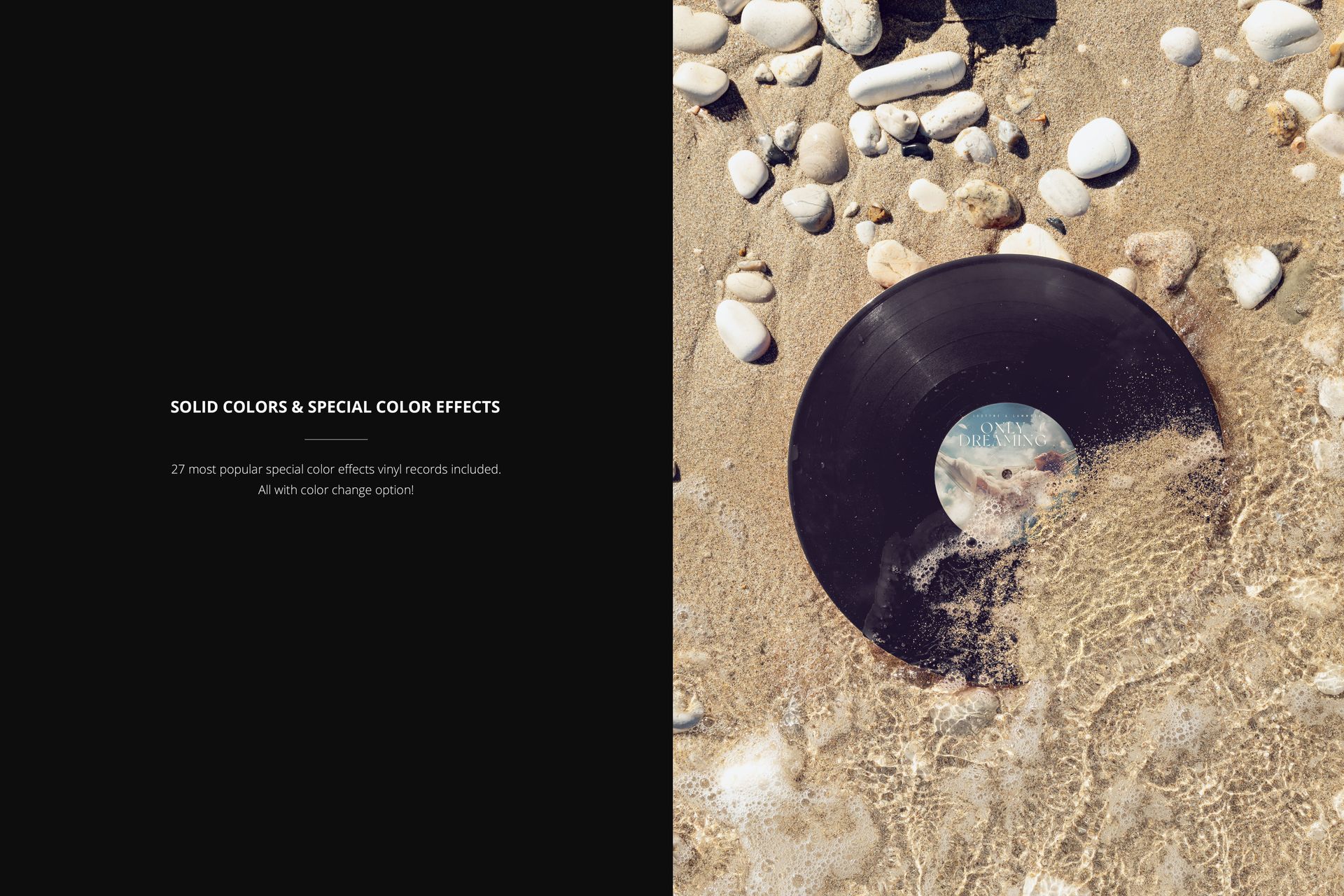
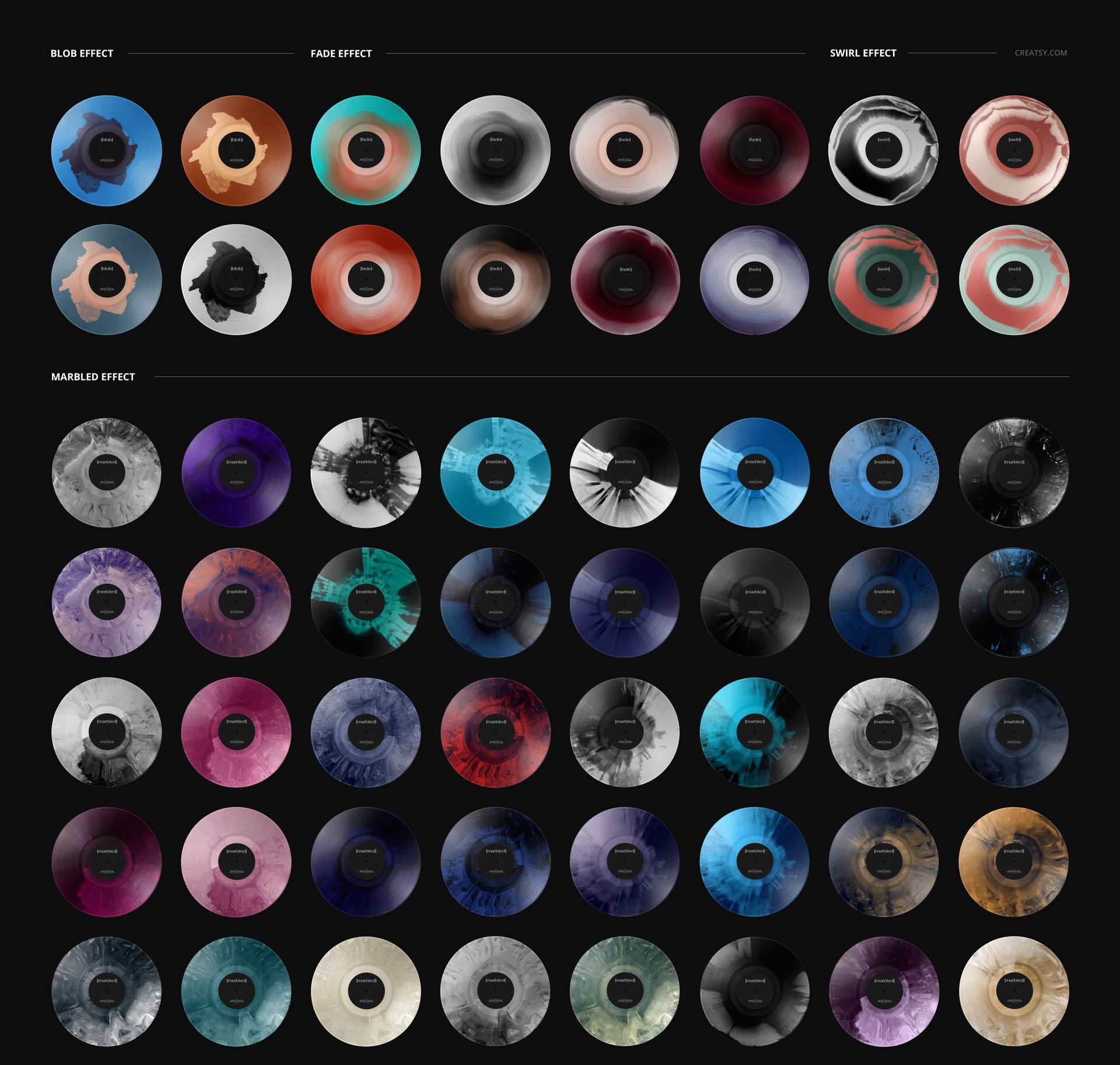
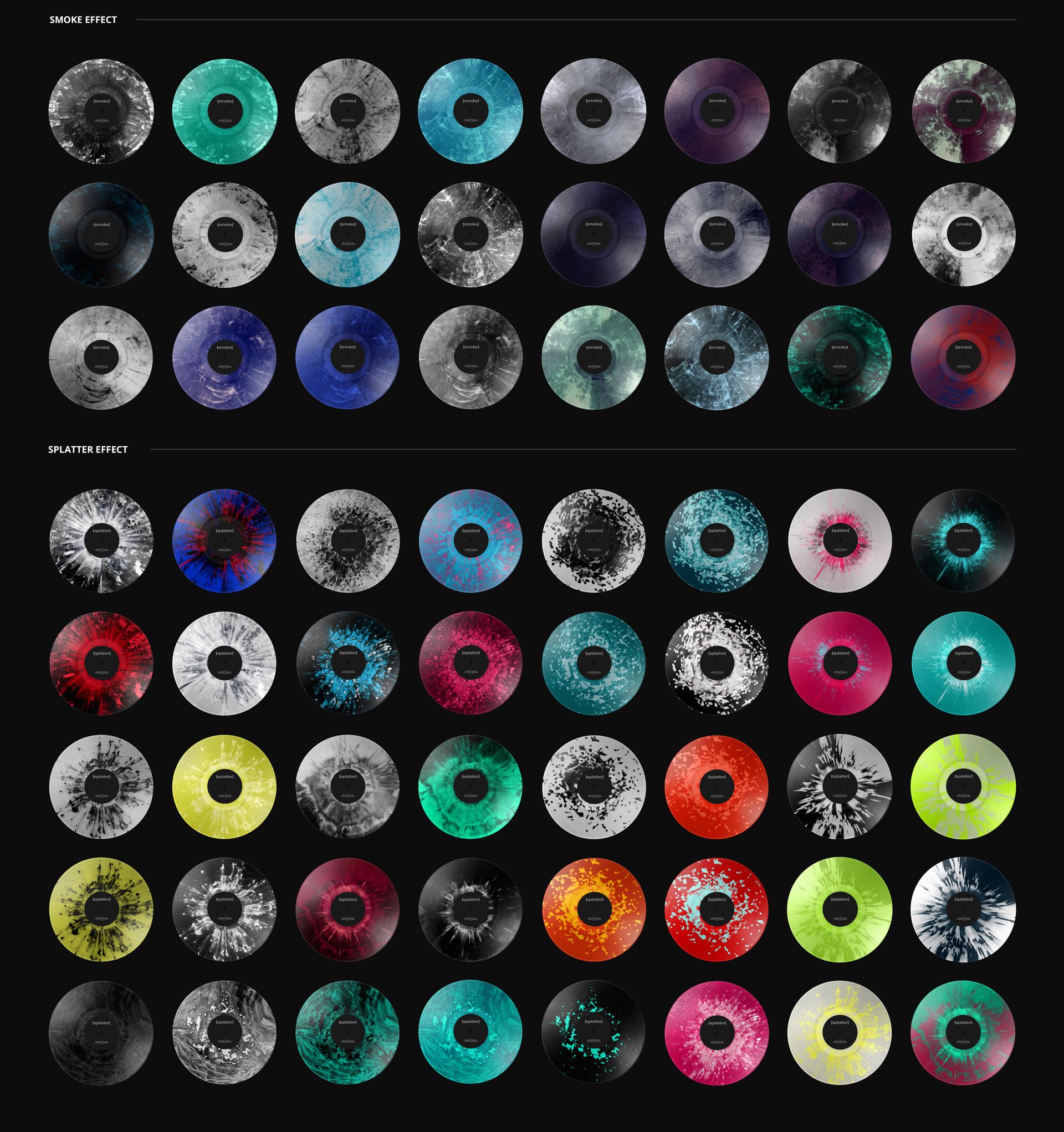
27 premade special color effects with changeable colors.
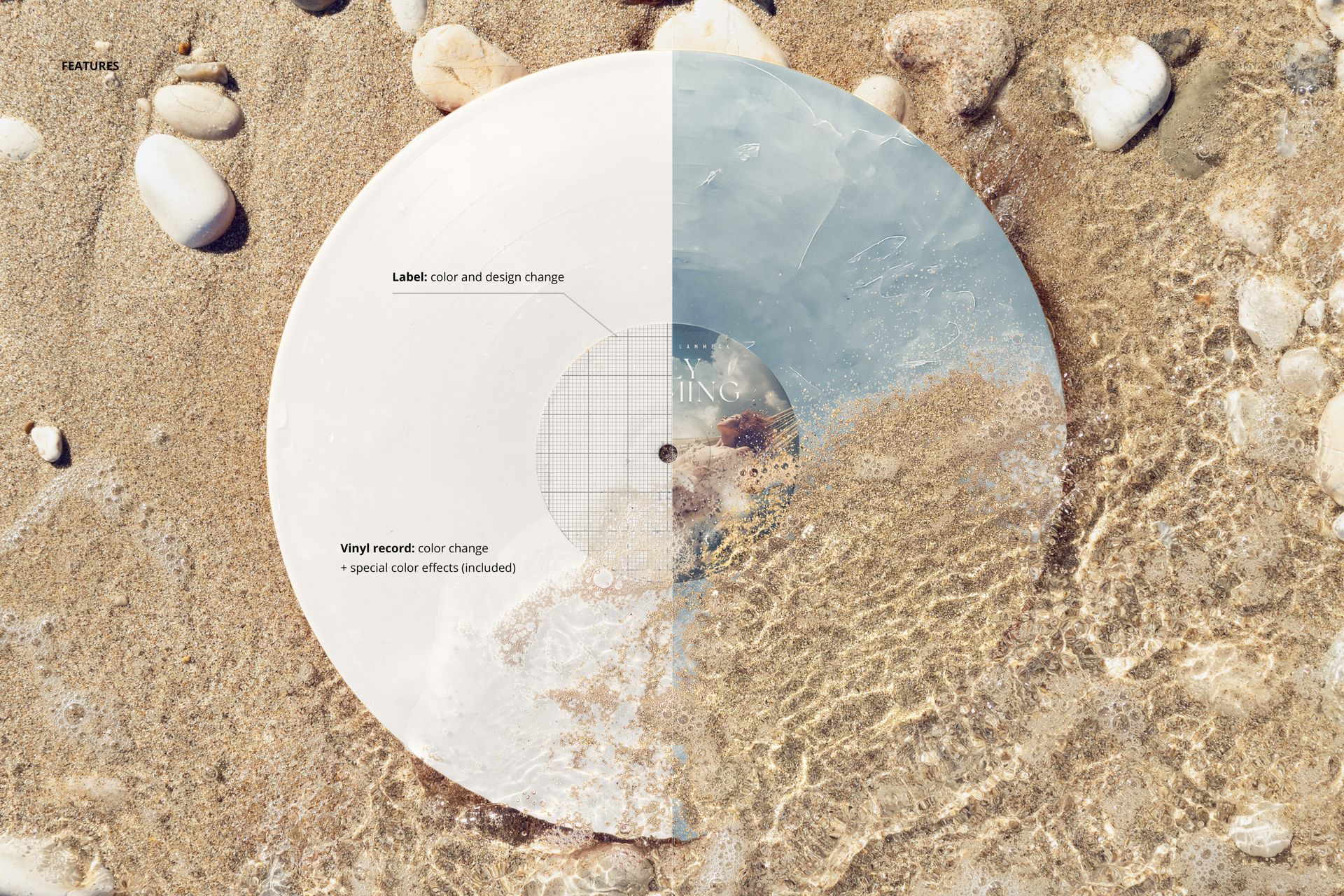
Solid-color vinyl options and editable center-label artwork and color.
Colorways at the Waterline
Compare a sea-inspired palette with a contrasting warm colorway while retaining the same shoreline image. The included finishes cover blob, fade, swirl, marbled, smoke and splatter effects. This view is especially useful for a campaign image where water and sand are part of the visual story rather than a neutral studio background.
Smart Object Workflow
Load the PSD in Adobe Photoshop or Photopea. Open the label Smart Object, add your design and save it to update the mockup. Select the vinyl effect and adjust its colors in the organized layers, then export the image for your presentation.
Made for Release Artwork Presentations
Music labels, independent artists and branding designers can use this scene for summer release visuals, vinyl colorway proposals and portfolio storytelling. The overhead angle gives the record a clear circular silhouette, while the crossing wave distinguishes it from a dry flat-lay mockup.
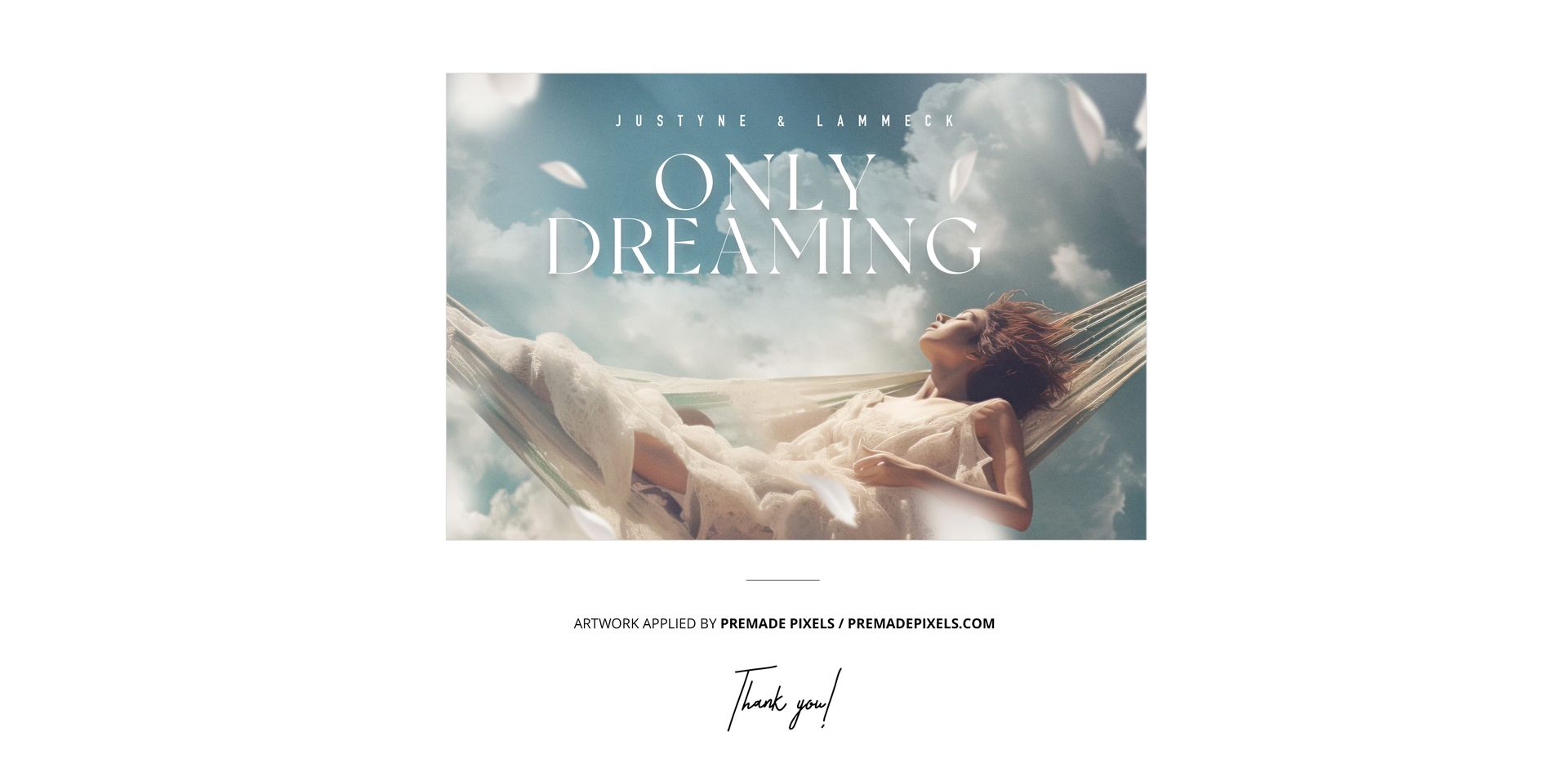
This download is a digital mockup, not a physical record. Example artwork shown in the product previews is not included.