Special Effects Vinyl Record Sprinkled with Seawater Mockup
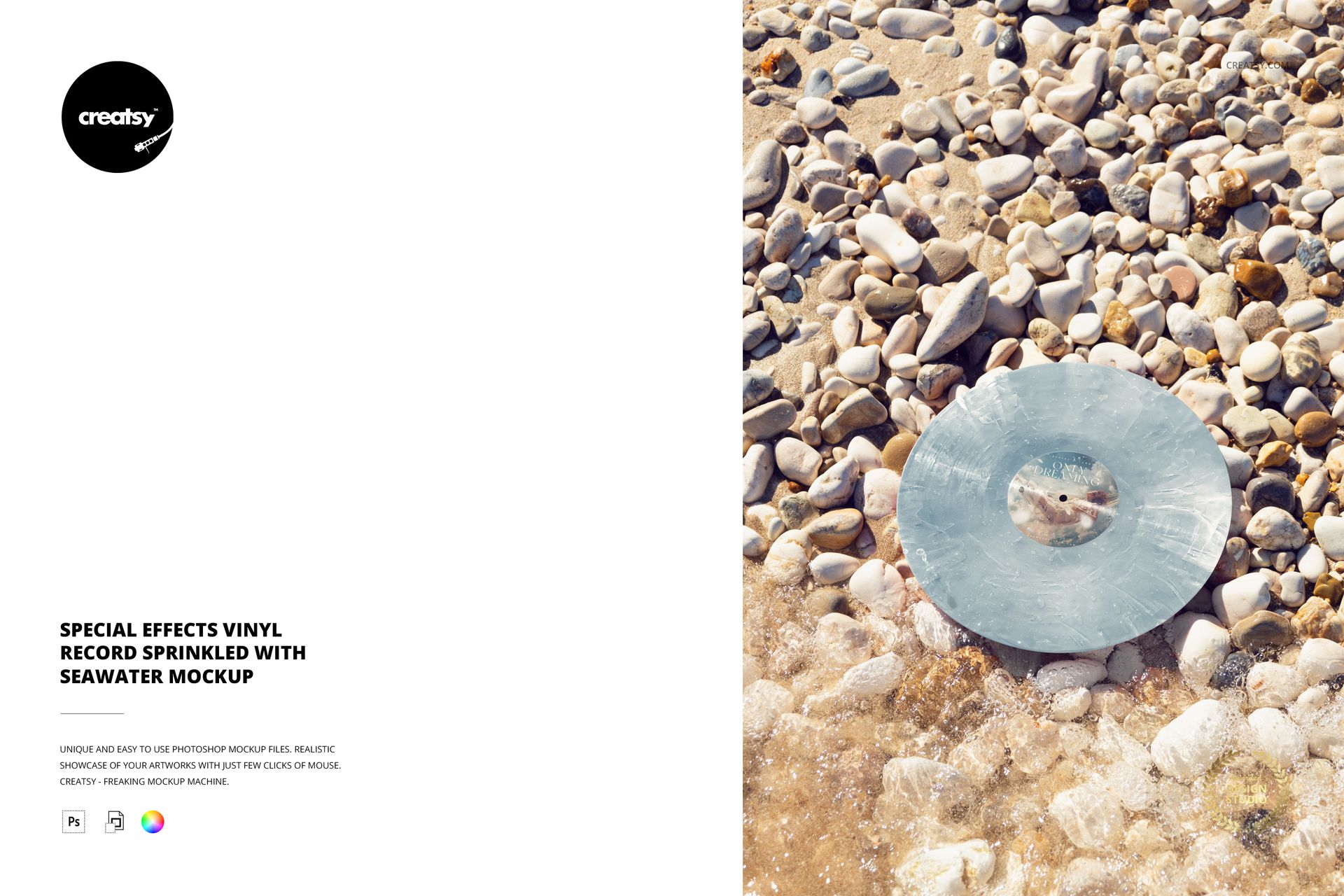
Water droplets, pale pebbles and direct sunlight give this vinyl record mockup a tactile seaside character. The disc rests on a stony shoreline with foam along its lower edge, keeping the center label and wet surface in view. Use this portrait scene when the finish of a special-edition record deserves as much attention as its artwork.
Inside the Download
1 layered PSD with one editable coastal scene.
1 JPG preview, 2 files in total.
4000 × 6000 px portrait PSD at 300 DPI.
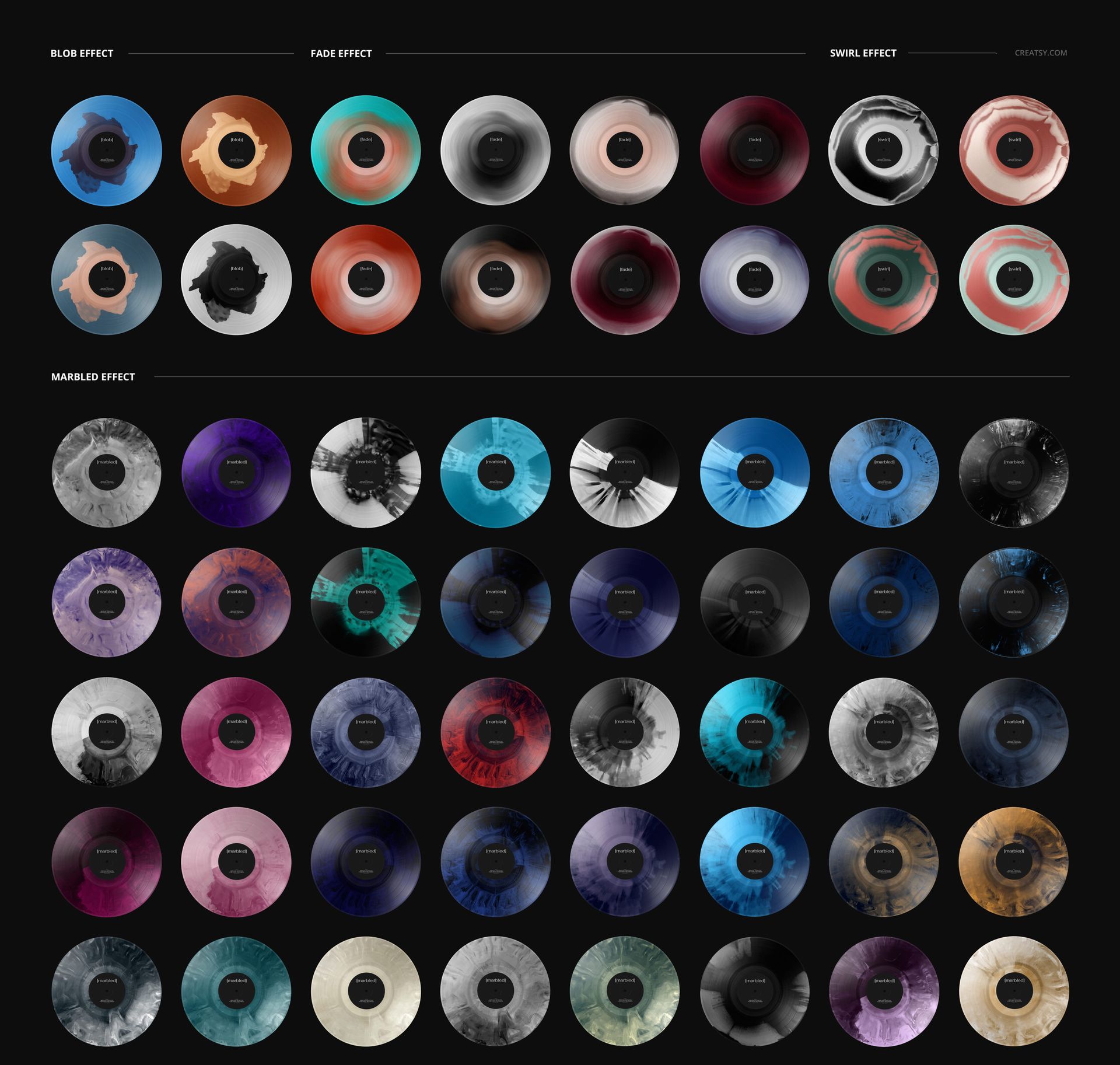
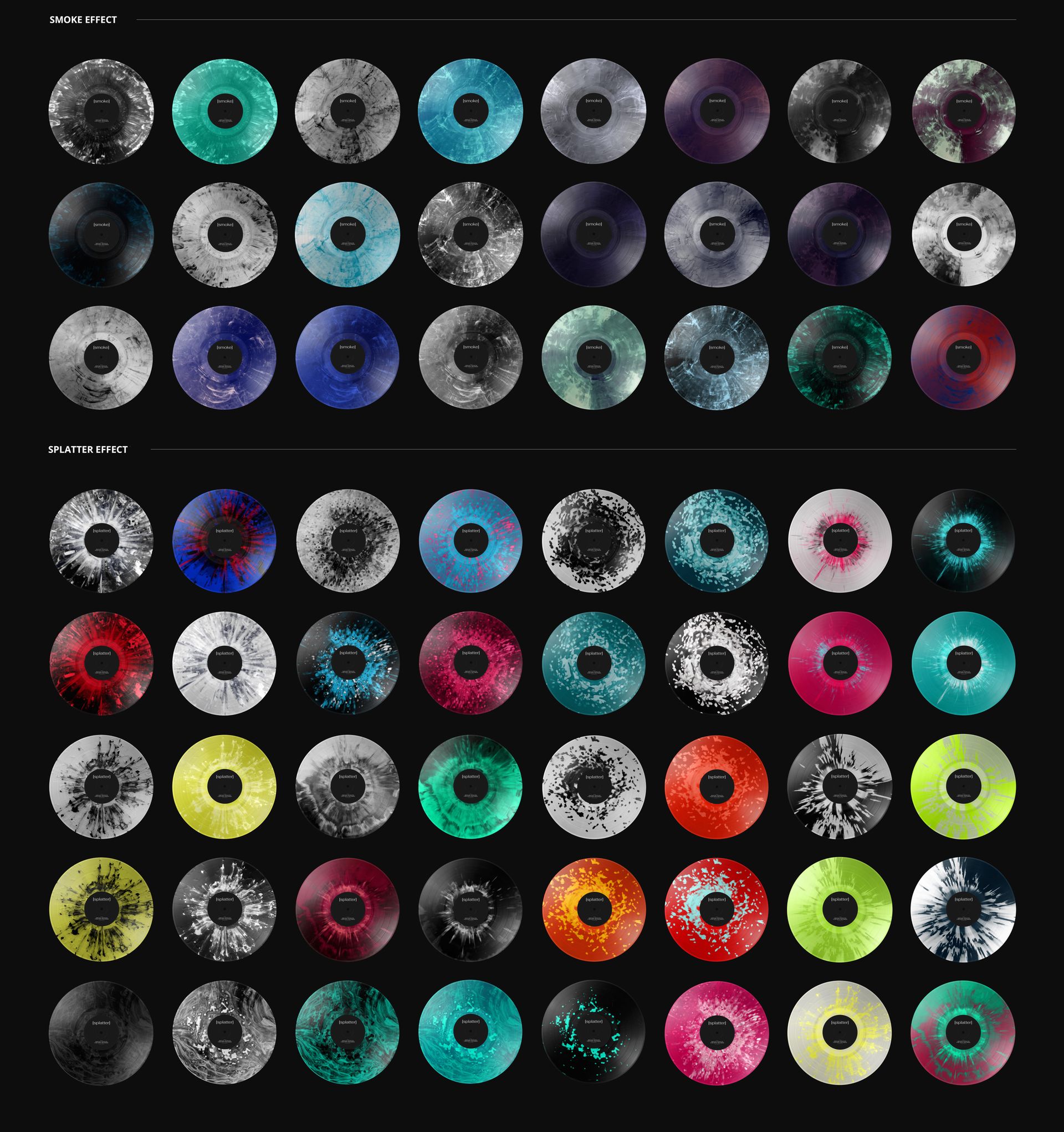
27 special color effects with color adjustment and solid-color vinyl options.
Compare Finishes Against Wet Pebbles
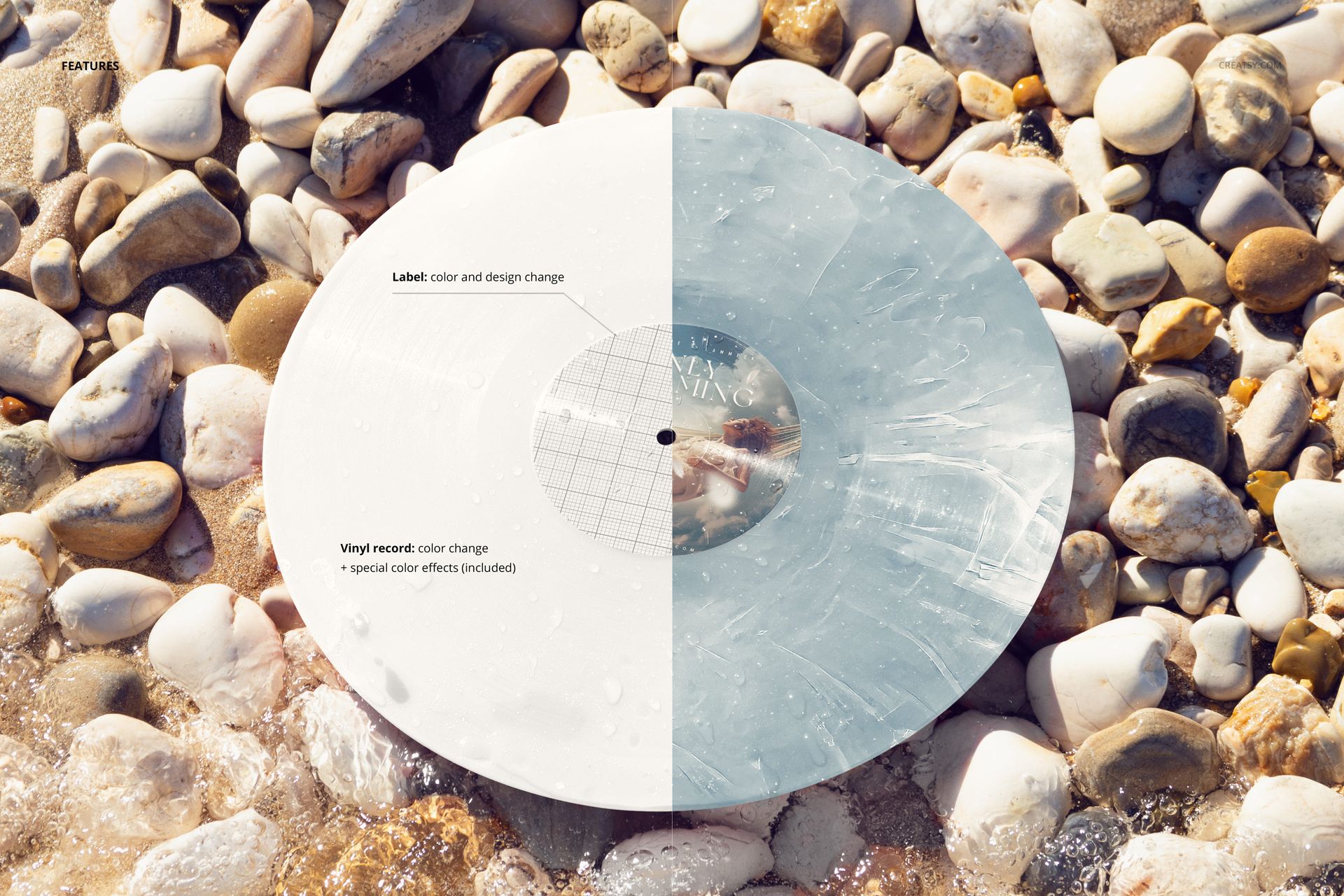
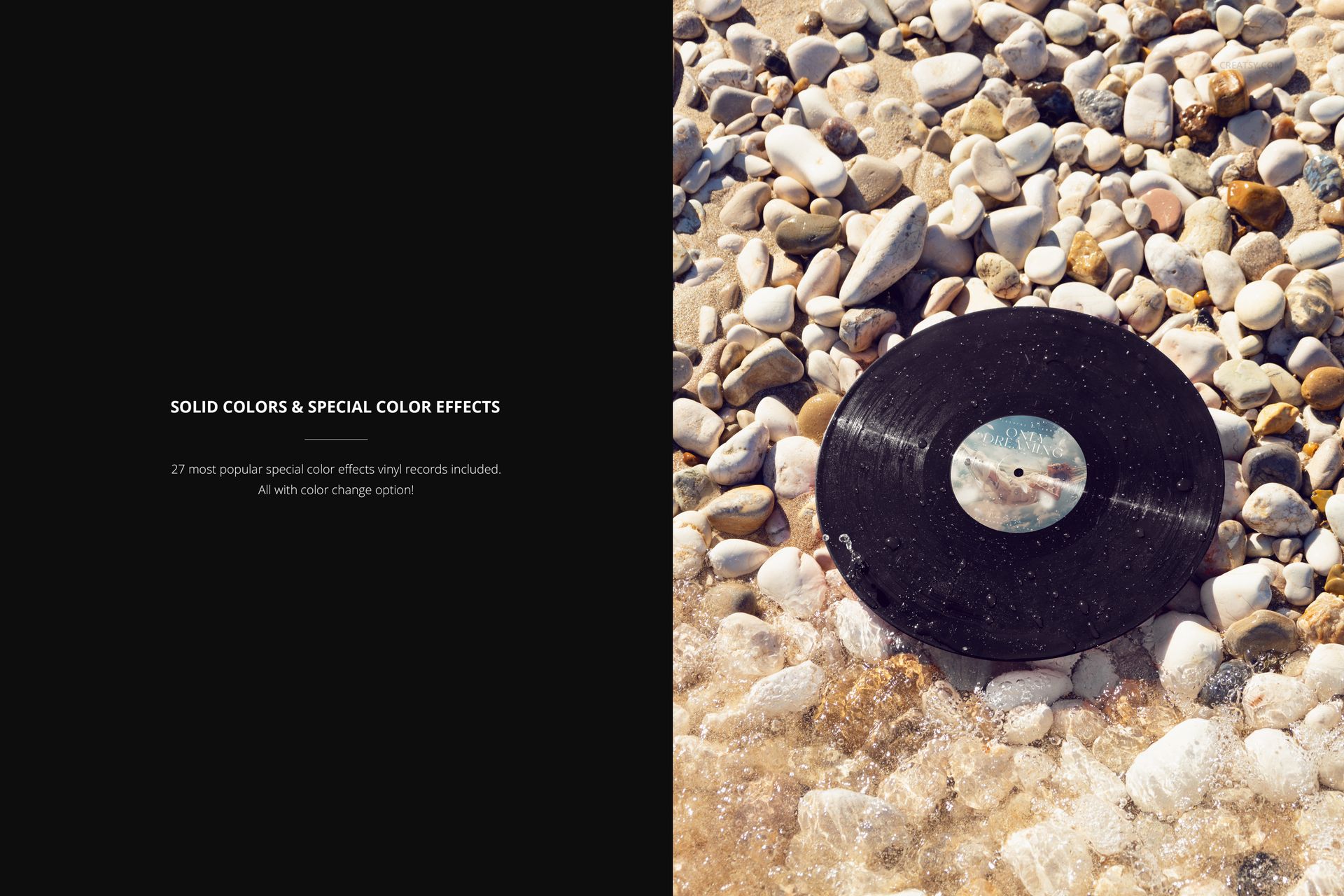
Replace the center-label design, change its color and set the vinyl palette. Blob, fade, swirl, marbled, smoke and splatter options let you explore different release concepts in the same composition. Keeping the stones and water unchanged makes it easier to compare how a pale marbled finish and a darker solid color frame the same label.
Edit the Label with Smart Objects
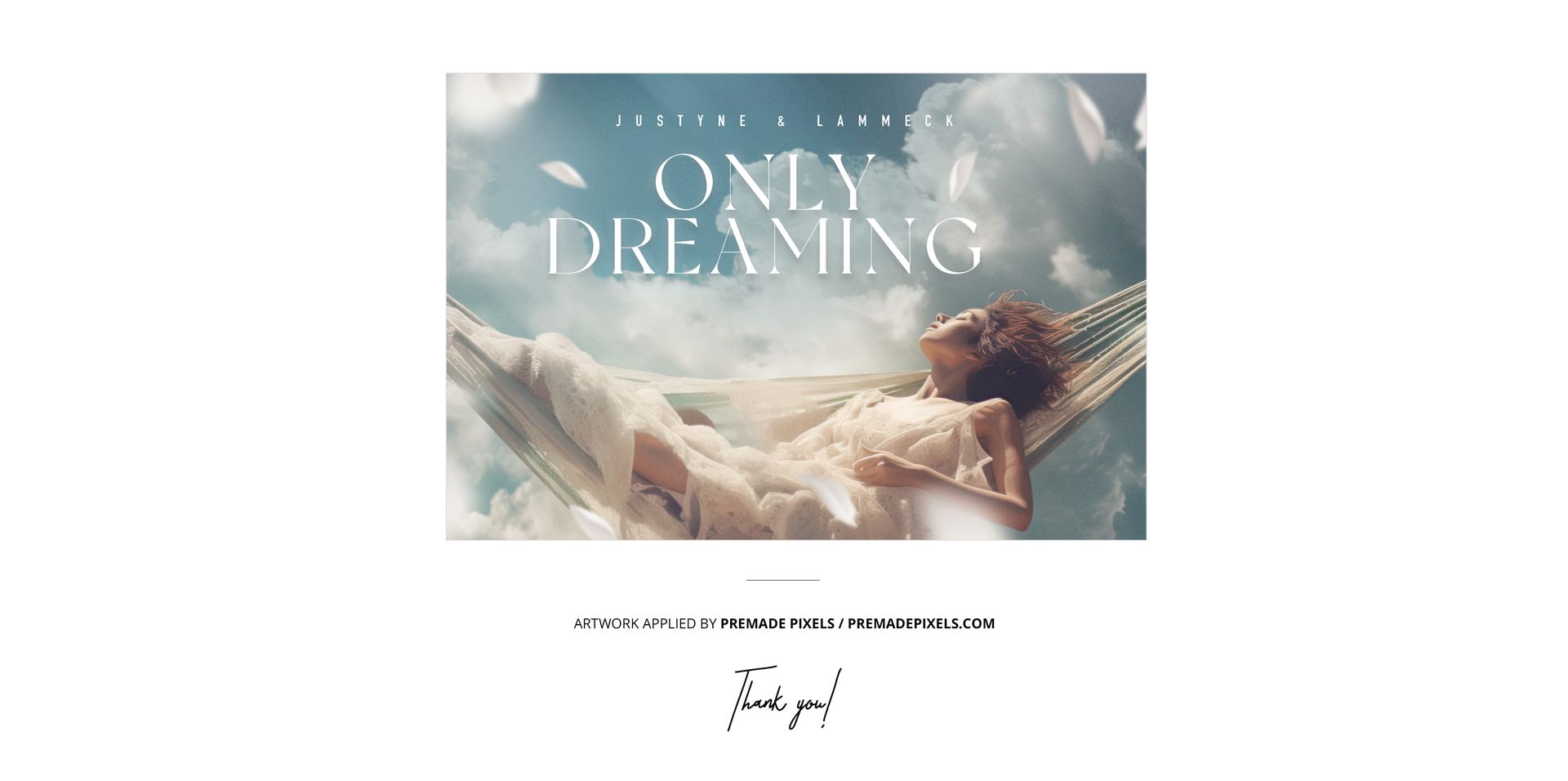
Open the PSD in Adobe Photoshop or Photopea, enter the label Smart Object and insert your artwork. Save the Smart Object to see it in the scene, then adjust the vinyl effect and colors through the organized layers. Export a finished image for a release announcement or client review.
A Detail-Led Image for Music Campaigns
Designed for music labels, musicians and graphic designers presenting center-label artwork or colored vinyl concepts. The portrait format suits a tall campaign layout, while the pebble texture adds a natural setting for a portfolio case study.
Digital mockup only. No physical record is supplied, and the sample artwork in the previews is not included.