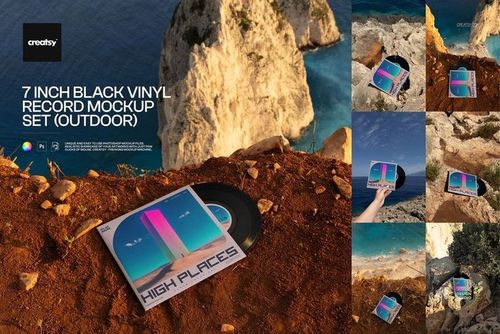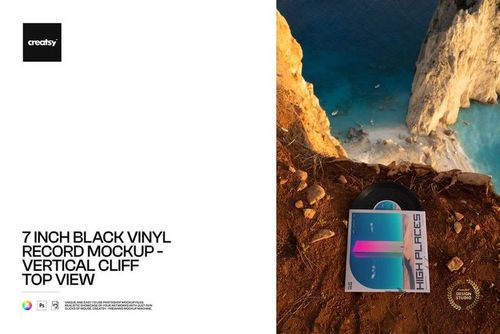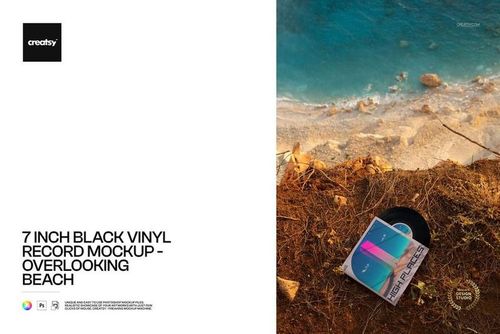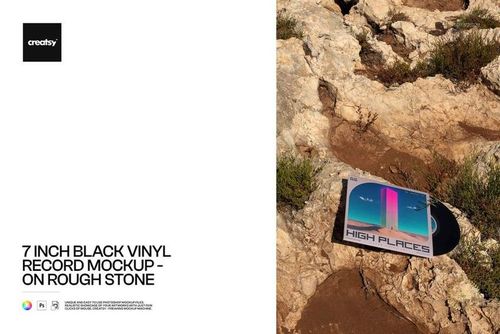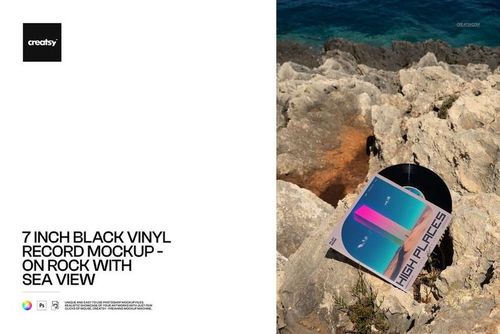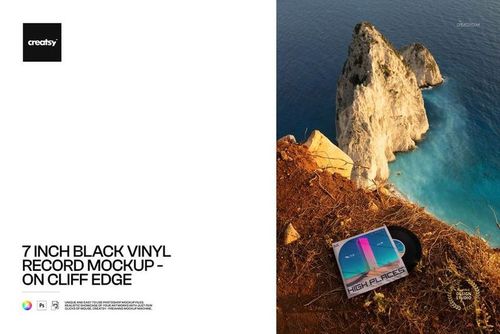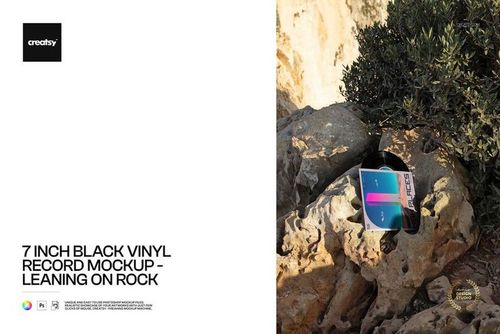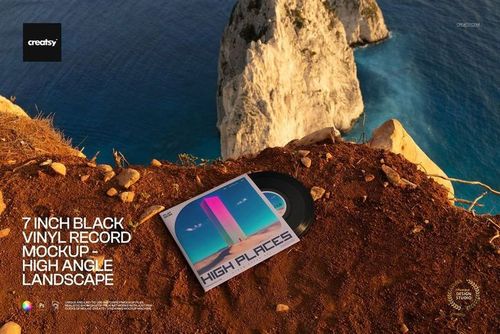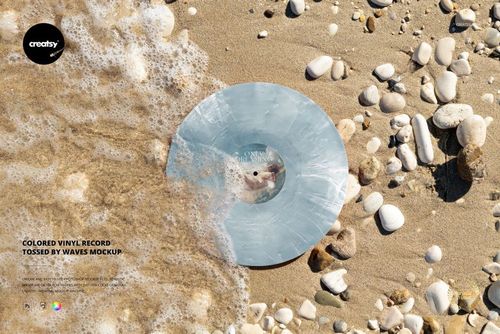
Colored and Special Effects Vinyl Record on the Rocky Beach Mockup Set
Creatsy in Mockups / Vinyl Records
Product Details
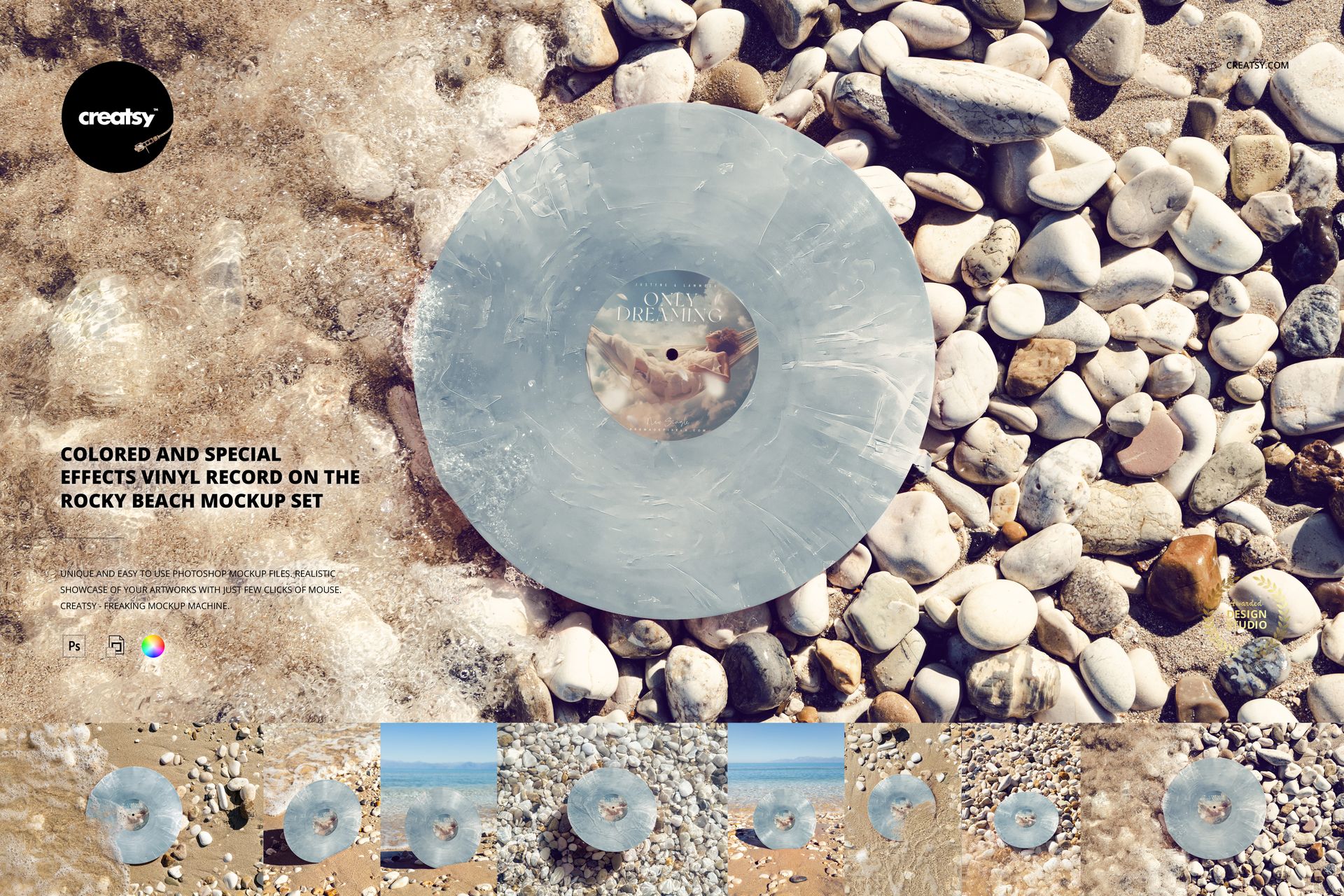
Colored and Special Effects Vinyl Record on the Rocky Beach Mockup Set
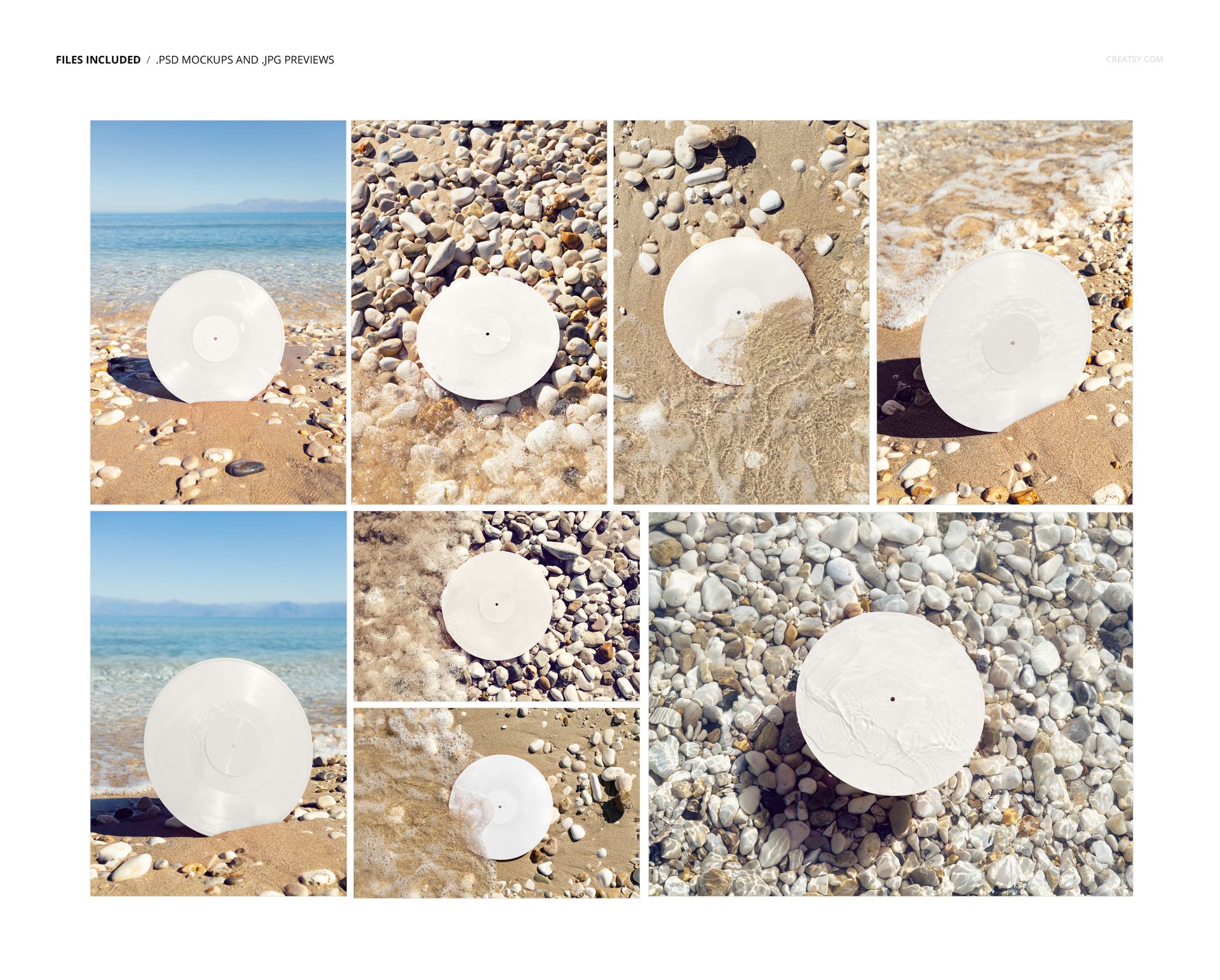
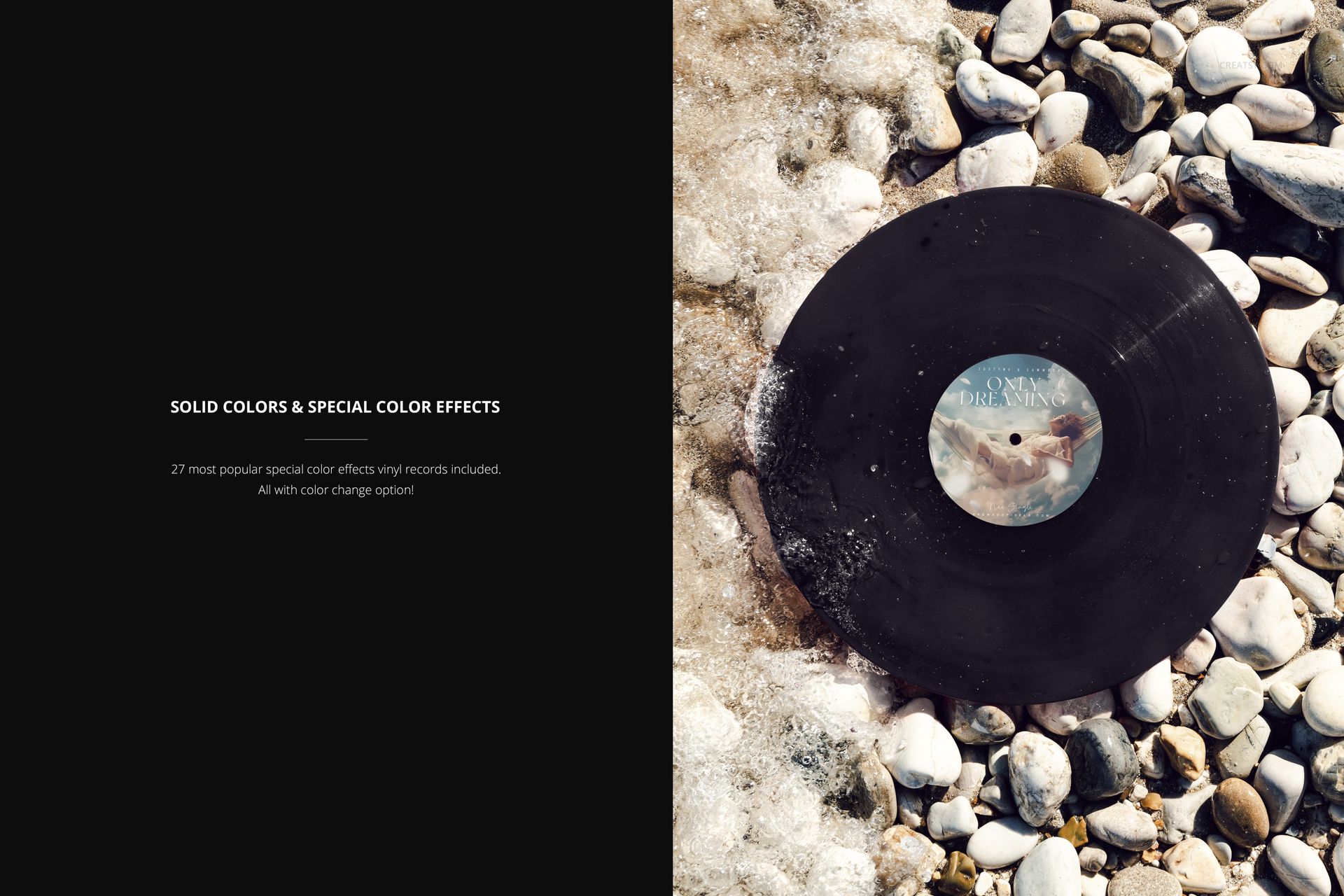
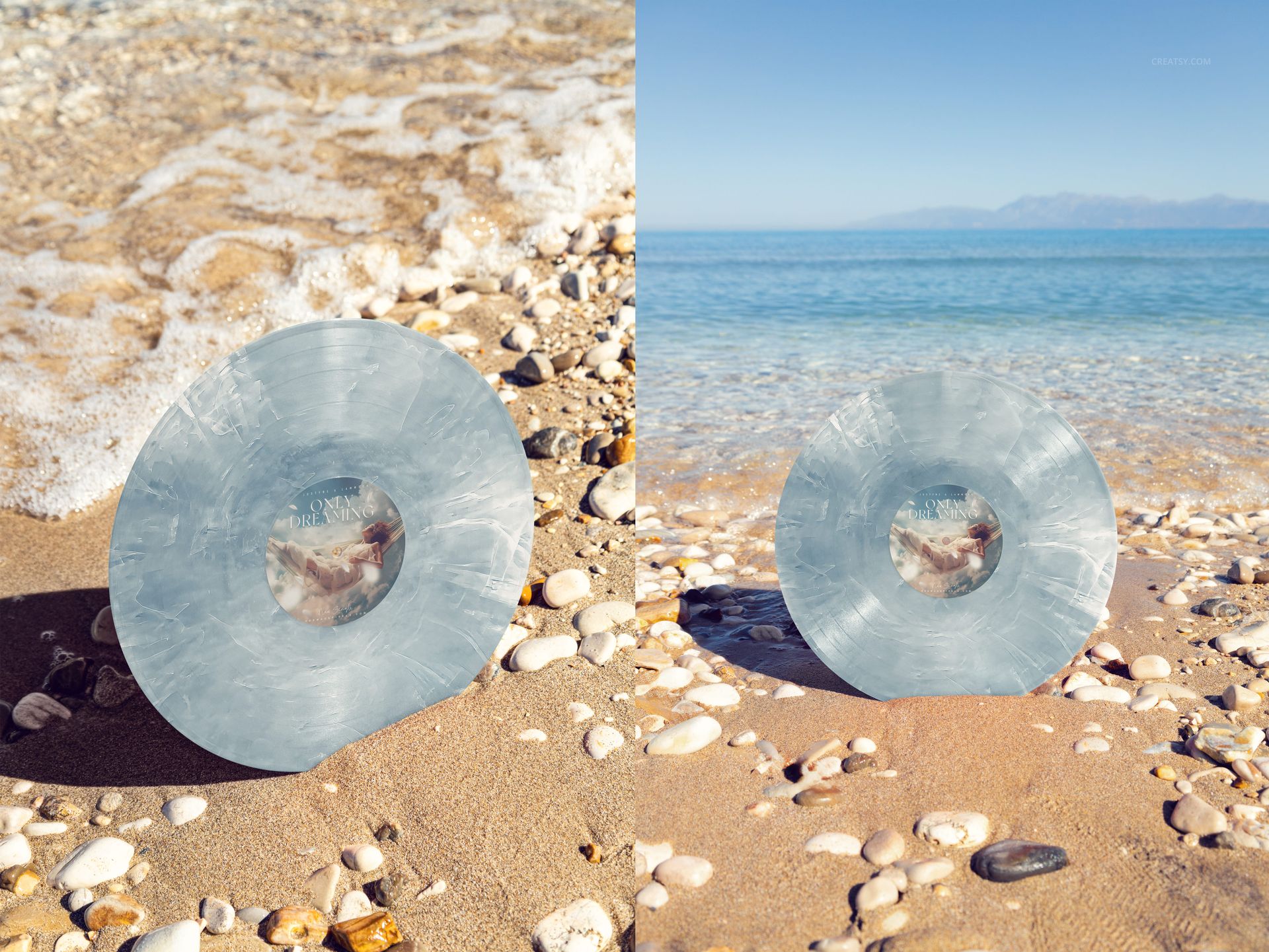
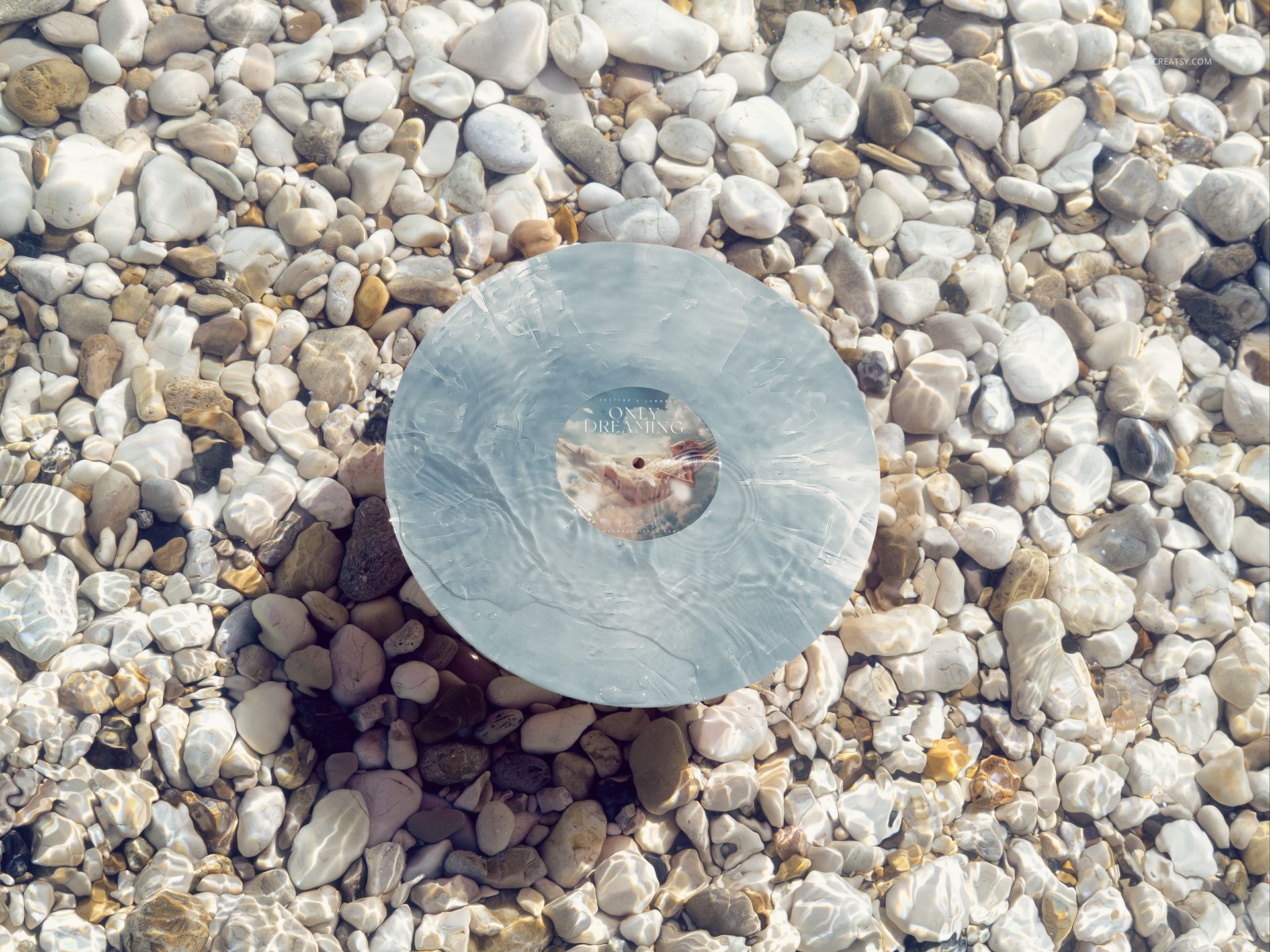
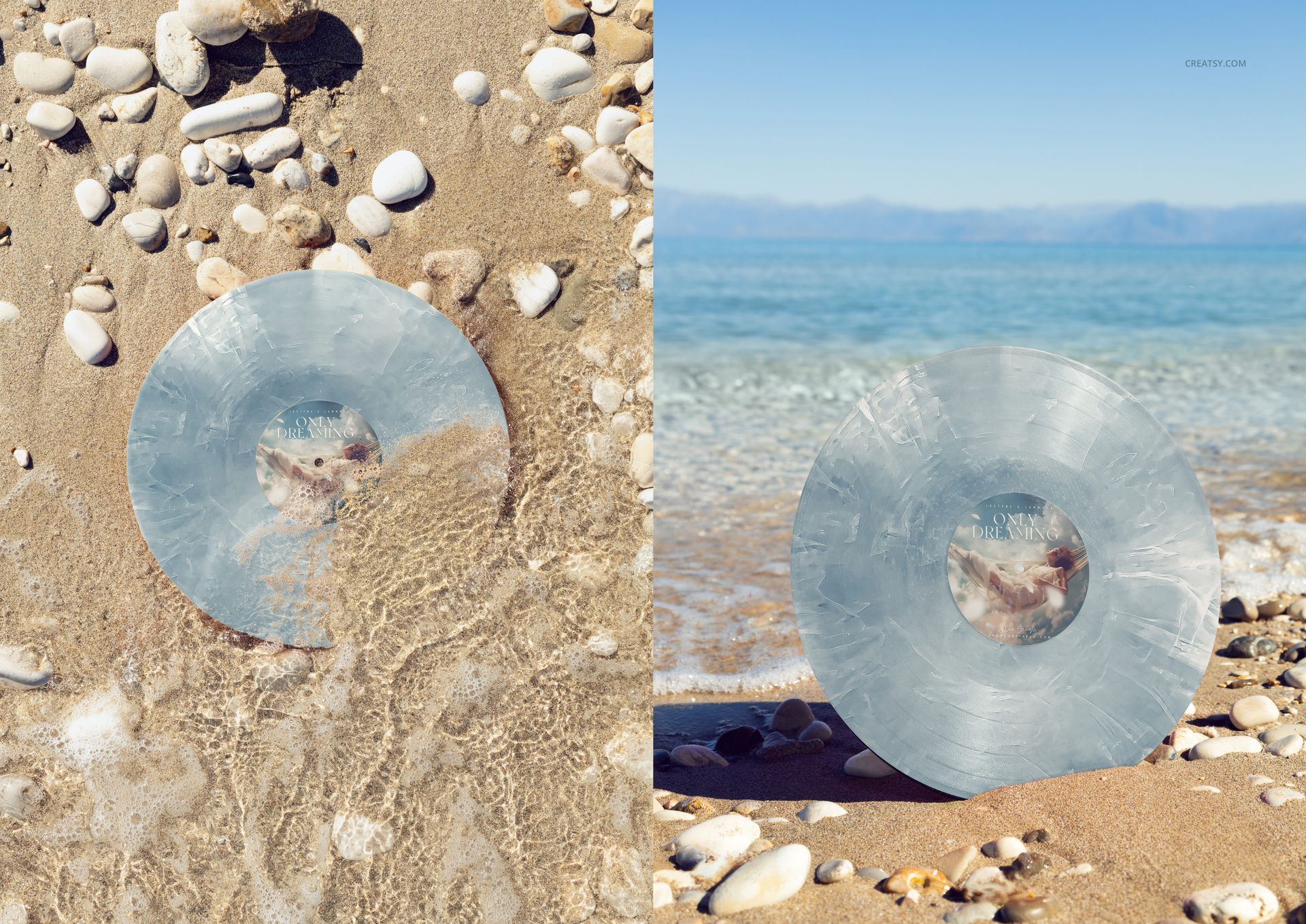
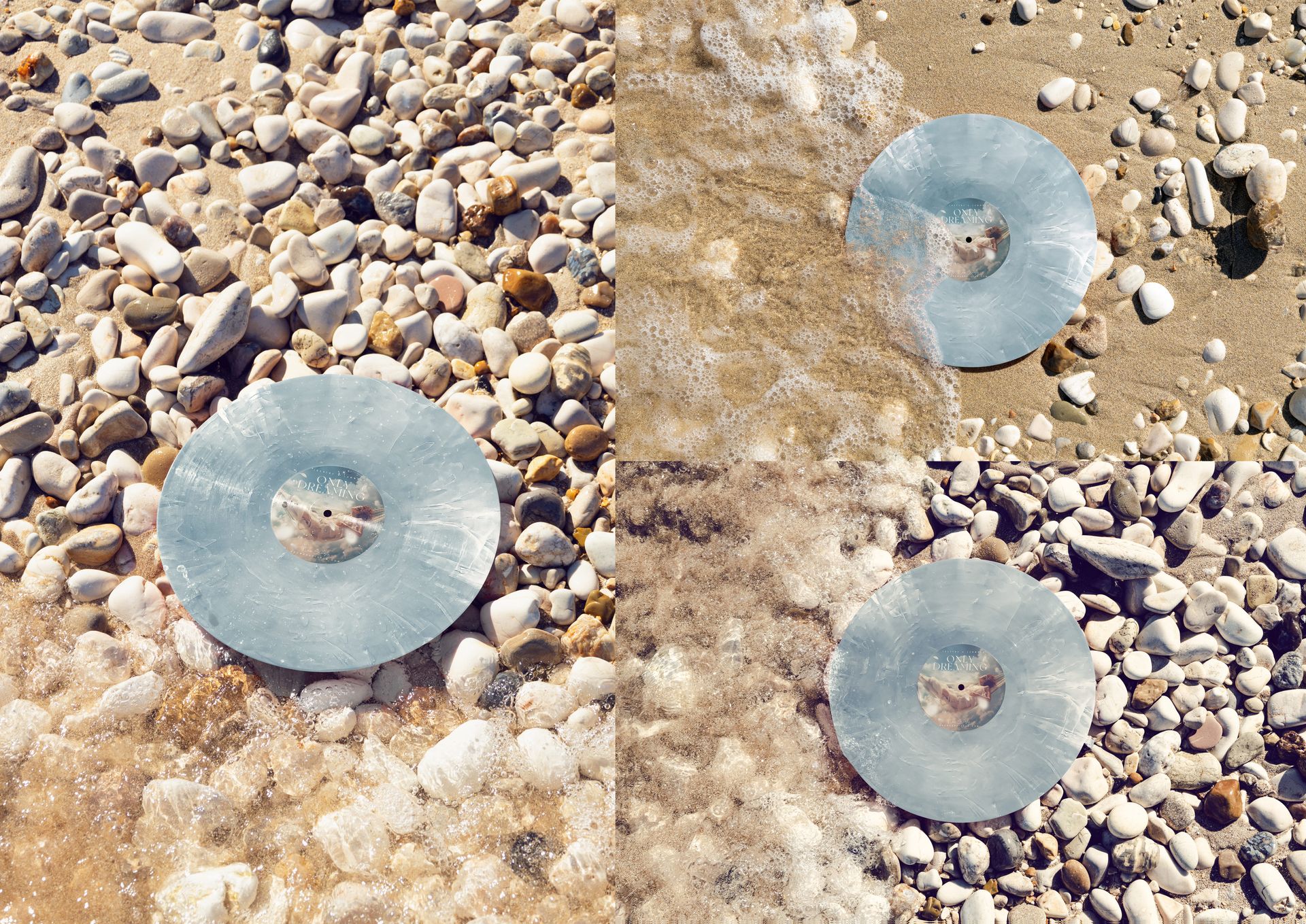
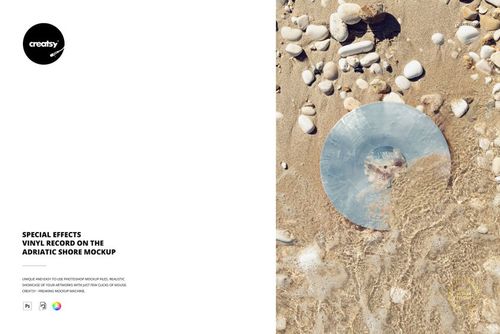
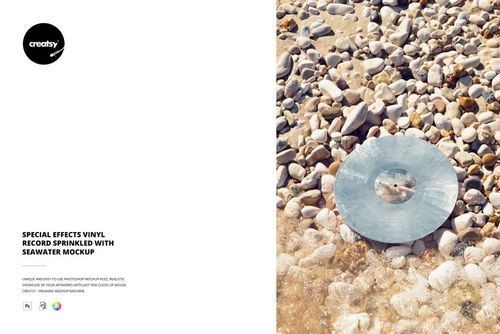
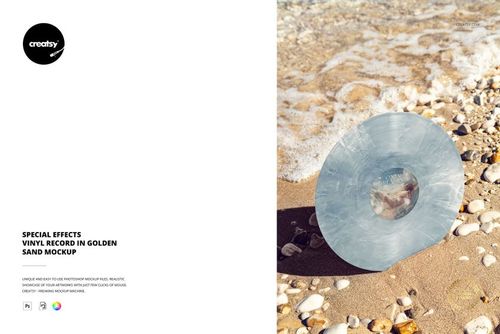
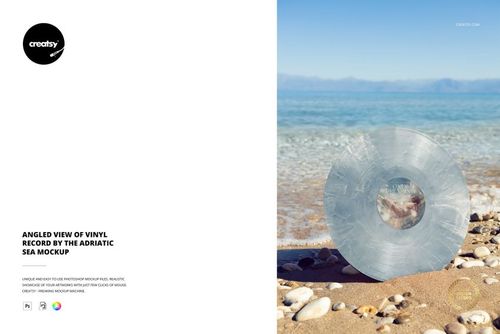
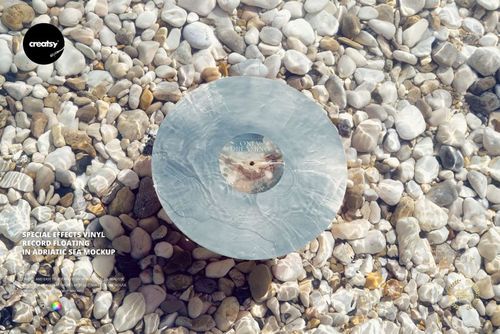
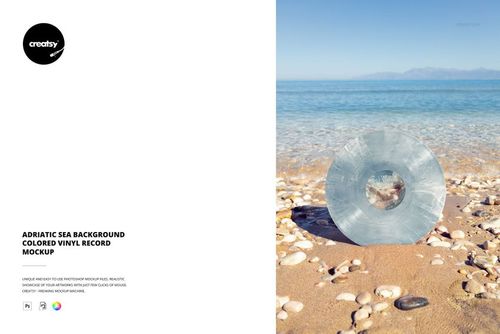
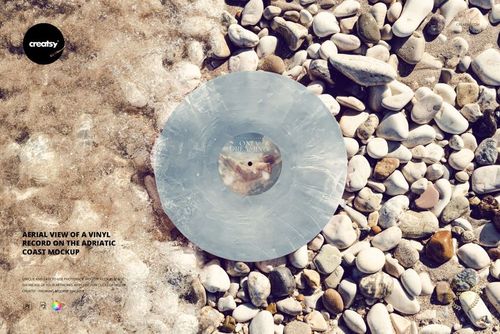
Build a coastal release campaign around the record itself. This rocky beach vinyl record mockup set brings together eight Adriatic scenes, from discs standing in golden sand to overhead shoreline views and a record floating in clear water. Present one label design across the collection, then compare solid colors and special-effect vinyl finishes without arranging a beach shoot.
What Is Included
8 layered PSD mockups, each with a different coastal composition.
8 JPG previews, 16 files in total.
Portrait scenes at 4000 × 6000 px and landscape scenes at 6000 × 4000 px, all at 300 DPI.
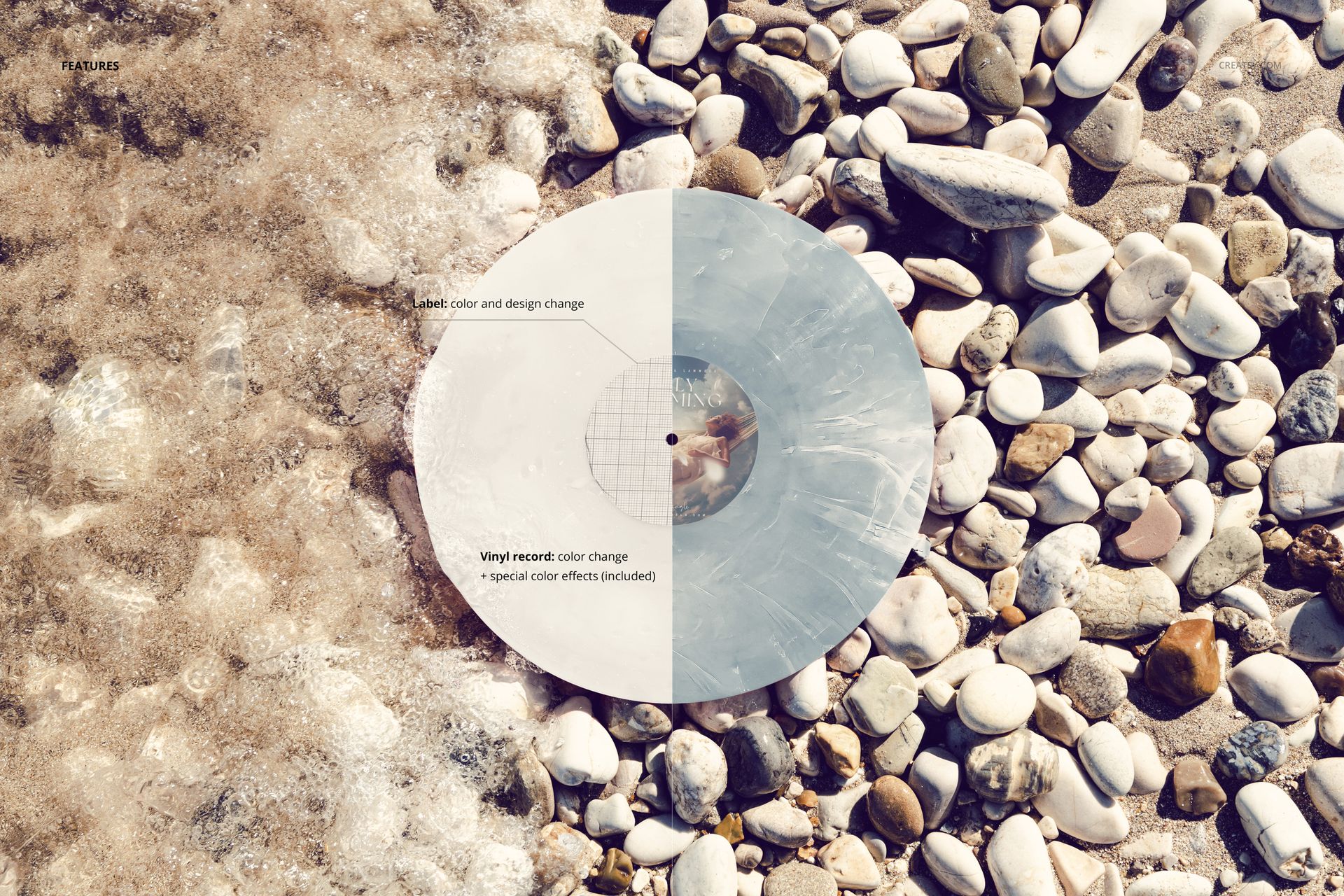
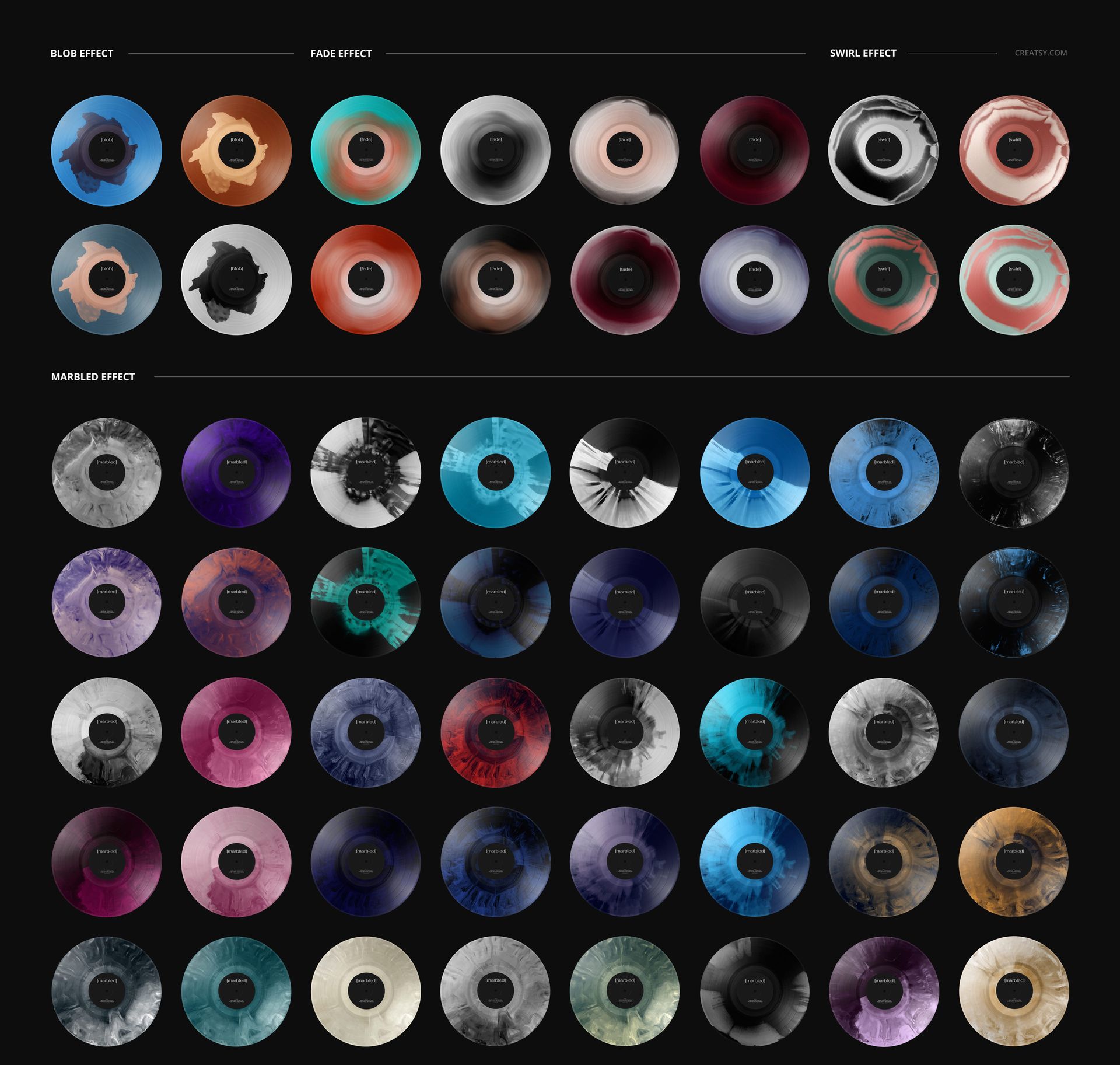
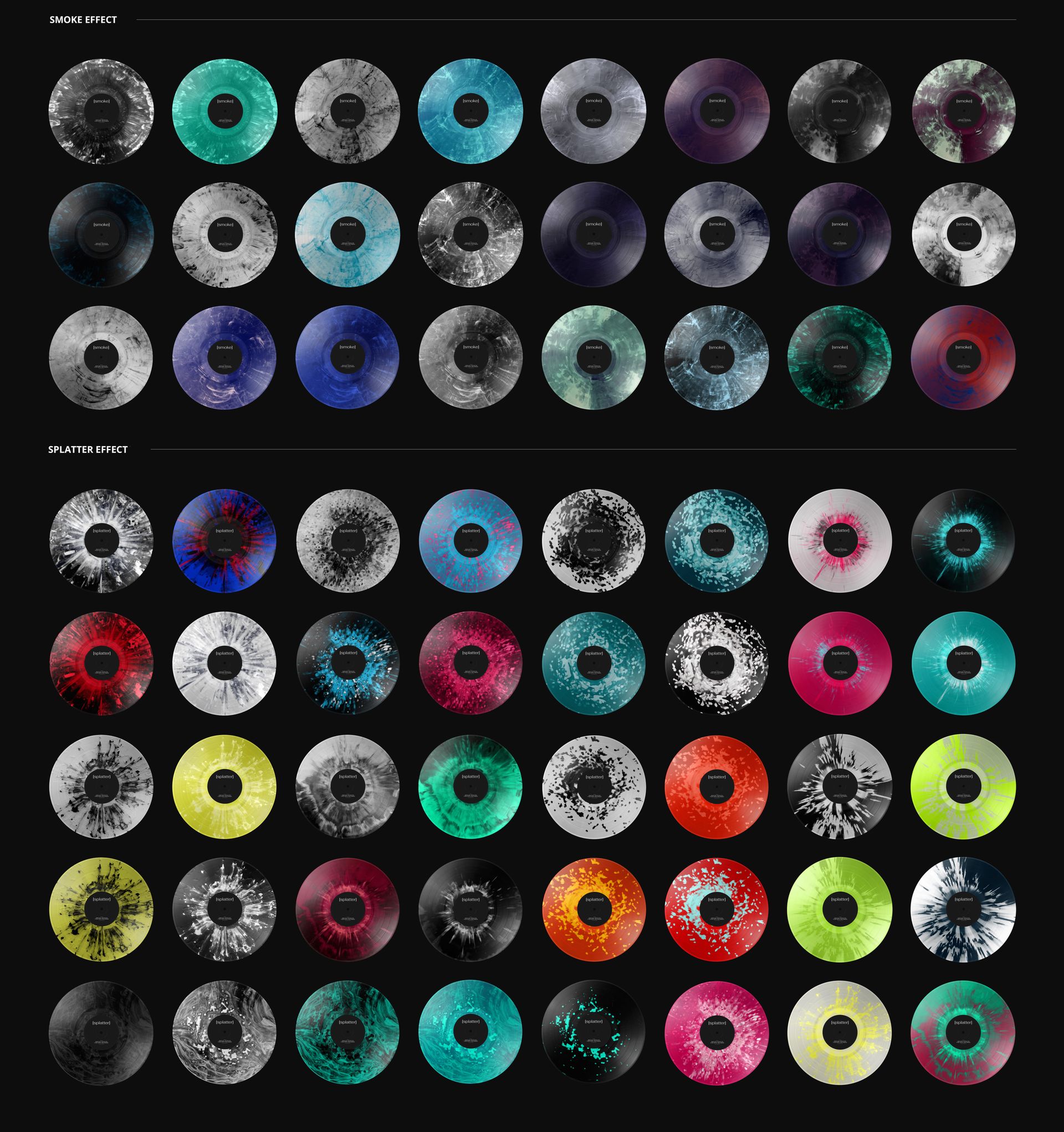
27 premade special color effects with editable colors, plus solid-color vinyl options.
One Release, Eight Coastal Perspectives
The collection moves between wet pebbles, sunlit sand, foamy waves and open sea backgrounds. These changes in viewpoint help separate an announcement image from detail-led follow-up posts while retaining a shared seaside setting. Customize the center-label artwork and color, then develop the record colorway using blob, fade, swirl, marbled, smoke or splatter effects.
Easy Smart Object Editing
Open a PSD in Adobe Photoshop or Photopea. Open the label Smart Object, place your artwork, and save that Smart Object to update the scene. Adjust the label color and vinyl finish using the organized layers, then export your presentation. Repeat the same artwork and chosen palette in the other scenes for a coordinated series.
For Music Labels and Release Designers
Use the set for independent label campaigns, musician portfolios, special-edition colorway proposals and record-label artwork presentations. The mix of vertical and horizontal canvases supports different layouts without making every image a crop of the same photograph.
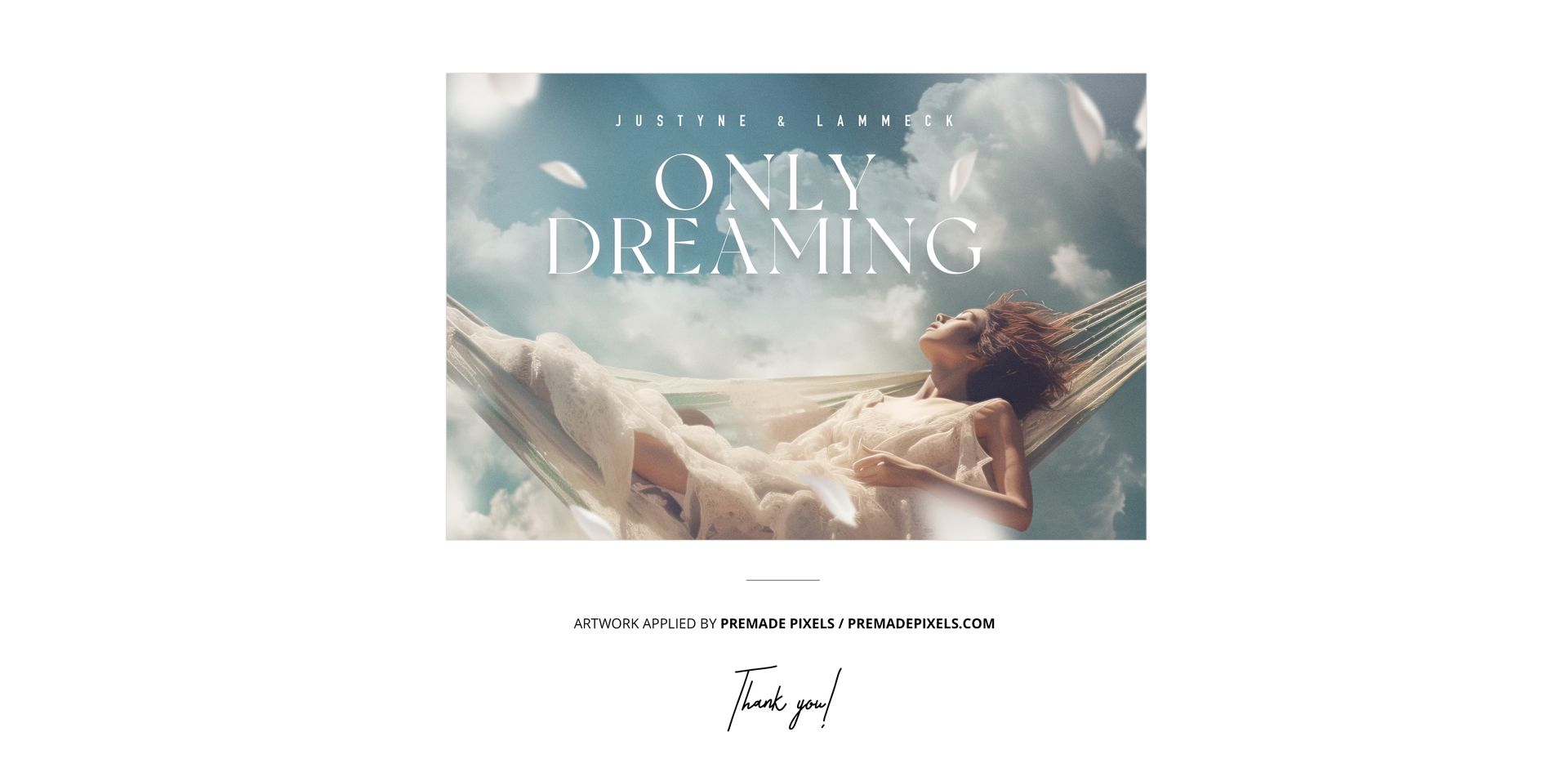
This is a digital mockup collection, not a physical vinyl product or production template. Sample artwork shown in the previews is not included.
File details
- Compatibility


- Products in bundle
- 8
- Package size
- 2.16 GB
 |2.32 GB
- Files type
- .psd, .jpg
- Files size
- 6000x4000
INCLUDED/8
MEET THE SHOP

Creatsy
Poland
Bring your ideas to life.
We're a family-run studio in Katowice, Poland, making PSD mockups by hand since 2016. Everything in this shop starts in our own studio. We shoot the photography, build the 3D, and put together every Smart Object PSD ourselves - then we test it, organize the layers, and only ship it once it actually works...
 15$2040$24.00
 15$1955$23.00
 15$2210$26.00
 15$2040$24.00

HOW IT WORKS
3 clicks. That's it.
No tutorial needed. If you can copy-paste, you can use this.
- 1OpenDouble-click the smart object inside the PSD - in Adobe Photoshop, or free in your browser with Photopea.
- 2PasteDrop in your pattern, print, or artwork. Any design, any style.
- 3SaveHit save and the mockup wraps it in for you - shadows, folds, and lighting included.
FROM IDEA TO IMAGE
Built for real workflows
Skip the photo shoot Show your artwork on the real product type for approvals or listings - no studio, no model, no sample.
See it on the product, not a swatch Drop your file into the smart object and the scene's lighting and folds wrap around it, so you judge the real thing before you commit.
Smart Objects
Edit once and you're done. Your artwork drops into a smart object and the mockup updates itself - no masking, no warping by hand.
Perfectly Organized
Named layers and folders you can actually navigate. Find what you need, change what you want, and get out fast.
Print-Ready
High-resolution files built to hold up on screen and in print. Exact size and DPI are in this product's Details above.