Arm Compression Sleeves Mockup Set
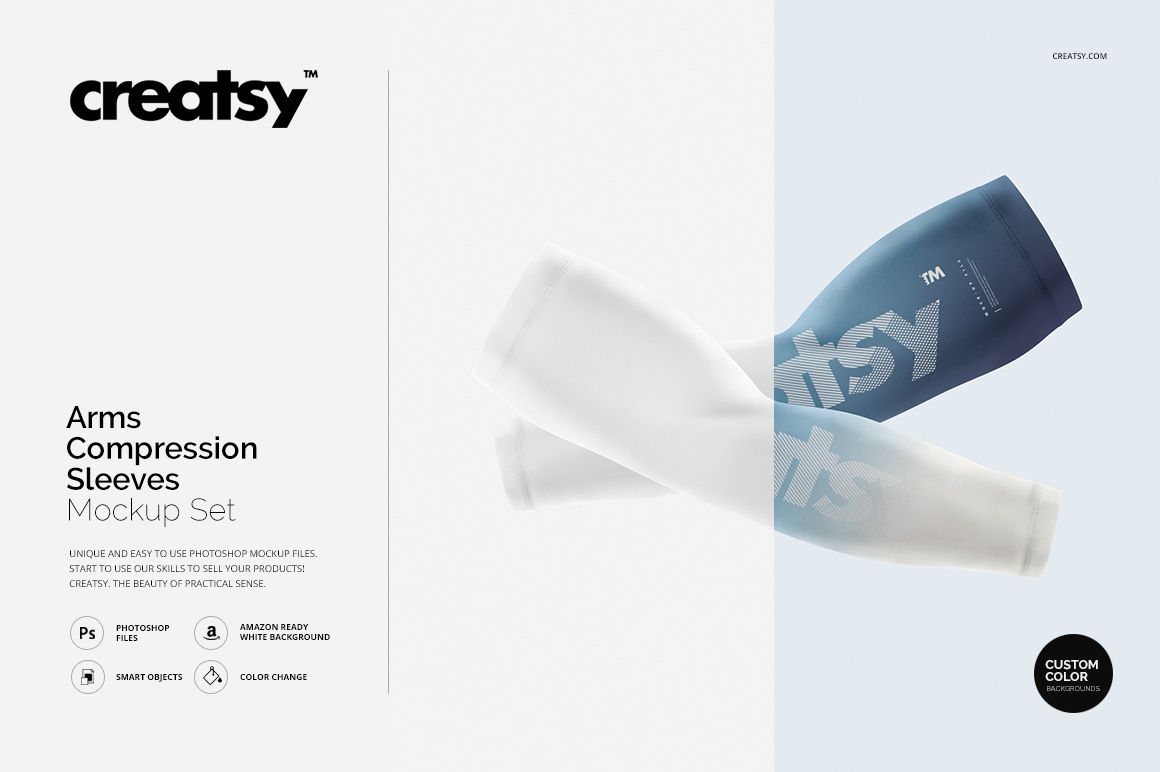
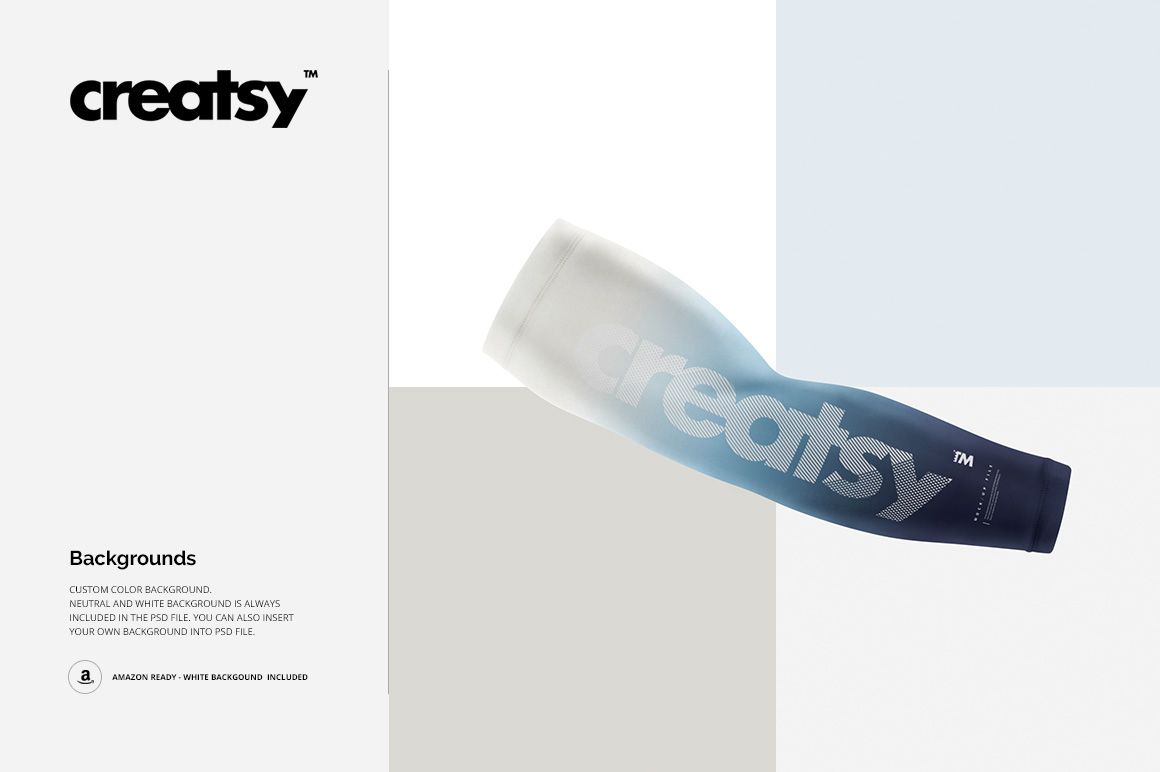
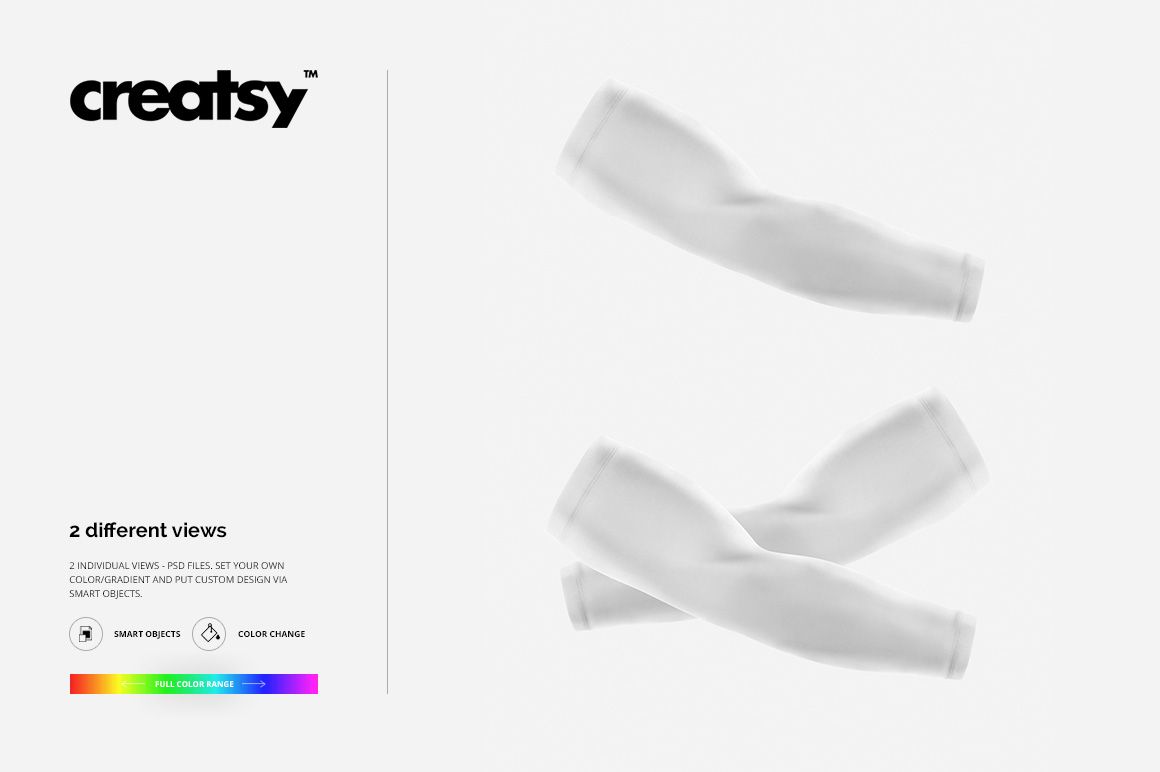
Present athletic sleeve graphics in two focused configurations: one arm compression sleeve and a crossed pair. The square compositions make it easy to show a standalone design, compare coordinated sleeves, or prepare consistent images for sportswear branding, sponsor presentations, and online product galleries.
Smart Objects wrap artwork around the tapered sleeve shape, while editable colors and gradients help you explore team palettes and performance-wear concepts. Shadows and neutral lighting preserve the form of the fabric without distracting from the printed design.
What Is Included
2 main layered PSD mockup files: one sleeve and two sleeves
2 PSD displacement-map helper files
2 JPG previews at 2000 × 2000 px
2 TIFF support files at 1000 × 1414 px, 8 files in total
Smart Object editing, color and gradient controls, and editable backgrounds
Single and Paired Sleeve Views
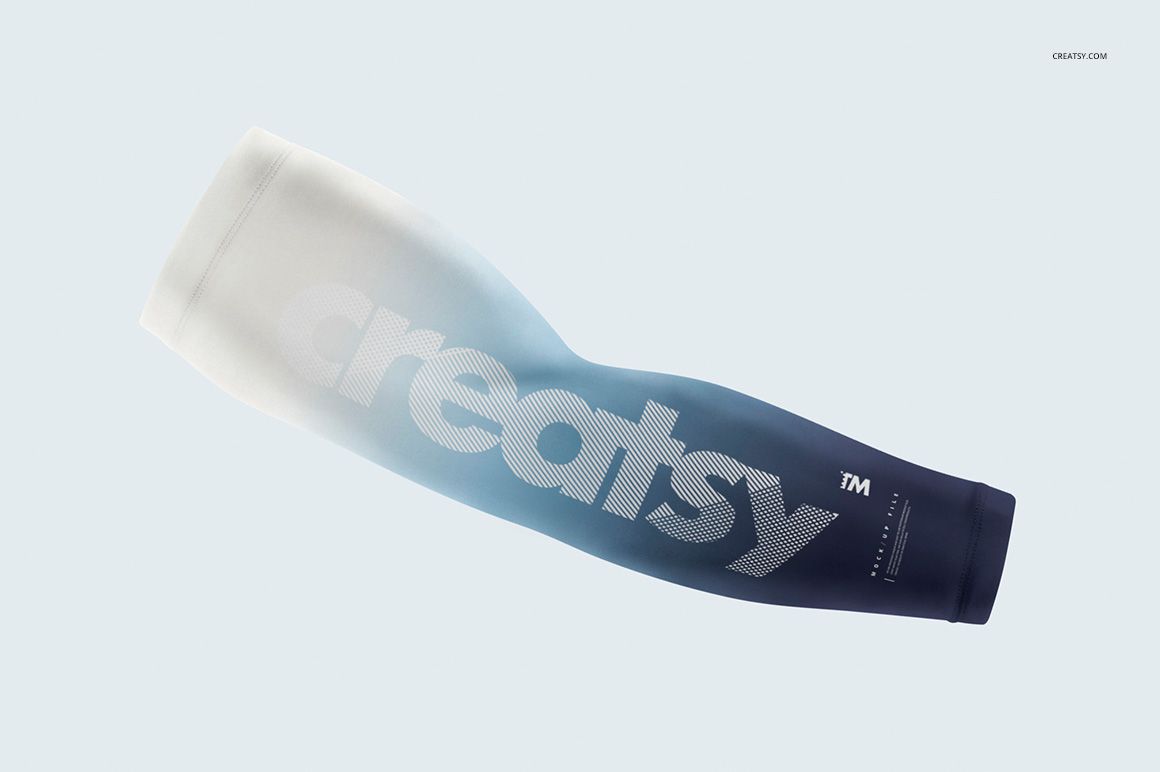
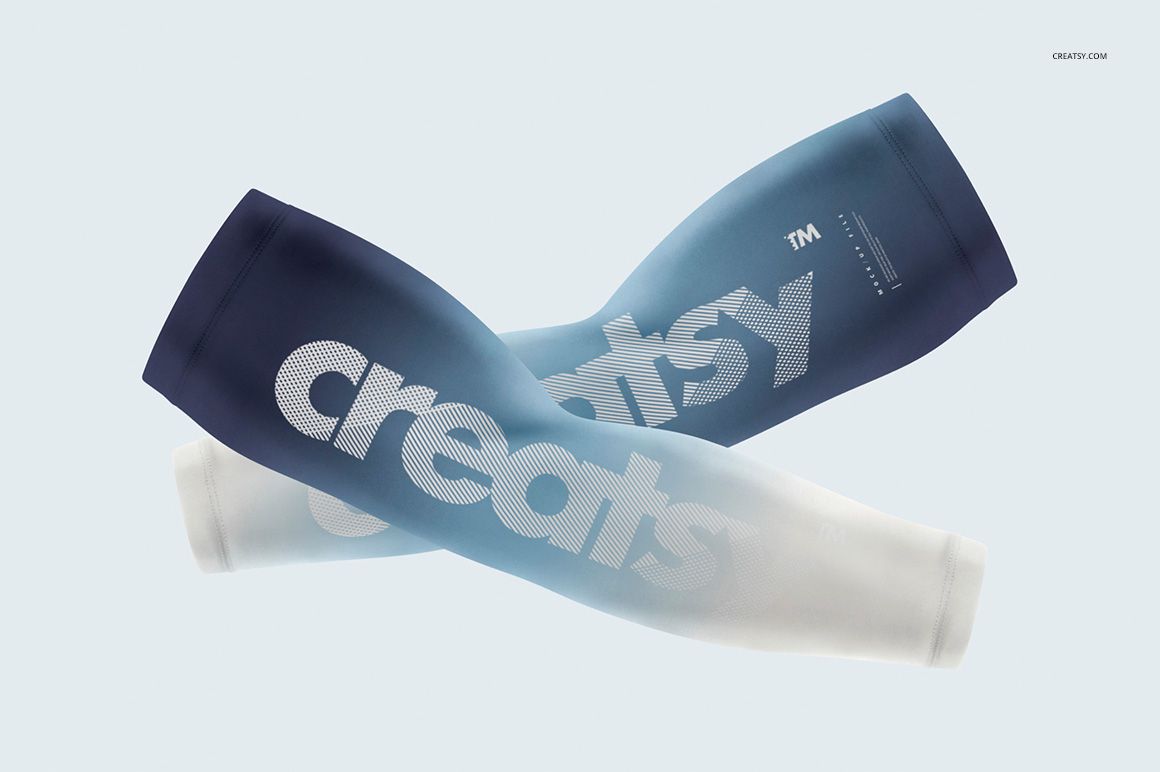
Use the single-sleeve scene for a clear view of one print, logo placement, or gradient. The paired scene shows two crossed sleeves, giving you space to present a coordinated set, compare left and right artwork, or demonstrate a unified team identity.
Background Options for Clean Presentations
The mockups include neutral and white backgrounds, support a custom background color, and allow you to insert your own background. The white option is suited to clean catalog-style imagery, while custom colors help align the scenes with a club, event, or campaign palette.
Easy Smart Object Editing
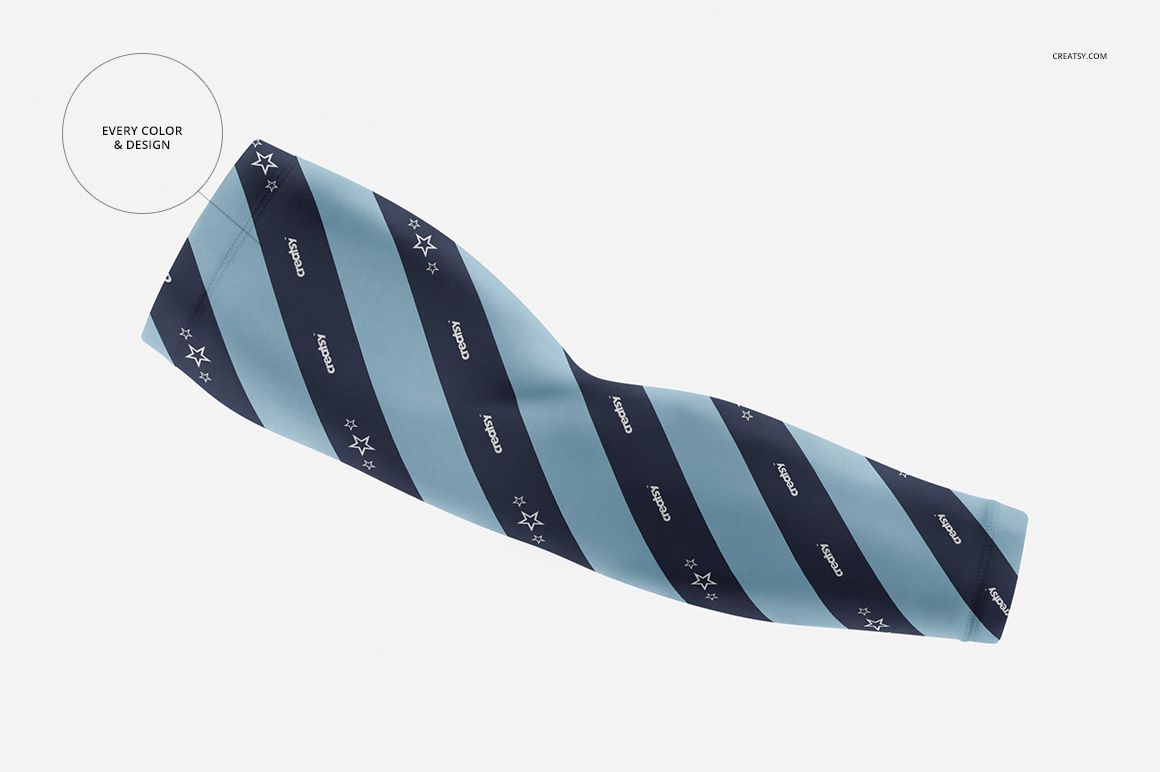
Add a pattern, sponsor mark, number, logo, or color treatment through Smart Objects and use the accompanying displacement-map resources as provided in the package. The public product details list Adobe Photoshop and Photopea as compatible.
Perfect For
Sportswear and performance apparel designers
Cycling, running, triathlon, and training brands
Clubs, teams, races, and sponsor presentations
Promotional suppliers developing branded sleeves
Ecommerce galleries, client approvals, and portfolio projects
This is a digital presentation mockup, not a sewing pattern or production specification. Sample graphics shown in the previews are not included.