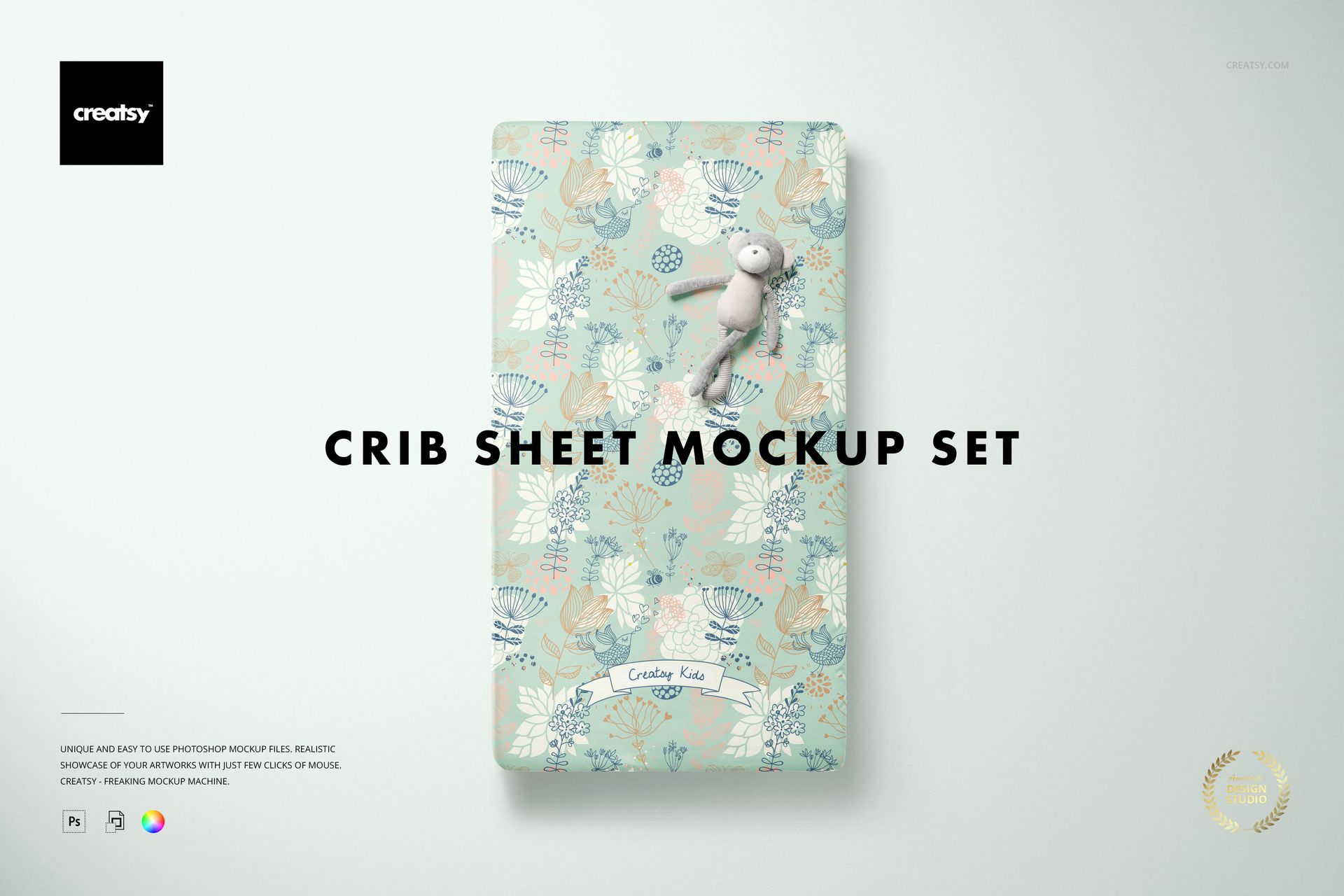
Crib Sheet Mockup Set
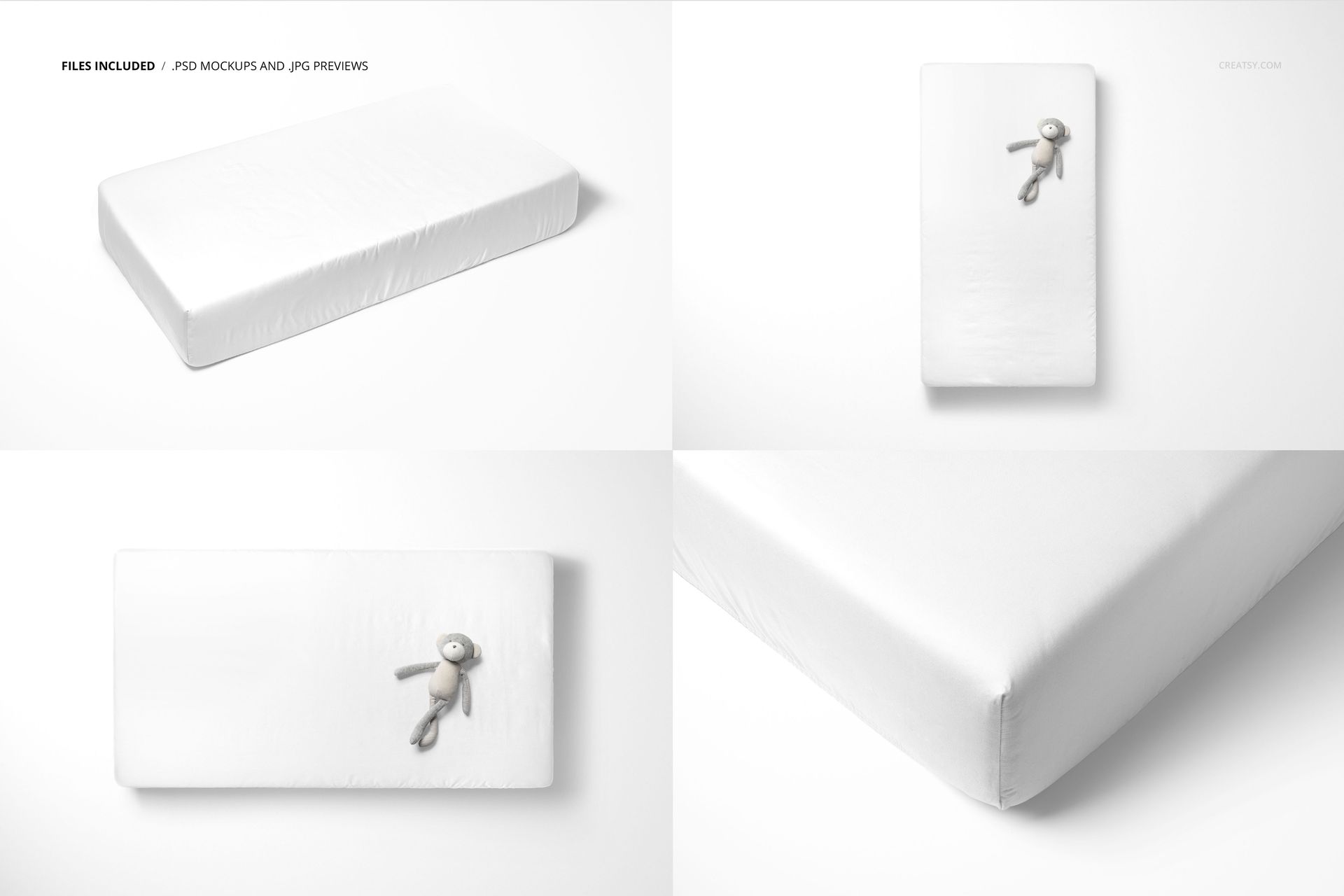
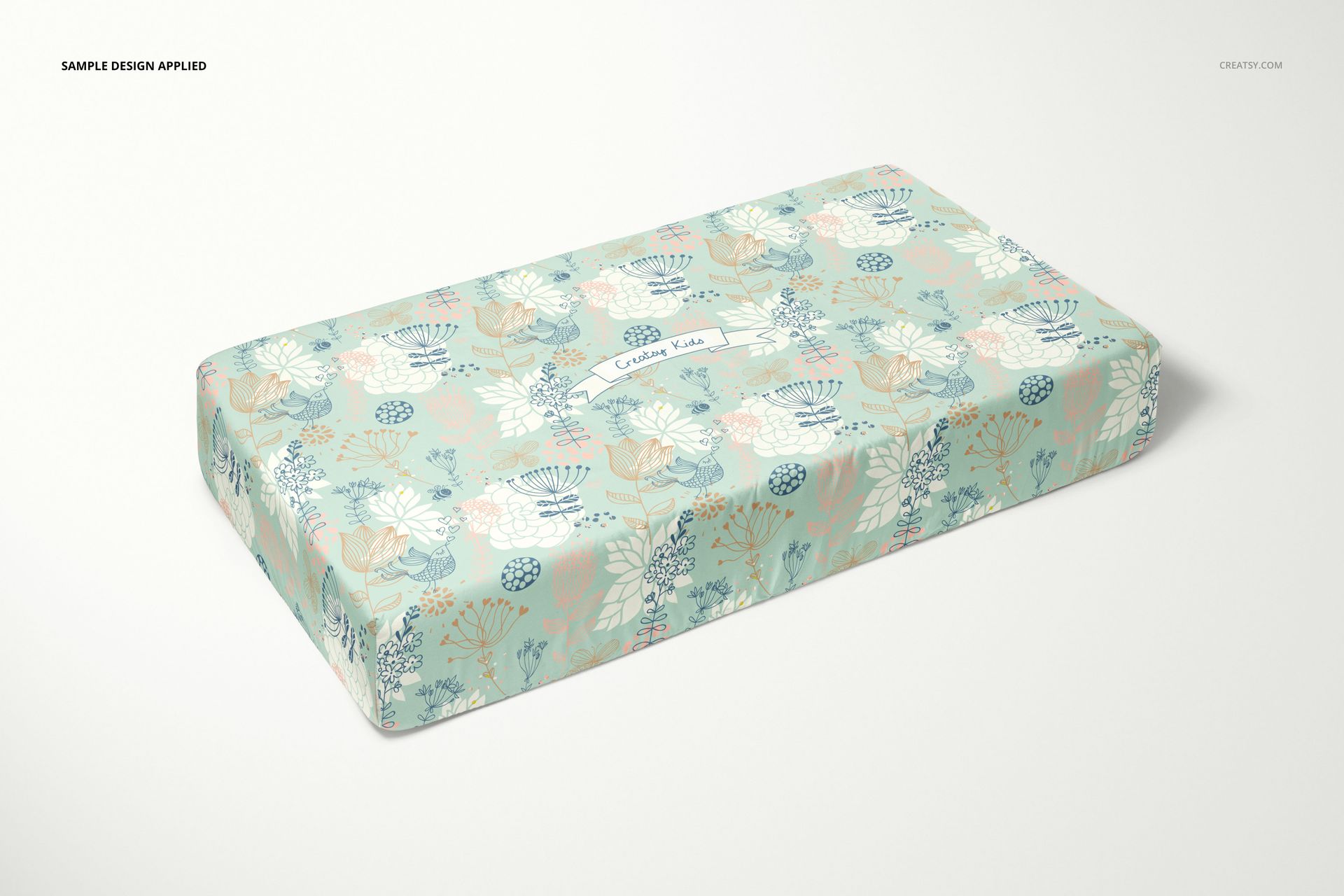
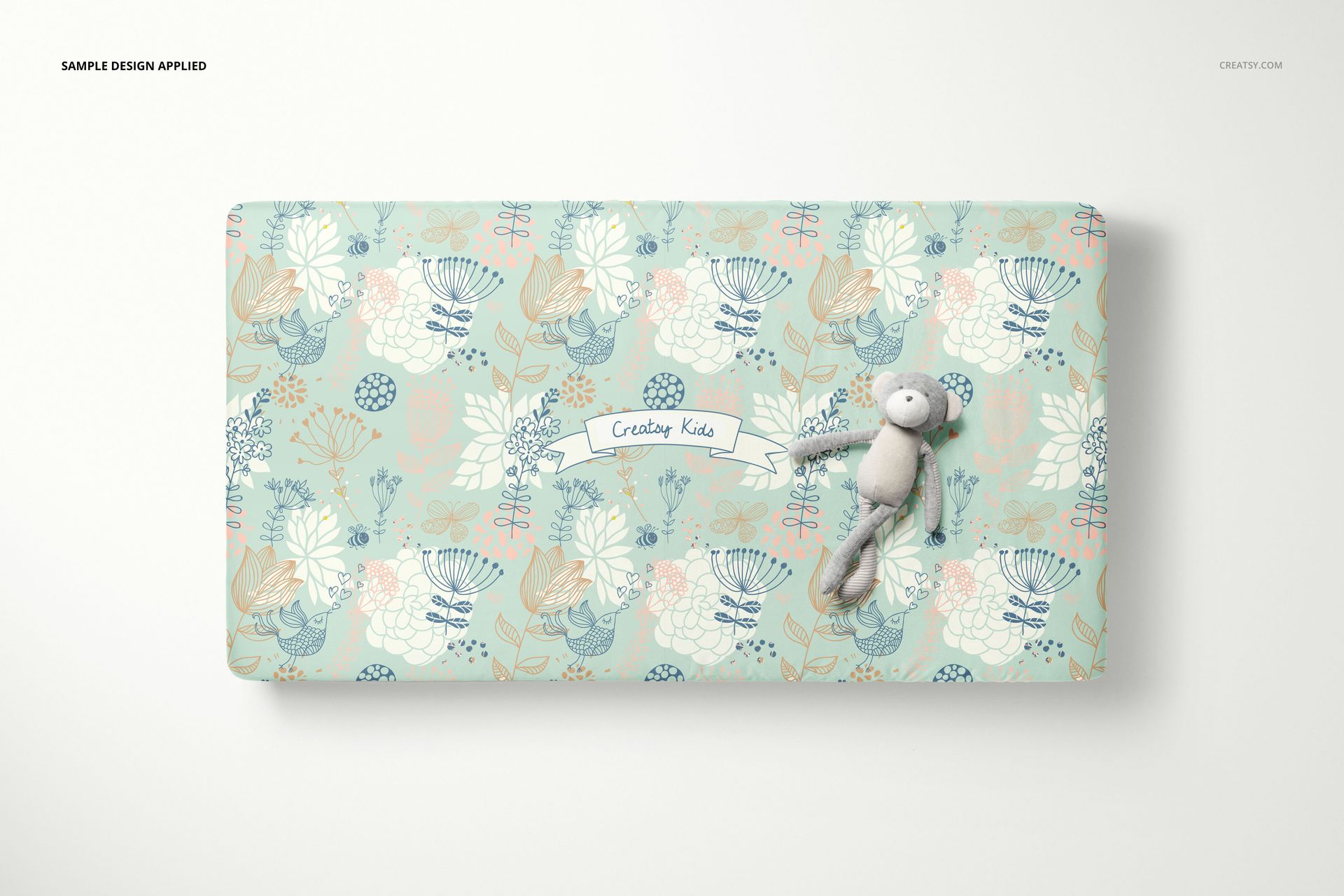
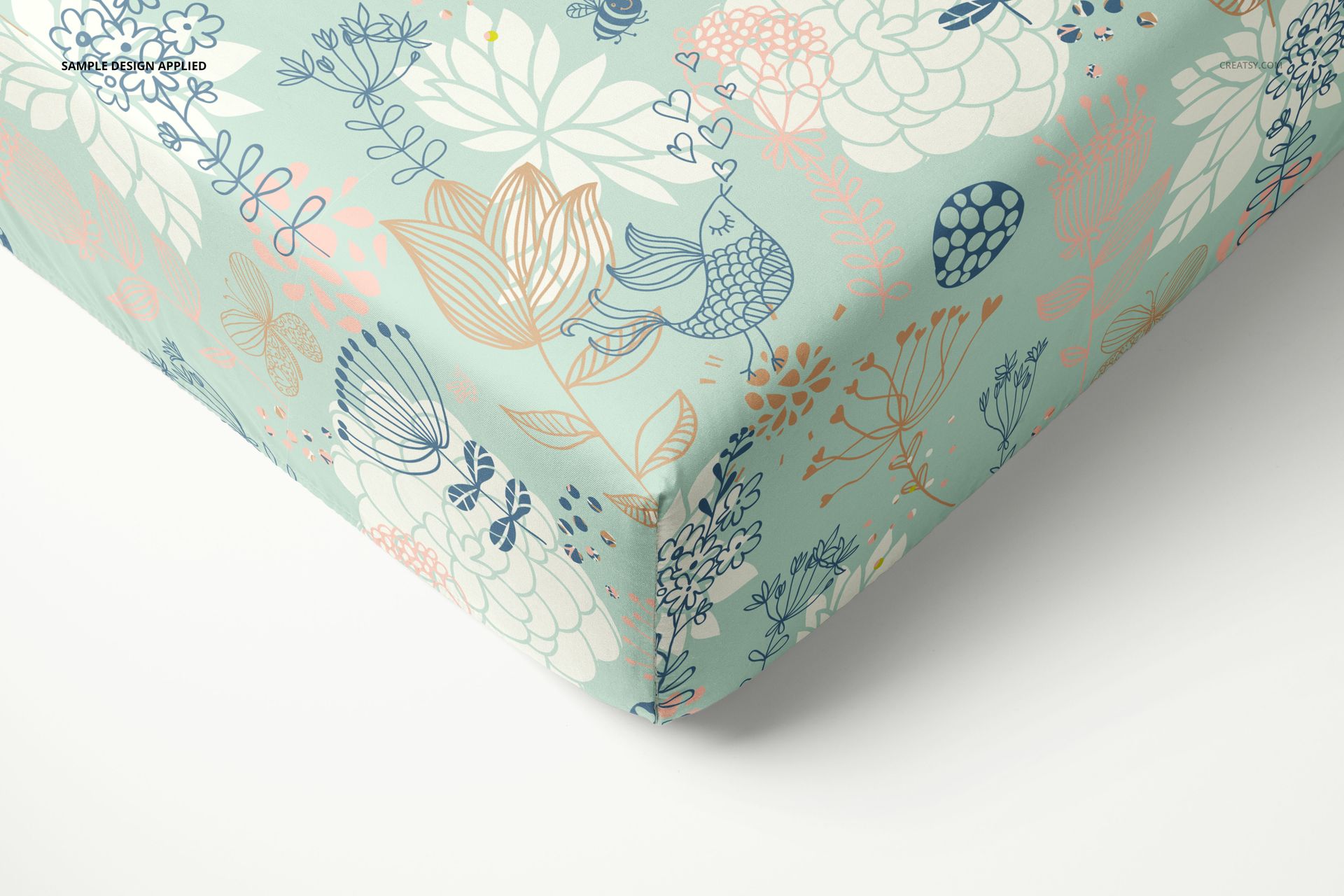
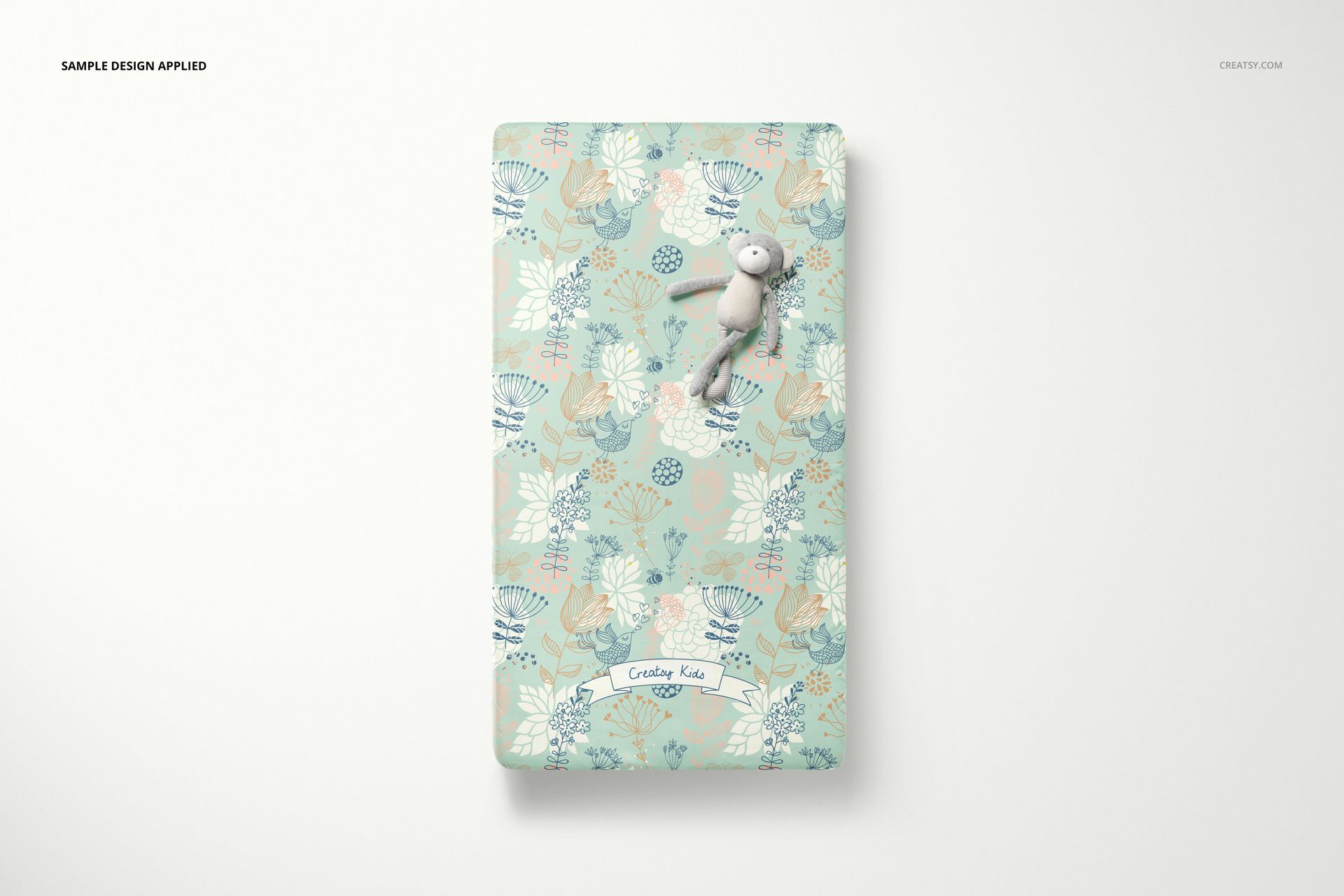
Show a fitted crib sheet from the angles that matter to a textile presentation: an angled mattress view, two overhead compositions and a close-up of the fitted corner. Four PSD scenes let you move from the overall pattern to the way its artwork follows the sheet's edges and folds.
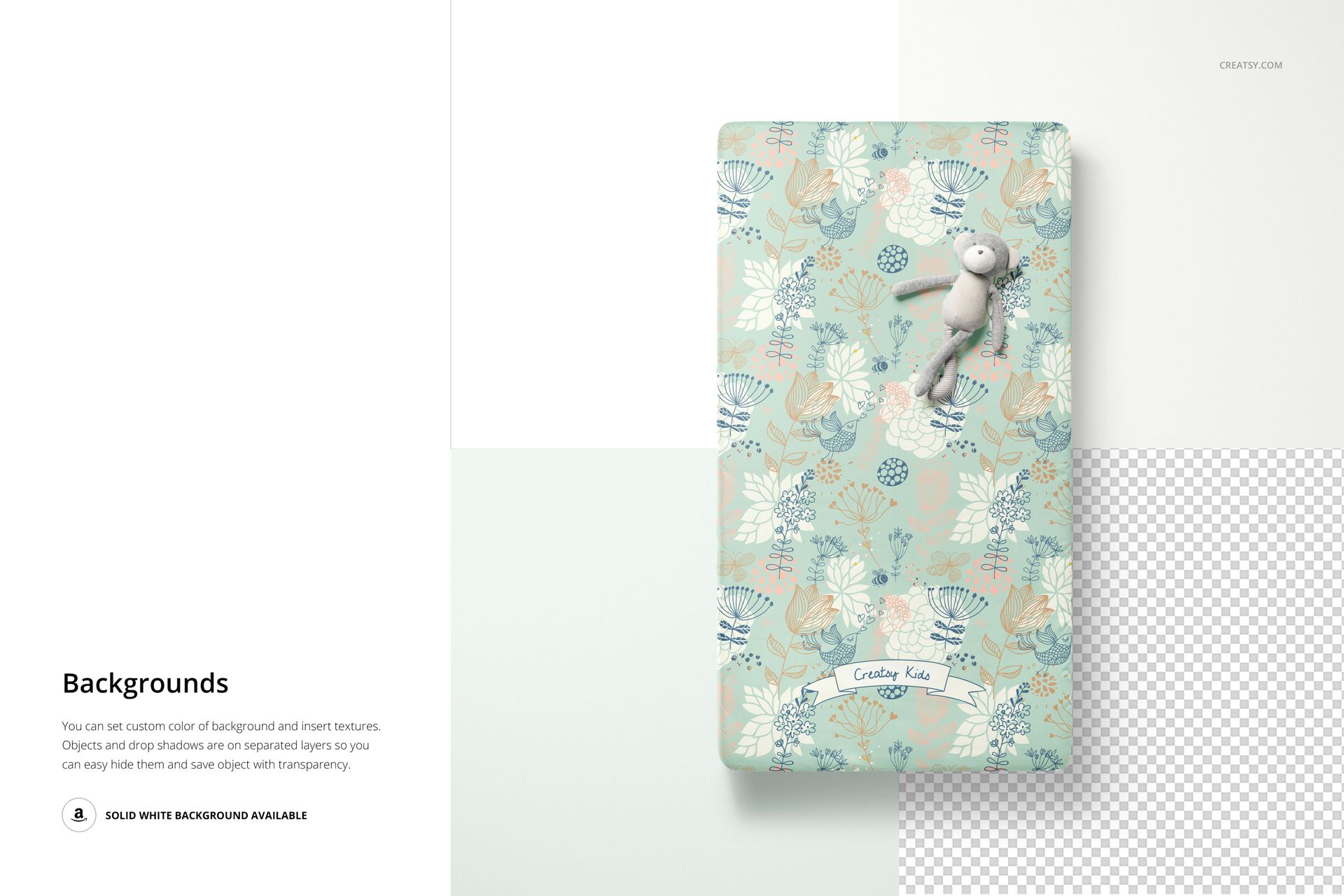
The isolated setup keeps attention on your design. Use a clean white background for a focused product image, a collection color for a presentation board, or a custom background texture to complement the fabric artwork.
Four Editable Sheet Views
4 layered PSD mockup files, each 6000 × 4000 px at 300 DPI.
4 JPG previews and 1 PDF user manual, 9 files in total.
Adobe Photoshop CC2018 or newer and Photopea compatibility.
Represented sheet size: 52 × 28 × 8 inches.
Control the Sheet and Its Surroundings
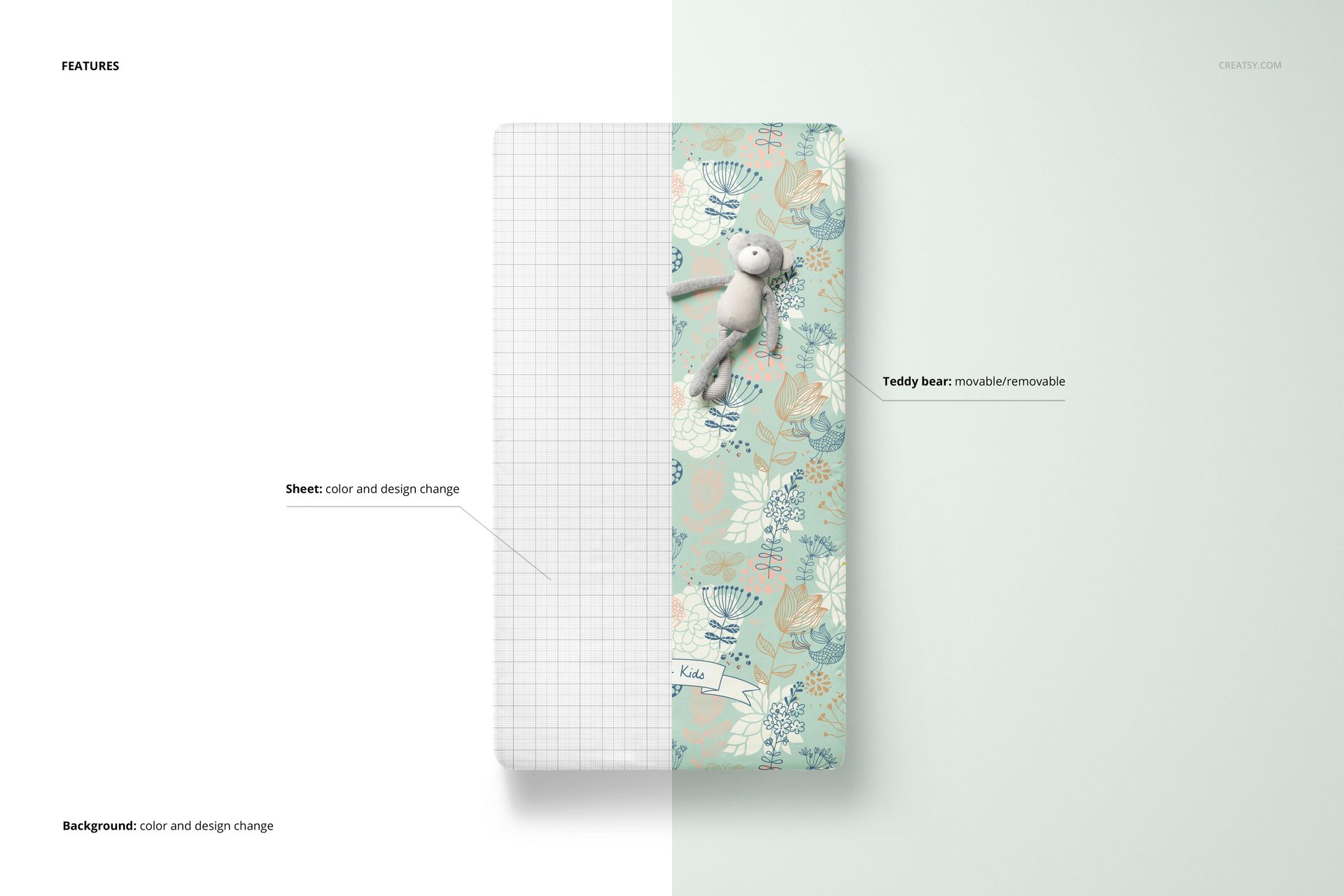
Change the sheet's color and design, adjust the background color or insert a texture. The teddy bear can be moved or removed in the scenes where it appears. Separate object and shadow layers also support transparent-background presentations.
Smart Object Editing
Add your artwork to the design Smart Object, save the contents and inspect the updated sheet. Check the same pattern in the overall and corner views to assess its apparent scale and the placement of important motifs.
For Baby Bedding Designers
Create a coordinated gallery for nursery textile proposals, surface pattern portfolios and baby bedding brand presentations. Keep the artwork consistent across views so that each image explains a different part of the design.
This is a digital mockup set, not a physical sheet or mattress. Preview patterns are examples only and are not included.