Sleeve Slide Box on Sand Dunes Mockup
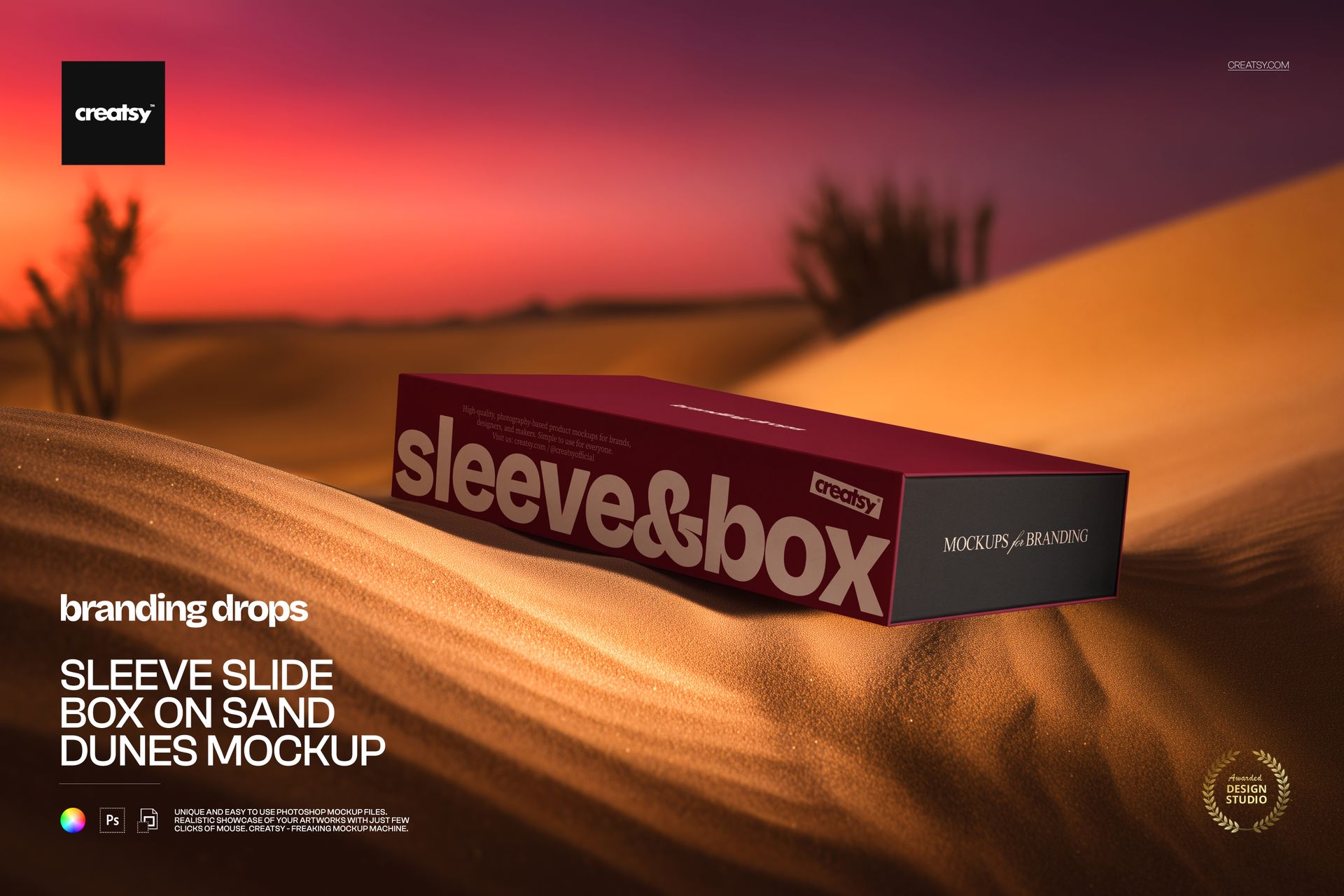
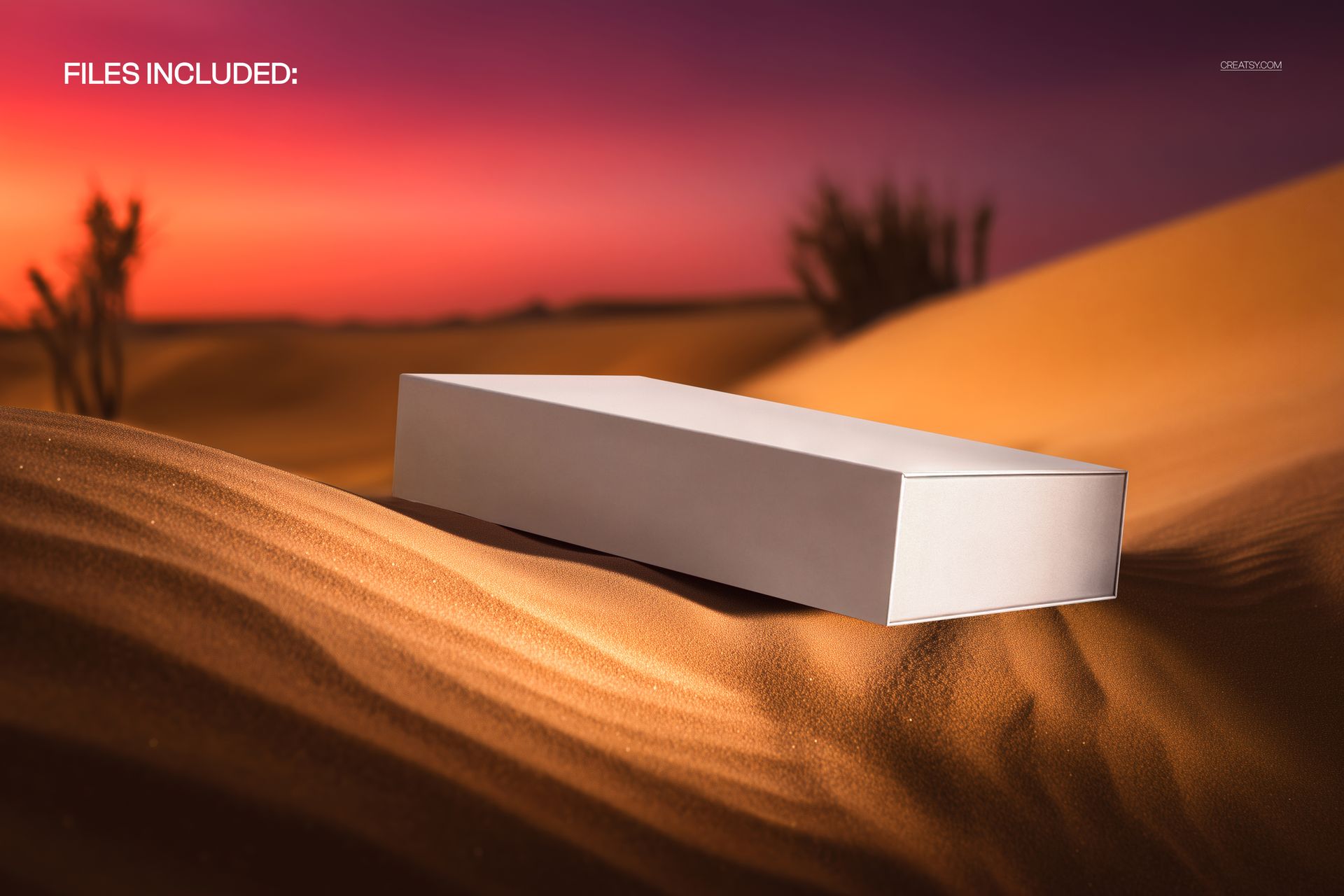
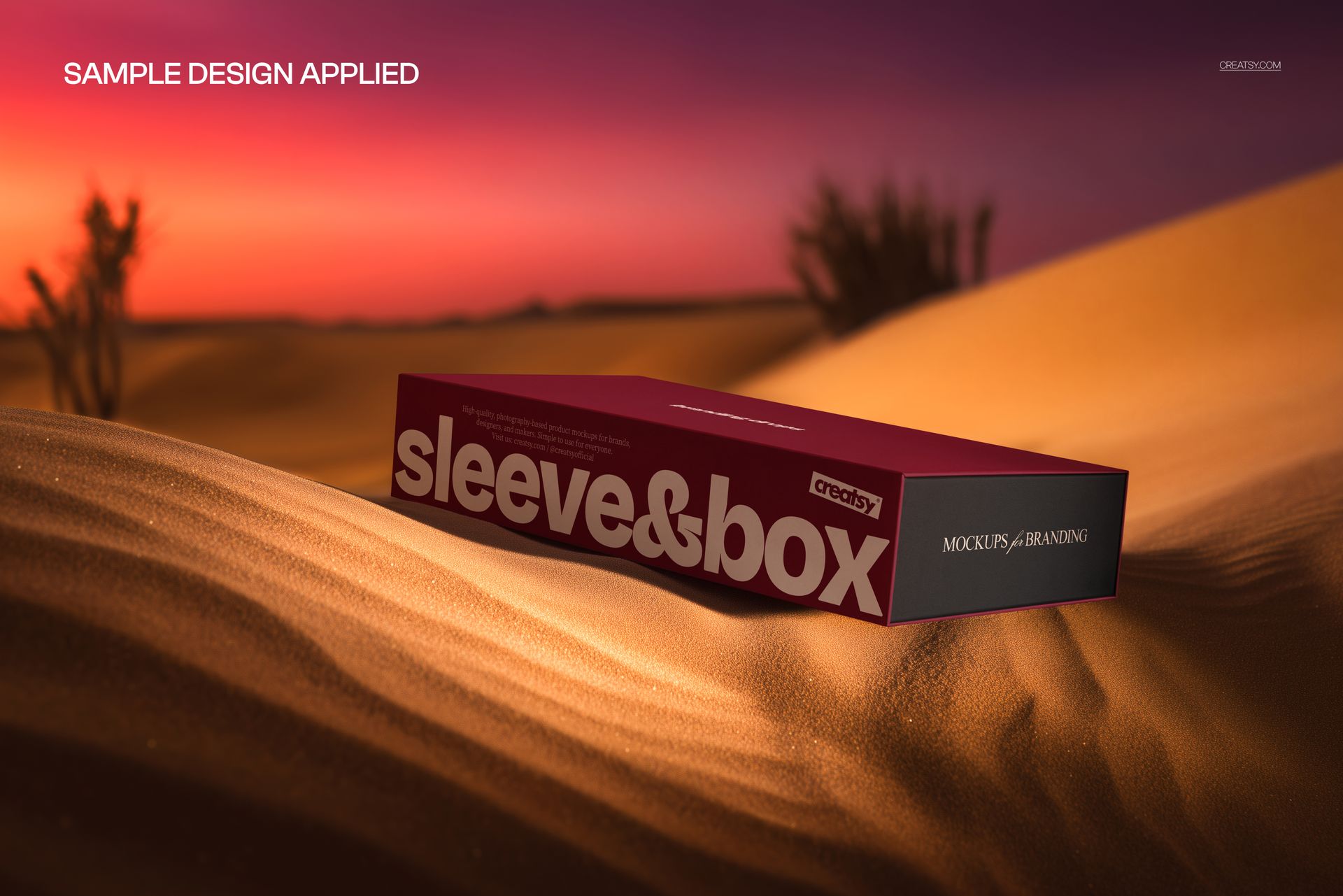
Golden dunes and a red-purple sunset frame a long rectangular sleeve slide box. The low, three-quarter view shows the broad sleeve face, top surface and exposed end of the inner box, giving you a useful angle for presenting both components together.
Rather than a neutral studio scene, this mockup places your packaging in a warm desert setting. Use it for a campaign image or portfolio presentation where the surroundings are part of the visual direction.
What Is Included
1 layered PSD containing one editable mockup scene.
5000 × 3333 px at 300 DPI, landscape orientation.
1 JPG preview, 2 files in total.
Compatibility with Adobe Photoshop CC2020 or newer and Photopea, the free online editor.
Give the Sleeve and Box Different Roles
Try a bold wordmark across the sleeve and a quieter treatment on the box end. Compare matching colors with a contrasting combination to decide whether the two components should read as one package or as distinct layers.
Smart Object Editing
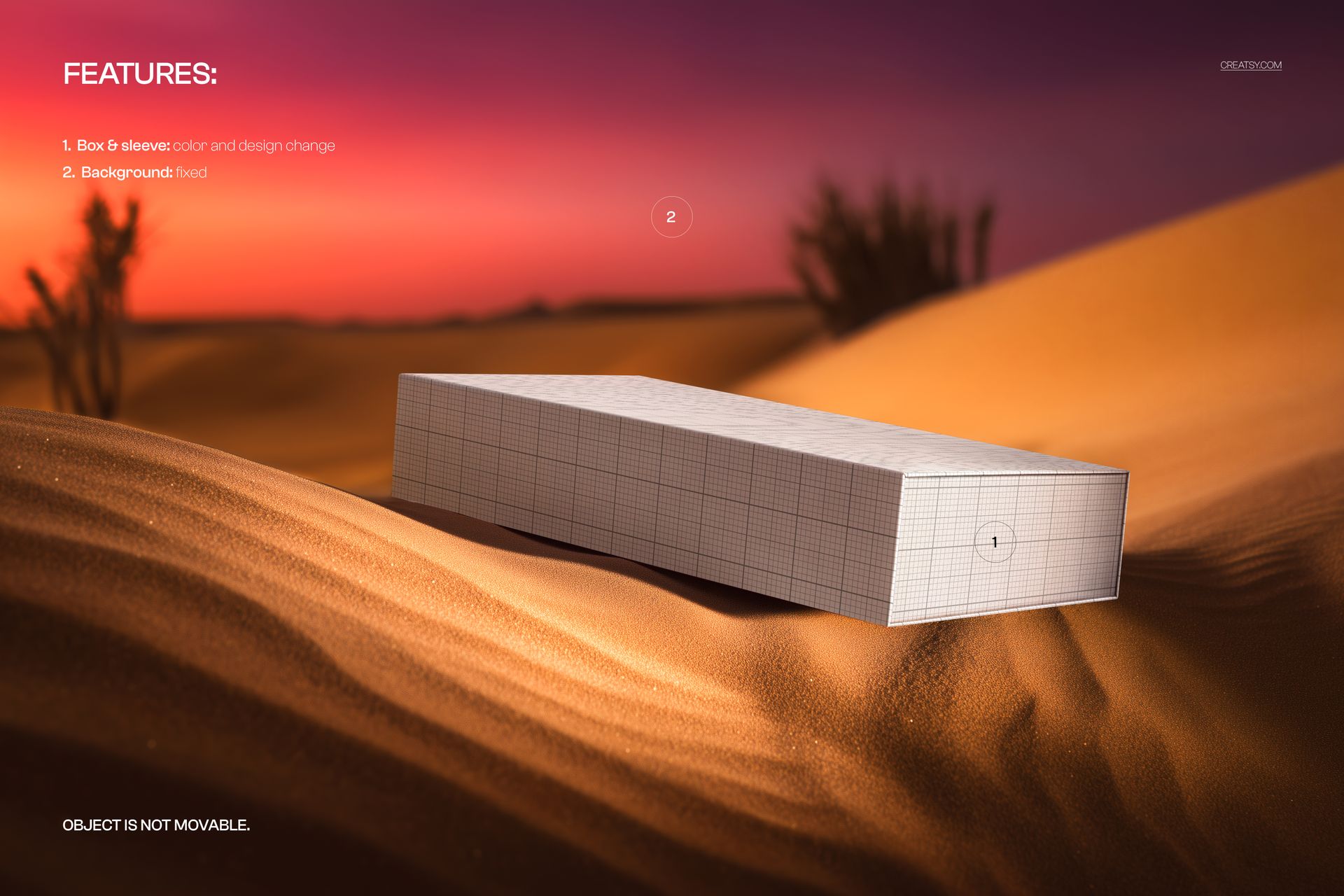
Replace the box and sleeve artwork through the prepared Smart Objects, save your changes and adjust their colors using the available controls. The desert background is fixed, and the box cannot be moved.
Perfect For
Packaging designers developing sleeve-and-drawer concepts.
Brand studios preparing desert-inspired campaign visuals.
Gift and retail packaging presentations.
Portfolio case studies focused on color and typography.
This is a digital presentation mockup. Physical packaging and example artwork are not included. It does not replace your packaging supplier’s production dieline.