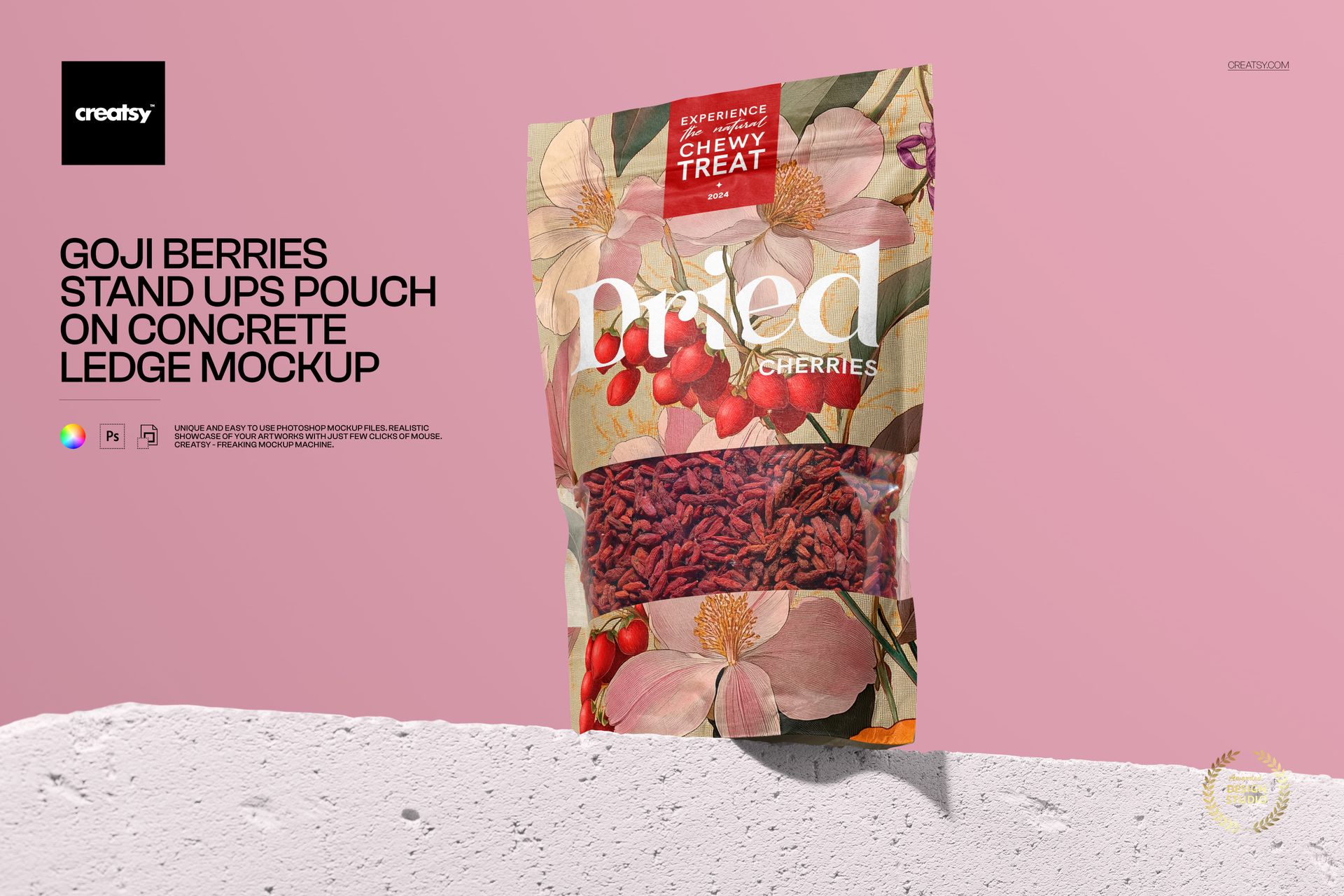
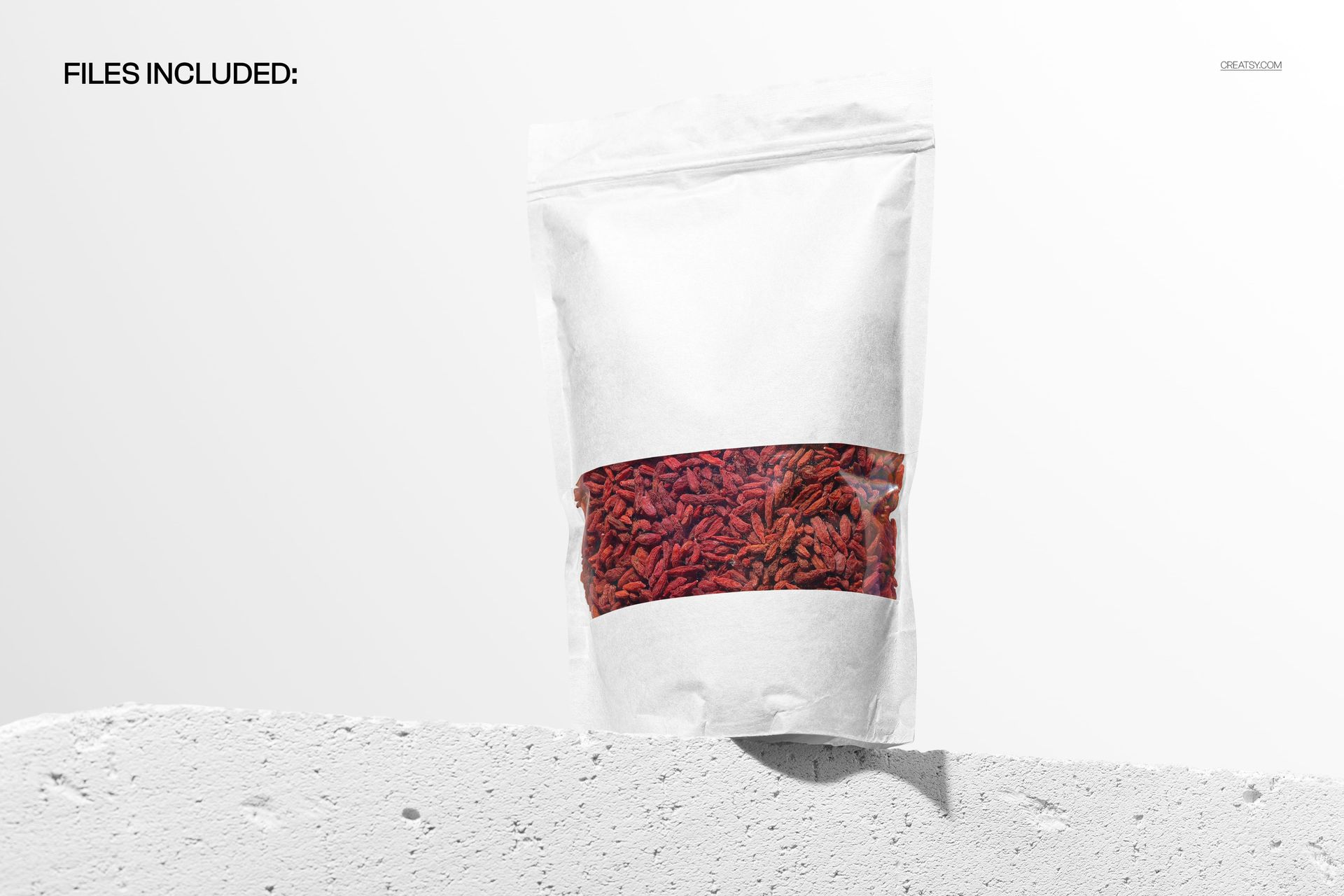
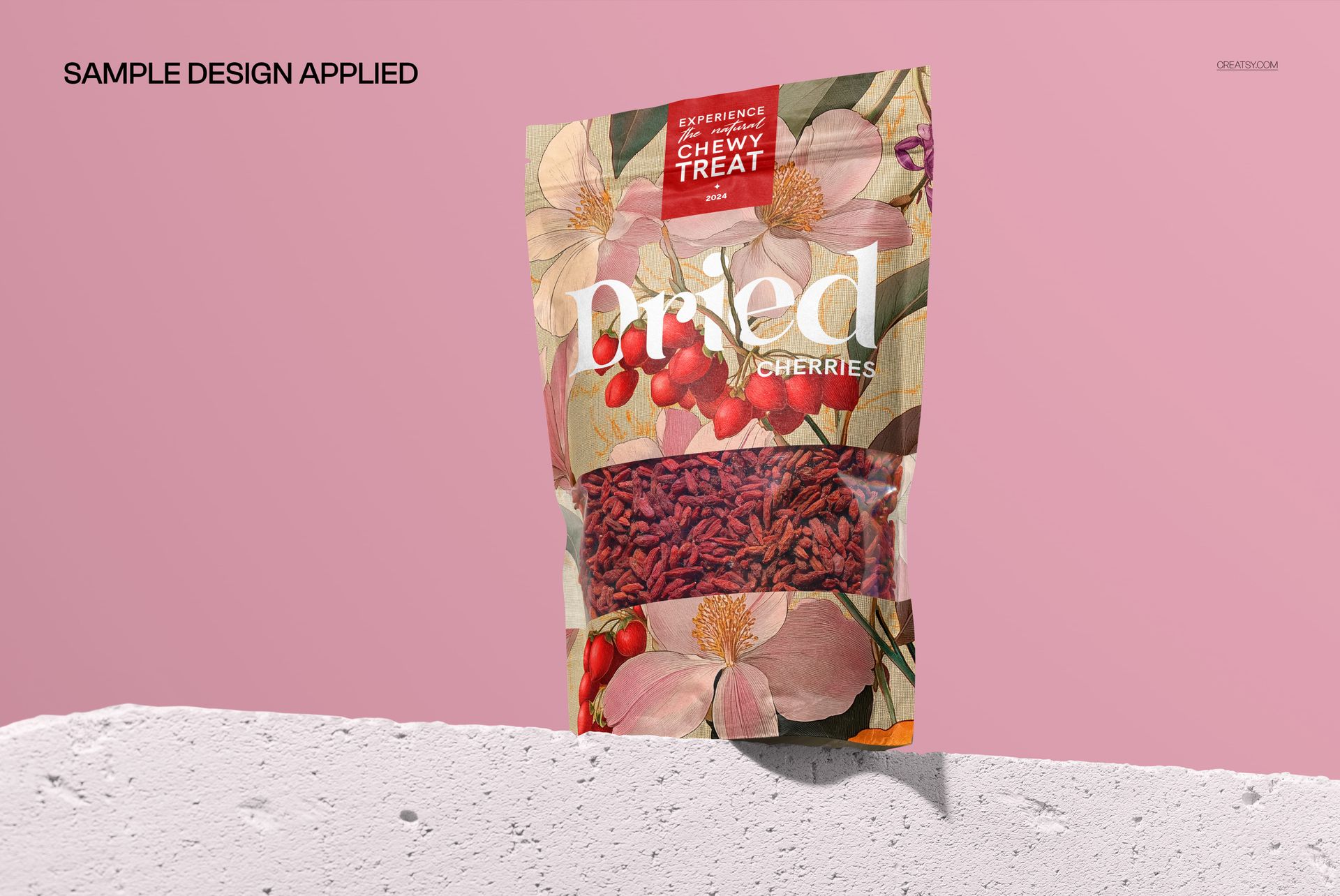
Give your packaging designs a bold, modern showcase with this free Stand Up Pouch on Concrete Ledge Mockup. Drop your artwork into the Smart Object to see it printed on a stand up pouch displayed on a textured concrete ledge against a clean studio backdrop. Customize pouch artwork and base color, tweak the background and concrete tones, and export ready-to-share visuals for snacks, superfoods, pet treats, or cosmetic refills – all free for commercial use (see license for details).
Highlights
- Format: 1× PSD, 6000×4000 px, 300 dpi
- Workflow: Smart Objects; well-organized layers
- Apps: Photoshop (min. CC 2020) + Photopea (free online editor)
- Scene: Stand up pouch on a concrete ledge with soft shadows and studio lighting
- Use cases: food & beverage packaging, superfoods, dry goods, pet treats, cosmetics, ecommerce listings, pitch decks
- License: free for personal & commercial use (see terms)
What’s inside / Specs
- Files: 1× PSD (+ JPG preview)
- Canvas: 6000×4000 px, 300 dpi
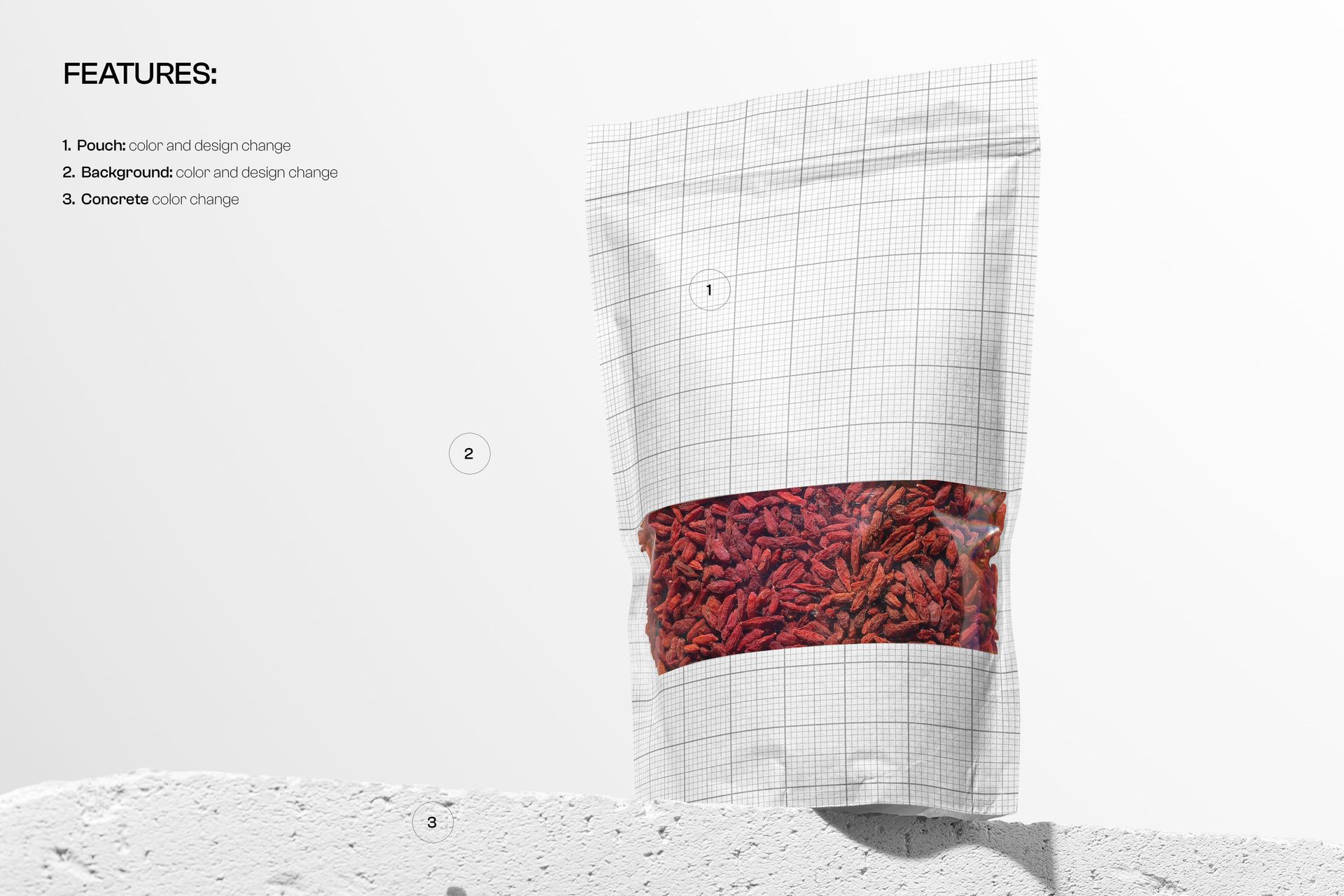
- Editable elements: Pouch design (via Smart Object); pouch base color; background color and background design; concrete ledge color
- Effects & details: realistic pouch crinkles, highlights, subtle transparency on the product window, and concrete texture
- Compatibility: Photoshop CC 2020 or newer; works in Photopea
- Approx. size: ~131–137 MB (archive may vary by compression)
How-to (Photoshop & Photopea)
- Open the PSD in Photoshop (CC2020+) or Photopea.
- Double-click the pouch Smart Object, paste your artwork, save, and return to the main file.
- Adjust color layers for the pouch, background, and concrete to match your branding.
- Optionally tweak global contrast, shadows, and highlights for the perfect presentation.
- Export high-resolution JPG/PNG/WebP for web, print, or client presentations.
License & usage
Free for personal & commercial use (for 1 business, up to 5,000 end products). Source files may not be resold, shared, or redistributed in any form. See the full license on the product page – check the “Freebie” row for complete details.