Running Jersey Mockup Set
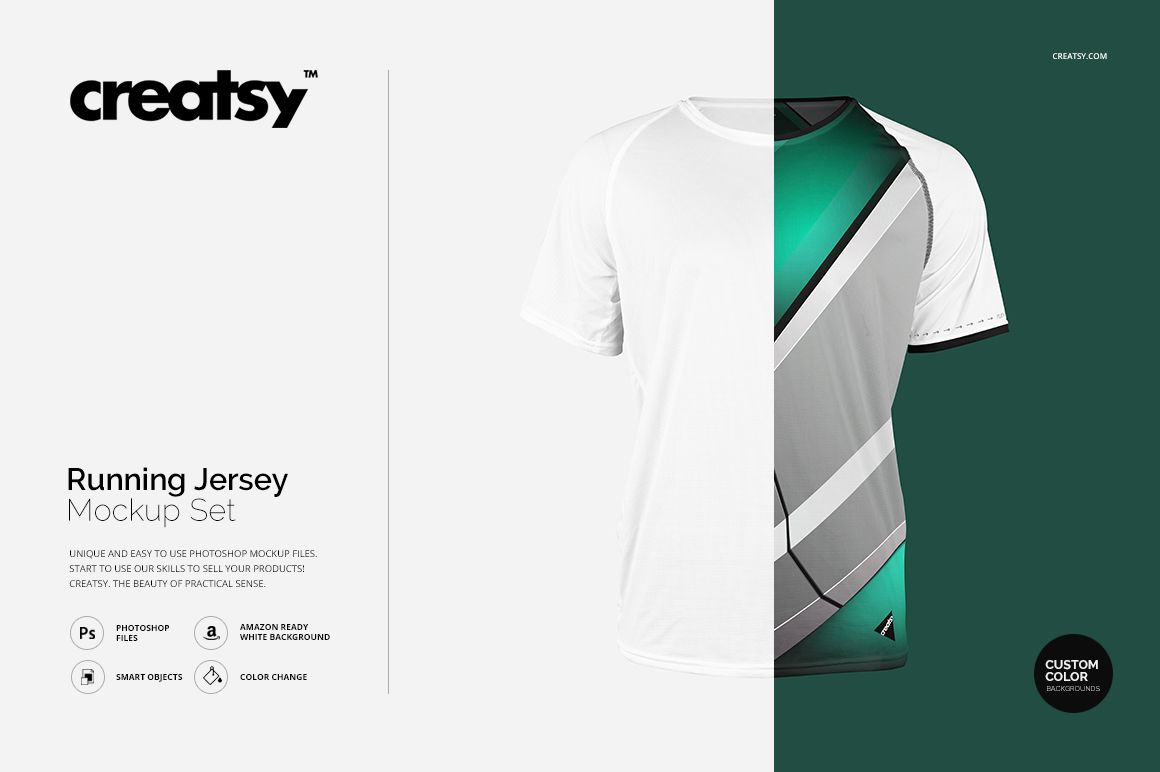
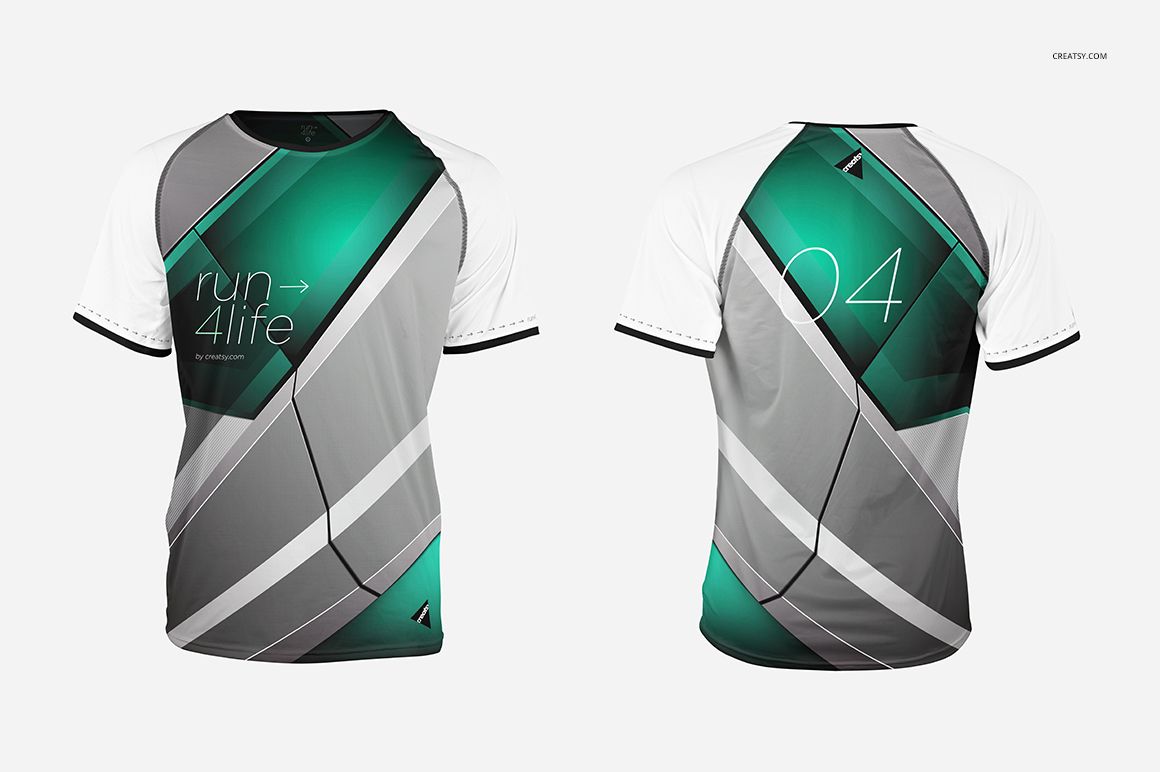
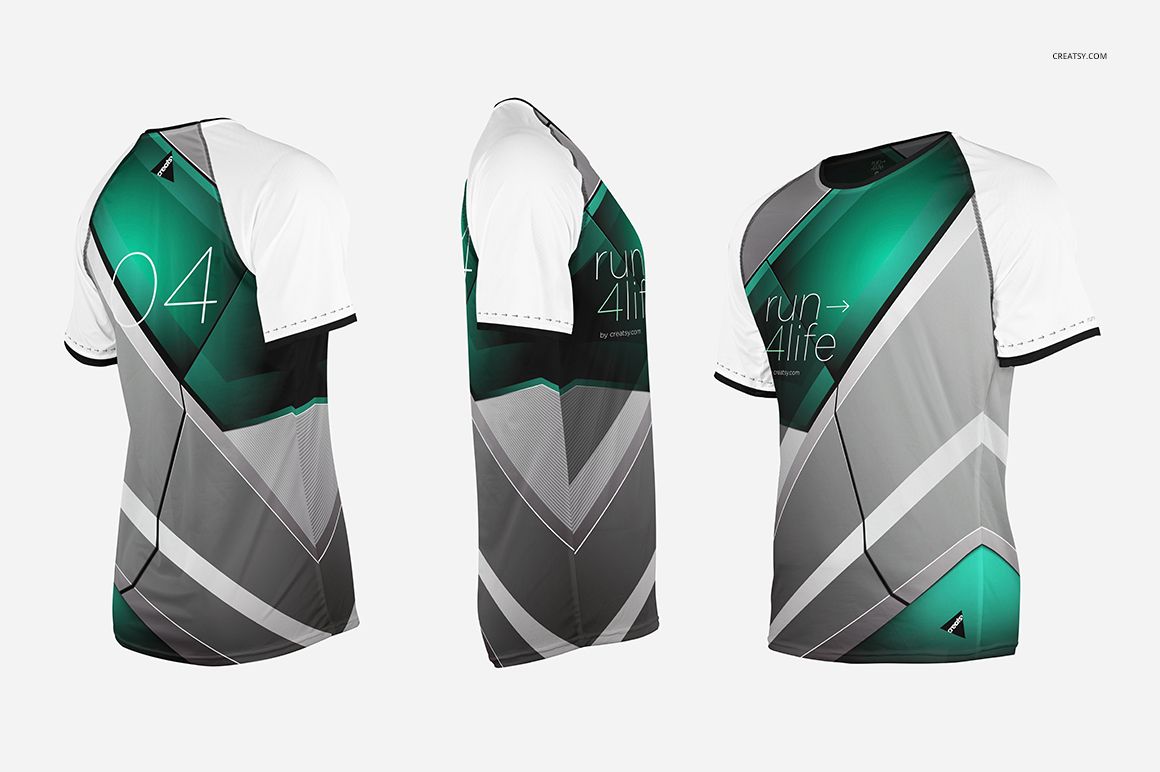
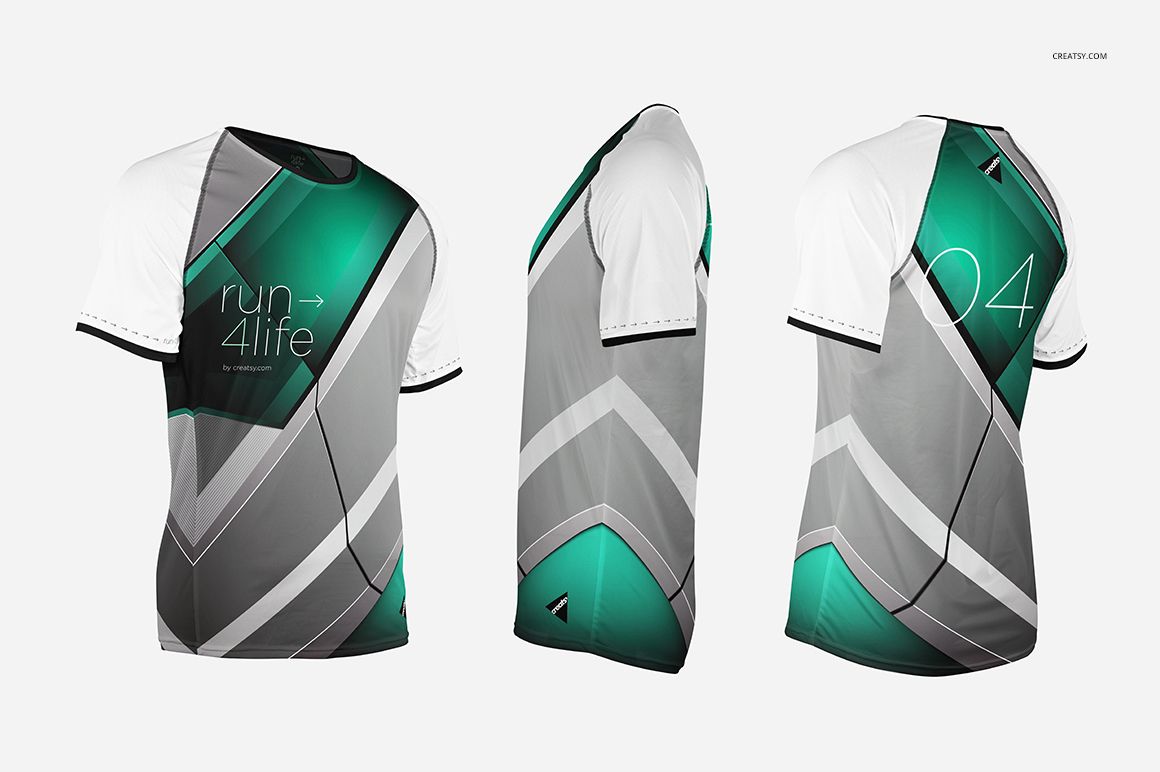
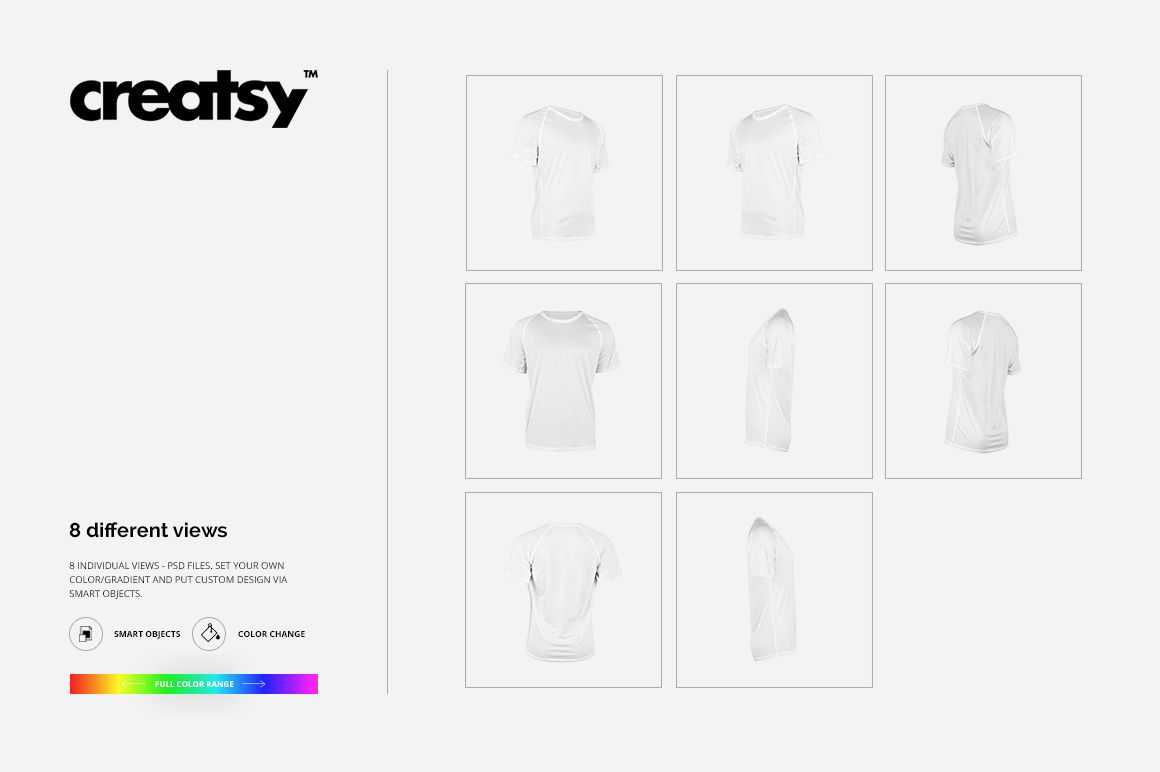
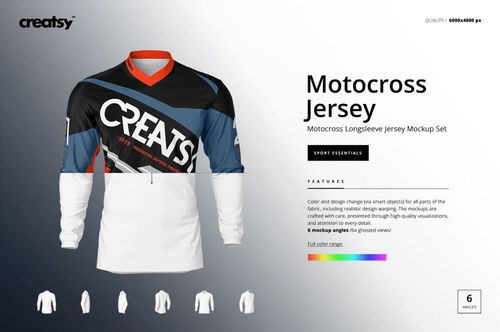
Show one running jersey concept from every important angle with eight coordinated PSD views. Front, back, left, right, and four perspective files help you present one colorway as a complete sportswear story, while the clean studio setup keeps attention on the artwork.
Use the set to review layout continuity, compare jersey colors, prepare client previews, and build product imagery without photographing a physical sample.
What Is Included
8 layered PSD mockup files, each listed at 6000 × 6000 px and 300 DPI
8 JPG preview files corresponding to the jersey views
1 Guide.tif reference file at 1000 × 1414 px
Front, Back, Left, Right, Perspective Front Left, Perspective Front Right, Perspective Back Left, and Perspective Back Right views
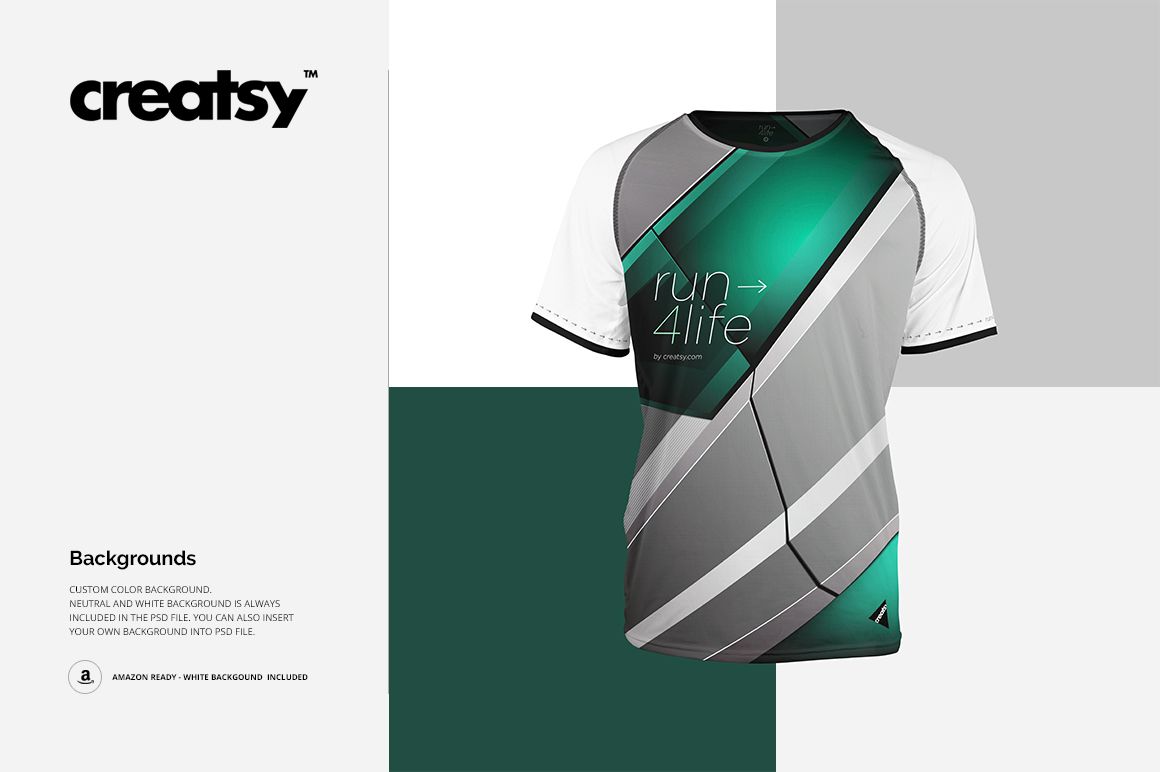
White and neutral backgrounds, with options for a custom color, gradient, or your own background
Eight Angles, One Consistent Presentation
Move from a straight front view to side, back, and three-quarter perspectives without changing the visual language of the presentation. The coordinated angles make it easier to show how graphics continue around the jersey and to build a polished multi-image gallery.
Easy Smart Object Editing
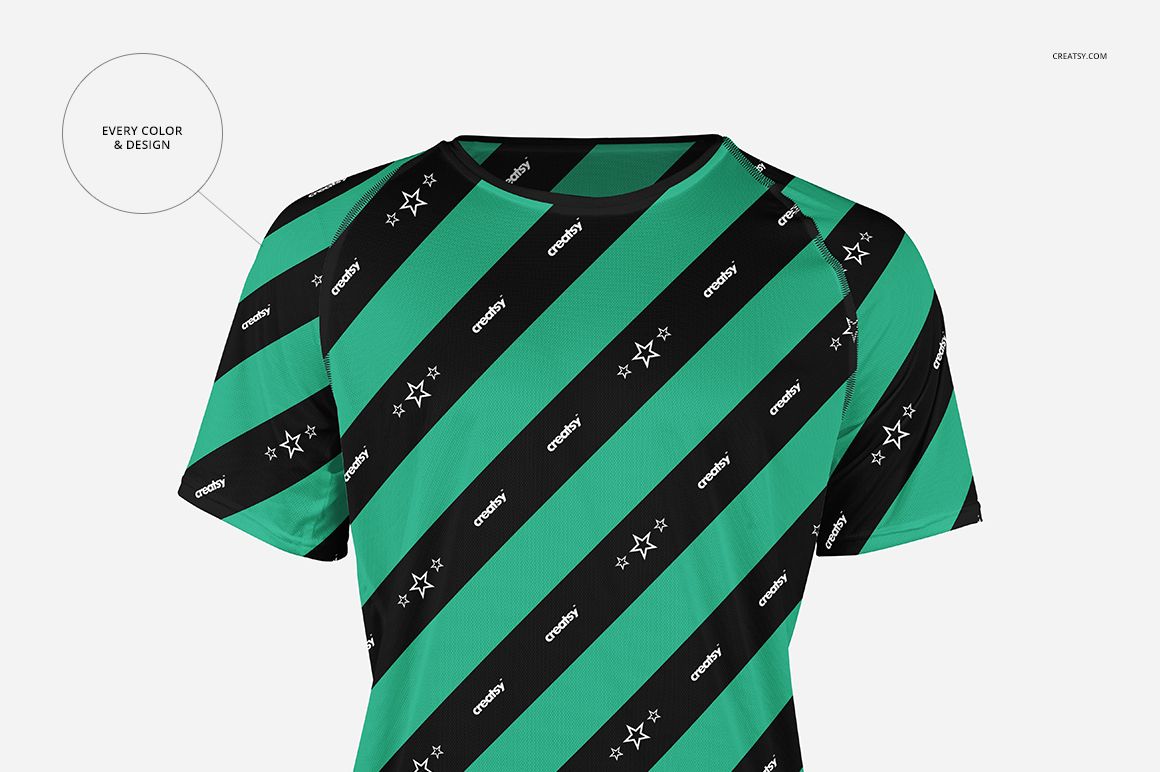
Place your pattern, illustration, team graphics, or event artwork through Smart Objects in Adobe Photoshop or Photopea. Adjust the jersey color and design, then set a background that supports the selected colorway. Organized layers keep the workflow clear while the rendered folds and shadows preserve a realistic result.
Perfect For
Sportswear and athletic apparel designers
Running clubs, race organizers, and team branding projects
Surface pattern designers and illustrators
Apparel brands and ecommerce sellers
Client presentations, design portfolios, and colorway reviews
This is a digital mockup product. The jersey artwork and patterns shown in the preview images are presentation samples and are not included.