Flower Honey Jar Mockup Set
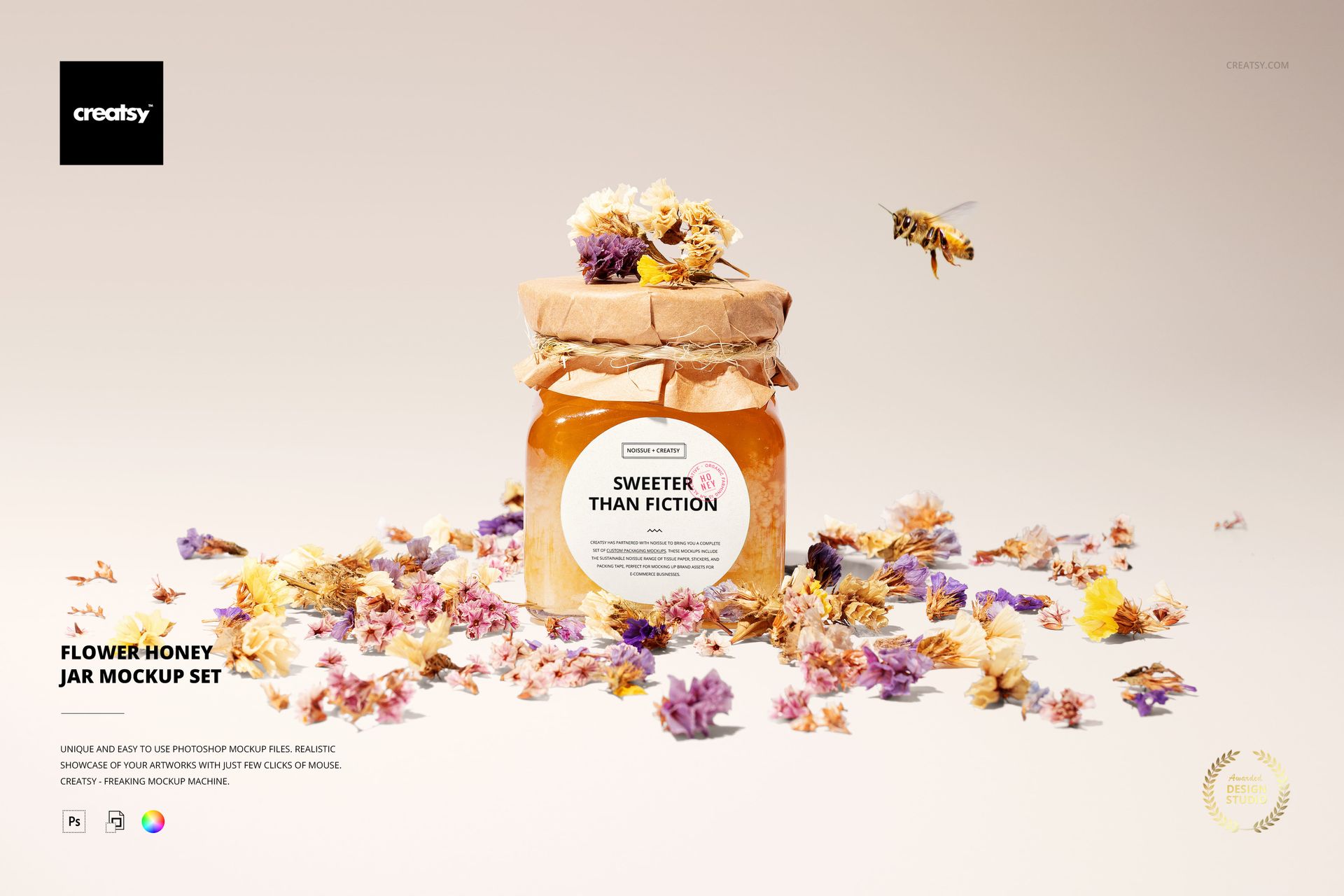
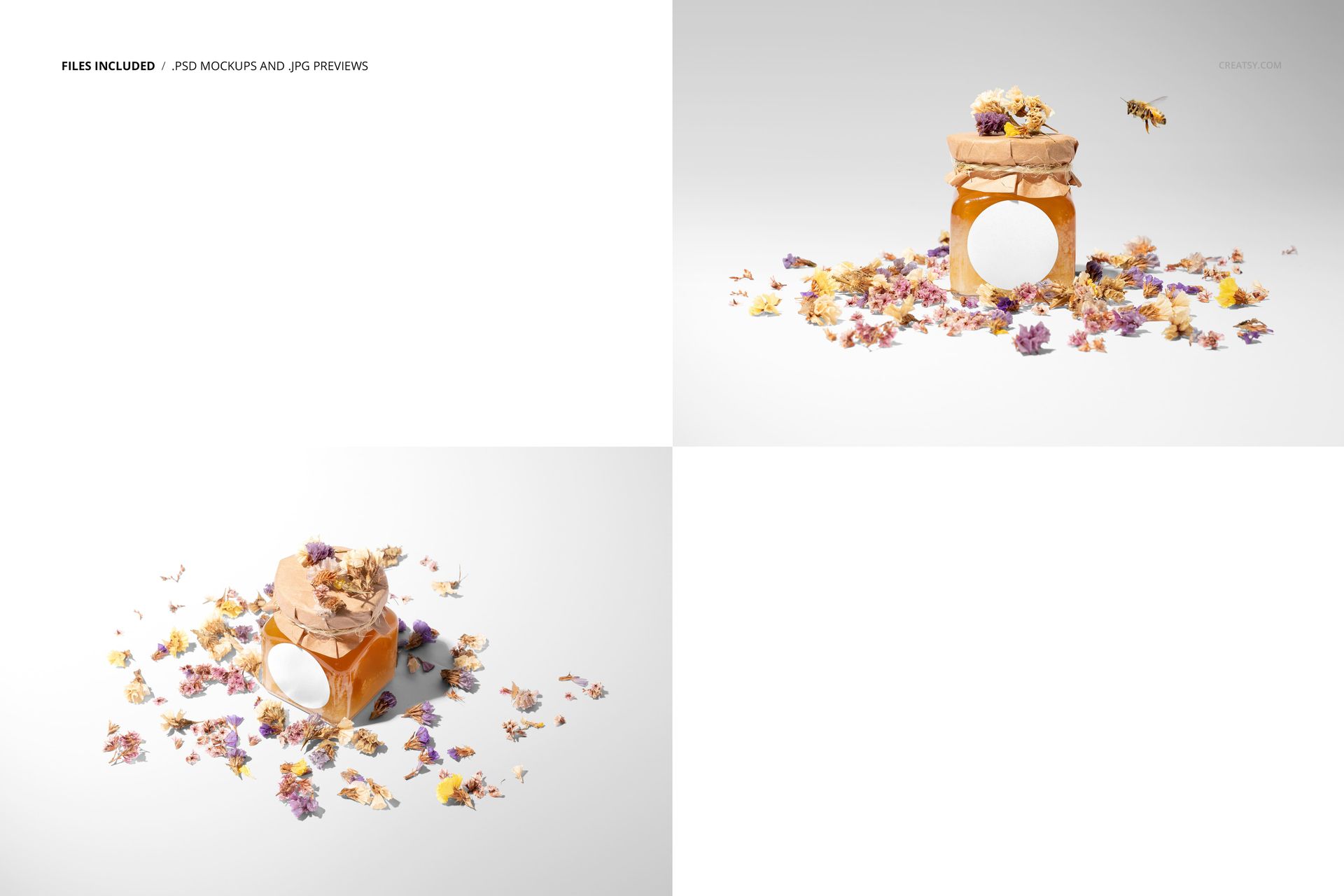
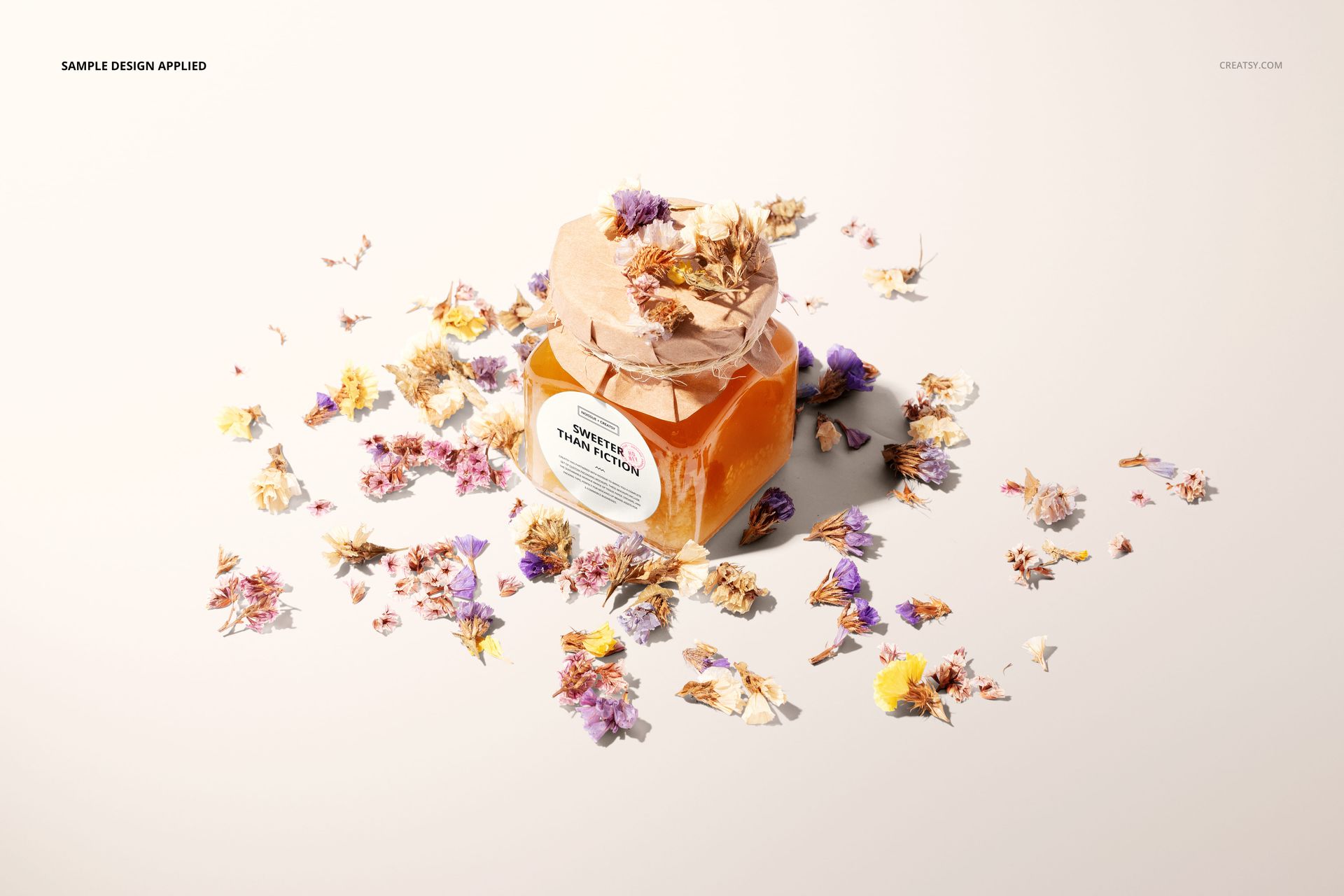
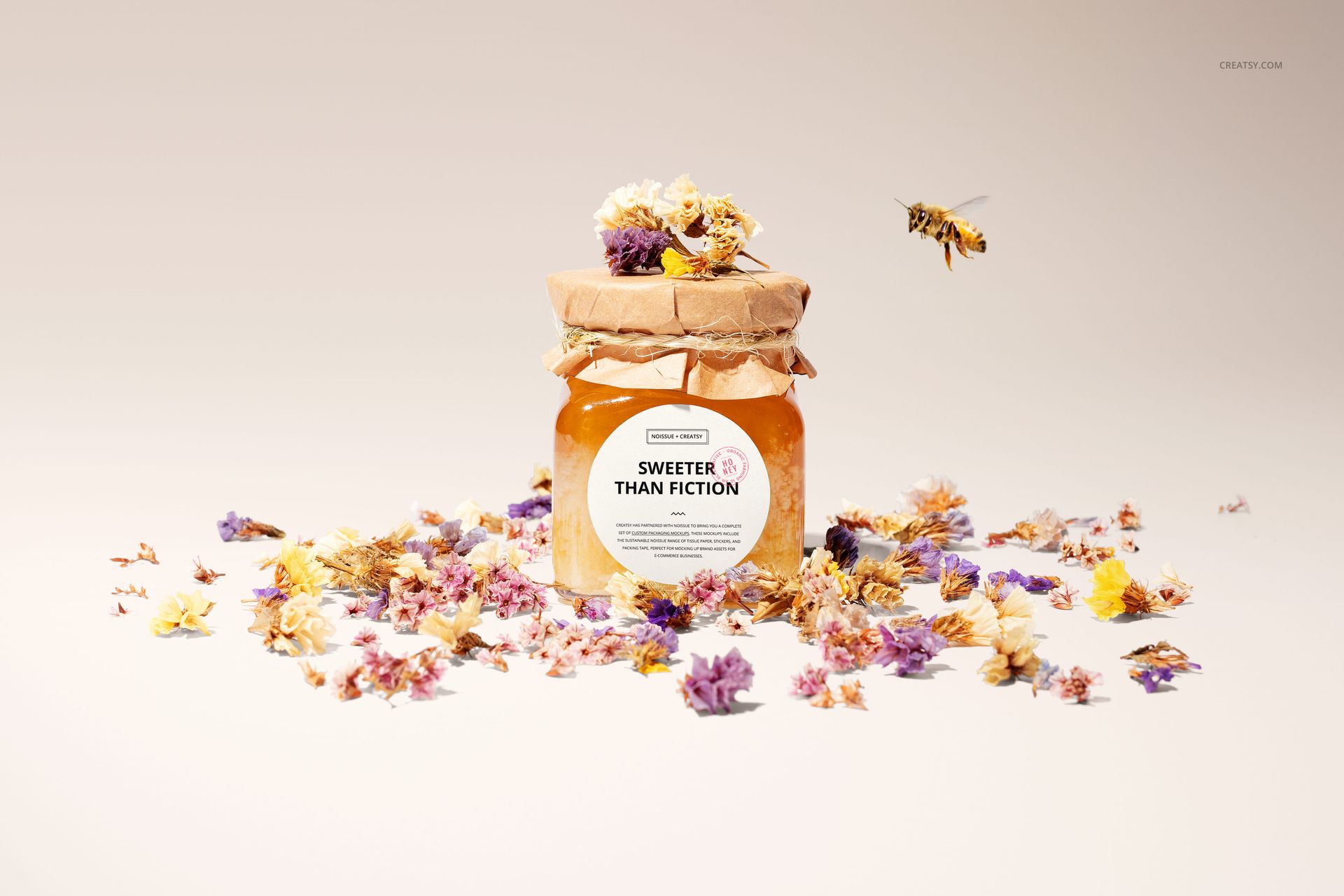
Dried flowers surround a golden honey jar finished with a paper-covered lid and tied twine. A front view with a hovering bee and a higher angled view give you two ways to present an oval label: one centered on the artwork, the other showing more of the floral arrangement and jar top.
What Is Included
2 layered PSD mockups, each 6000 × 4000 px at 300 DPI.
2 JPG thumbnail previews, 4 files in total.
Two complementary compositions of a flower-styled honey jar.
Two Angles on a Flower-Styled Honey Jar
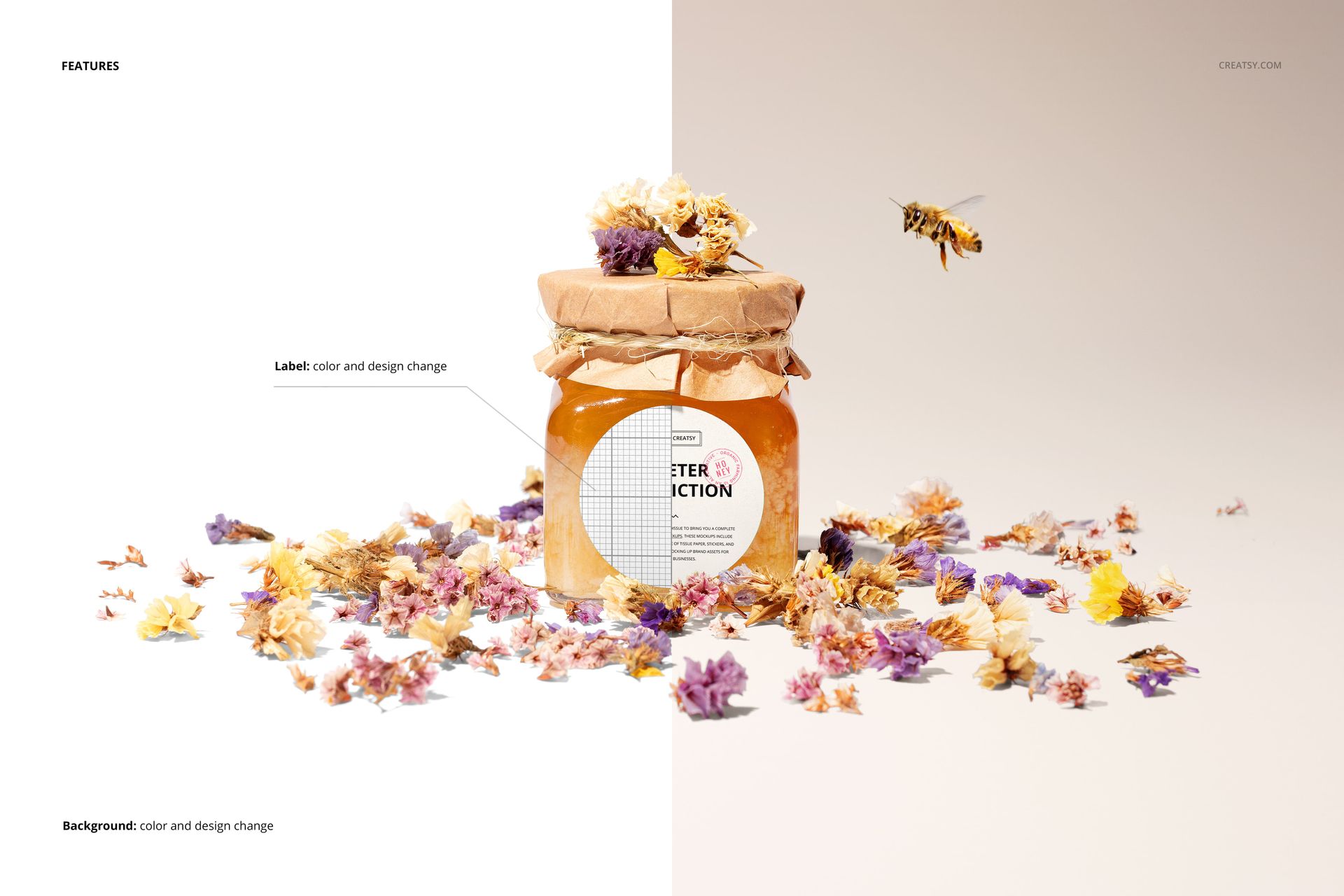
Replace the label design and adjust its color to suit your identity. The paper covering, twine and scattered flowers provide a textured setting for botanical illustration, restrained typography or a bright seasonal palette. Use both angles to show the label within the complete presentation.
Easy Smart Object Editing
Open the files in Adobe Photoshop CC2015 or newer, or Photopea. Insert your artwork through Smart Objects, save the changes and check the result in each scene. The PSD layers are organized for convenient editing.
Perfect For
Honey producers and apiary branding presentations.
Botanical label artwork and seasonal packaging concepts.
Specialty food gifts and wedding favor proposals.
Packaging designers building a two-image client presentation.
This is a digital mockup set. Physical honey, jars, flowers and the sample label artwork are not included.