Three Paper Gift Bags in Mixed Sizes Mockup Set
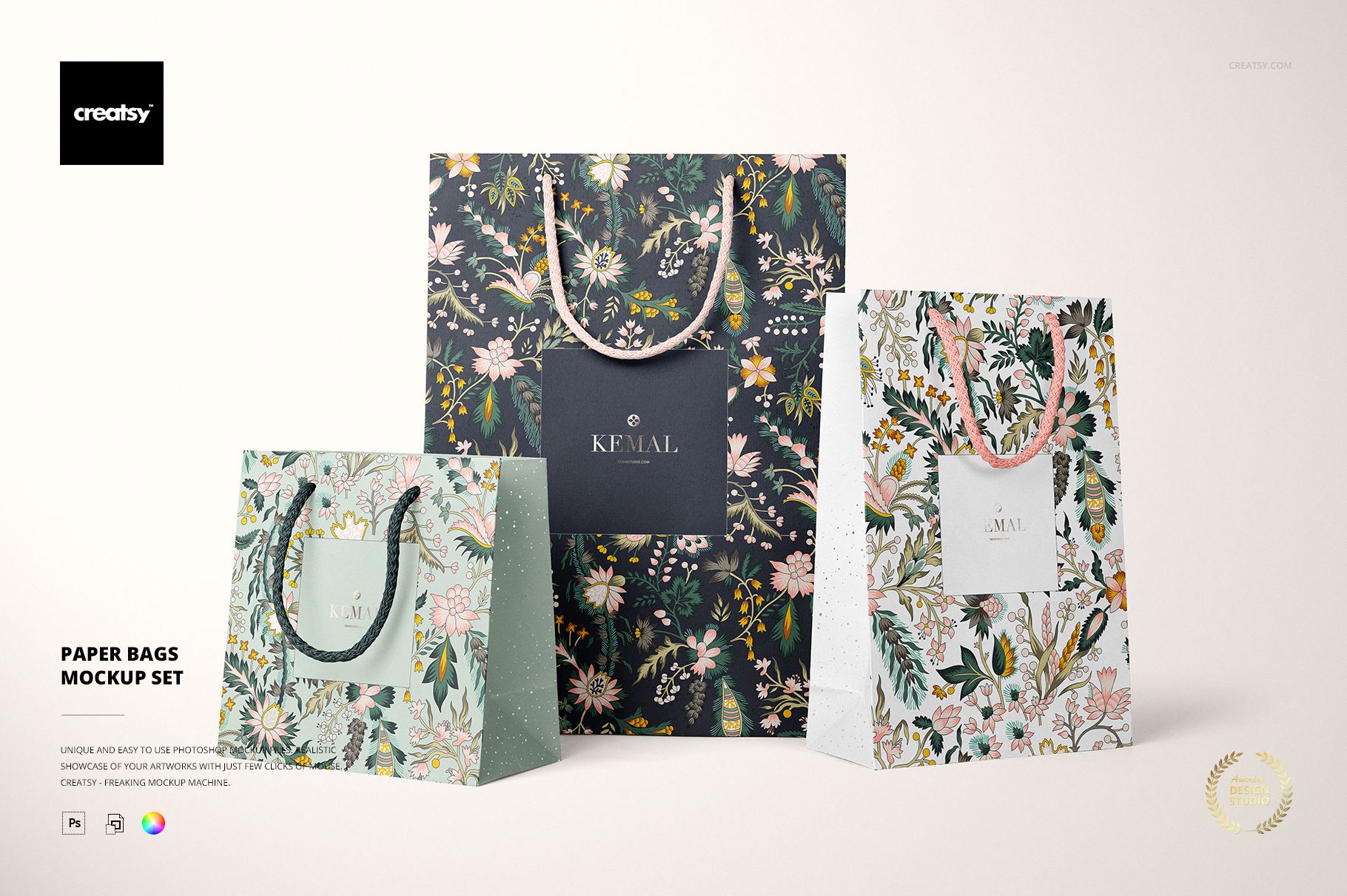
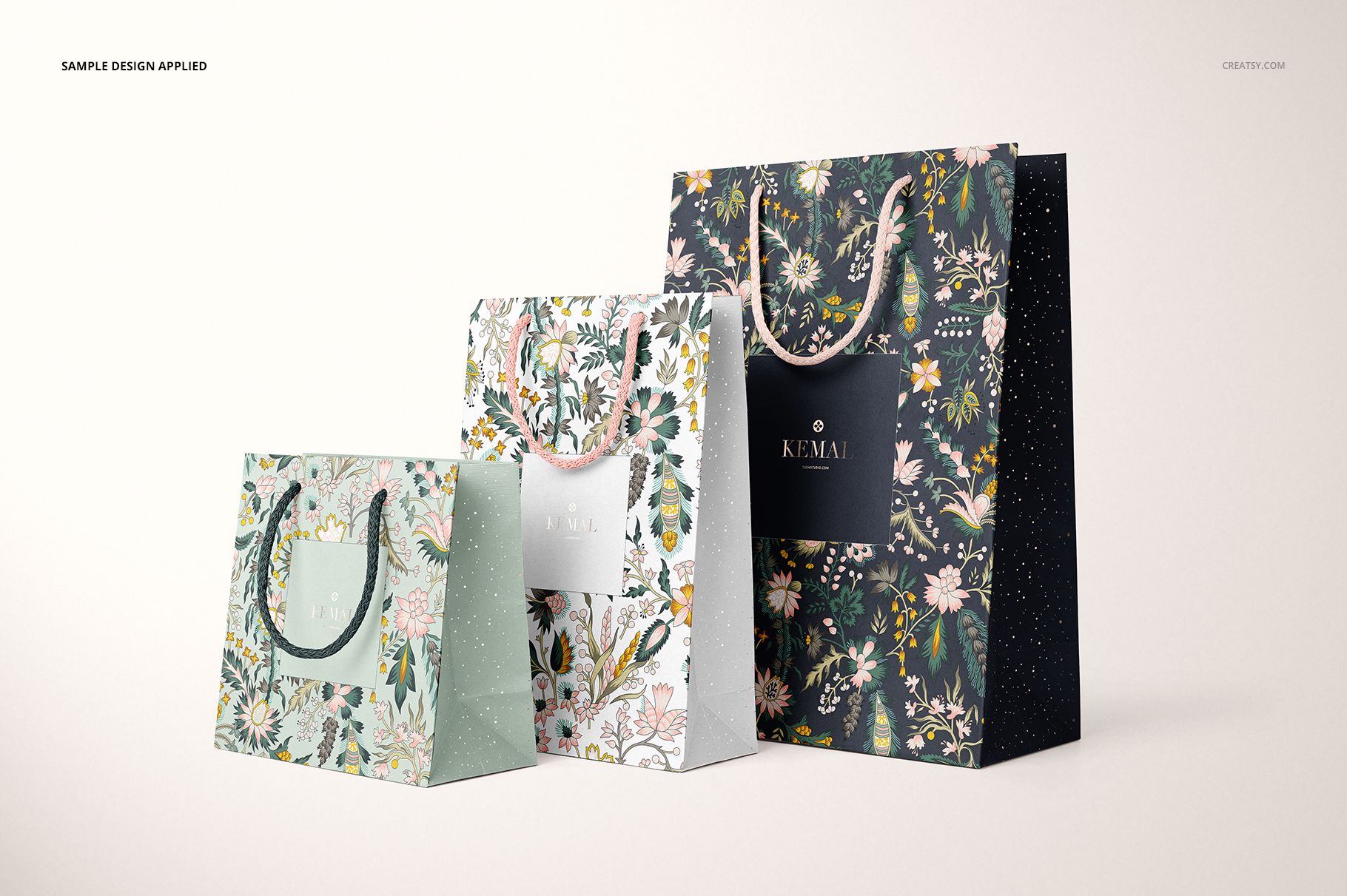
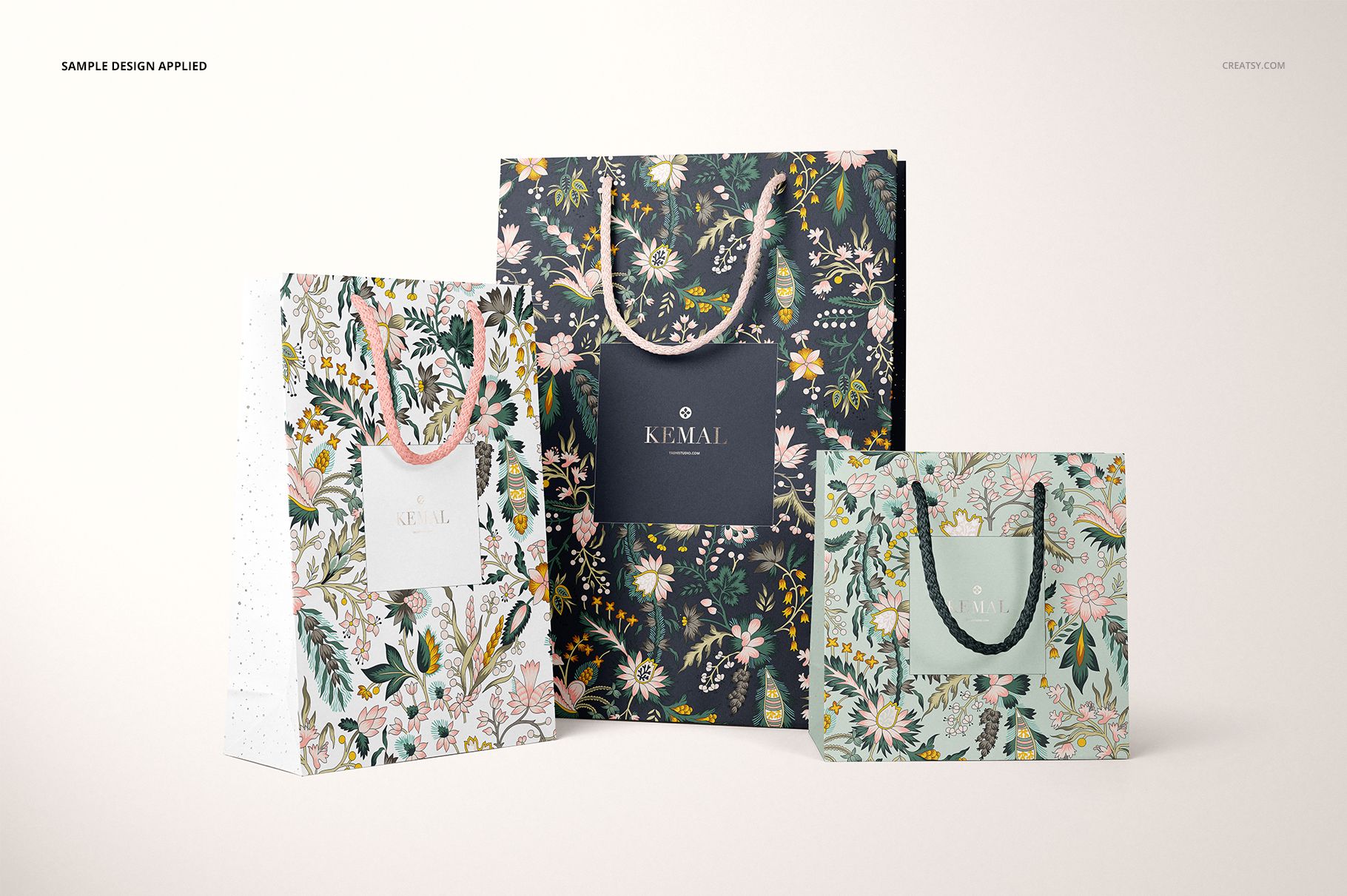
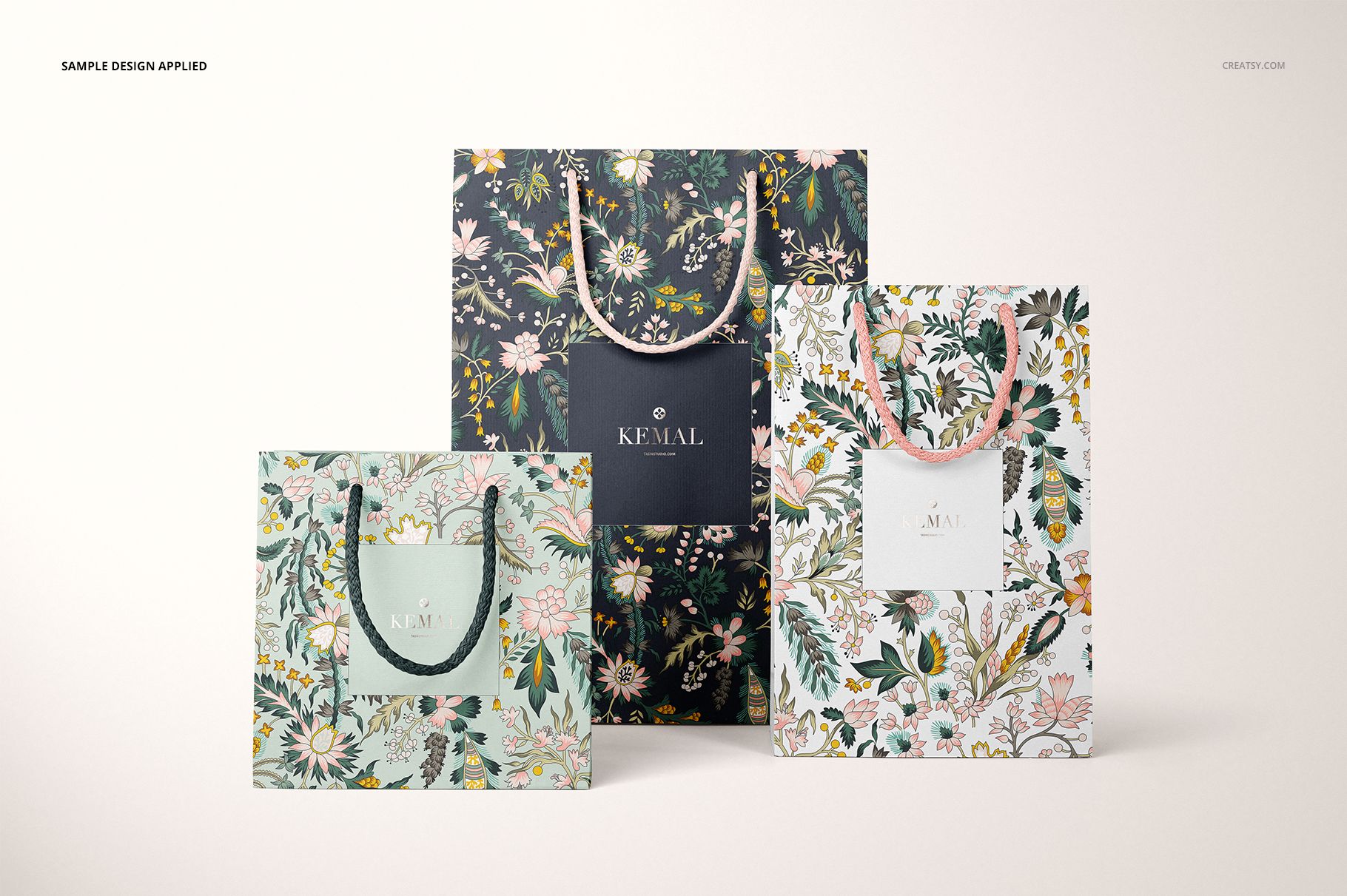
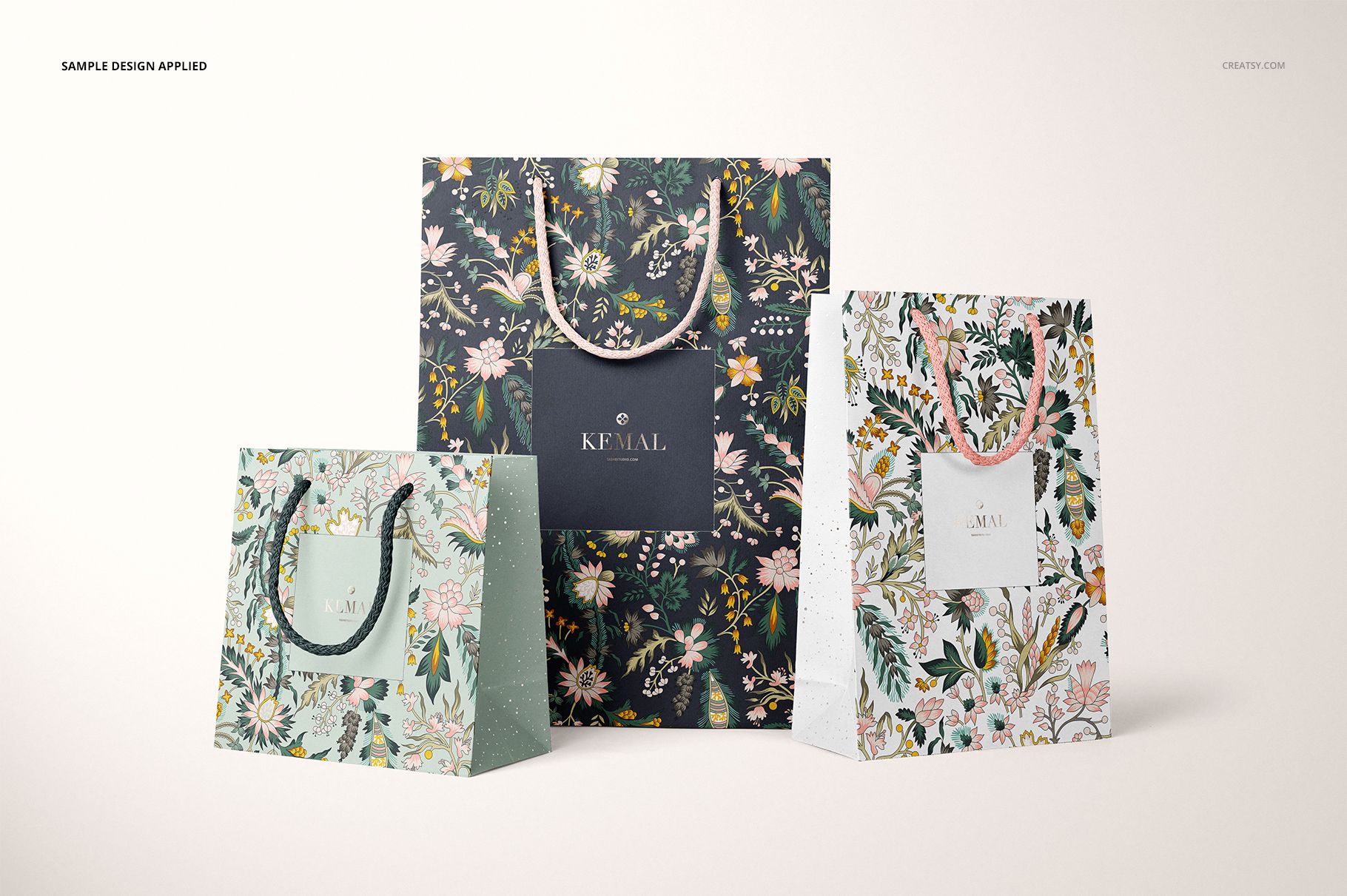
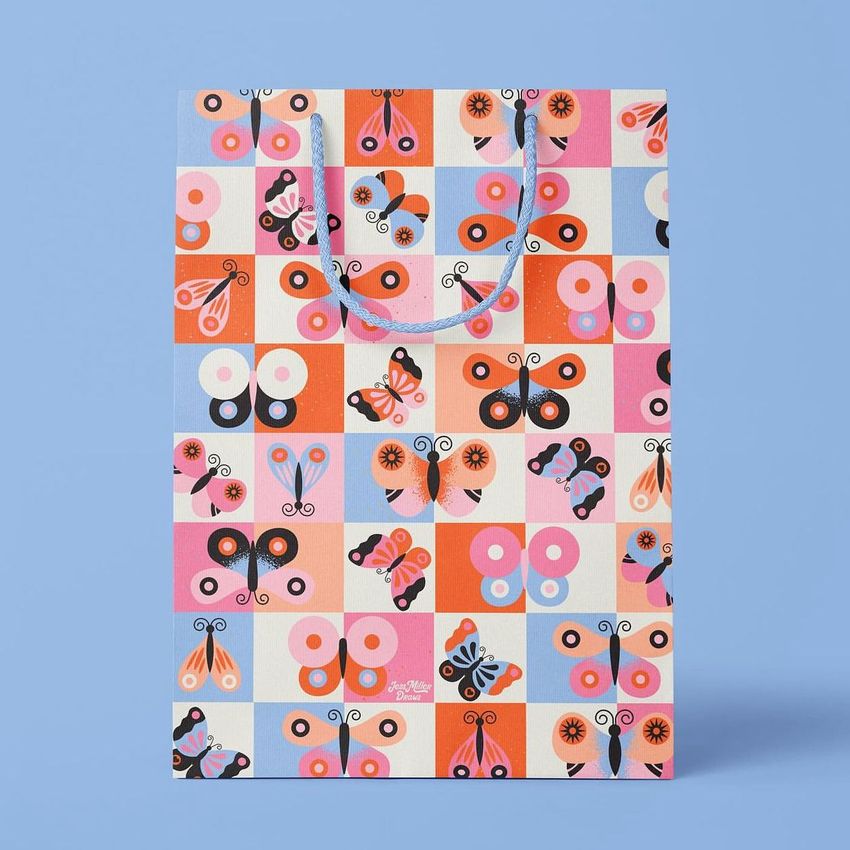
Present a gift bag collection as a coordinated range, with three sizes sharing the same scene. This paper gift bag mockup set includes individual front and angled views alongside group compositions, so you can compare one design across formats or bring three complementary patterns together. Rope handles, visible side panels and a foil stamp option give you specific details to work into a boutique packaging presentation.
What’s Included
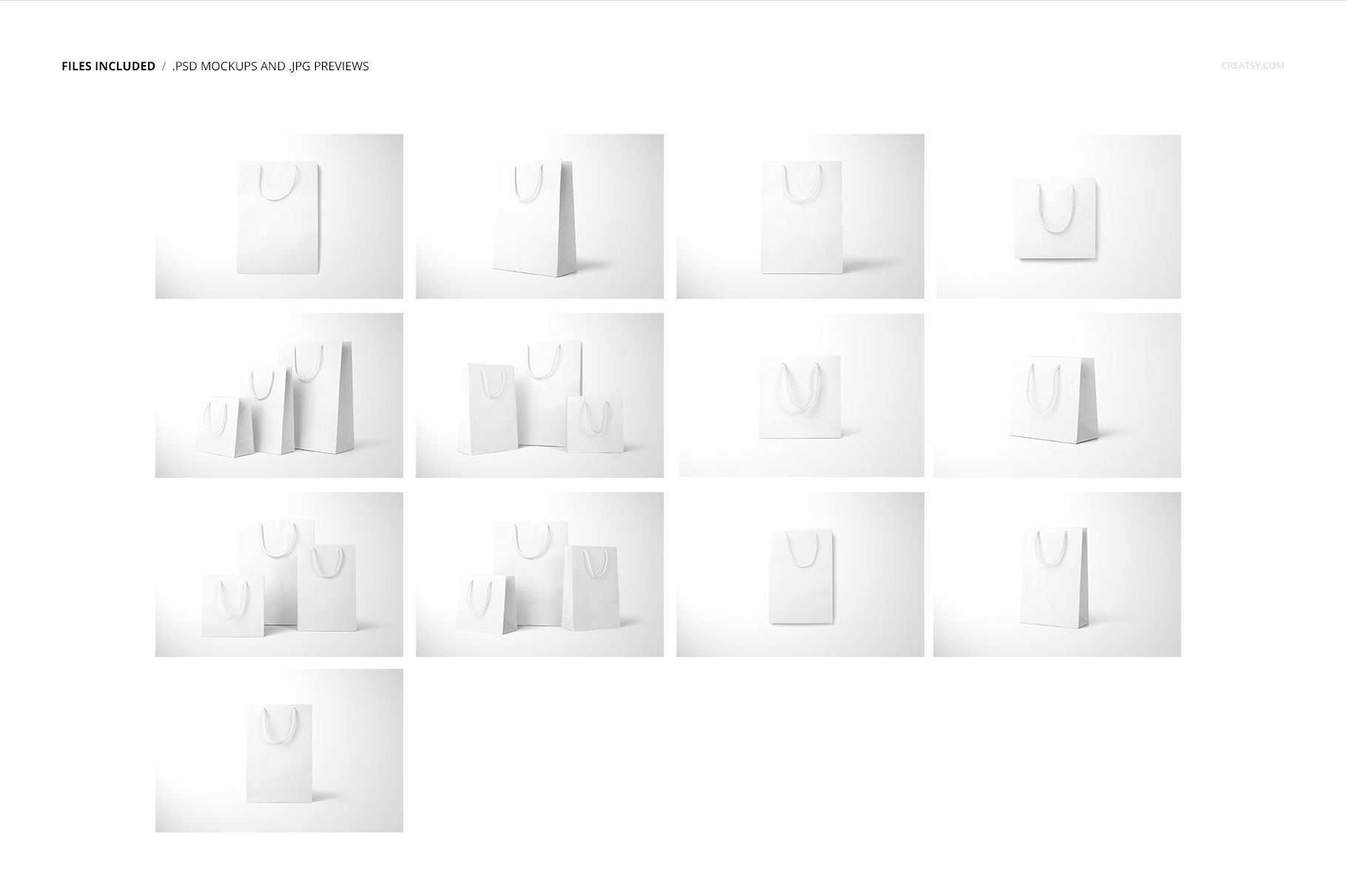
13 layered PSD mockups: four group compositions and three individual views for each of the small, medium and large bags.
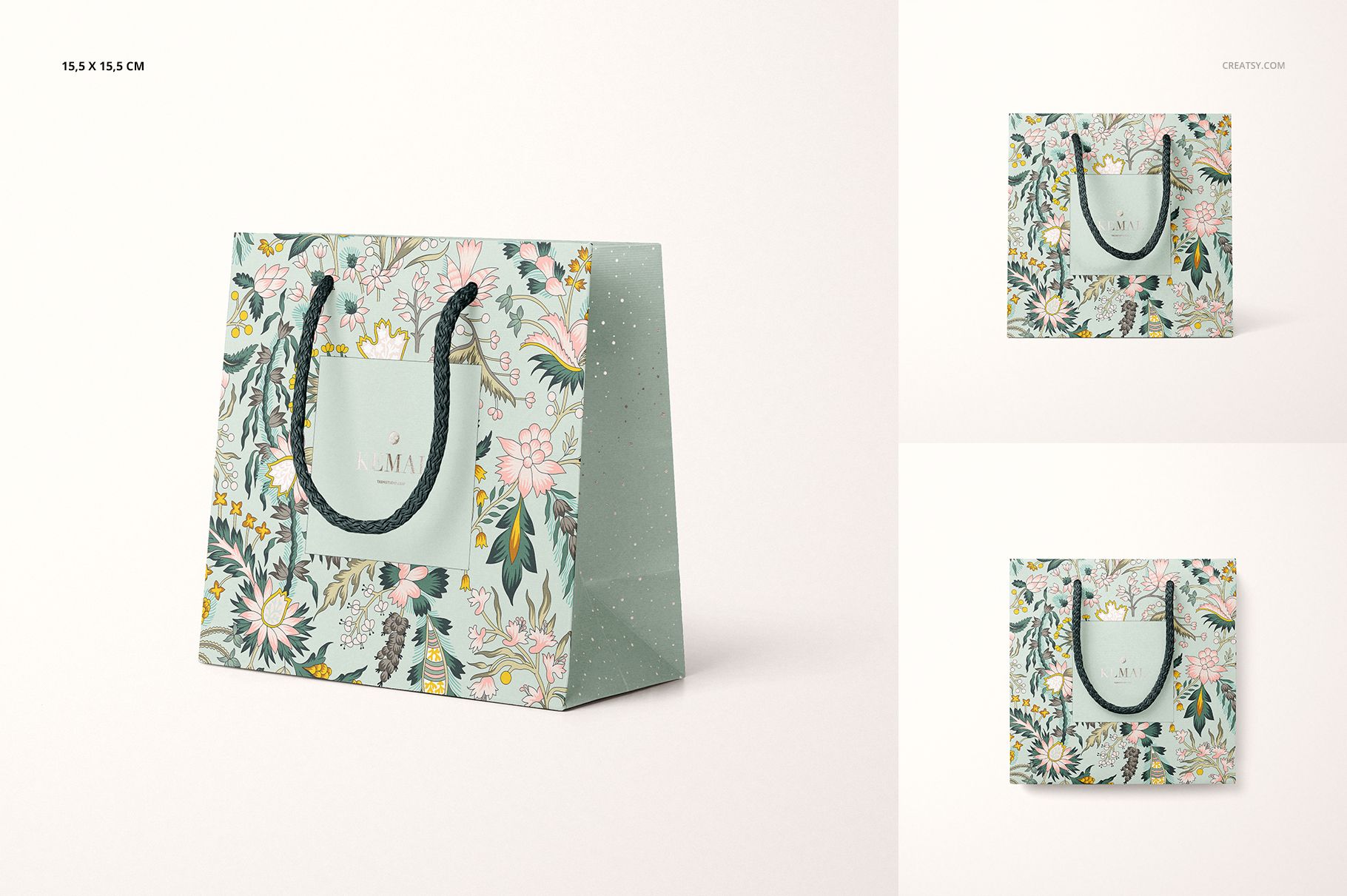
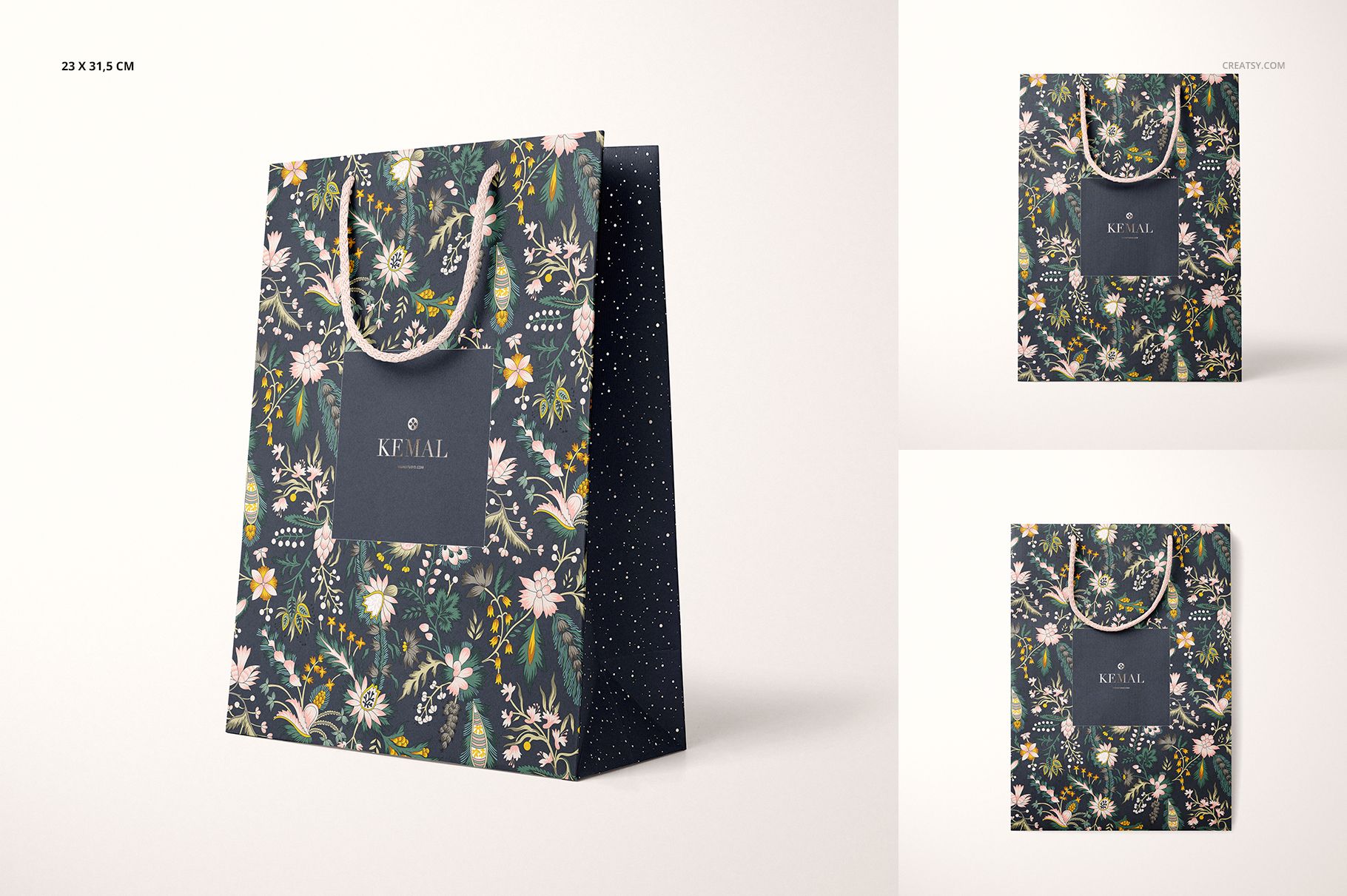
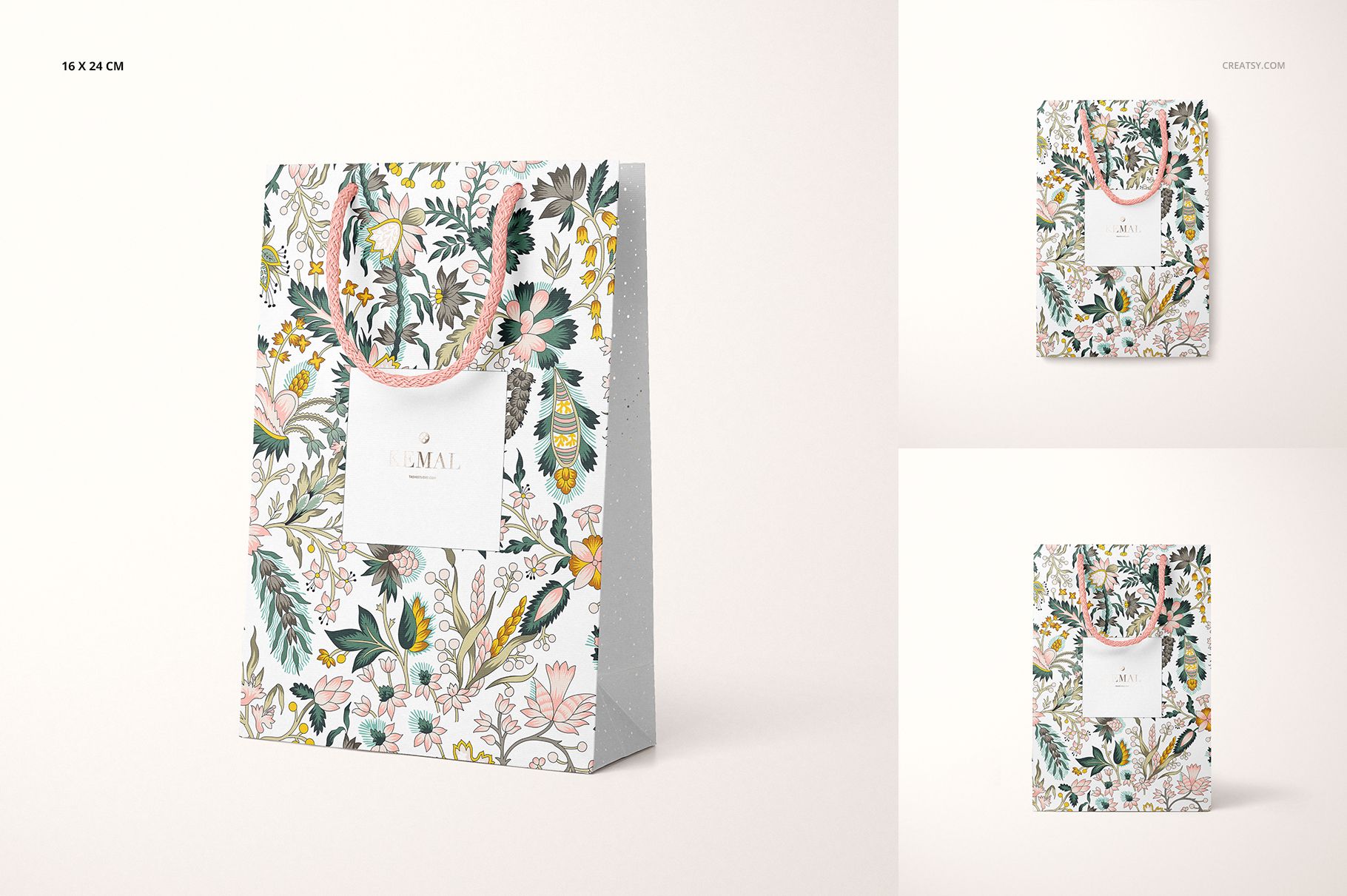
Three bag formats shown in the previews: 15.5 × 15.5 cm, 16 × 24 cm and 23 × 31.5 cm.
13 JPG scene previews and a separate JPG guide.
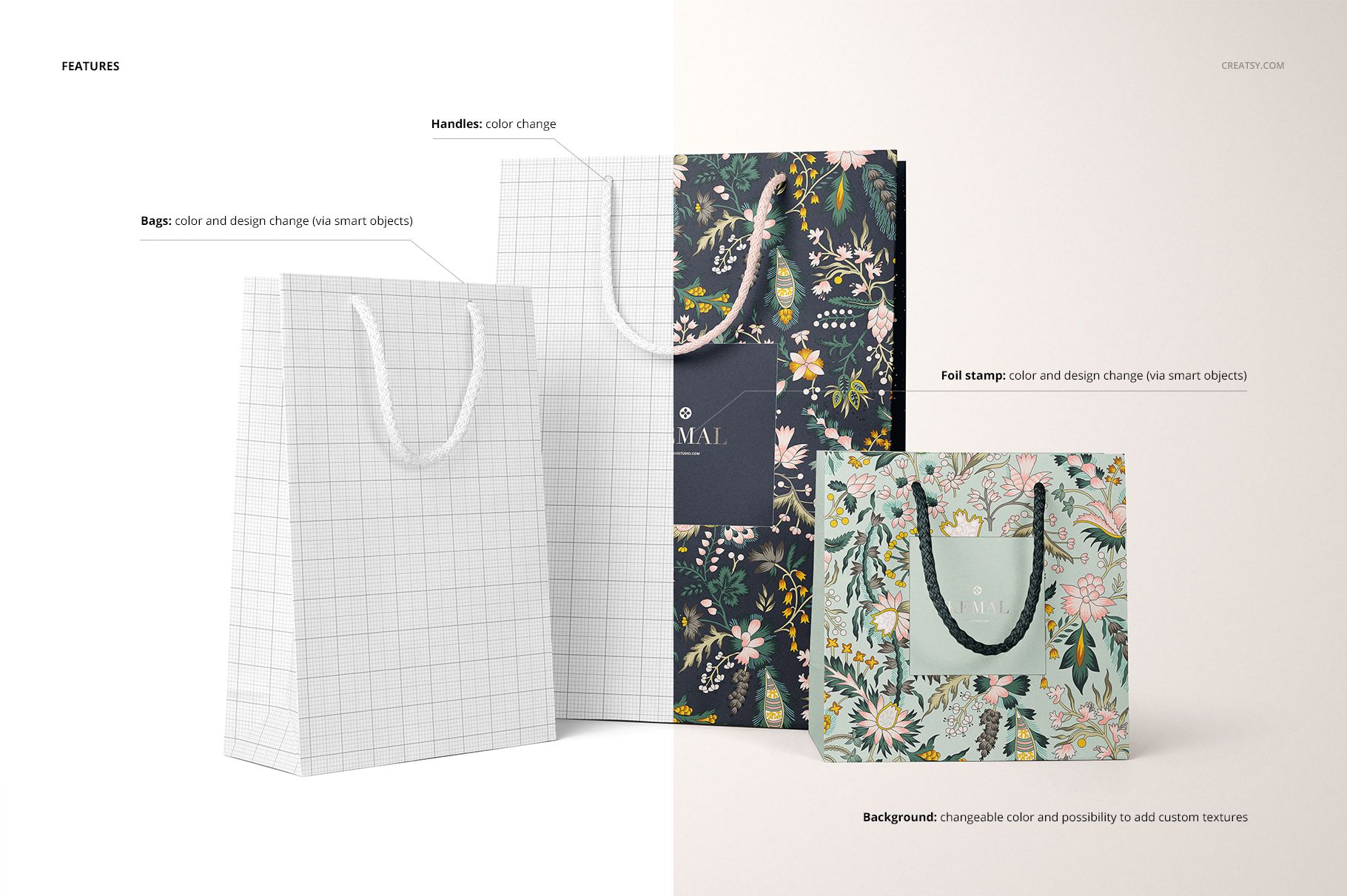
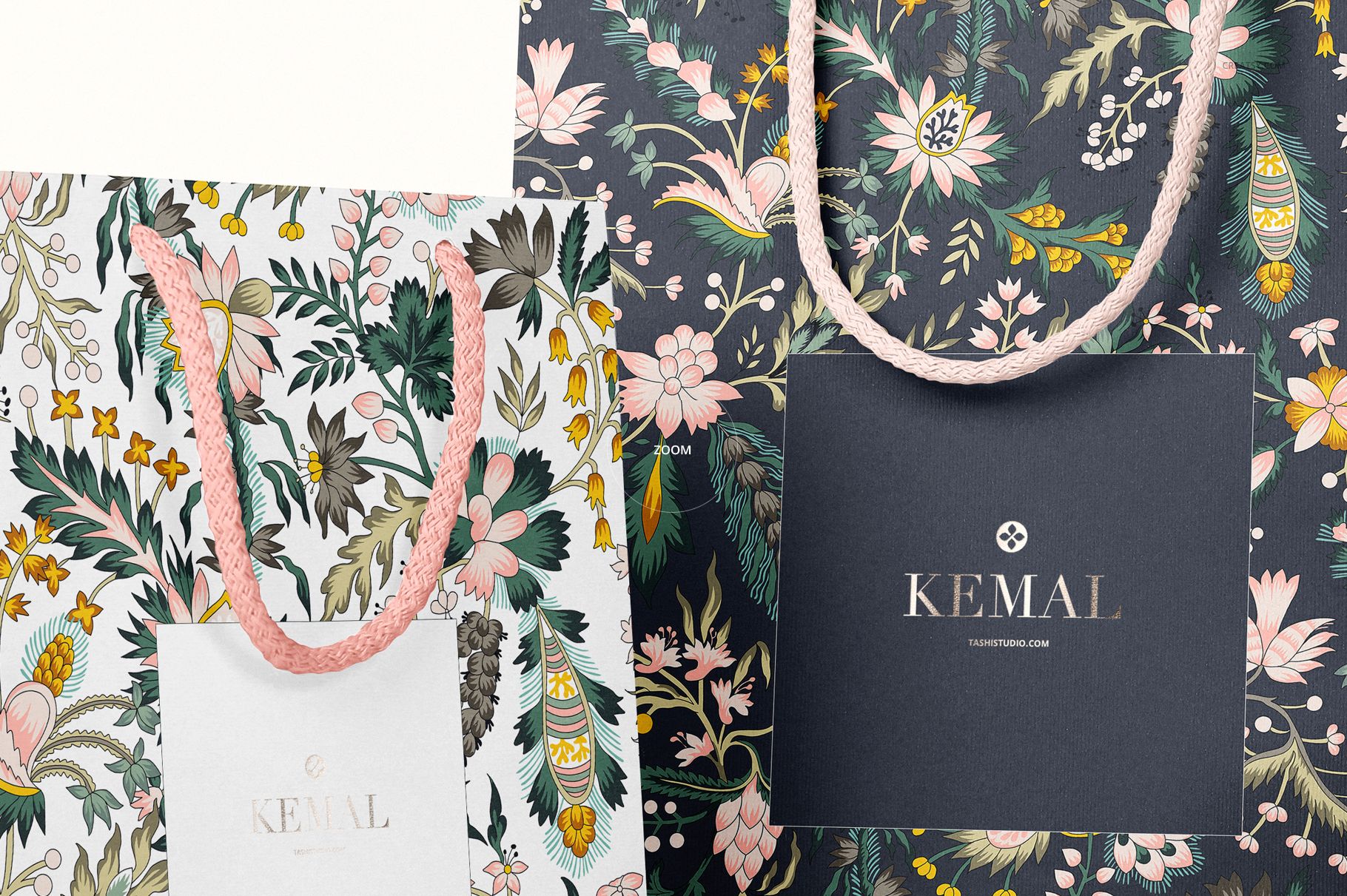
Smart Object artwork editing, bag and handle color controls, and a foil stamp effect with editable design and color.
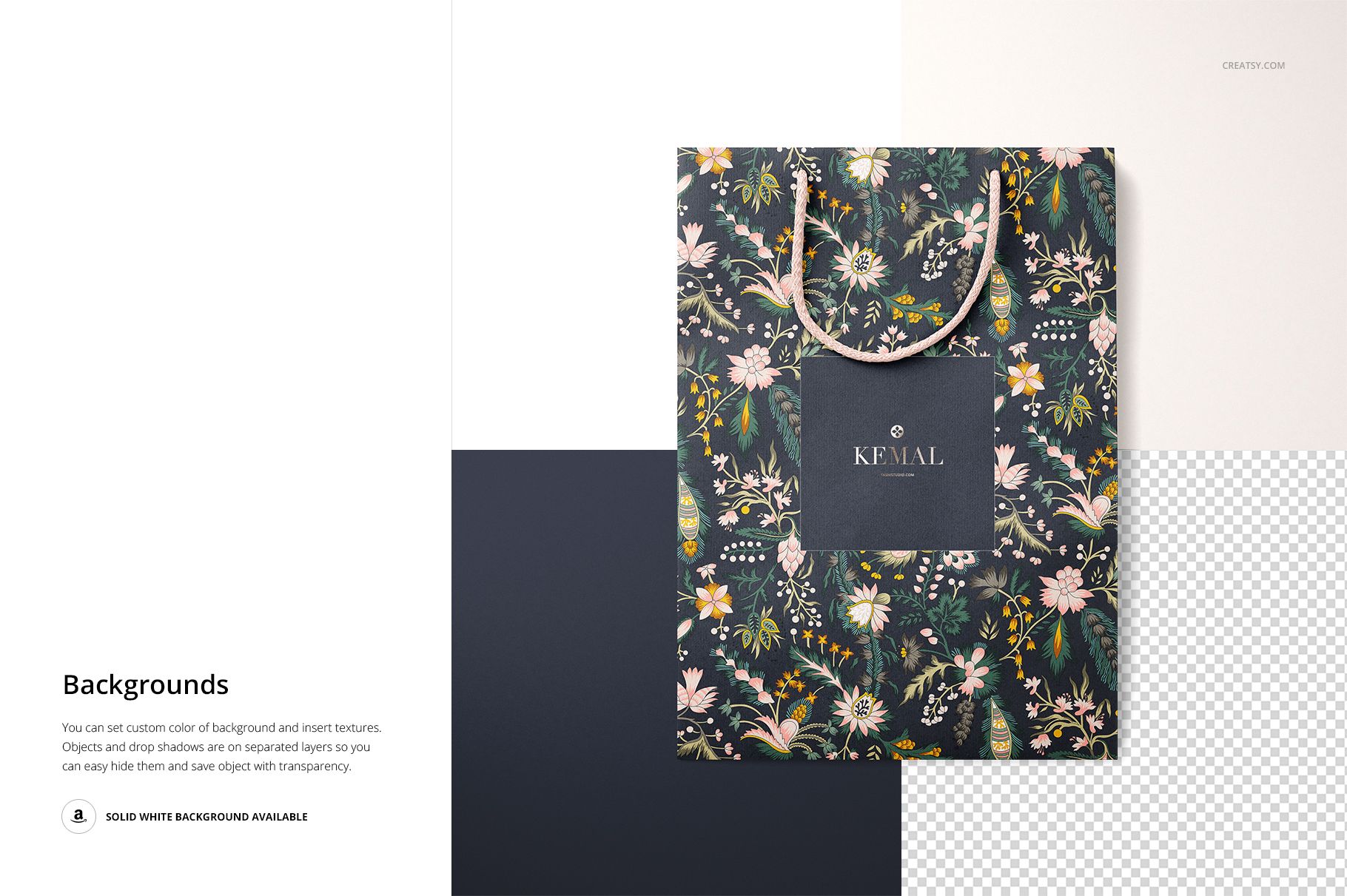
Background color changes and custom texture insertion, with objects and drop shadows on separate layers.
Compare a Range, Not Just One Bag
A square bag and a taller bag give the same illustration different amounts of breathing room. Use the group views to judge whether your smallest format still feels part of the collection, then use the individual views to inspect the front design and its relationship to the side panel. This is useful for pattern collections, retail identity proposals and seasonal gift packaging.
Easy Smart Object Editing
Open a PSD in Adobe Photoshop CC 2015 or newer, or Photopea. Open the relevant Smart Object, insert your artwork, save that object and return to the main scene. Adjust the available bag, handle, foil and background controls to suit your design. The included guide can help you find the editing controls.
Designs for Your Presentation
Use your finished images in client proposals, a surface pattern portfolio or a coordinated shop gallery. This is a digital mockup product, not physical bags or a production dieline. The example patterns are not included; add your own artwork.






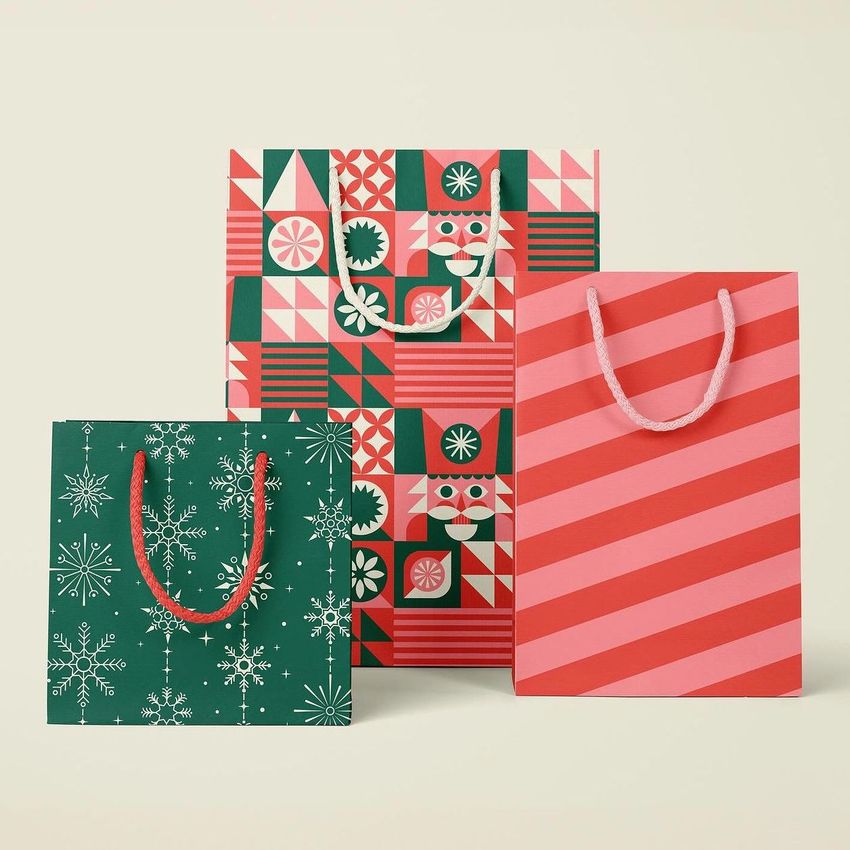
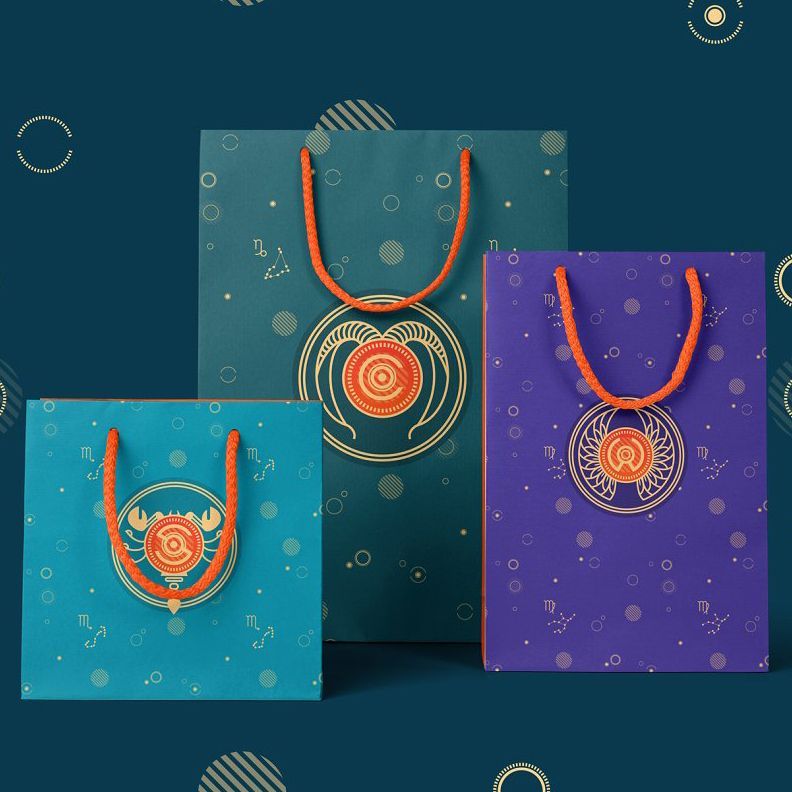













Nice mockup giving the option for 3 different patterns.
Thank you so much for your review! We’re so happy to hear you liked the option to show 3 different patterns. We truly appreciate your support and hope you enjoy using the mockup.