Sphere Balloon Mockup Set
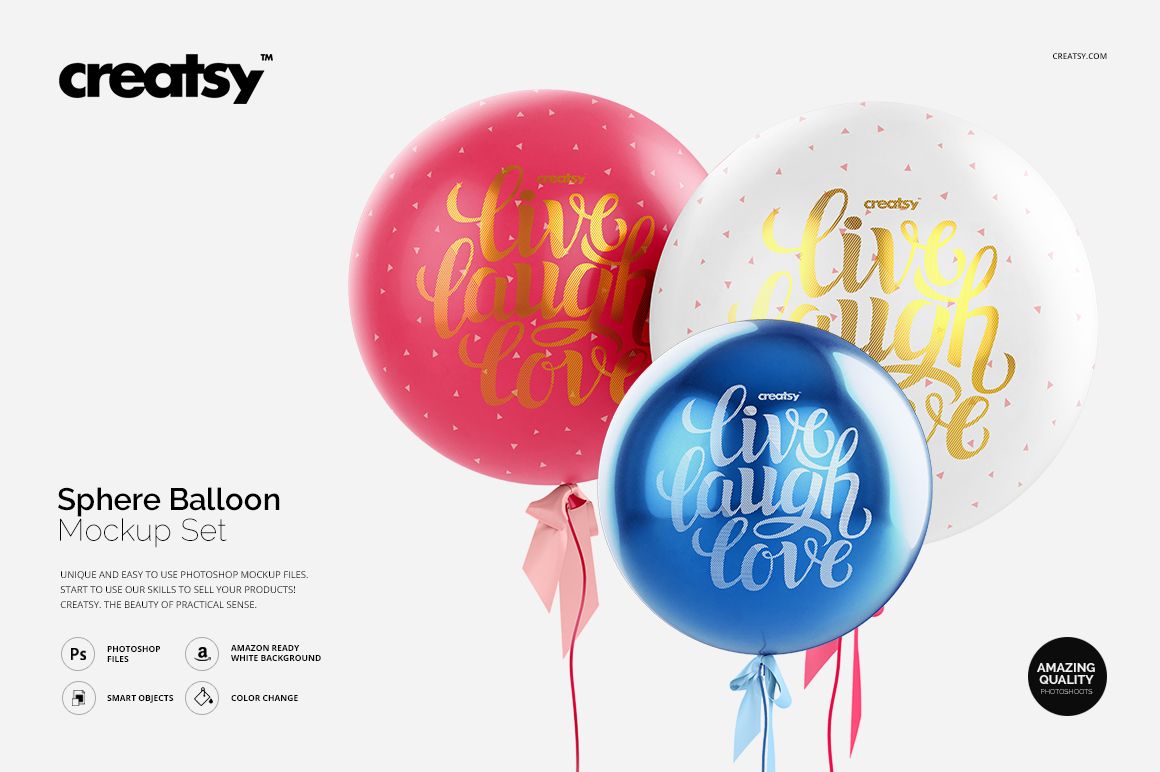
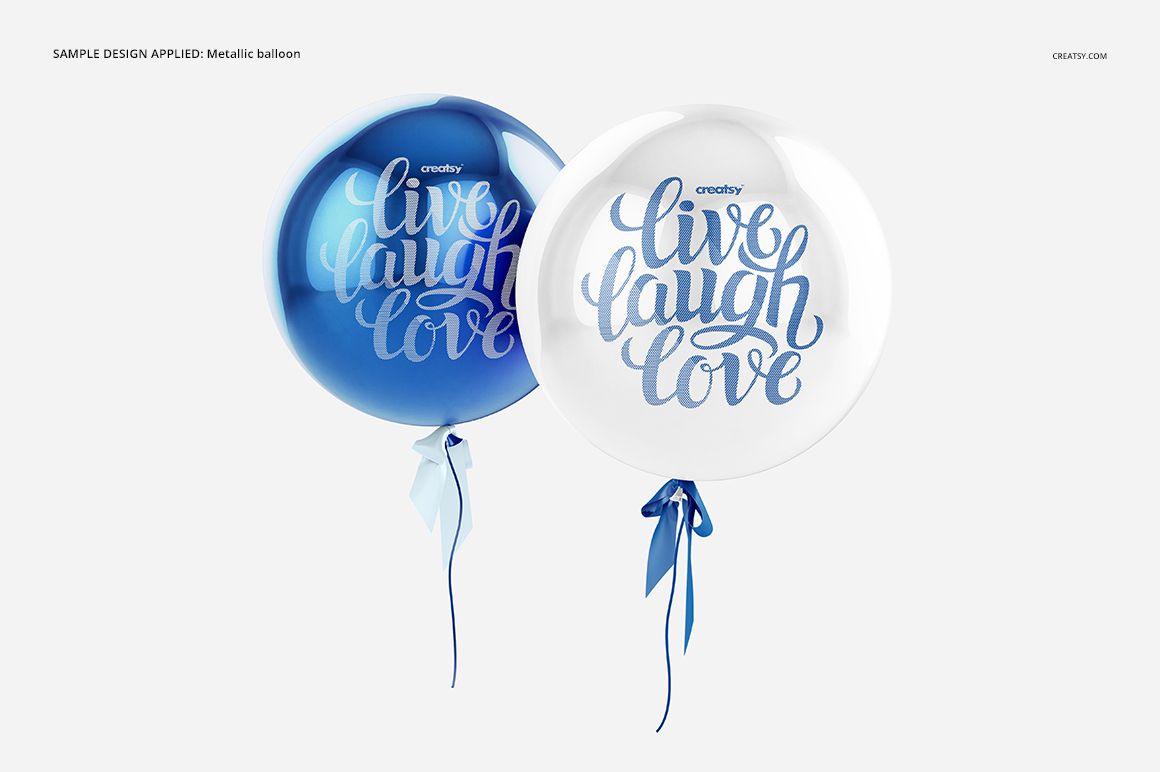
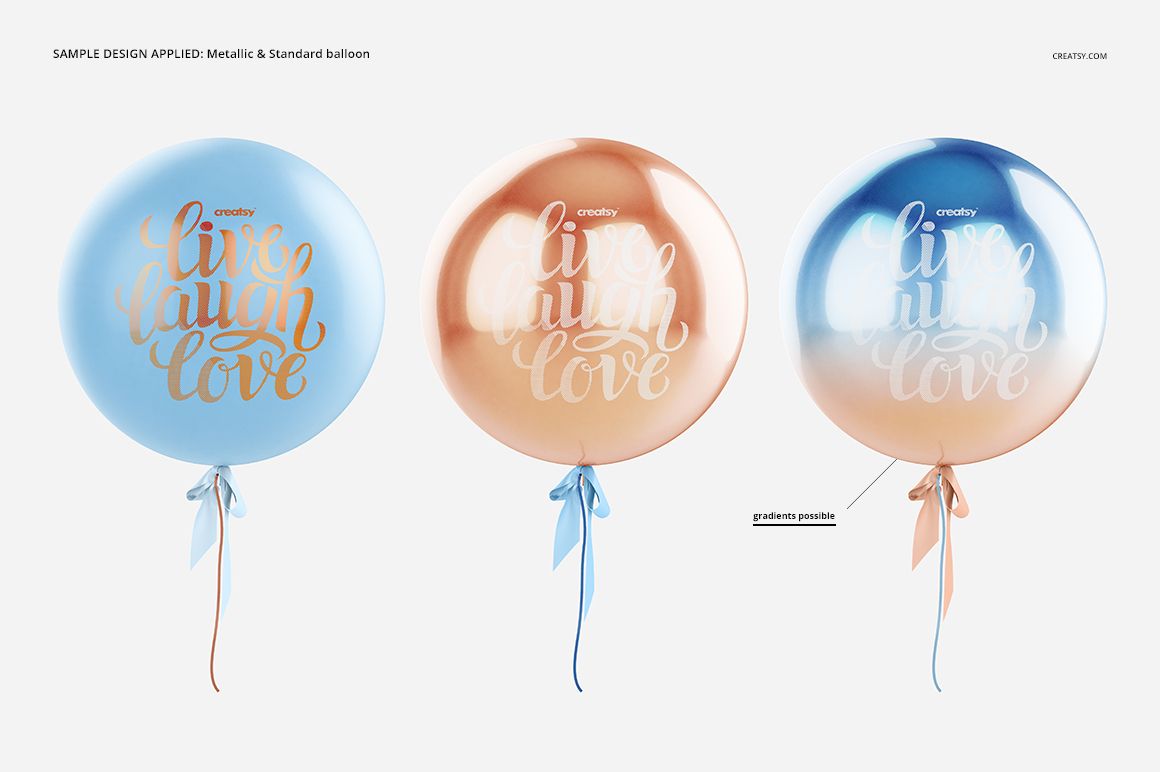
Standard and metallic balloons respond to color and artwork in visibly different ways. This four-scene set lets you compare both finishes in single and paired compositions, making it easier to choose how a logo, message or pattern should appear across an event collection.
Each square scene is built for a focused front-facing presentation. Use the standard finish for soft, familiar party styling or switch to the metallic option when the concept depends on stronger highlights, foil details and a more reflective surface.
What Is Included
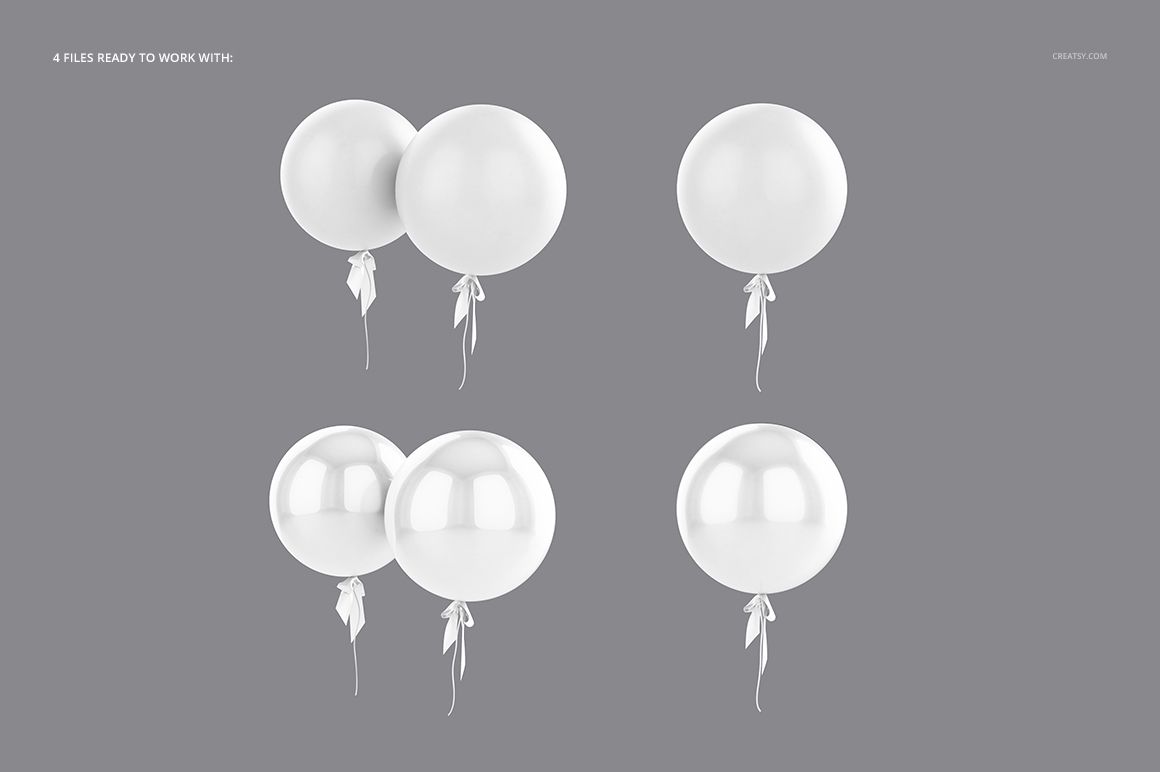
4 layered PSD mockup scenes
4 matching JPG previews
3 TIFF guide images, 11 files in total
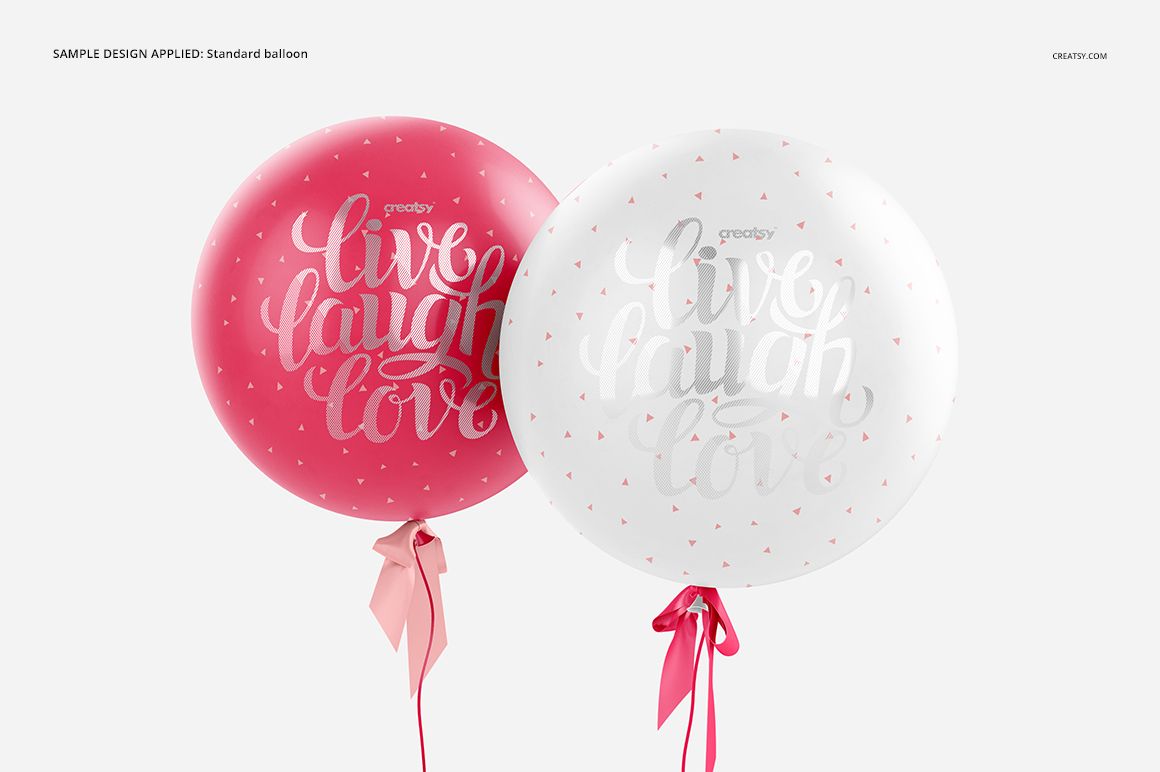
Single and paired balloon compositions
Standard and metallic finish variants
4000 × 4000 px at 300 DPI per PSD
Compare Standard and Metallic Finishes
The same visual idea can feel playful on a standard balloon and more polished on a metallic surface. Testing both within one set helps you evaluate contrast, highlight behavior and whether fine lettering or pattern details remain clear.
Control Color, Foil, Ribbon and Background
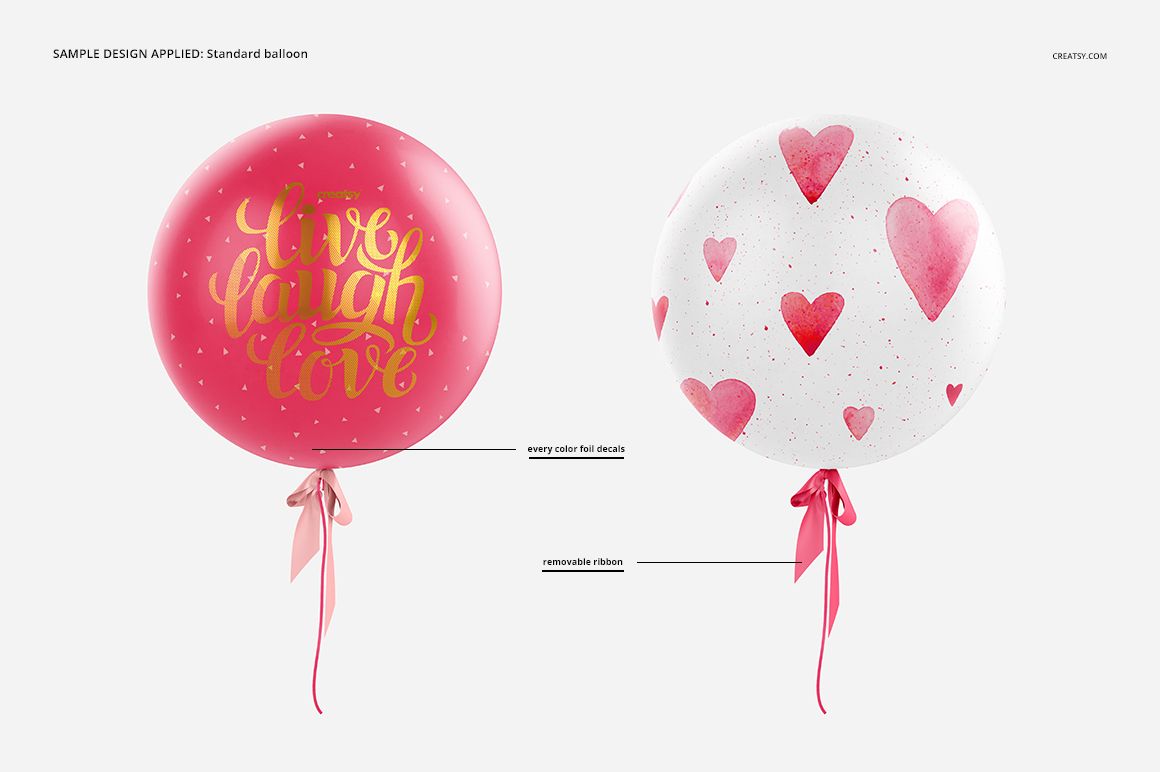
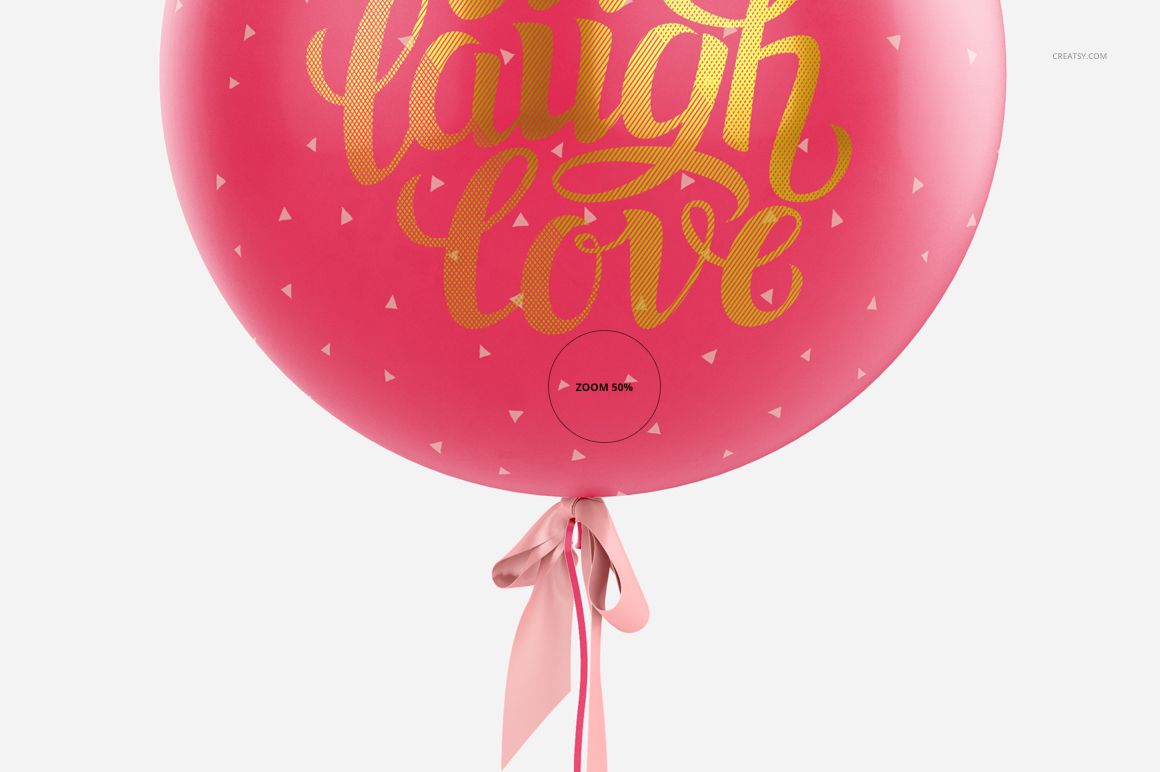
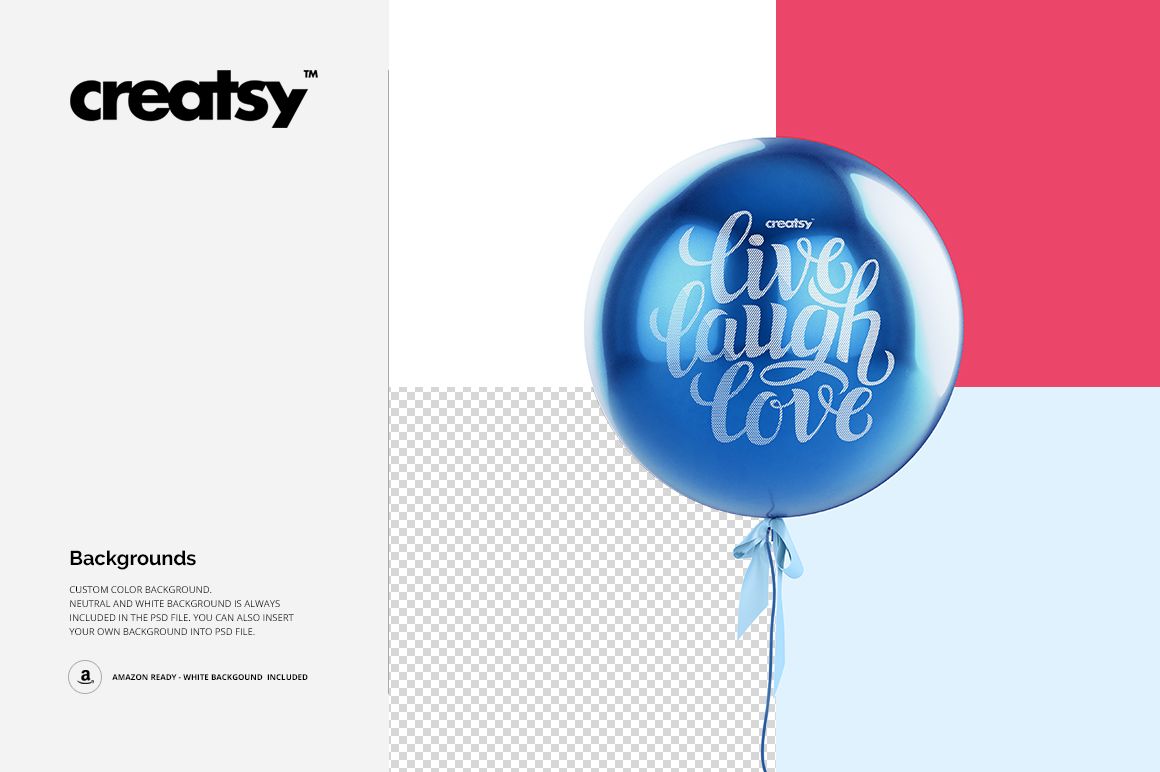
Apply artwork through Smart Objects, change balloon colors, create gradients and refine colorful foil decal effects. The ribbon can be removed, and the neutral or white background can be replaced to match a birthday, wedding or branded event palette.
Easy Smart Object Editing
Open the chosen PSD, replace the artwork in the Smart Object and adjust the supporting color layers. The files are compatible with Adobe Photoshop CS5 or newer and Photopea.
Perfect For
Event decorators and party supply brands
Birthday and wedding stationery collections
Foil decal and balloon lettering previews
Branding studios preparing client concepts
Promotional galleries and campaign visuals
This is a digital presentation set, not a balloon production file. Balloons, sample lettering and preview graphics are shown for demonstration and are not included as reusable artwork.