Bashly Party-themed Mockups Bundle
Product Details
Bashly Party-themed Mockups Bundle
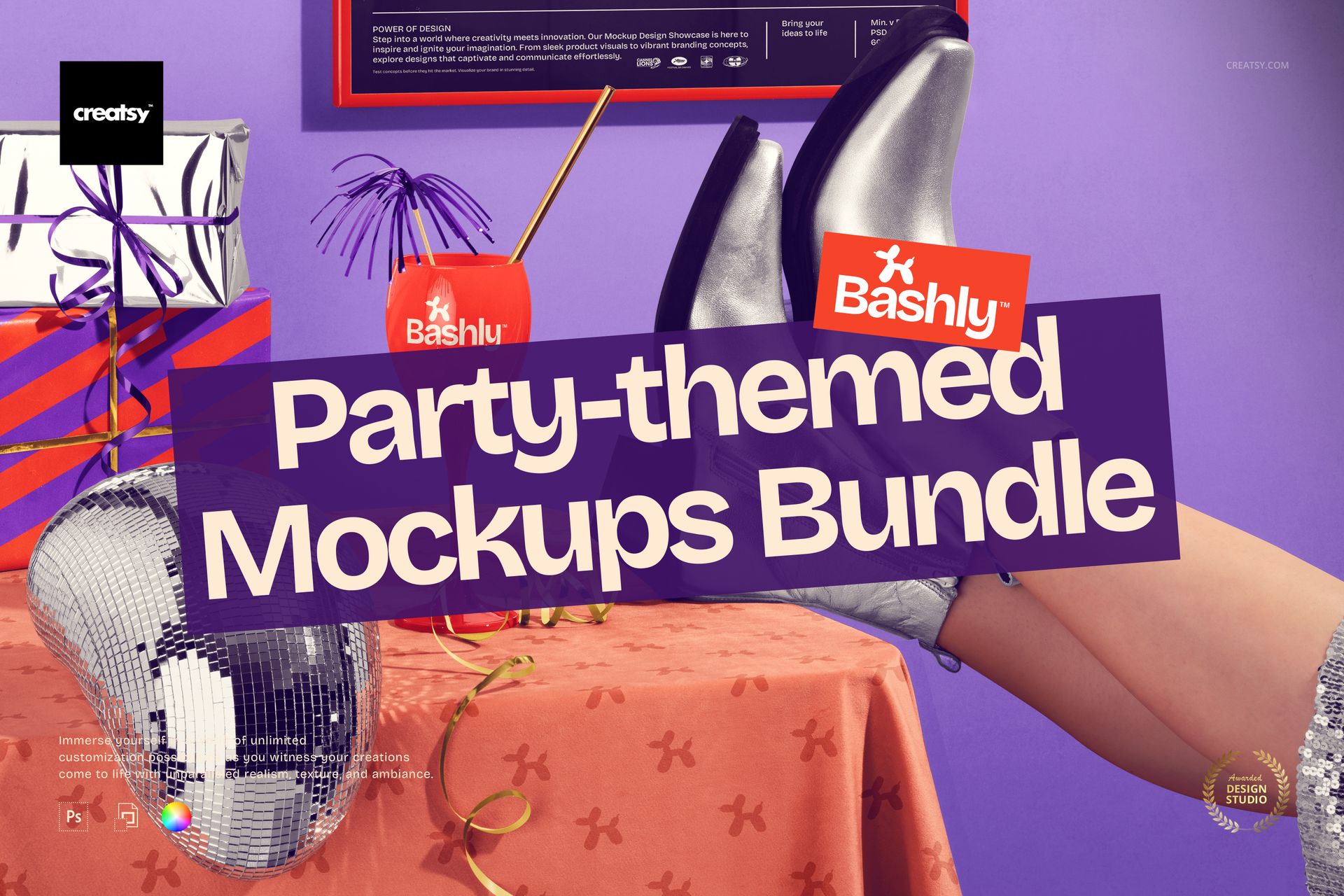
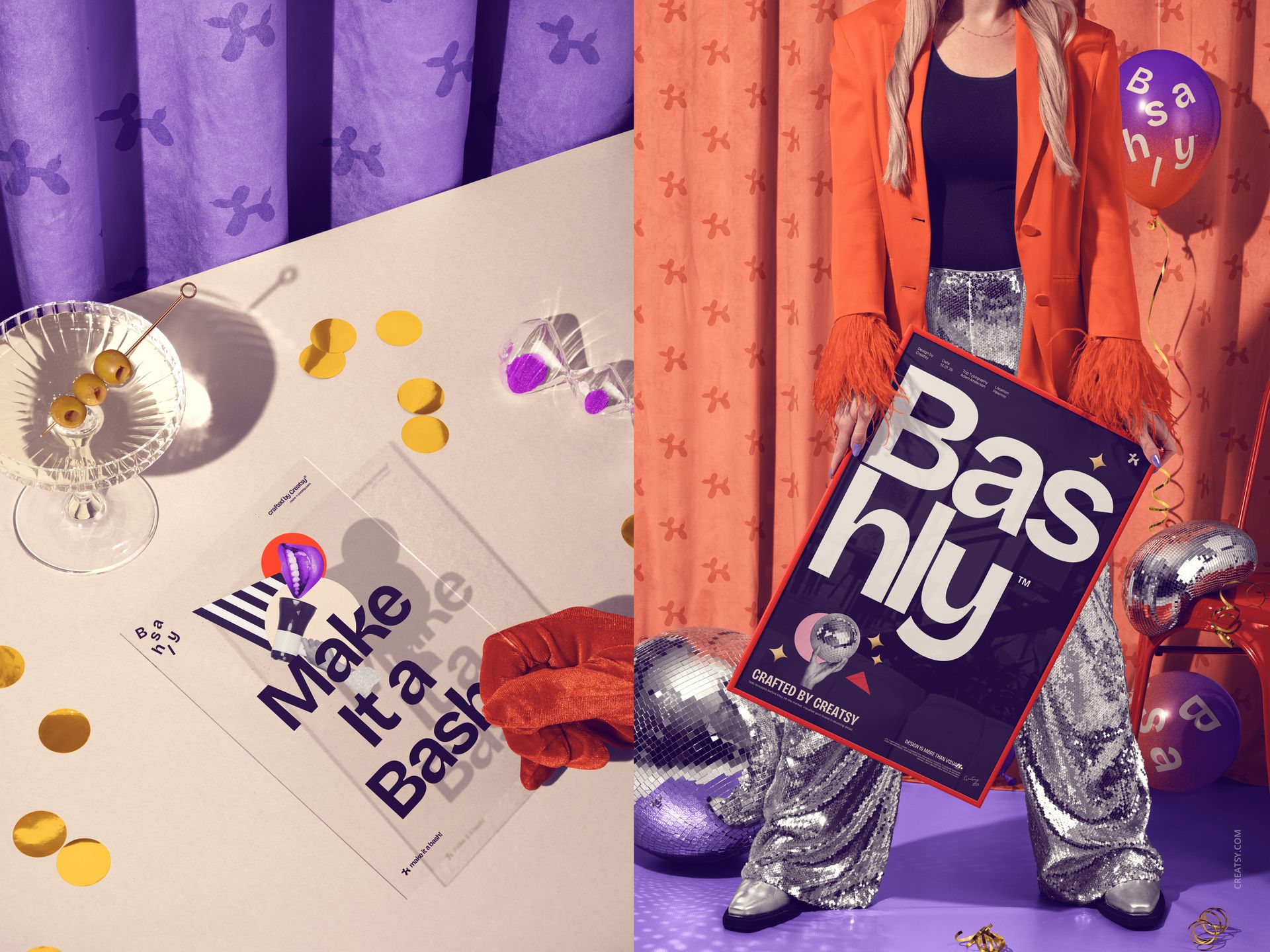
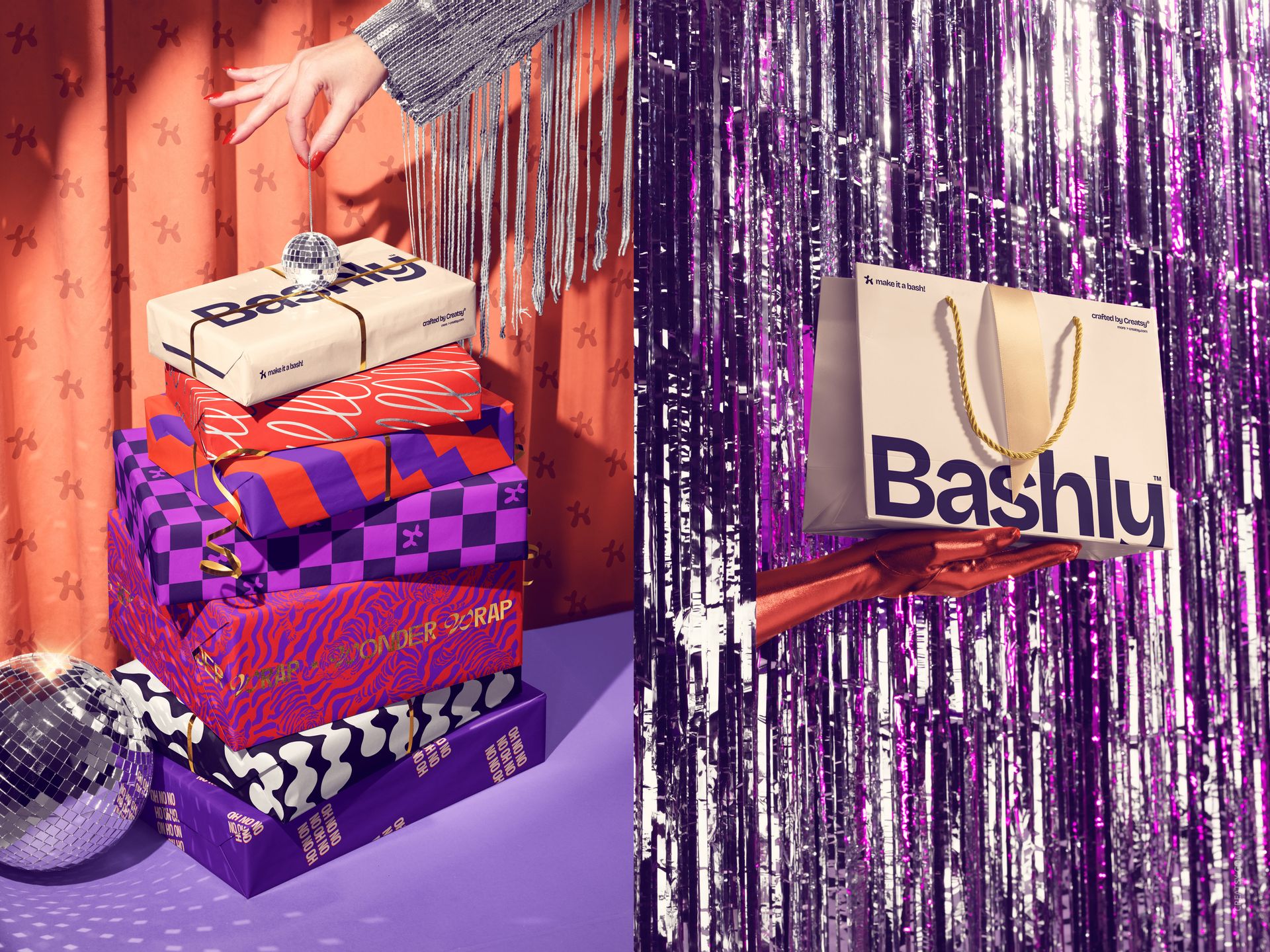
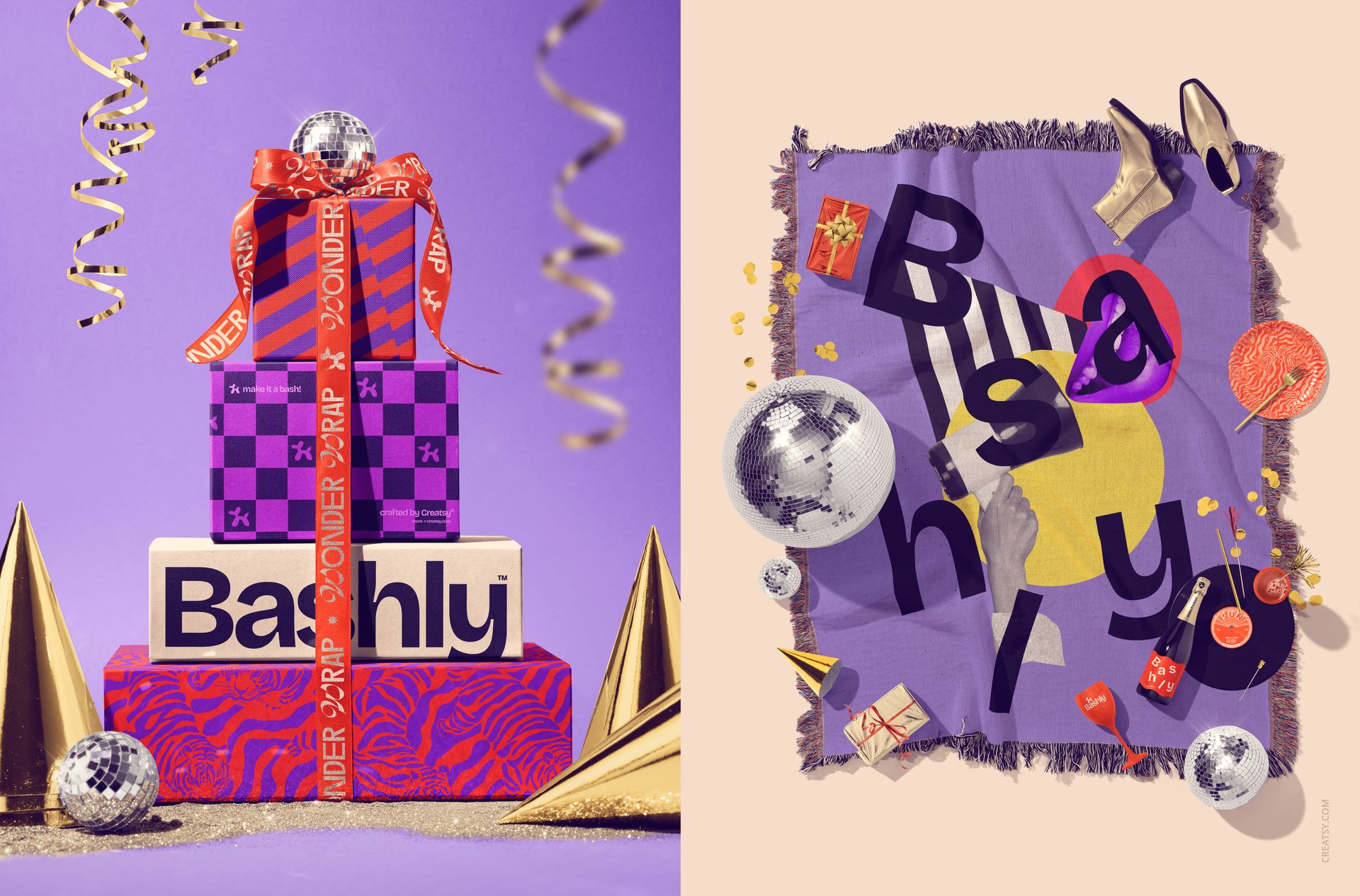
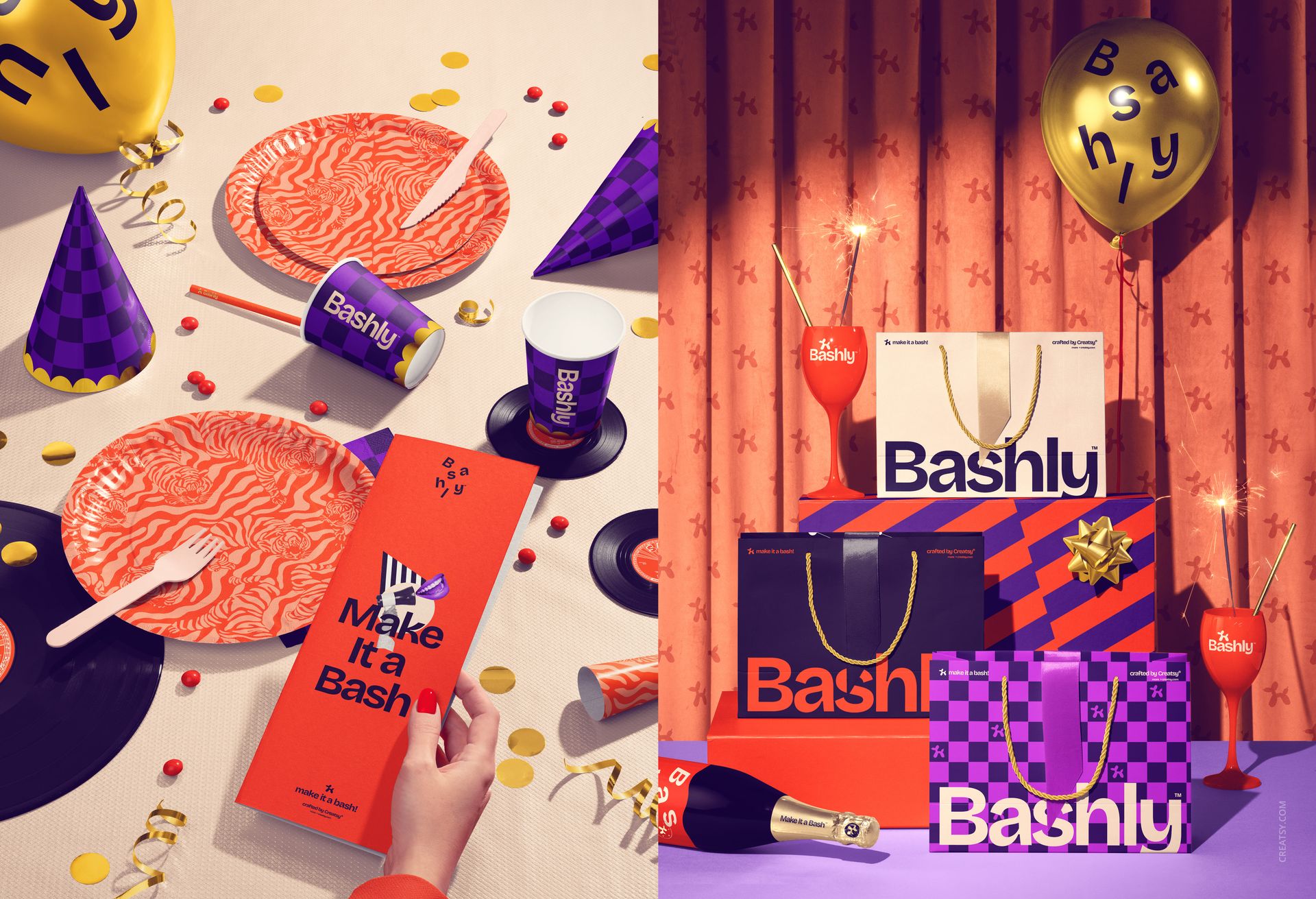
Build a consistent party campaign across packaging, stationery, drink labels, tableware, framed prints and decor. This coordinated bundle brings together 23 high-resolution PSD scenes with a bold disco-inspired mood, helping one visual identity move from invitation to event table, gifts and launch imagery without losing continuity.
Each scene is produced by Creatsy with Smart Objects and organized layers. Replace artwork, coordinate colors and use selected metallic treatments while the prepared lighting, perspective and reflections remain intact.
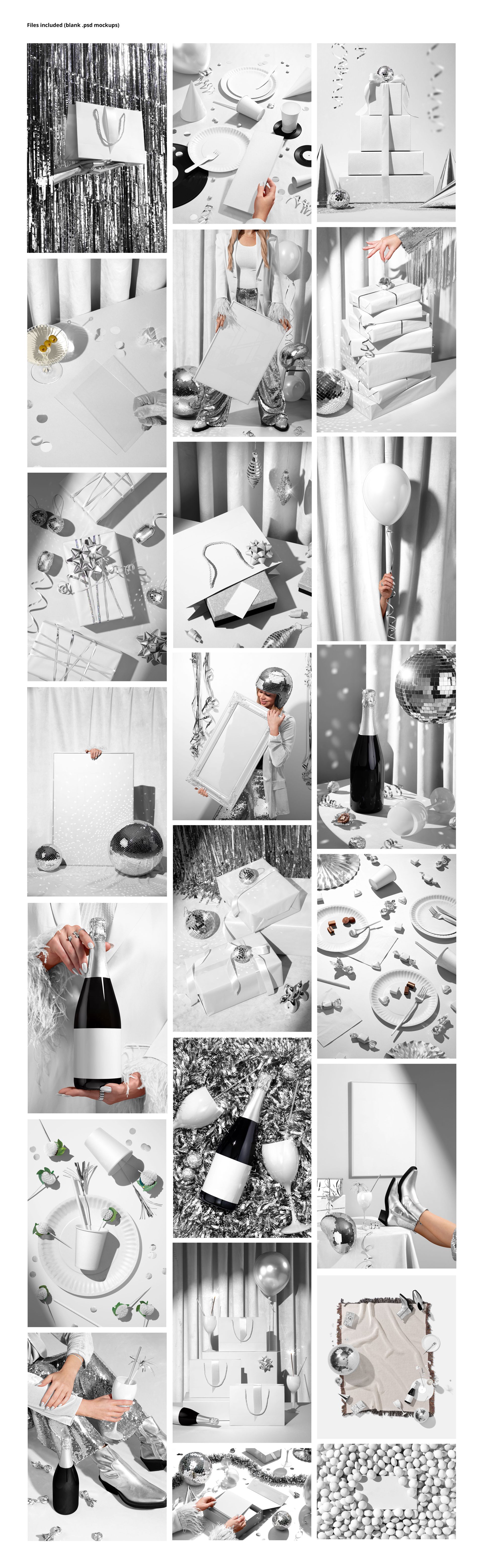
What the 23-Scene Collection Covers
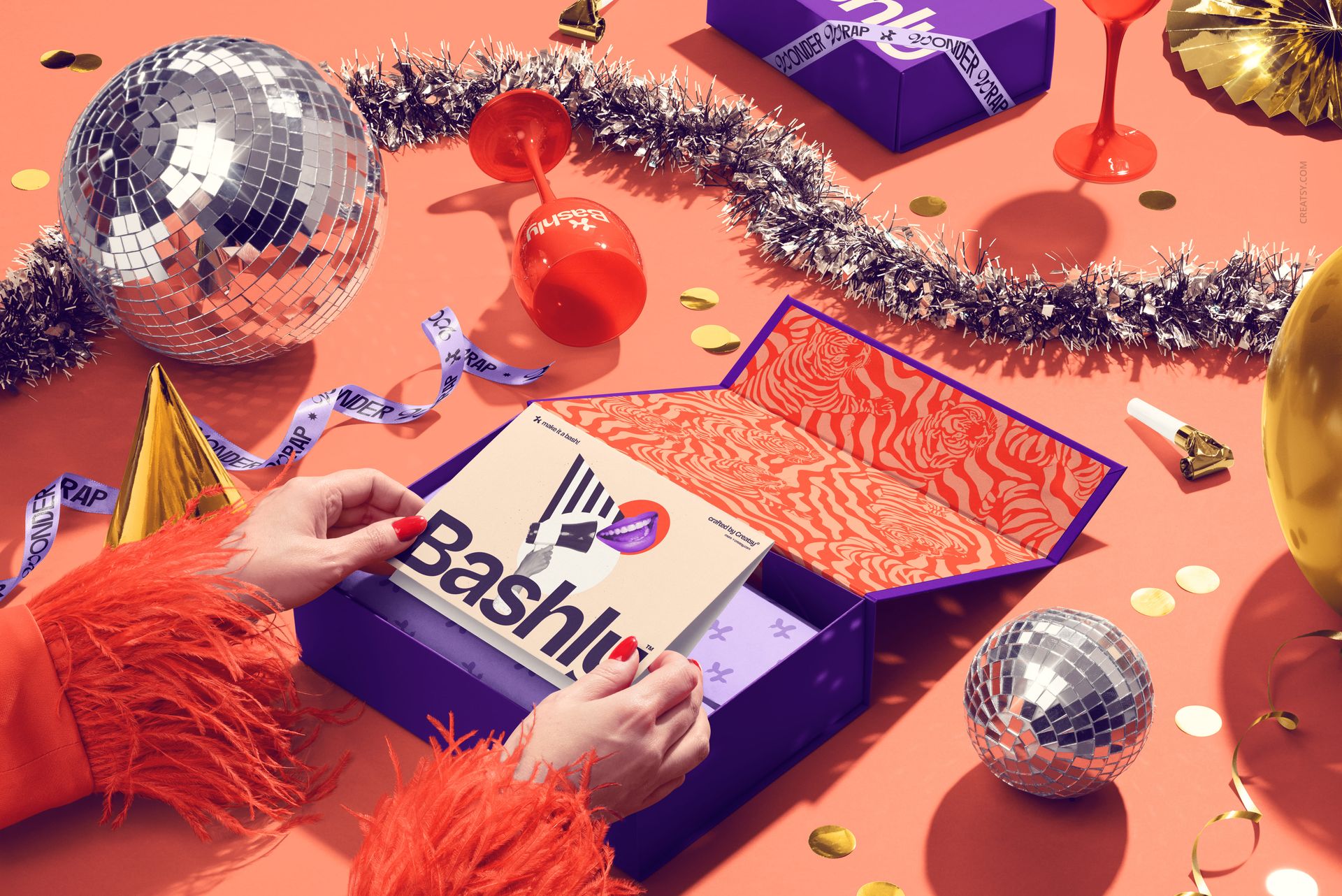
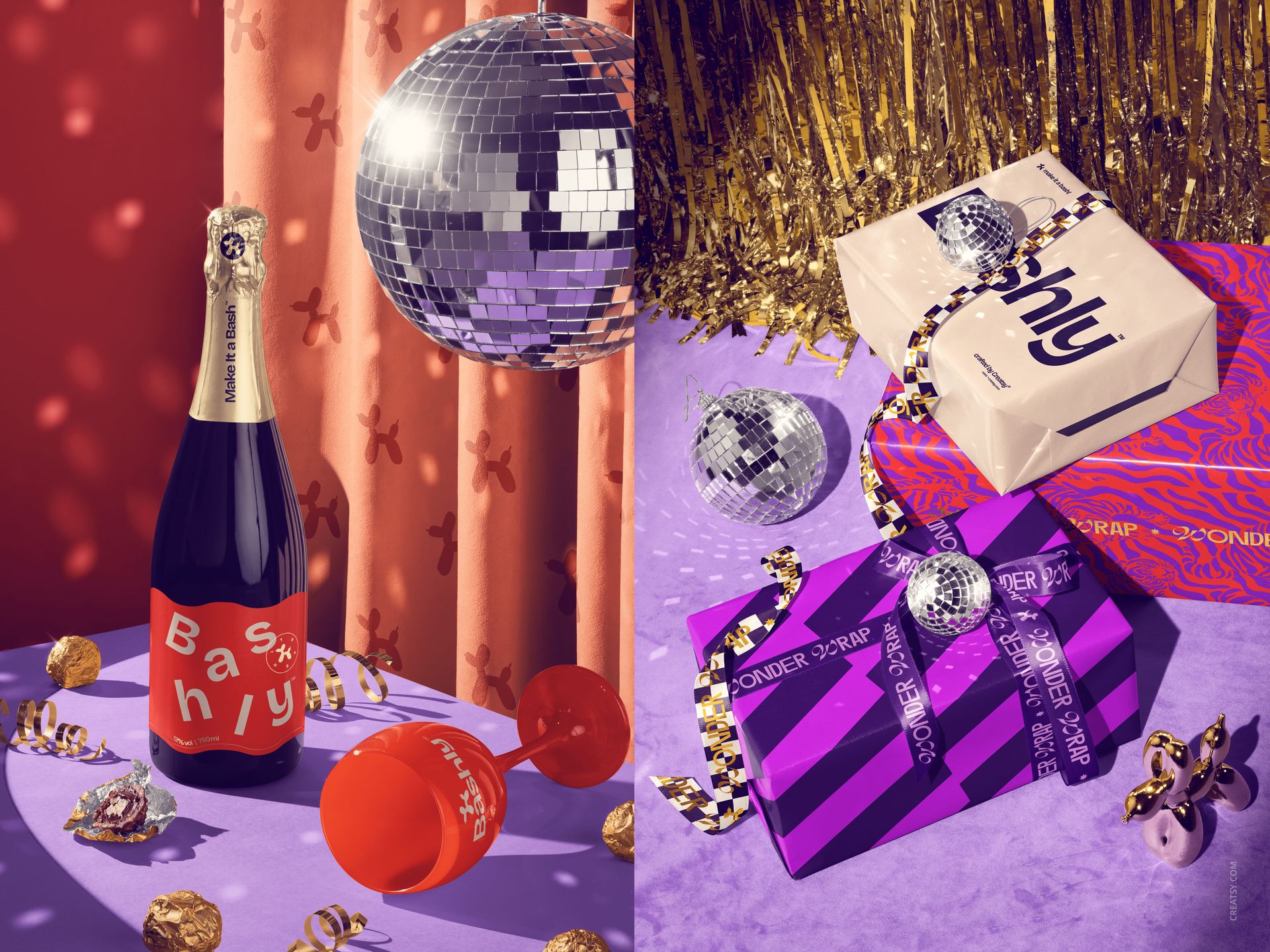
Gift packaging with magnetic boxes, stacked gifts, gift bags, tissue paper, satin ribbon, curling ribbon and wrapping paper
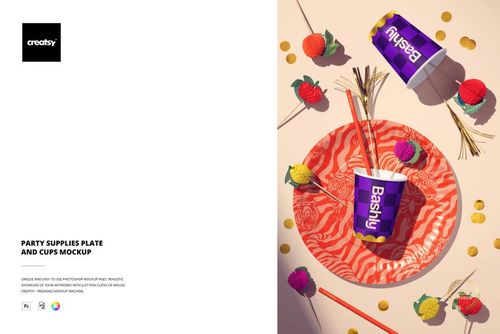
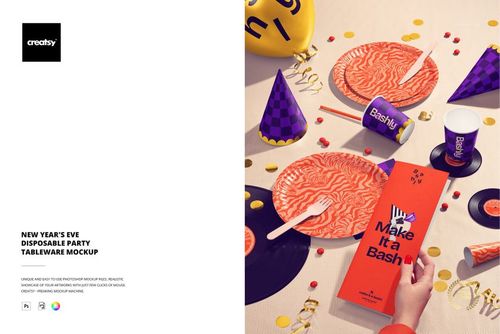
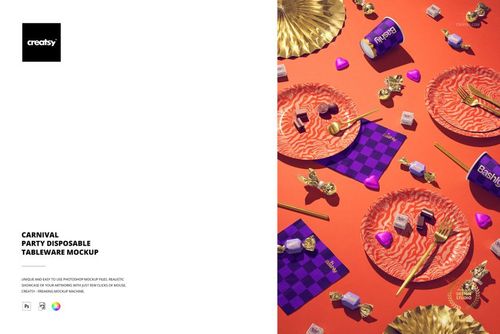
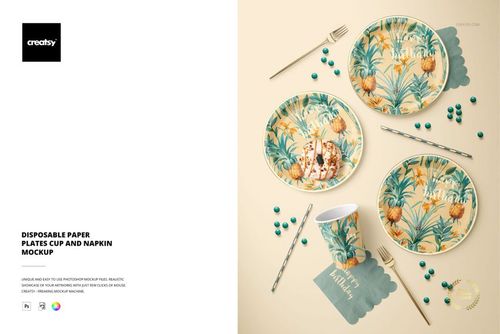
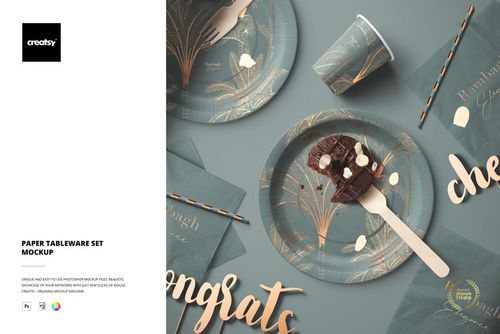
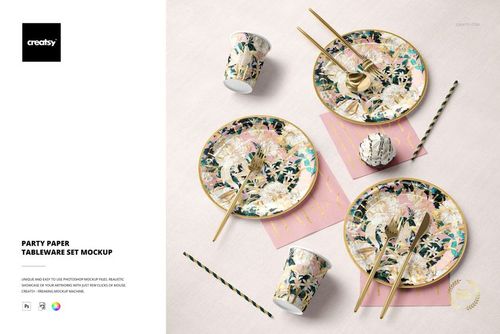
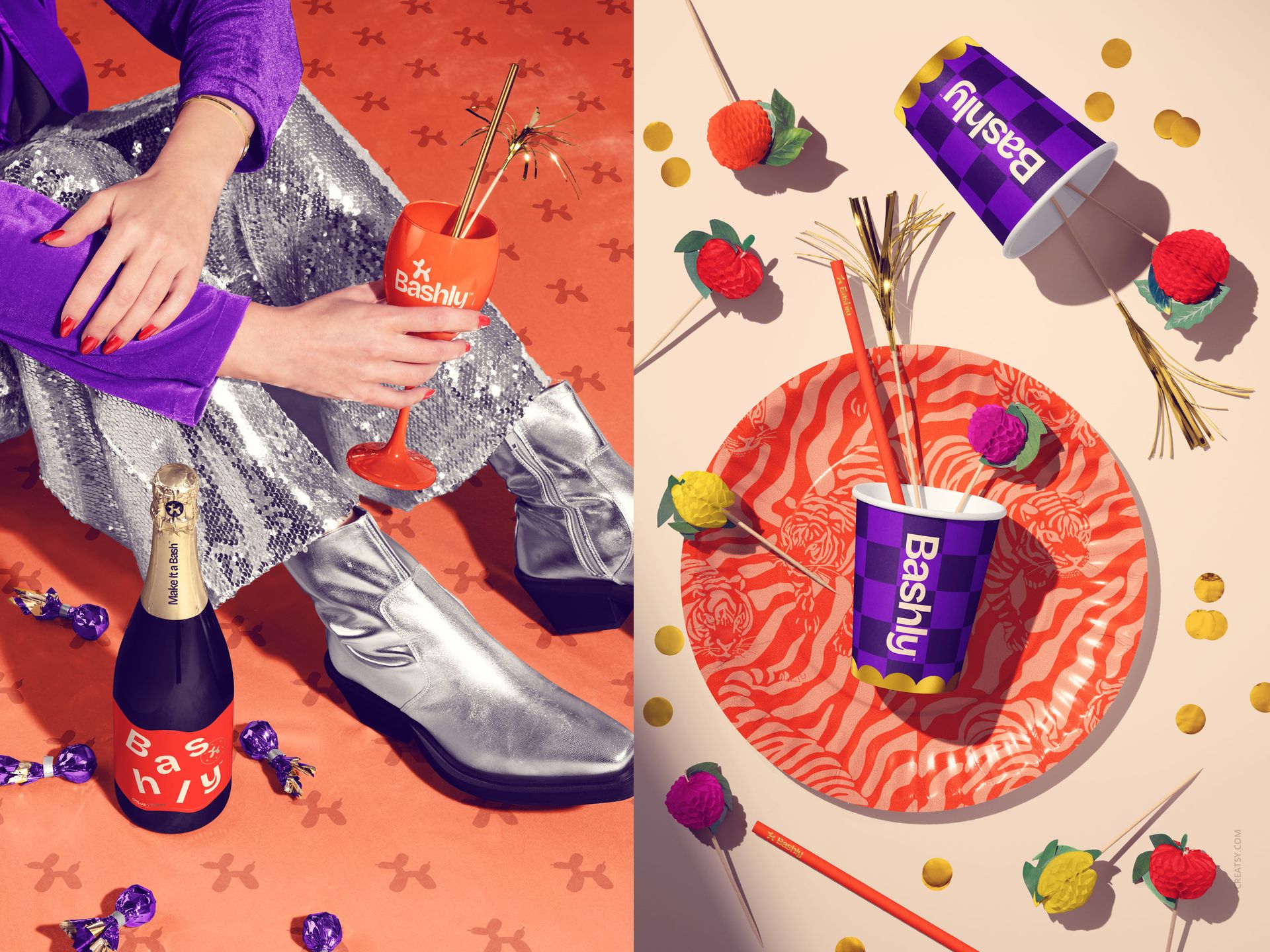
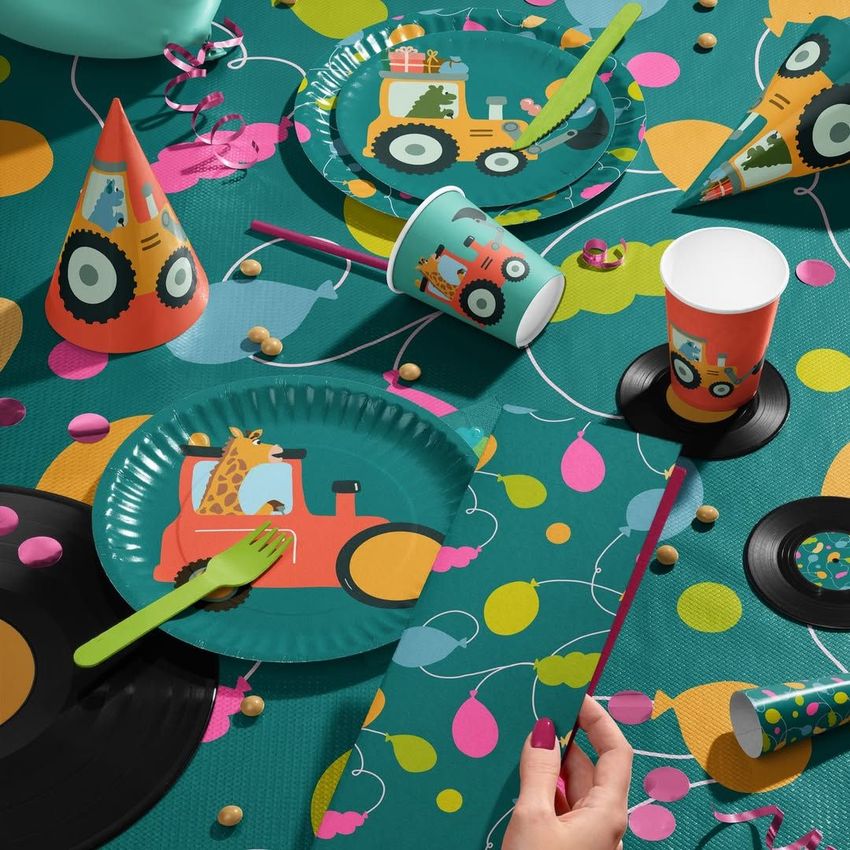
Party tableware with plates, cups, napkins, cutlery, straws, hats, blowers, confetti and decorative details
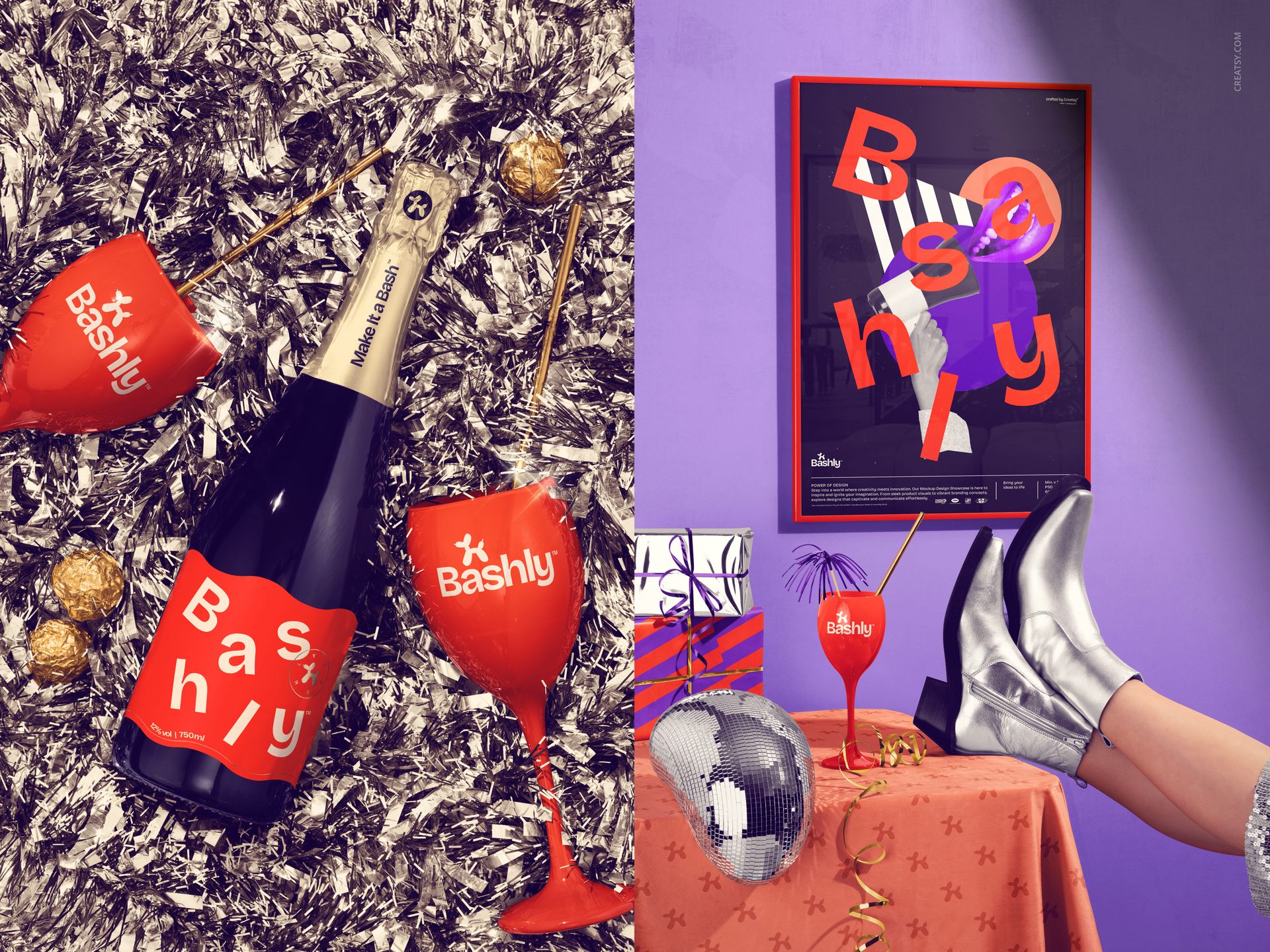
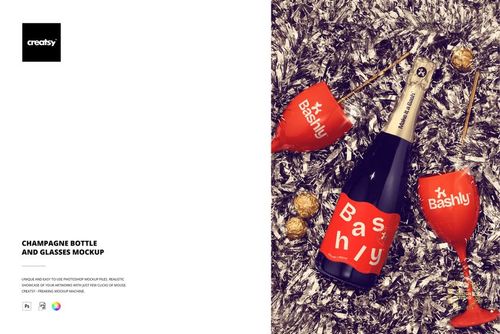
Drink and confectionery presentations with champagne bottles, glasses, editable labels, capsules, ribbons and pralines
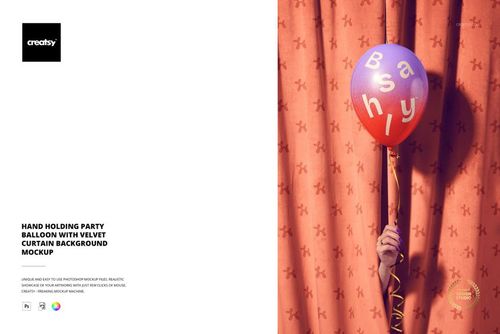
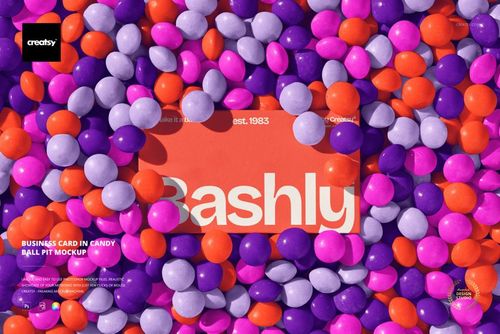
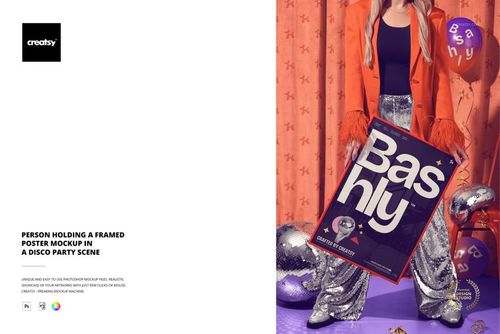
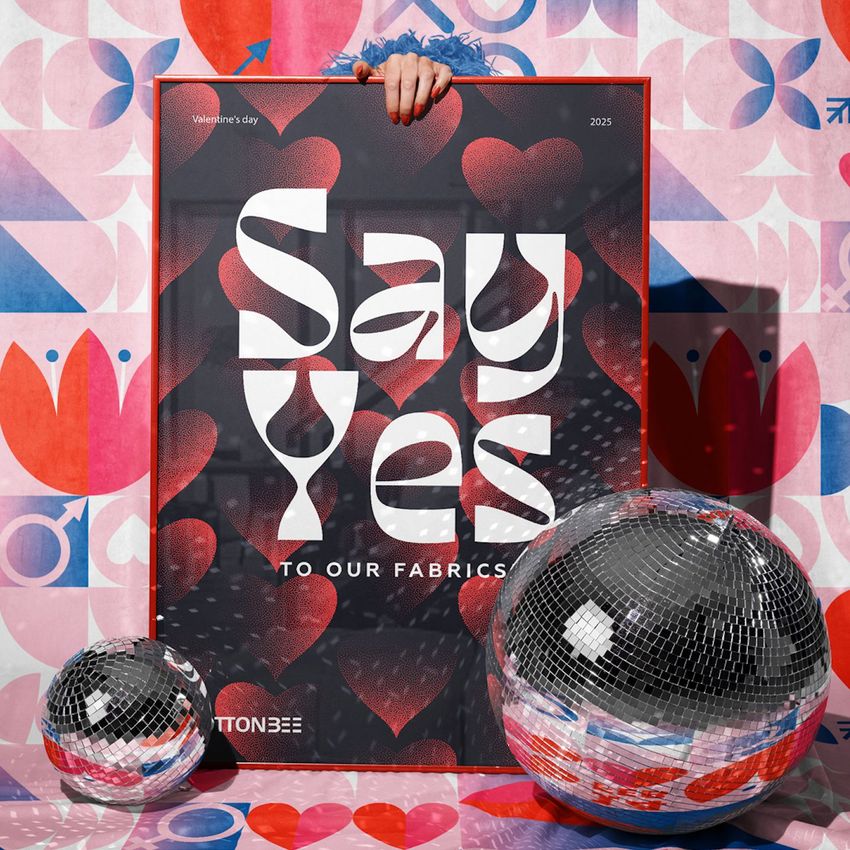
Print and lifestyle scenes with business cards, clear invitations, framed posters, balloons and a 50x60 woven blanket
One Identity Across Many Touchpoints
Use a framed poster as the campaign hero, a clear card as the invitation, coordinated tableware for the event setting and matching packaging for gifts or limited-edition products. The range helps designers test whether type, color and pattern choices remain recognizable across very different surfaces.
Confirmed Editing Range
Replace artwork on packaging, cards, posters, labels, wrapping paper and selected textiles
Coordinate colors across tableware, ribbons, bottles, balloons, decor and backgrounds
Edit supported bottle labels, glass graphics and confectionery details
Apply metallic effects where individual files provide that control
Remove selected elements in supported scenes while retaining the prepared composition
Fixed Scenes for Repeatable Art Direction
The compositions are generally fixed rather than freely rearrangeable. This makes it easier to compare client revisions or colorways under consistent lighting and camera angles, while the available Smart Objects and color controls handle the intended customization.
Useful For
Birthday, New Year and seasonal celebration campaigns
Party and event brand identity presentations
Packaging, stationery and tableware collections
Marketplace product images and social media launches
Client approvals, portfolio case studies and visual pitch decks
Mockup production and photography: Creatsy.
The example Bashly designs and physical products are not included. This is a digital mockup bundle for presenting your own artwork.
File details
- Compatibility


- Products in bundle
- 23
- Package size
- 9.2 GB
 |9.88 GB
- Files type
- .psd, .jpg
- Files size
- 6000x4000
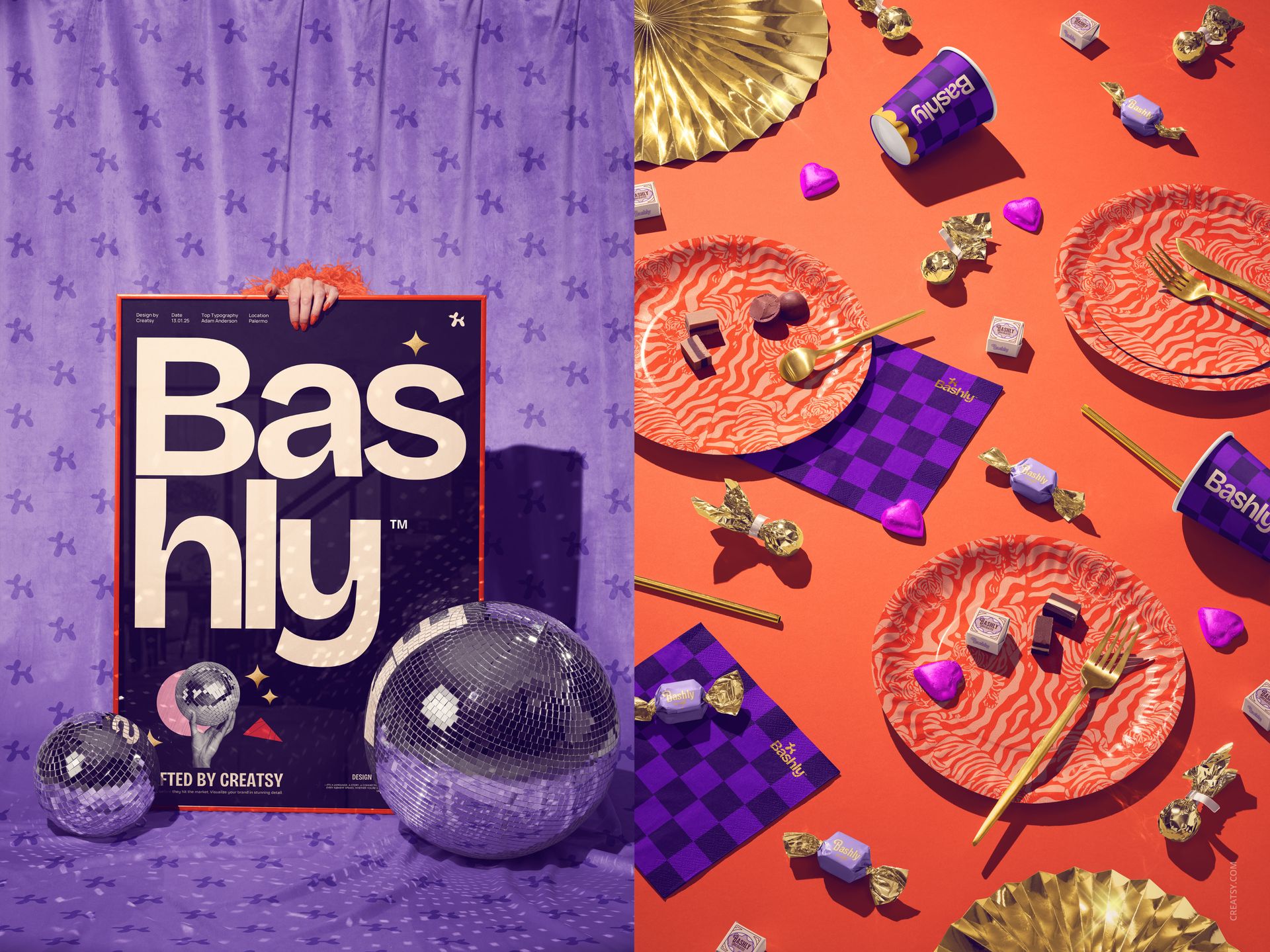
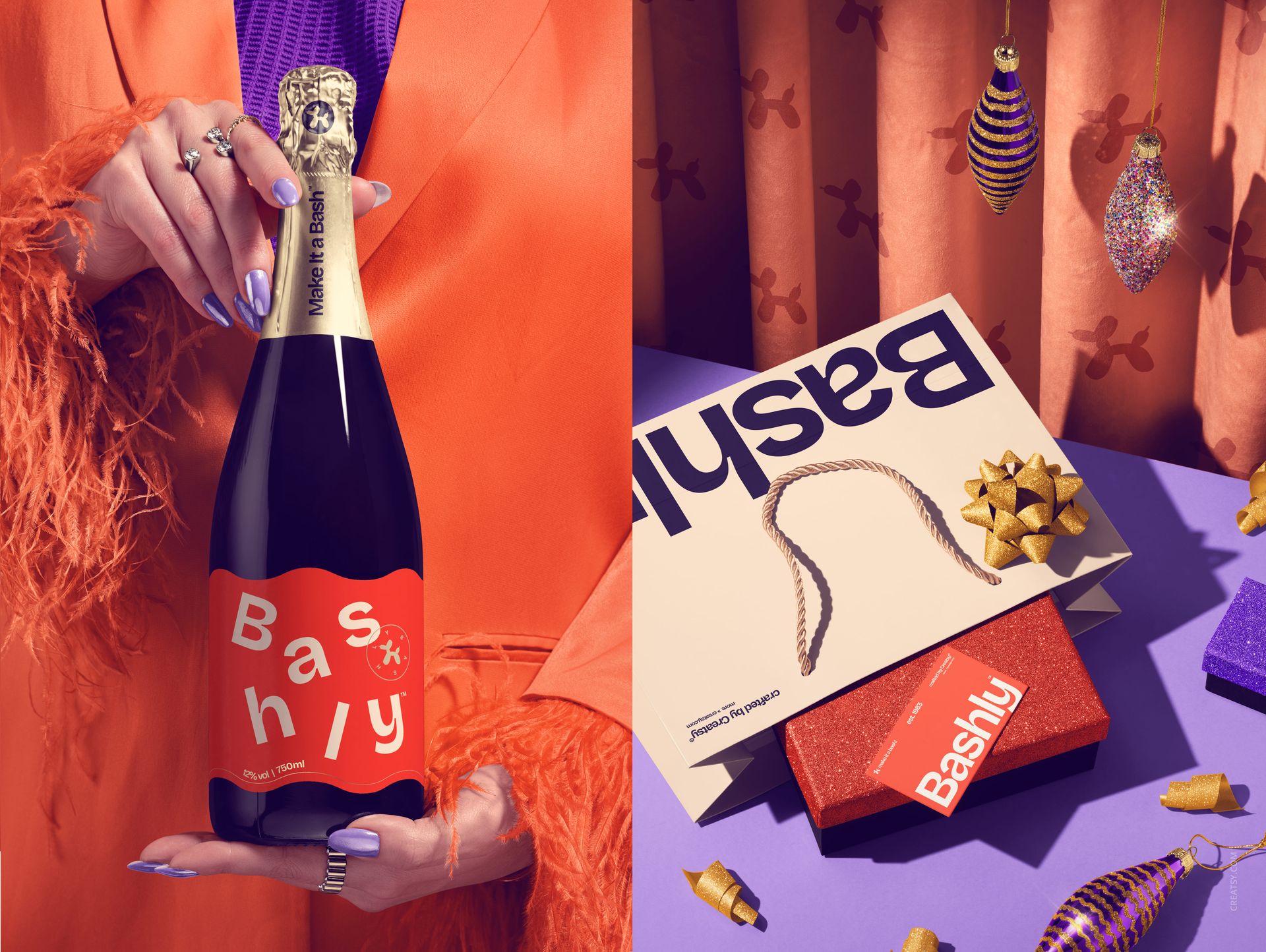
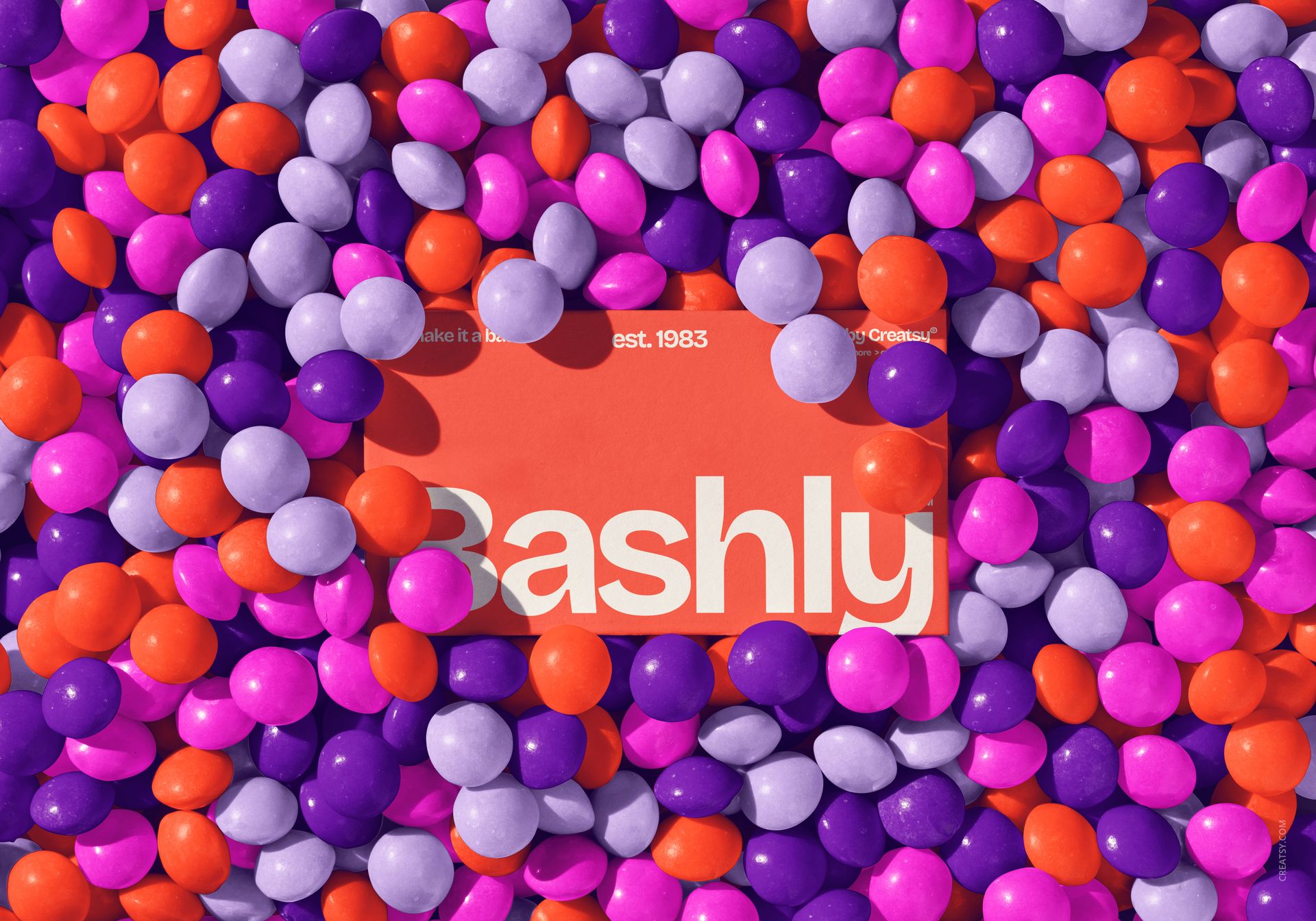
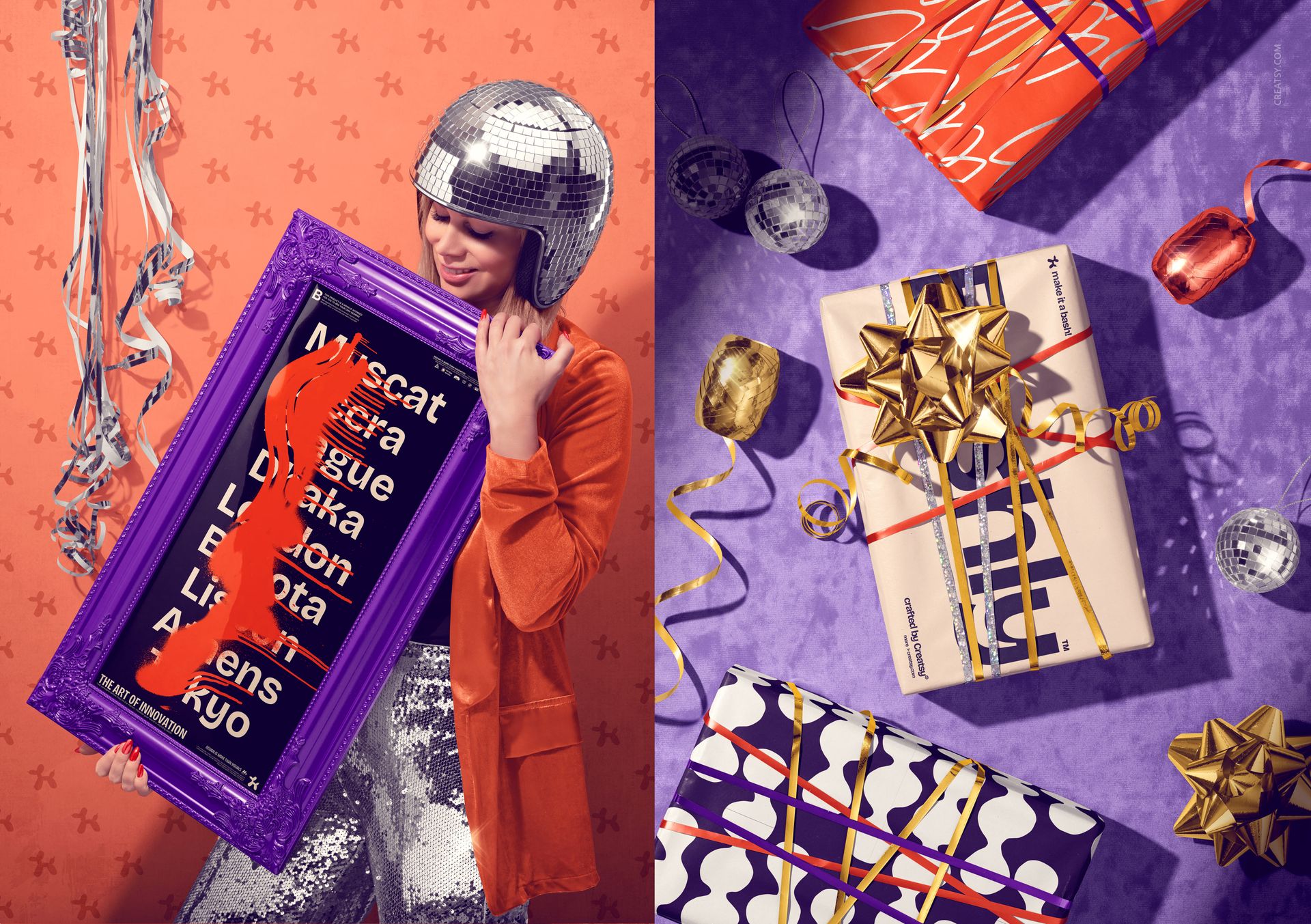
INCLUDED/23
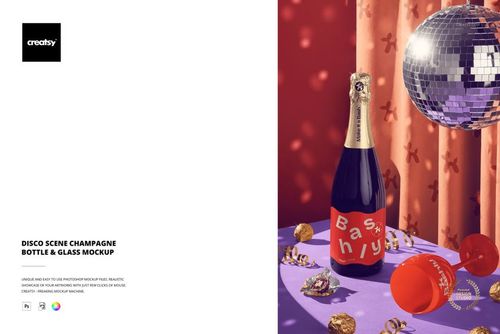
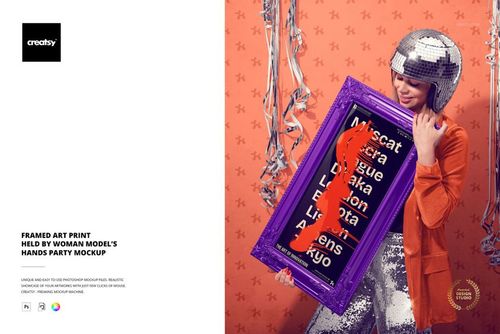
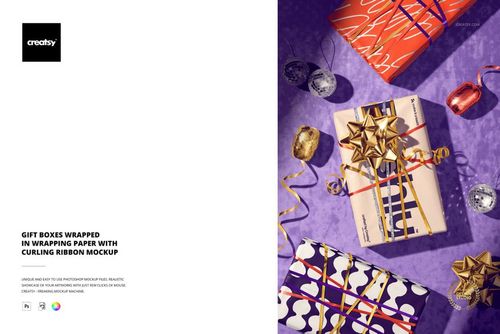
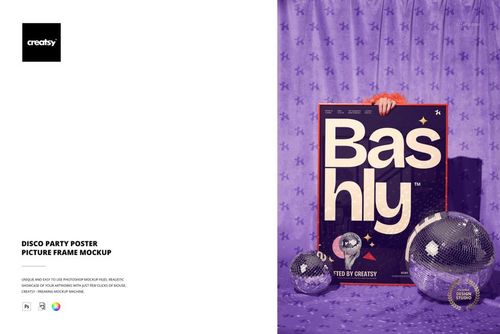
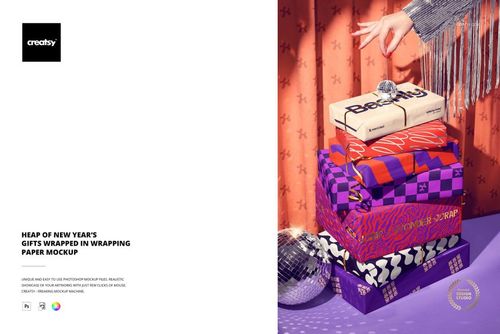
All 23 products in this bundle
Made with Creatsy
Real designs. Real customers. See how creatives use Creatsy mockups to turn their artwork, branding, and product ideas into polished visuals.


MEET THE SHOP

Creatsy
Poland
Bring your ideas to life.
We're a family-run studio in Katowice, Poland, making PSD mockups by hand since 2016. Everything in this shop starts in our own studio. We shoot the photography, build the 3D, and put together every Smart Object PSD ourselves - then we test it, organize the layers, and only ship it once it actually works...
 15$1615$19.00
 15$2040$24.00
 15$1955$23.00
 15$2210$26.00

HOW IT WORKS
3 clicks. That's it.
No tutorial needed. If you can copy-paste, you can use this.
- 1OpenDouble-click the smart object inside the PSD - in Adobe Photoshop, or free in your browser with Photopea.
- 2PasteDrop in your pattern, print, or artwork. Any design, any style.
- 3SaveHit save and the mockup wraps it in for you - shadows, folds, and lighting included.
FROM IDEA TO IMAGE
Built for real workflows
Skip the photo shoot Show your artwork on the real product type for approvals or listings - no studio, no model, no sample.
See it on the product, not a swatch Drop your file into the smart object and the scene's lighting and folds wrap around it, so you judge the real thing before you commit.
Smart Objects
Edit once and you're done. Your artwork drops into a smart object and the mockup updates itself - no masking, no warping by hand.
Perfectly Organized
Named layers and folders you can actually navigate. Find what you need, change what you want, and get out fast.
Print-Ready
High-resolution files built to hold up on screen and in print. Exact size and DPI are in this product's Details above.