Balloon Mockup Set
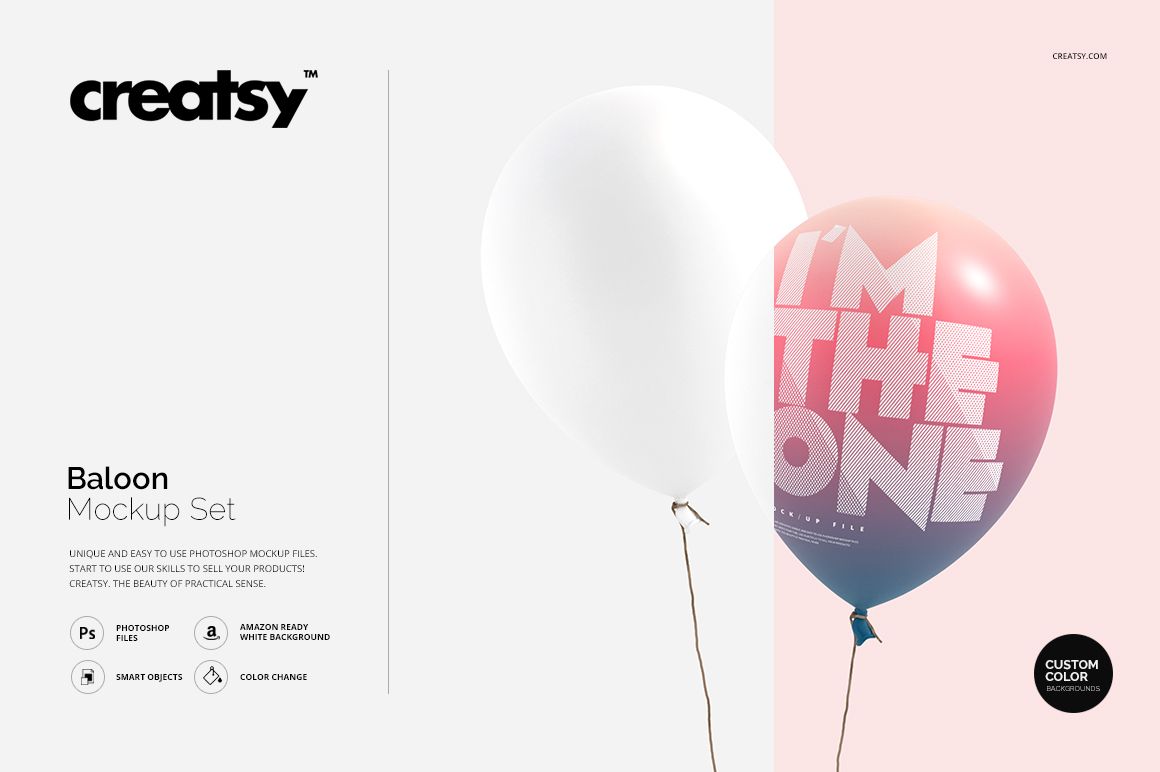
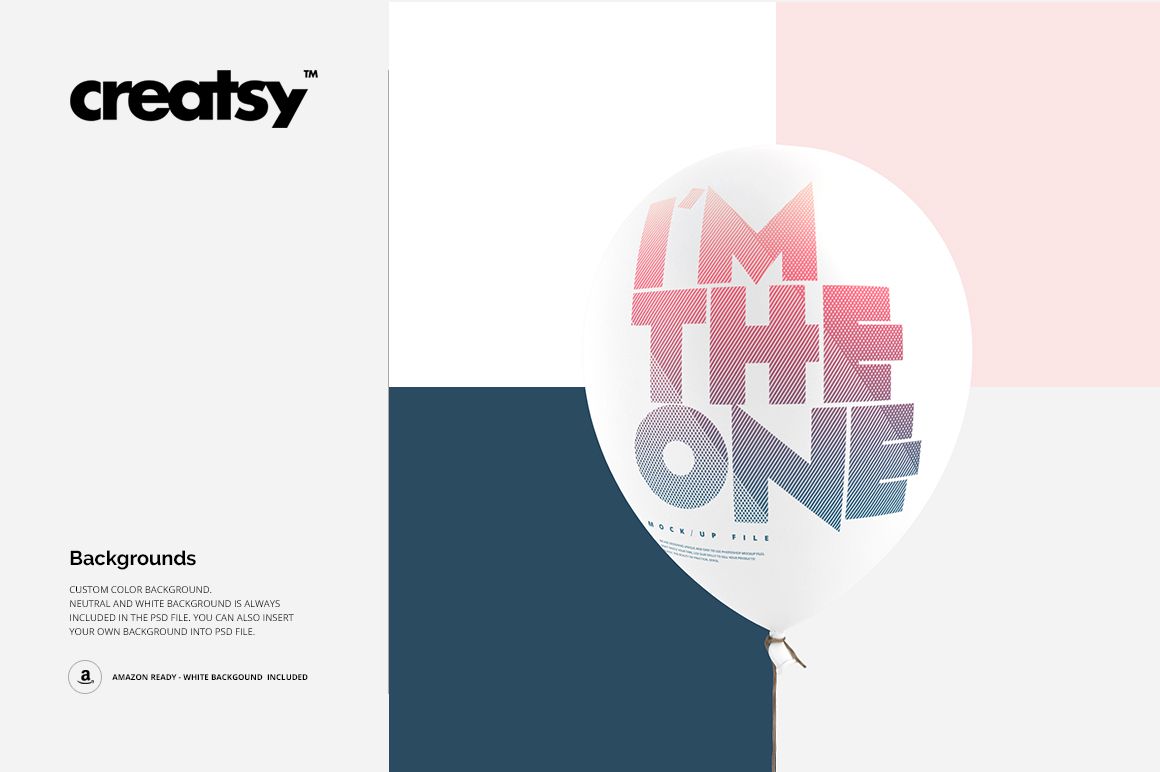
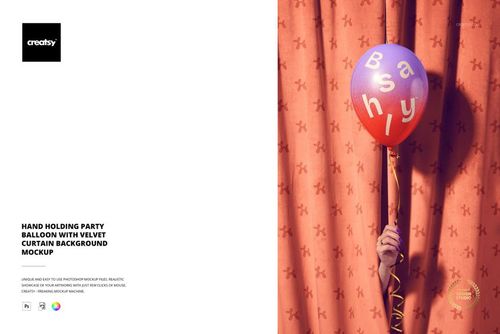
Artwork on a balloon must remain readable across a glossy, rounded surface, where highlights and curvature can change the perceived scale of every letter or motif. This three-scene set helps you evaluate that effect on single, paired and lying balloons without arranging a physical photo shoot.
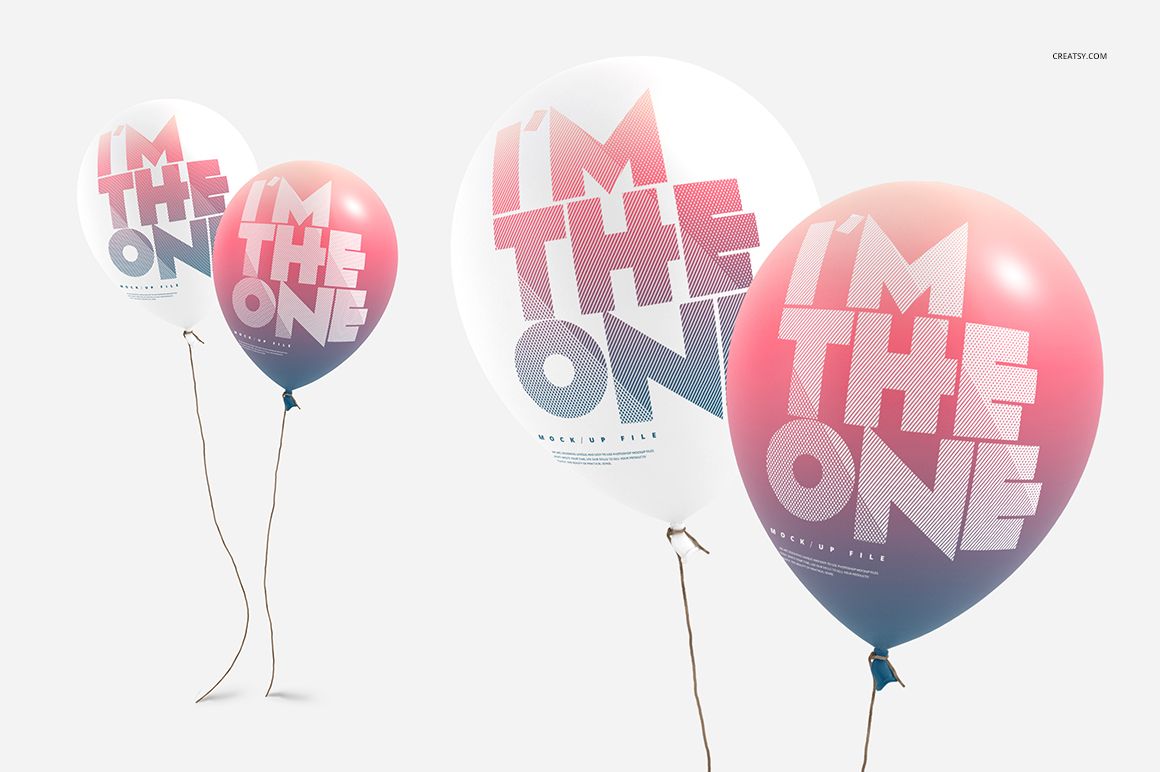
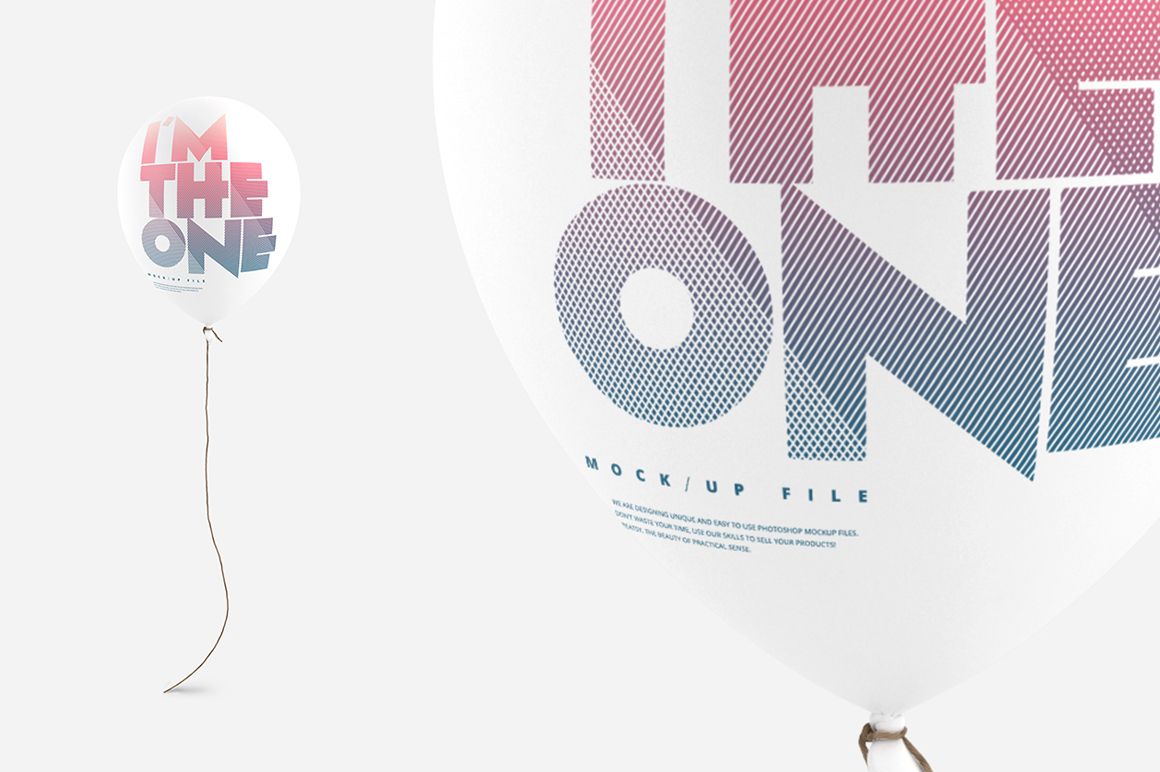
Use the scenes as a compact product story: introduce the full artwork on one floating balloon, compare two colorways together, then add a grounded view or close crop for detail. The clean photography keeps attention on the printed surface and makes the set useful for both client proofs and promotional images.
What Is Included
3 layered PSD mockup scenes
3 matching JPG previews
1 TIF guide, 7 files in total
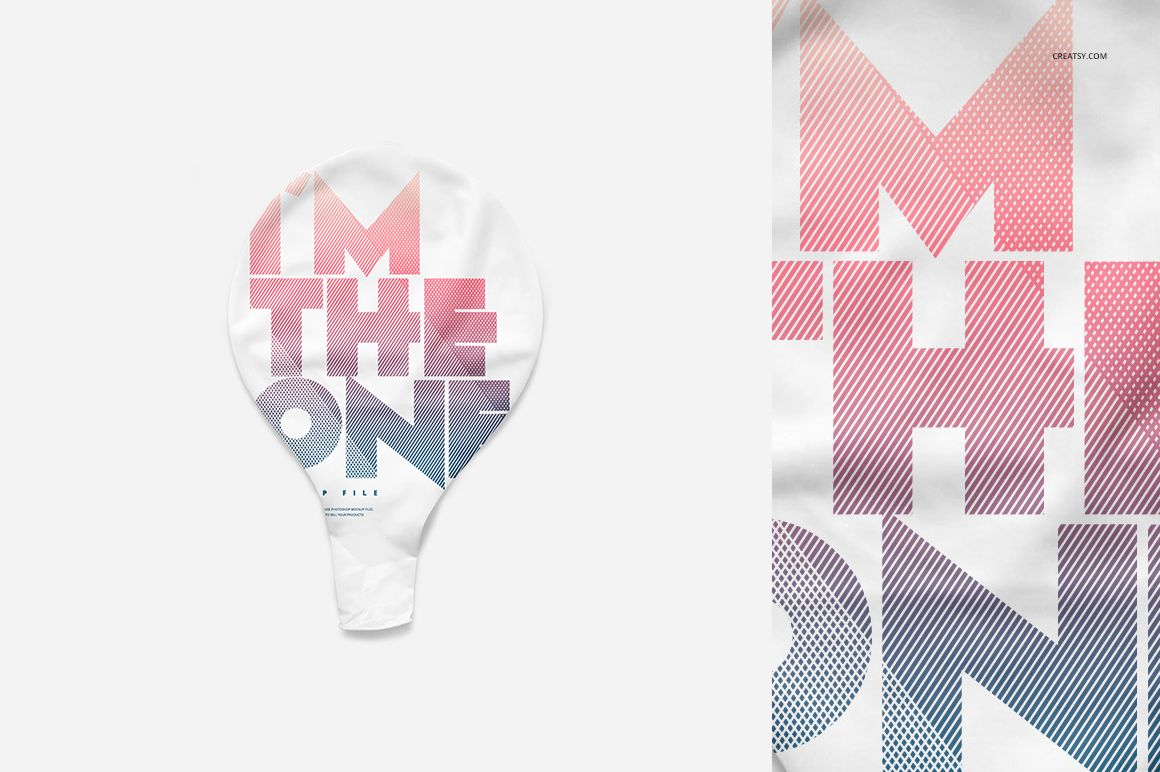
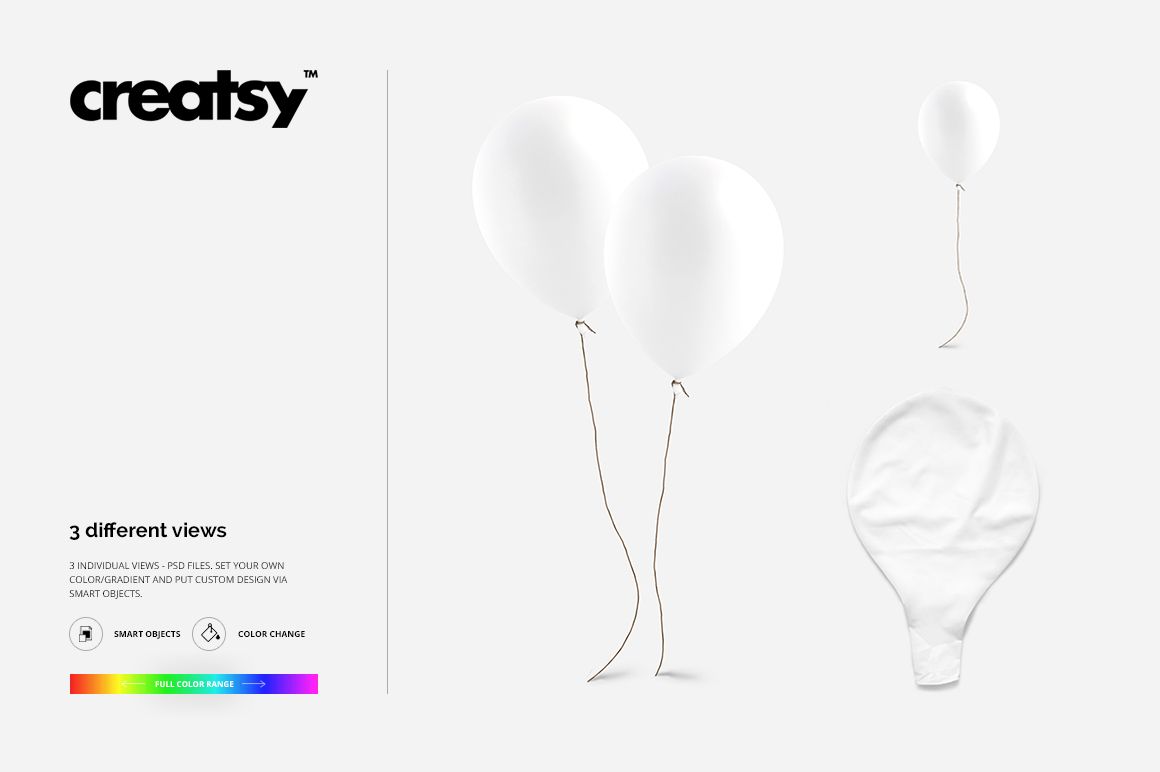
Single floating, two floating and lying balloon views
2000 × 2000 and 3000 × 3000 px layouts
300 DPI resolution
Evaluate Artwork on a Curved Surface
A balloon naturally compresses artwork near its edges and reflects light across the center. These views let you check logo size, type hierarchy, pattern density and contrast on the form itself, giving clients a more useful preview than a flat swatch.
Three Scenes for a Focused Campaign
The single-balloon scene works well as a hero image, the paired arrangement supports coordinated colorways, and the lying balloon adds variety to a gallery or presentation sequence. Together, the files cover key marketing angles without repeating the same composition.
Easy Smart Object Editing
Place your artwork through Smart Objects, adjust the balloon and background colors, then export the selected scene. The organized PSD files are compatible with Adobe Photoshop CS6 or newer and Photopea.
Perfect For
Birthday and celebration graphics
Event branding and party supply presentations
Promotional balloon artwork previews
Client approvals and portfolio case studies
Online shop galleries and campaign visuals
This is a digital mockup set, not a balloon production file or print specification. Balloons and sample artwork shown in the previews are presentation elements and are not included as reusable assets.