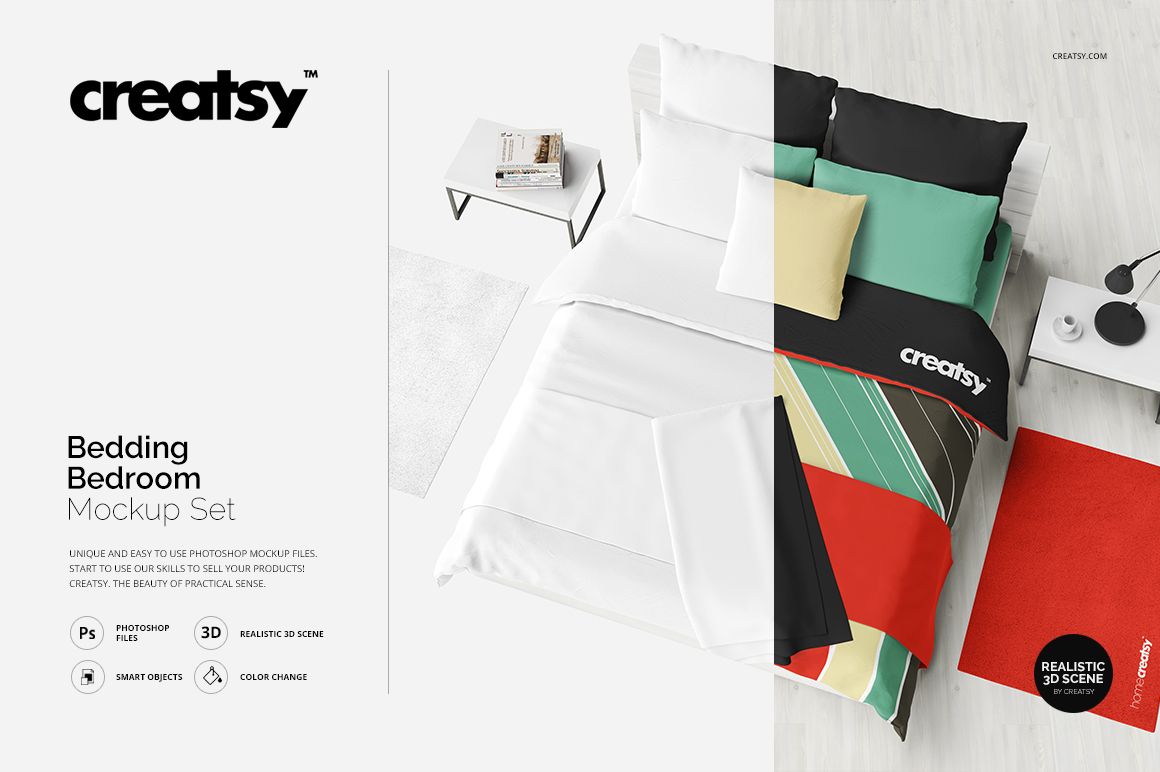
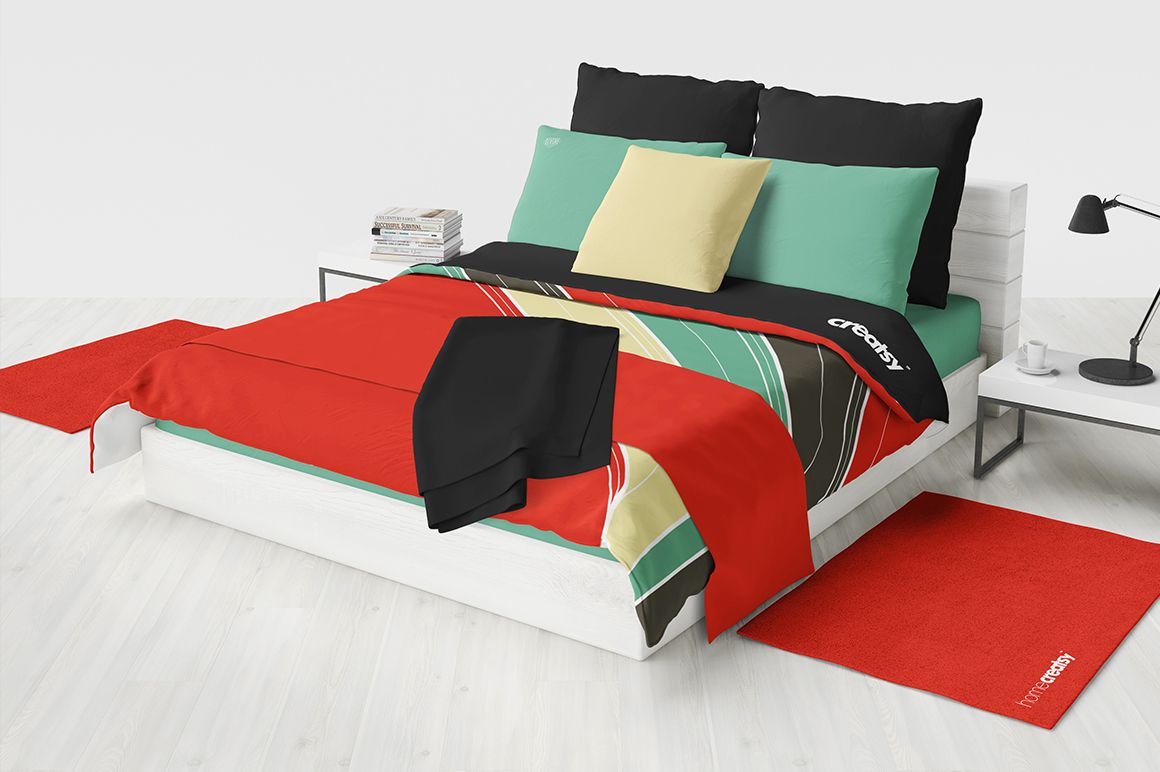
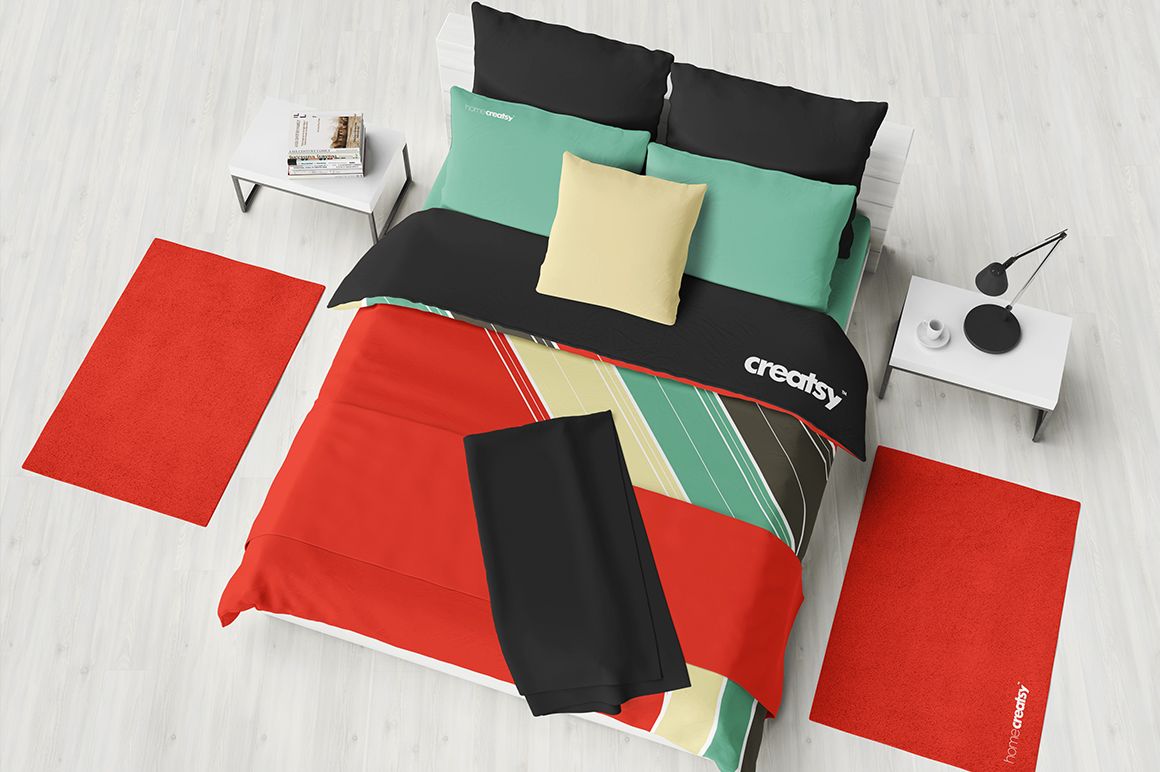
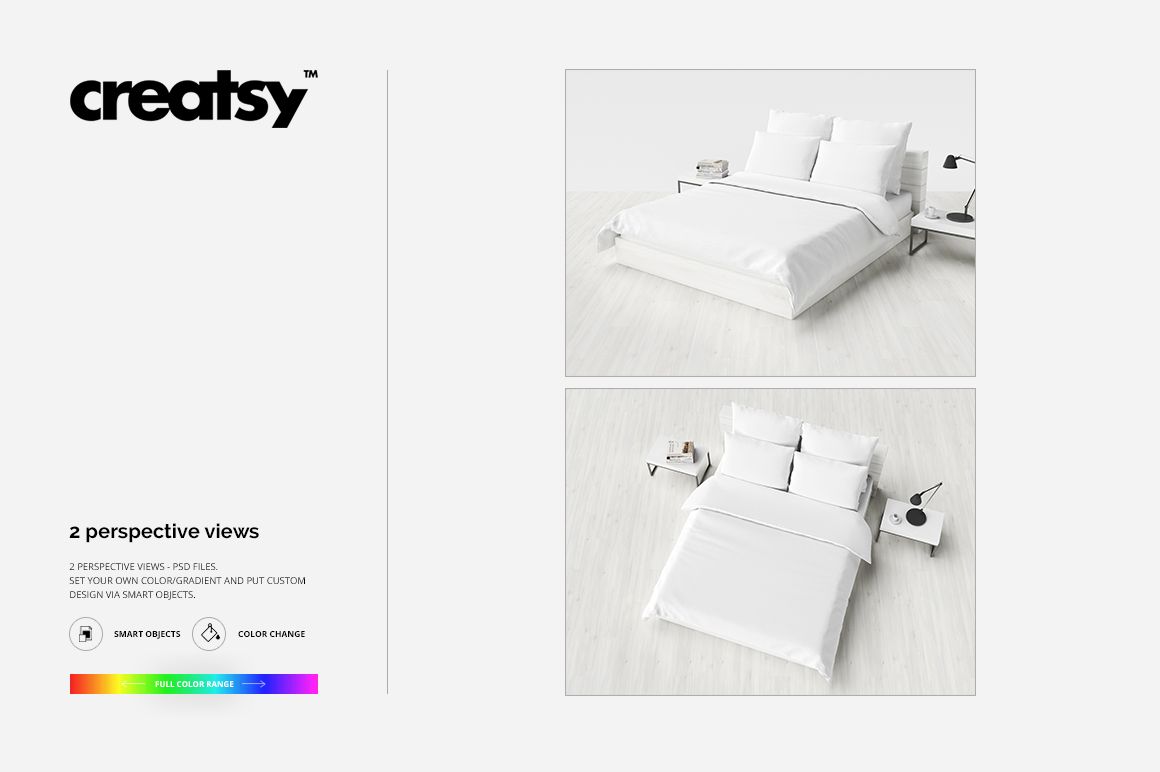
The Bedding Bedroom Mockup Set by Creatsy is a bedroom bedding mockup built on two PSD files, a top view and a perspective view, 4000x3000 px at 300 dpi. Your patterns go on the bed, and the bedroom around it is already styled and lit.
Almost every piece of fabric in the scene takes artwork. The sheet, the quilt, the Euro and standard pillows, both decorative pillows, the blanket, the rugs and the bed runner each have their own smart object layer, so different pieces can carry different prints from the same collection. The bedding also takes flat color or a gradient if you're testing colorways rather than prints, and the bed frame and bedside tables recolor separately when the white doesn't fit your palette.
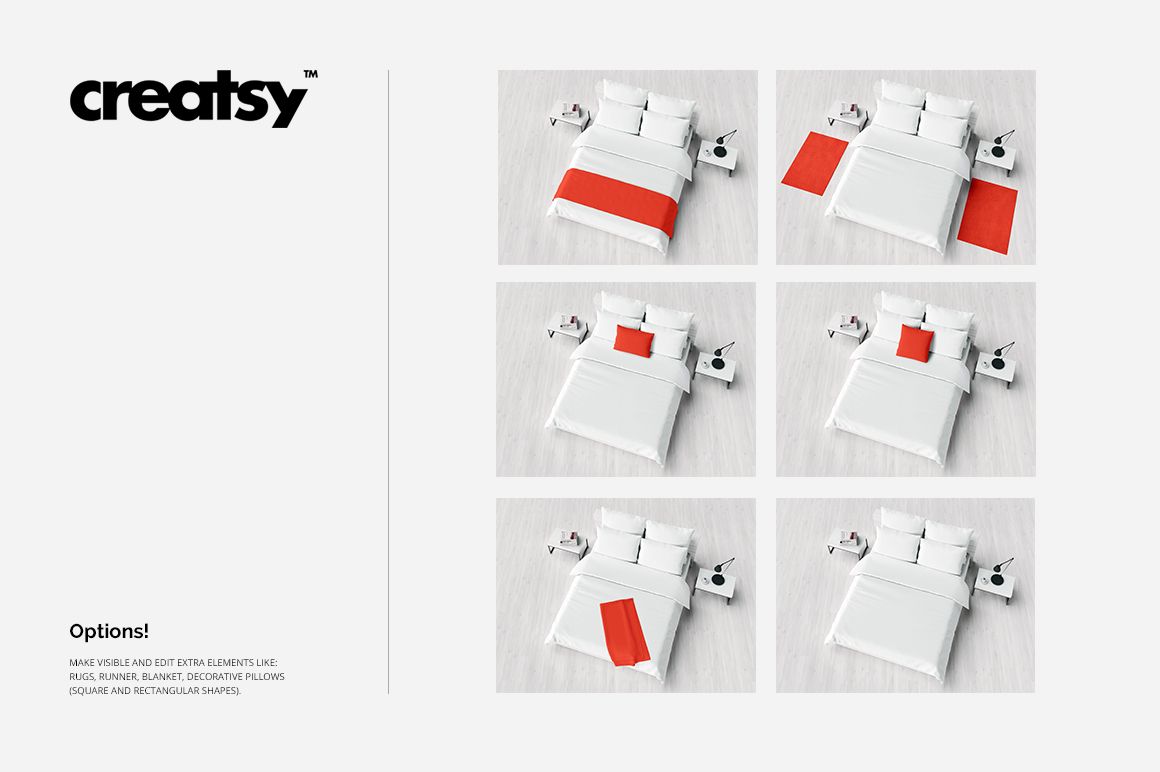
The extras are optional. Rugs, runner, blanket and decorative pillows sit on their own layers, so you switch them on when the collection has matching pieces and off when it doesn't. There's also a white background version for shots where the room would be a distraction.
The two views split the work. The top view is where you judge the repeat: scale, motif placement, how the colors sit next to each other. The perspective view shows the same design falling over the edge of a made bed, folds and shadows included. Most product pages need both.
The designs in the previews are only examples. They are not part of the mockup, so the files come with the bedding blank.
It replaces a styled photo shoot. Exports drop into Etsy and Shopify listings, lookbooks, client decks, or a surface pattern portfolio.
What you get
Smart object layers on the sheet, quilt, Euro pillows, standard pillows, two decorative pillows, blanket, rugs and bed runner
A top view and a perspective view of the same bedroom
Show and hide layers for the extras: rugs, runner, blanket, decorative pillows
Flat color or gradient options for the bedding, separate recolor for the bed and bedside tables
A rendered 3D bedroom: whitewashed floor, two bedside tables, lamp, stack of magazines
A white background version for catalog shots
Well organized, easy to follow layer stack
How it works
Open the PSD in Photoshop, CC 2015 or newer.
Double-click the smart object layer for the piece you're changing: sheet, quilt, a pillow, the blanket, a rug or the runner.
Paste your artwork, scale it to fit, then save and close the smart object.
Hide the extras you don't need, recolor the bed or tables if the scene calls for it, then export.
Specifications
Files: 2 layered PSD
Dimensions: 4000x3000 px, 300 dpi
Download: 5 files, .psd, .jpg and .pdf
Package size: 293 MB (Windows), 308 MB (macOS)
Software: Adobe Photoshop CC 2015 or newer
License: Standard or Extended
Who it is for
Made for surface pattern designers and home textile brands first. It also fits print-on-demand sellers building bedding listings, and studios that want one consistent bedroom scene across a collection instead of five stock photos that don't match.