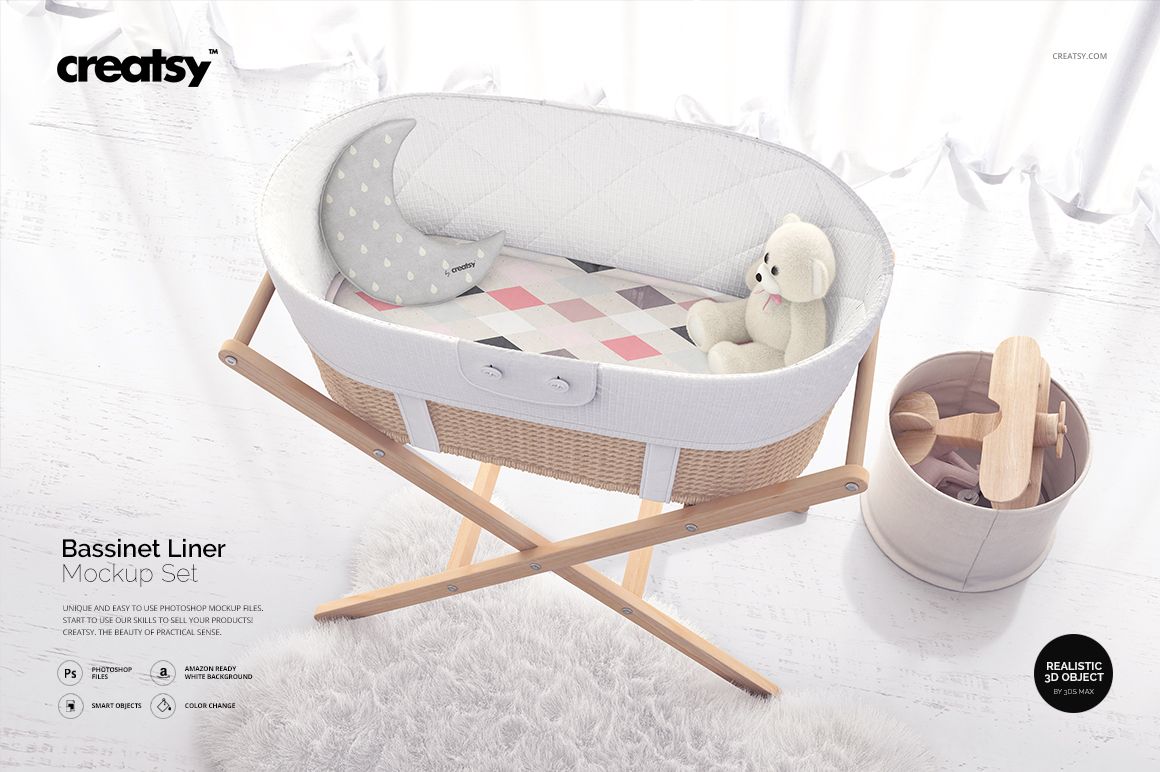
Bassinet Liner Mockup Set
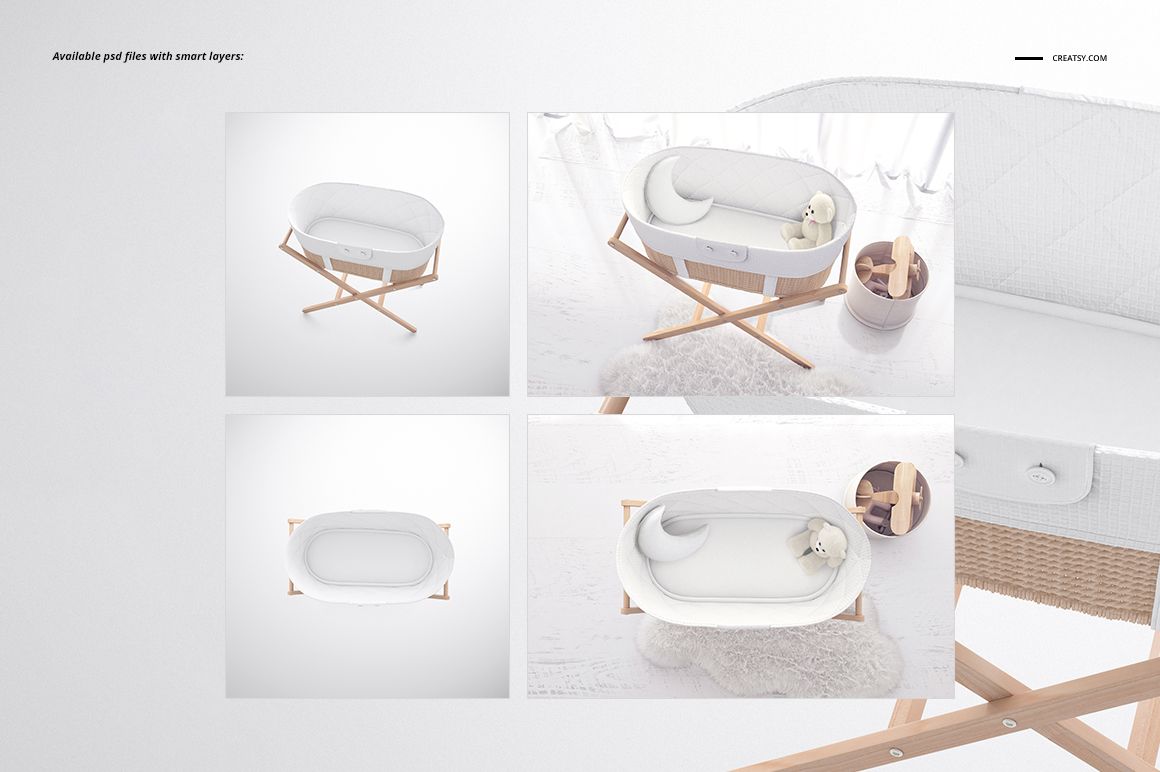
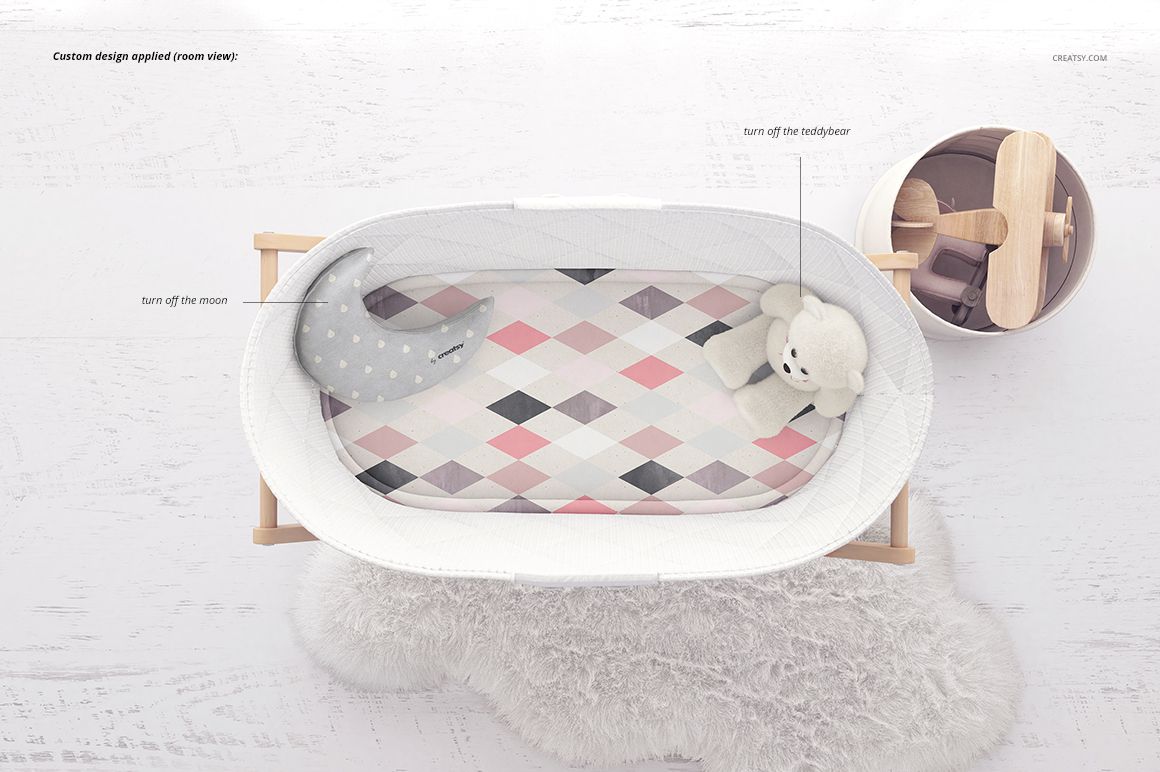
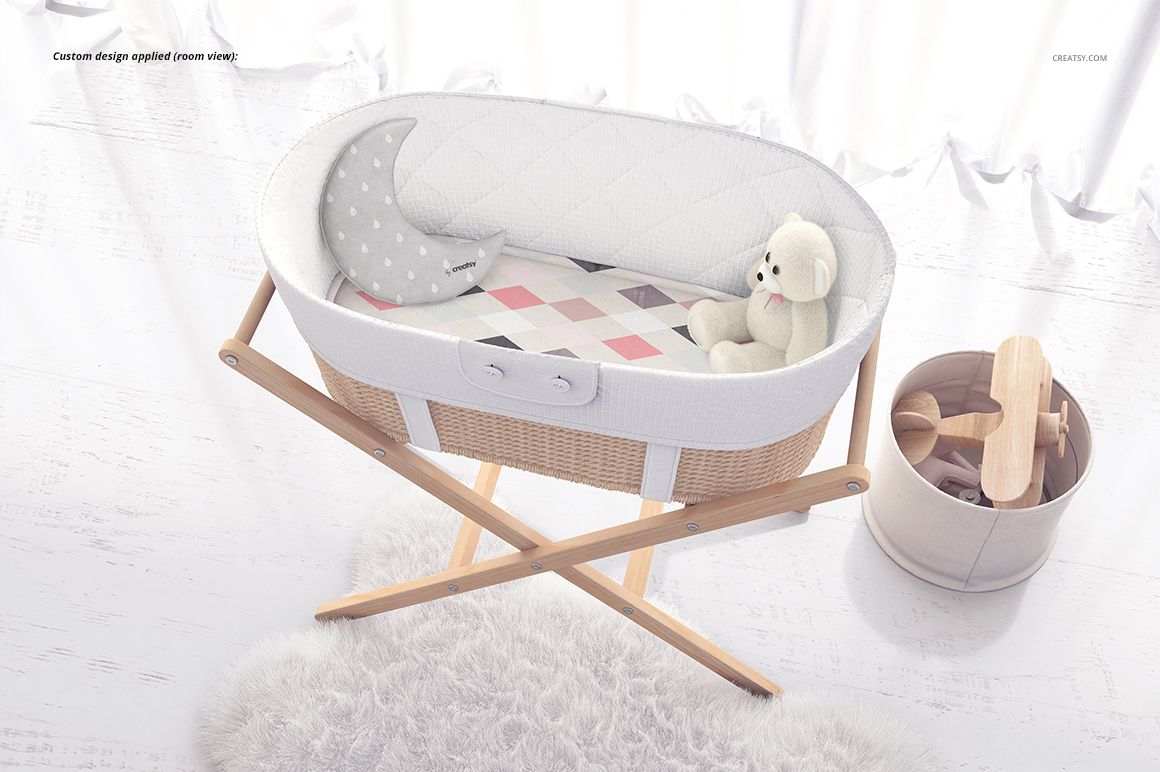
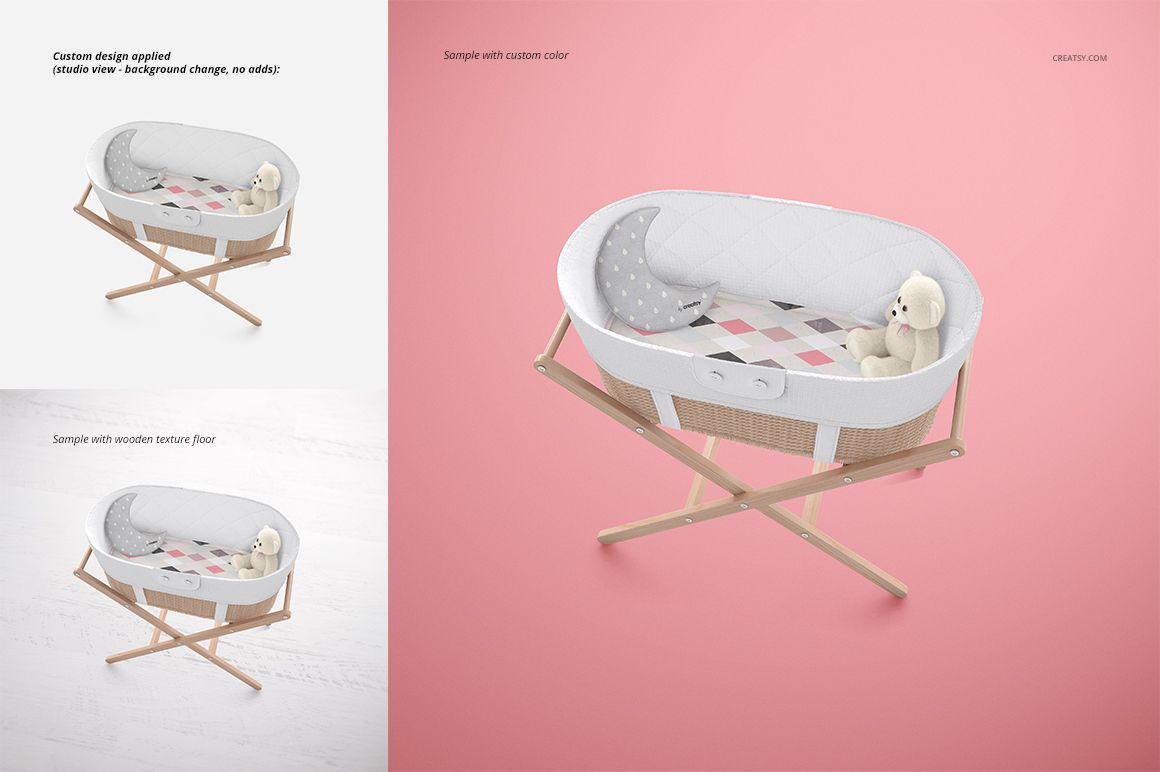
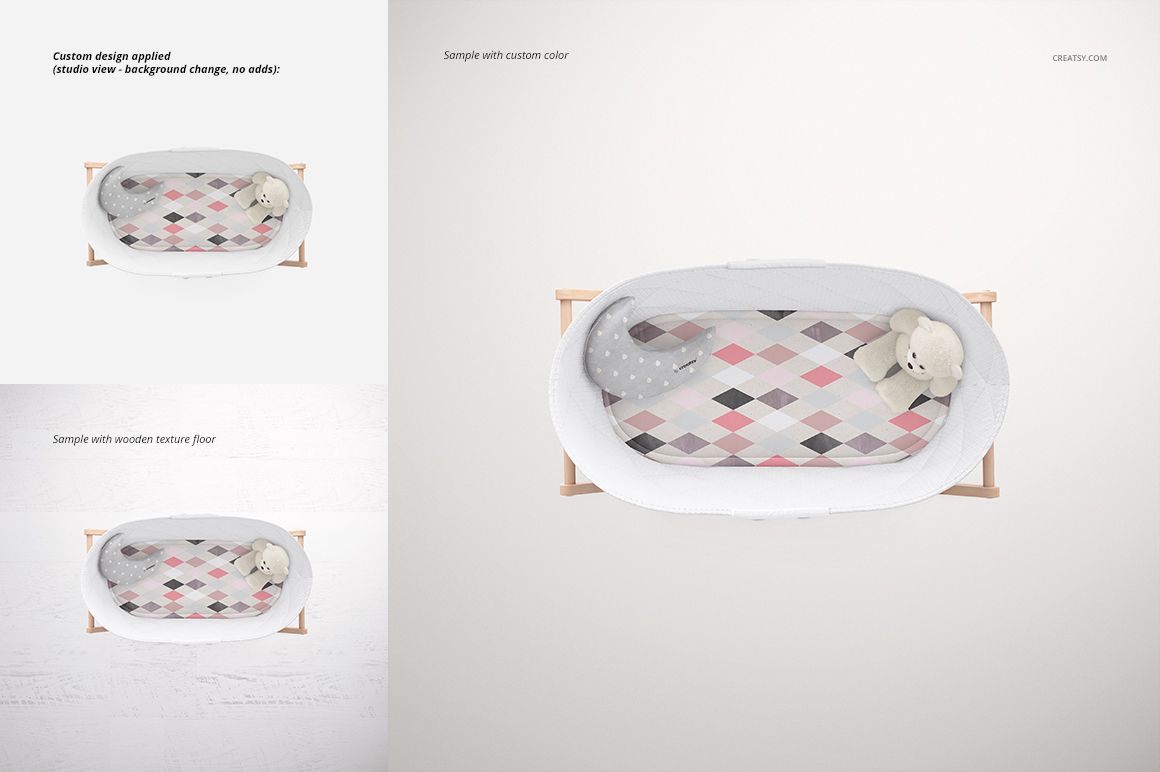
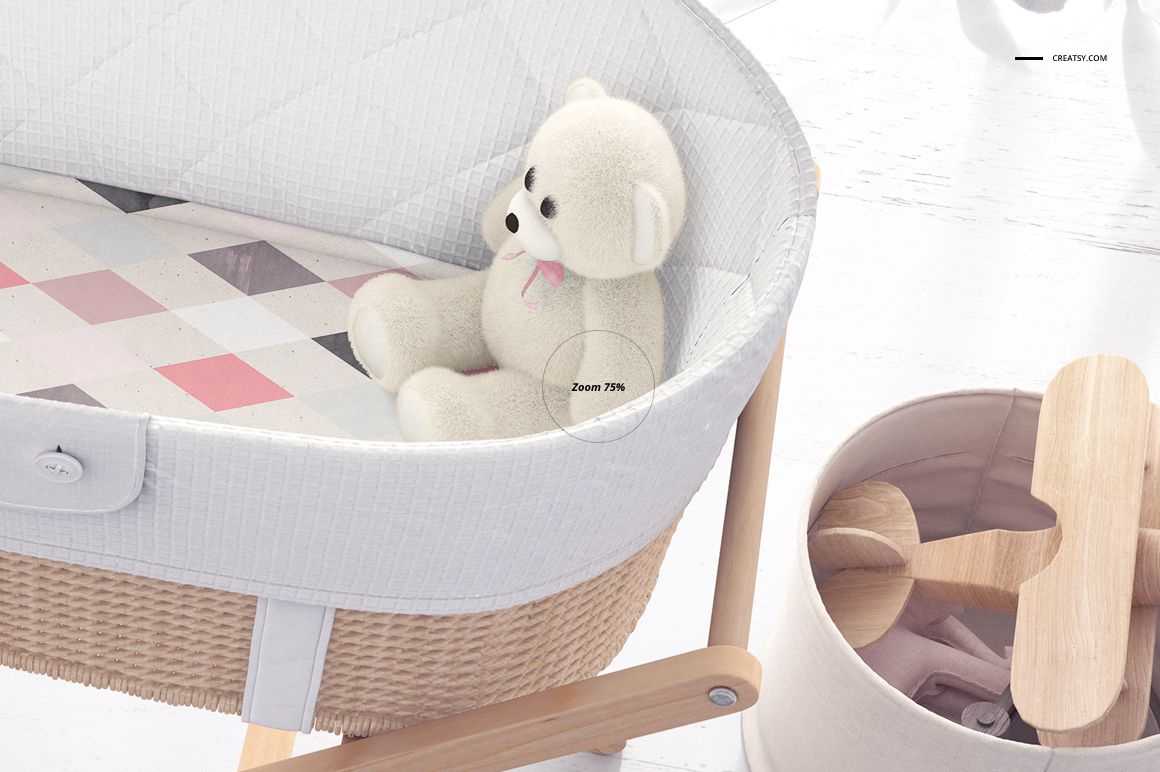
Preview a nursery textile design on the padded liner and mattress cover of an oval woven bassinet. Four photographed scenes combine top and angled viewpoints with studio and room settings, so you can show both the pattern placement and the overall presentation of the lined basket on its wooden stand.
What's Included
4 layered PSD mockups at 300 DPI.
2 square studio scenes, top and angled views: 3500 × 3500 px.
2 landscape room scenes, top and angled views: 3500 × 2333 px.
4 matching JPG previews and 1 TIF guide, for 9 files in the download.
Liner Artwork and Scene Options
Replace the textile artwork and adjust the available color layers while preserving the photographed fabric folds and basket detail. Use the studio background controls for a clean color or textured setting. In the room scenes, the moon pillow and teddy bear can be hidden to simplify the composition.
Easy Smart Object Editing
Open a scene in Adobe Photoshop CC2015 or later, or Photopea. Open the artwork Smart Object, insert your design and save it to update the mockup. Adjust the available color and background layers, then export a top or angled presentation.
Perfect For
Bassinet liner and mattress-cover pattern concepts.
Coordinated nursery textile portfolios and licensing presentations.
Client colorway comparisons and baby collection catalog concepts.
This is a digital mockup set, not a physical bassinet, liner or sewing pattern. The sample patterns are not included.