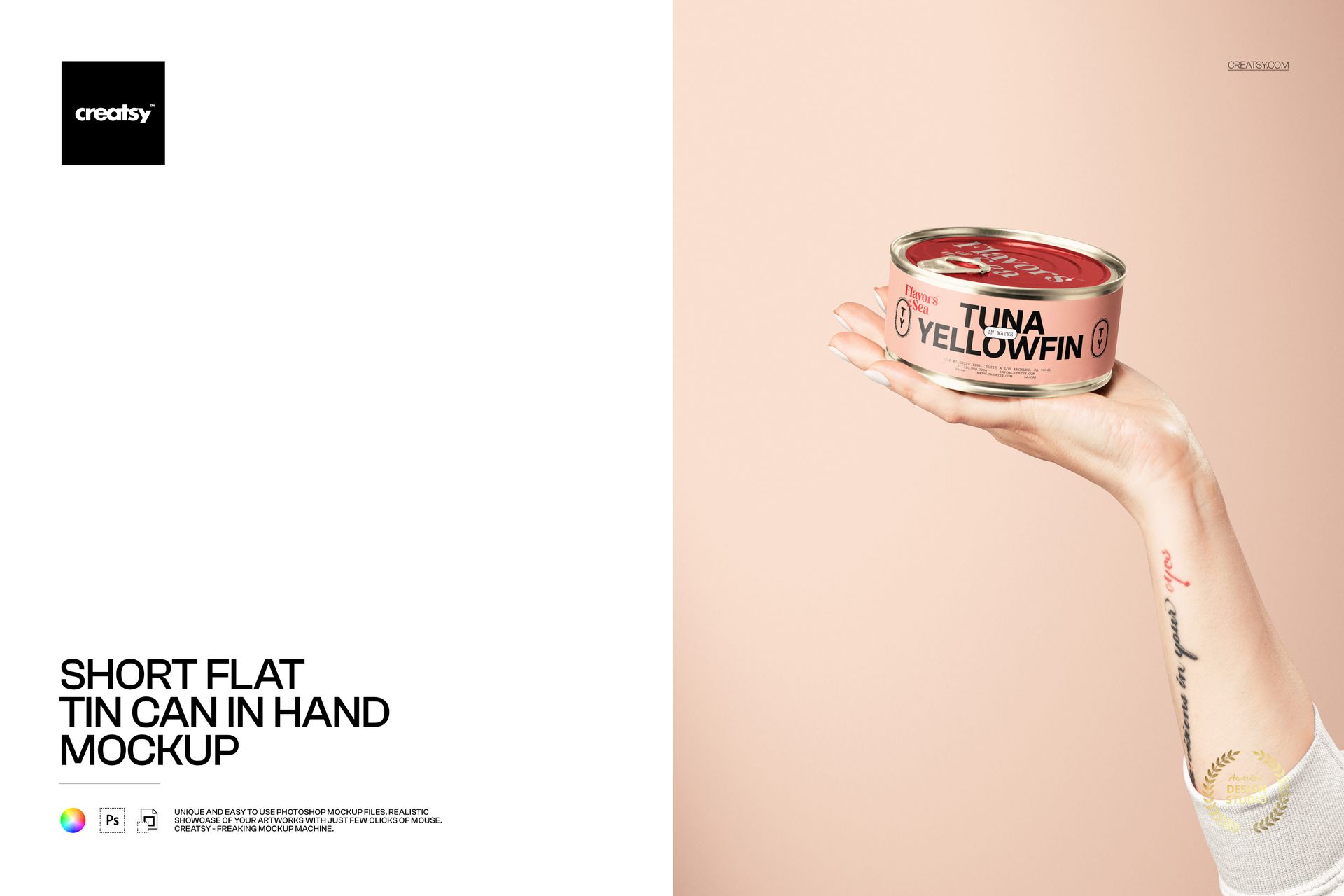
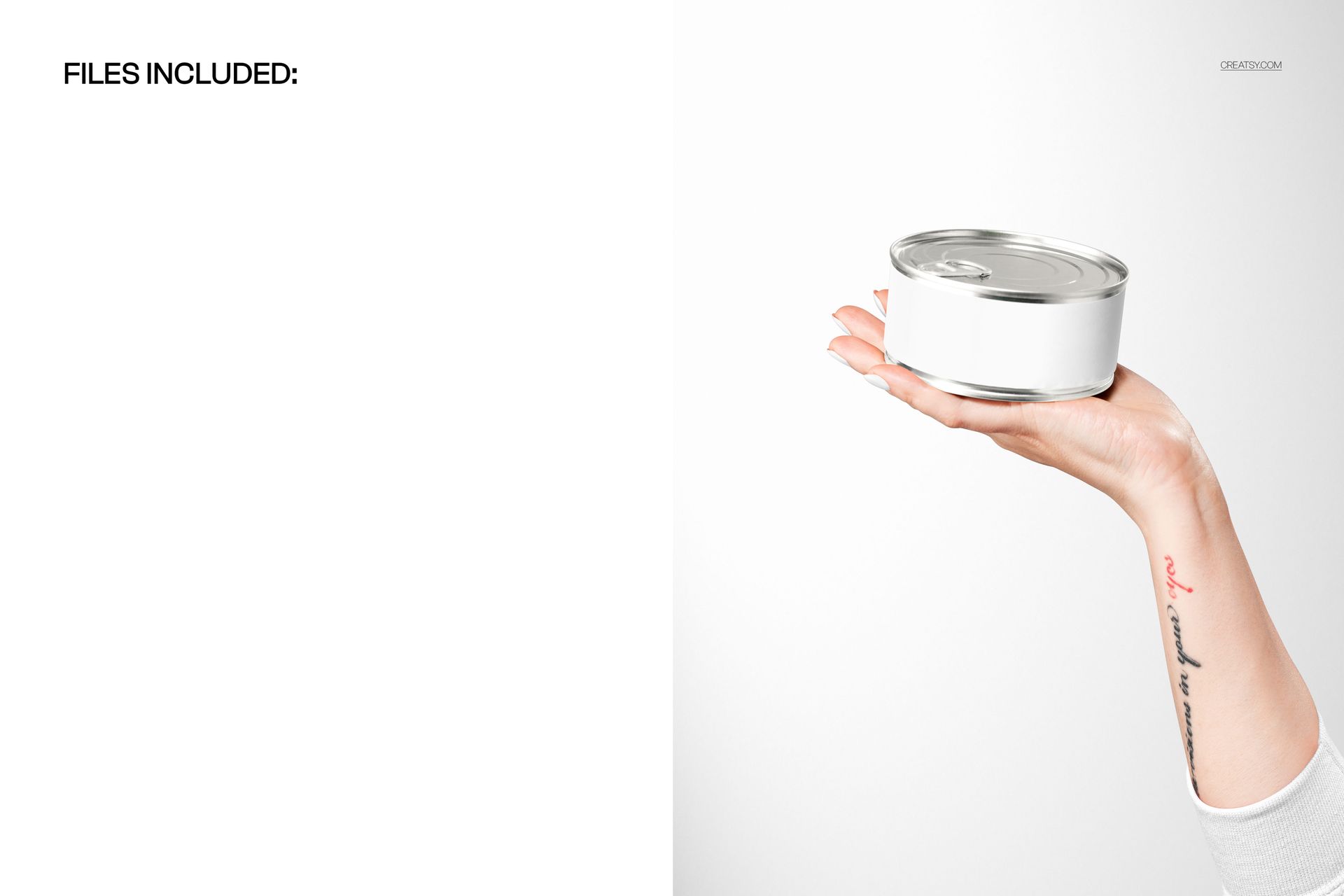
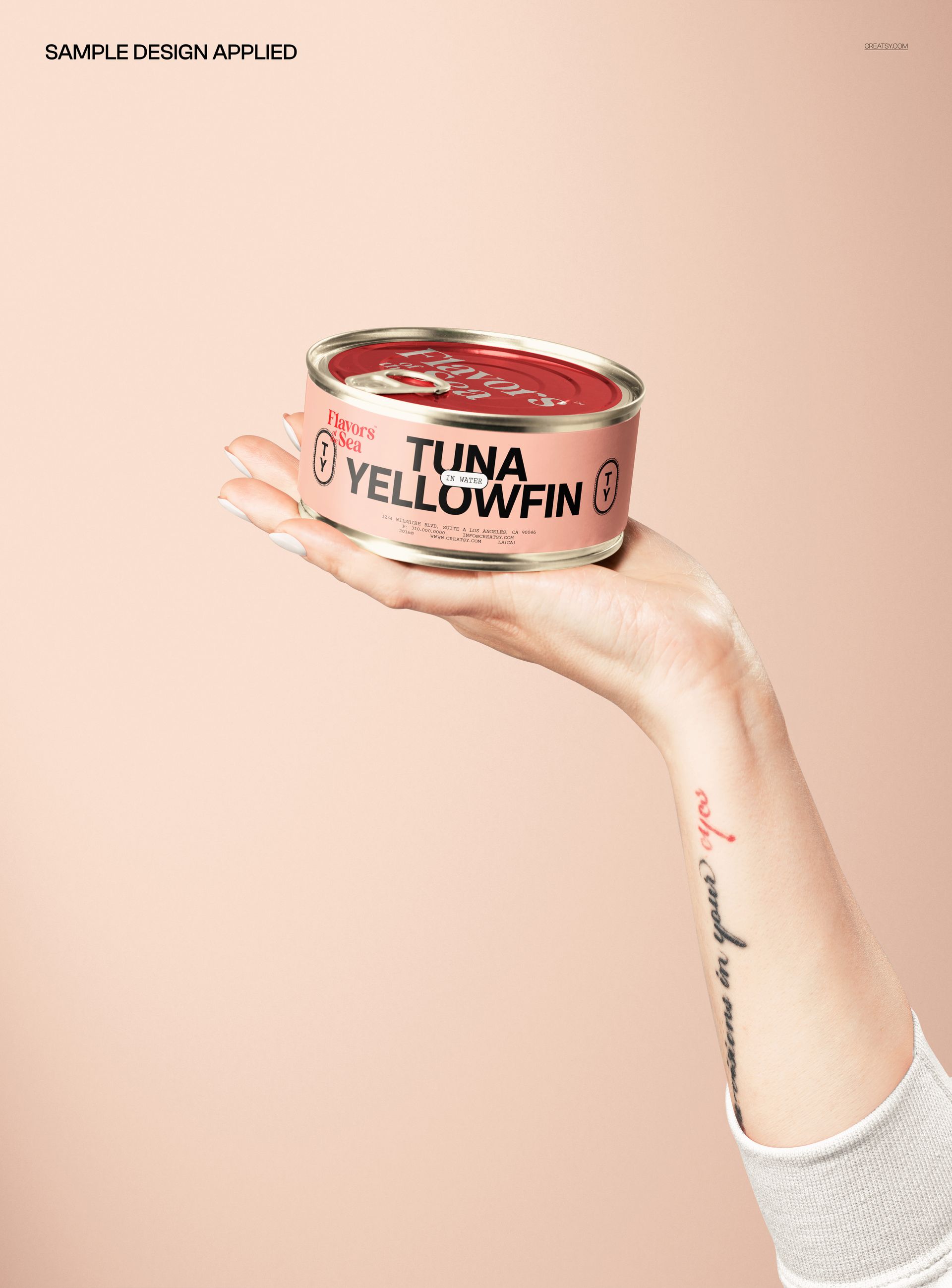
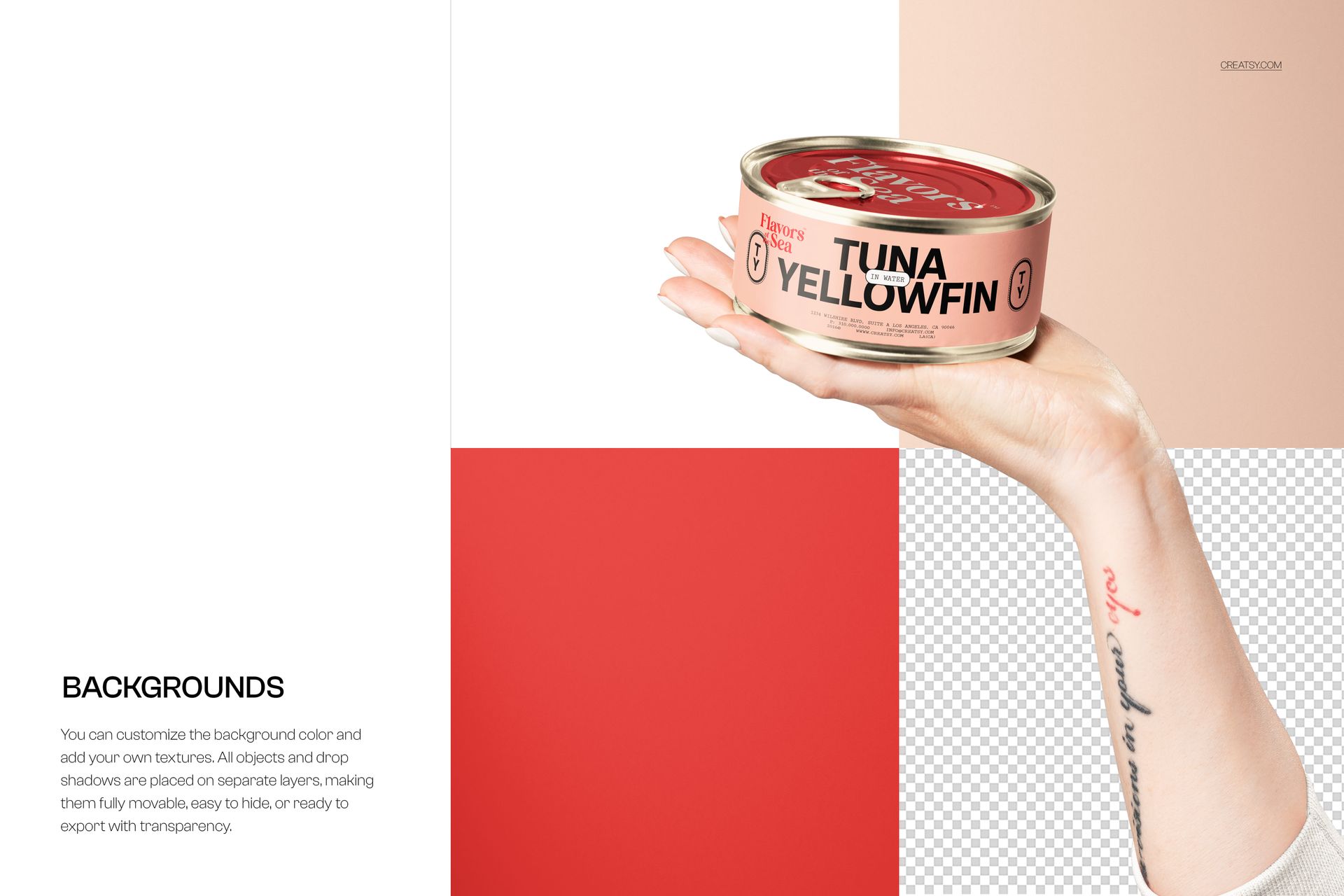
Put your label designs right into your customer’s hand with this free Short Flat Tin Can in Hand Mockup. Drop your artwork into the Smart Object and see it wrapped around a round, low-profile tin can held in a clean, minimal studio scene. Customize the can color, tweak nail polish and sleeve color, adjust the background, and move the whole hand + can object around the canvas – then export polished visuals for food, pet care, or cosmetic branding, all free for commercial use (see license for details).
Highlights
- Format: 1× PSD, 6000×4000 px, 300 dpi
- Workflow: Smart Objects; well-organized layers; movable object
- Apps: Photoshop (min. CC 2020) + Photopea (free online editor)
- Scene: Short flat tin can presented in an outstretched hand on a soft studio background
- Use cases: canned food, pet food, cosmetics, balms, candles, branding presentations, ecommerce listings
- License: free for personal & commercial use (see terms)
What’s inside / Specs
- Files: 1× PSD (+ JPG preview)
- Canvas: 6000×4000 px, 300 dpi
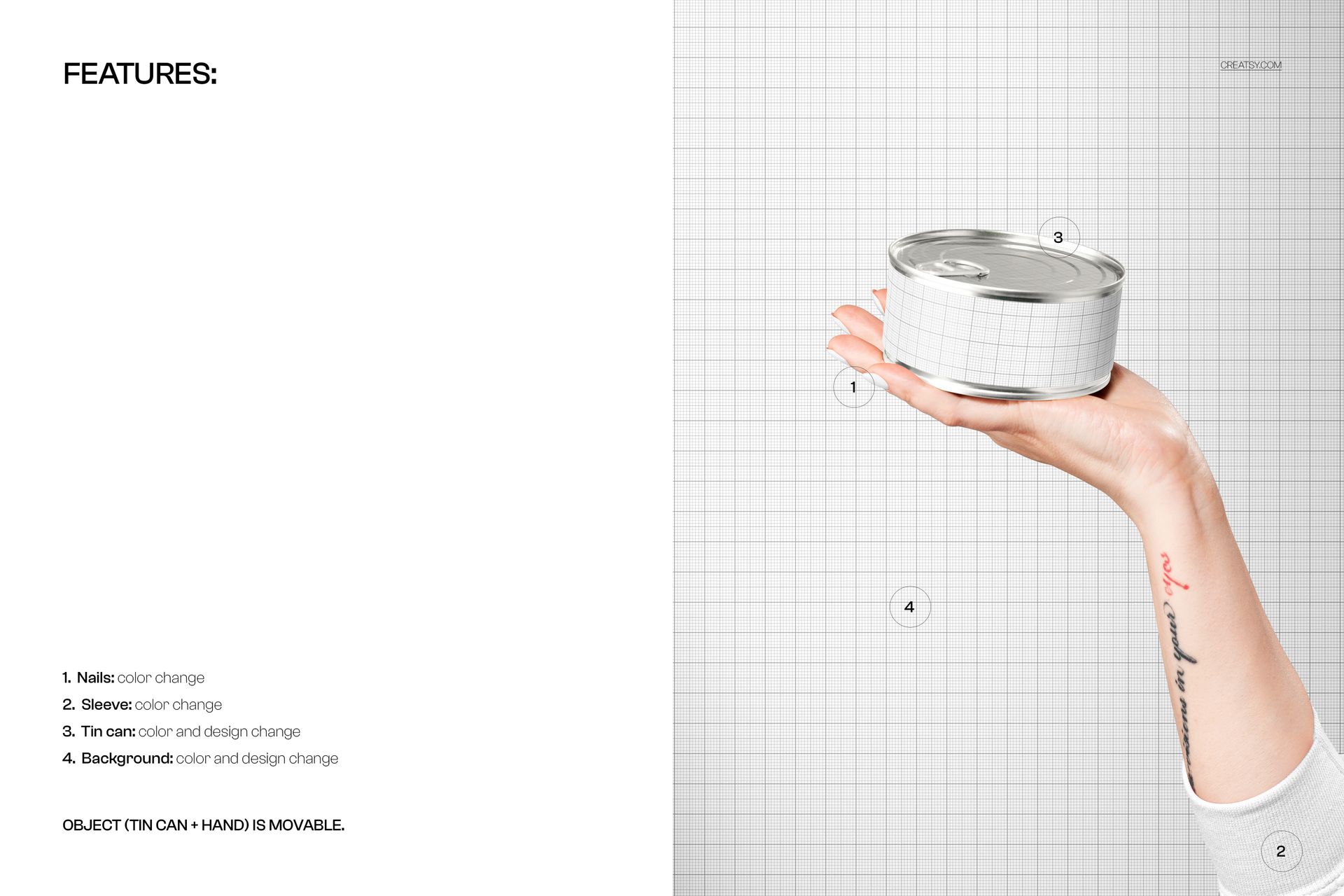
- Editable elements: Tin can label design (via Smart Object); tin can base color; nail polish color; sleeve color; background color and background design
- Object: hand + tin can grouped together and fully movable (reposition, scale, rotate)
- Effects & details: realistic metal reflections, skin texture, soft shadows, and studio lighting
- Compatibility: Photoshop CC 2020 or newer; works in Photopea
- Approx. size: ~237–249 MB (archive may vary by compression)
How-to (Photoshop & Photopea)
- Open the PSD in Photoshop (CC2020+) or Photopea.
- Double-click the tin can Smart Object, paste your label design, save, and return to the main file.
- Adjust the can, nails, sleeve, and background color layers to match your brand palette.
- Move or scale the hand + can group to create different compositions.
- Export high-resolution JPG/PNG/WebP for web, print, or client presentations.
License & usage
Free for personal & commercial use (for 1 business, up to 5,000 end products). Source files may not be resold, shared, or redistributed in any form. See the full license on the product page – check the “Freebie” row for complete details.