ID: 1473042773 | Updated: Aug 1, 2024

Product Details

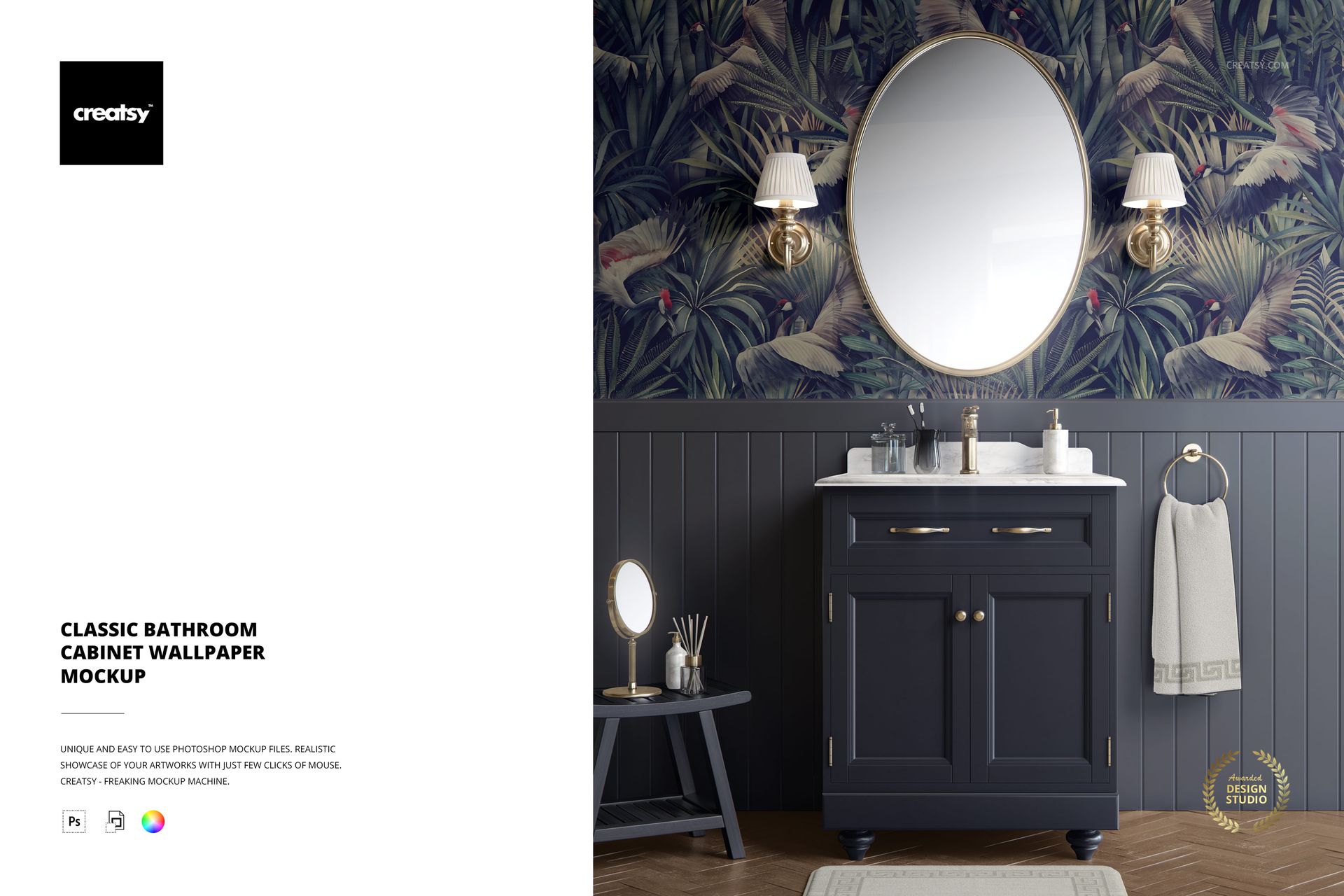
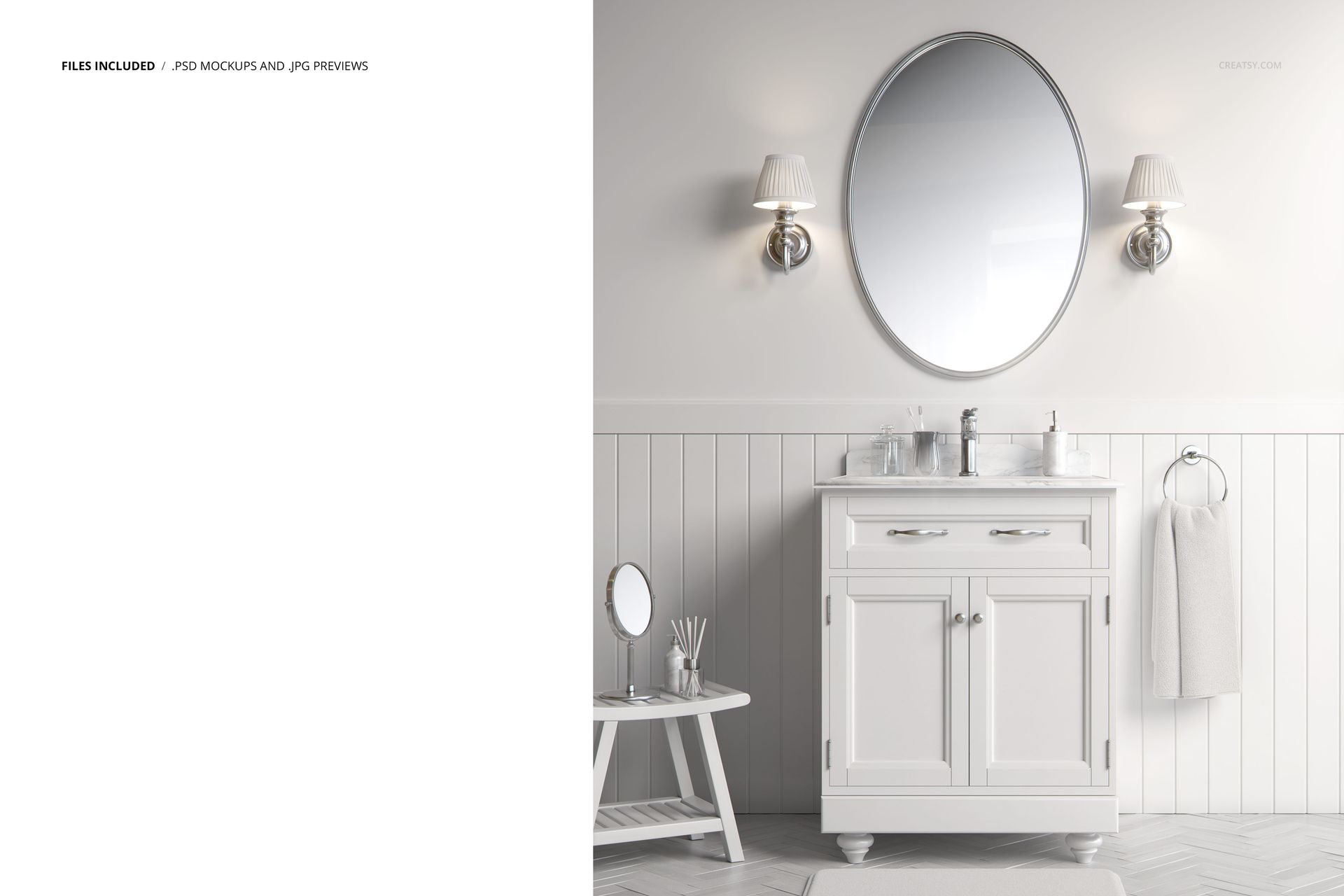
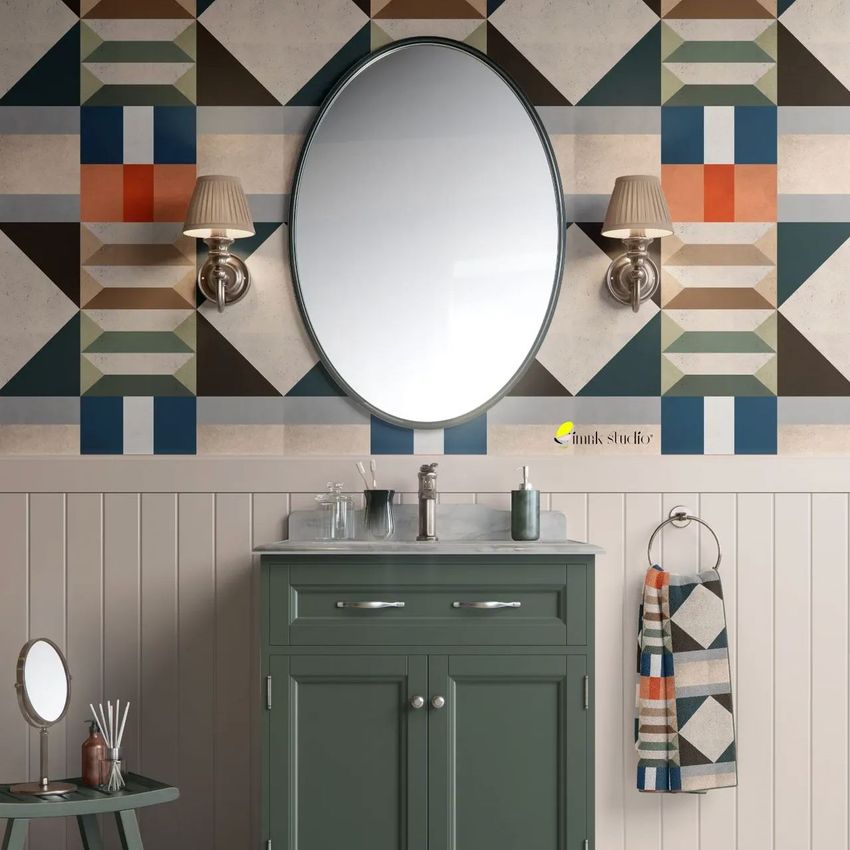
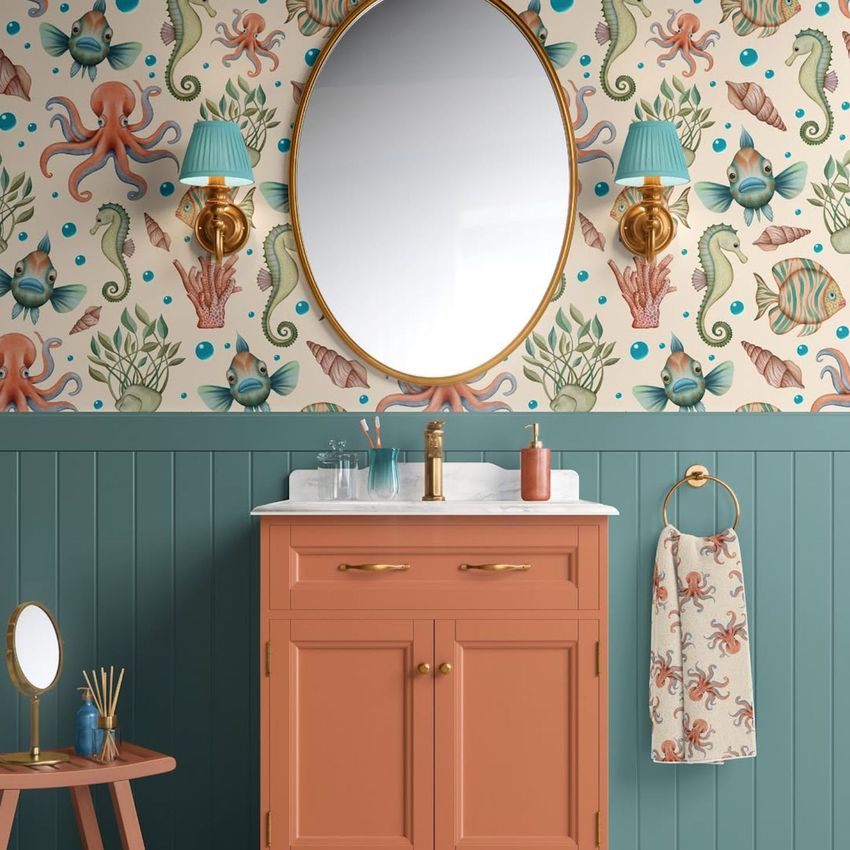
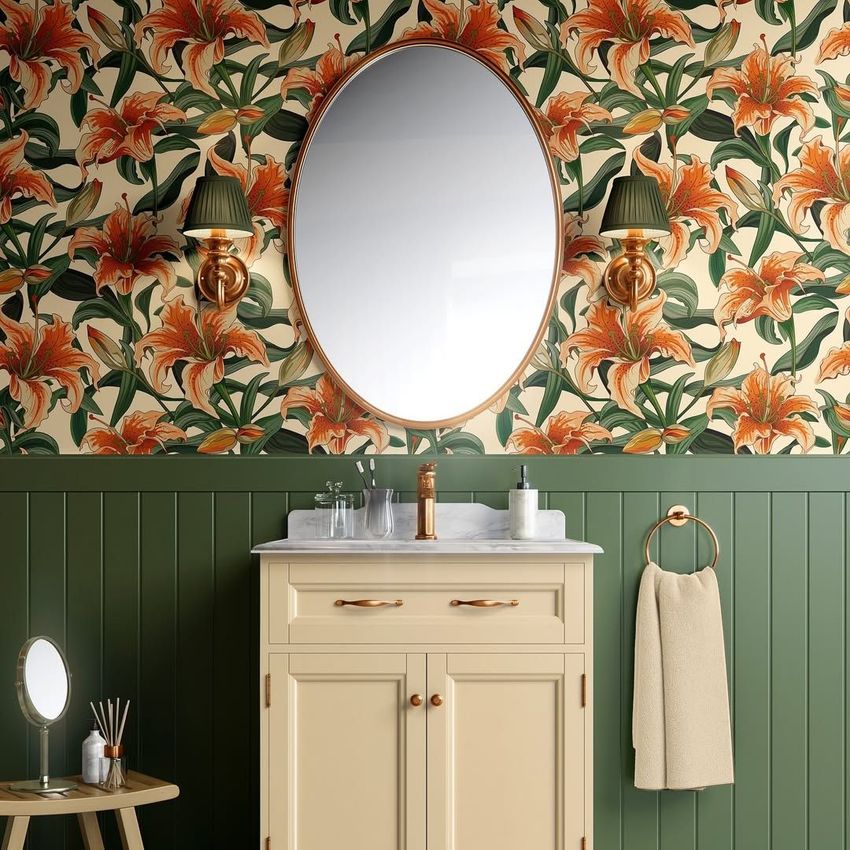
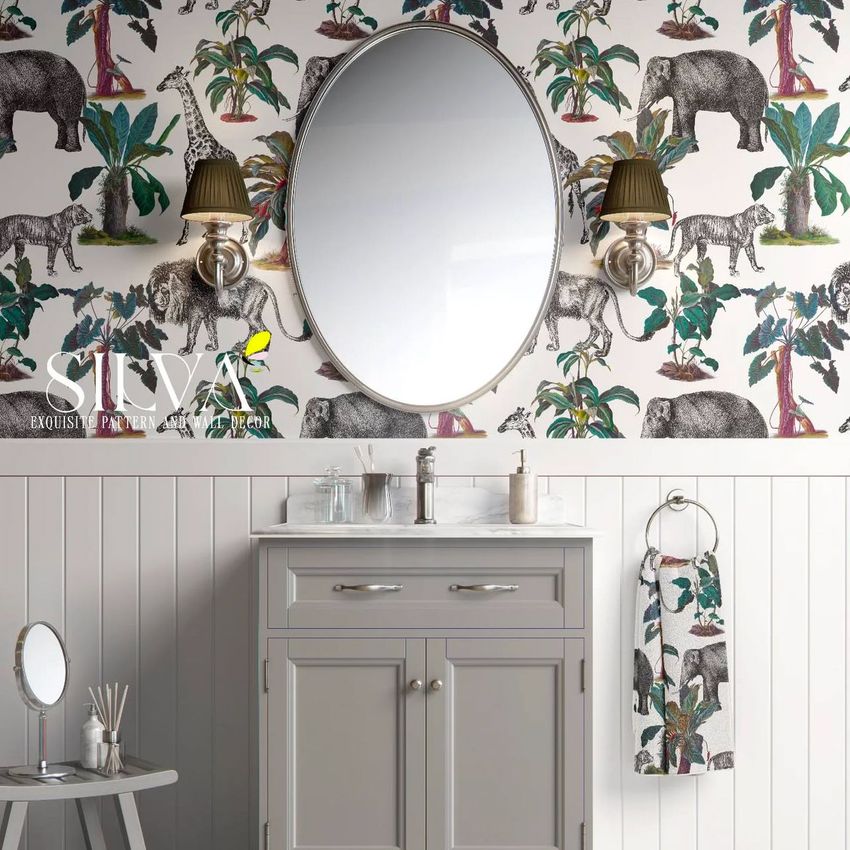
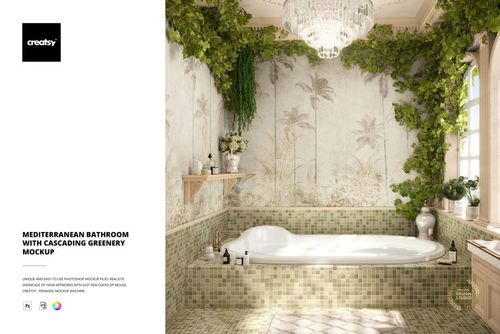
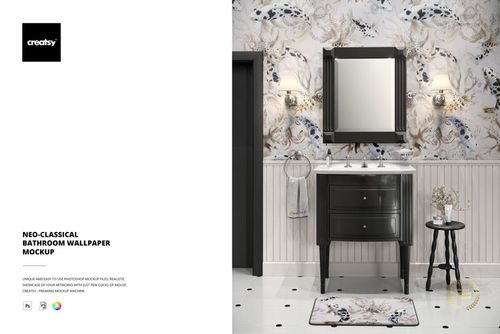
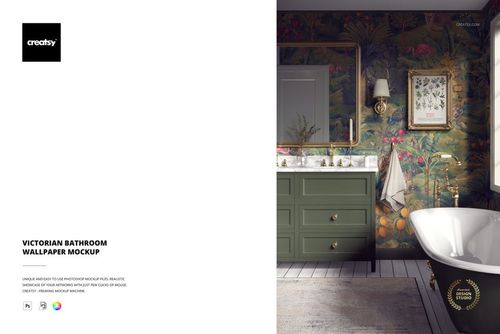
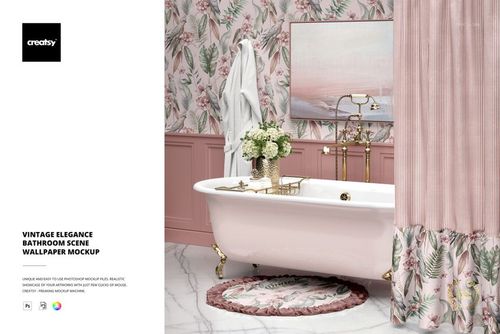
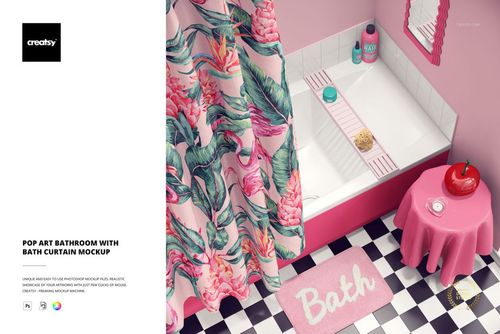
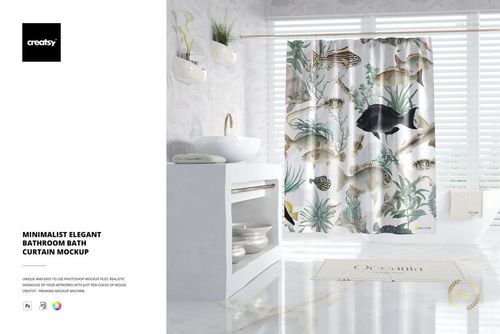
Show your wallpaper designs in a styled bathroom setting that buyers and clients recognize immediately. This Classic Bathroom Cabinet Wallpaper Mockup places your pattern on the wall behind a traditional white vanity, round mirror, and brass fixtures - the kind of residential scene wallpaper shoppers picture when they browse online. One PSD file, one smart object, and realistic room-scale context you can deliver in under a minute.

Why This Mockup Works

A flat pattern swatch rarely sells wallpaper on its own. Customers need to see the repeat at room scale, next to actual furniture, under natural-looking light before they commit to a purchase. This mockup delivers that context without the cost or scheduling of a professional photo shoot. The classic bathroom vanity with its clean lines and round mirror creates a residential interior that appeals to homeowners, interior designers, and retail buyers alike. At 5000 x 6000 pixels and 300 dpi, the canvas captures fine pattern detail at print quality - enough resolution for hero banners on your website, full-page catalog spreads, large-format prints, and social media posts, all from a single file.

What Is Included

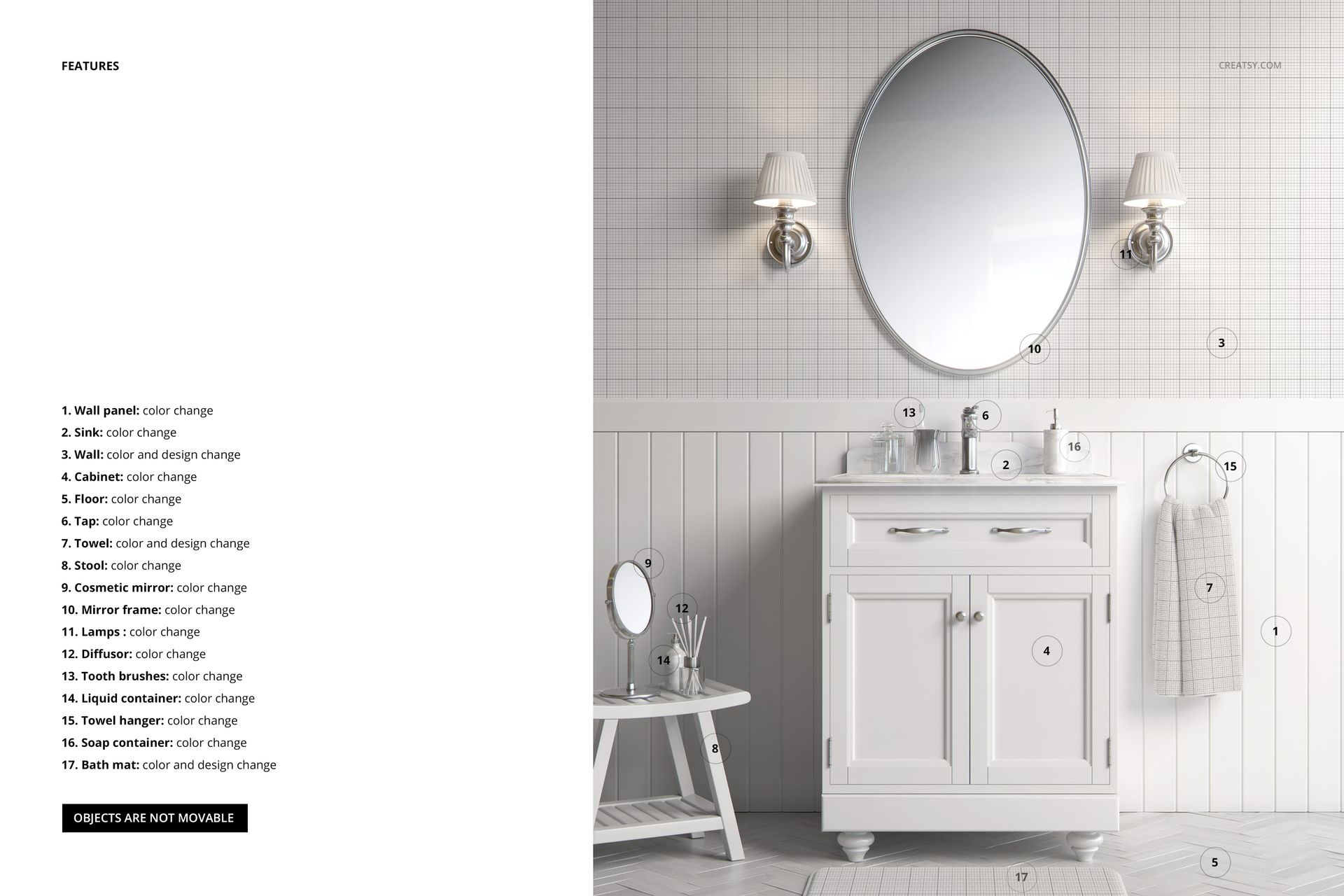
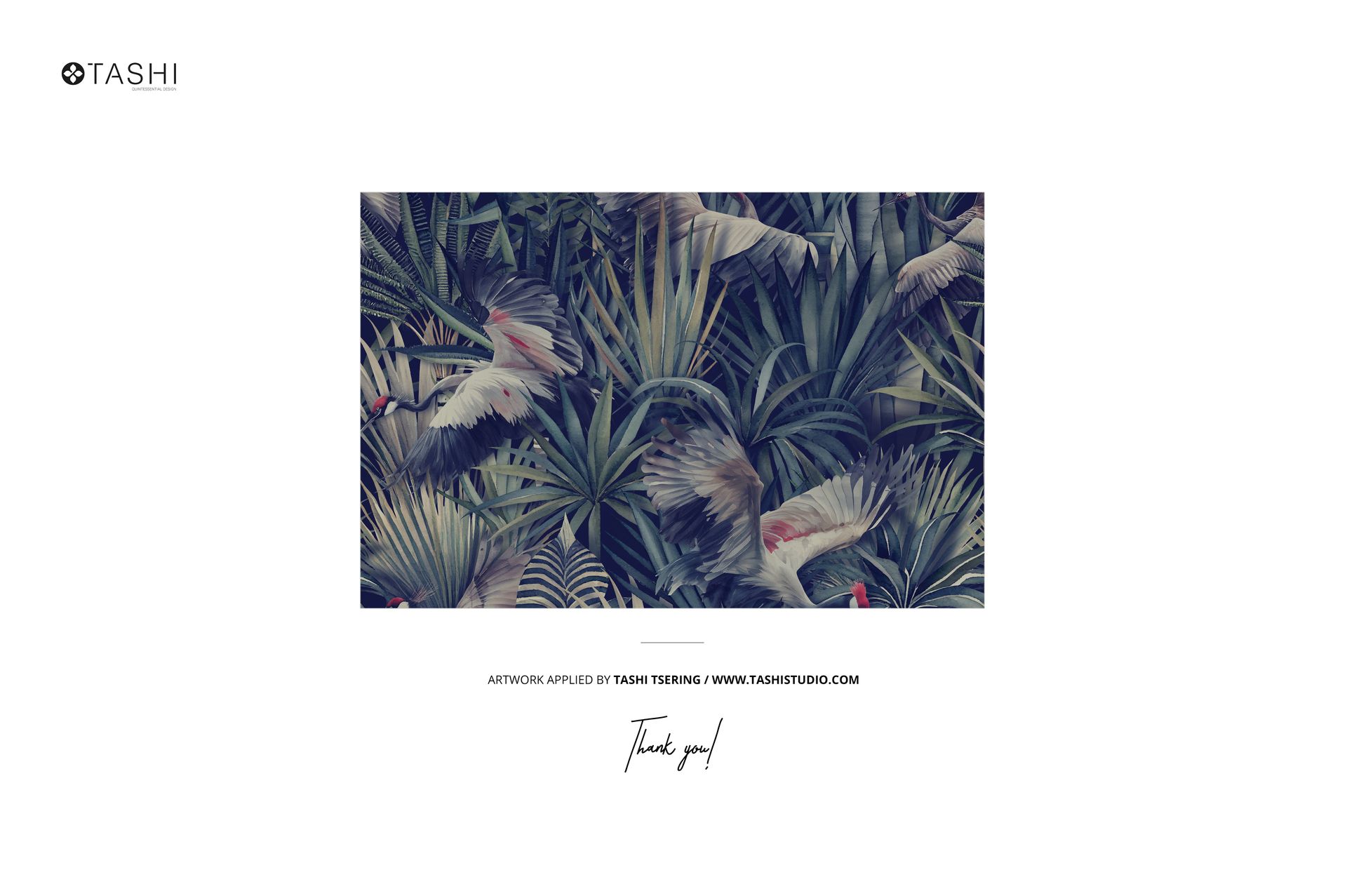
The download contains 1 layered PSD file at 5000 x 6000 pixels and 300 dpi. Inside you will find a single smart object layer for placing your wallpaper design, plus fully organized and clearly labeled layers for the bathroom cabinet, mirror, wall sconces, fixtures, and all background elements. The file is built for Adobe Photoshop CC 2020 or newer. Pattern designs shown in the preview screenshots are by Tashi Tsering at tashistudio.com and are not included in the main download.

What You Can Customize

Double-click the smart object, paste your wallpaper pattern or surface design, save, and the mockup updates automatically. Your artwork wraps across the visible wall area behind the vanity, showing a realistic repeat at bathroom scale. Adjust brightness, contrast, or color overlays on the wallpaper layer to simulate different lighting conditions - warm tones for a cozy ambiance, cooler tones for a modern spa feel. Use this flexibility to present multiple colorways of the same pattern without rebuilding the scene. The organized layer structure lets you toggle individual elements on or off for clean, focused compositions across different marketing channels.

Who This Mockup Is For

Wallpaper designers selling rolls through their own website or marketplaces like Spoonflower, Etsy, and Society6. Surface pattern designers building a portfolio that shows repeat designs in realistic interior settings rather than flat tiles. Interior design studios creating mood boards and client presentations for bathroom renovation projects. Home decor brands preparing product pages, lookbook visuals, or social media campaigns. Print-on-demand sellers who need lifestyle context for wallpaper and peel-and-stick wall covering listings. Textile students and freelance illustrators presenting bathroom-scale patterns to potential clients or licensing partners.

File Specifications

Format: PSD (Adobe Photoshop). Dimensions: 5000 x 6000 px. Resolution: 300 dpi. Smart objects: 1. Minimum software: Adobe Photoshop CC 2020. Layers: organized and labeled. File size: approximately 244 MB.

File details

Compatibility
PhotopeaAdobe Photoshop
Number of files included
2
Package size
244 MB244 MB|256 MB256 MB
Files type
.psd, .jpg
Files size
6000x4000
TEST FOR FREE

Made with Creatsy

Real designs. Real customers. See how creatives use Creatsy mockups to turn their artwork, branding, and product ideas into polished visuals.

MEET THE SHOP

Creatsy logo

Creatsy

Poland
4.7 (647)

Bring your ideas to life.

We're a family-run studio in Katowice, Poland, making PSD mockups by hand since 2016. Everything in this shop starts in our own studio. We shoot the photography, build the 3D, and put together every Smart Object PSD ourselves - then we test it, organize the layers, and only ship it once it actually works...
GO TO SHOP

HOW IT WORKS

3 clicks. That's it.

No tutorial needed. If you can copy-paste, you can use this.

  1. 1OpenDouble-click the smart object inside the PSD - in Adobe Photoshop, or free in your browser with Photopea.
  2. 2PasteDrop in your pattern, print, or artwork. Any design, any style.
  3. 3SaveHit save and the mockup wraps it in for you - shadows, folds, and lighting included.

FROM IDEA TO IMAGE

Built for real workflows

Skip the photo shoot Show your artwork on the real product type for approvals or listings - no studio, no model, no sample.

See it on the product, not a swatch Drop your file into the smart object and the scene's lighting and folds wrap around it, so you judge the real thing before you commit.

Smart Objects

Edit once and you're done. Your artwork drops into a smart object and the mockup updates itself - no masking, no warping by hand.

Perfectly Organized

Named layers and folders you can actually navigate. Find what you need, change what you want, and get out fast.

Print-Ready

High-resolution files built to hold up on screen and in print. Exact size and DPI are in this product's Details above.