Moving Box Mockup Set
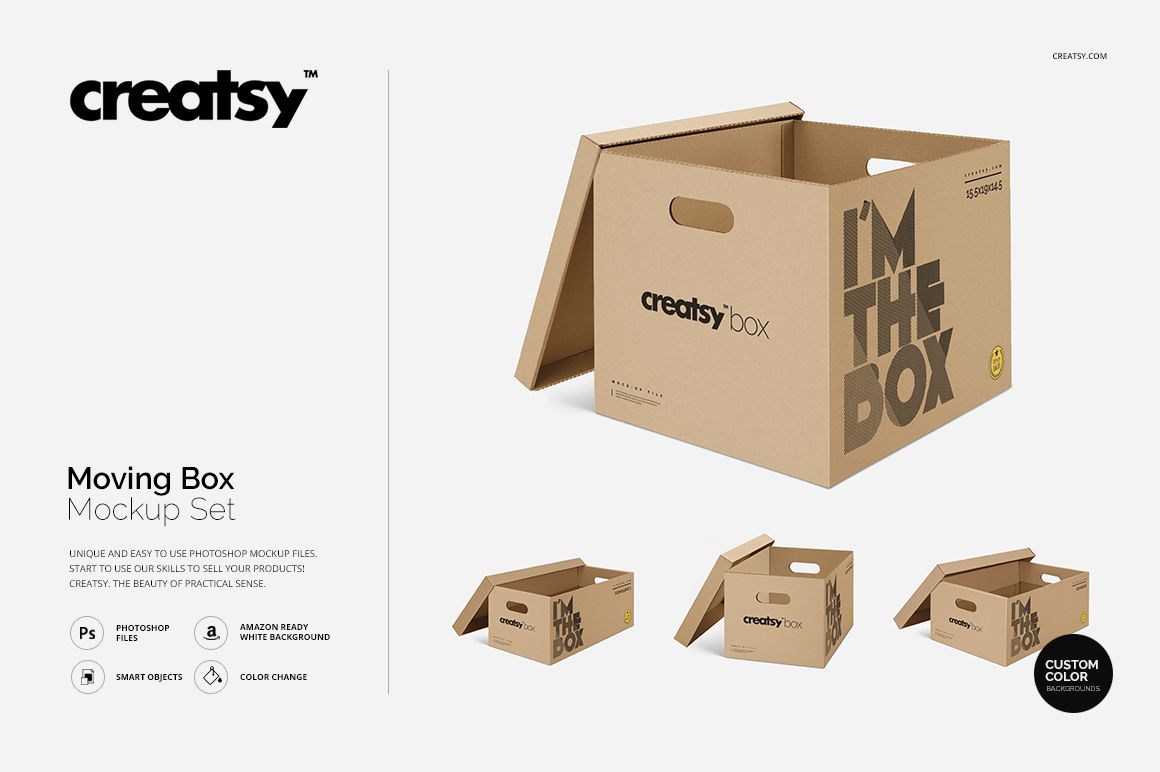
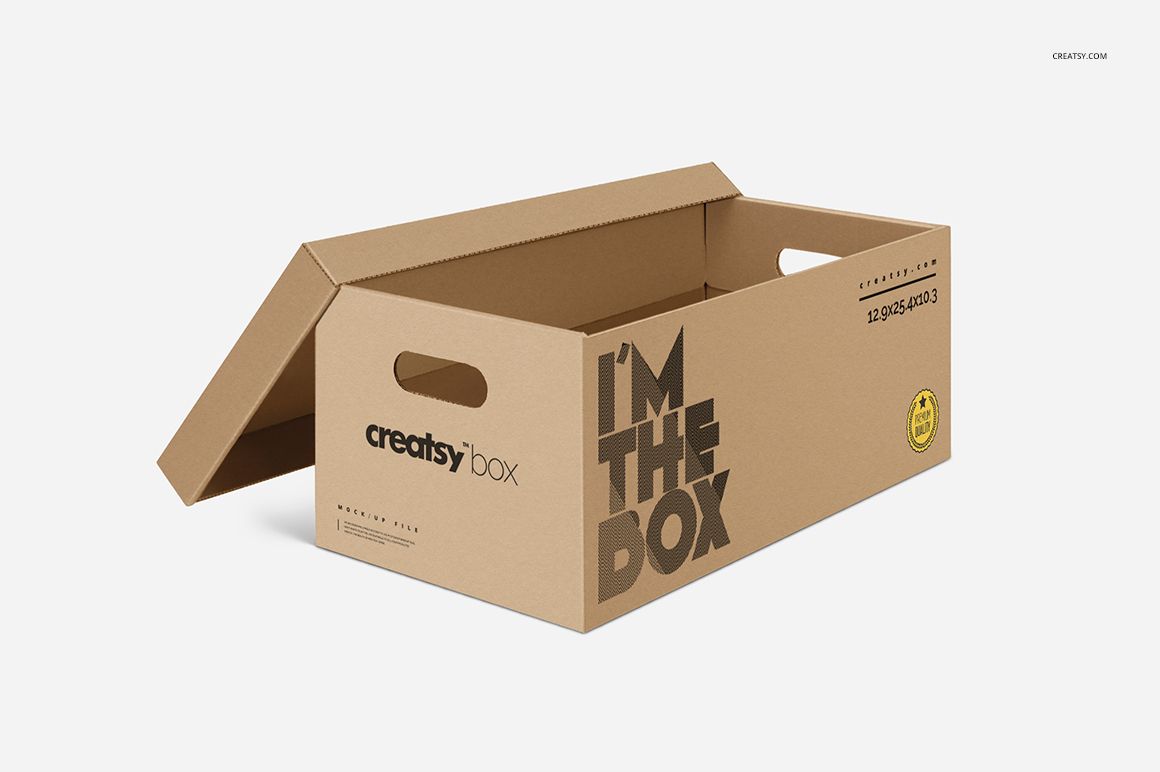
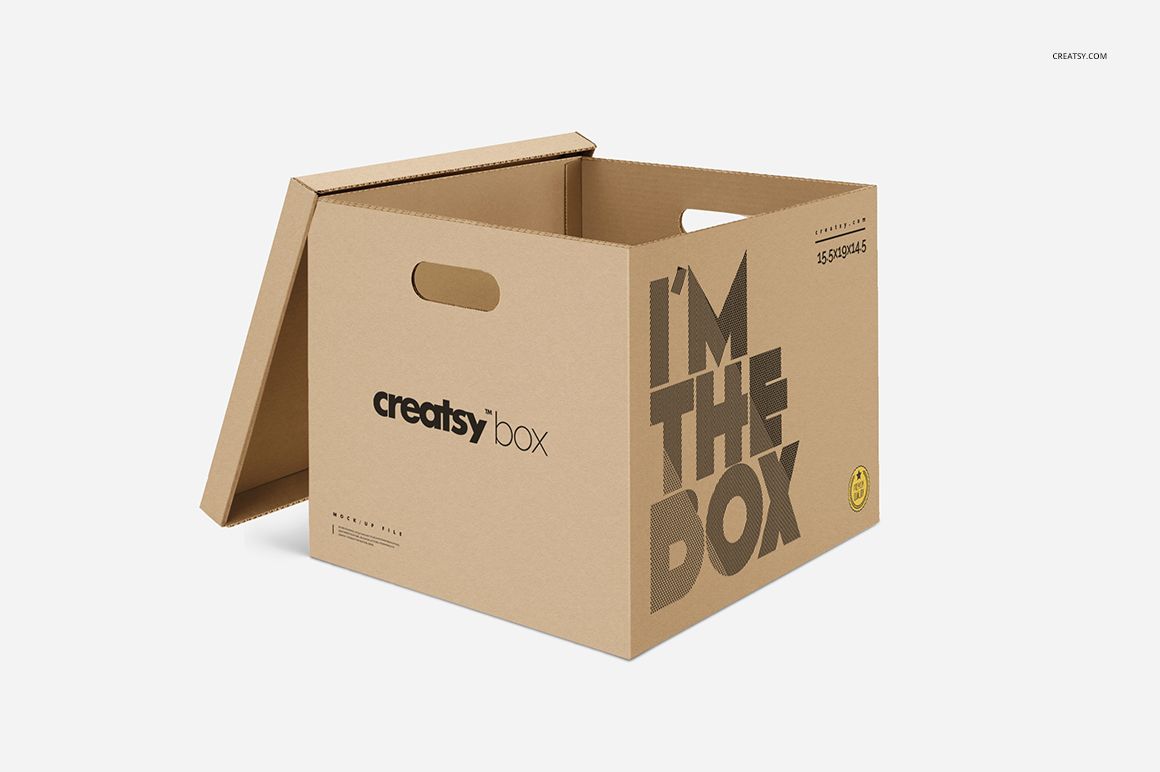
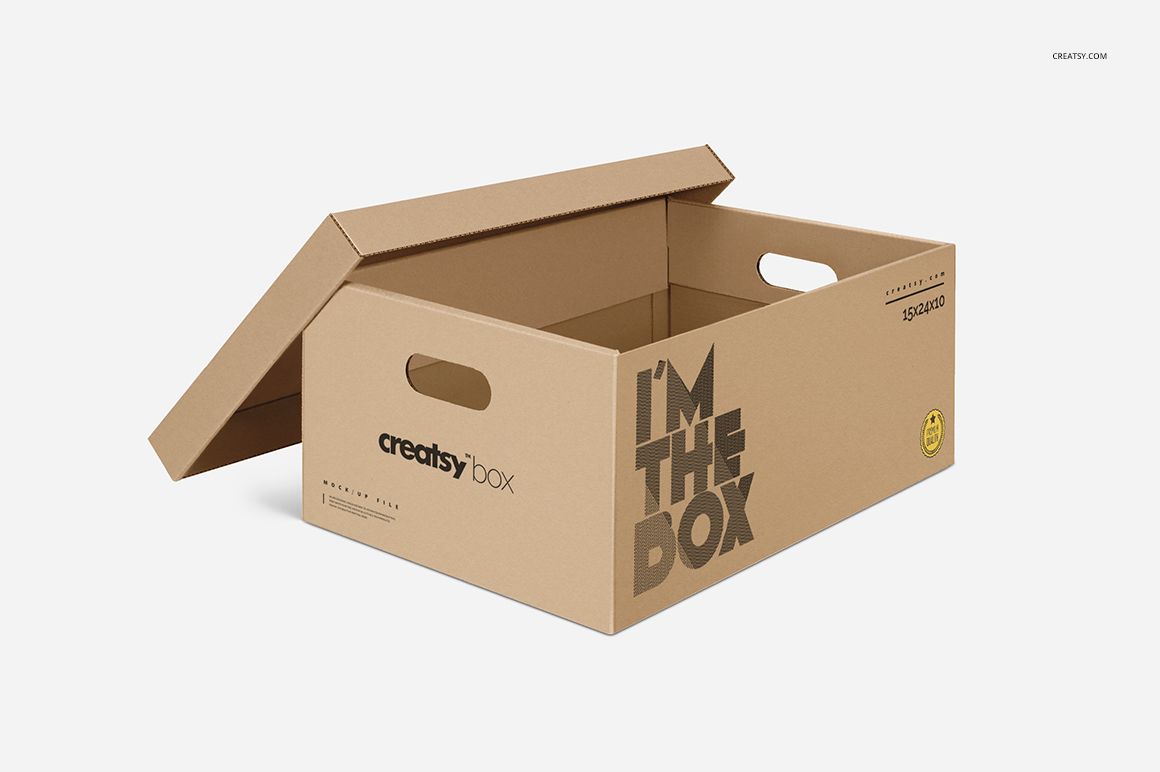
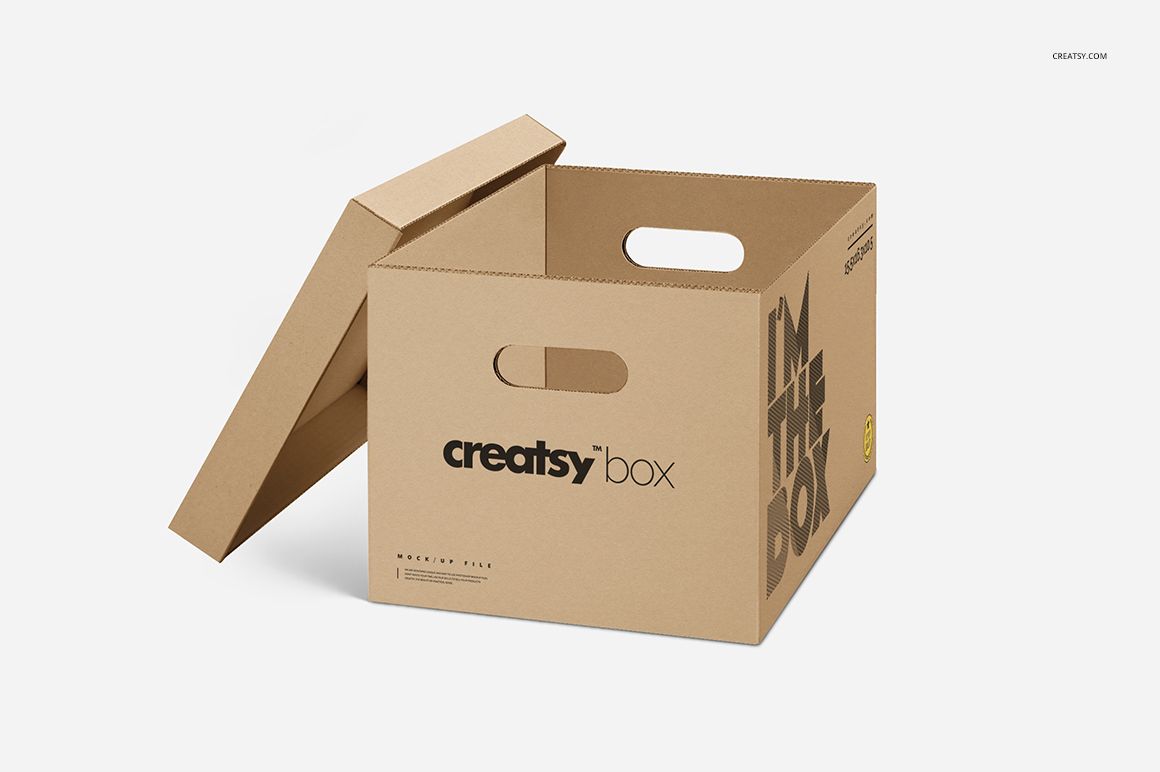
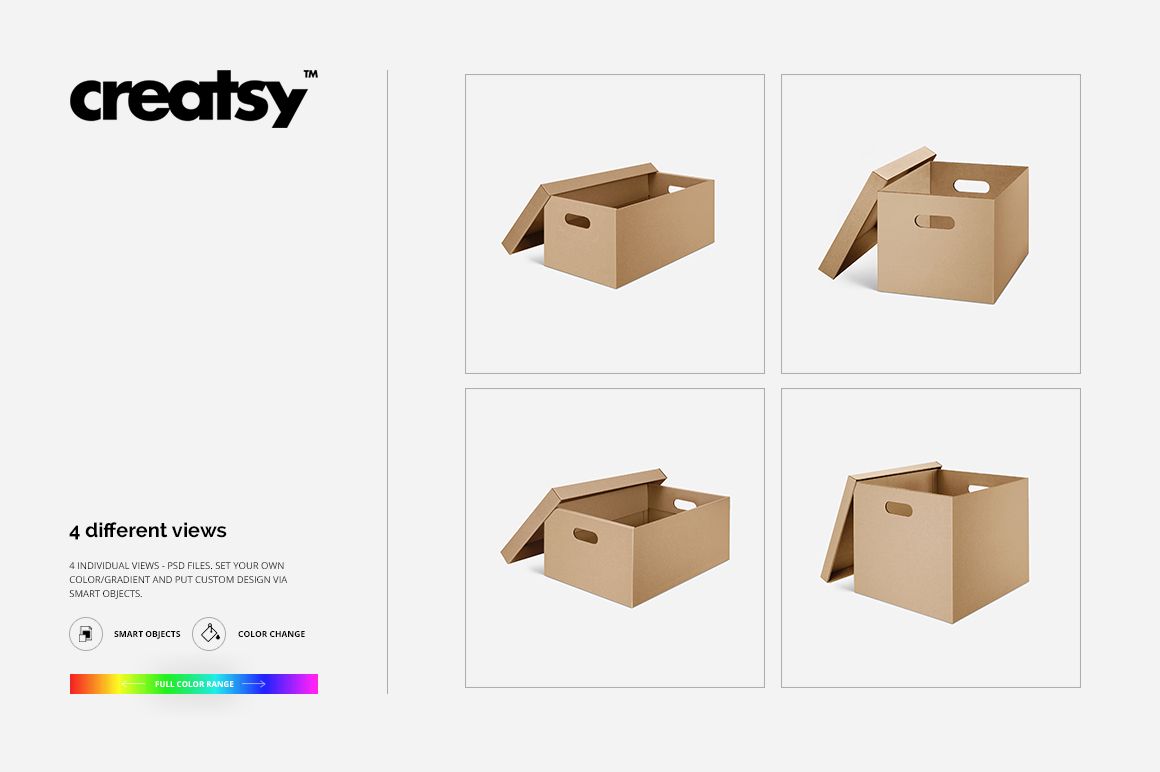
Carry a brand identity across four open cardboard boxes with oval handholds and lids resting beside them. This moving box mockup set with handles shows different box proportions in angled views, giving you room to compare logos, room labels and printed instructions across the visible panels. The brown cardboard presentation keeps the focus on practical moving and storage packaging.
What Is Included
4 layered PSD mockups with four box presentations, each 2000 x 2000 px at 300 DPI.
4 JPG previews at 2000 x 2000 px.
1 TIF guide, supplied as Guide.tif, for a total of 9 files.
White, neutral and color-adjustable background options.
Design Around the Handles
The handholds are a defining part of these boxes, not just a decorative detail. Use the visible front and side panels to see whether a logo, contents label or room name sits comfortably below the opening. The different proportions help you develop a layout that still feels consistent on a taller box and a longer, shallower one.
Easy Smart Object Editing
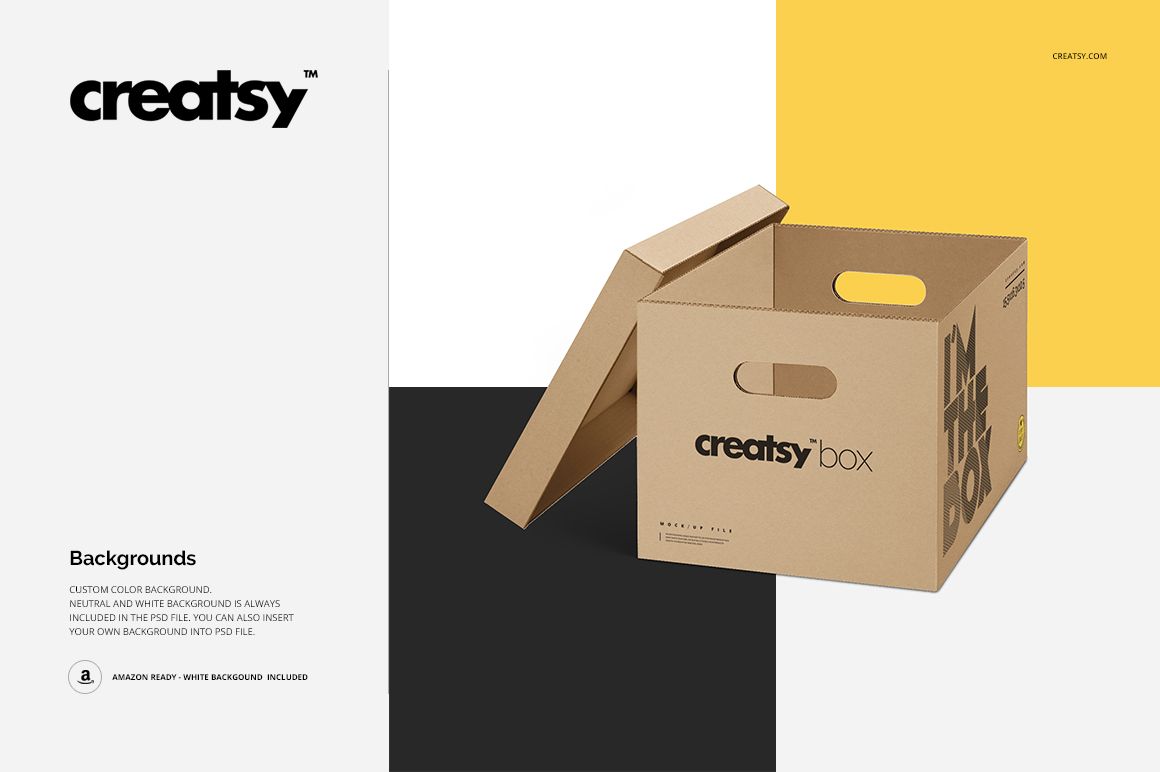
Apply your graphics through the prepared Smart Objects and work with the organized layers. The previews confirm color and gradient changes, along with artwork placement. Use the supplied white or neutral background for a clean comparison, choose a different background color, or insert your own background. The current product compatibility section lists Adobe Photoshop and Photopea.
Perfect For
Moving and self-storage brands presenting printed box graphics.
Packaging designers developing a coordinated carton range.
Print suppliers preparing logo and panel-layout proposals.
Branding studios building a moving-service identity presentation.
This is a digital mockup set. Physical boxes and lids are not included.