Noissue Packing Tape Mockup Set
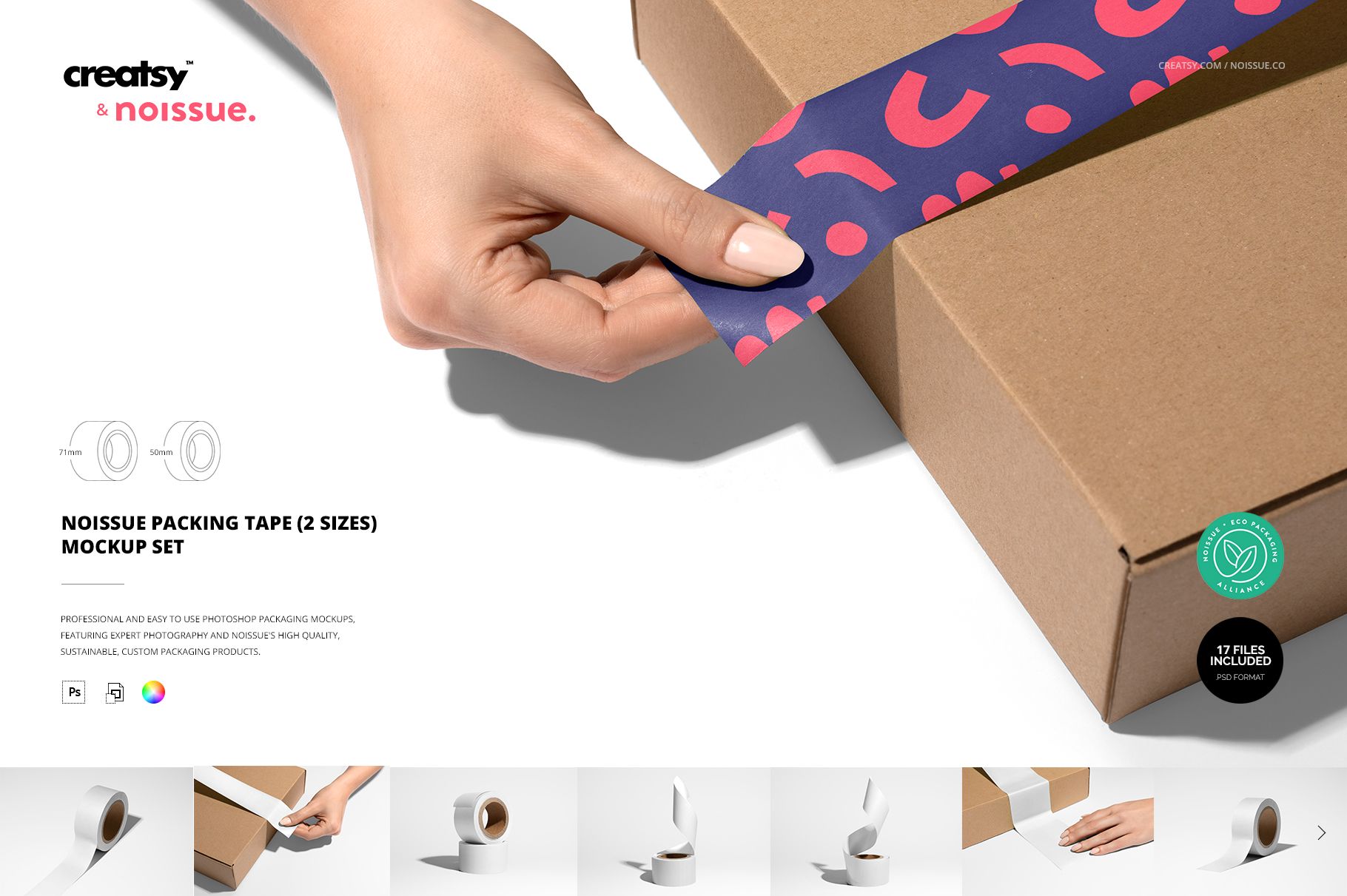
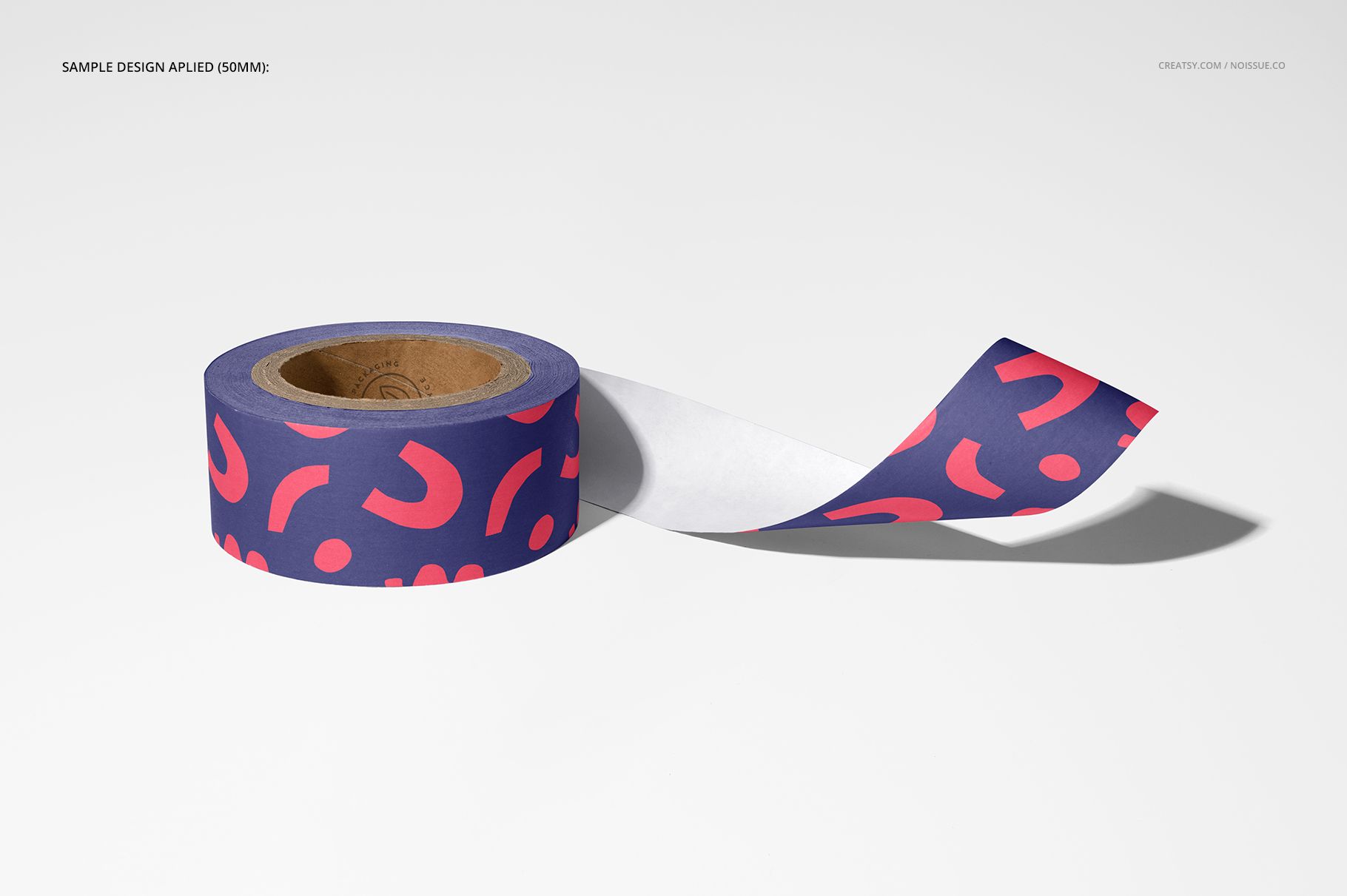
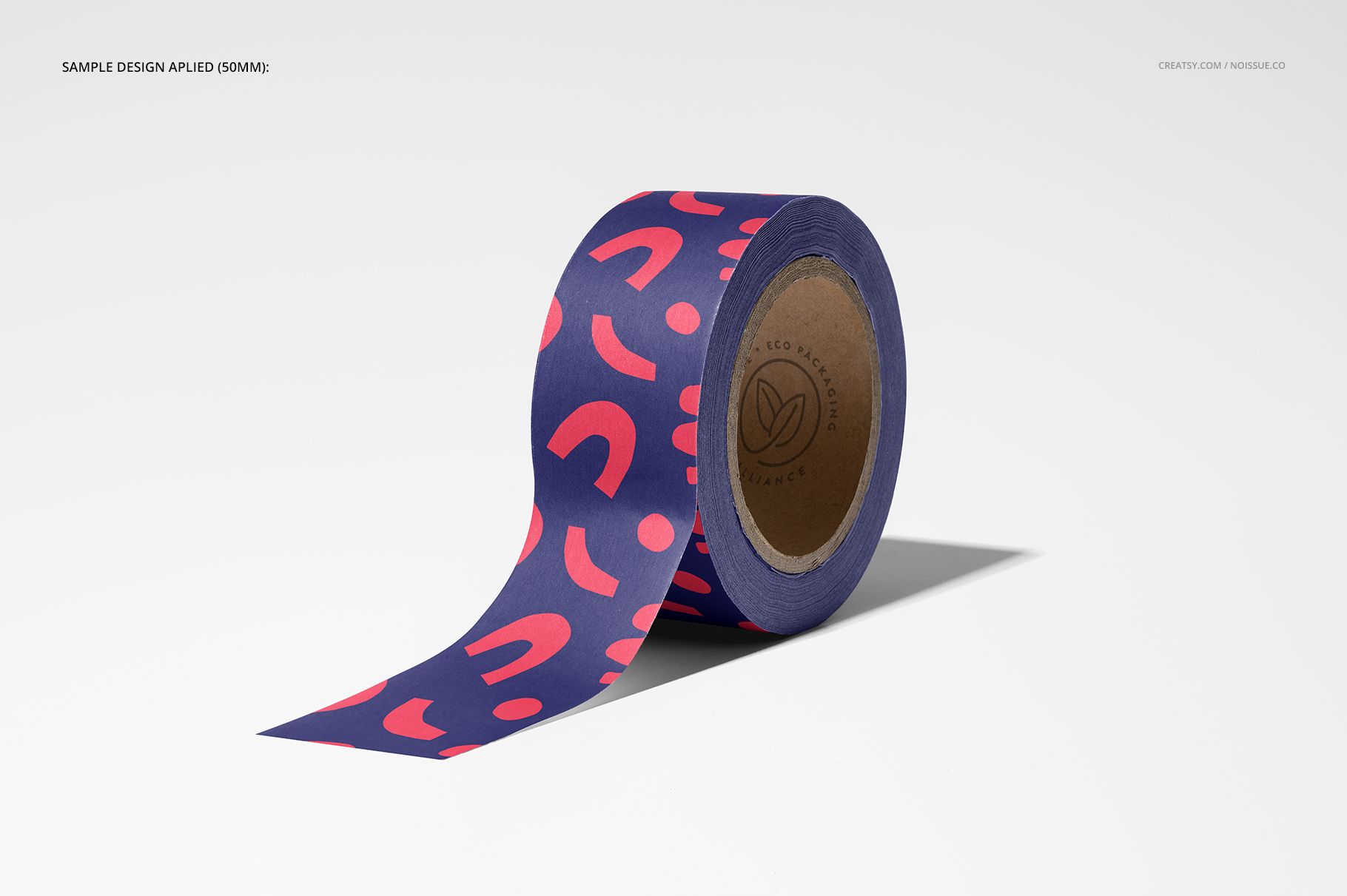
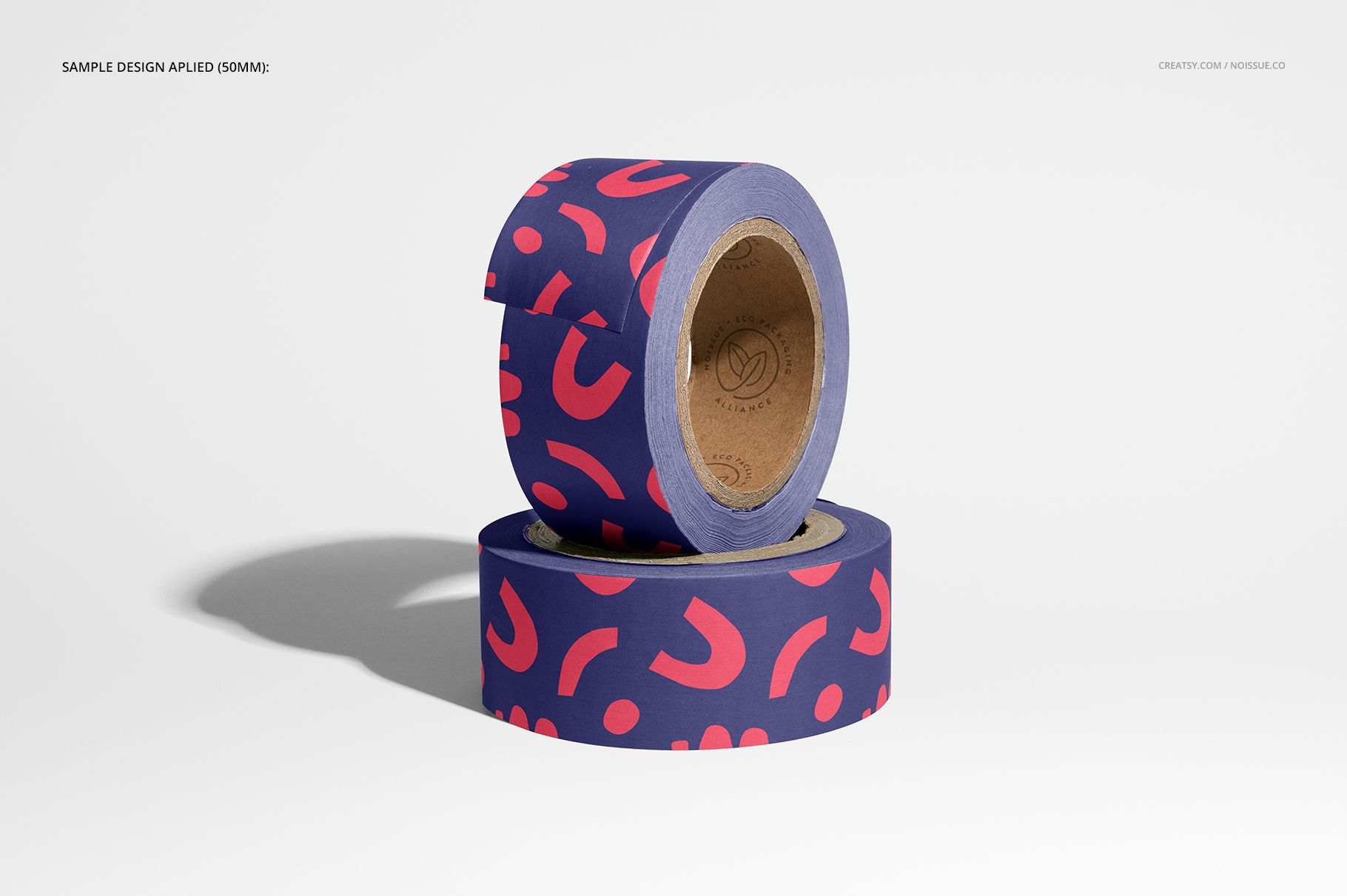
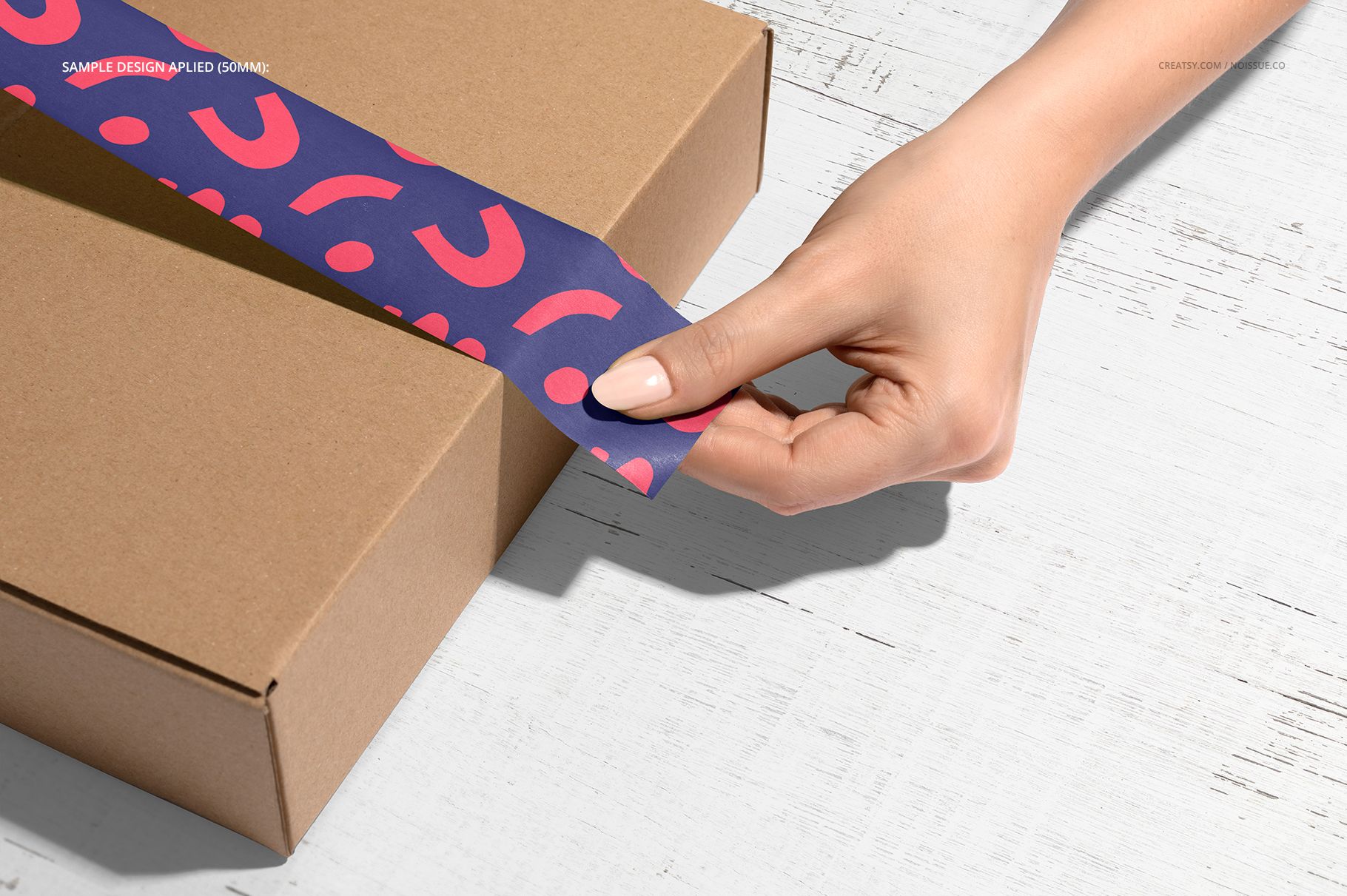
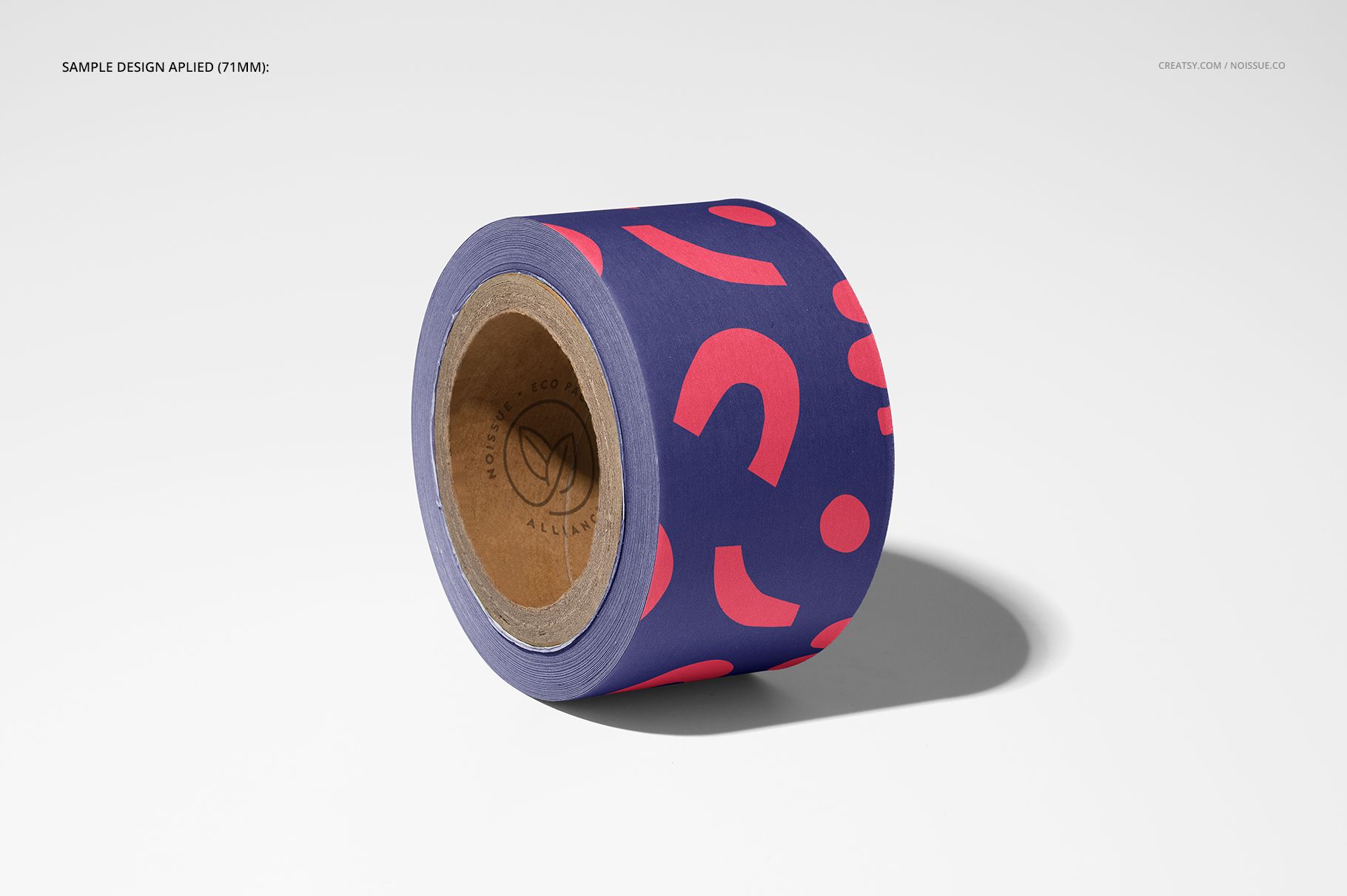
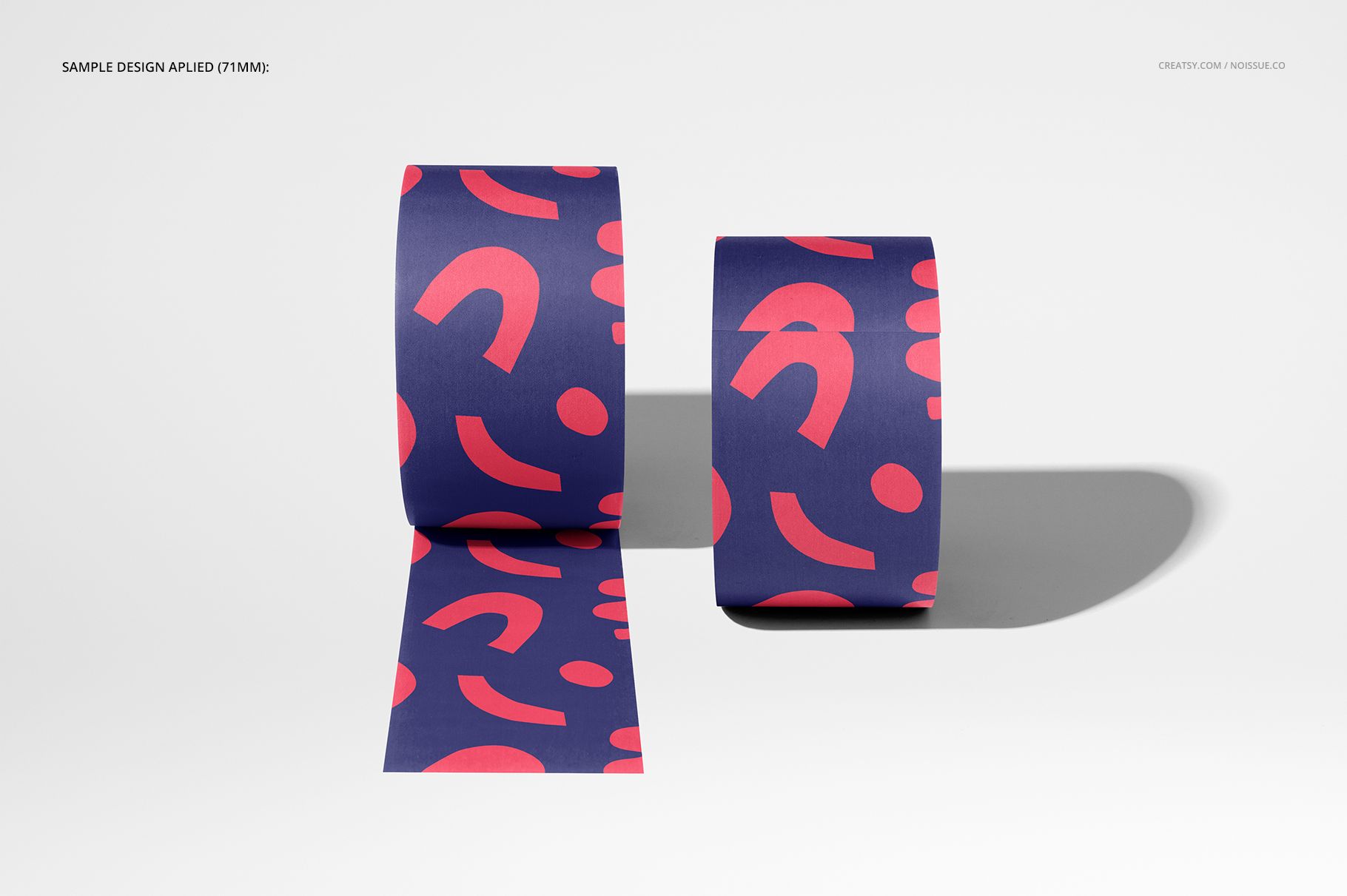
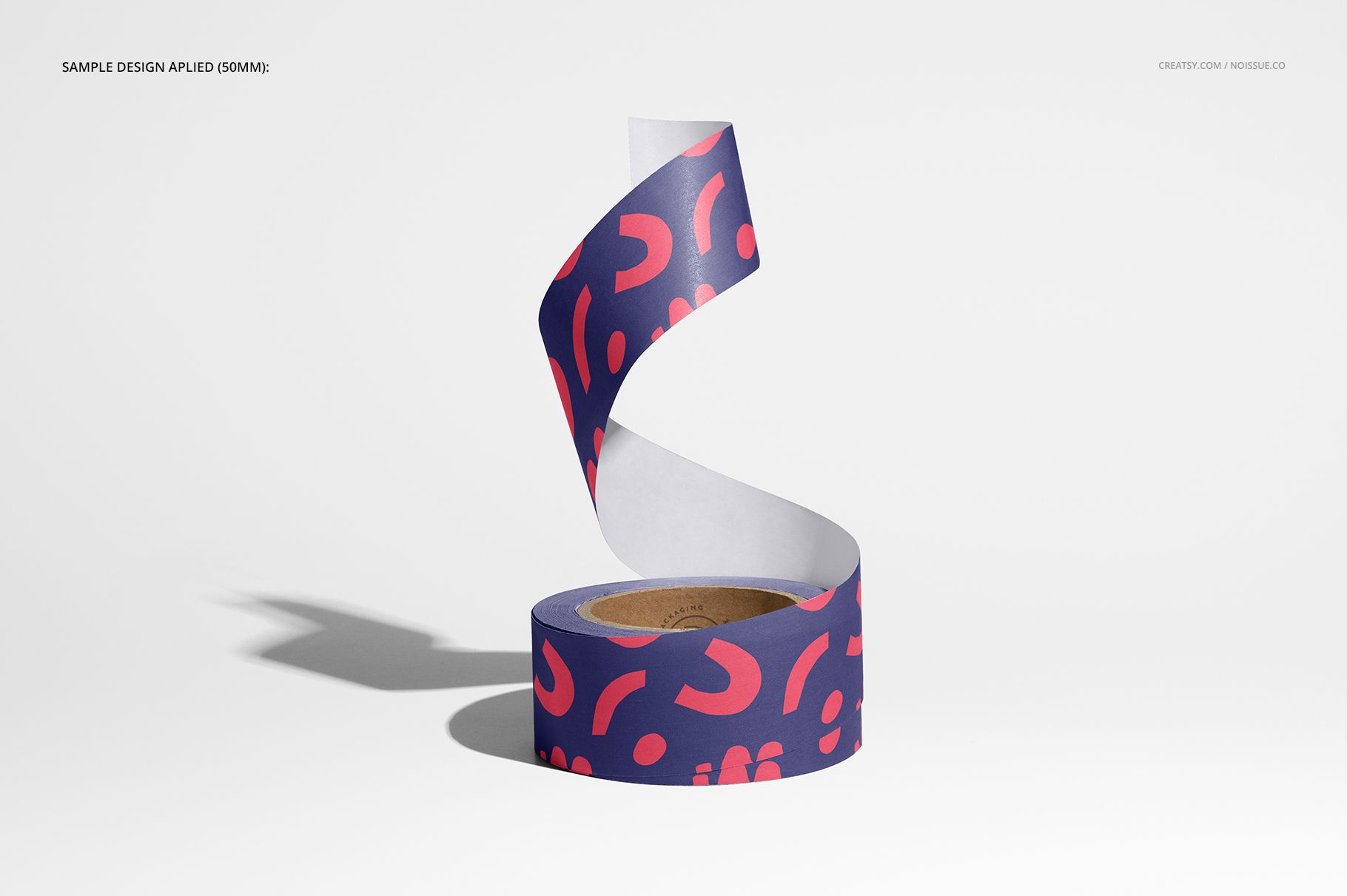
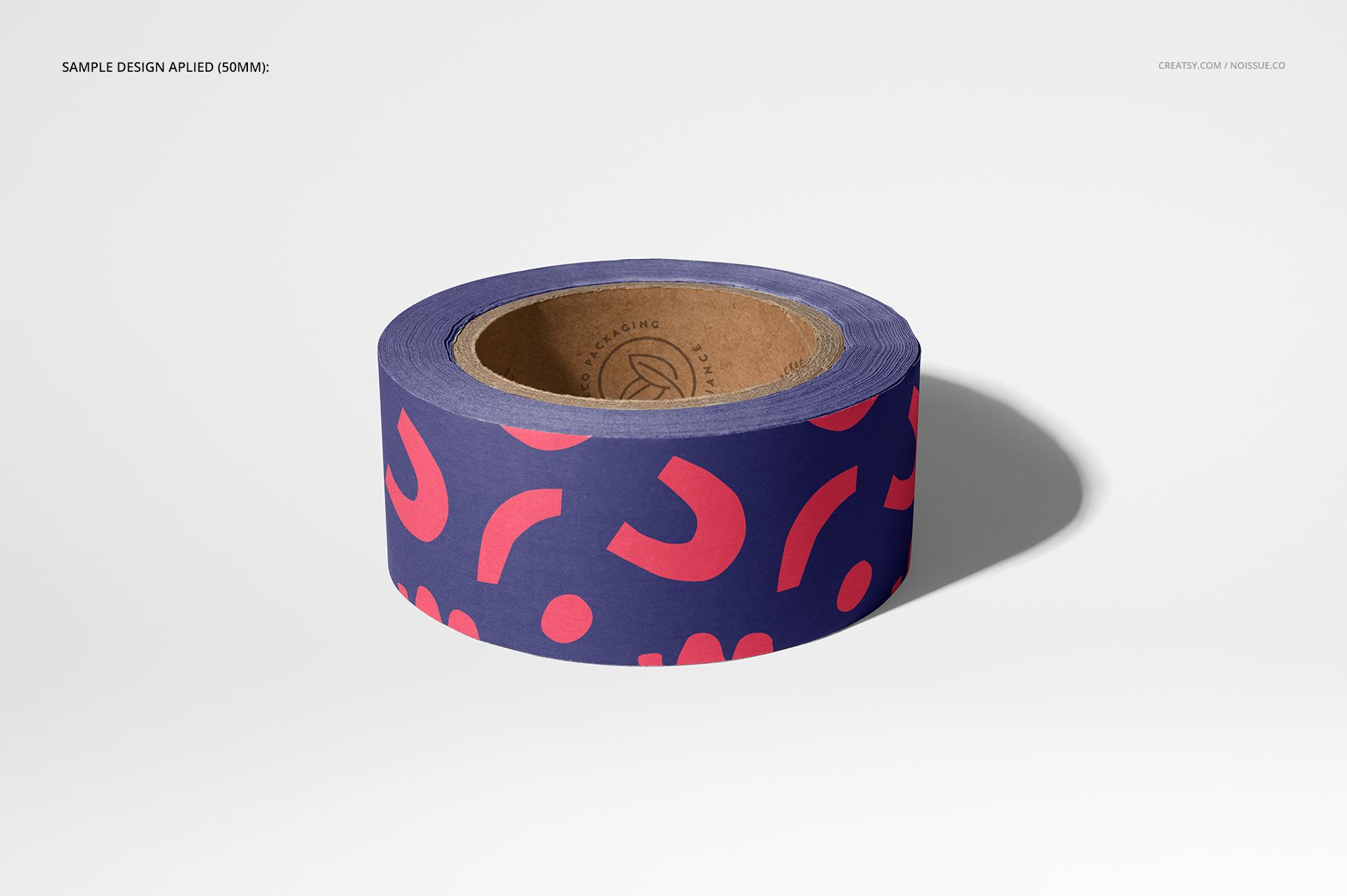
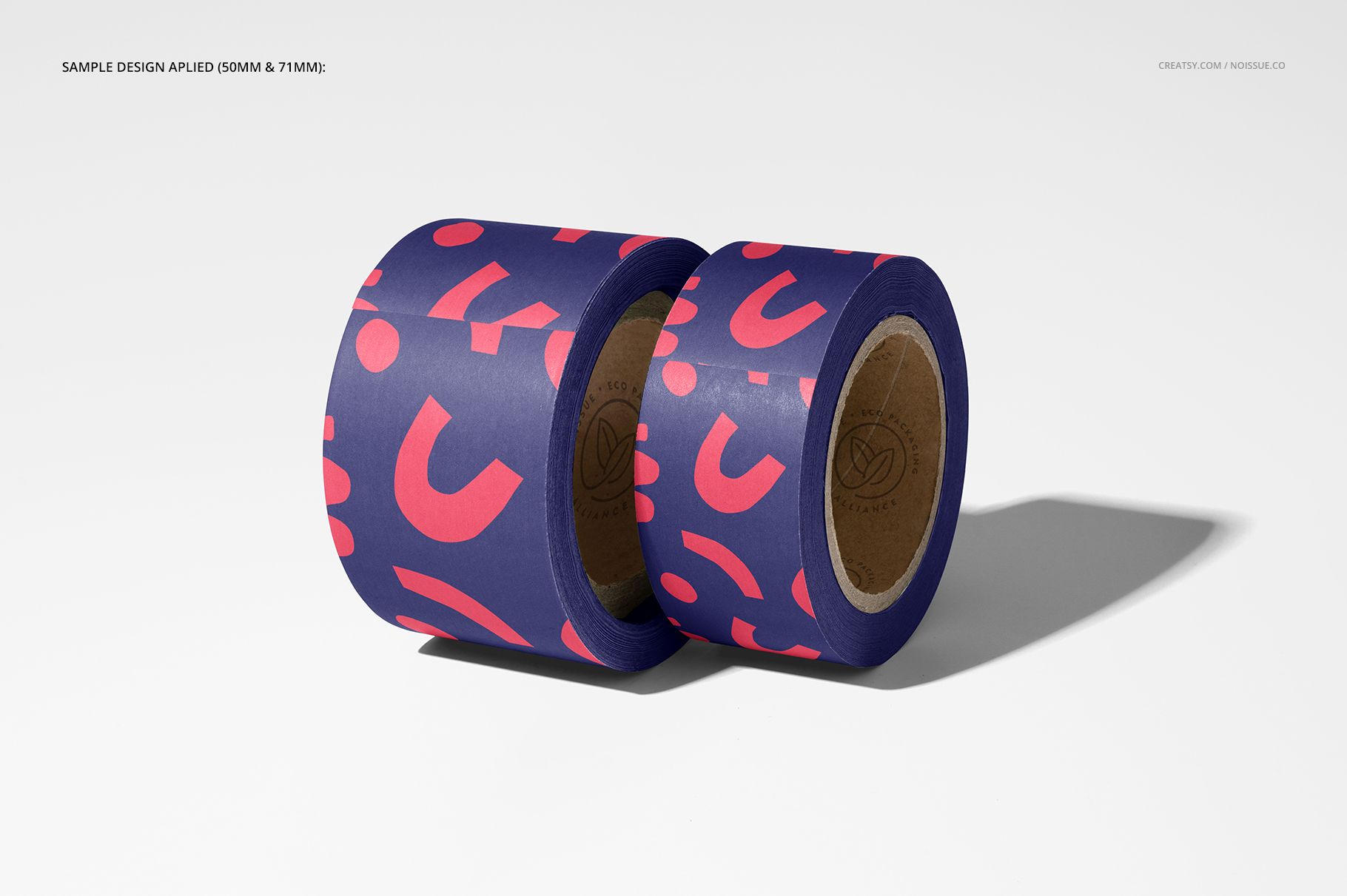
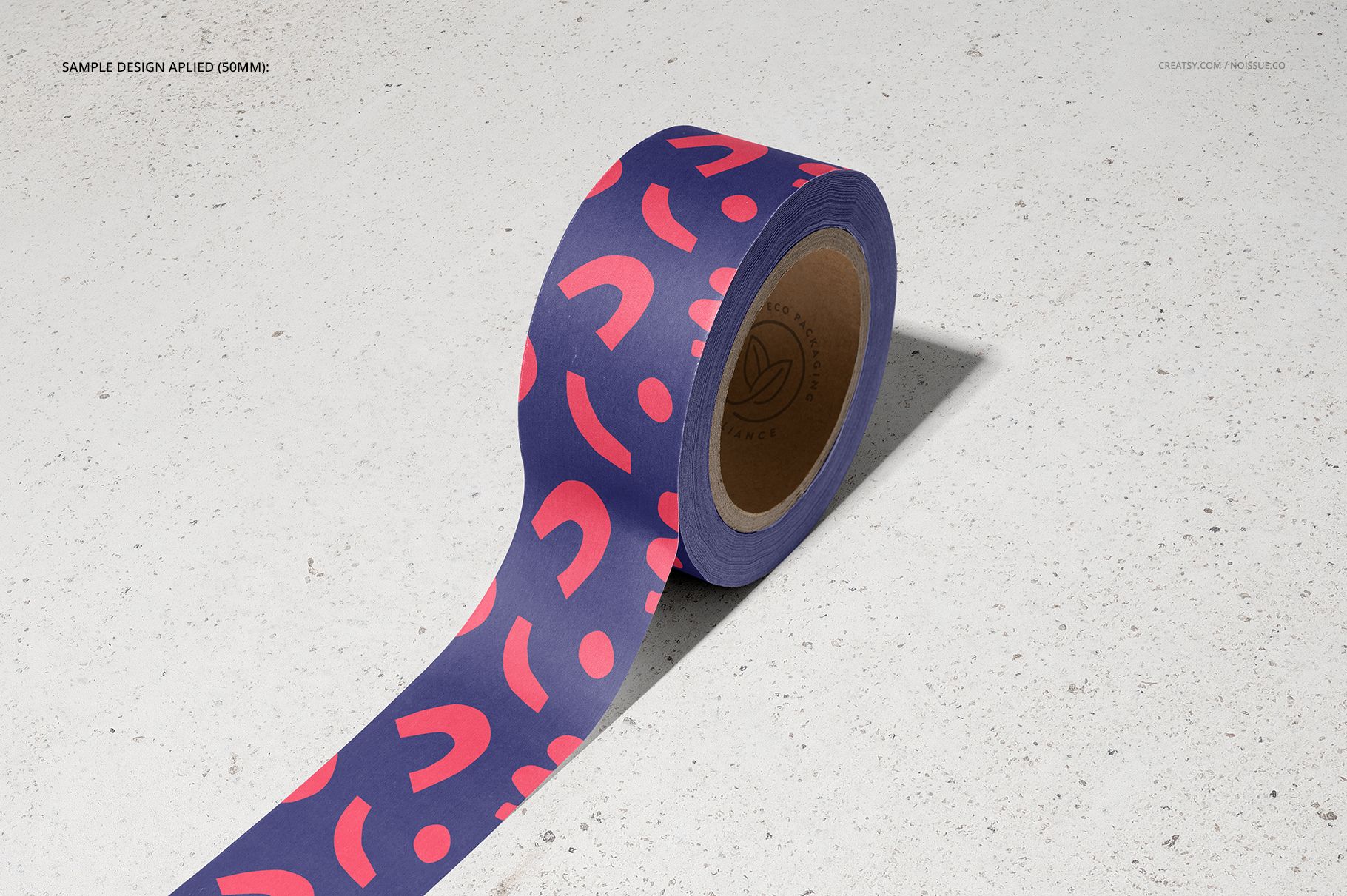
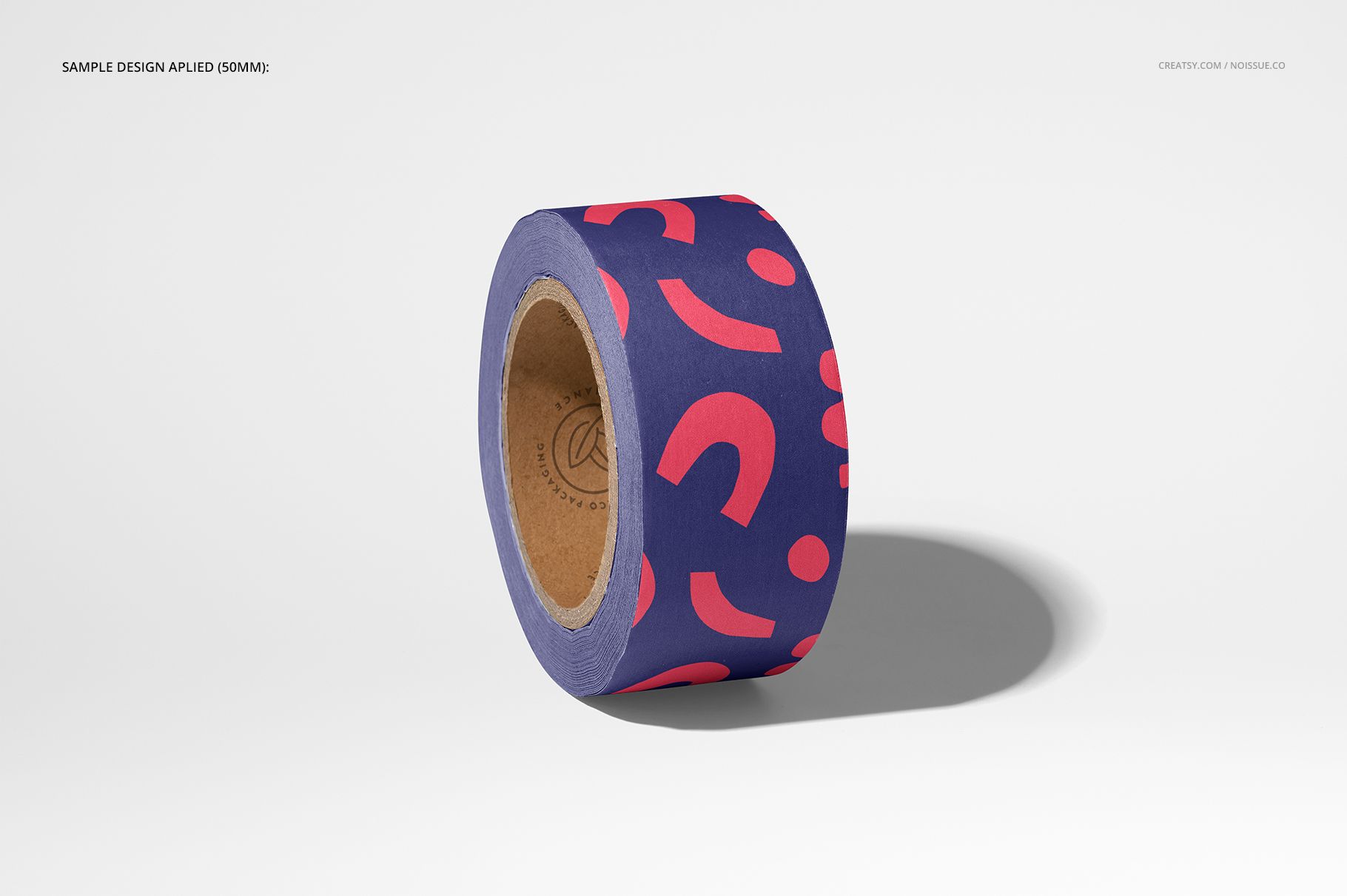
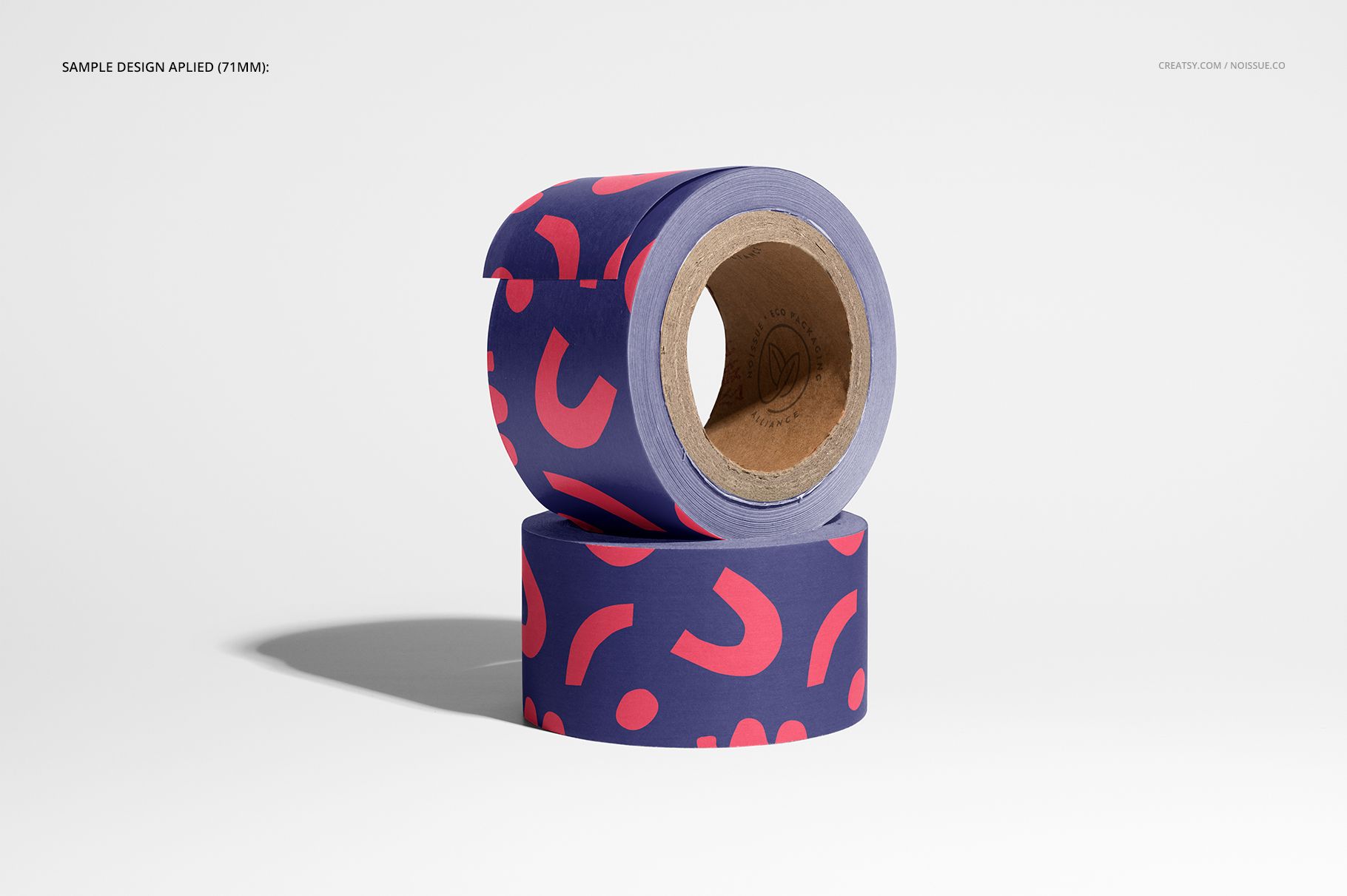
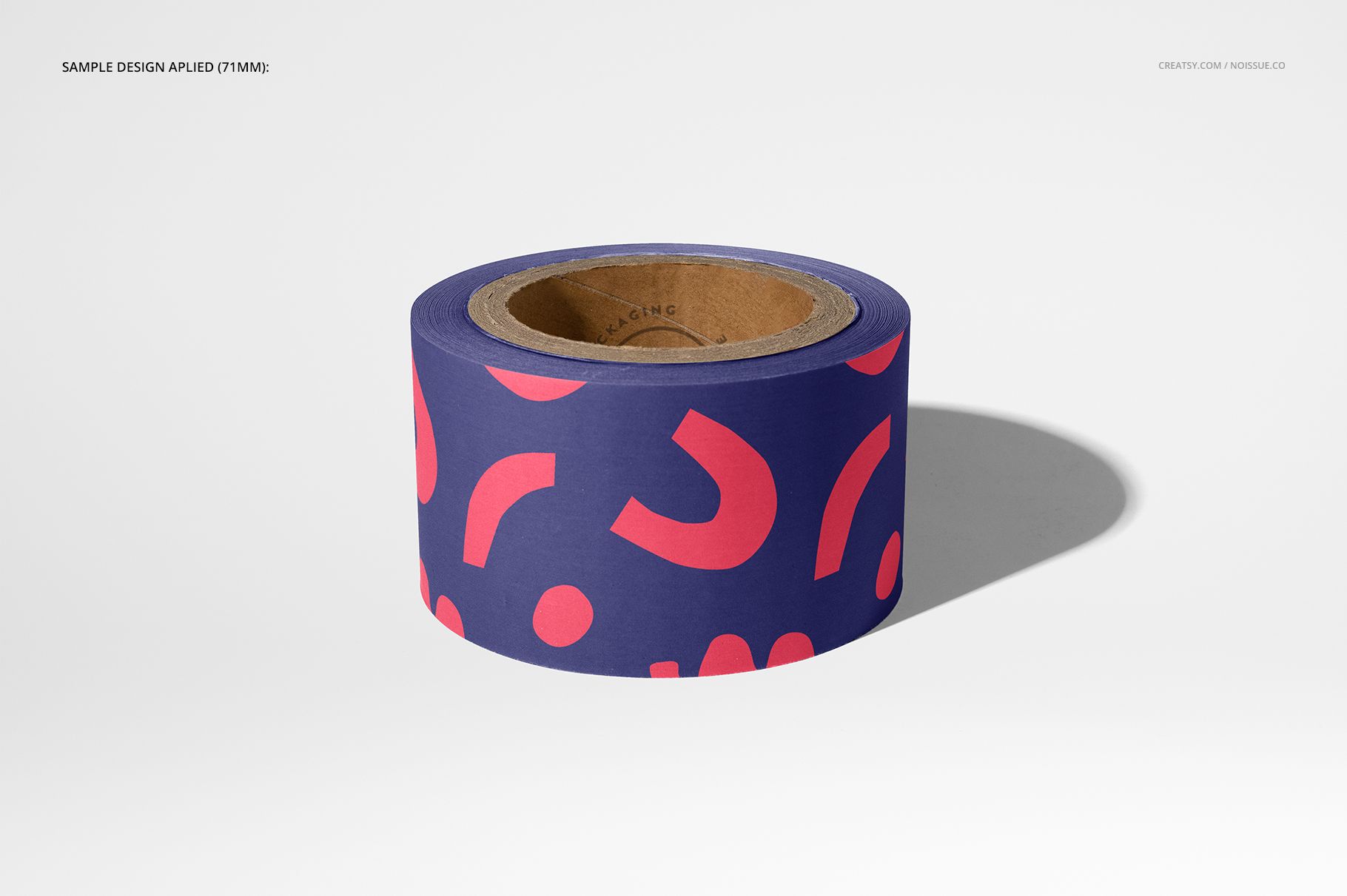
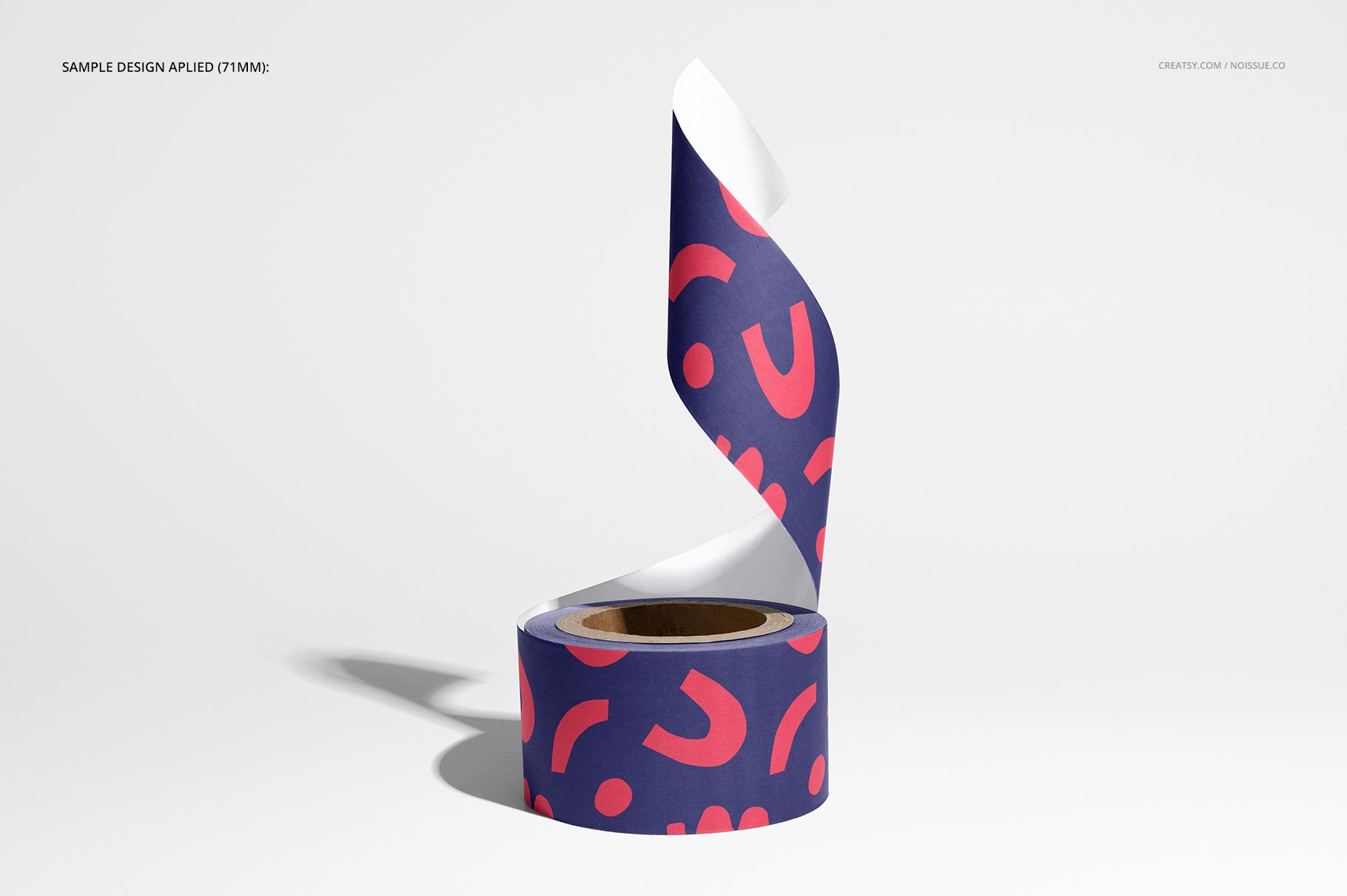
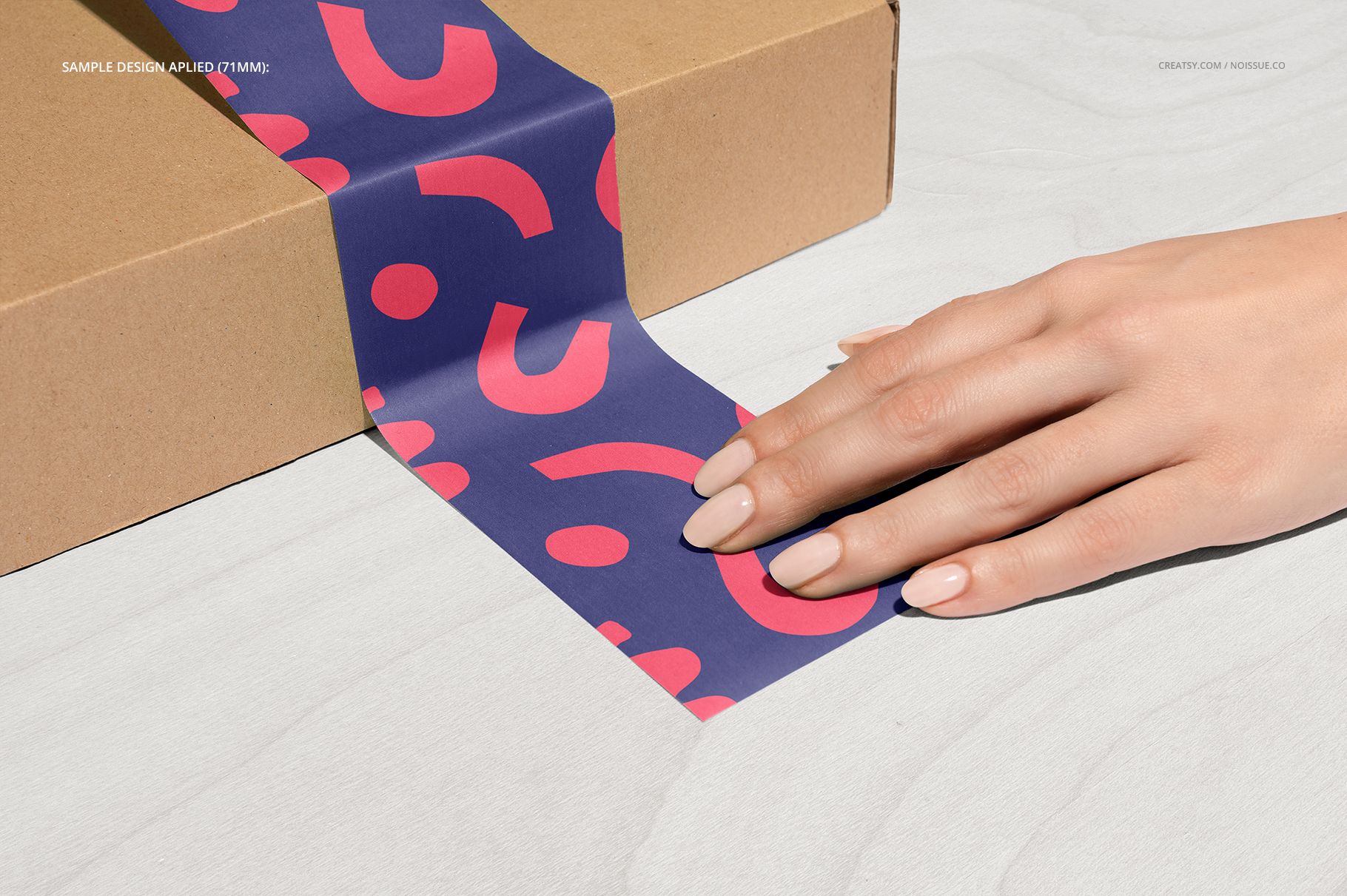
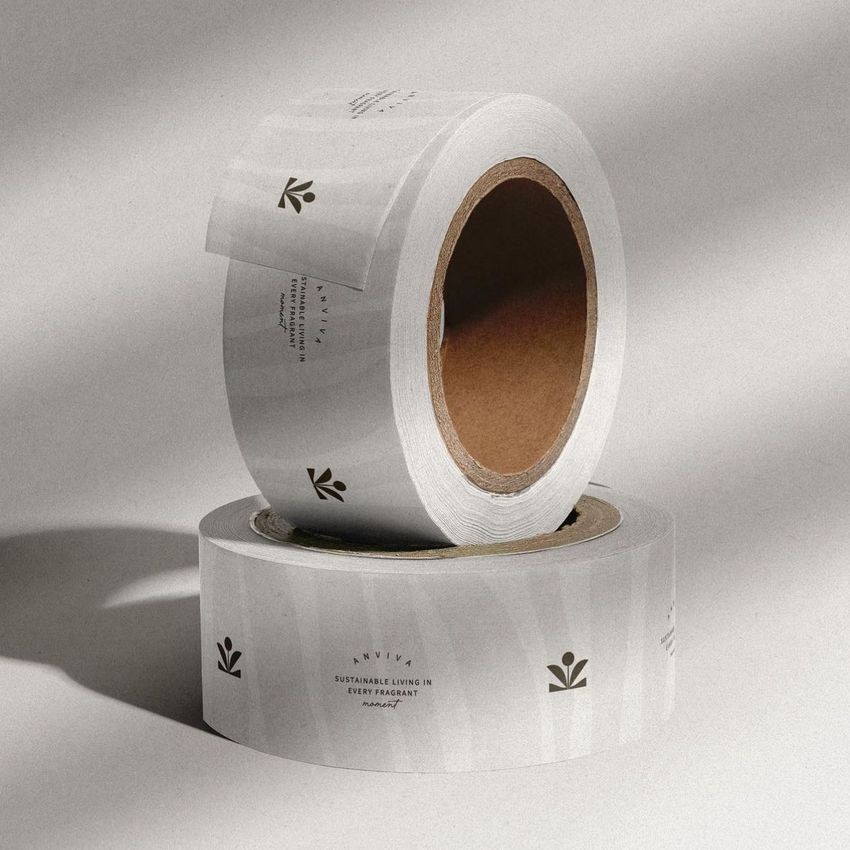
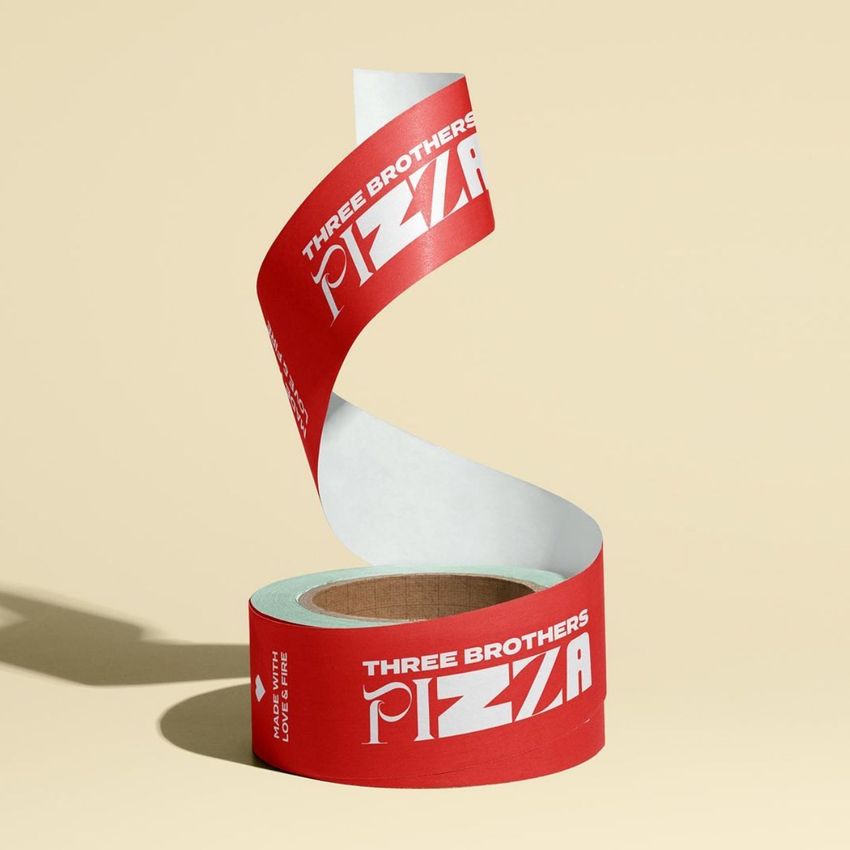
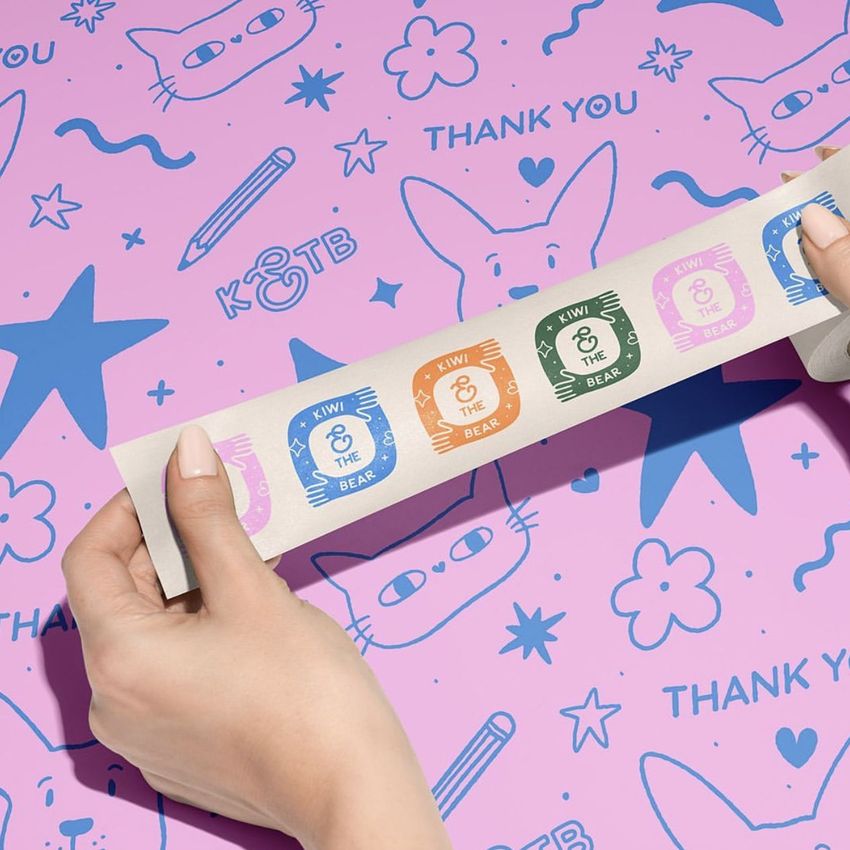
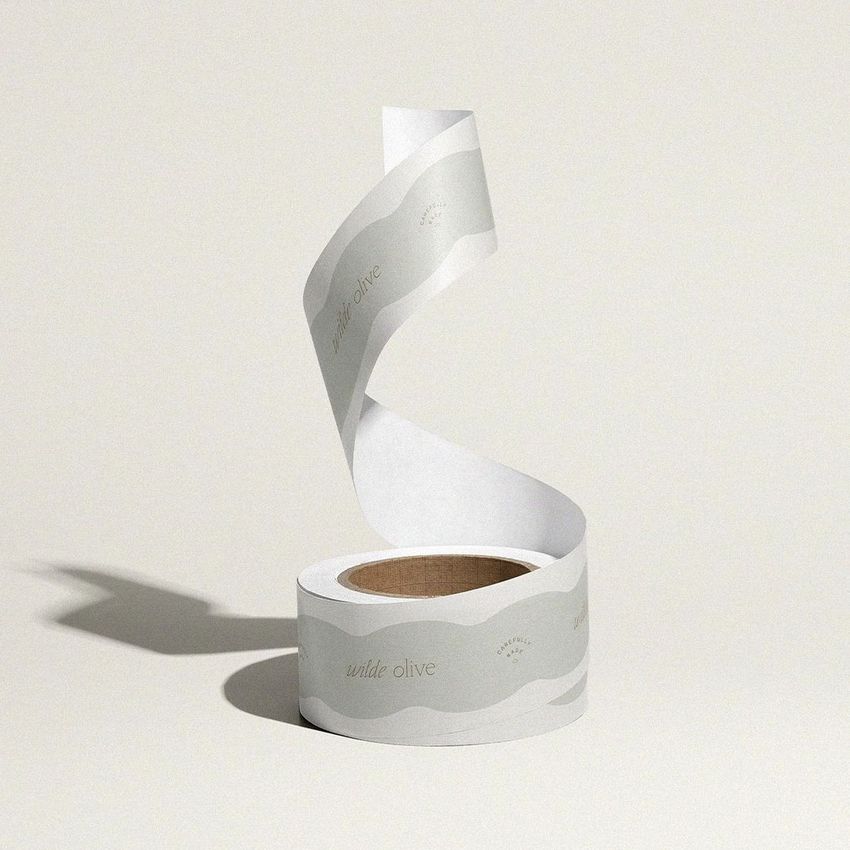
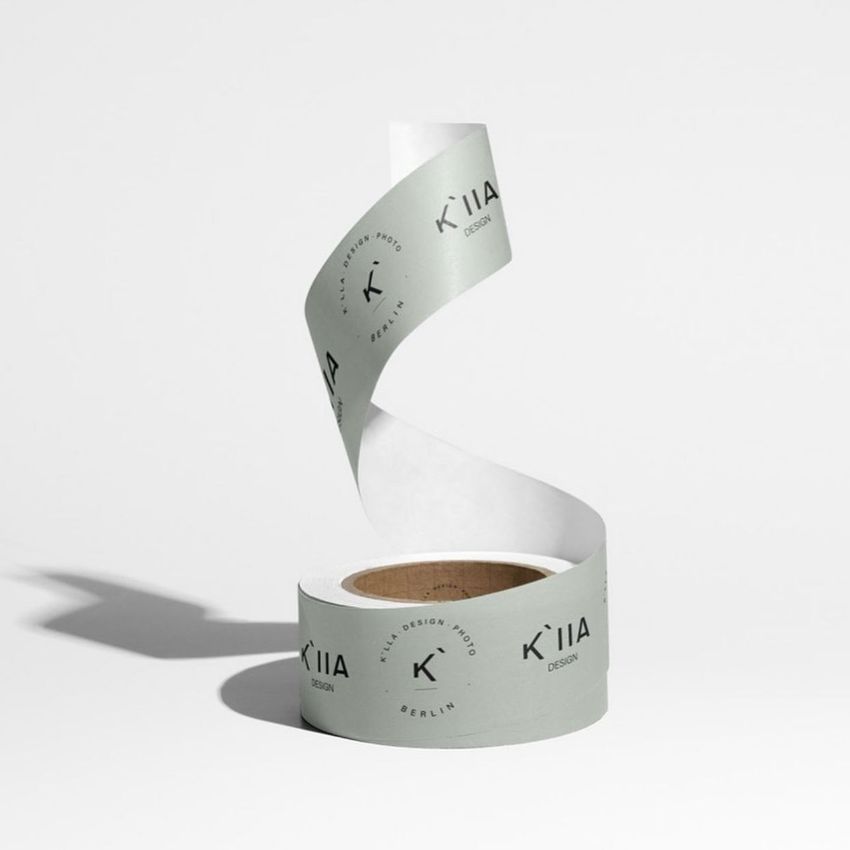
Show branded packing tape across a full range of roll, unrolled, stacked, hand-held, and box-sealing scenes. Created through a Creatsy collaboration with noissue, this set covers both 50 mm and 71 mm tape widths, so a packaging system can be reviewed at realistic scale before production.
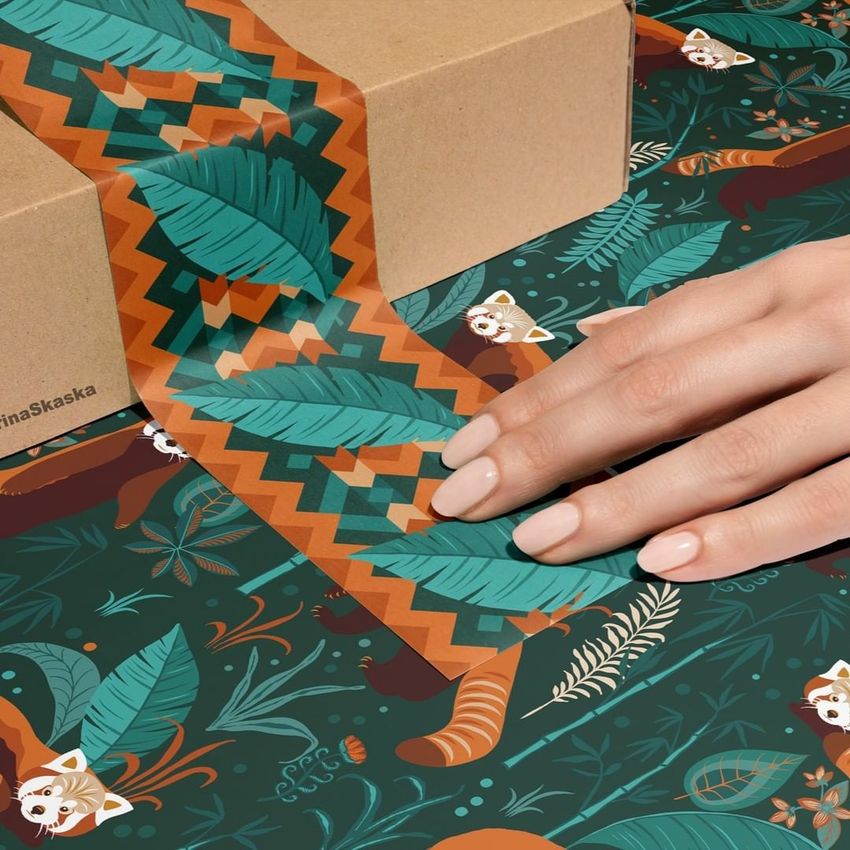
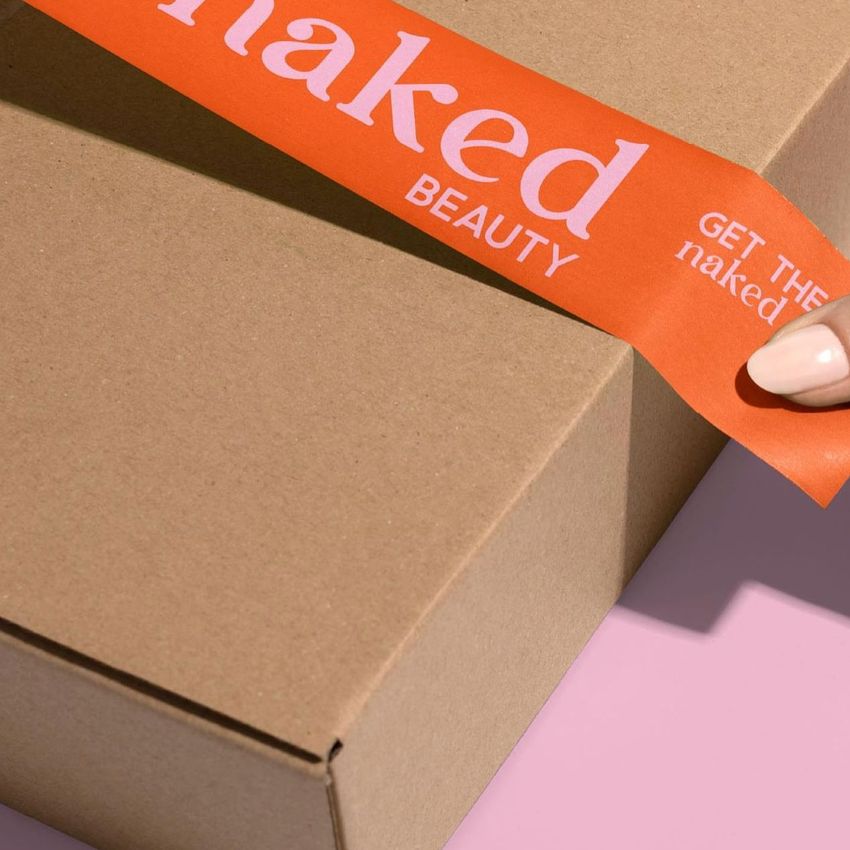
The collection is built for consistent campaign imagery. Use the paired narrow and wide scenes to compare colorways, check repeating artwork around a roll, present a sealing detail on a shipping box, or assemble a varied product gallery without photographing a physical sample.
What Is Included
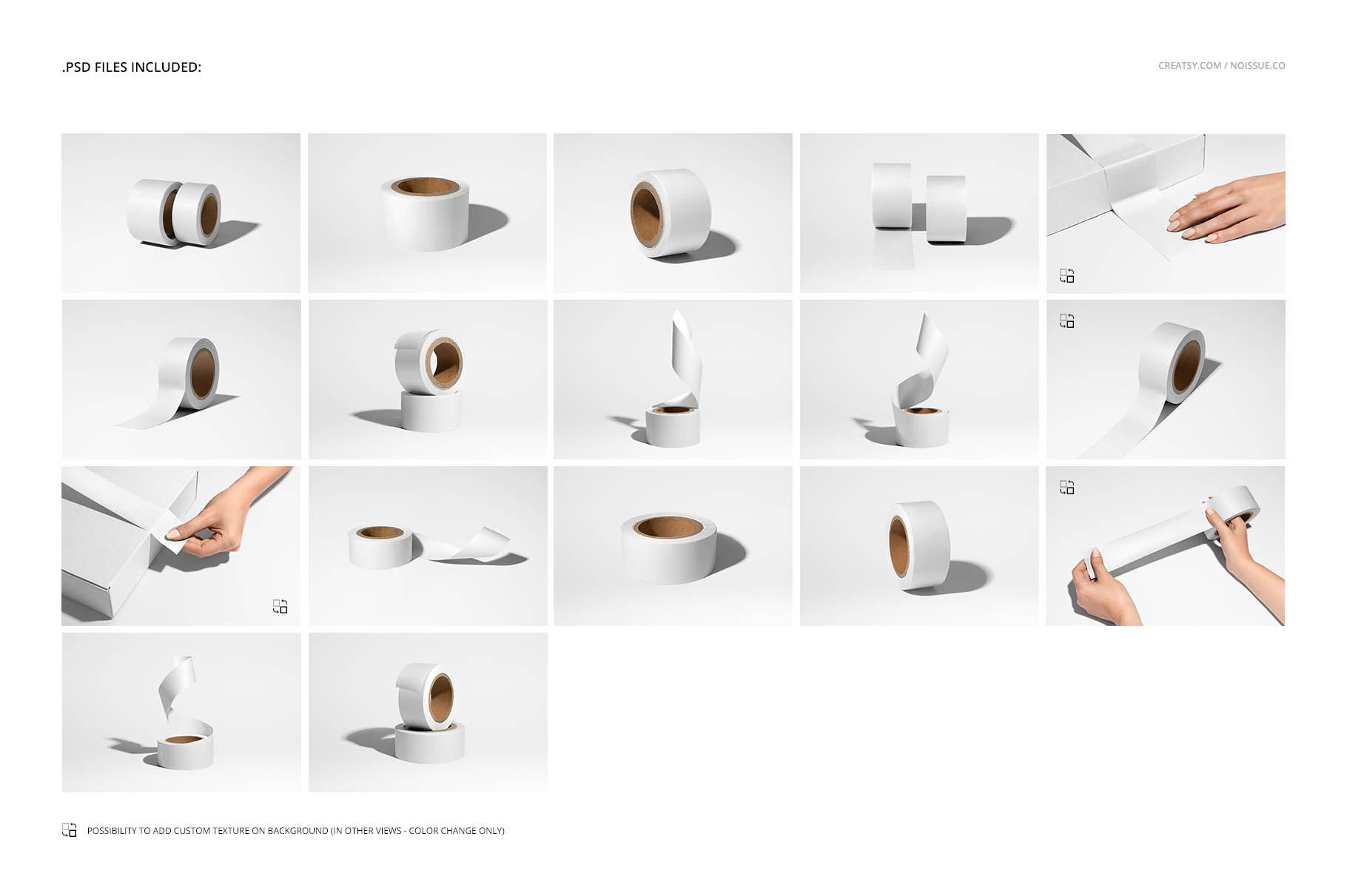
17 layered PSD mockup scenes: 7 narrow-tape views, 9 wide-tape views, and 1 scene with both sizes
17 matching JPG scene previews at 6000 x 4000 px
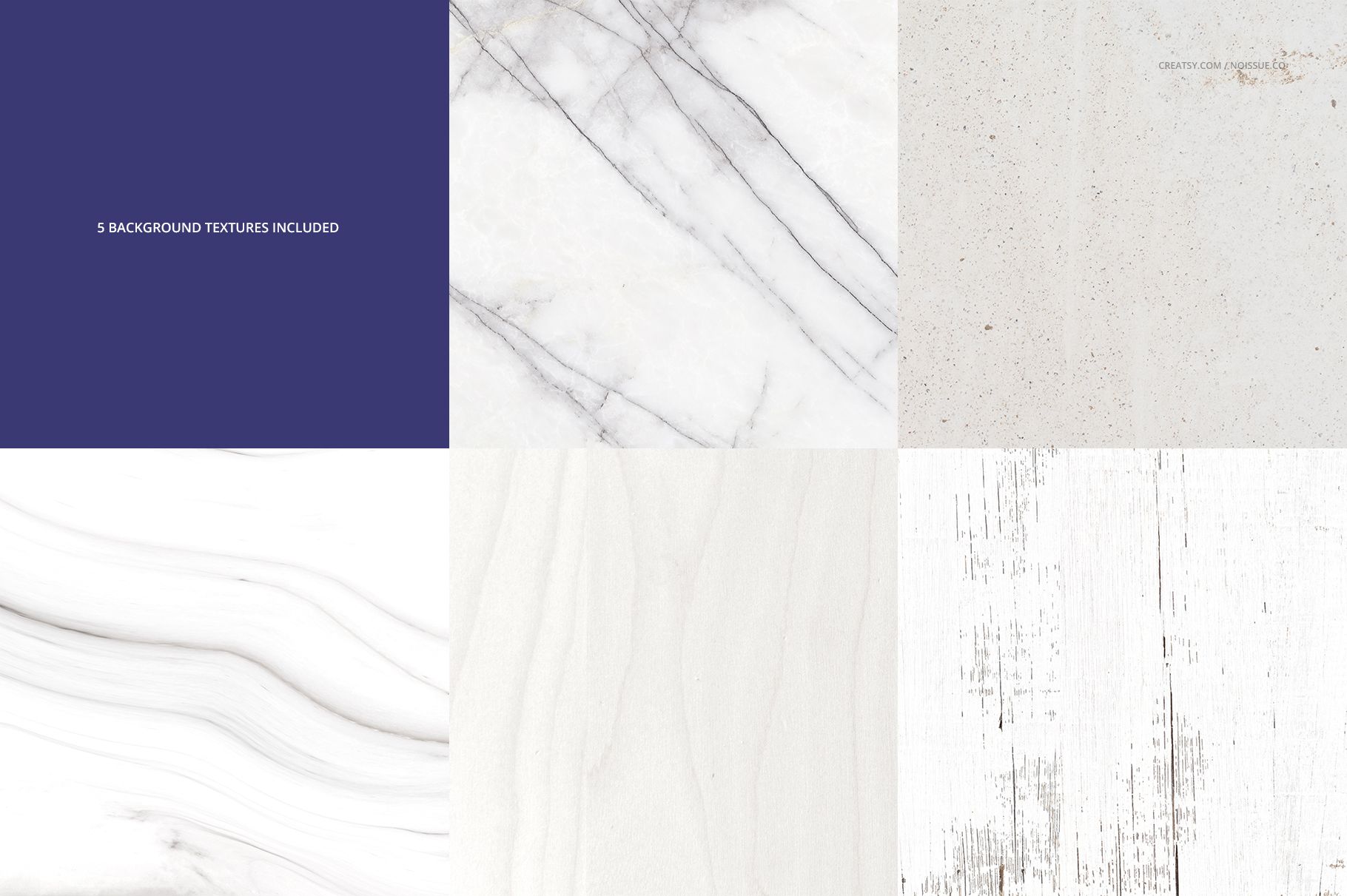
5 JPG background textures at 6000 x 6000 px
1 JPG guide at 3000 x 2212 px
40 files in total
Two Tape Widths, One Cohesive Presentation
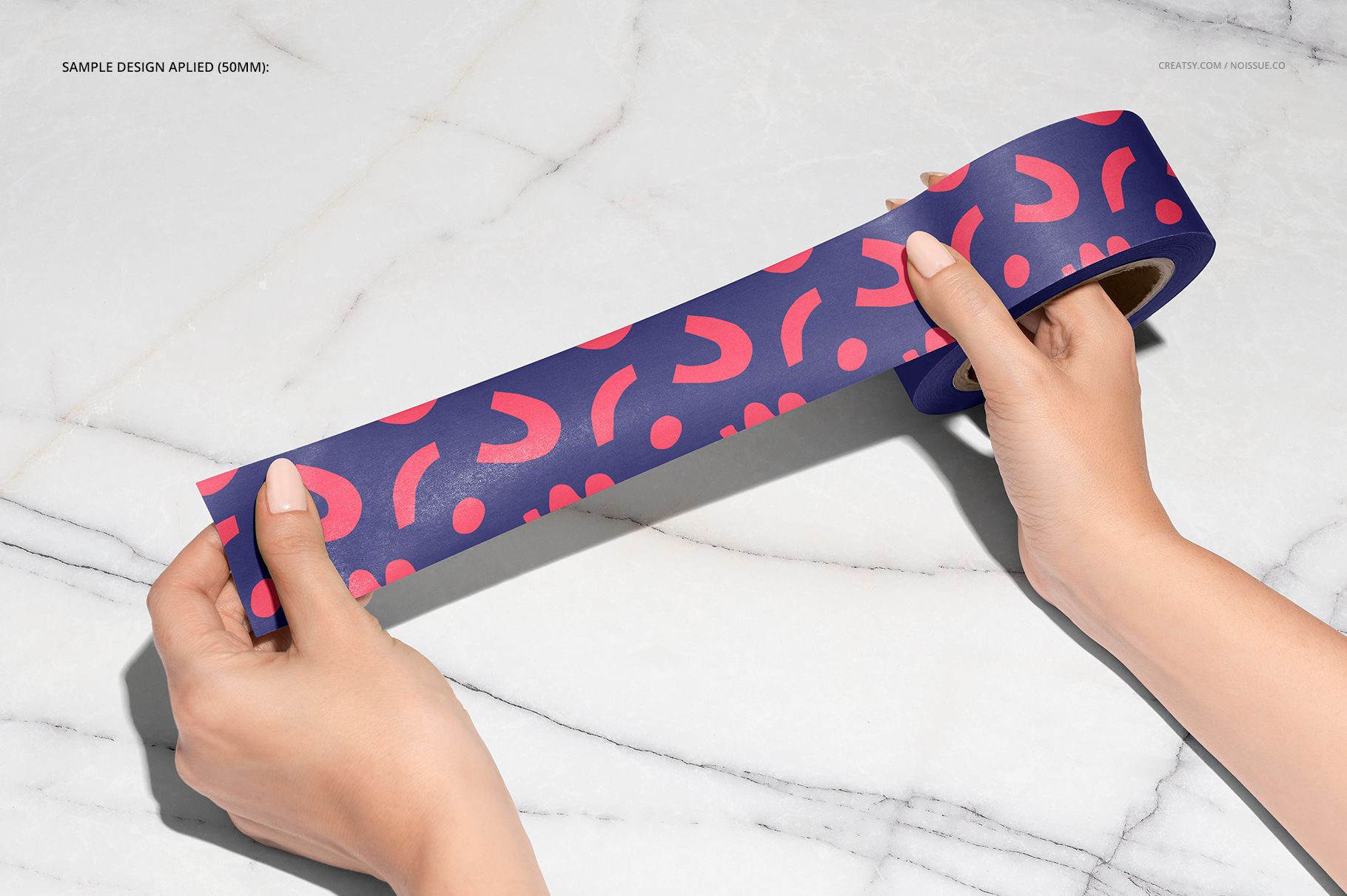
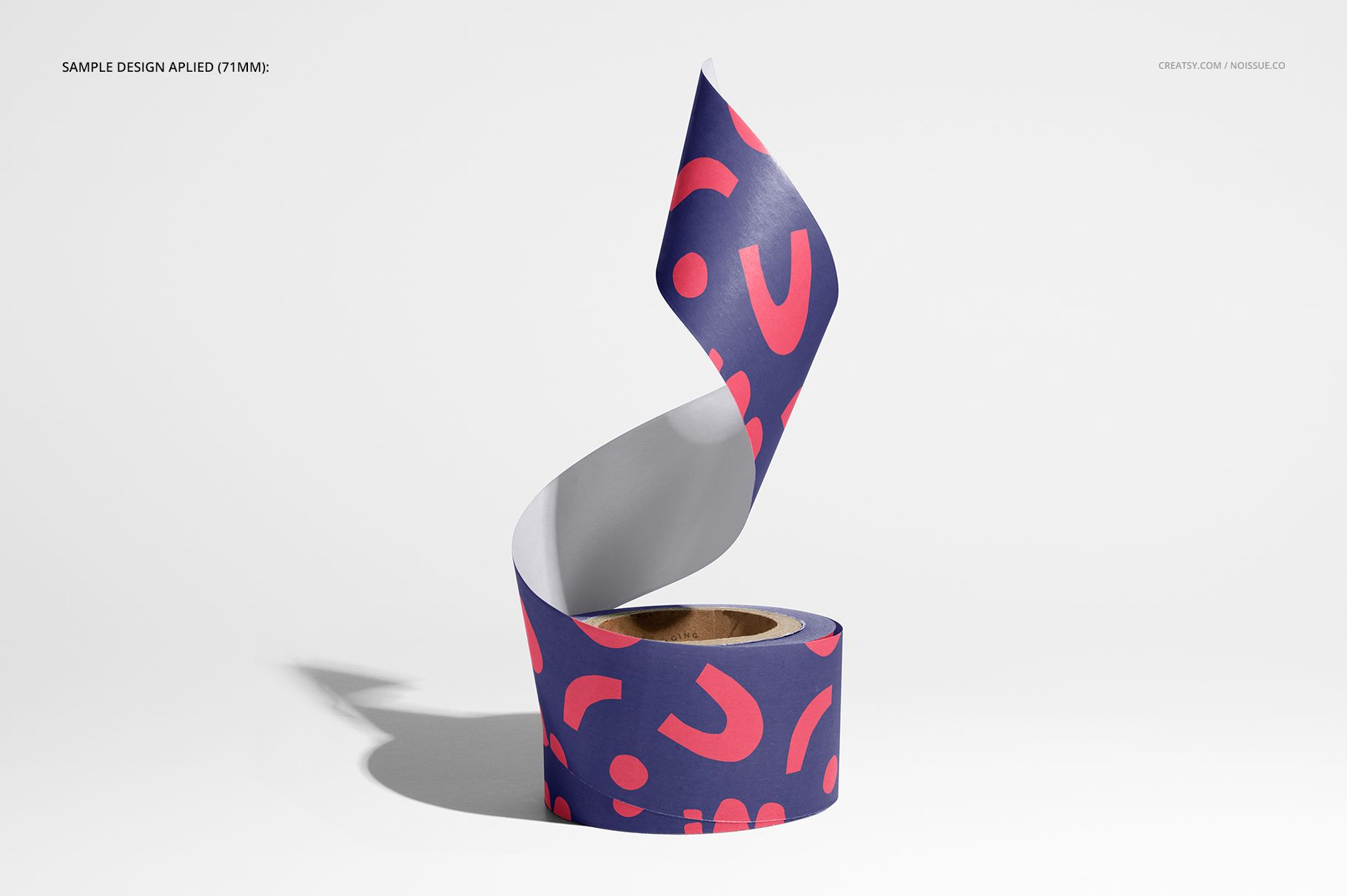
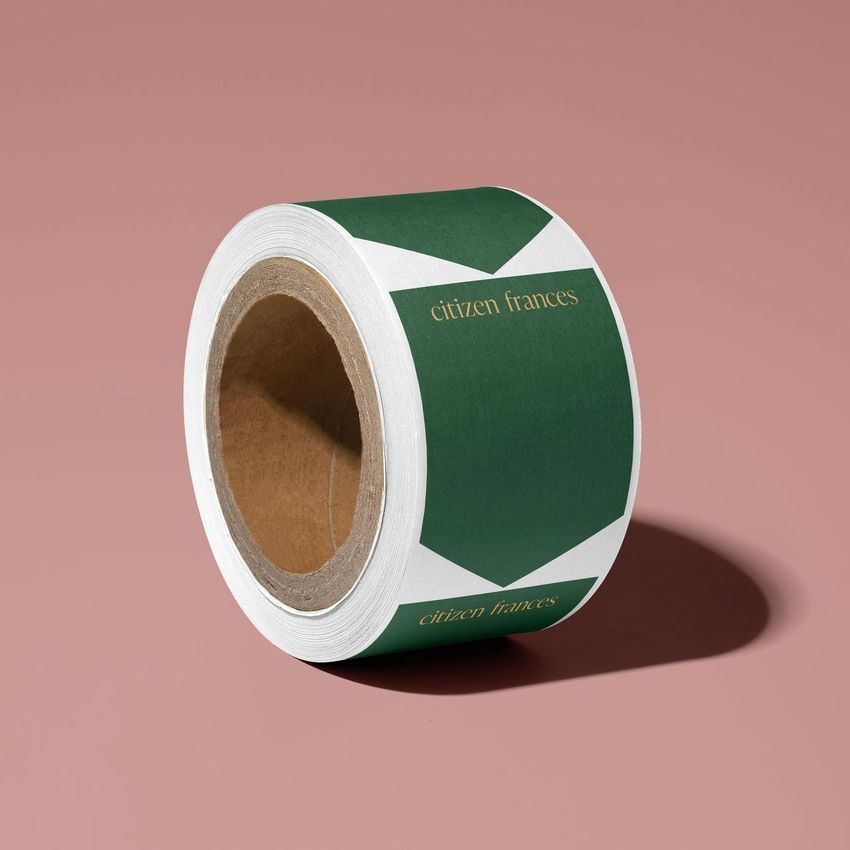
Move from clean isolated roll views to curled and extended tape, stacked rolls, hands holding the tape, and packing tape applied to a cardboard box. The 50 mm and 71 mm formats help show how typography, logos, and repeating patterns behave across narrow and wide tape.
Easy Smart Object Editing
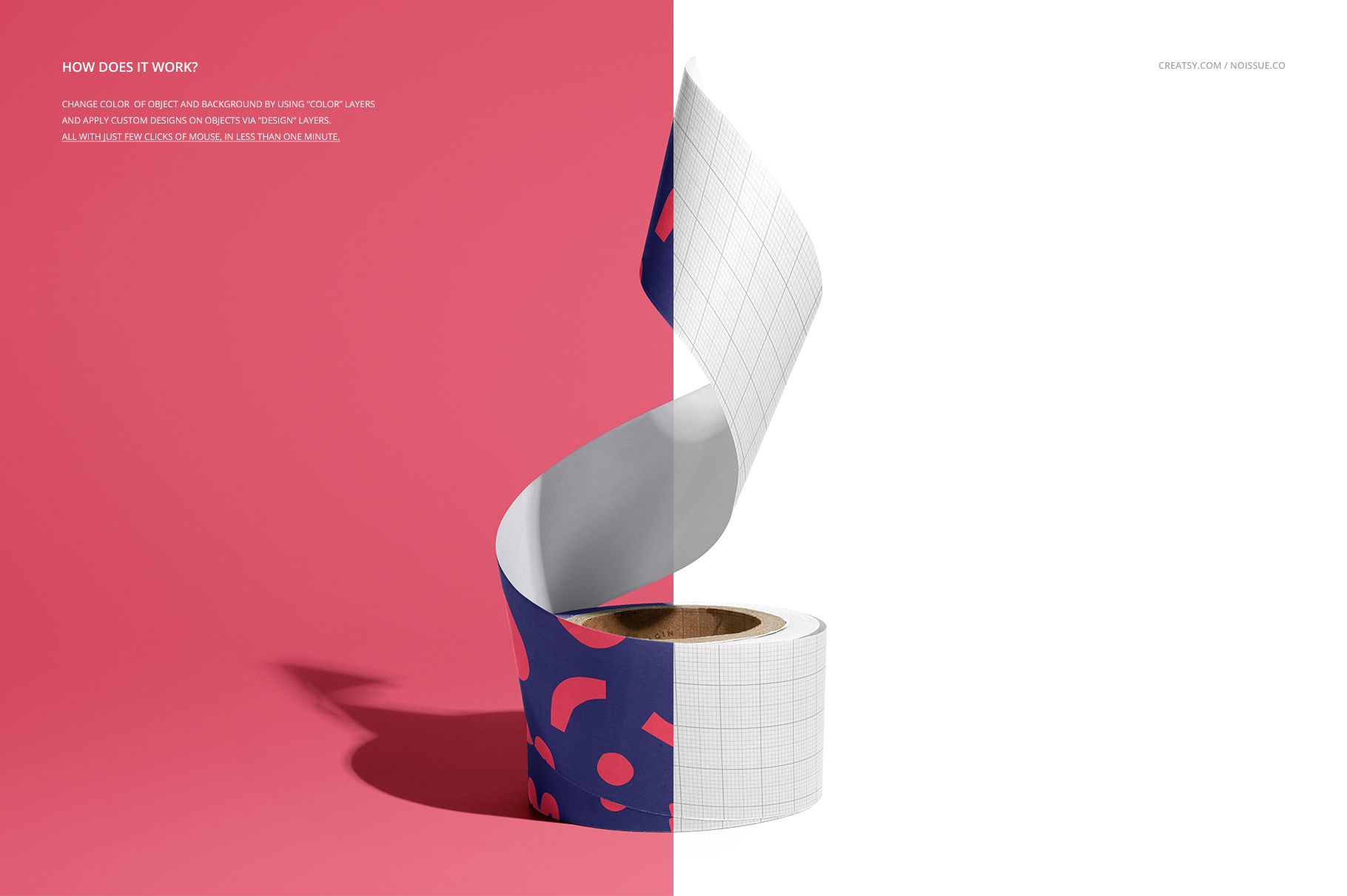
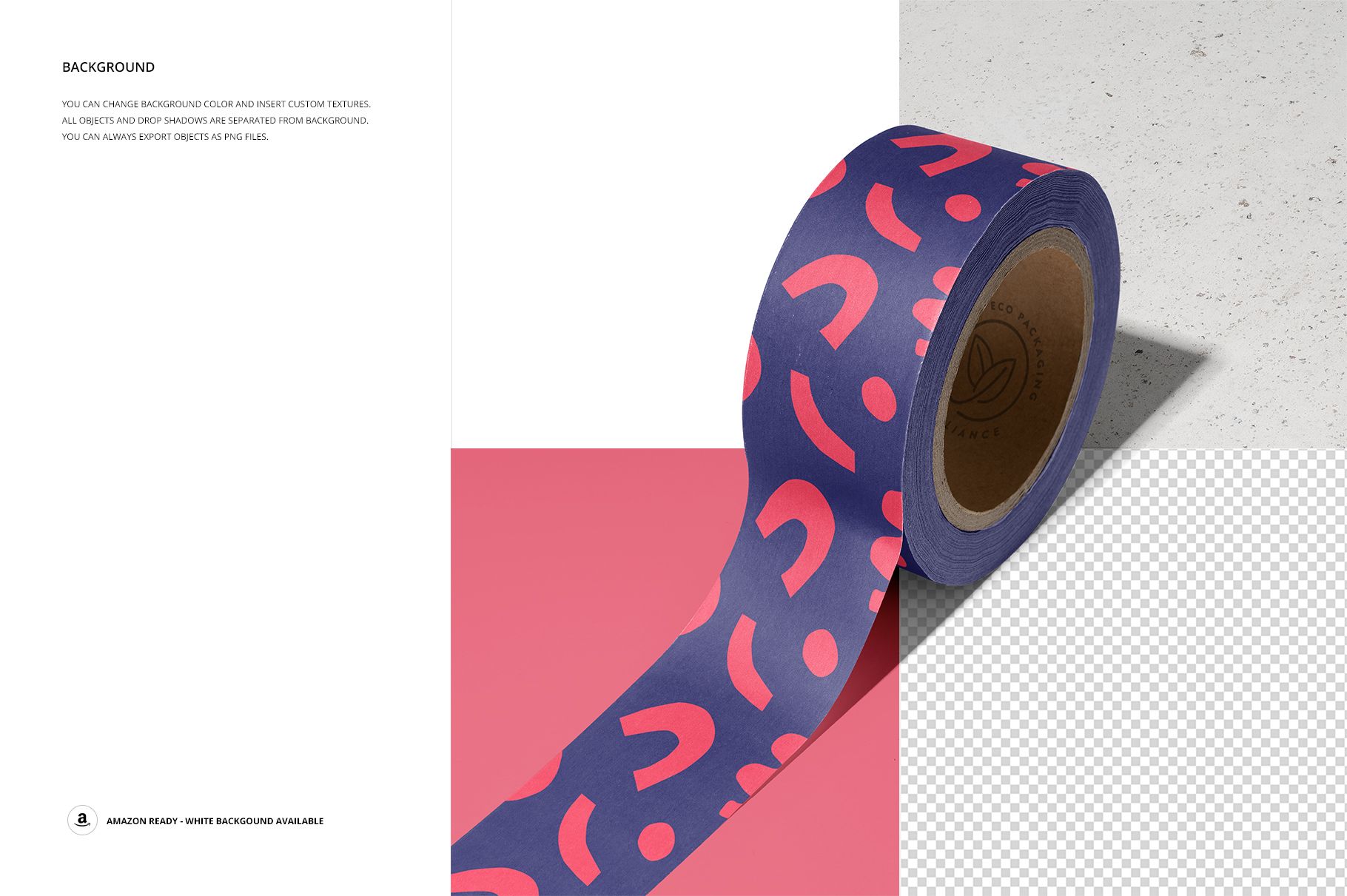
Place artwork through Smart Objects and design layers, then adjust tape and background colors with organized color controls. Selected scenes accept custom background textures, while the remaining views support background color changes. Objects and drop shadows are separated from the background, making transparent PNG export and white-background output possible.
Perfect For
Packaging and branding designers
Ecommerce brands preparing shipping visuals
Studios presenting logos, typography, or repeating patterns
Client approvals, portfolio case studies, product galleries, and social campaigns
Production and Artwork Credit
Mockup production is credited to Creatsy, and the product page identifies the set as a Creatsy collaboration with noissue. No individual artist is identified for the sample artwork. This is a digital mockup product; no physical tape or sample design is included.




















Love all the mock-ups from you guys! Thanks for such a quality work ❤️
Thank you so much for your lovely review! We’re thrilled to hear you love our mockups. Your kind words truly mean a lot to us.