Dried Peach Paper Pouch Mockup Set
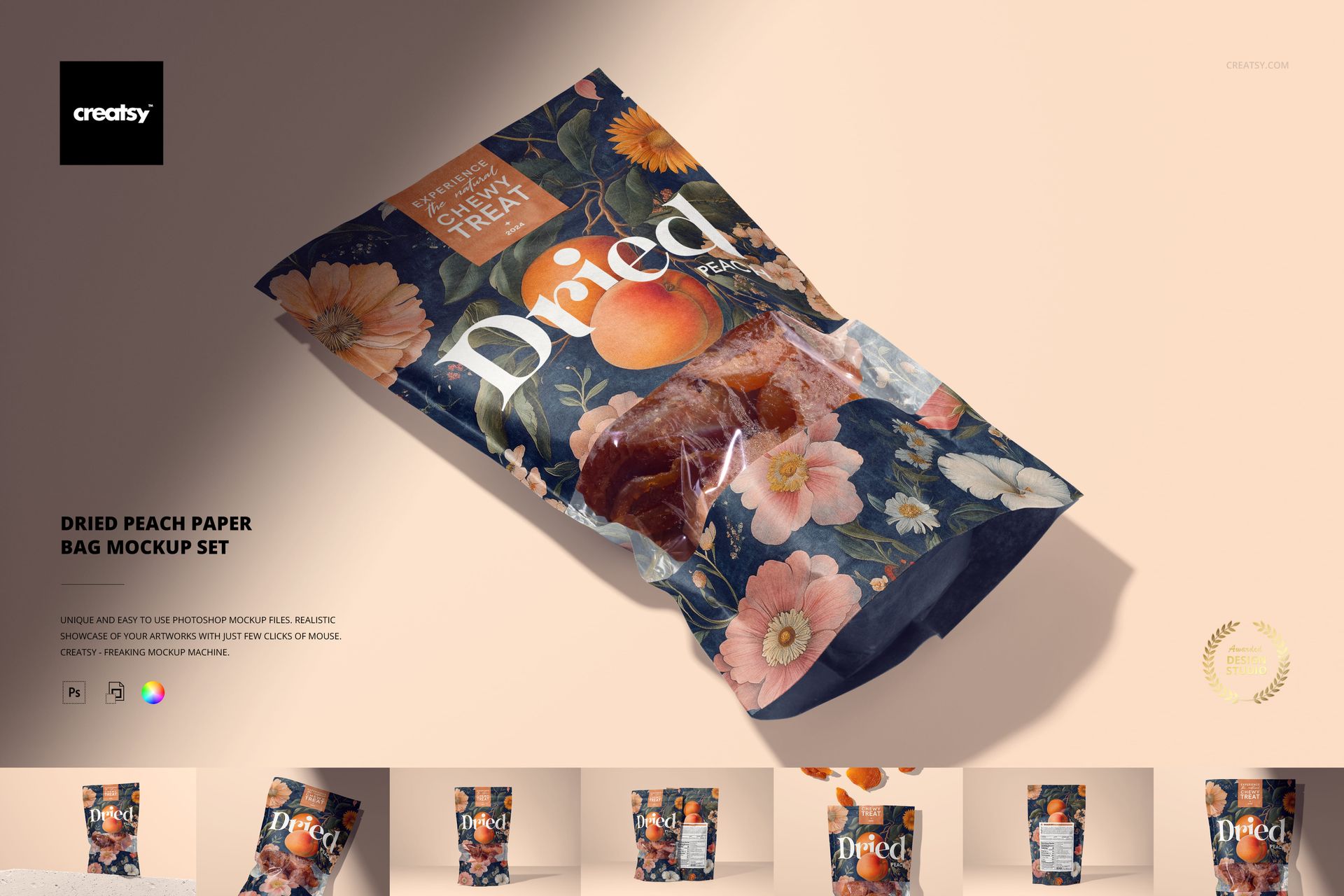
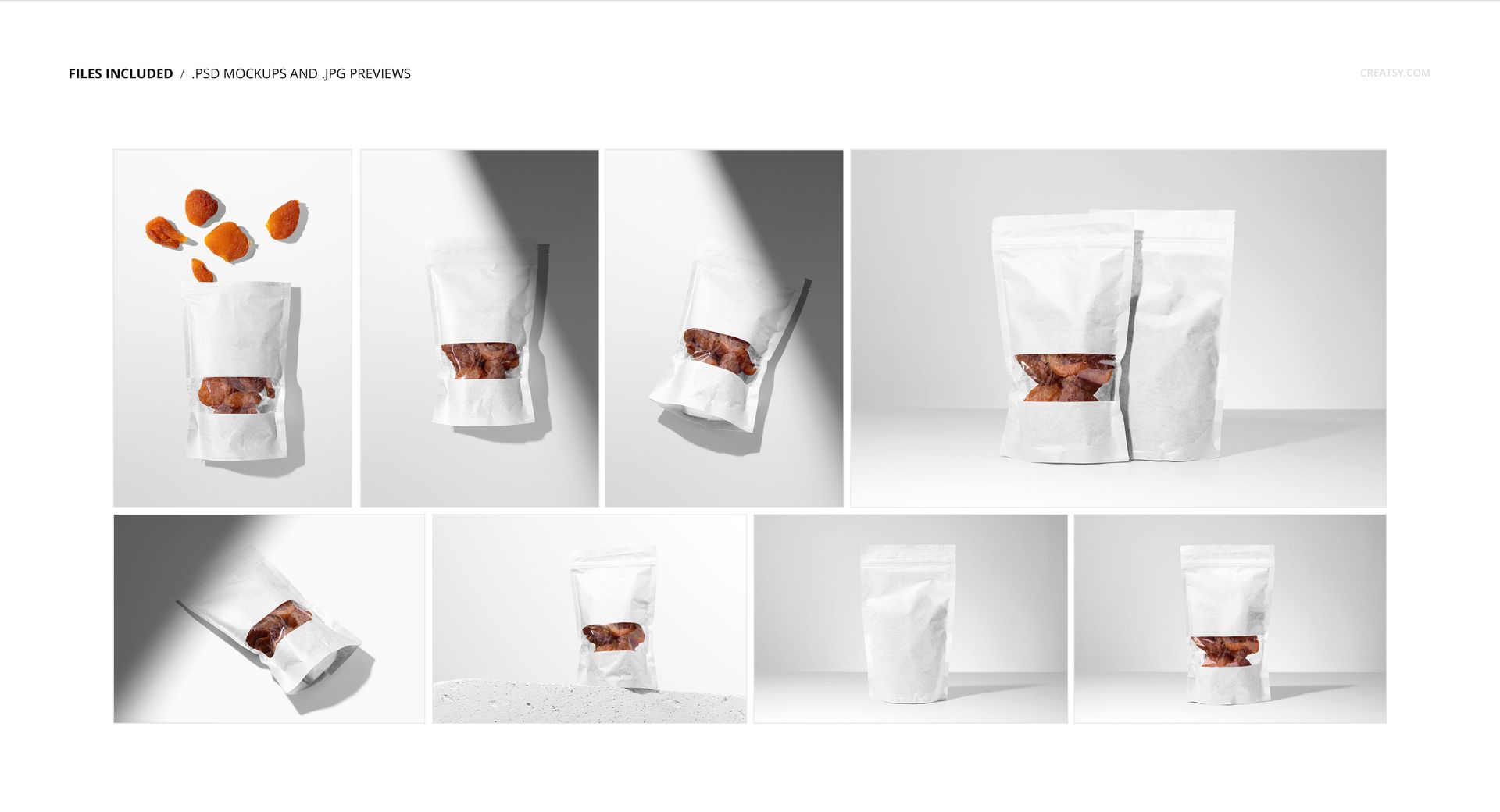
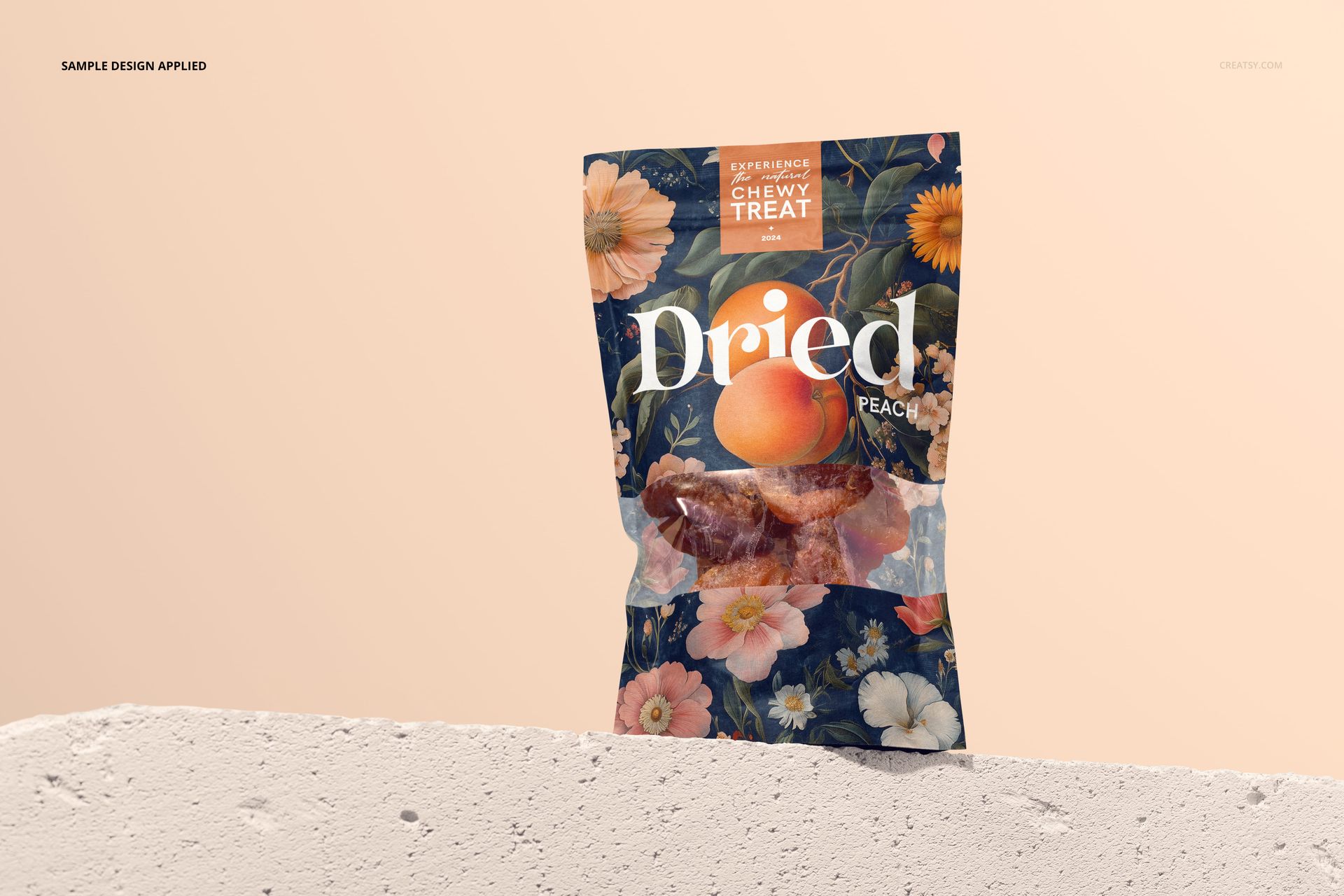
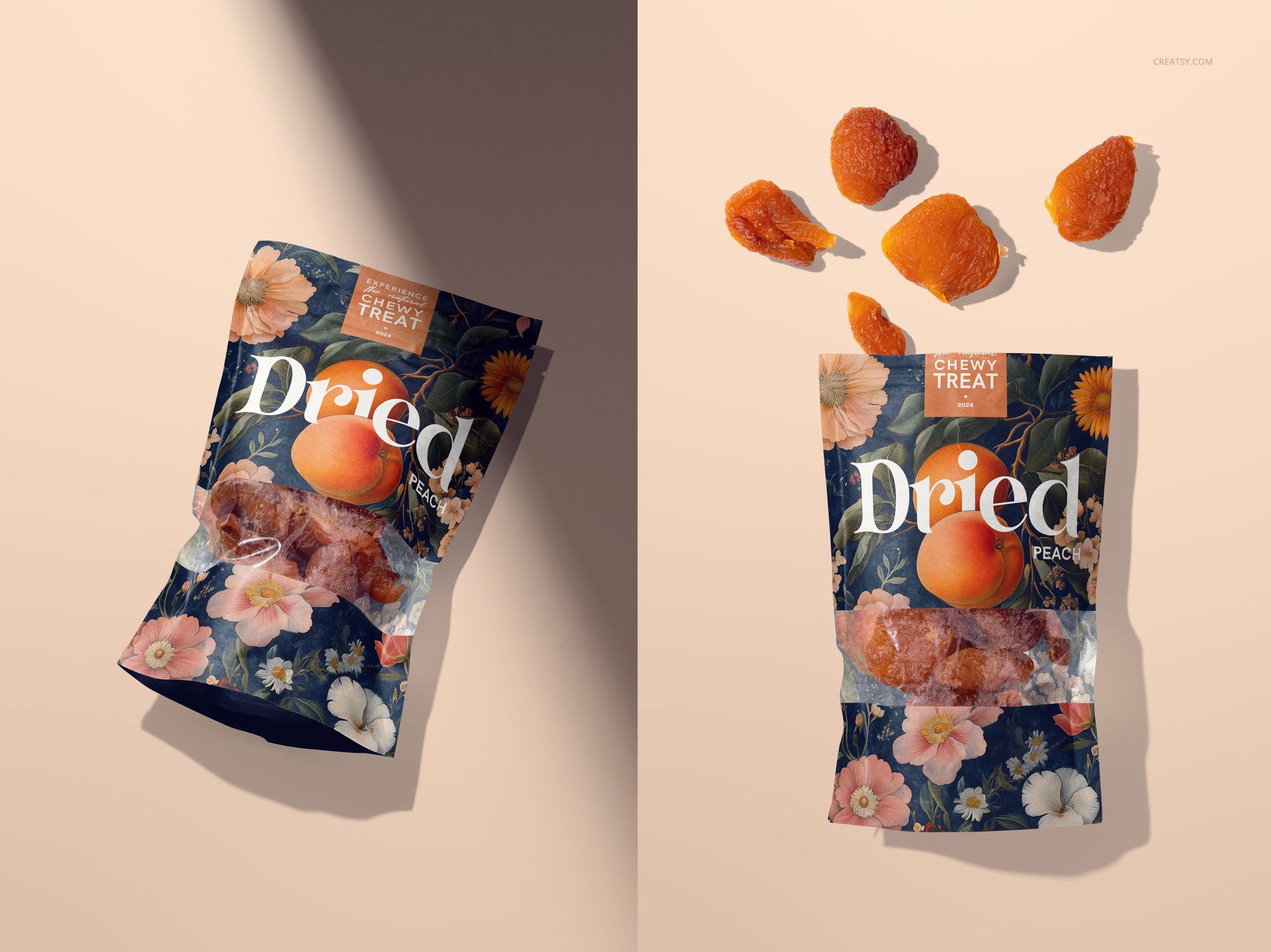
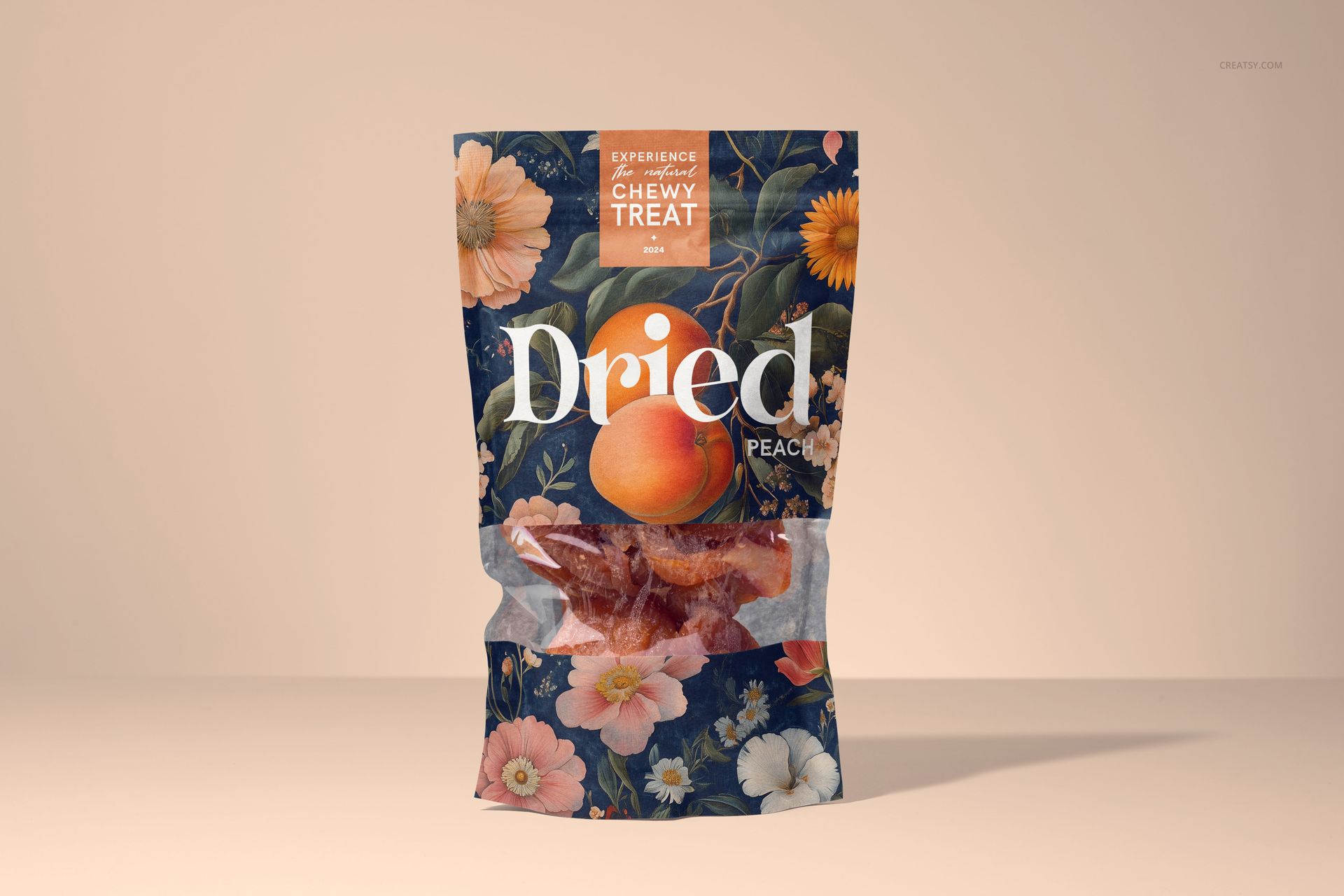
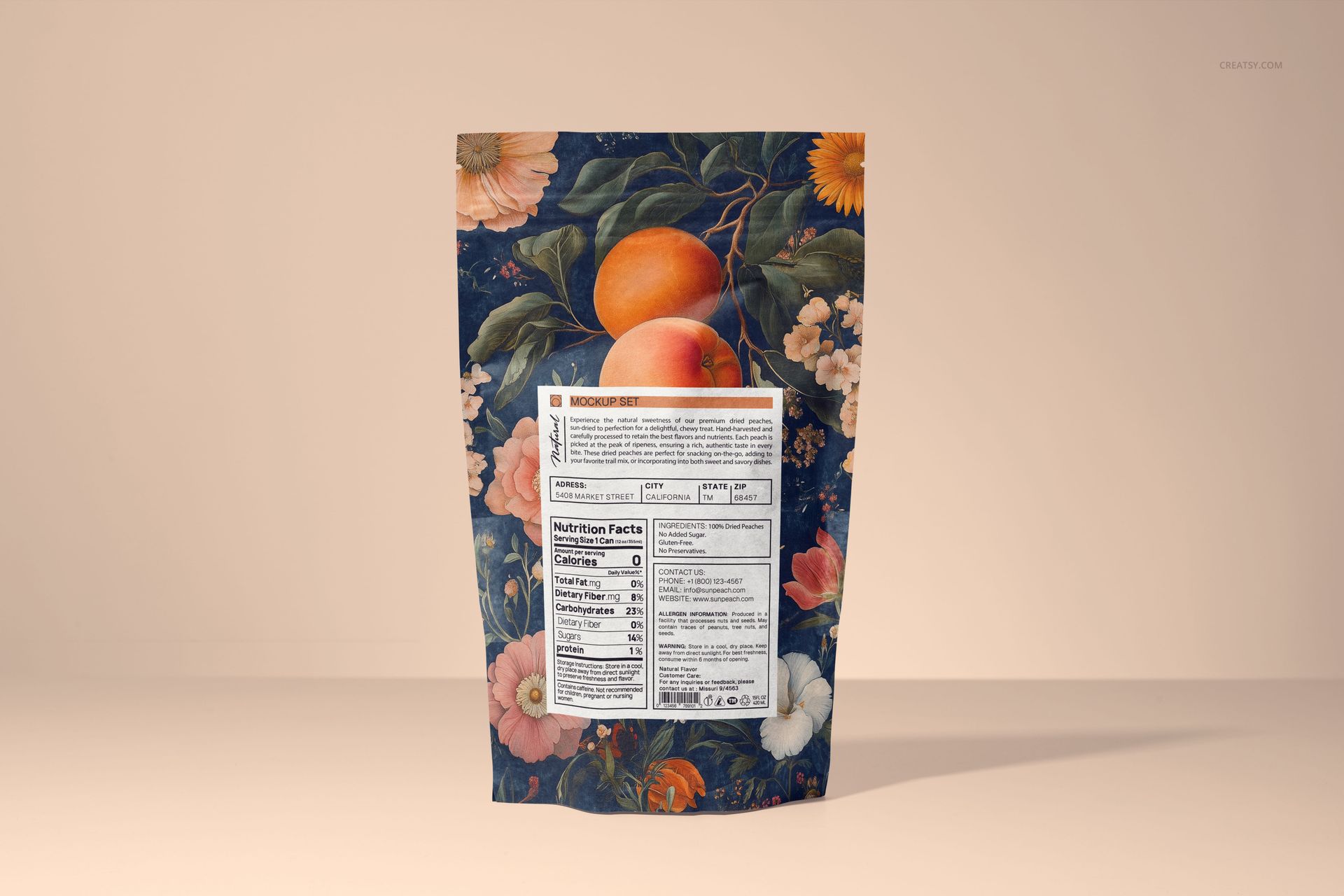
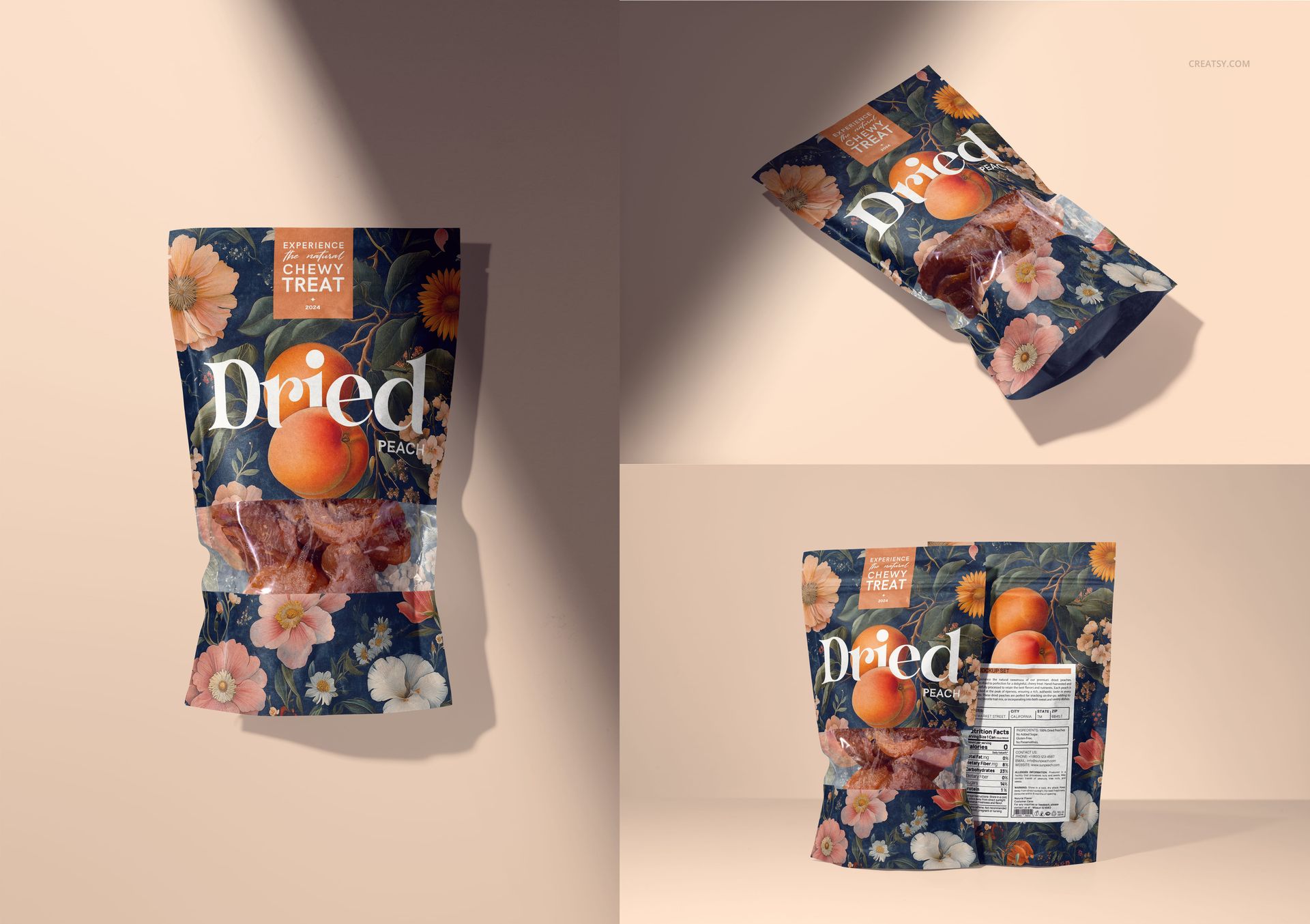
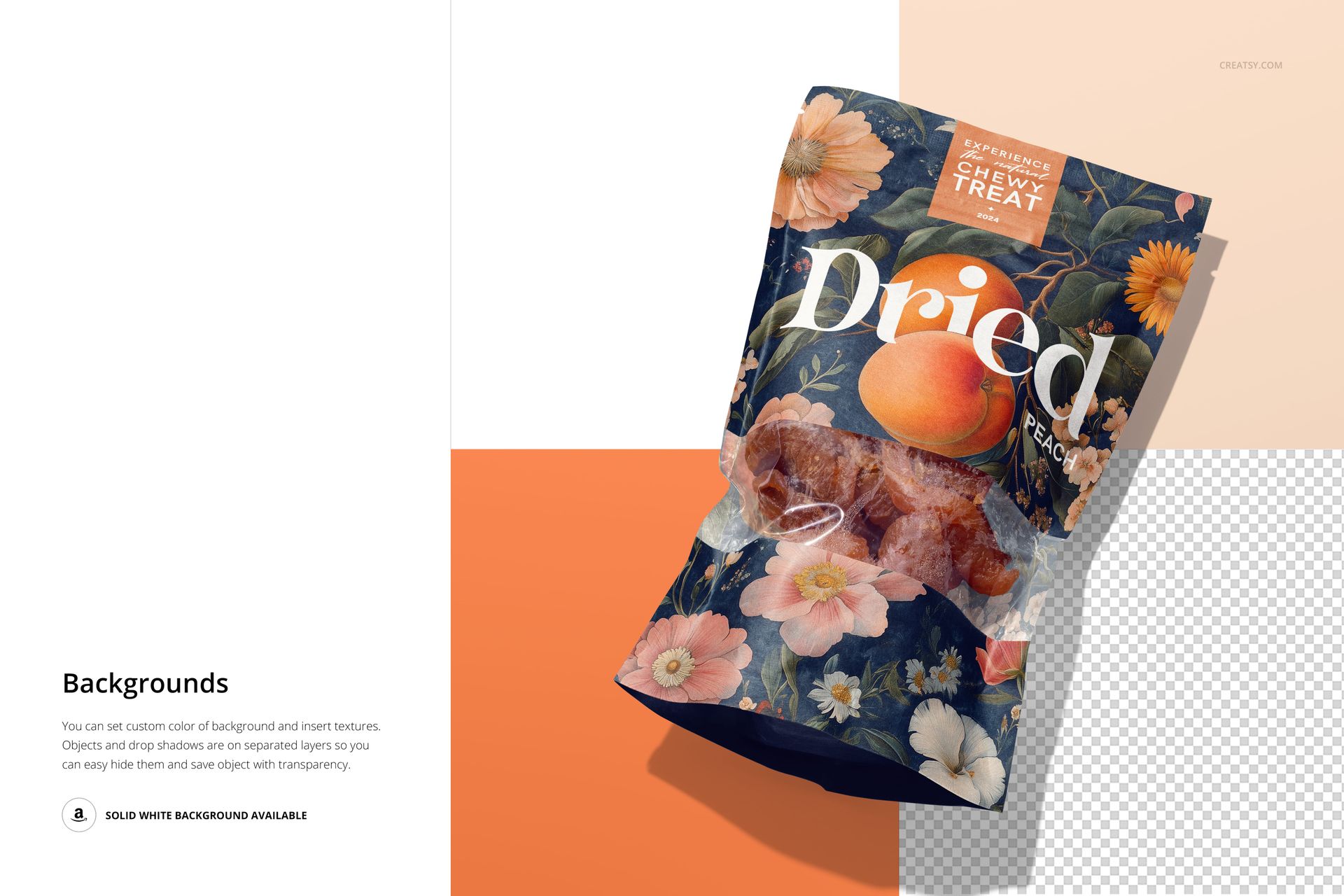
A clear window lets the dried peach pieces become part of the packaging presentation. This eight-scene paper pouch mockup set combines front and back views, standing and flat-lay compositions, and a scene with fruit above the pouch. It helps a snack brand present both its visual identity and its information panel in a coordinated gallery.
What Is Included
8 layered PSD mockup files and 8 JPG previews, 16 files total.
Landscape PSDs at 6000 × 4000 px and portrait PSDs at 4000 × 6000 px, all at 300 DPI.
Front, back, paired and single-pouch compositions.
Organized layers for Photoshop CC2020 or newer and Photopea.
Customize the Pouch and Its Background
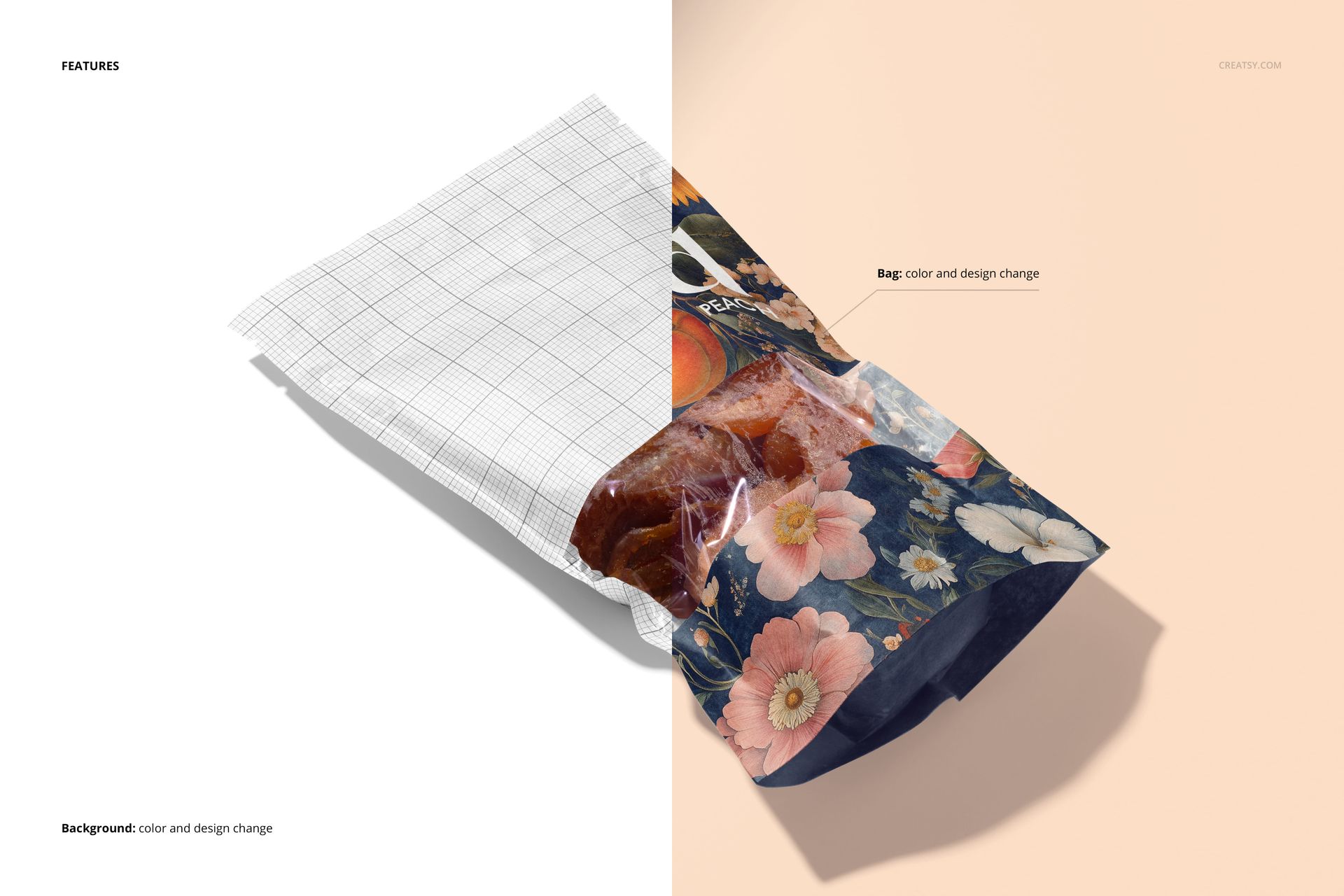
Apply your artwork through Smart Objects and change the pouch color to match the brand. Background controls let you choose a custom color or insert a texture. Objects and drop shadows are on separate layers, so you can hide the background and prepare a transparent export when your layout needs one.
A Gallery for Dried Fruit Branding
Combine a front view showing the window with a back view for the information layout, then add a flat lay for variety. Packaging designers, food brands and surface pattern designers can use the set to review illustrated snack packaging before commissioning a physical sample. This is a digital mockup, not food or printed packaging; the preview artwork is not included.