Kids Room Carpet Mockup Set
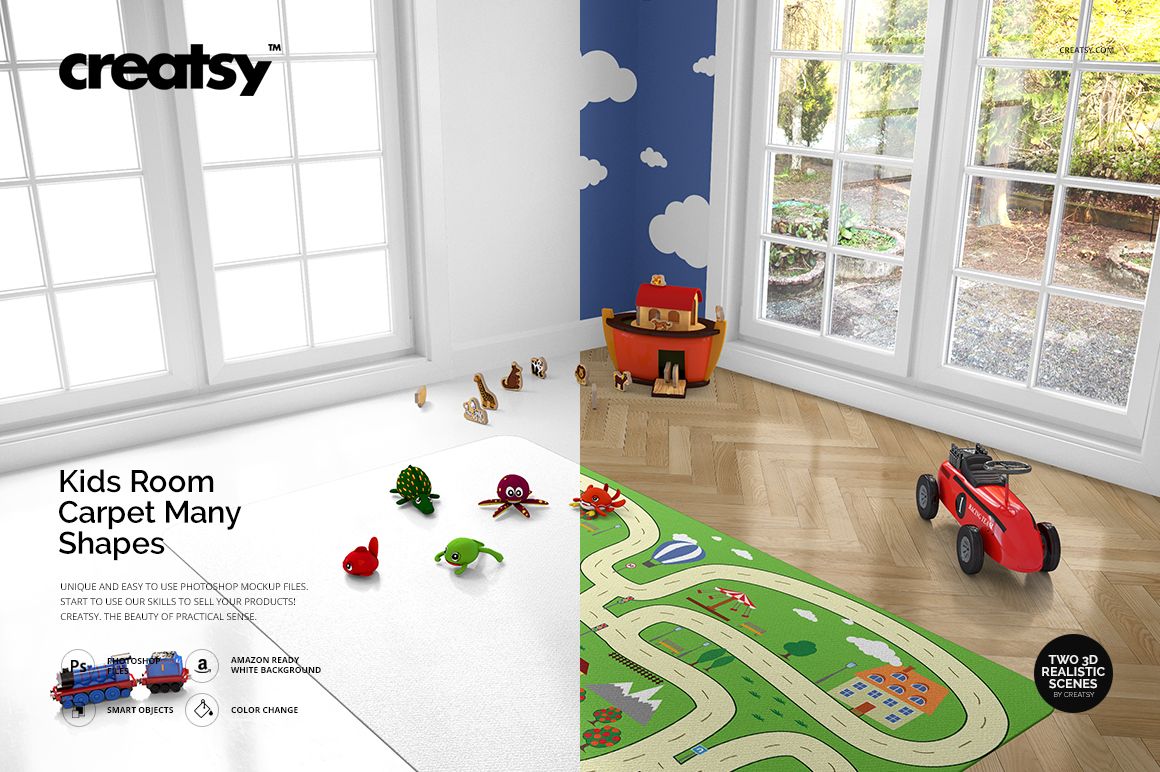
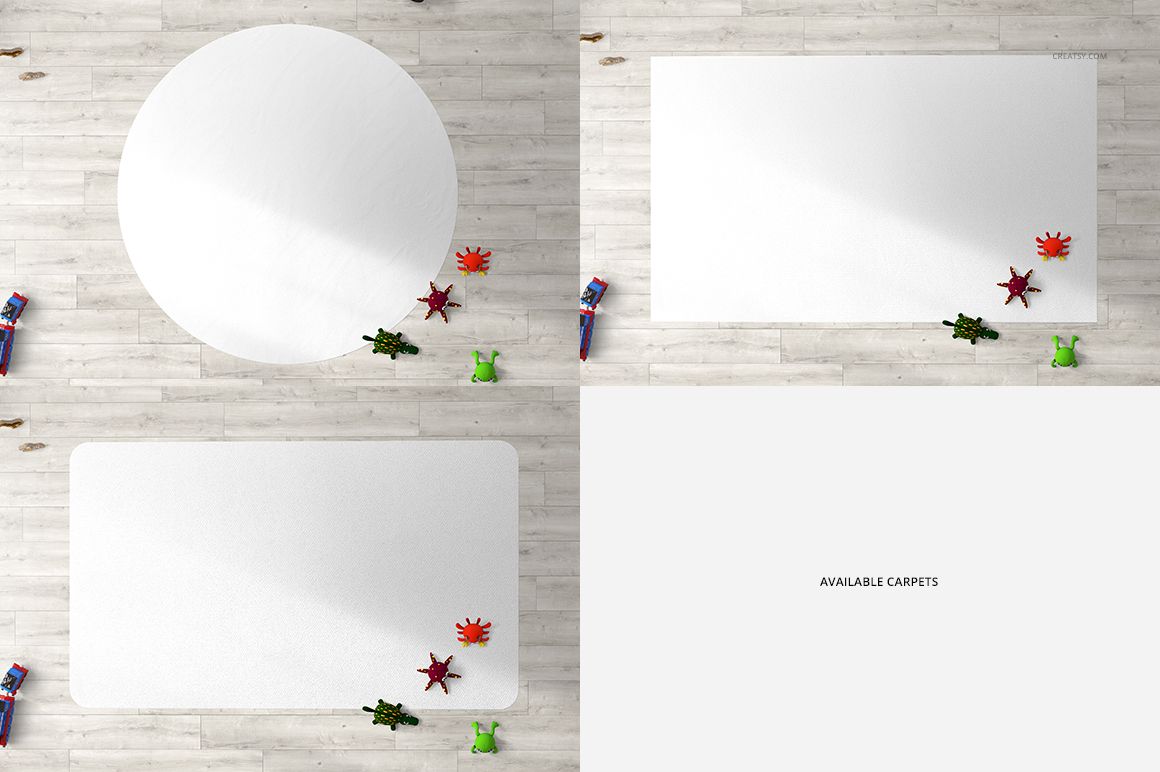
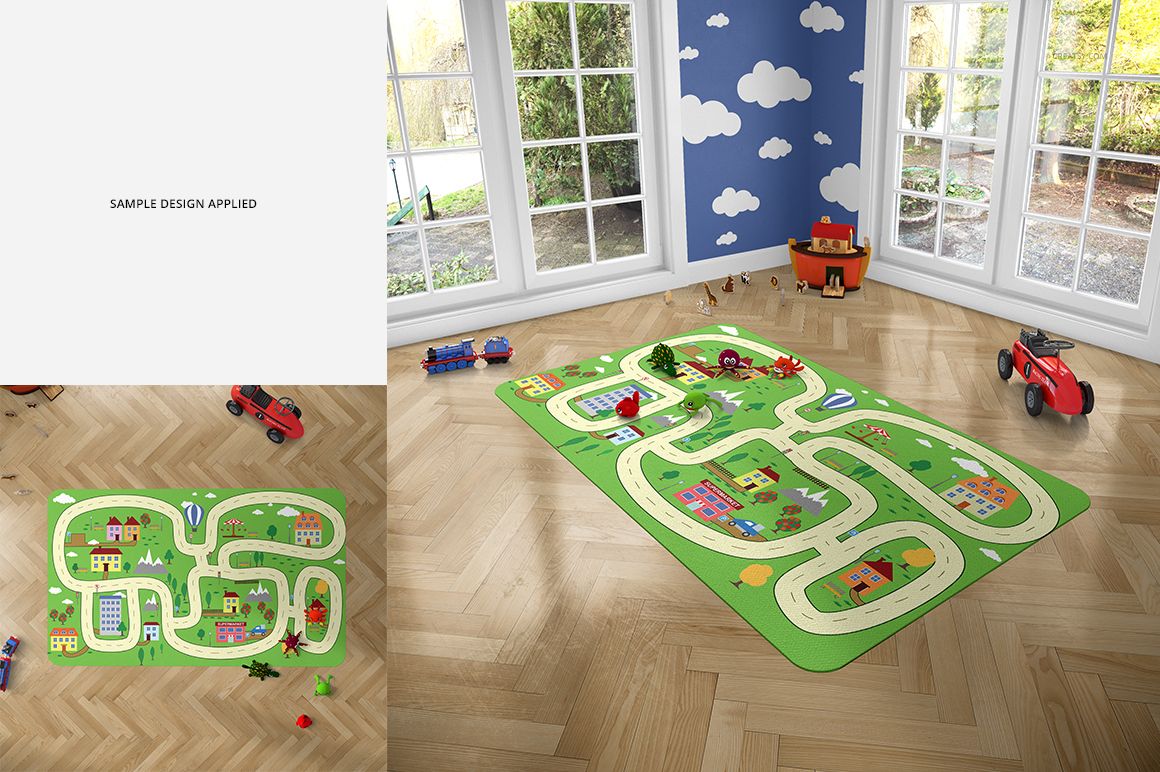
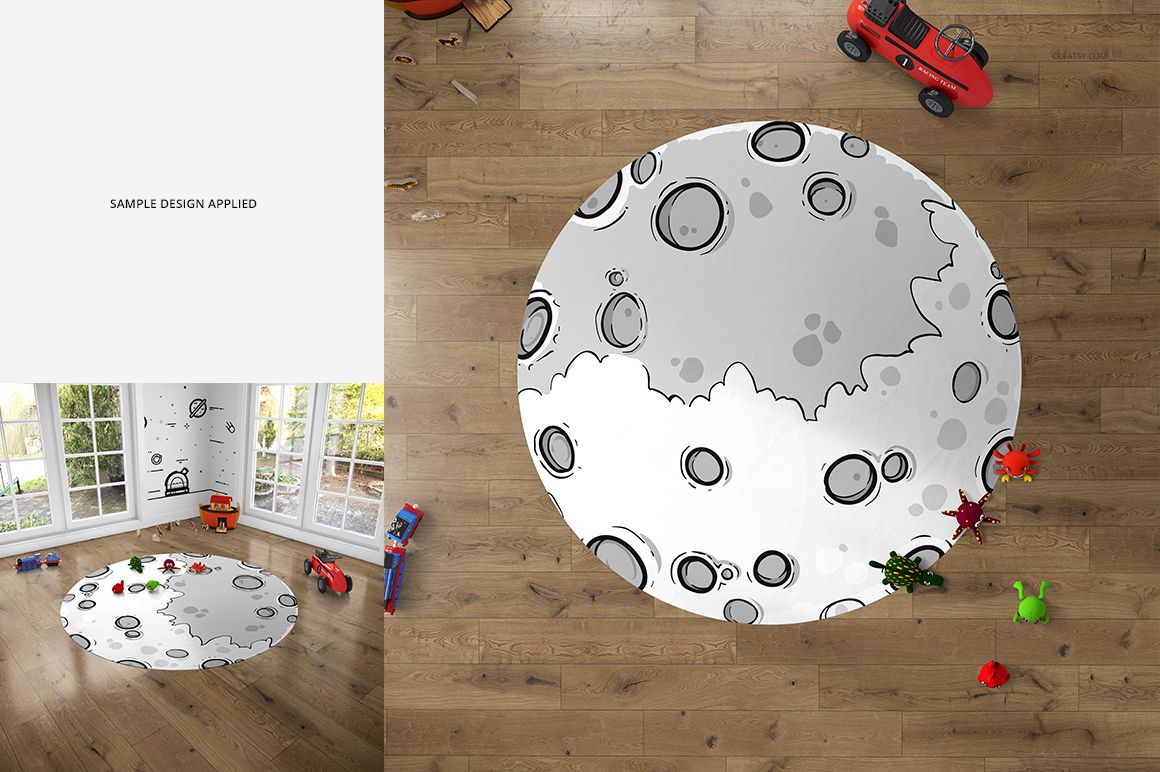
One playroom, three carpet shapes and two ways to show your artwork. Present a circular rug, a rectangular carpet or a rectangle with rounded corners in a bright room with large windows. The top view makes the full design easy to read, while the perspective view places it among familiar playroom details.
What Is Included
2 layered PSD mockups: top view and perspective, each 3000 × 3000 px at 300 DPI.
3 carpet shape options: round, rectangular and rounded-corner rectangular.
2 JPG previews and 1 TIF guide, 5 files in total.
Style the Room Around the Carpet
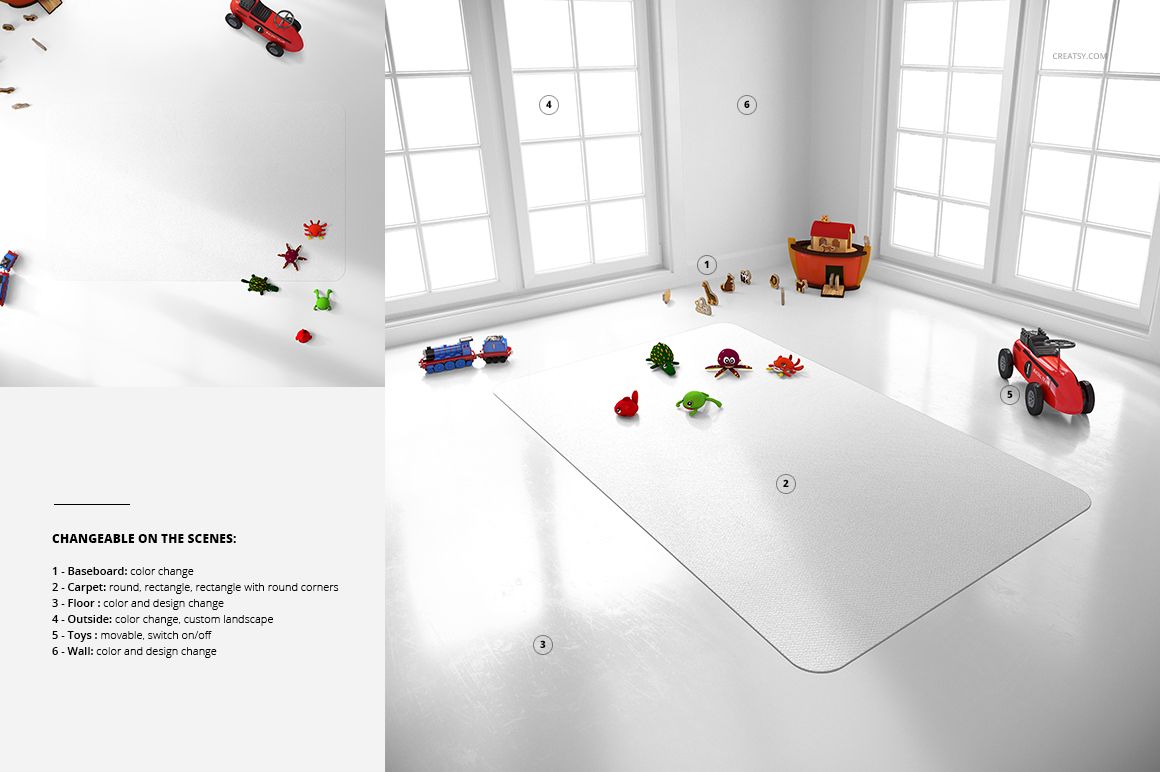
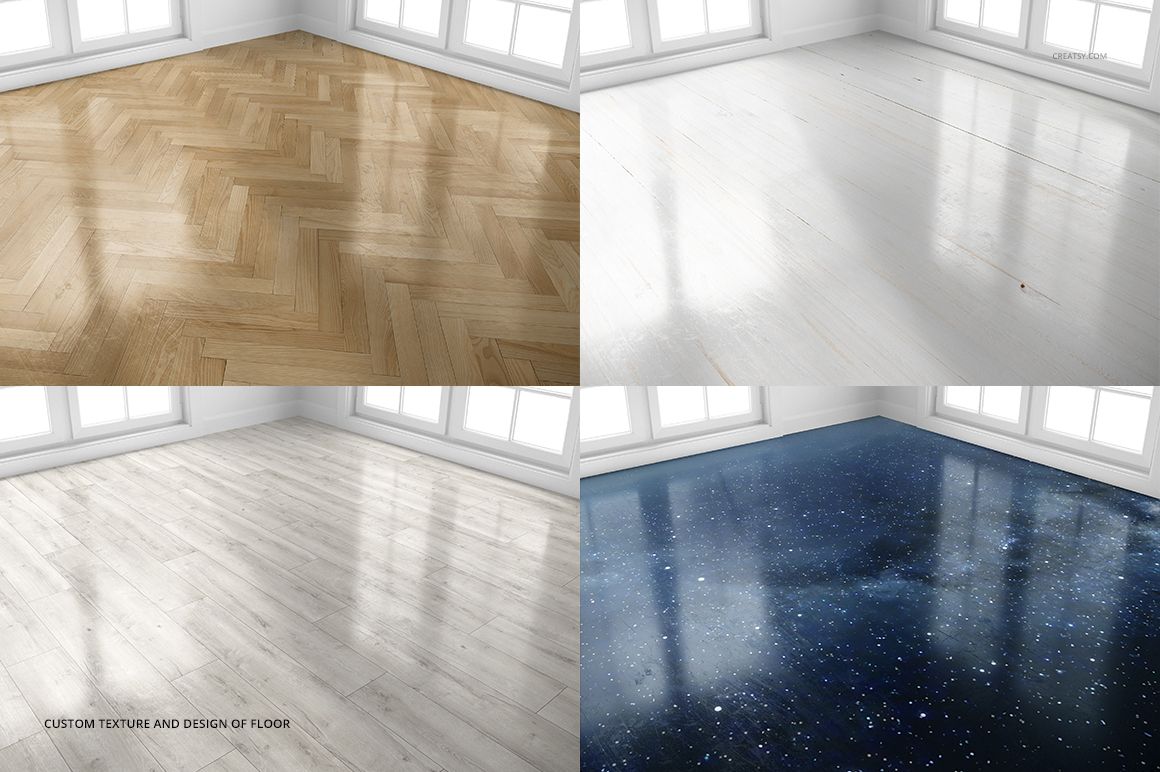
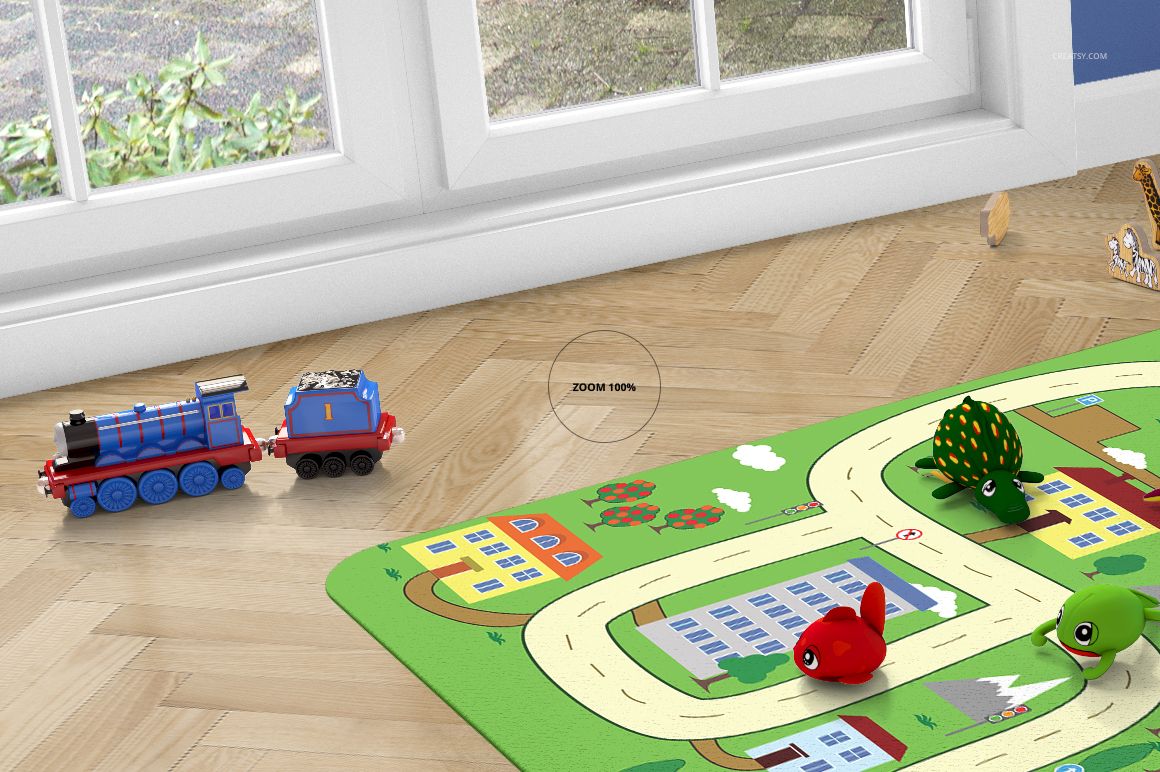
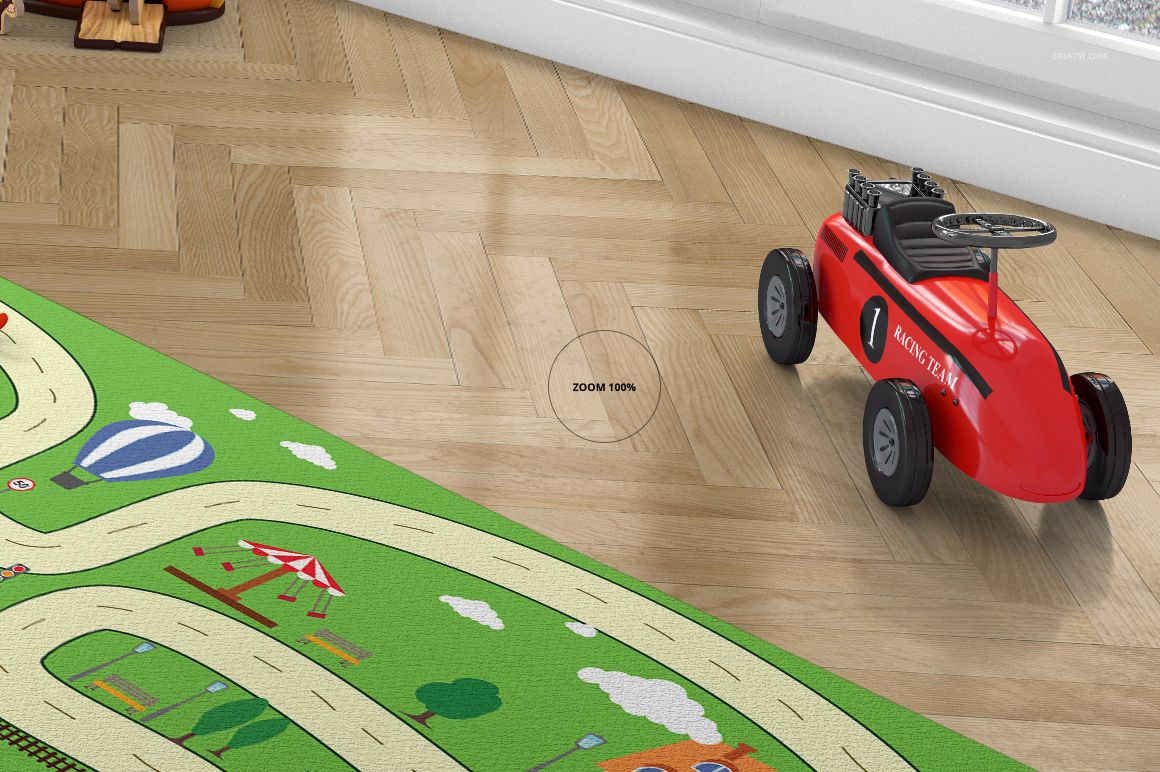
Change the carpet artwork and color, customize the wall and floor designs, and adjust the baseboard color. Replace the view outside the windows to suit the presentation. Toys can be moved or switched off, allowing you to choose between a styled playroom and a clearer view of the carpet.
Easy Smart Object Editing
Work in Adobe Photoshop CS5 or newer, or in Photopea. Add your artwork through the Smart Objects, save the edited contents and review the scene. Use the room controls to create a supporting palette that does not compete with the carpet design.
Perfect For
Use the set for children’s rug collections, illustrated play carpets, surface pattern portfolios and home décor presentations. Compare a road-map design on a rectangle with a centered illustration on the round option, or present the same visual theme across several carpet shapes.
This download contains digital mockup files, not a physical carpet or toys. Sample artwork in the previews is shown for demonstration and is not included.