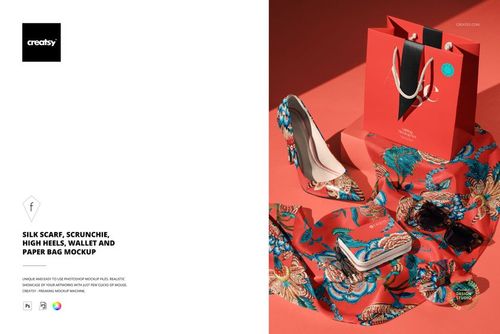
Women’s Fashion Accessories Mockup Set
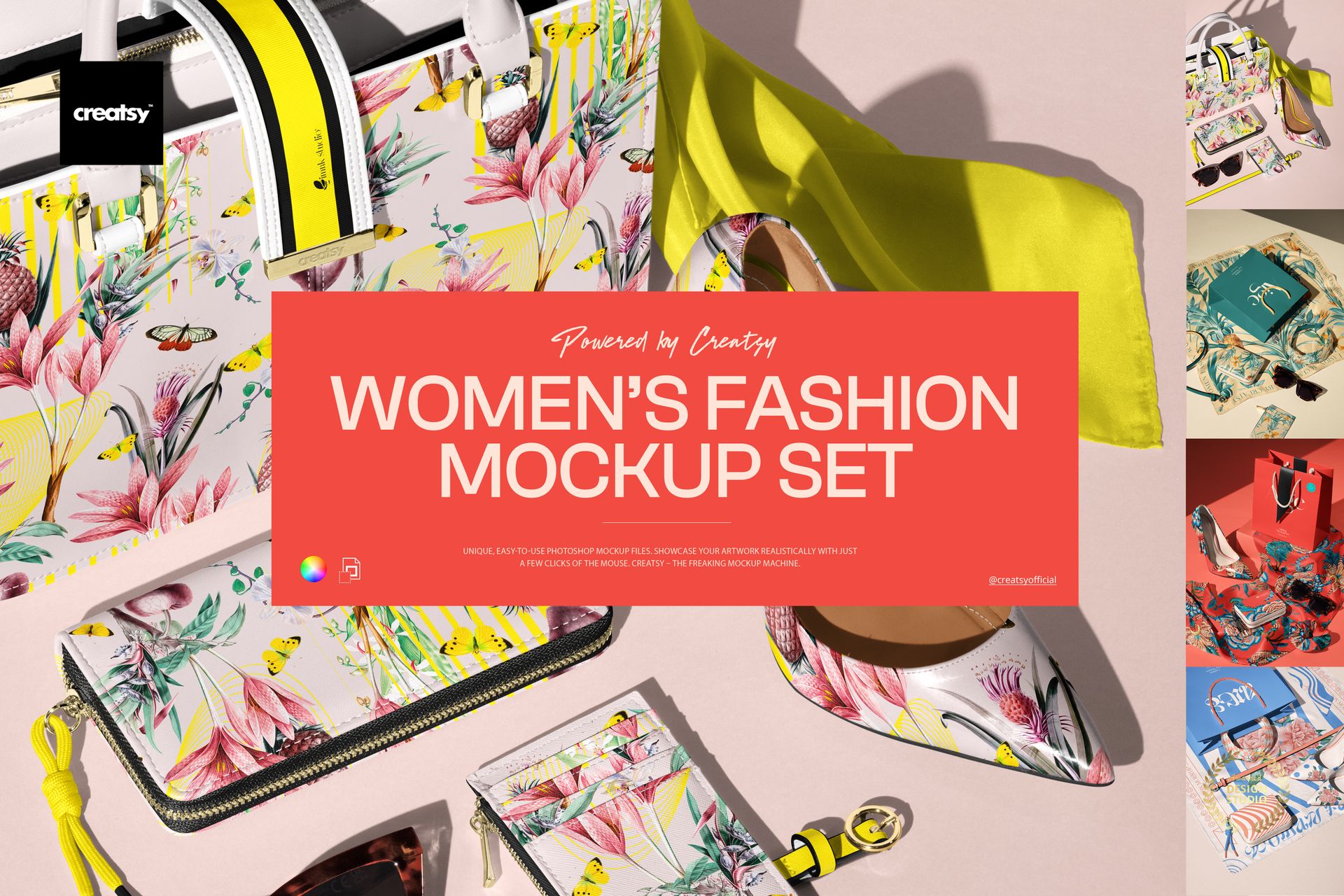
Product Details
Women’s Fashion Accessories Mockup Set
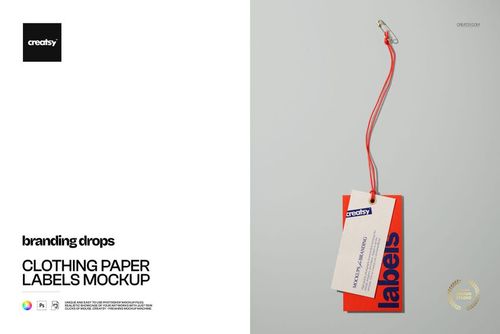
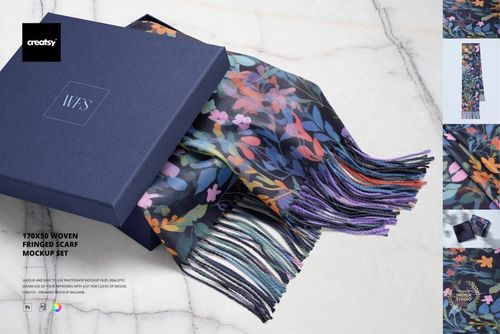
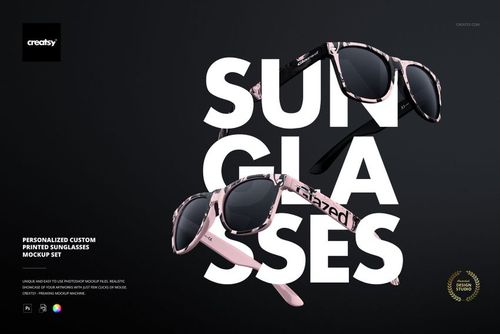
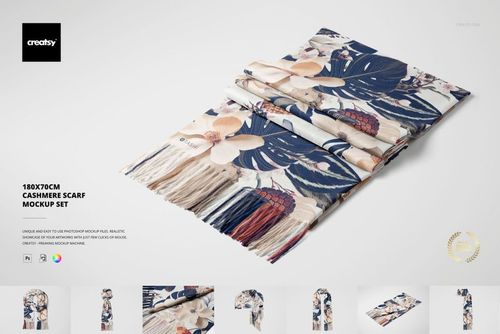
Bring your patterns and branding into a polished, runway-ready scene with the Women’s Fashion Accessories Mockup Set. This collection of four photorealistic PSD mockups lets you present fashion prints and accessory designs in a clean, modern flat-lay – perfect for lookbooks, product launches, and stylish portfolio shots.
Product highlights
4 high-end PSD fashion accessories mockups with an editorial flat-lay vibe
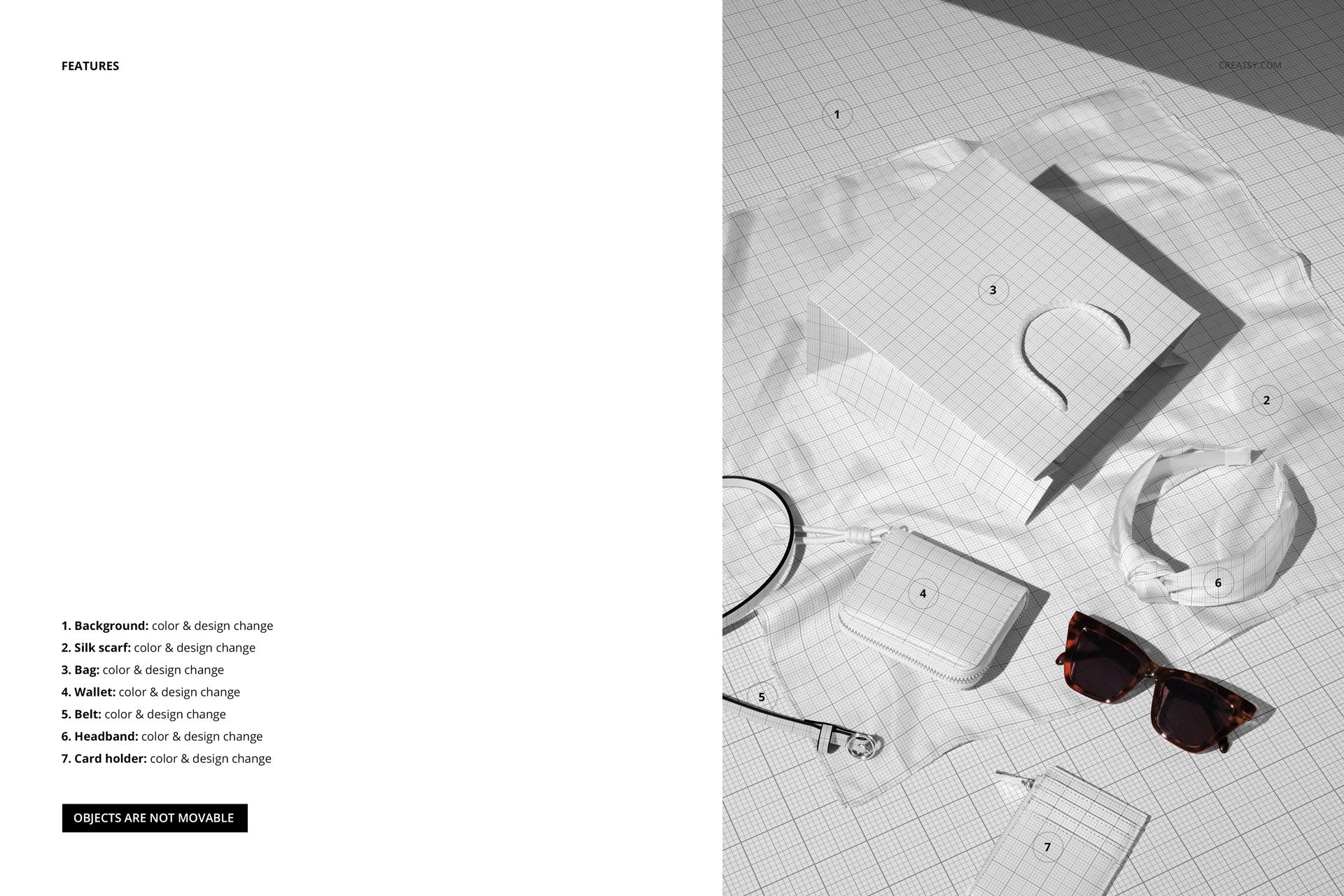
Showcase prints on a curated set: handbag, silk scarf, wallet, belt, headband, card holder
Smart Object editing + well-organized layers for fast swaps
Background + most accessories are editable (sunglasses stay as-is)
~6500×4500 px, 300 dpi
Works in Photoshop CC2020+ and Photopea
Why you’ll love it
Instant “collection reveal” feel: curated accessories + premium lighting do the styling for you
Made for pattern & branding presentation: show repeats, placements, and colorways in one cohesive story
Fast customization: swap artwork via Smart Objects, then fine-tune colors to match your drop
Clean, versatile compositions: ideal for websites, social media, marketplace listings, and client decks
File details
- Compatibility


- Products in bundle
- 4
- Package size
- 1.64 GB
 |1.76 GB
- Files type
- .psd, .jpg
- Files size
- 6000x4000
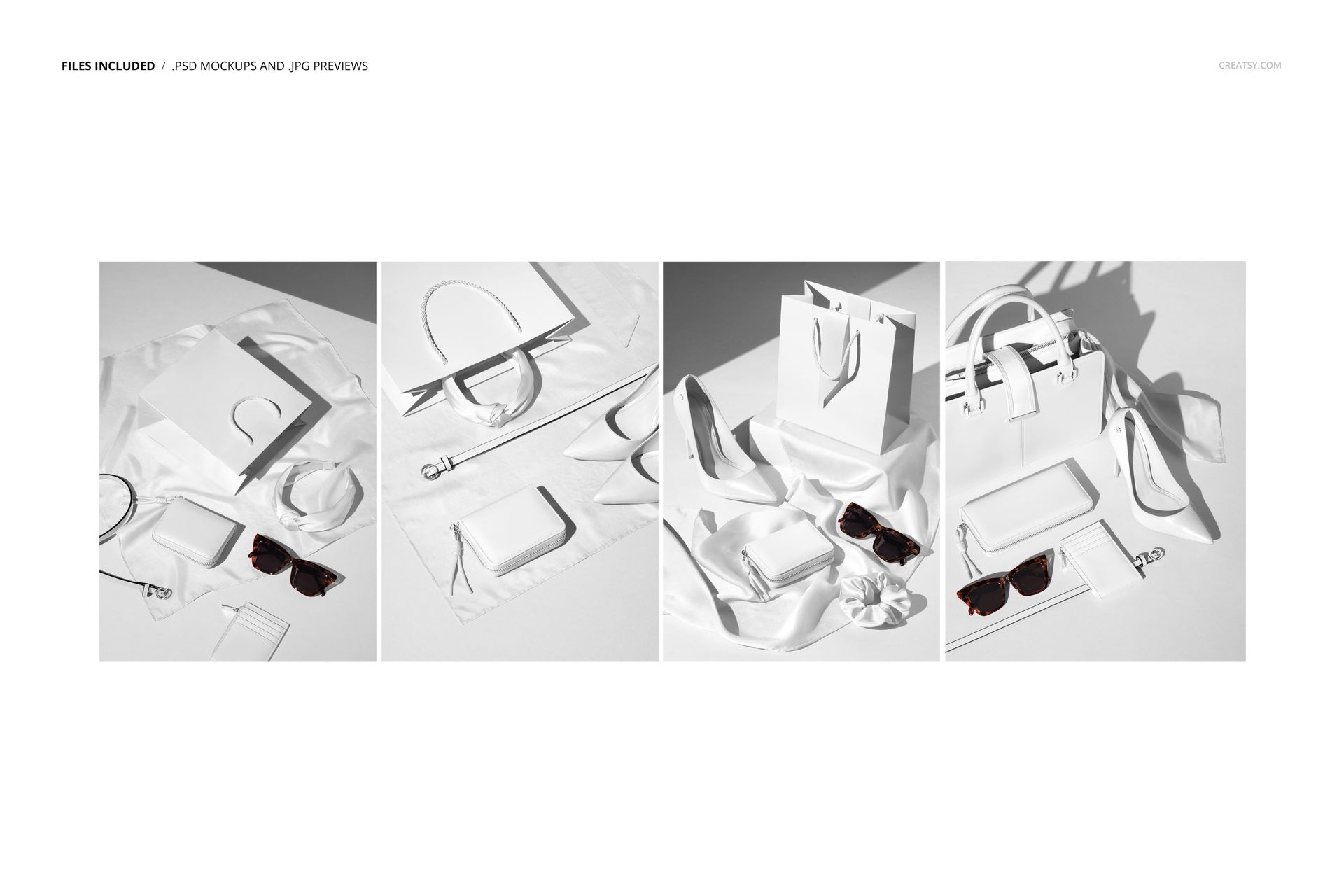
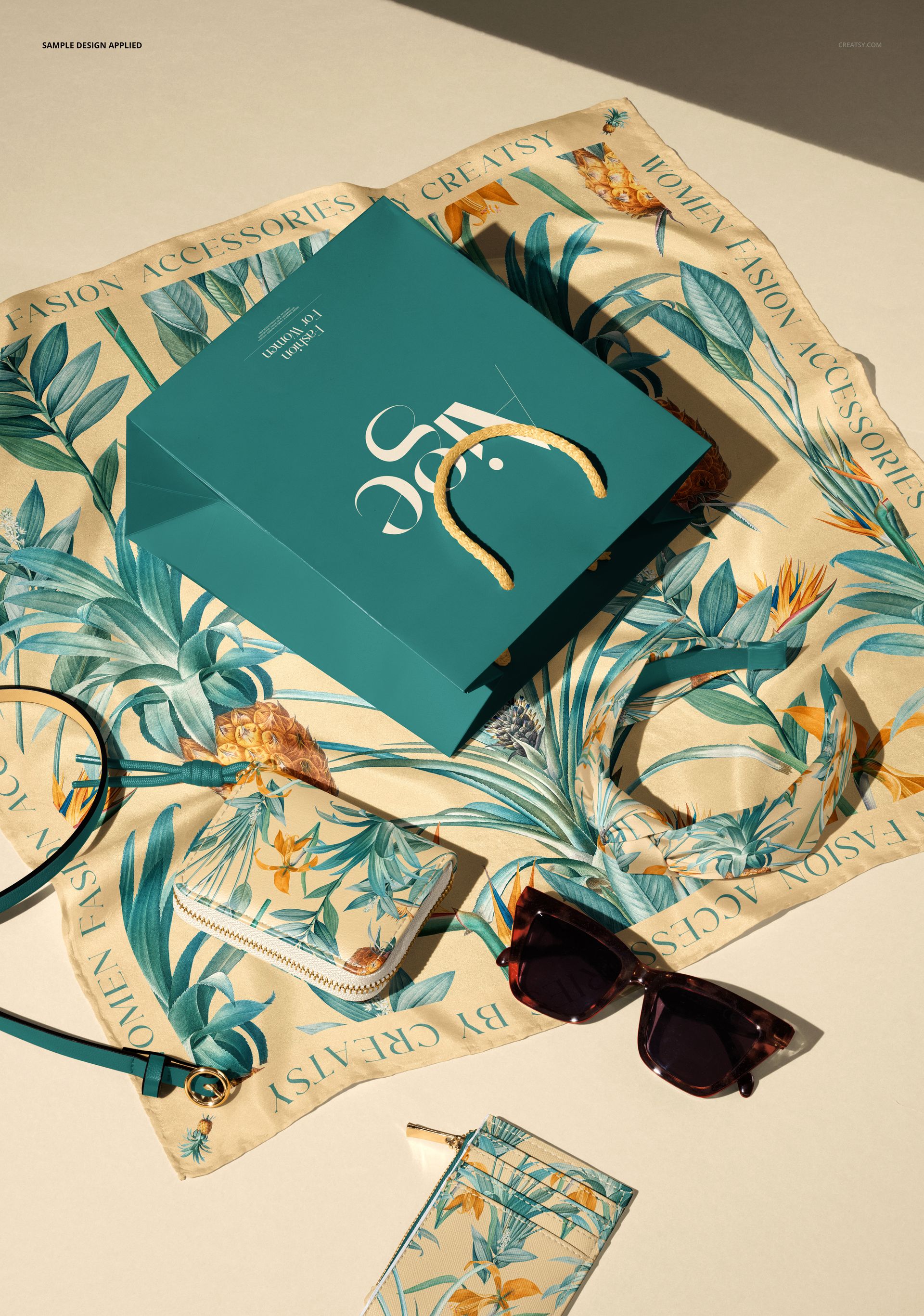
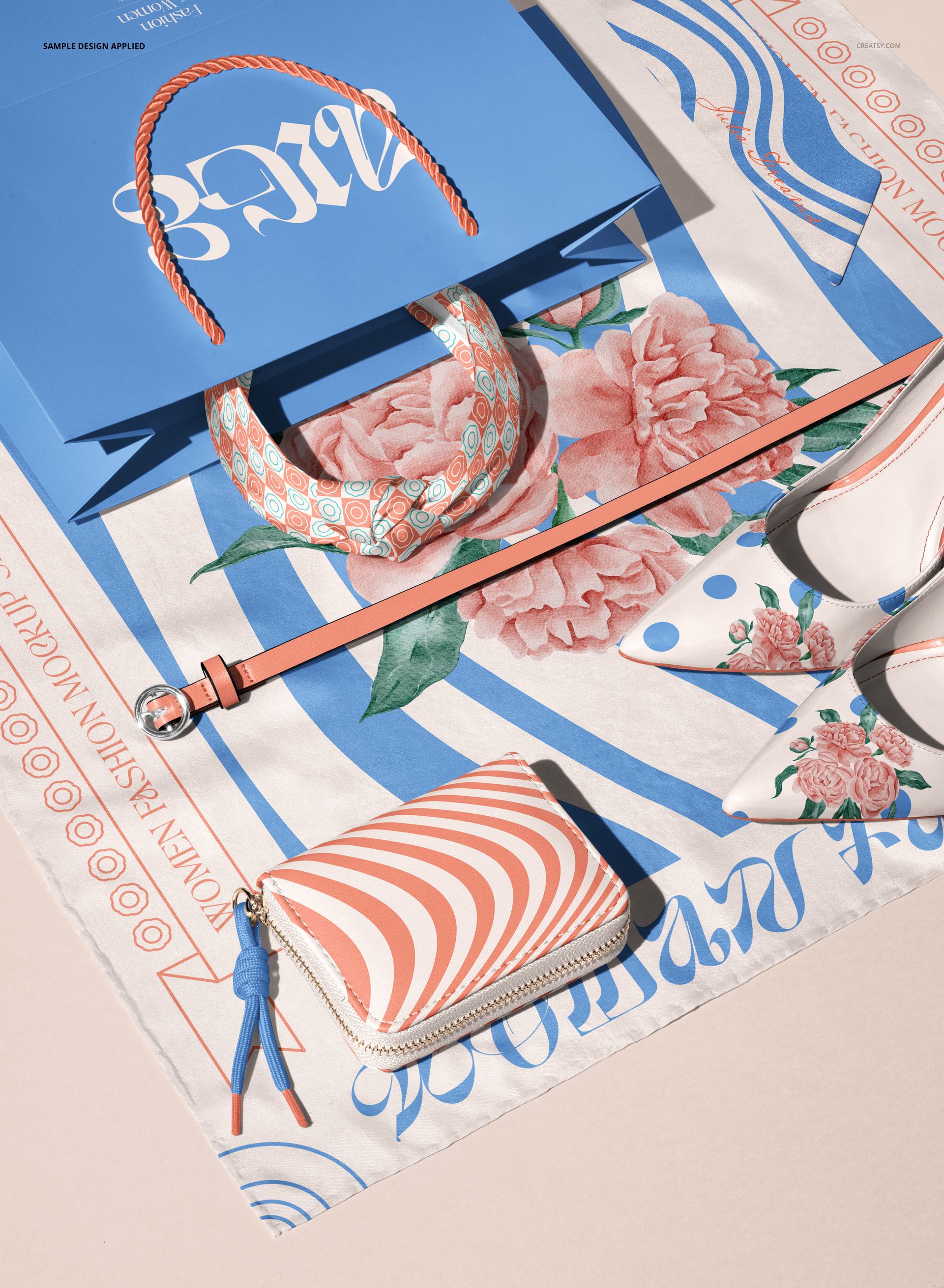
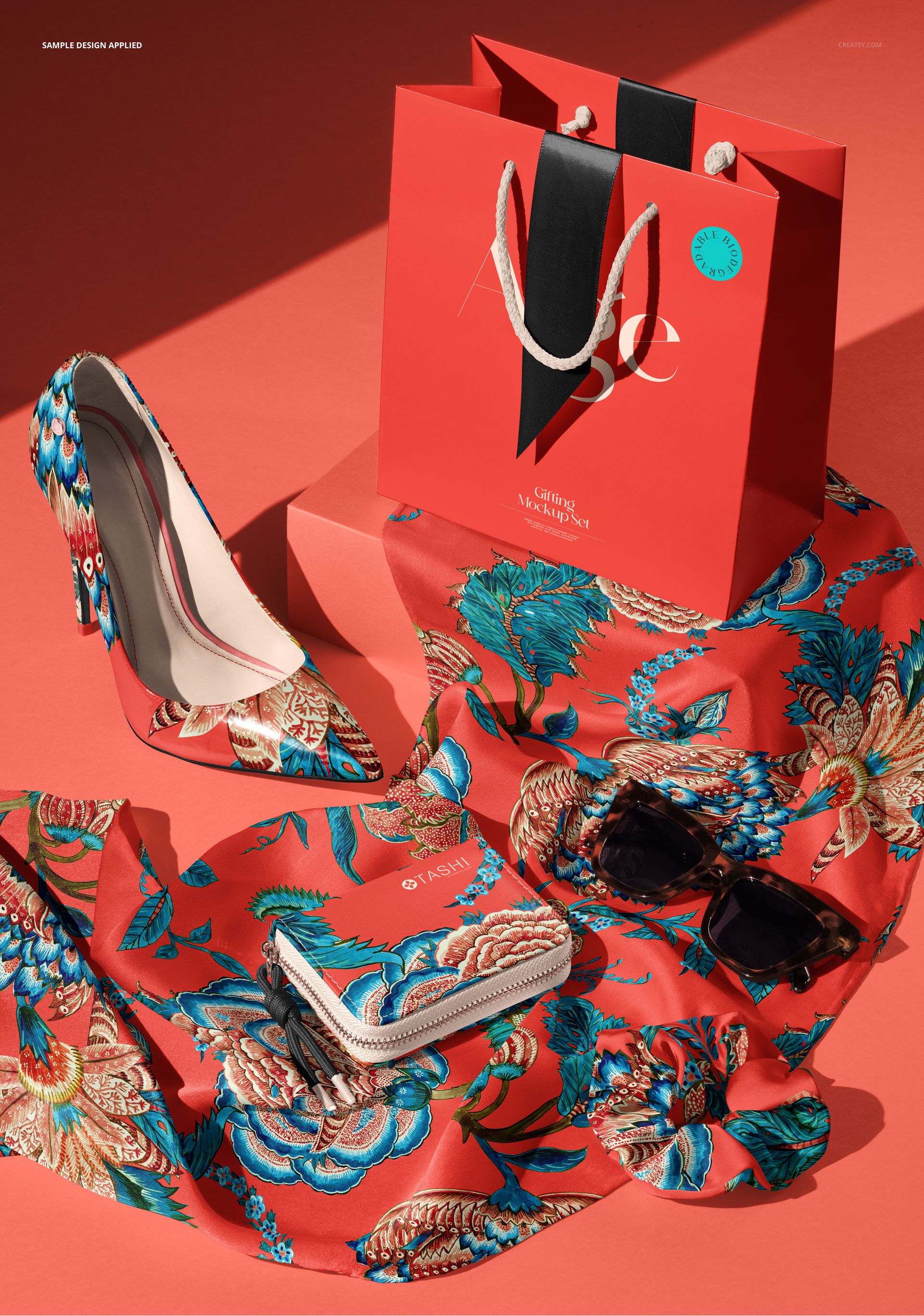
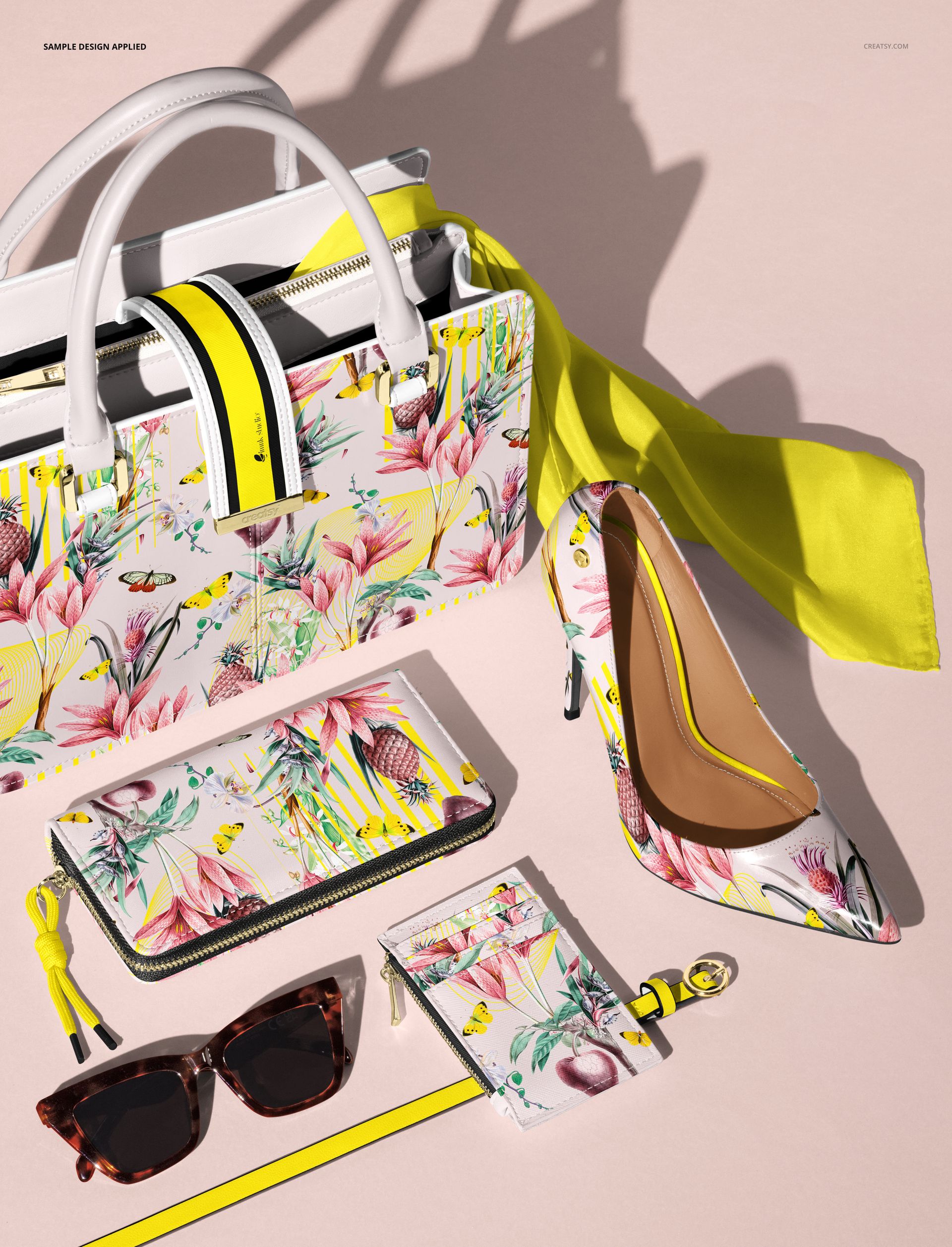
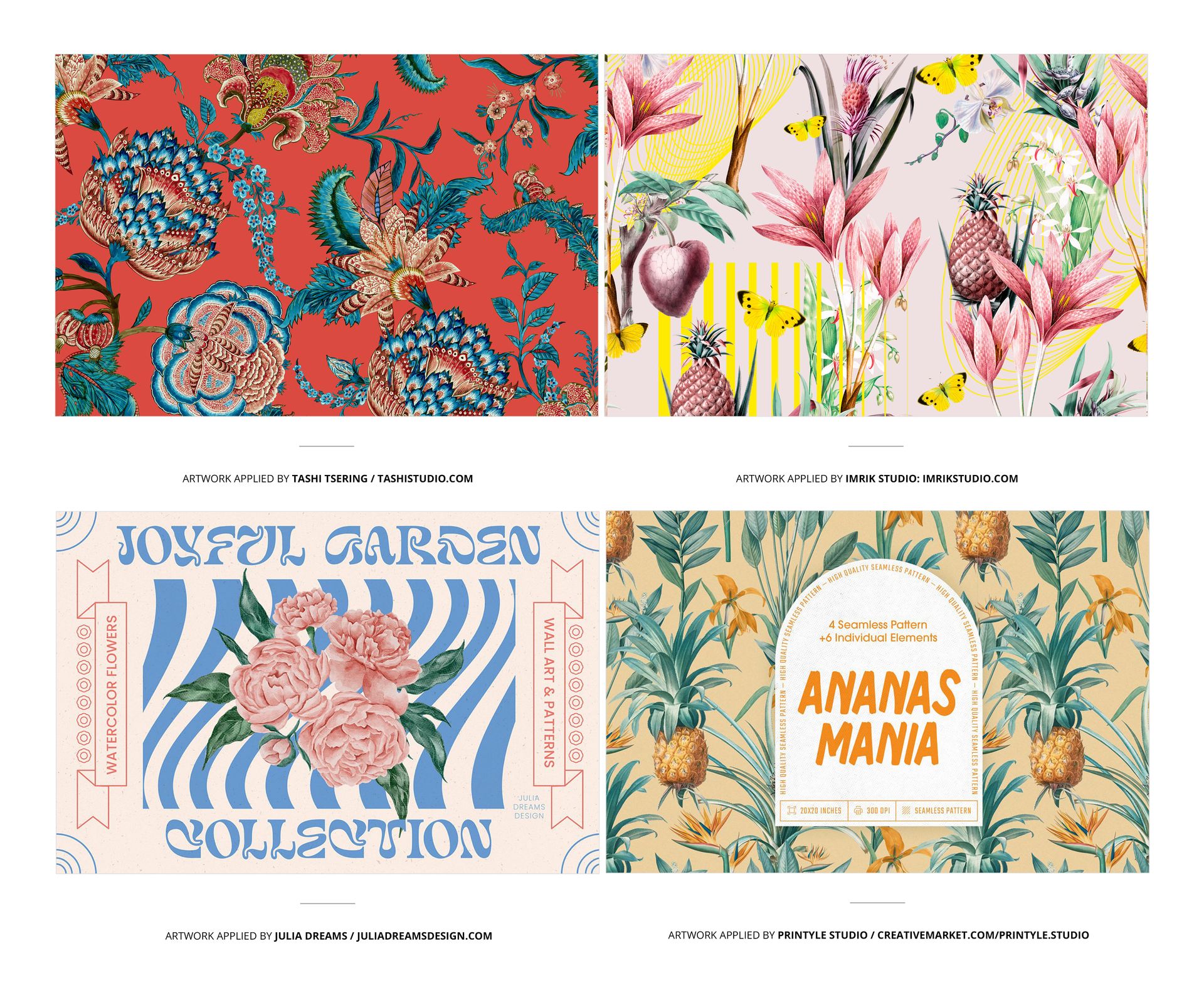
INCLUDED/4
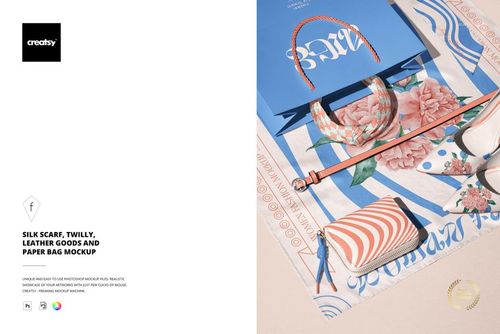
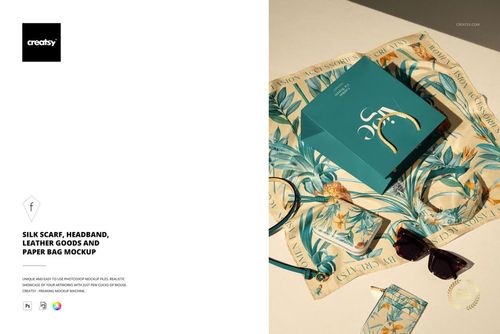
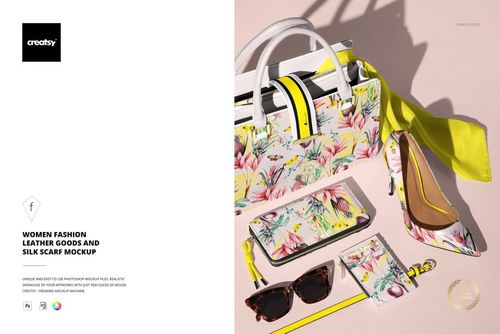
Made with Creatsy
Real designs. Real customers. See how creatives use Creatsy mockups to turn their artwork, branding, and product ideas into polished visuals.


MEET THE SHOP

Creatsy
Poland
Bring your ideas to life.
We're a family-run studio in Katowice, Poland, making PSD mockups by hand since 2016. Everything in this shop starts in our own studio. We shoot the photography, build the 3D, and put together every Smart Object PSD ourselves - then we test it, organize the layers, and only ship it once it actually works...
 15$2550$30.00
 15$1870$22.00
 15$1615$19.00
 15$2040$24.00

HOW IT WORKS
3 clicks. That's it.
No tutorial needed. If you can copy-paste, you can use this.
- 1OpenDouble-click the smart object inside the PSD - in Adobe Photoshop, or free in your browser with Photopea.
- 2PasteDrop in your pattern, print, or artwork. Any design, any style.
- 3SaveHit save and the mockup wraps it in for you - shadows, folds, and lighting included.
FROM IDEA TO IMAGE
Built for real workflows
Skip the photo shoot Show your artwork on the real product type for approvals or listings - no studio, no model, no sample.
See it on the product, not a swatch Drop your file into the smart object and the scene's lighting and folds wrap around it, so you judge the real thing before you commit.
Smart Objects
Edit once and you're done. Your artwork drops into a smart object and the mockup updates itself - no masking, no warping by hand.
Perfectly Organized
Named layers and folders you can actually navigate. Find what you need, change what you want, and get out fast.
Print-Ready
High-resolution files built to hold up on screen and in print. Exact size and DPI are in this product's Details above.