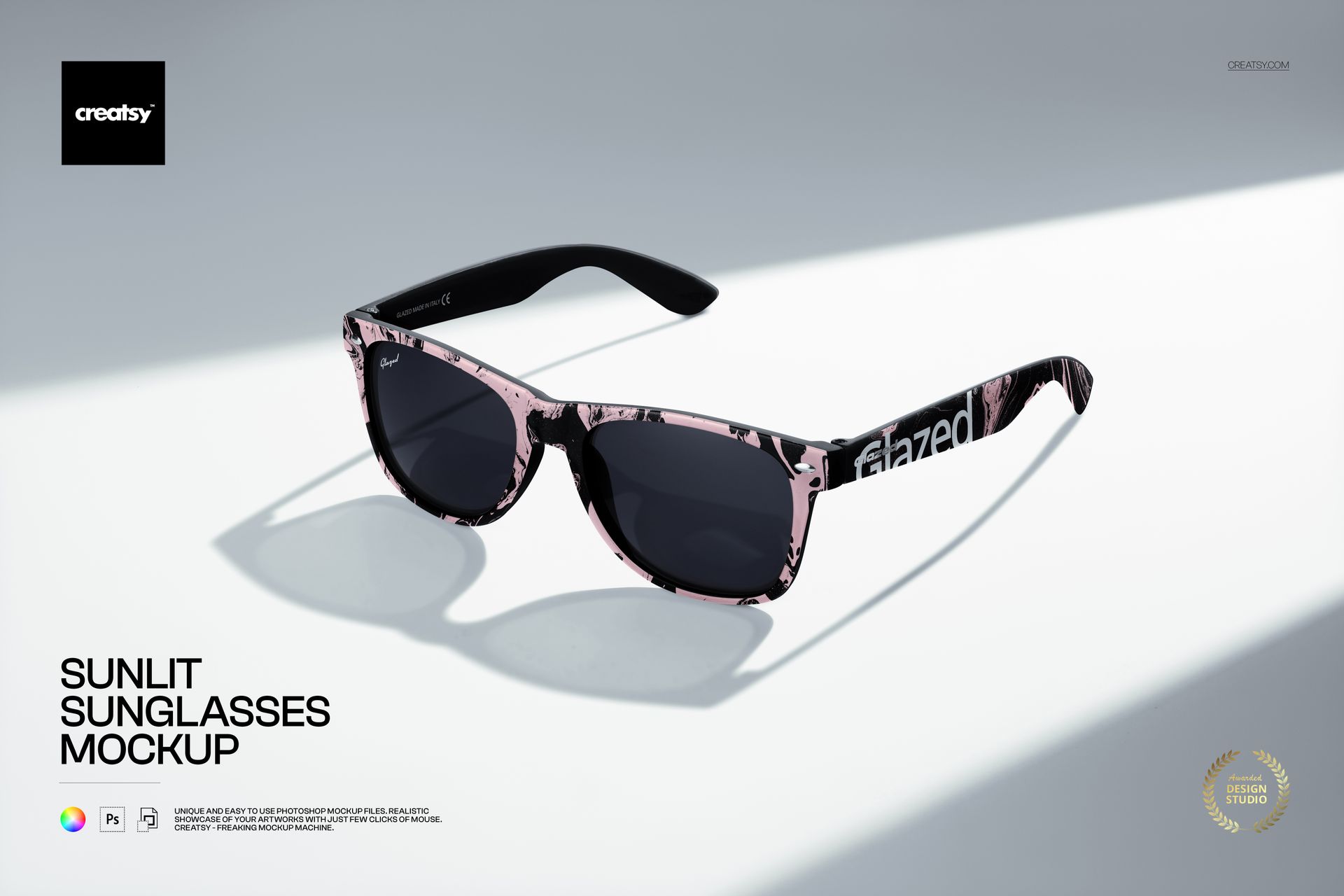



Sunlit Sunglasses Mockup

Product Details
Sunlit Sunglasses Mockup for Eyewear Branding
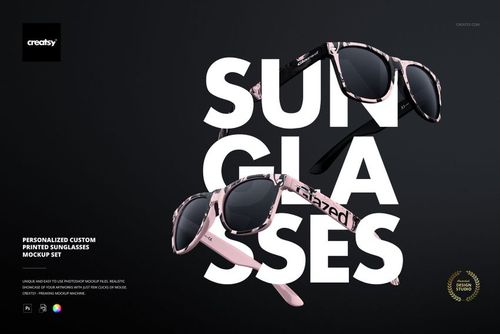
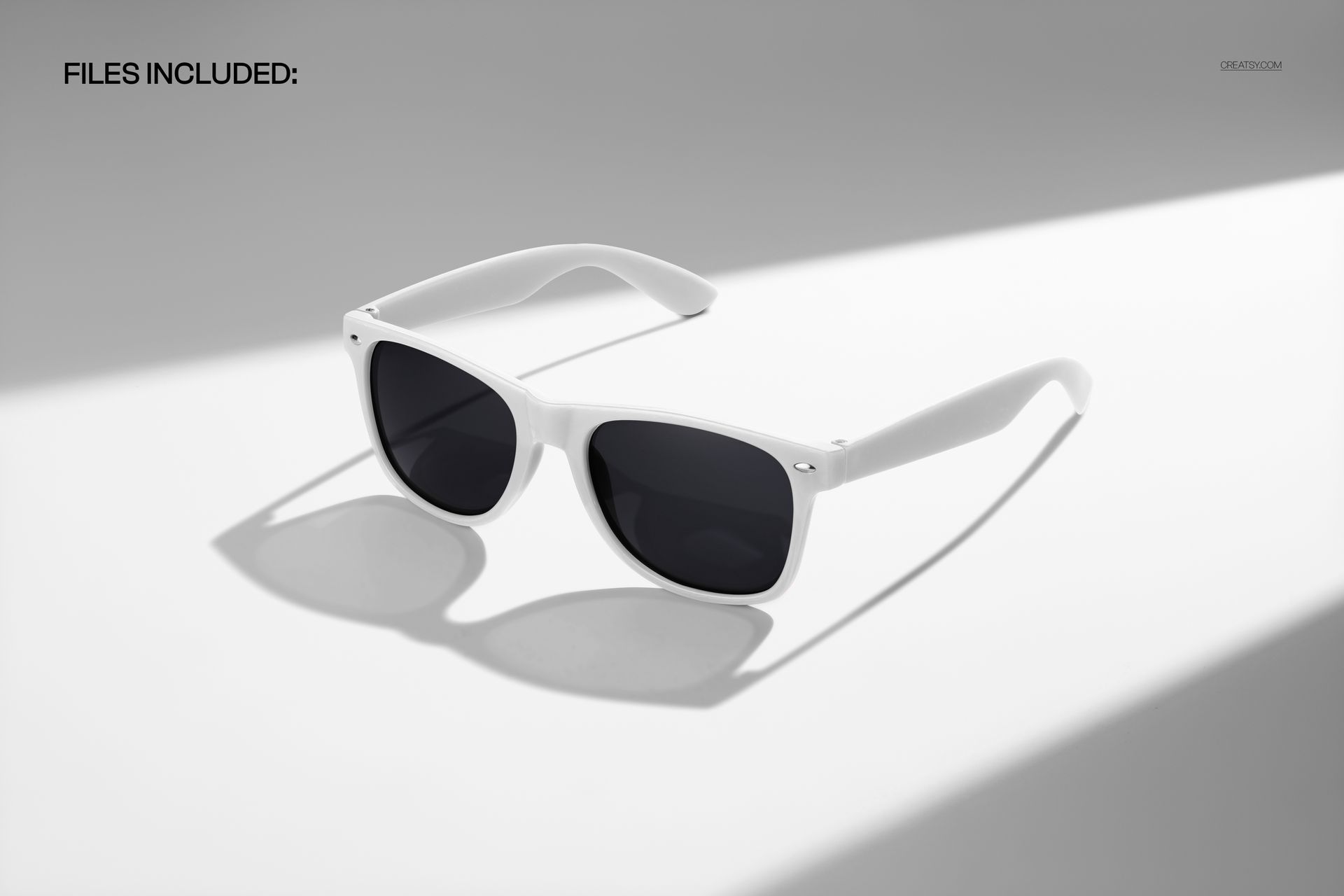
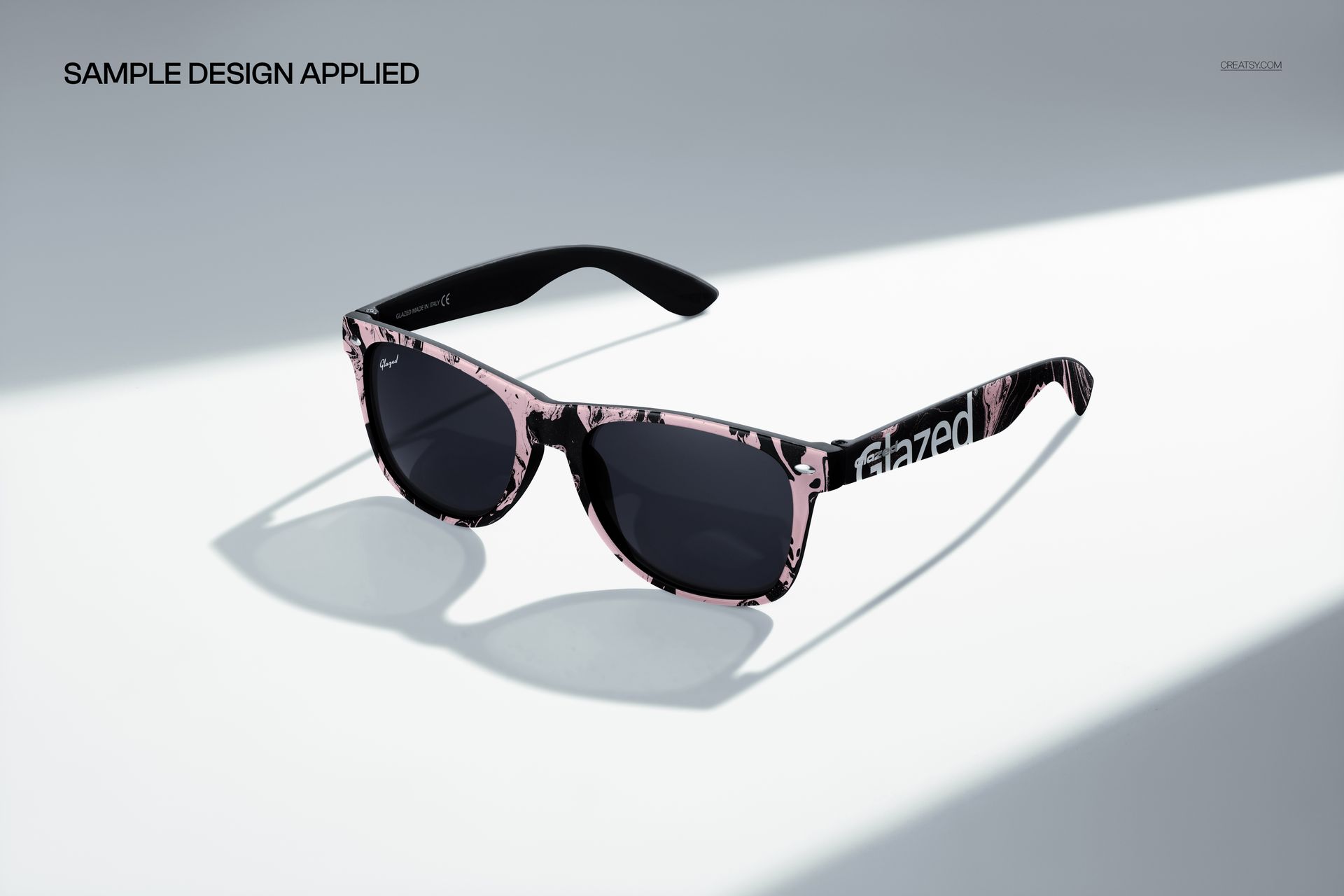
Show color, pattern and identity artwork on sunglasses in a bright studio scene with crisp natural-looking shadows. The three-quarter angle keeps the front frame, dark lenses and temple area visible, giving eyewear concepts a clear product-focused presentation.
Editable features in the PSD
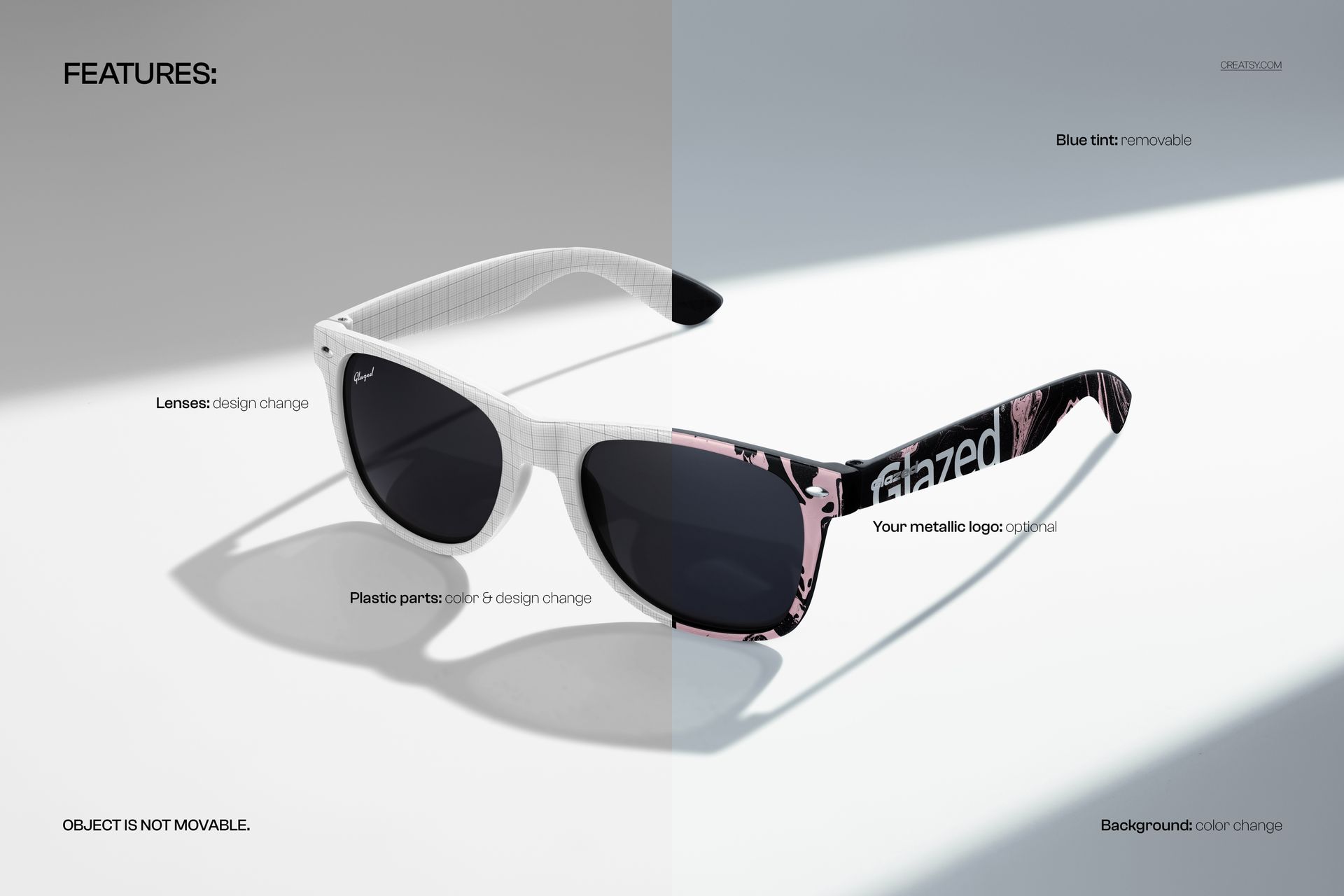
Plastic parts: change the frame and arms with custom color or artwork.
Lenses: replace the lens design to test different visual directions.
Temple branding: add an optional metallic logo for a premium branded detail.
Lighting finish: remove the blue tint when a more neutral rendering is needed.
Background: change its color while retaining the photographed light and shadow composition.
Included file and software
1 layered PSD: 6000 × 4000 px at 300 DPI.
Compatible editors: Adobe Photoshop CC 2020 or newer and Photopea.
Structured workflow: organized layers and Smart Objects simplify artwork replacement.
Fixed composition: the sunglasses cannot be moved, so the angle and perspective remain consistent.
Sample artwork: by Vintage Digital Textures and not included in the download.
File details
- Compatibility
- Package size
- 93.4 MB
|97.9 MB
- Files type
- .psd, .jpg


MEET THE SHOP
- $1615$19.00
- $1615$19.00

HOW IT WORKS
3 clicks. That's it.
No tutorial needed. If you can copy-paste, you can use this.
- 1OpenDouble-click the smart object inside the PSD - in Adobe Photoshop, or free in your browser with Photopea.
- 2PasteDrop in your pattern, print, or artwork. Any design, any style.
- 3SaveHit save and the mockup wraps it in for you - shadows, folds, and lighting included.
FROM IDEA TO IMAGE
Built for real workflows
Skip the photo shoot Show your artwork on the real product type for approvals or listings - no studio, no model, no sample.
See it on the product, not a swatch Drop your file into the smart object and the scene's lighting and folds wrap around it, so you judge the real thing before you commit.
Smart Objects
Edit once and you're done. Your artwork drops into a smart object and the mockup updates itself - no masking, no warping by hand.
Perfectly Organized
Named layers and folders you can actually navigate. Find what you need, change what you want, and get out fast.
Print-Ready
High-resolution files built to hold up on screen and in print. Exact size and DPI are in this product's Details above.