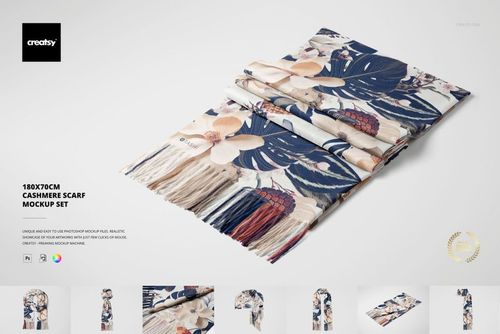
170x50 Woven Fringed Scarf Mockup Set

ID: 1835850069 | Updated: Jun 3, 2026

Product Details

170x50 Woven Fringed Scarf Mockup Set

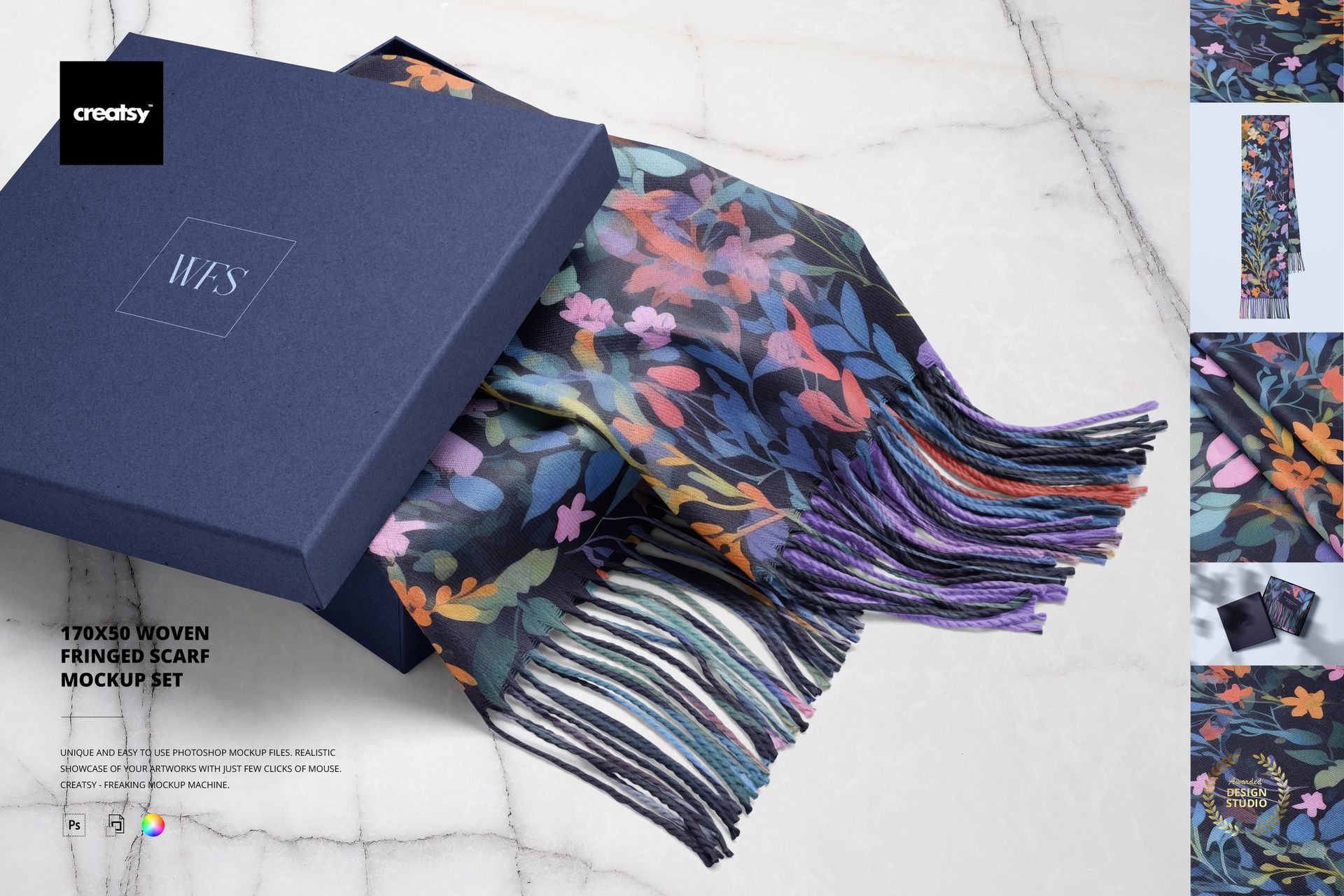
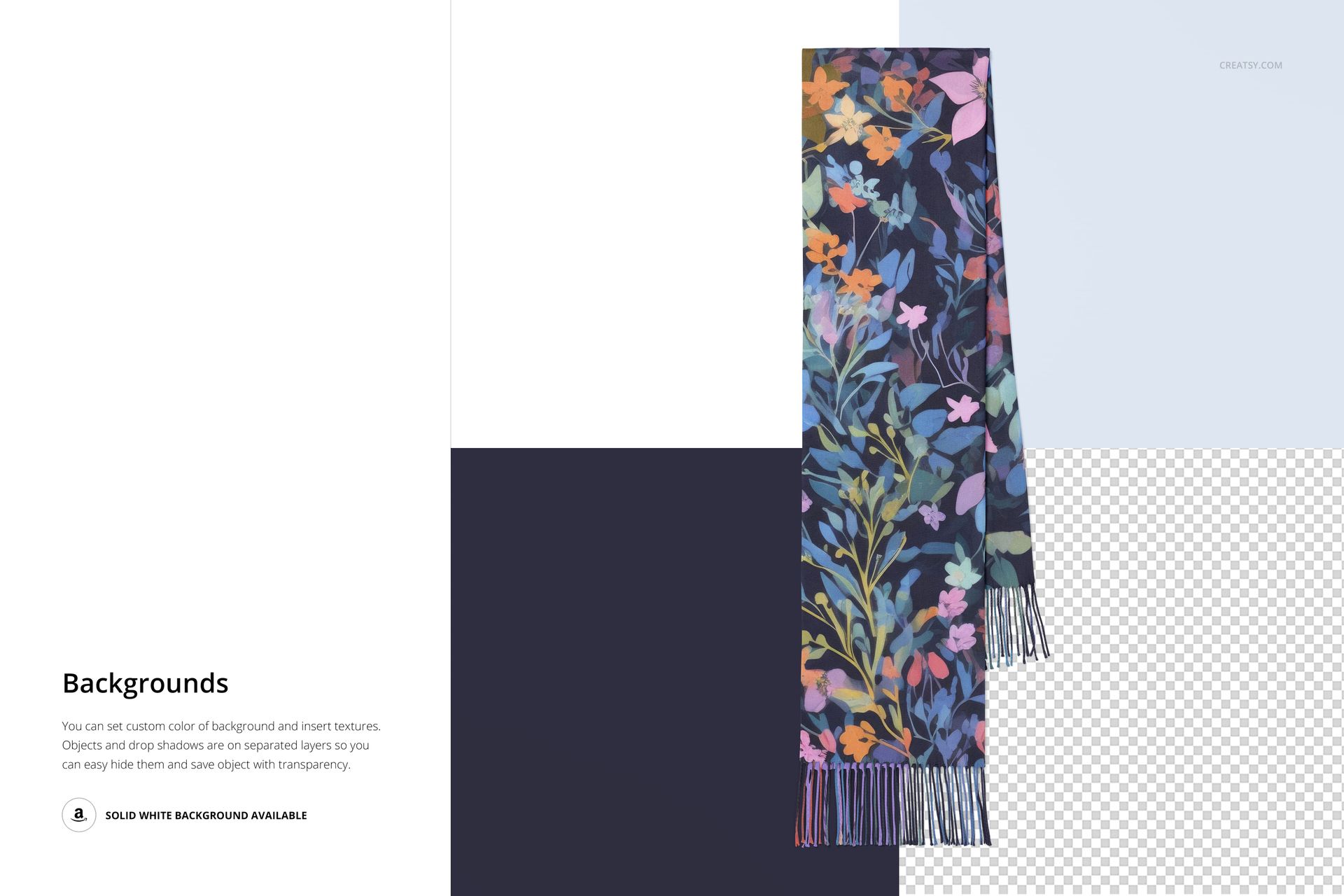
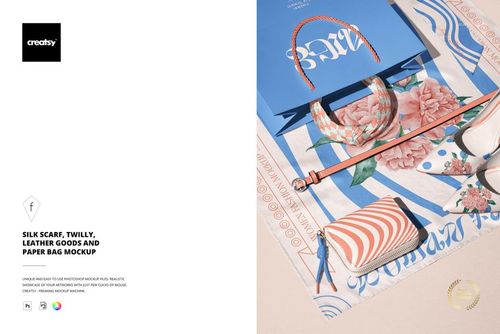
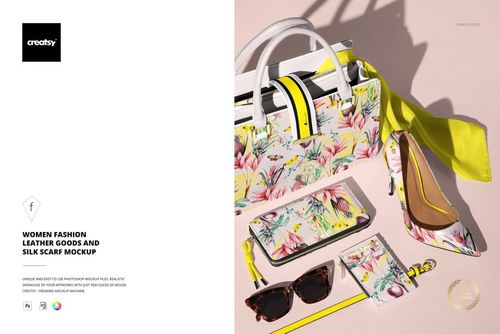
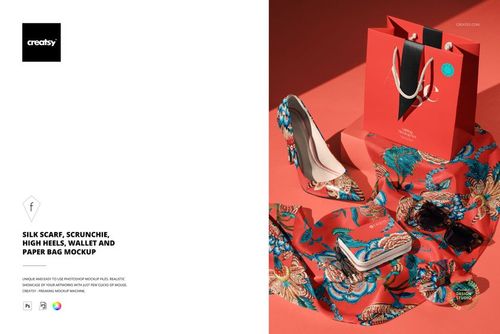
As the air turns crisp and the leaves begin to fall, it's the perfect time to wrap your designs in comfort and charm. The 170x50 Woven Fringed Scarf Mockup Set was made for cozy pattern work, seasonal promotions, and fashionable brand launches. Every fold of this mockup whispers autumn vibes – ready for your creativity.


Cozy Up to Creativity

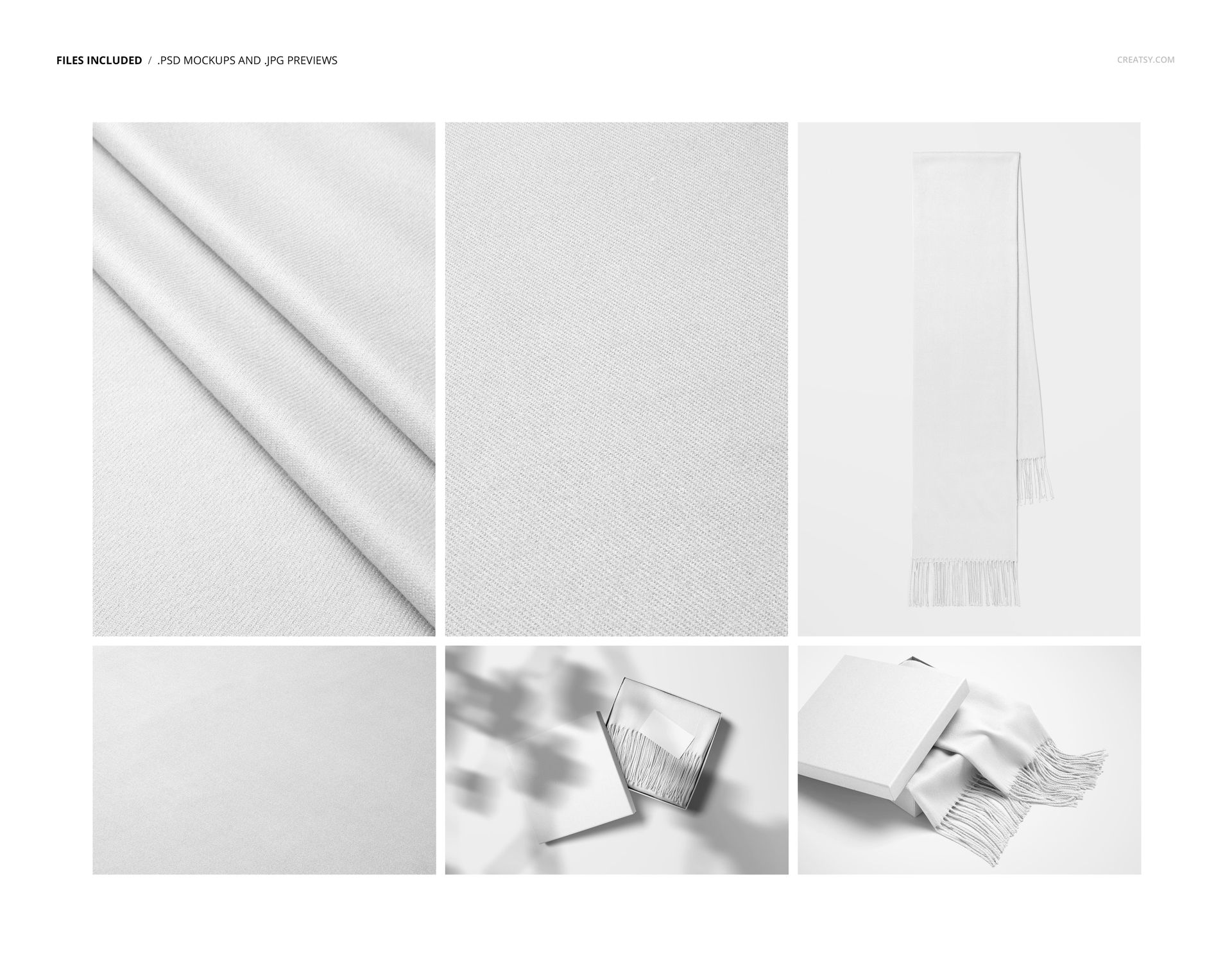
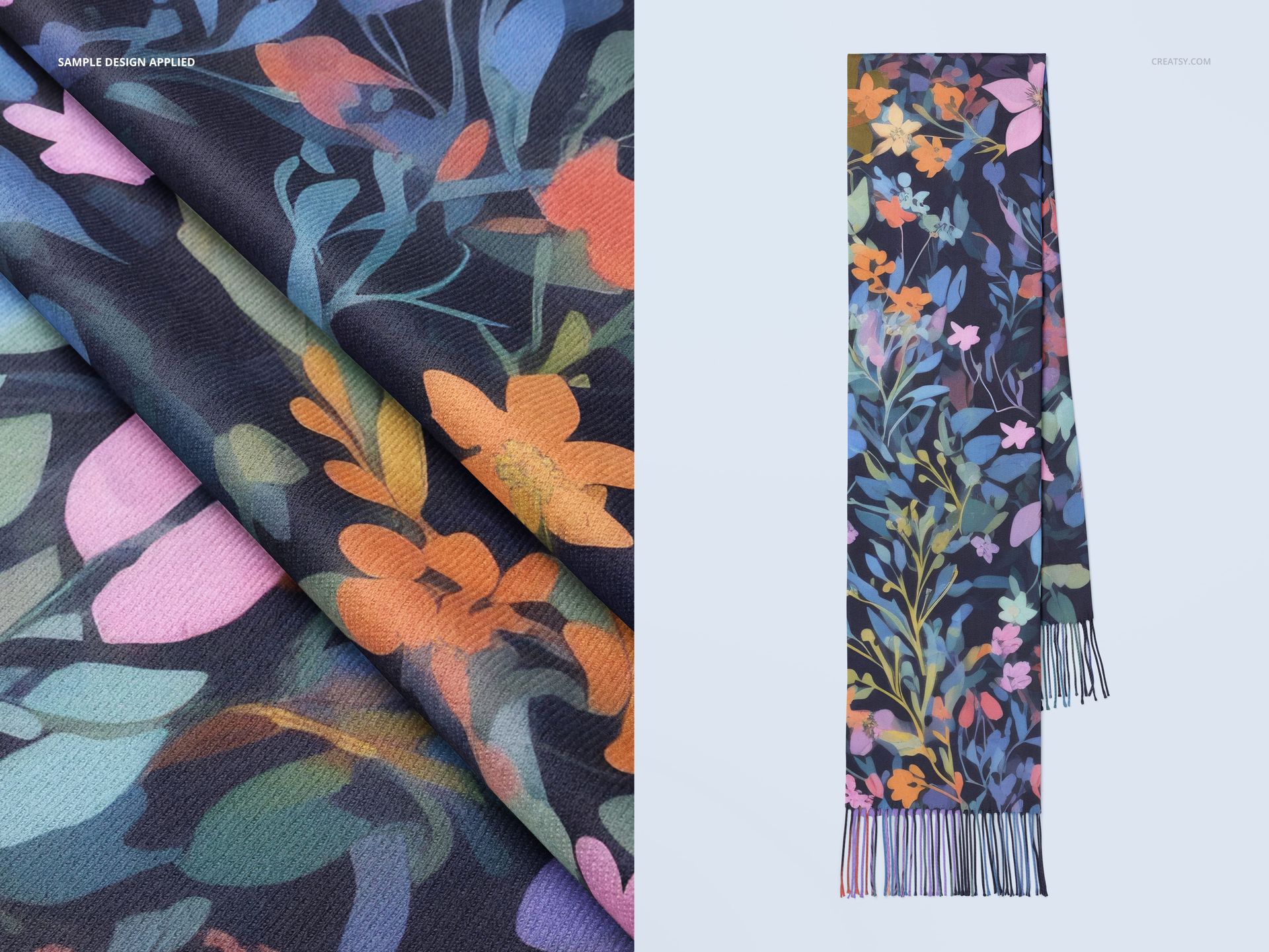
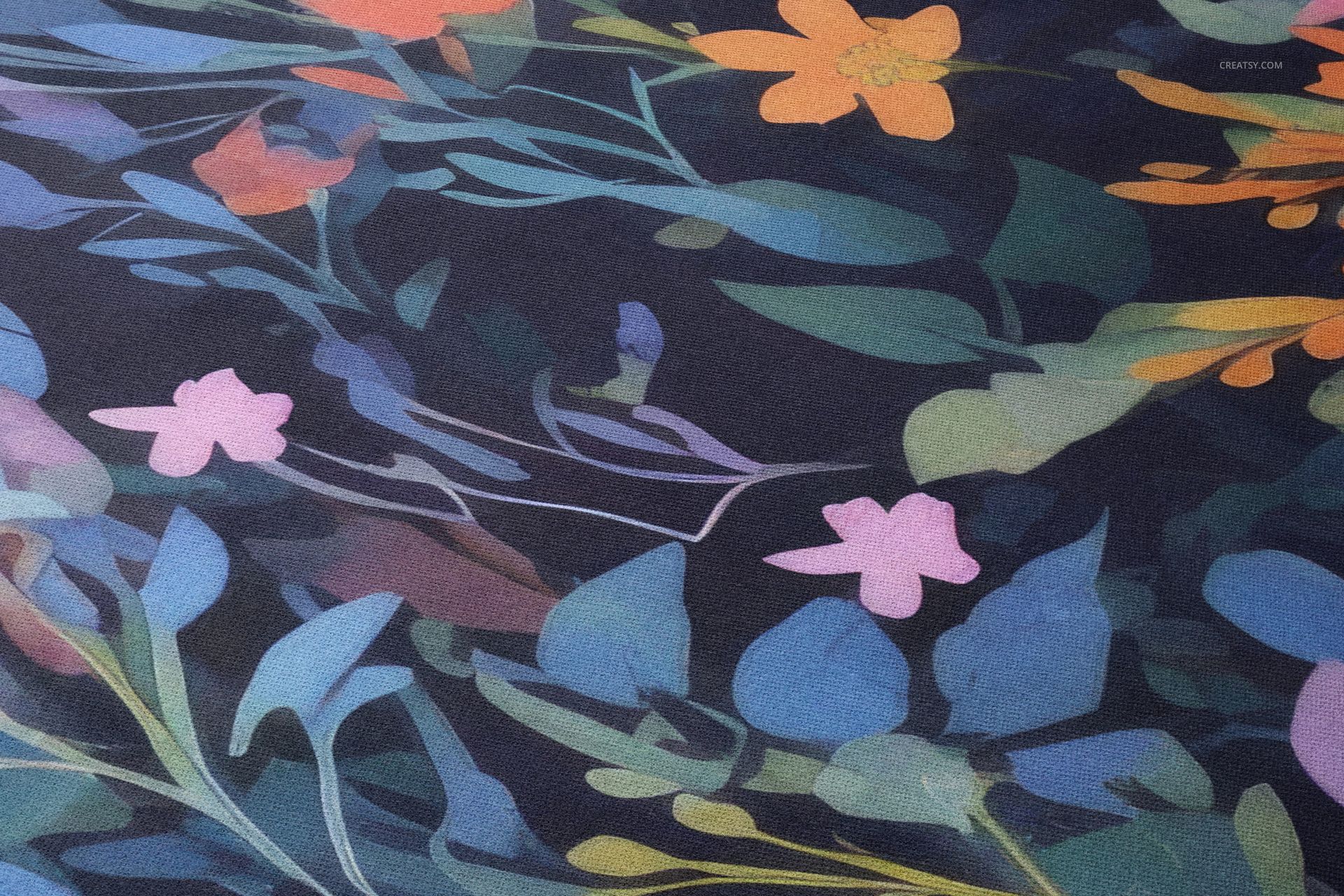
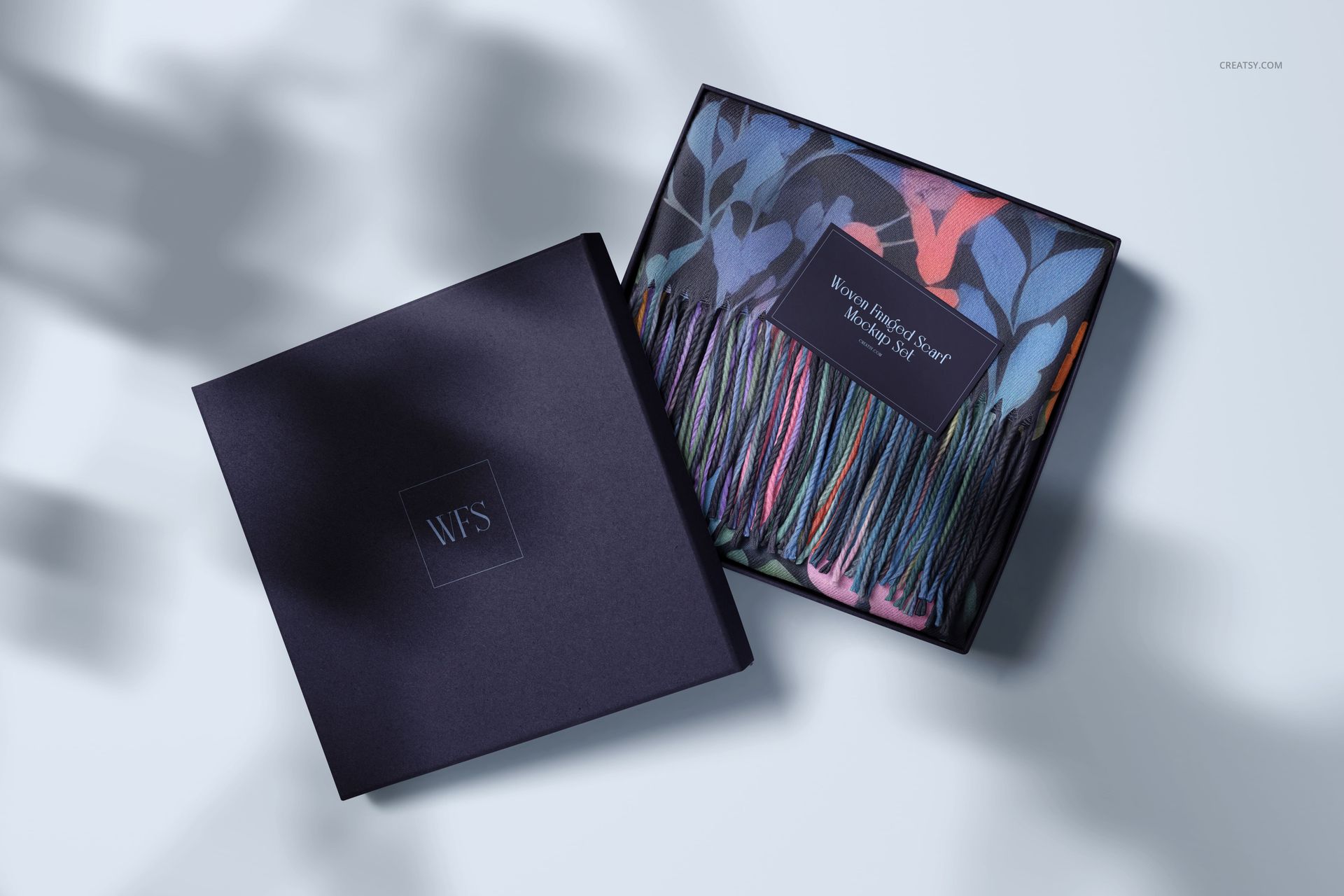
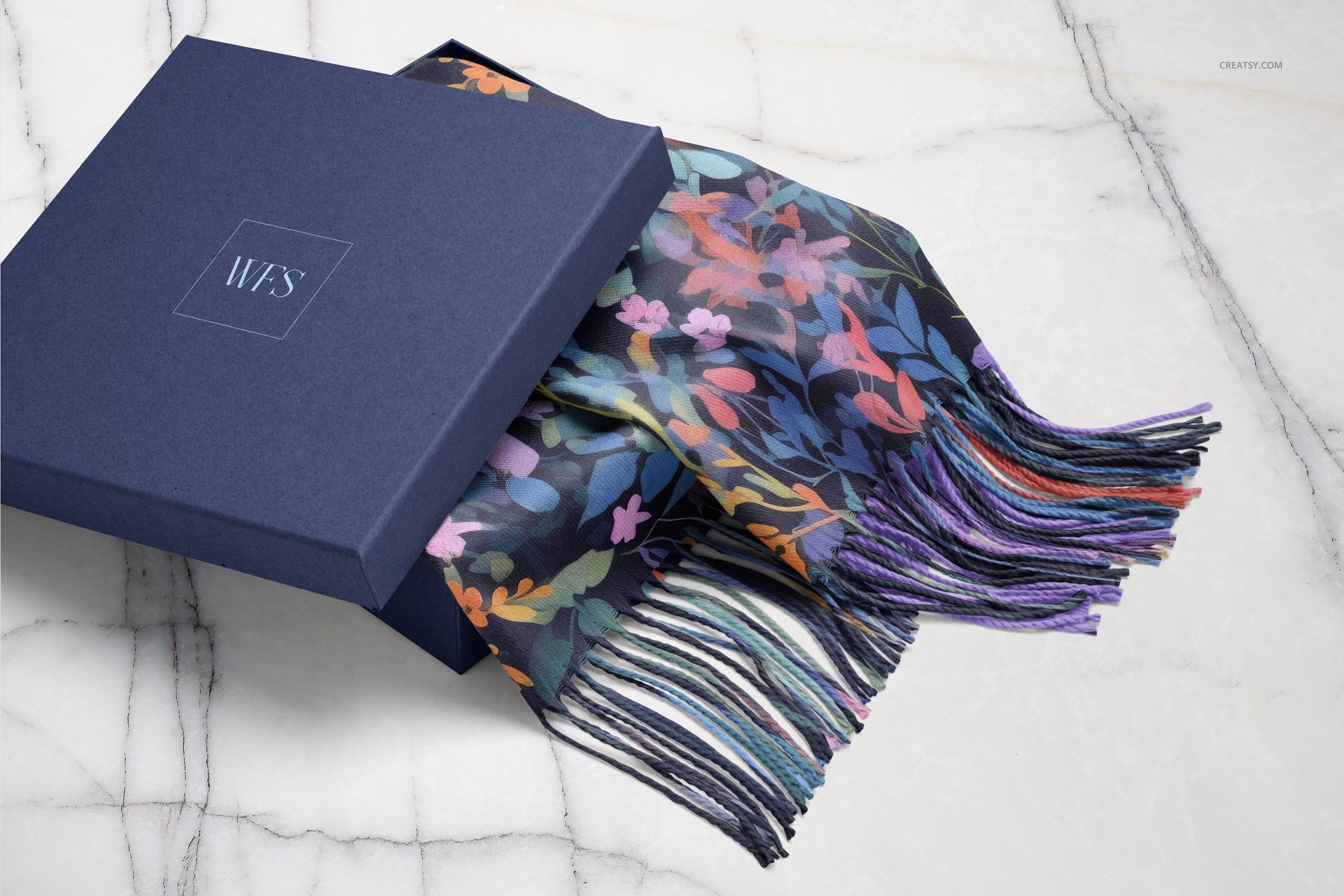
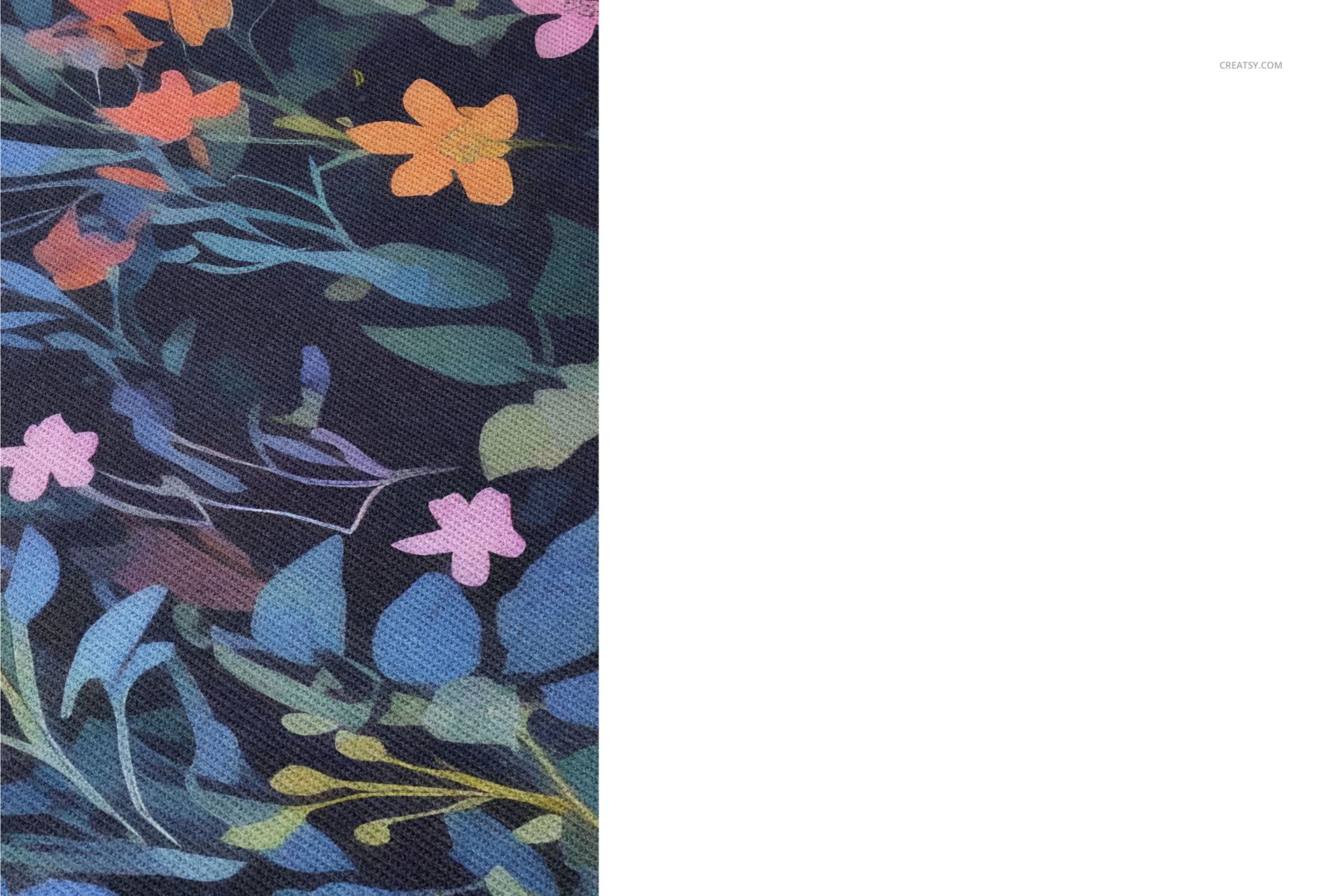
Inside the set, you’ll find 6 high-quality PSD files with a wide range of scarf mockup compositions. Display your textile design on a neatly folded scarf, showcase it packed inside a gift box, or focus on the delicate fringe detail in a close-up view. Each mockup has been styled to support both full-pattern reveals and subtle branding touches, giving you a complete storytelling toolkit for your scarf collection.


Tailor Every Detail

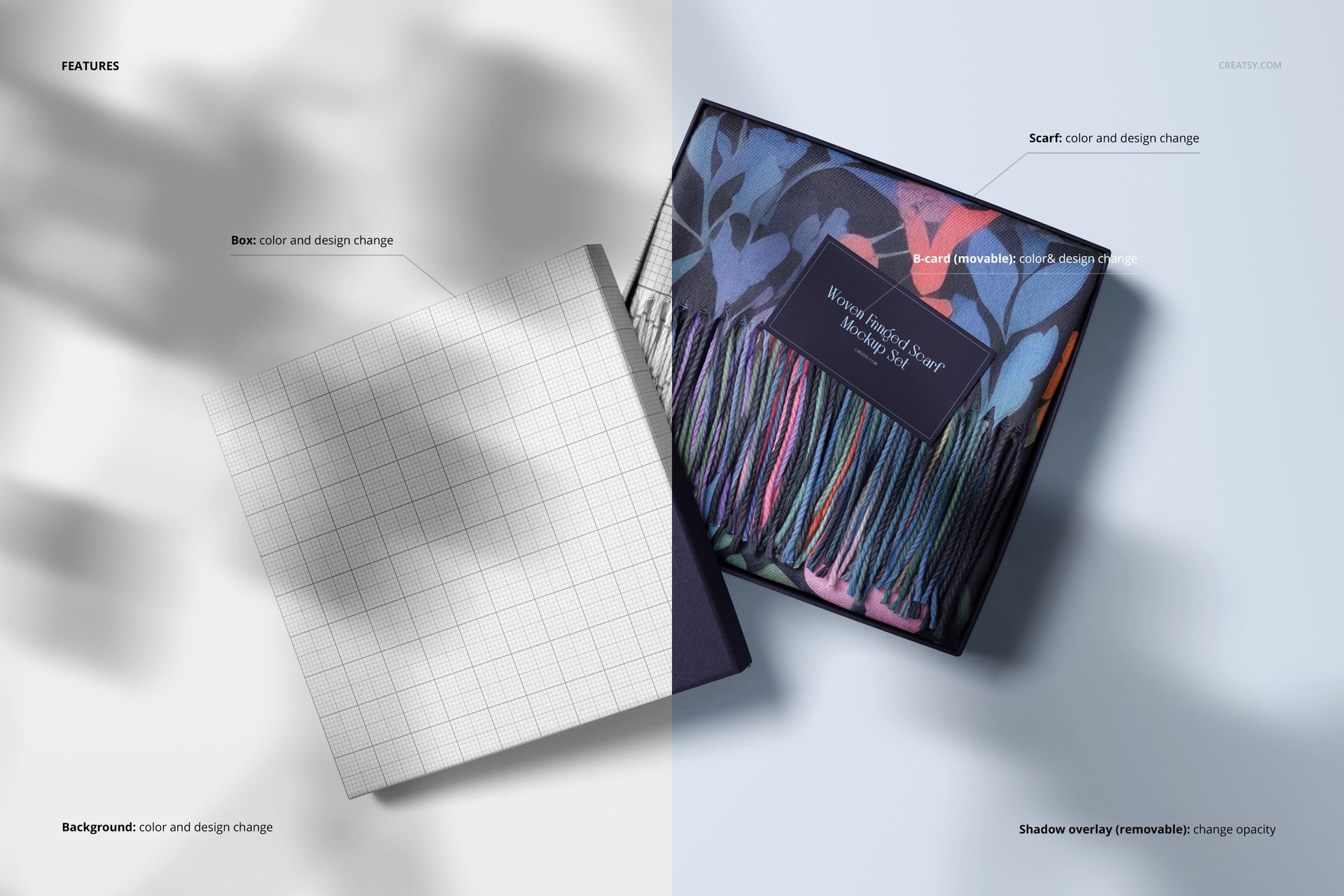
Customize every inch of the mockup – from scarf colors and patterns to the textures of the packaging. Use smart objects to apply your design, then fine-tune the background, adjust lighting, and soften or intensify the shadows to match your visual identity. You can also brand the packaging elements like the box and insert card to create a full fashion packaging presentation.


  •   Files work in Photoshop (min. version CC2020) and in Photopea (free online editor);

  • Pack includes 6 .psd files: 6000x4000 px, 300dpi;

  • Check screenshots for all the features;

  • Well organized layers.

File details

Compatibility
PhotopeaAdobe Photoshop
Number of files included
12
Package size
1.79 GB1.79 GB|1.92 GB1.92 GB
Files type
.psd, .jpg
Files size
6000x4000
TEST FOR FREE

MEET THE SHOP

Creatsy logo

Creatsy

Poland
4.7 (639)

Bring your ideas to life.

We're a family-run studio in Katowice, Poland, making PSD mockups by hand since 2016. Everything in this shop starts in our own studio. We shoot the photography, build the 3D, and put together every Smart Object PSD ourselves - then we test it, organize the layers, and only ship it once it actually works...
GO TO SHOP

HOW IT WORKS

3 clicks. That's it.

No tutorial needed. If you can copy-paste, you can use this.

  1. 1OpenDouble-click the smart object inside the PSD - in Adobe Photoshop, or free in your browser with Photopea.
  2. 2PasteDrop in your pattern, print, or artwork. Any design, any style.
  3. 3SaveHit save and the mockup wraps it in for you - shadows, folds, and lighting included.

FROM IDEA TO IMAGE

Built for real workflows

Skip the photo shoot Show your artwork on the real product type for approvals or listings - no studio, no model, no sample.

See it on the product, not a swatch Drop your file into the smart object and the scene's lighting and folds wrap around it, so you judge the real thing before you commit.

Smart Objects

Edit once and you're done. Your artwork drops into a smart object and the mockup updates itself - no masking, no warping by hand.

Perfectly Organized

Named layers and folders you can actually navigate. Find what you need, change what you want, and get out fast.

Print-Ready

High-resolution files built to hold up on screen and in print. Exact size and DPI are in this product's Details above.