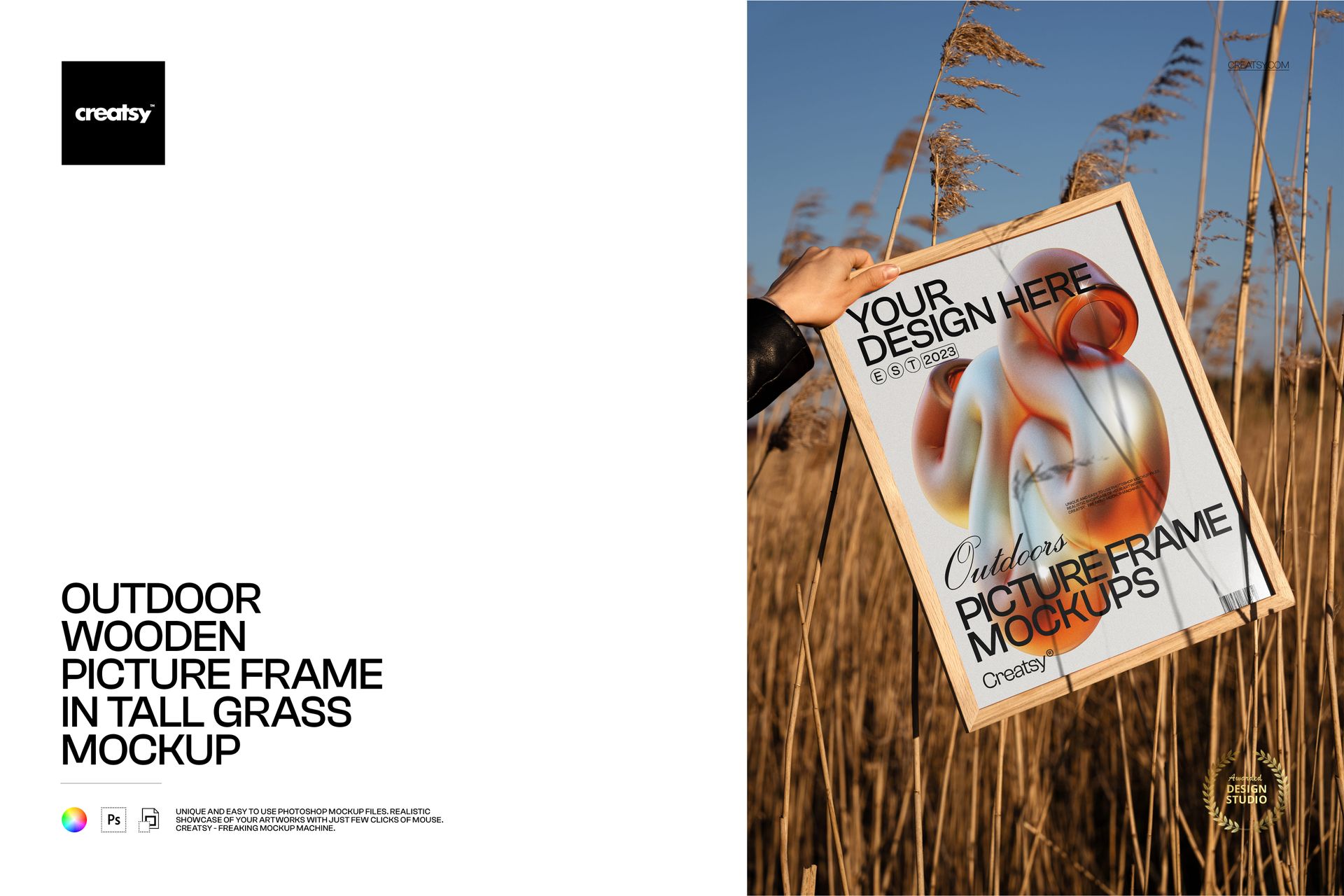
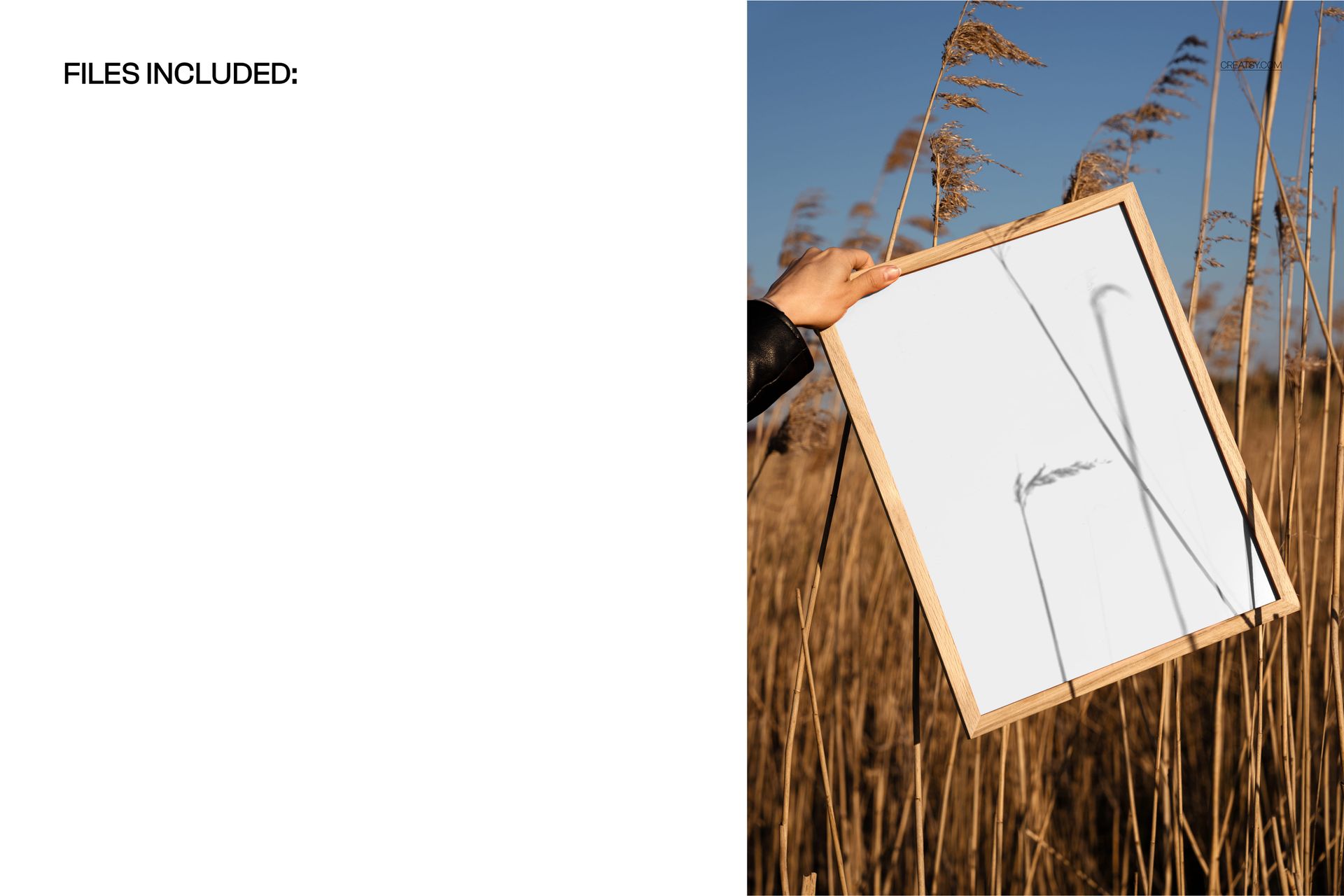
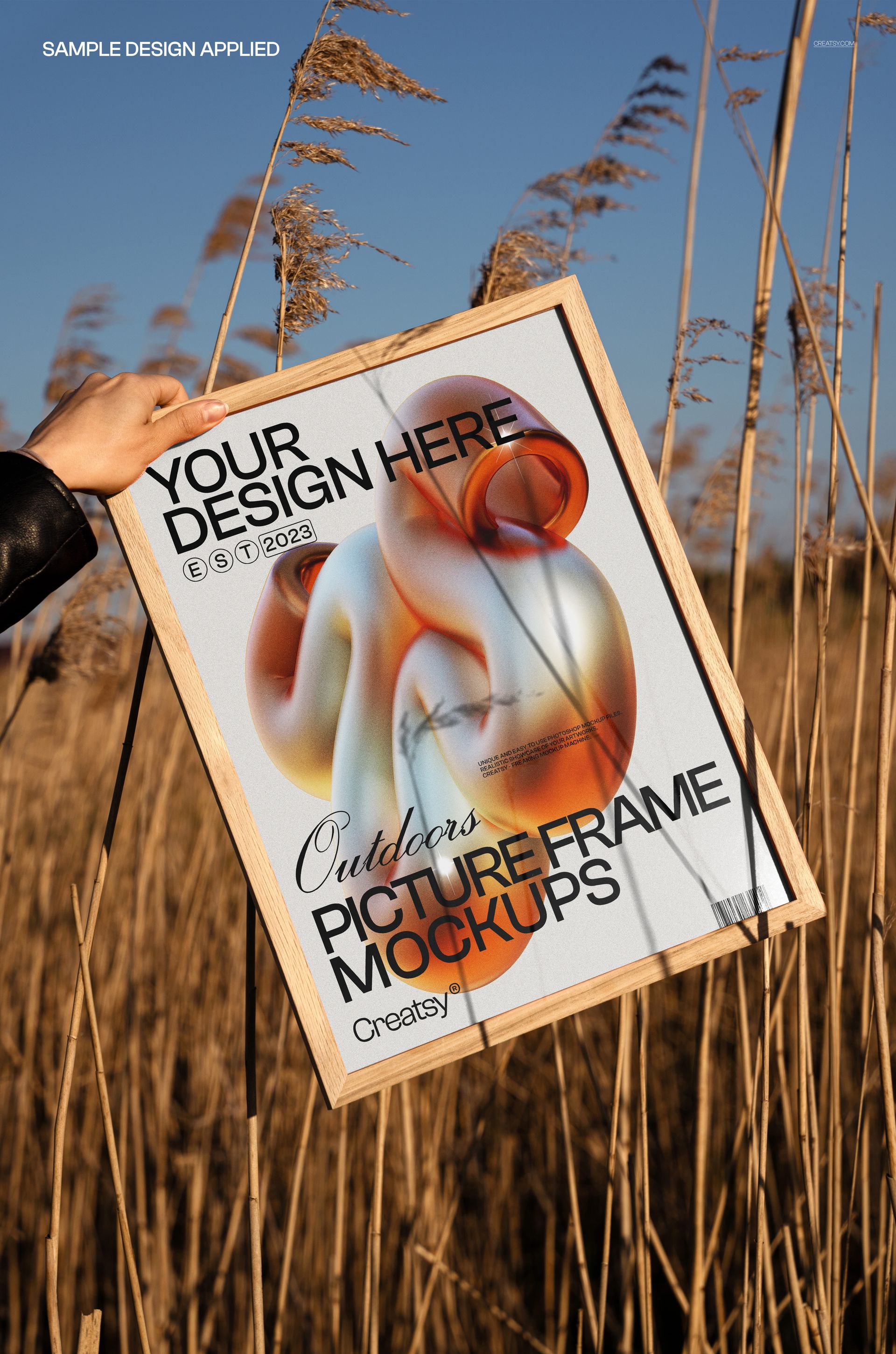
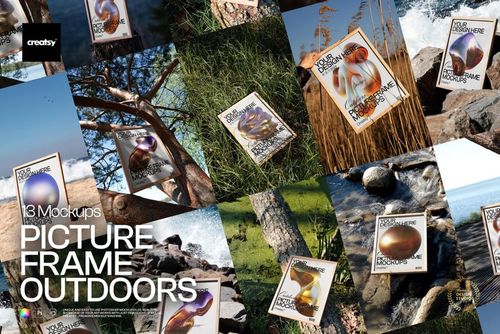
Showcase art and prints with a warm, natural vibe using this free Outdoor Wooden Picture Frame in Tall Grass Mockup. Drop your artwork into the Smart Object to see it framed in a wooden picture frame held among tall golden grass under clear blue skies. Adjust the color of the poster to fit your palette, keep the realistic outdoor scene and frame as they are, and export ready-to-share visuals for portfolios, shops, or social media – free for commercial use (see license for details).
Highlights
- Format: 1× PSD, 6000×4000 px, 300 dpi
- Workflow: Smart Objects; well-organized layers
- Apps: Photoshop (min. CC 2020) + Photopea (free online editor)
- Scene: Wooden picture frame held by hand in tall grass at golden hour
- Use cases: art prints, photography, posters, branding presentations, ecommerce listings
- License: free for personal & commercial use (see terms)
What’s inside / Specs
- Files: 1× PSD (+ JPG preview)
- Canvas: 6000×4000 px, 300 dpi
- Editable elements: Poster design (via Smart Object); poster color/base tone
- Fixed elements: background with tall grass and sky; wooden frame color and texture (not editable)
- Effects & details: natural sunlight, shadows from grass, realistic reflections on the print
- Compatibility: Photoshop CC 2020 or newer; works in Photopea
- Approx. size: ~85.6–89.8 MB (archive may vary by compression)
How-to (Photoshop & Photopea)
- Open the PSD in Photoshop (CC2020+) or Photopea.
- Double-click the poster Smart Object, paste your artwork, save, and return to the main file.
- Adjust the poster color layer to match your branding or series.
- Optionally fine-tune global contrast and shadows for your final look.
- Export high-resolution JPG/PNG/WebP for web, print, or client presentations.
License & usage
Free for personal & commercial use (for 1 business, up to 5,000 end products). Source files may not be resold, shared, or redistributed in any form. See the full license on the product page – check the “Freebie” row for complete details.