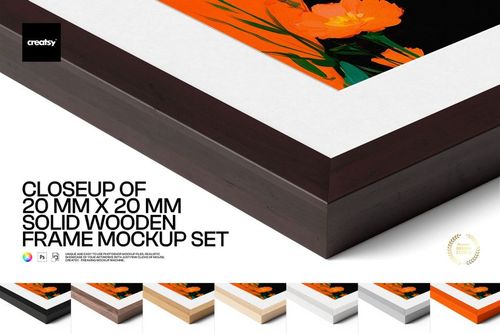
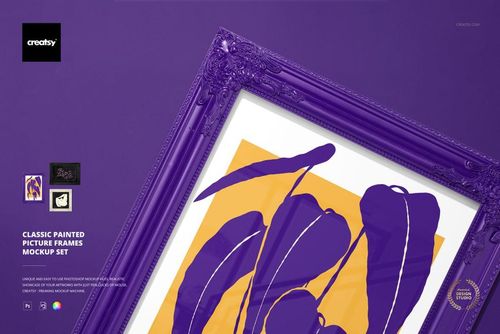
Closeup of 20 mm Solid Wooden Frame Mockup Set
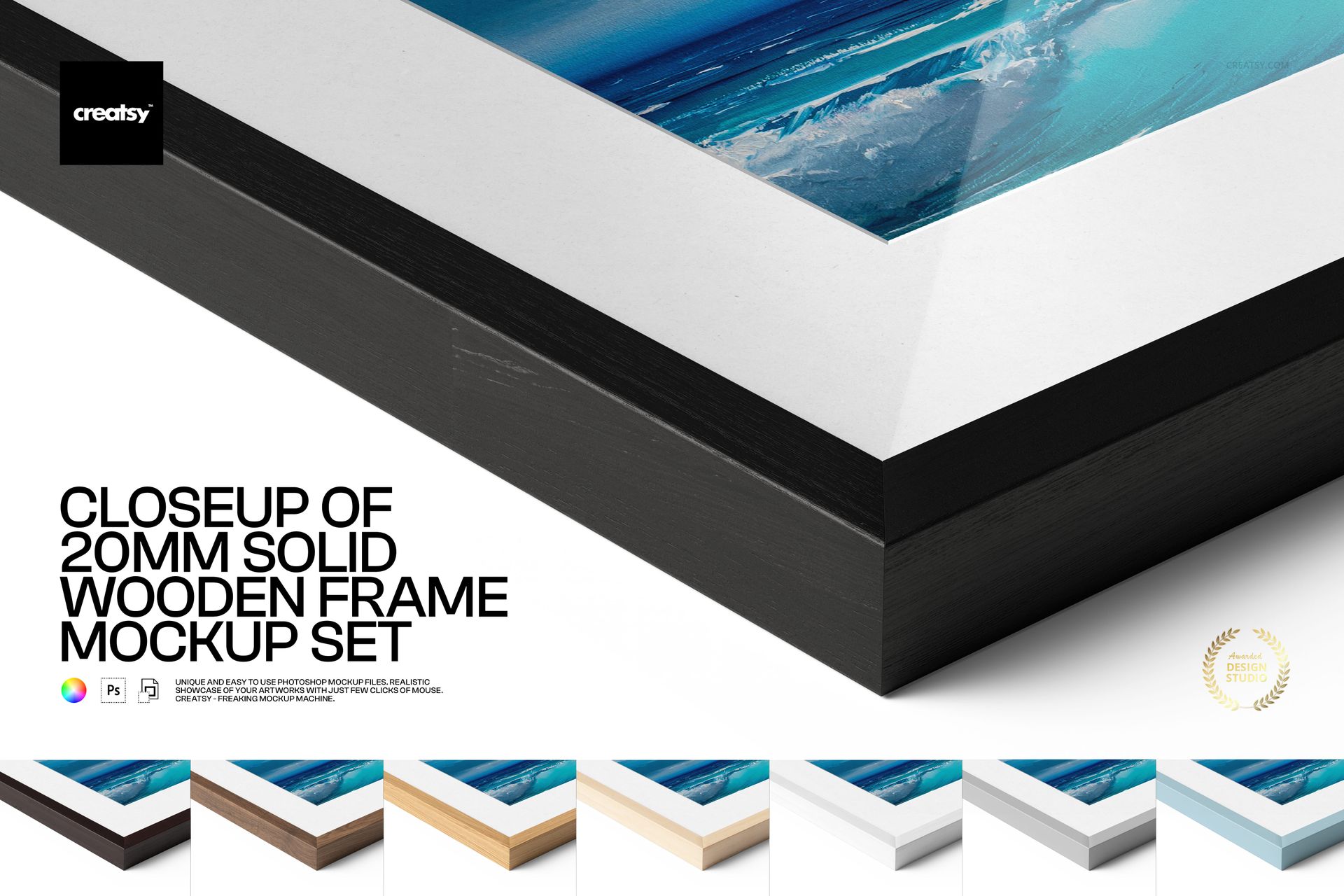
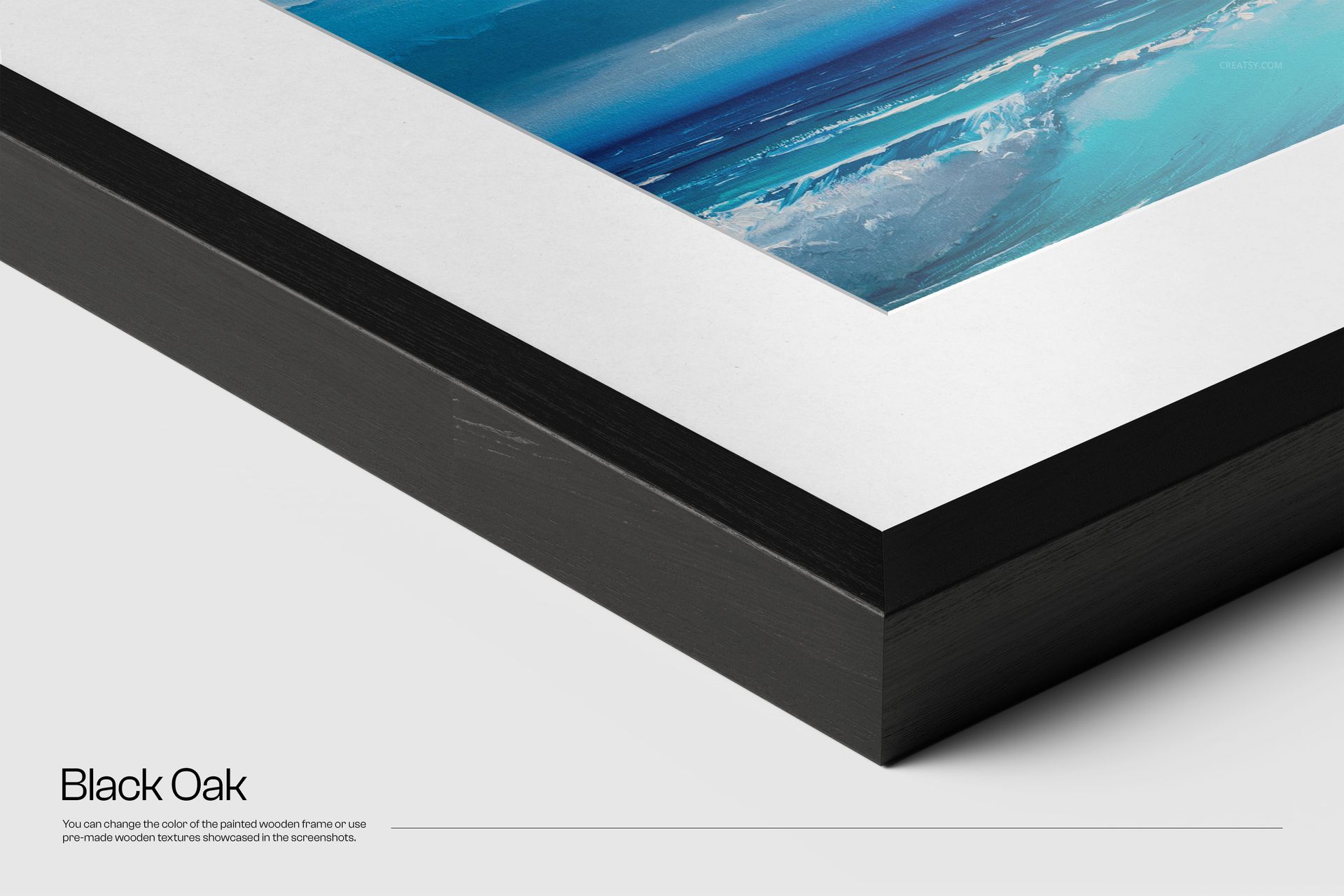
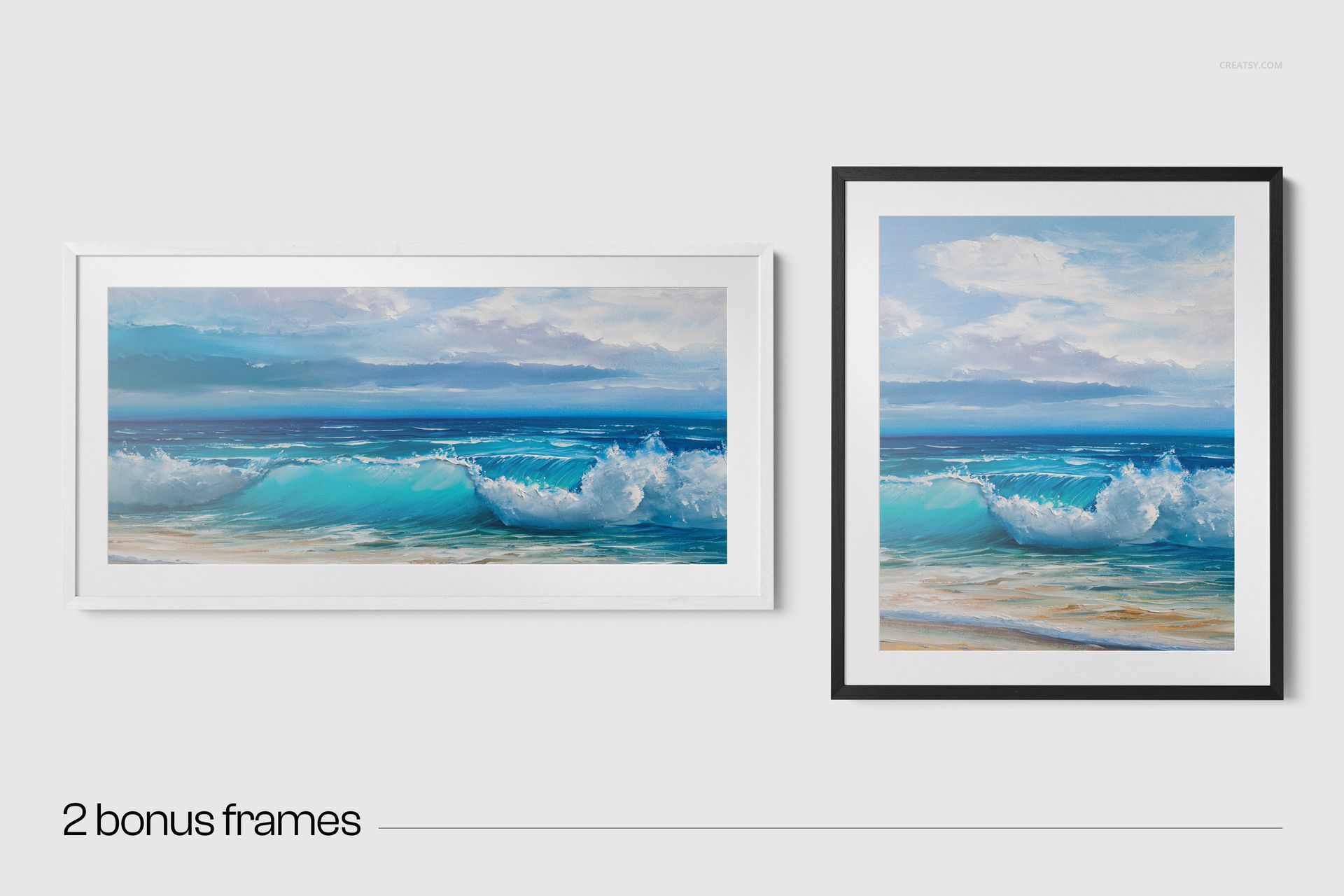
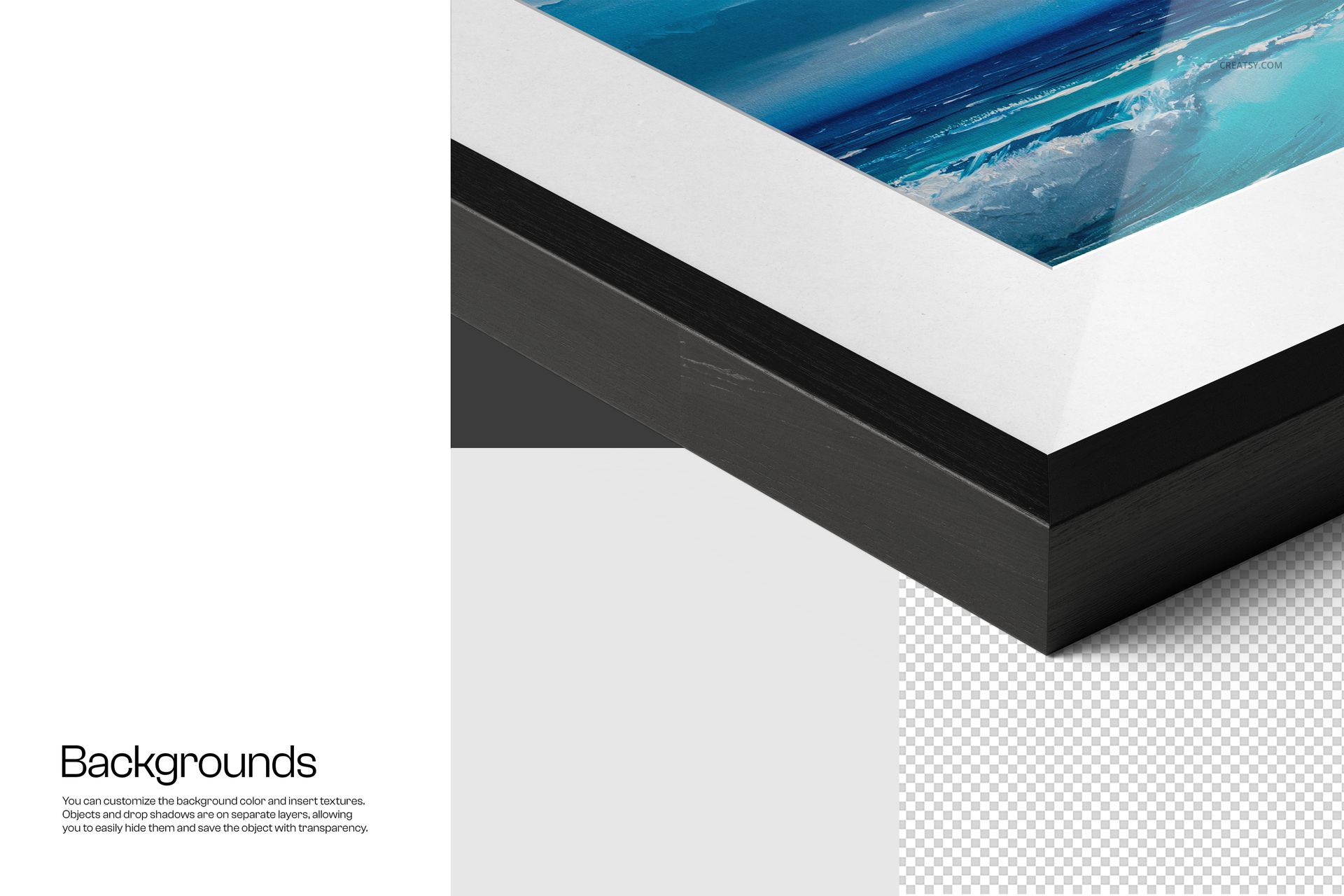
Show the construction and finish of framed artwork with a detailed 20 mm solid wood profile. This three-scene mockup set combines a corner close-up with complete vertical and horizontal presentations, allowing customers to evaluate the print, mount, glass and wood texture before choosing a framed product.
The close view reveals material depth and edge detail, while the full-frame scenes provide scale and orientation. Together, they create a practical image sequence for art stores, print studios, portfolios and client approval presentations.
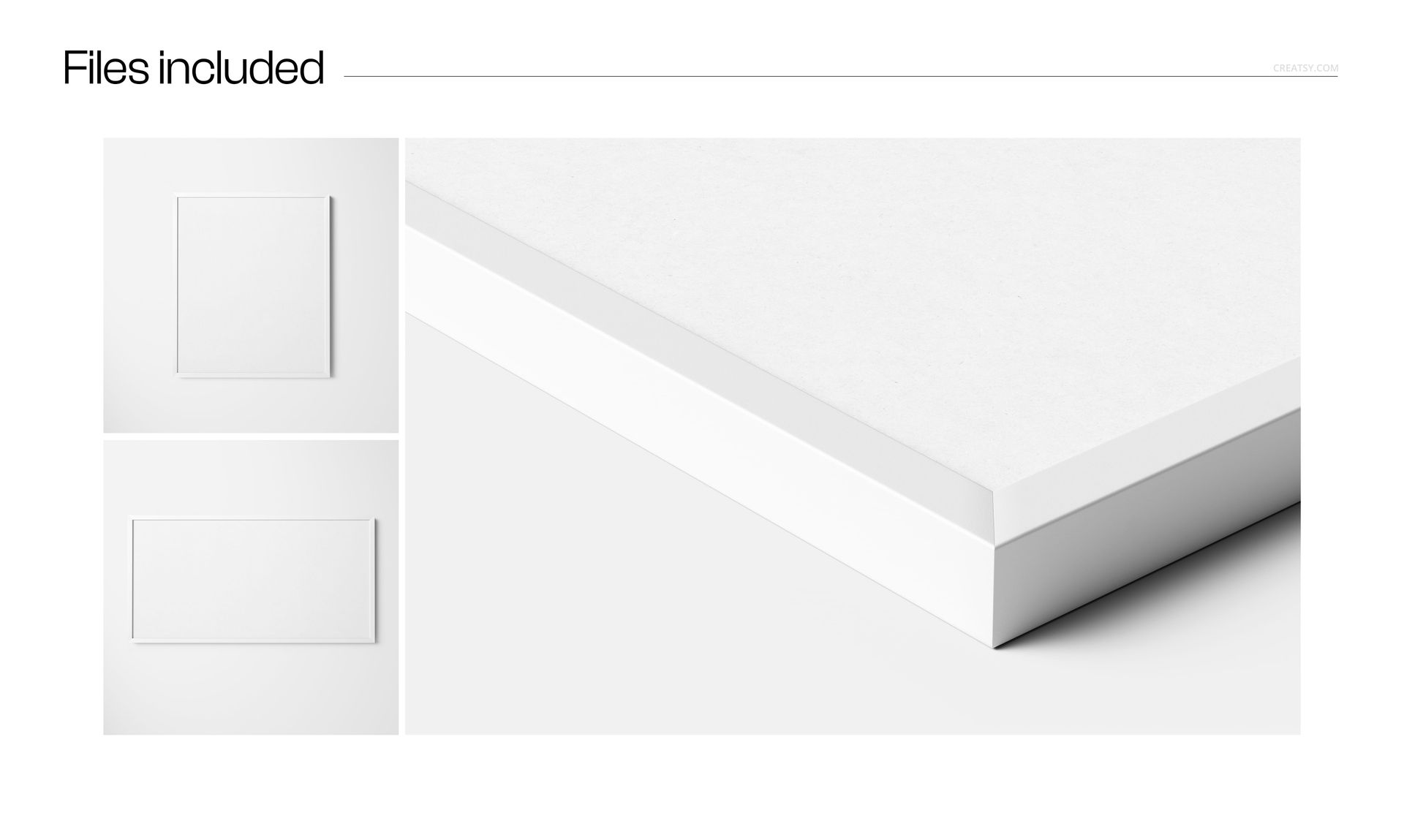
Included Files
3 layered PSD mockups at approximately 6000 × 4000 px and 300 DPI
High-resolution JPG previews
One detailed corner close-up scene
One vertical framed print scene sized 82 × 69 cm
One horizontal framed print scene sized 56 × 112 cm
2 additional frame styling variations shown in the previews
Smart Object artwork replacement
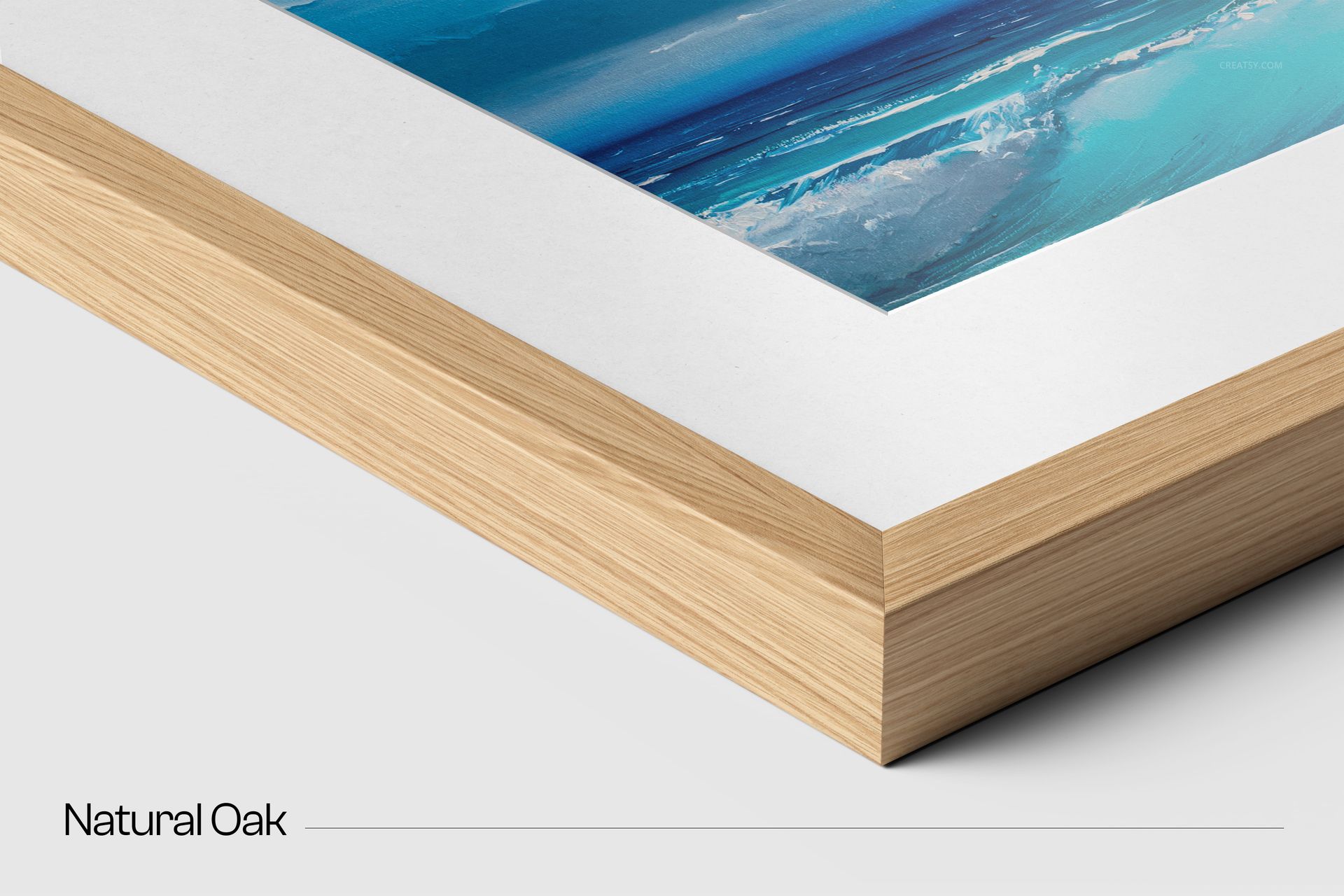
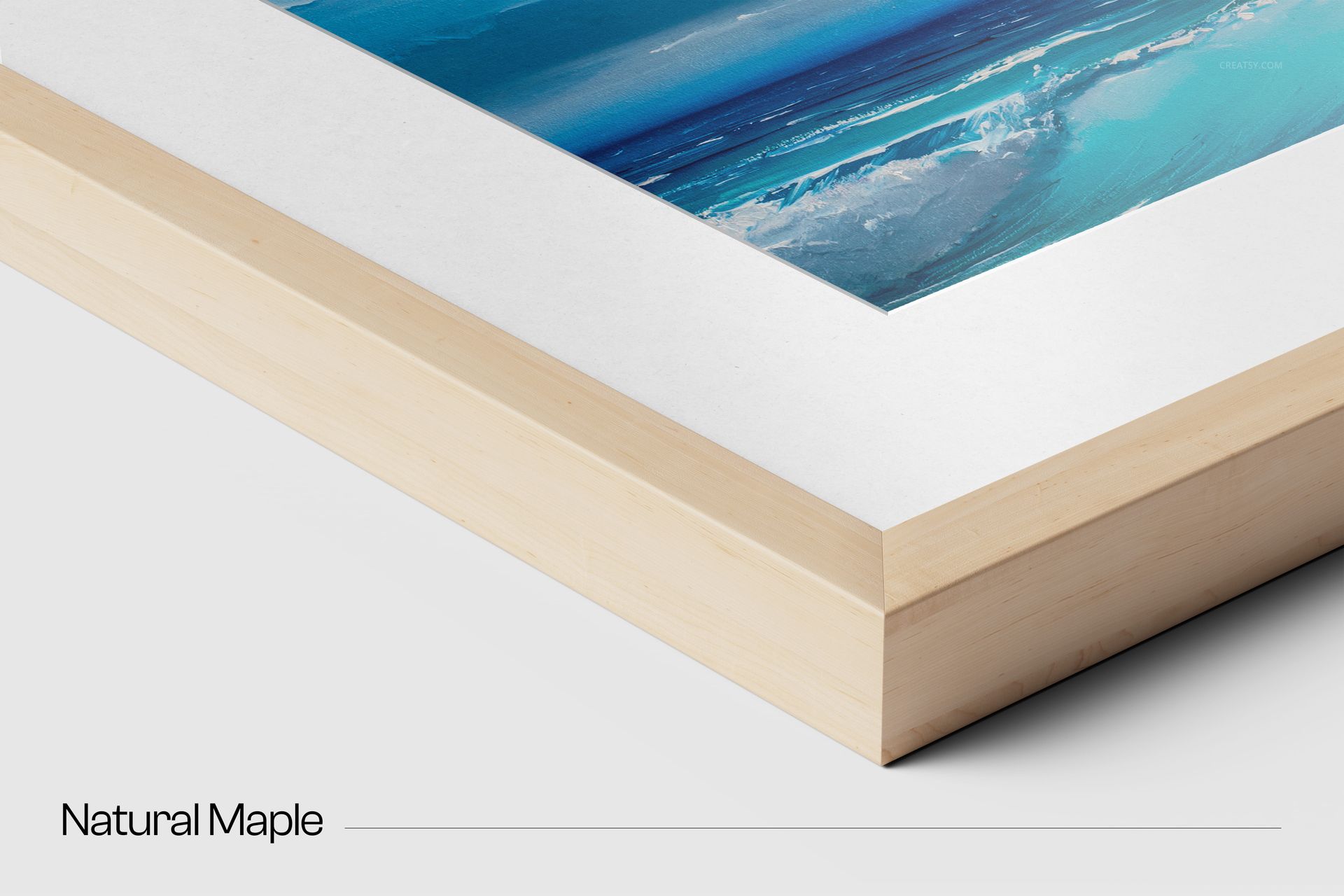
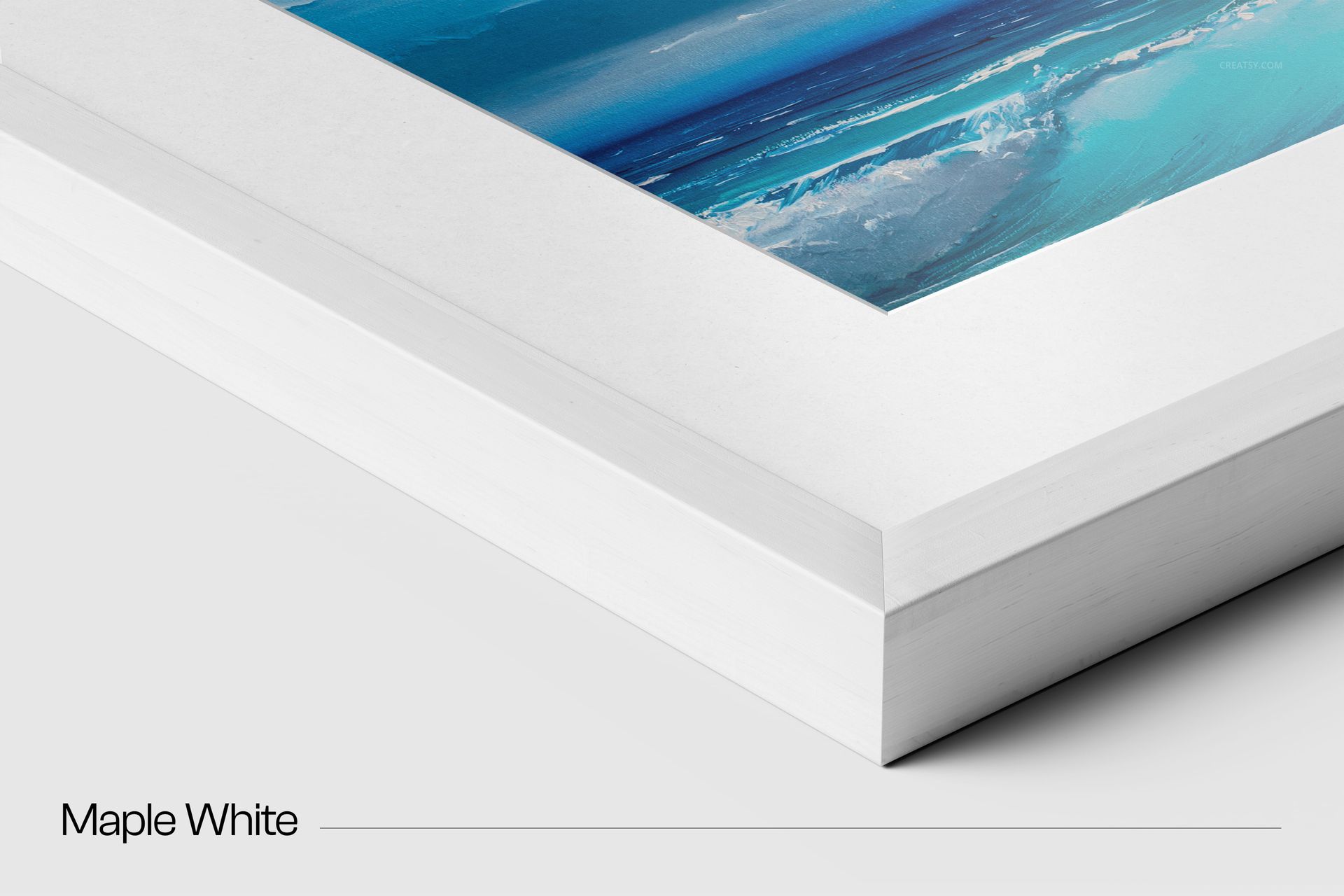
Compare Six Wood Finishes
Black oak
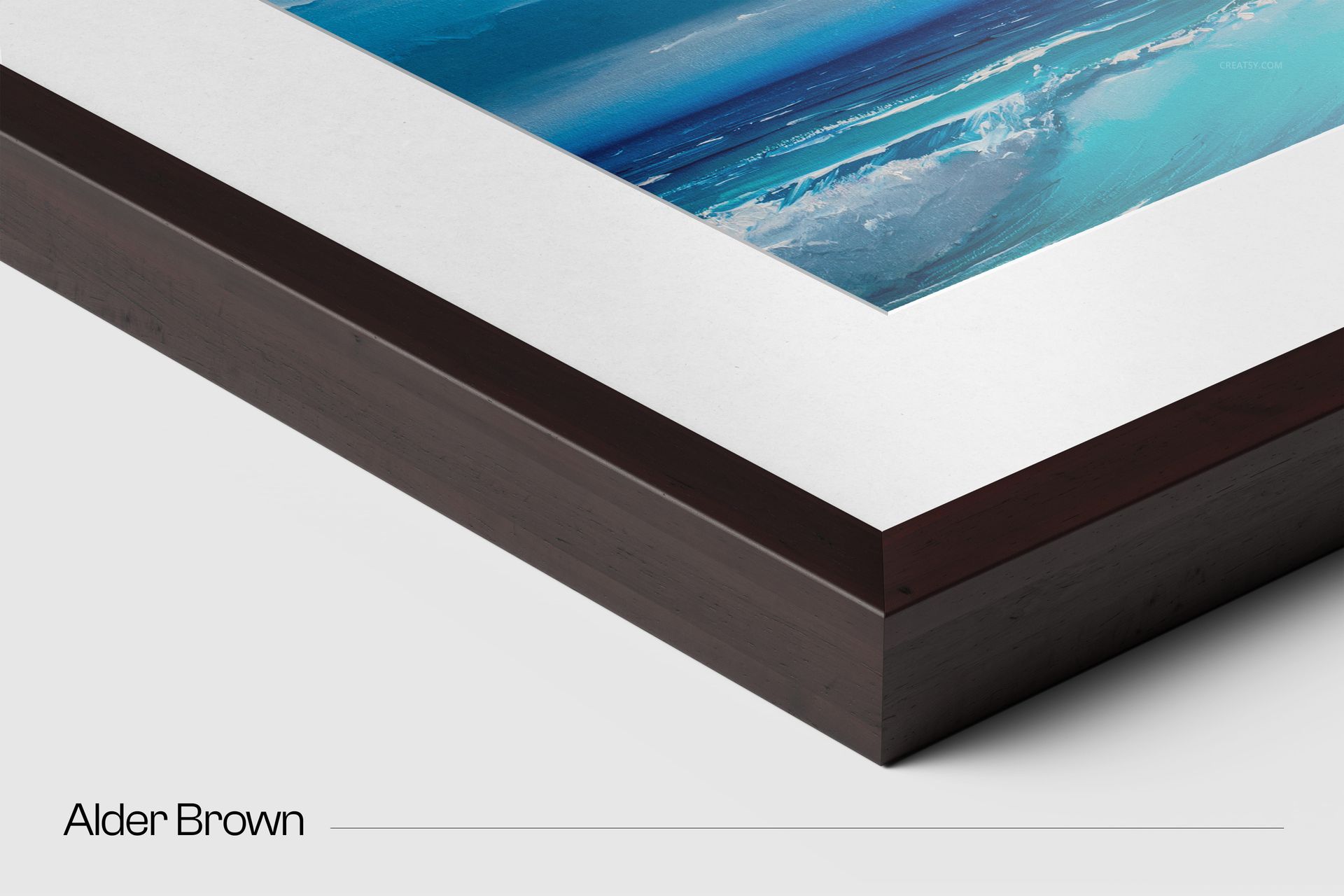
Alder brown
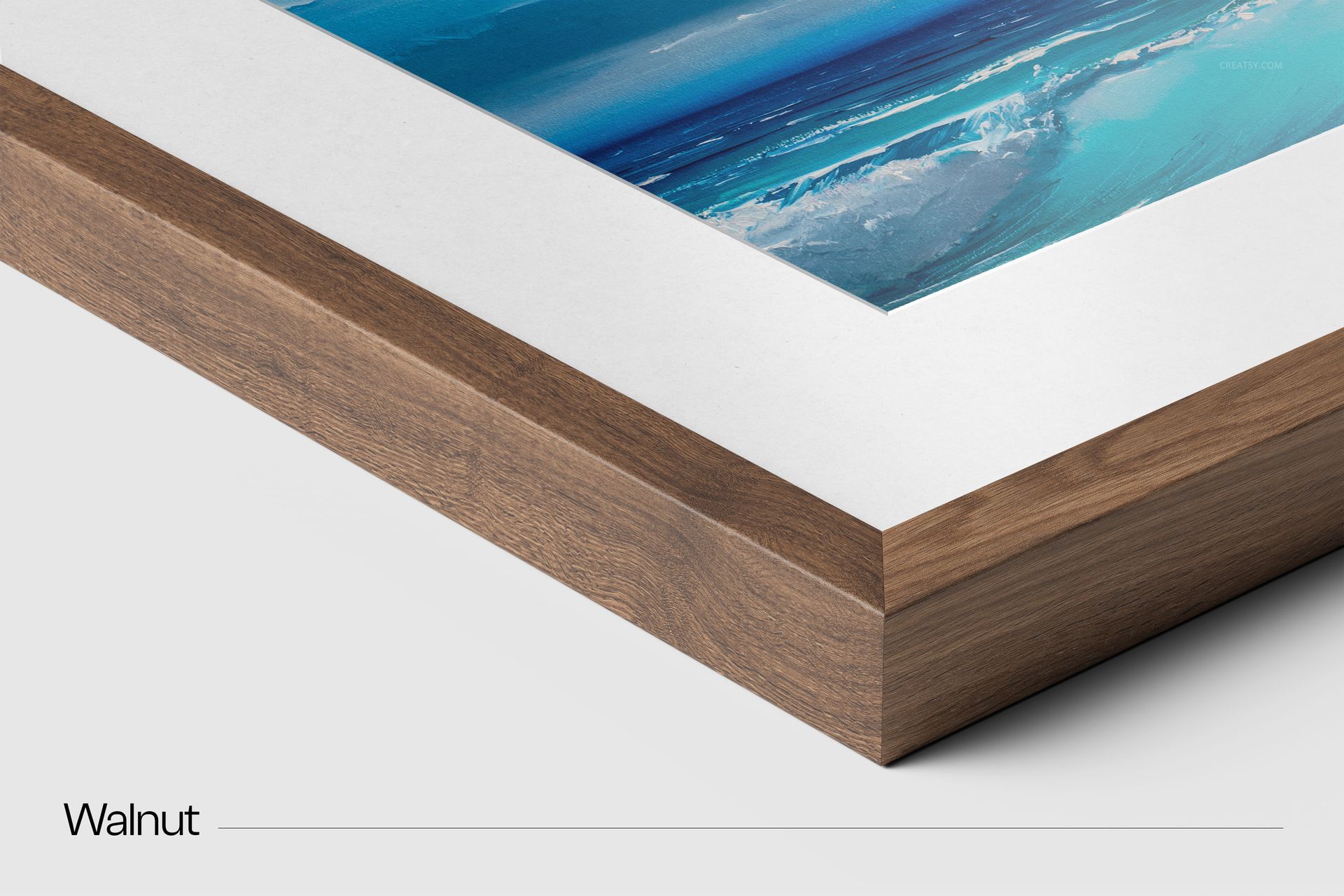
Walnut
Natural oak
Natural maple
Maple white
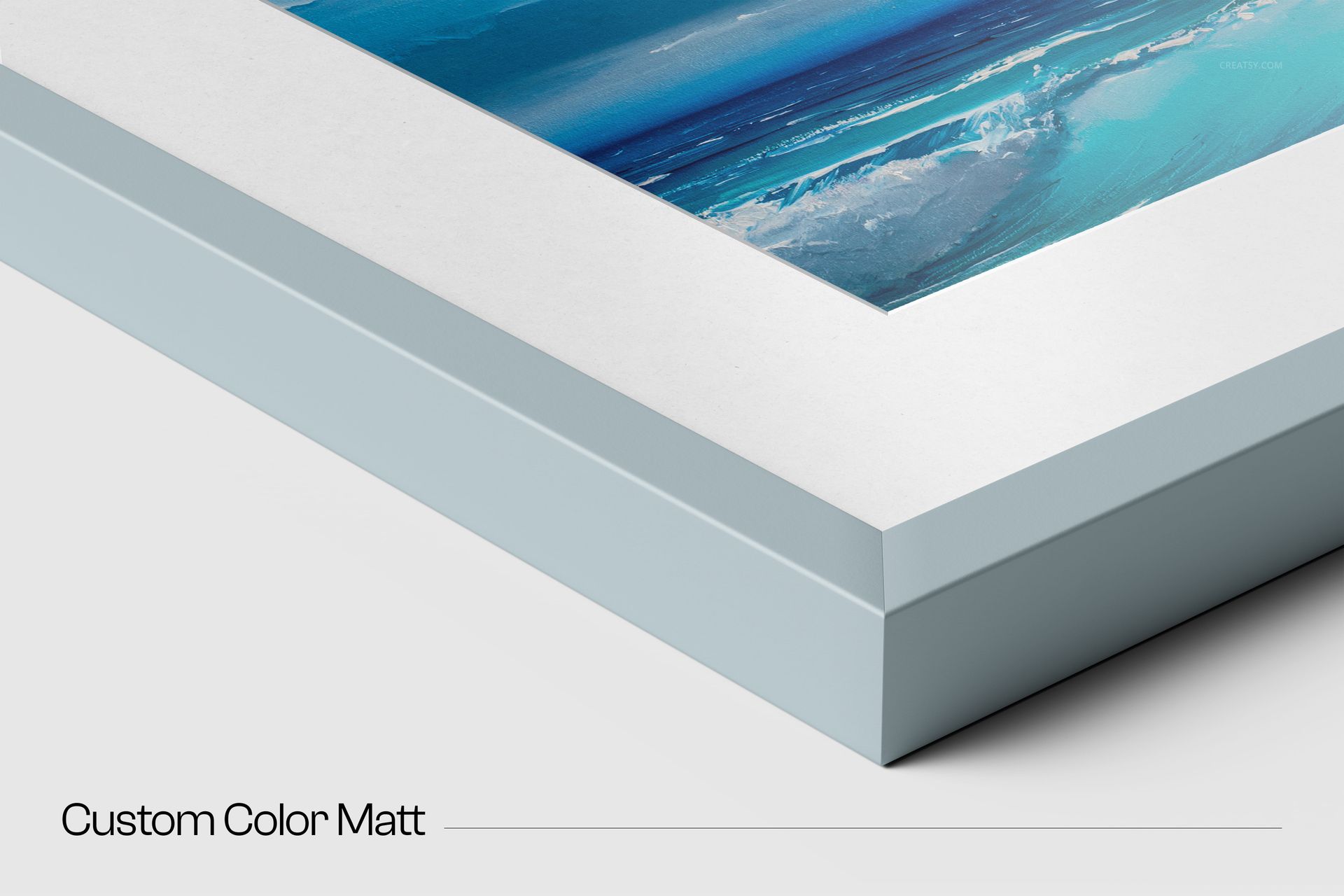
Use a supplied texture for a recognizable material presentation or adjust the frame color to create a finish aligned with a brand, interior style or artwork palette.
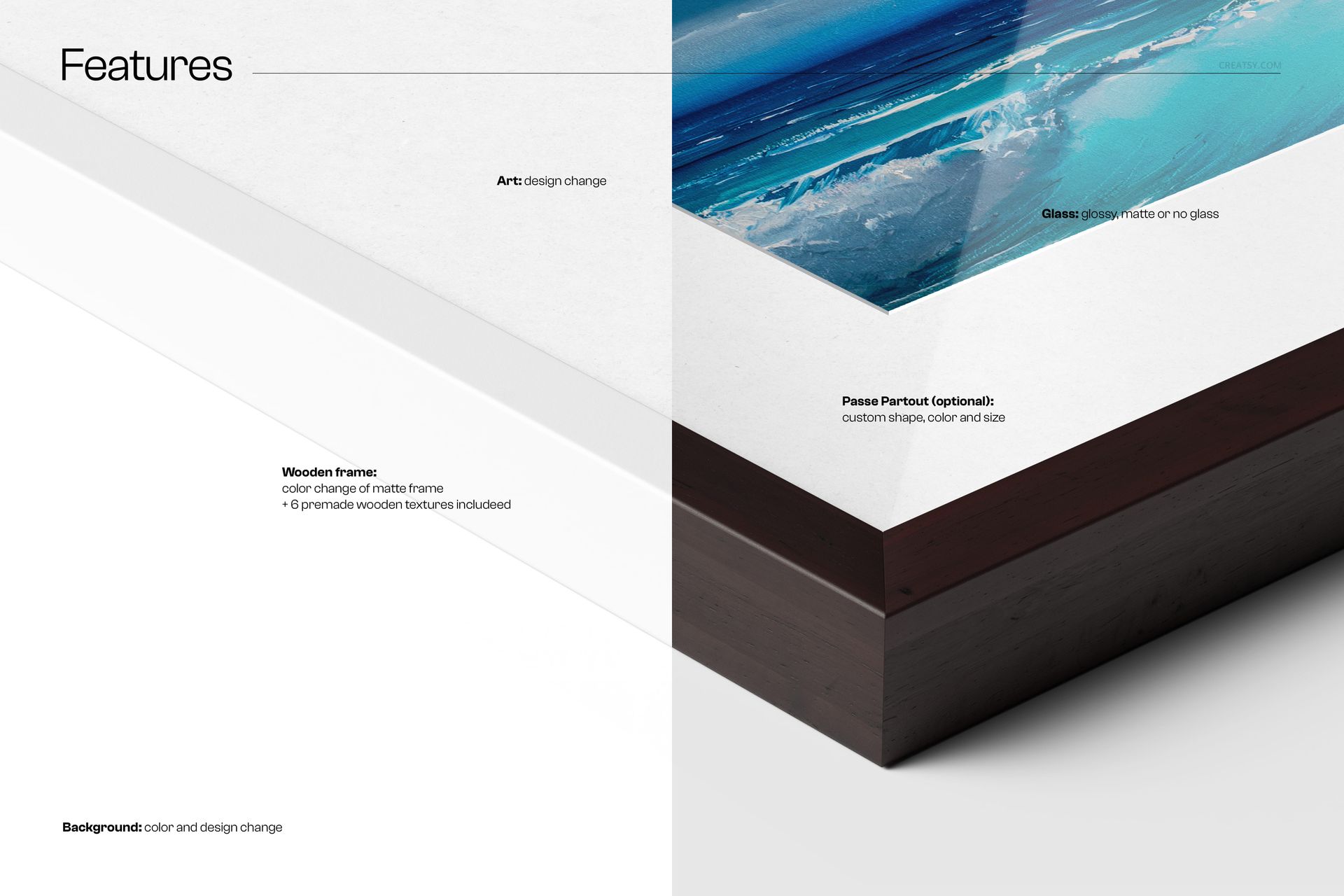
Control the Complete Framing System
Replace artwork through a Smart Object
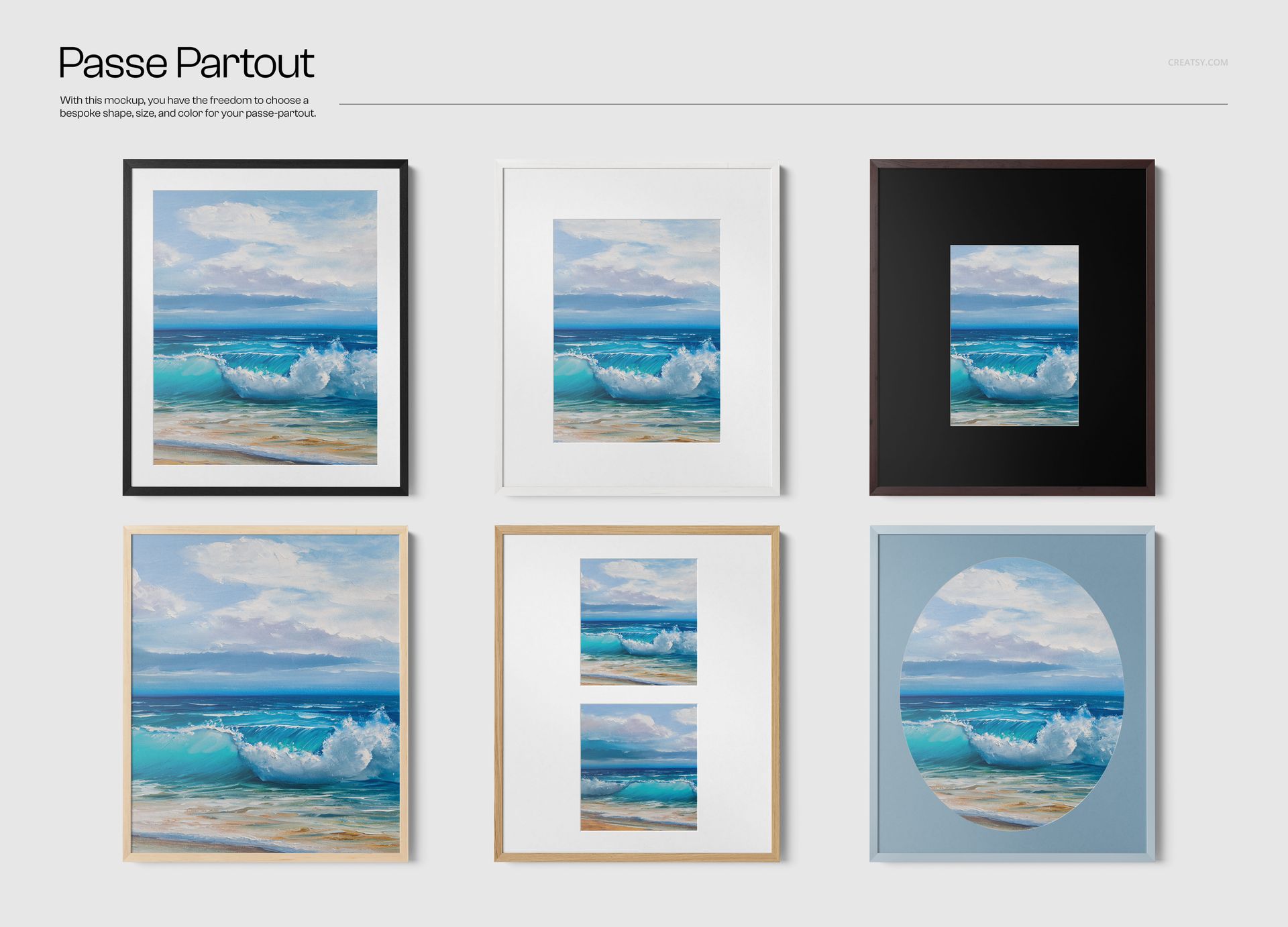
Add, remove or recolor the passe-partout
Customize the passe-partout shape and opening size
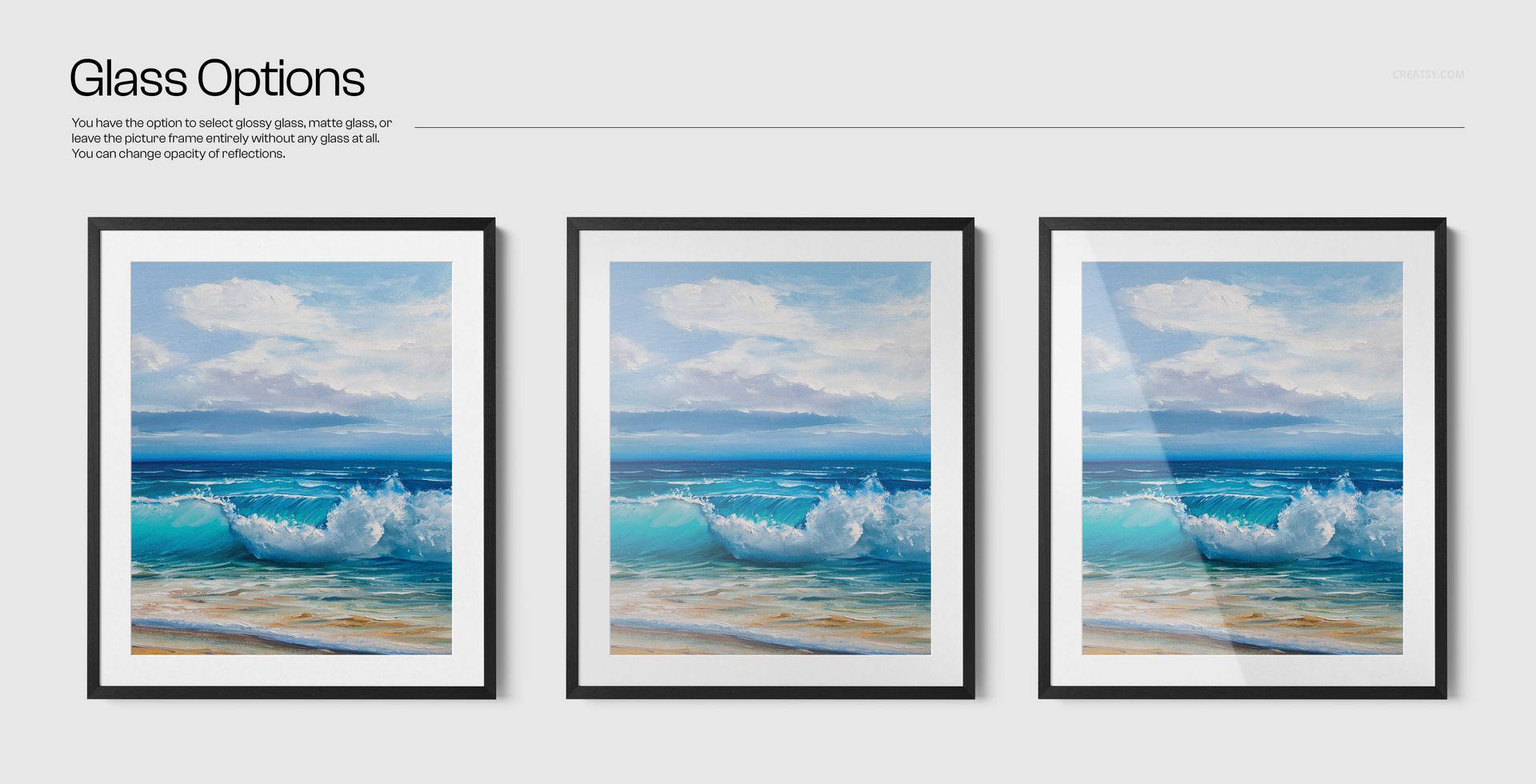
Choose glossy glass, matte glass or no glass
Adjust reflection opacity
Change the background color or texture
Hide object shadows for a transparent-background export
Build a More Informative Product Gallery
Lead with a full vertical or horizontal frame, add the corner close-up to communicate profile depth, then show alternate wood, mount and glass combinations. This sequence helps shoppers understand what changes between framing options instead of judging the artwork from one generic preview.
Ideal Uses
Fine art and photography product pages
Frame finish comparison charts
Print shop upgrade visualizations
Artist portfolios and exhibition proposals
Client proofing for portrait and landscape artwork
Transparent cutouts for catalogues and advertising
This is a digital mockup set, not a physical frame, printed artwork, glass panel or passe-partout. Example artwork shown in the previews is not included.













I'm impressed! These are the highest quality mockups I've ever downloaded, which makes the price very good. Perfect for my needs.
Thank you so much, Martine! We’re delighted that the quality of the mockups impressed you and that the set is perfect for your needs. We truly appreciate your support and your wonderful review!