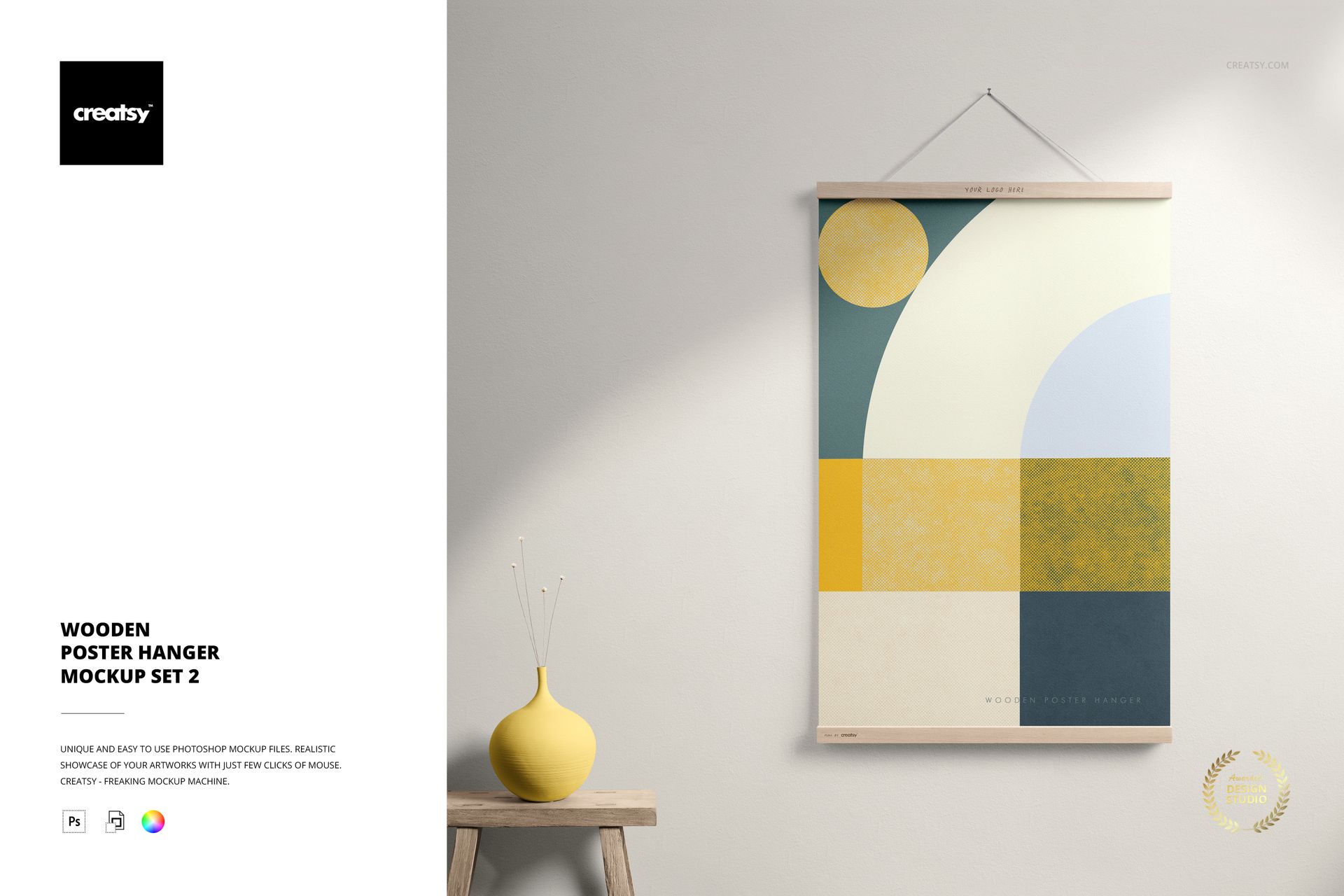
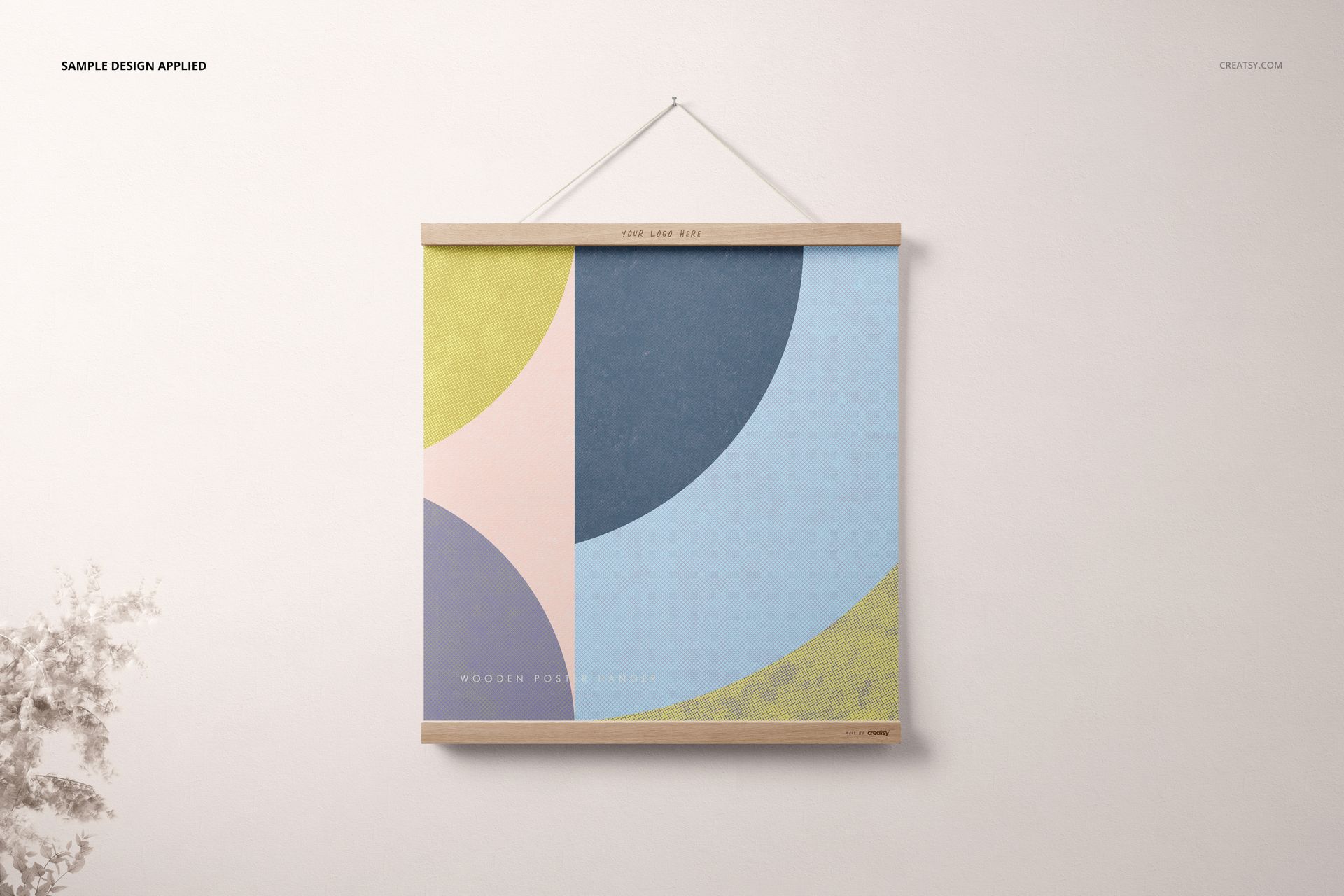
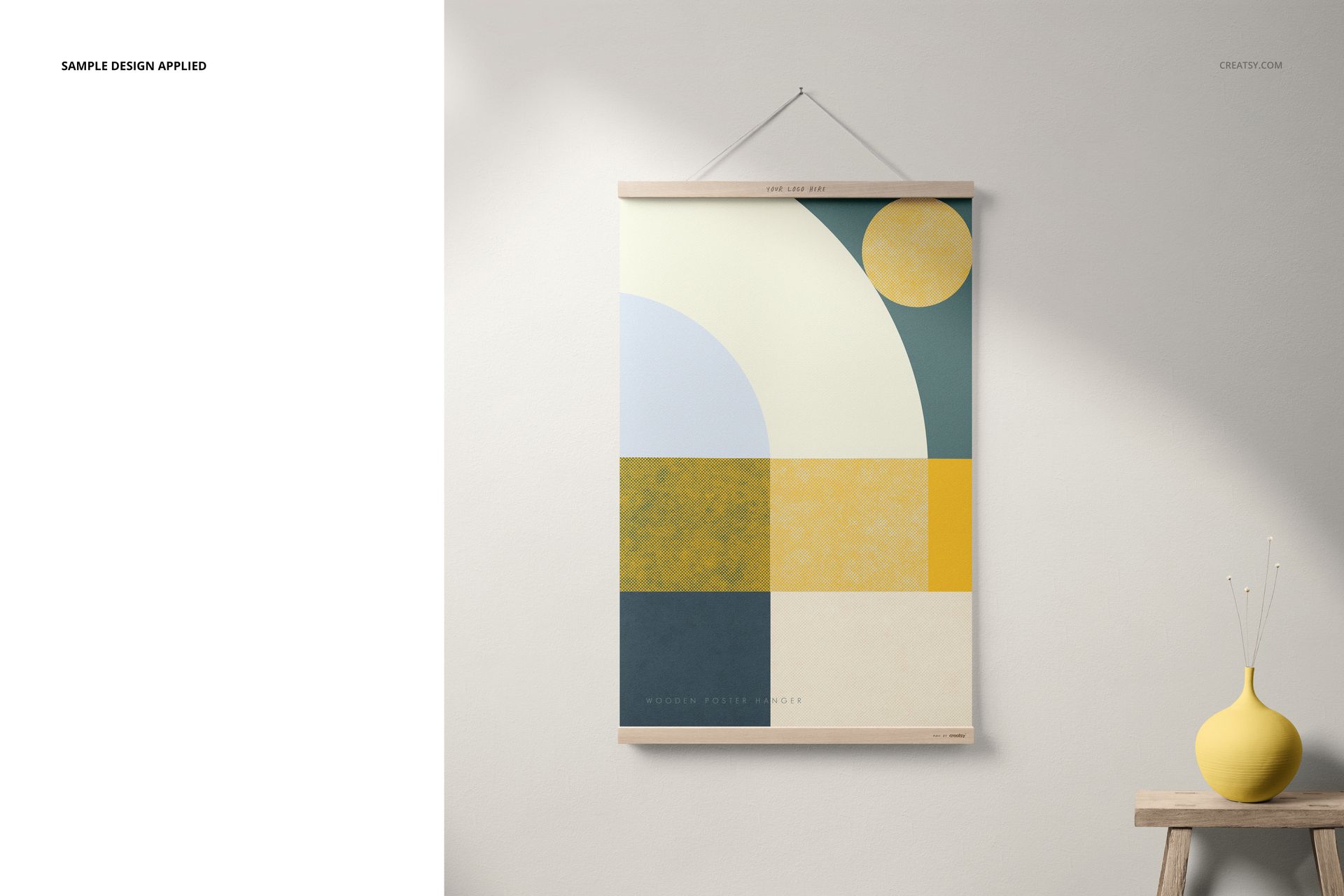
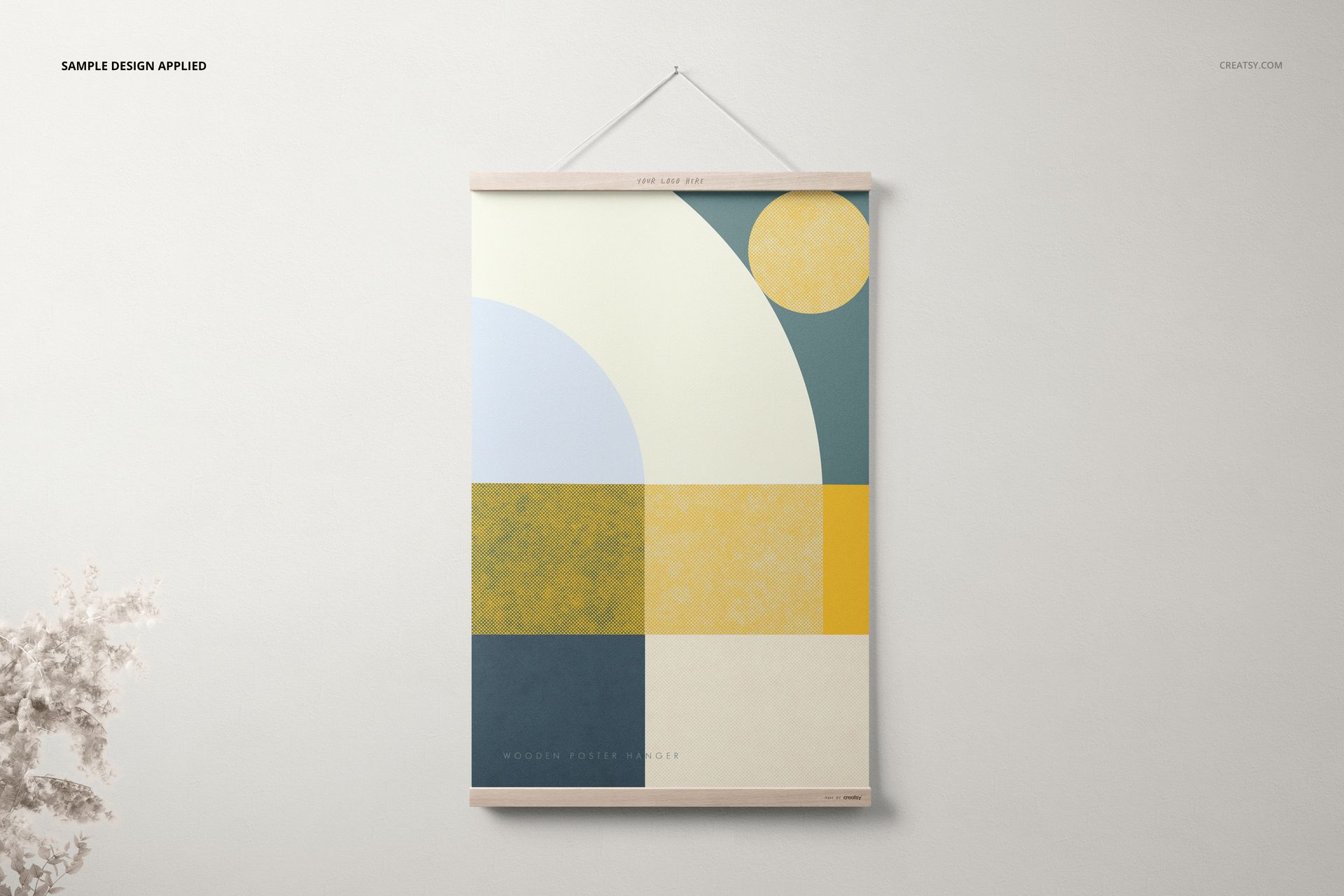
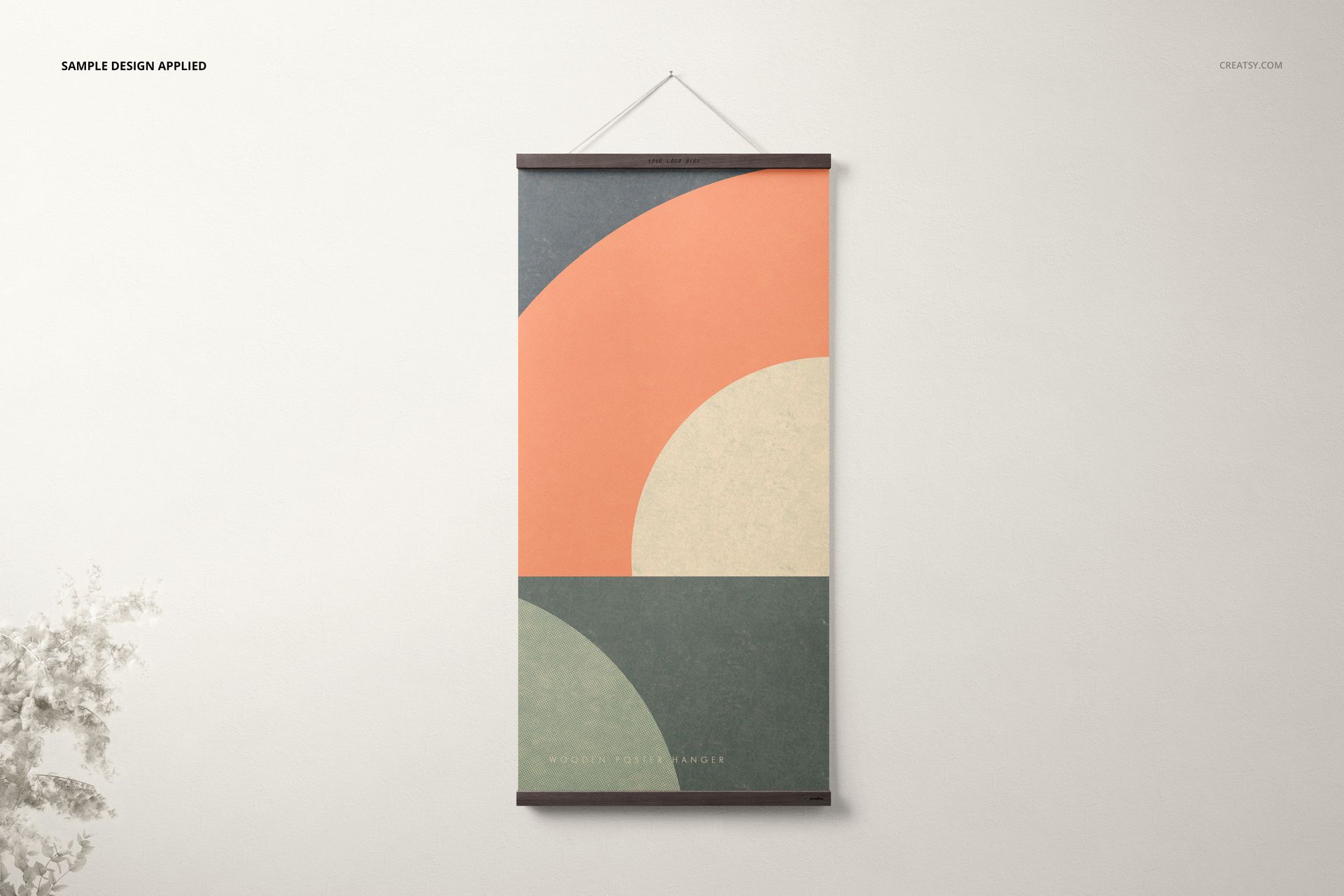
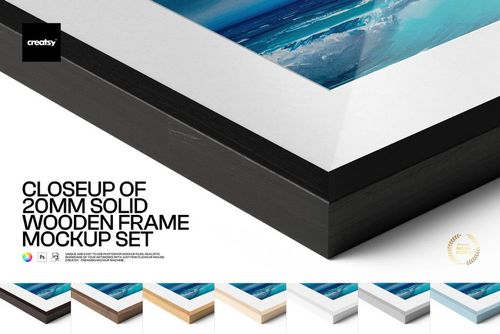
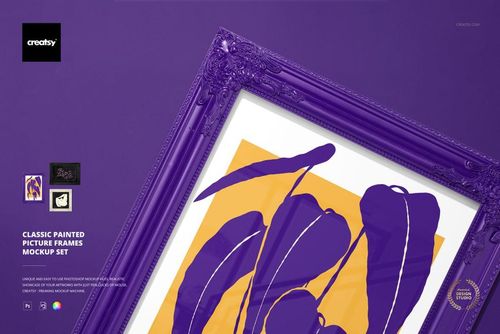
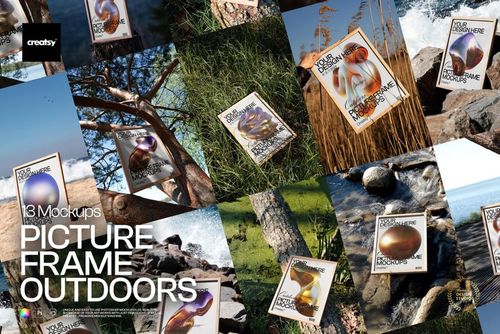
Wooden Poster Hanger Mockup Set 2
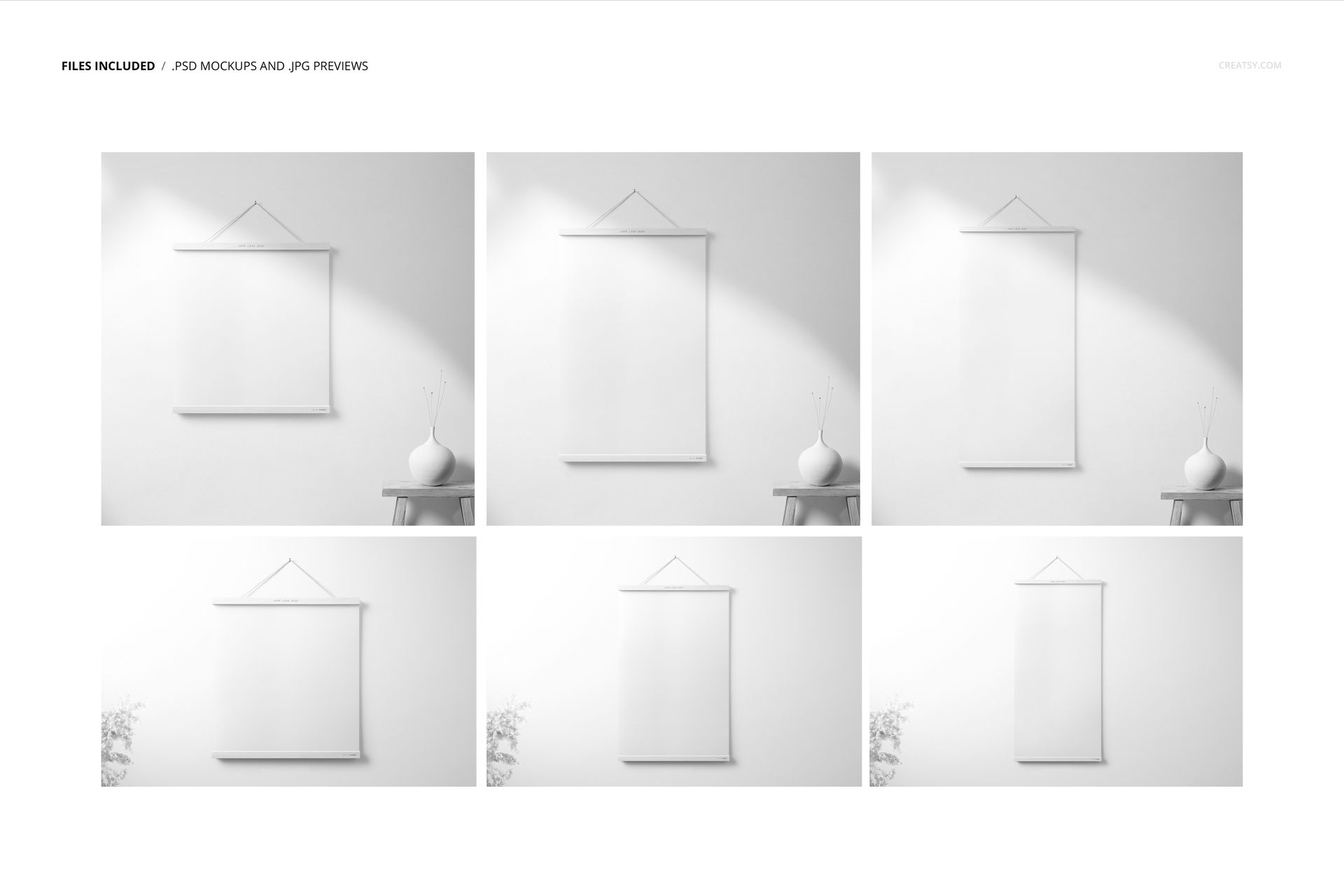
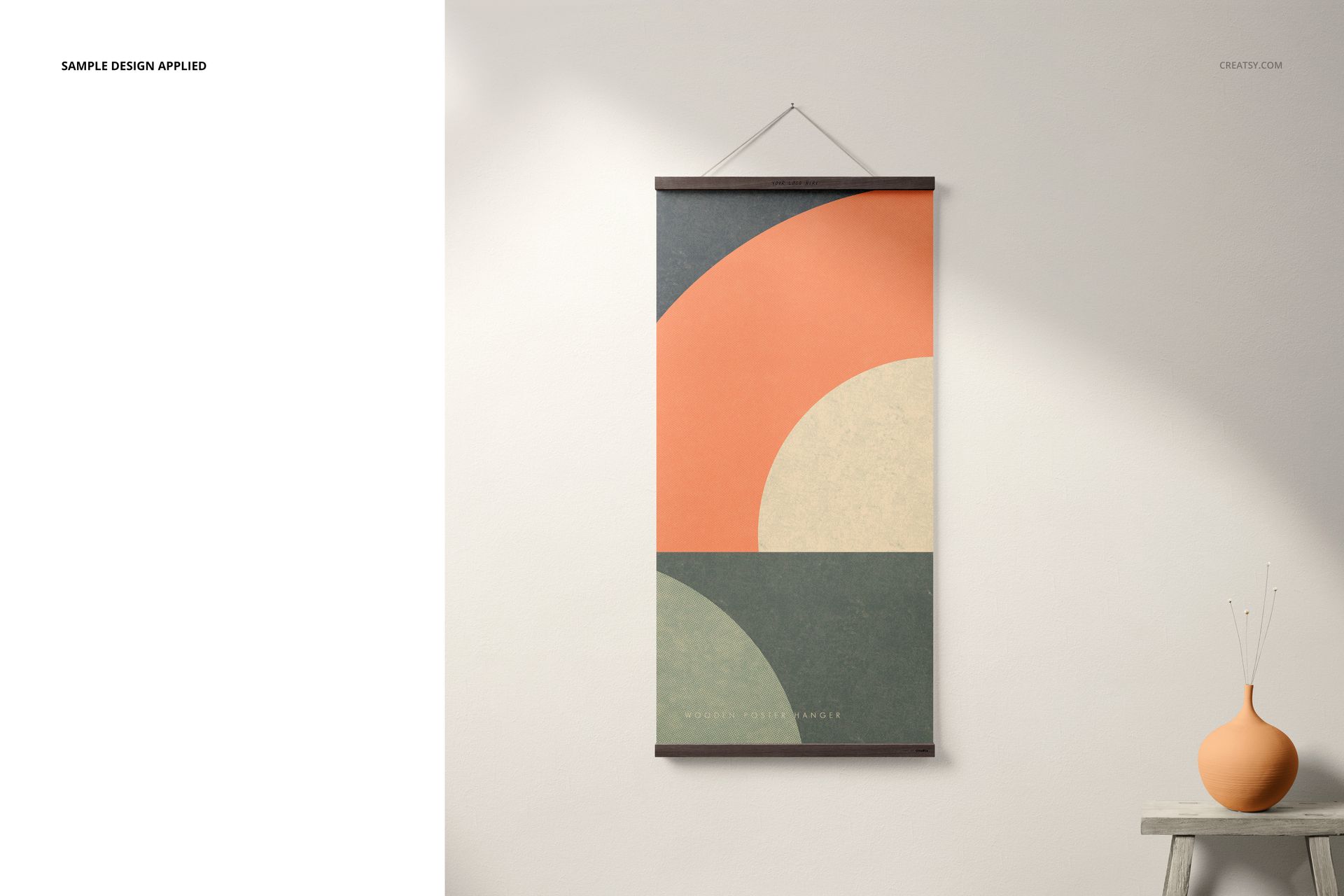
Create a polished presentation for art prints, illustrations, posters, patterns and typographic designs with this versatile wooden poster hanger mockup set. Six layered PSD scenes cover square, portrait and tall vertical layouts, helping you show one design in several proportions or build a coordinated product gallery for an online shop, portfolio or campaign.
Clean wooden poster rails, neutral walls, natural shadows, table and shelf details, and subtle vase styling add context without competing with the artwork. The varied scenes make it easy to combine clear front-facing product images with more atmospheric interior presentations.
What Is Included?
6 layered PSD mockup files
6 high-resolution JPG preview images
1 PDF user manual
3 PSD and JPG scenes at 6000 x 4000 px
3 PSD and JPG scenes at 4500 x 4500 px
300 DPI resolution in every scene
Three Artwork Proportions
The supplied templates cover formats named 44x44, 44x66 and 44x88. These correspond to square 1:1, portrait 2:3 and tall vertical 1:2 proportions. Use them to prepare consistent previews for a collection that includes several artwork ratios without forcing every design into the same layout.
Fast Smart Object Editing
Open the PSD scene that matches your artwork ratio.
Open the designated Smart Object.
Insert your poster design and save the Smart Object.
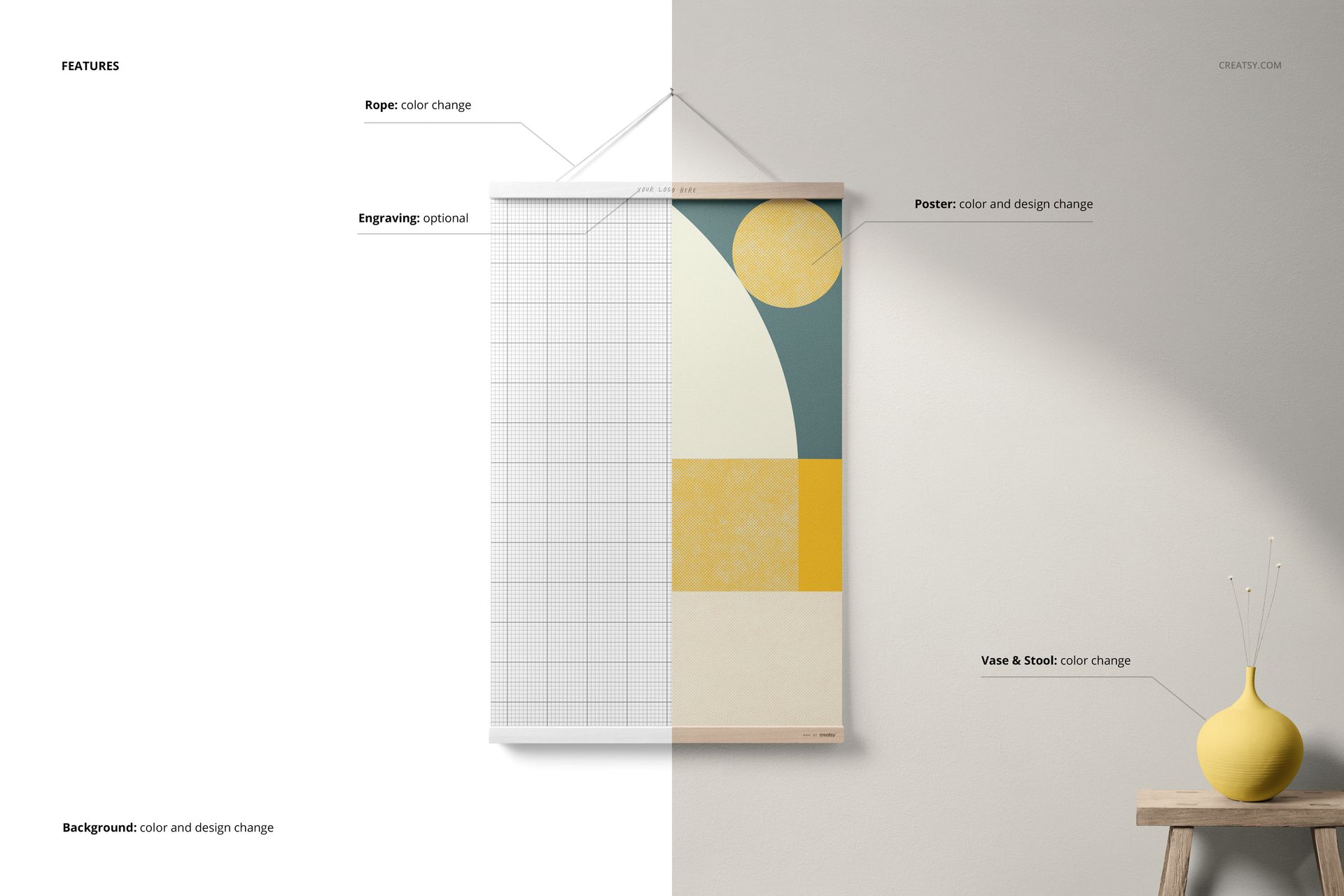
Adjust available colors, background and visible scene elements.
Export the finished image for your shop, portfolio or promotion.
Well-organized layers and dedicated color controls help you coordinate the mockup with a collection, brand palette or storefront style without rebuilding the composition.
Custom Backgrounds and Flexible Exports
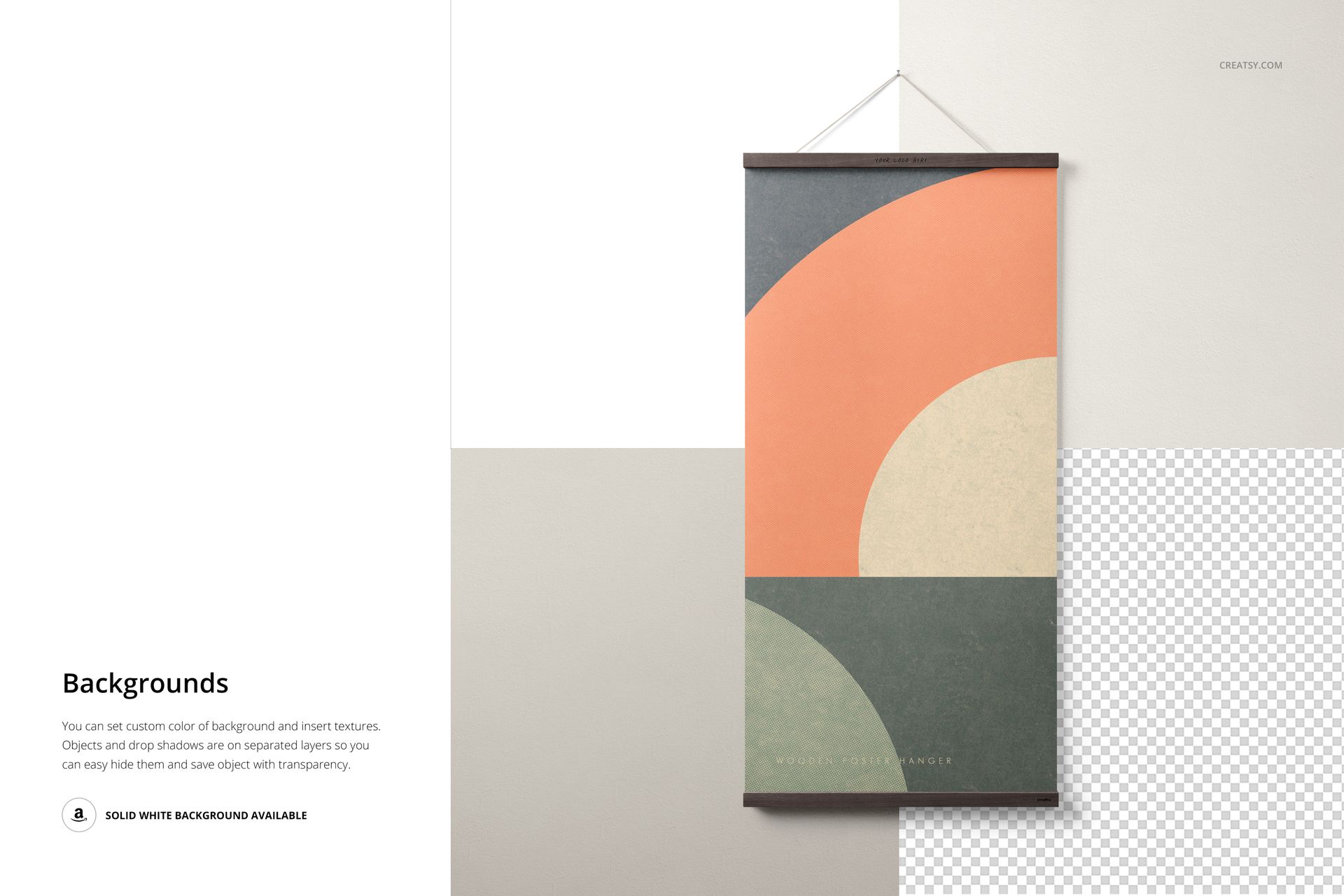
Change the background color, insert a custom texture or use the available solid white background. Objects and drop shadows are placed on separate layers, so selected elements can be hidden for a simpler composition or a transparent-background export.
Designed for Practical Marketing
Ecommerce galleries for printable posters and downloadable art
Portfolio case studies for artists, illustrators and photographers
Social media announcements and collection launches
Lookbooks, presentation boards and client proofs
Coordinated previews for artwork sold in multiple proportions
Software Compatibility
The layered PSD files are compatible with Adobe Photoshop CC 2015 or newer and Photopea. A PDF user manual is included to support the editing workflow.
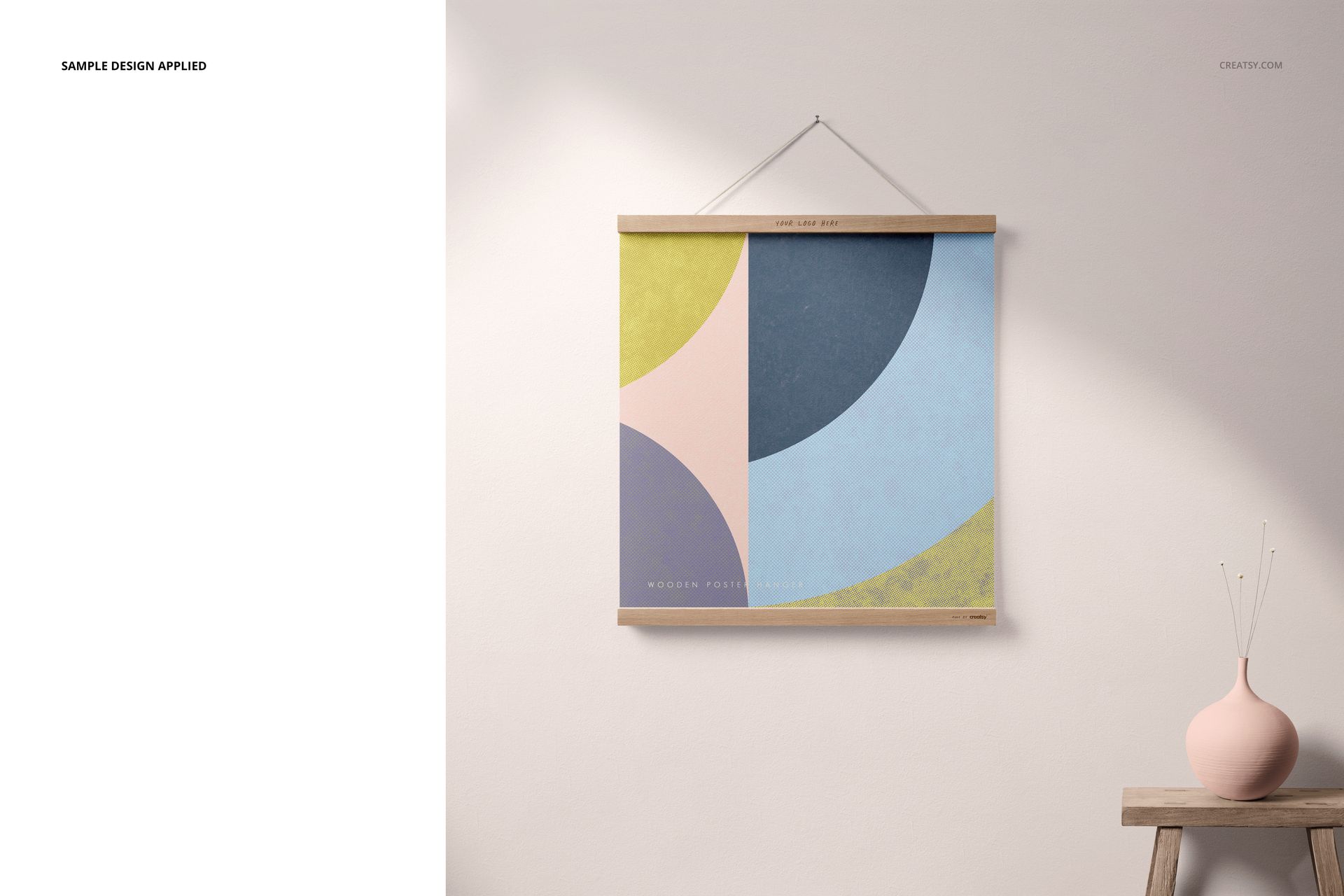
This is a digital mockup set. The sample artwork and patterns shown in the previews are used for demonstration only and are not included.