Solid Wooden Frame Mockup Set
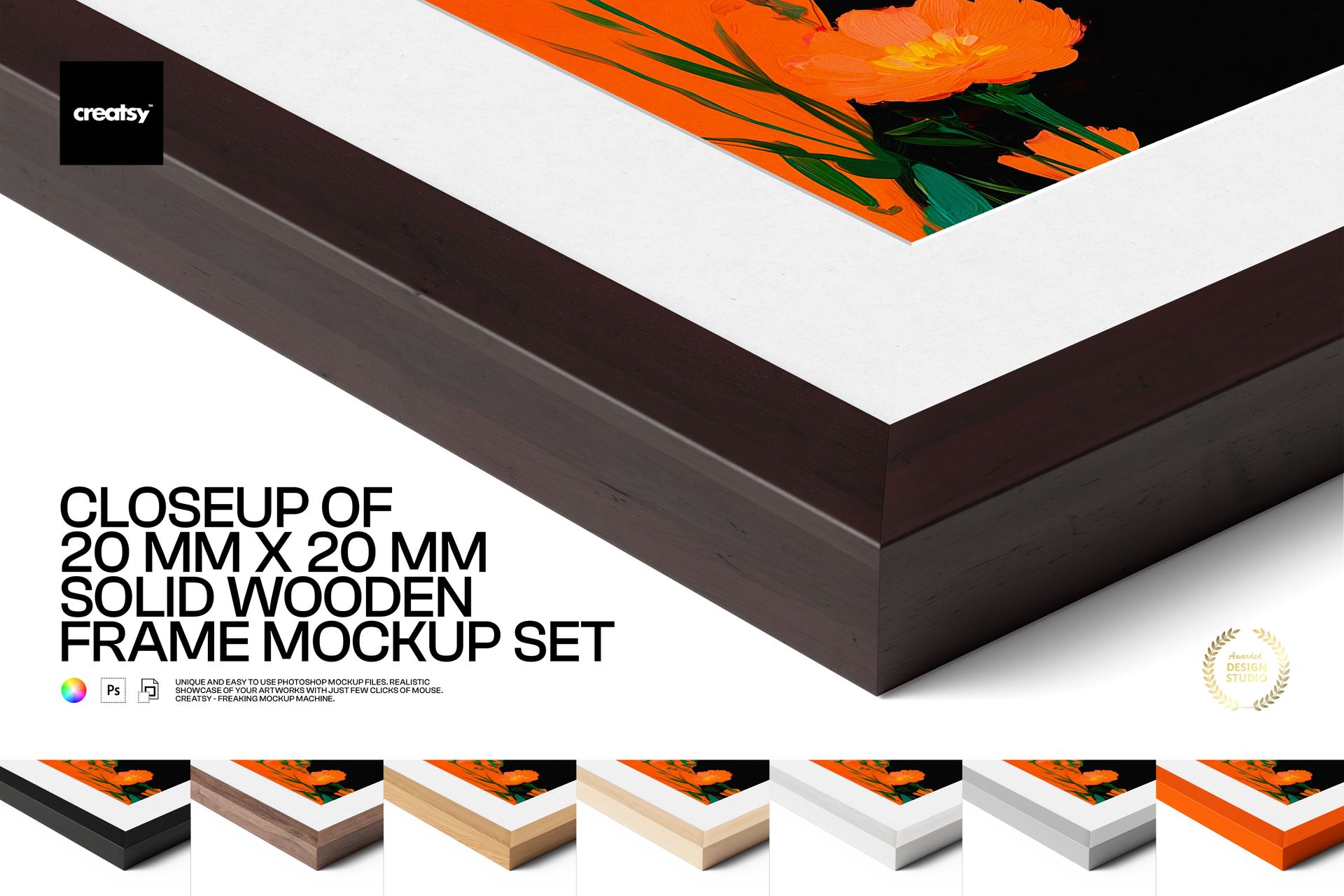
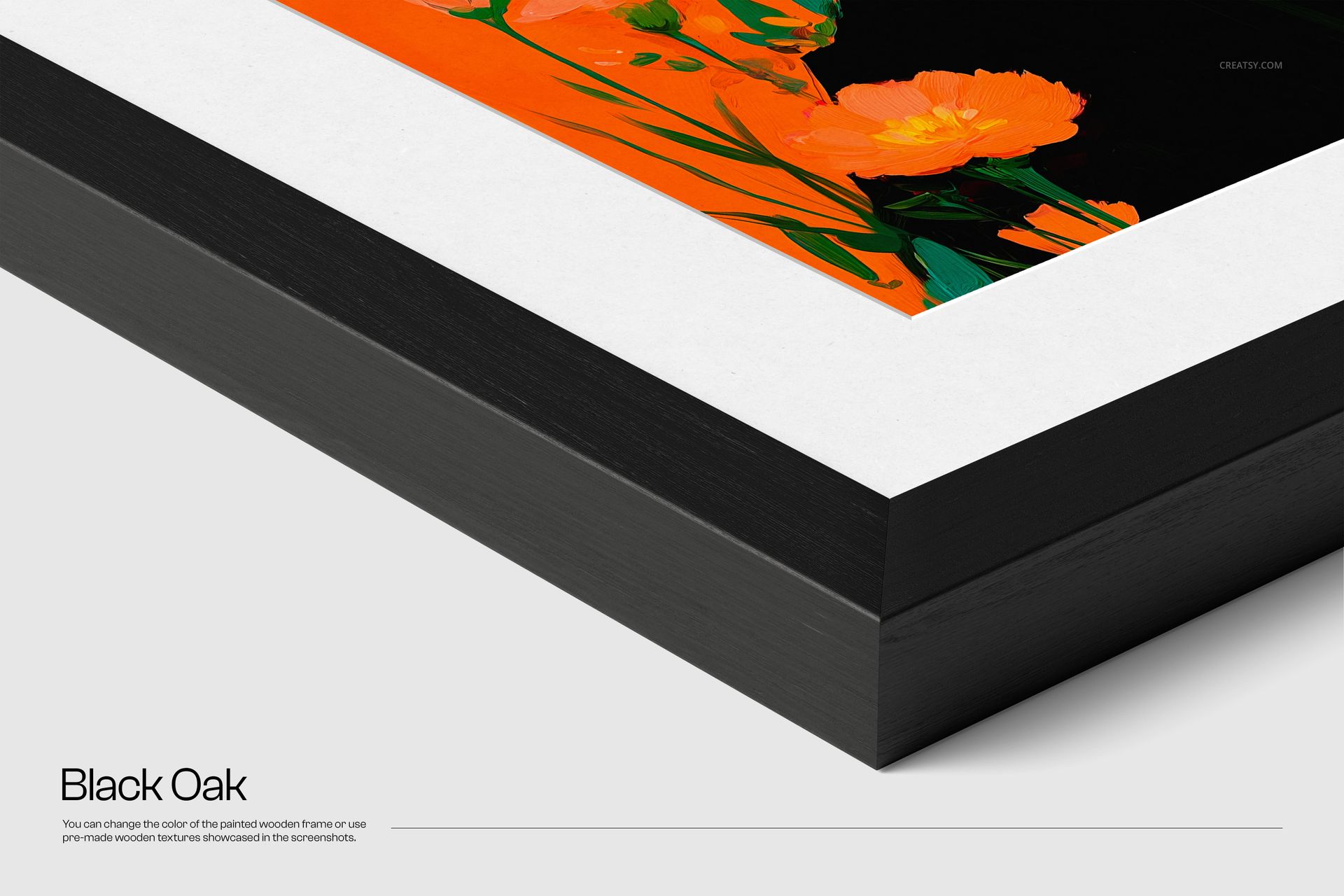
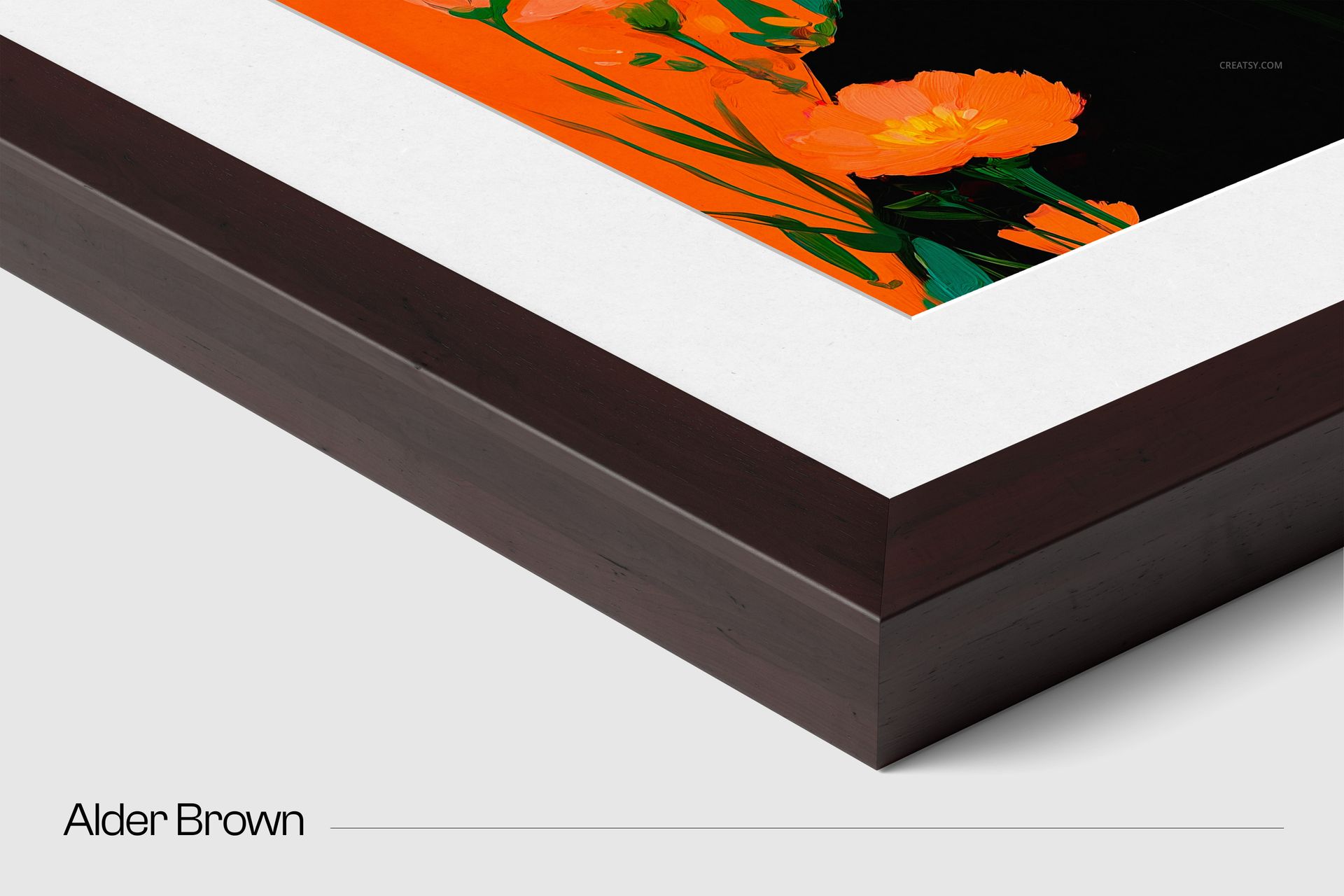
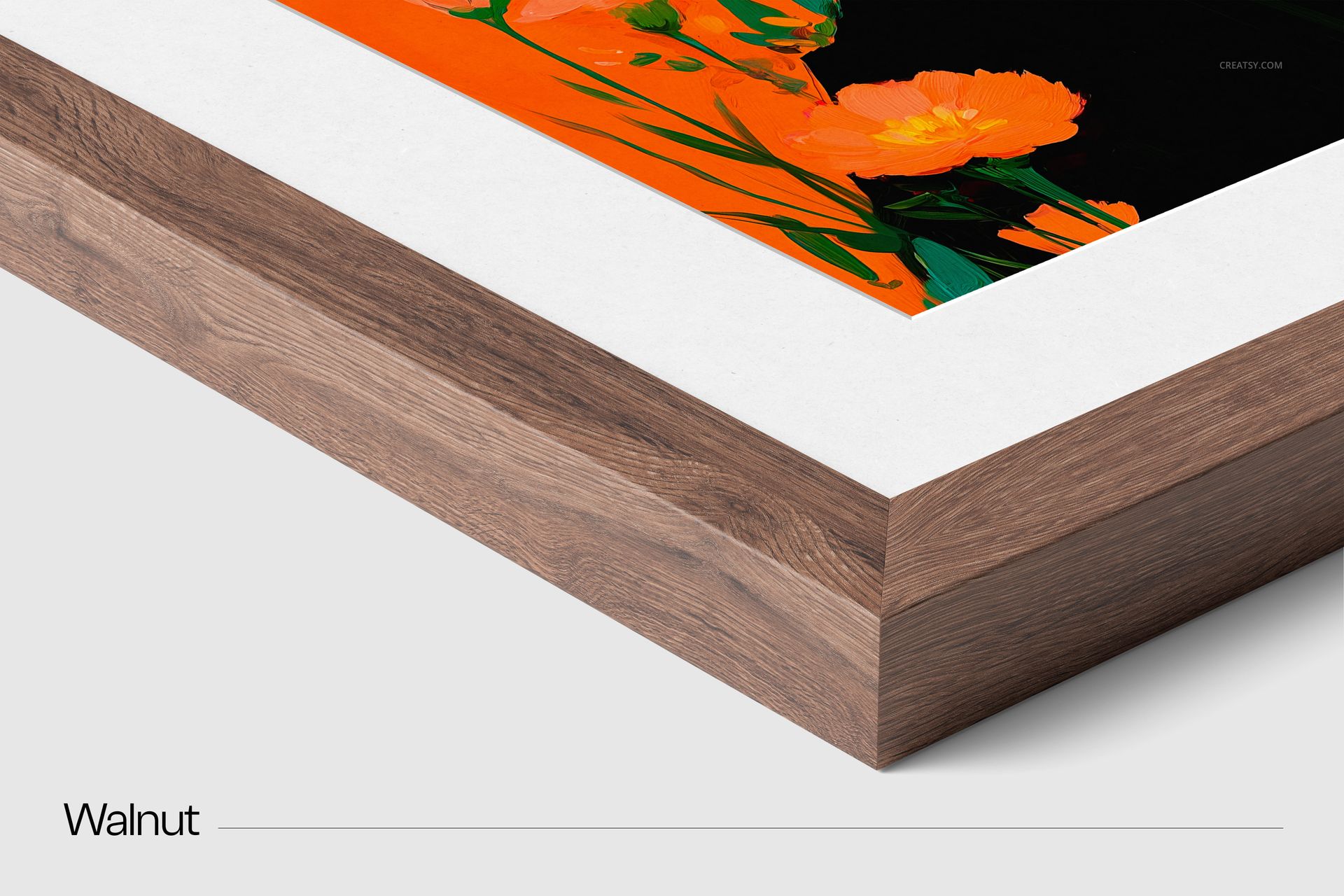
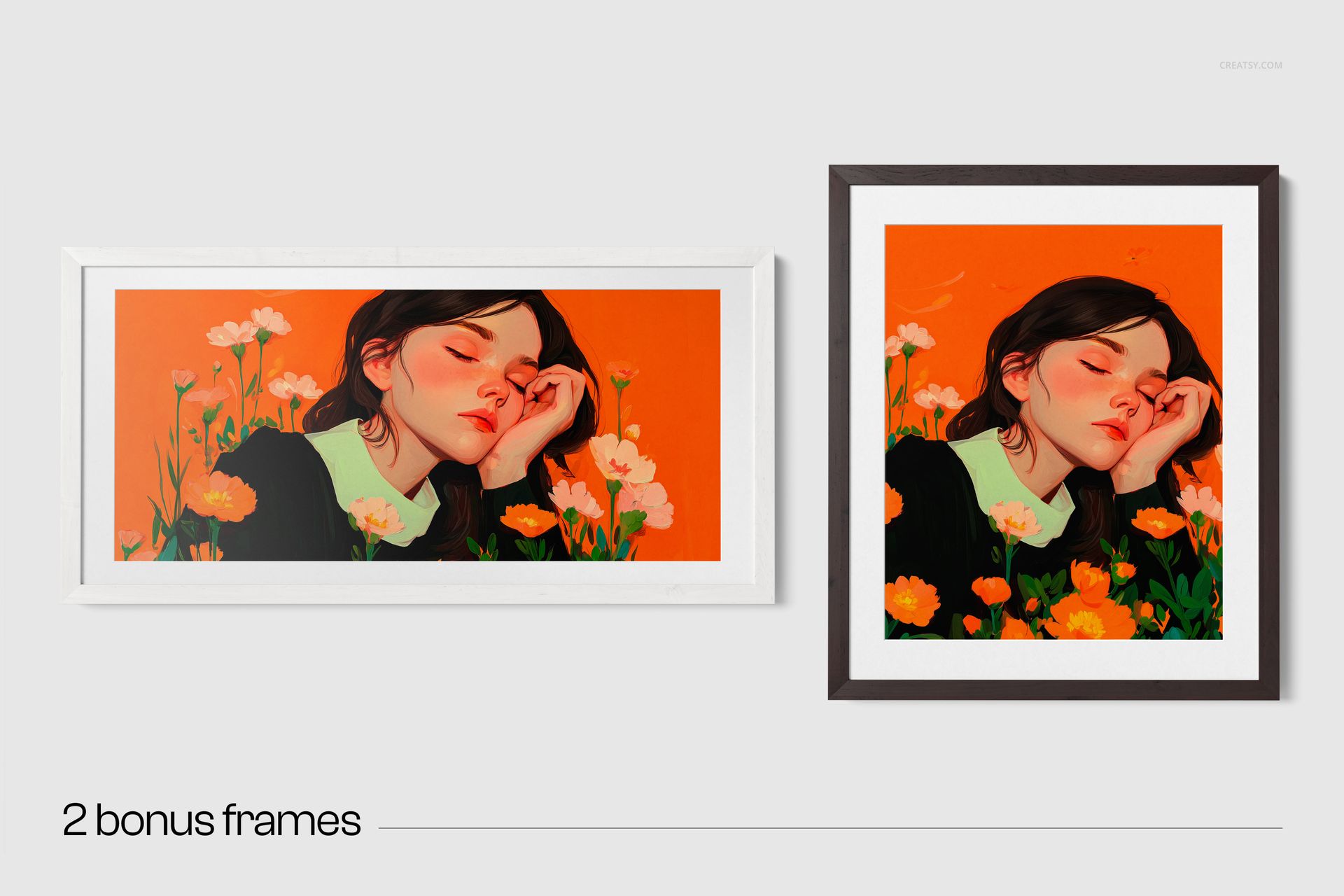
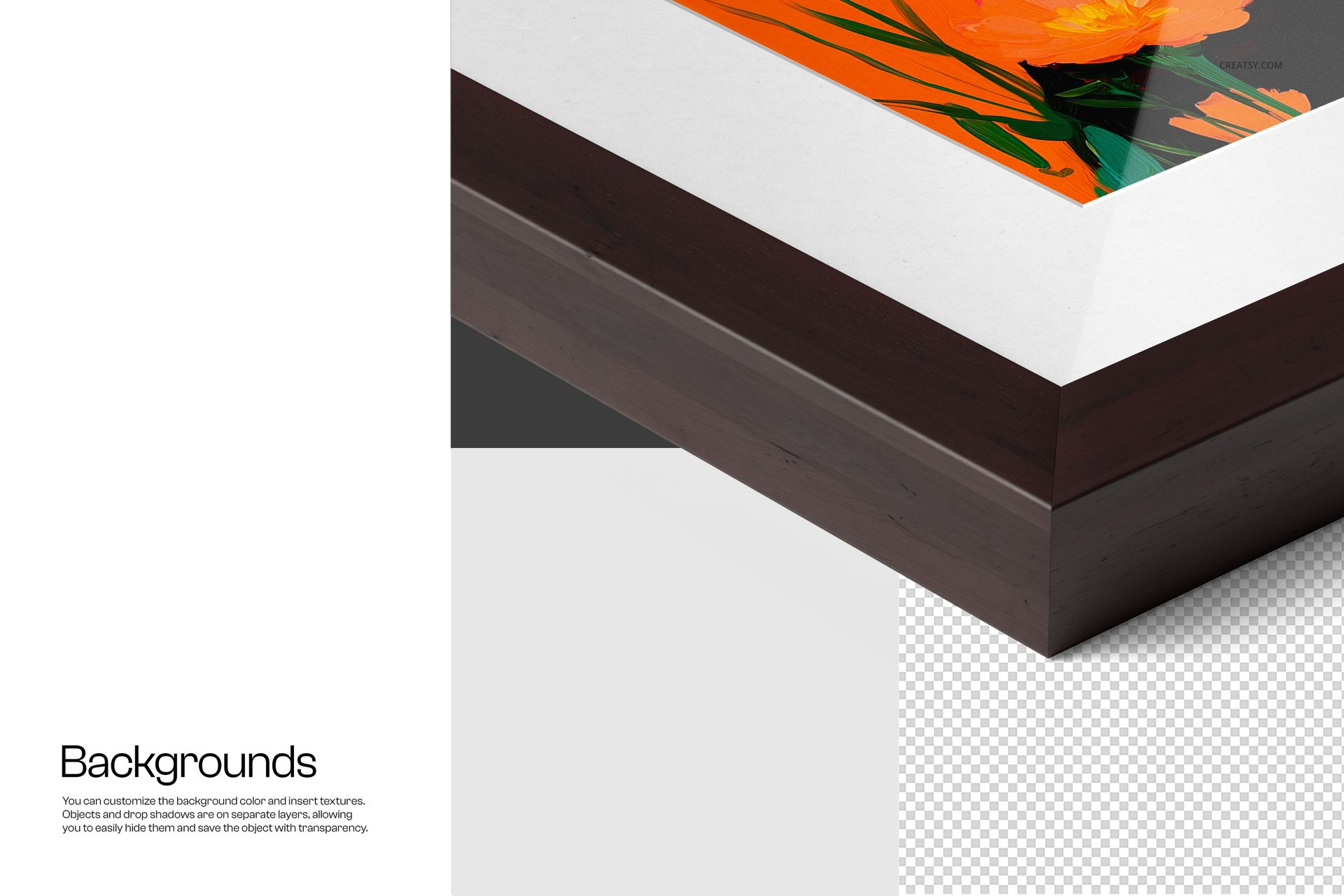
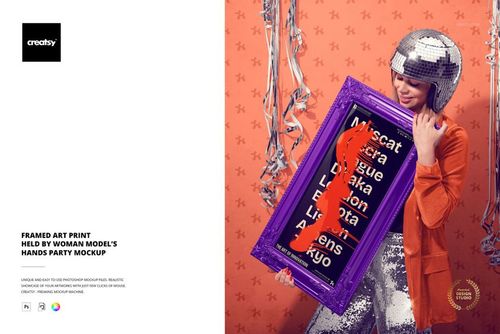
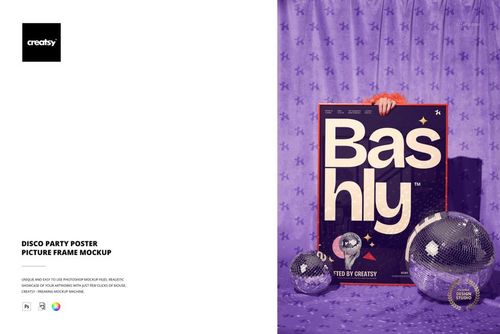
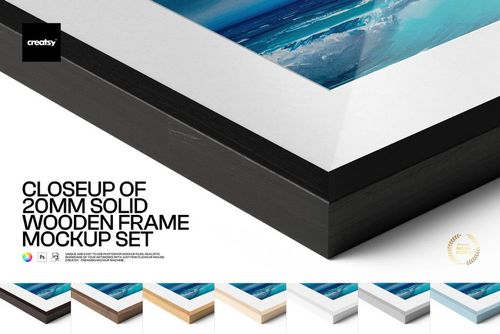
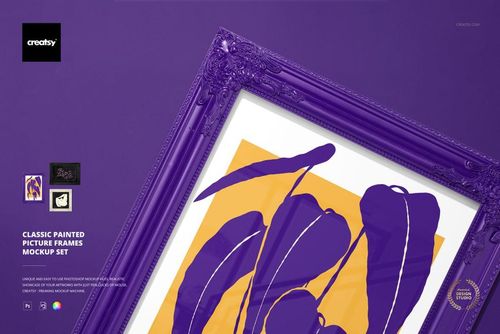
Present posters, fine art prints, photography and illustrations in a realistic solid wooden frame. The set combines a detailed corner close-up with vertical and horizontal wall-mounted scenes, helping customers see both the frame finish and the complete artwork presentation.
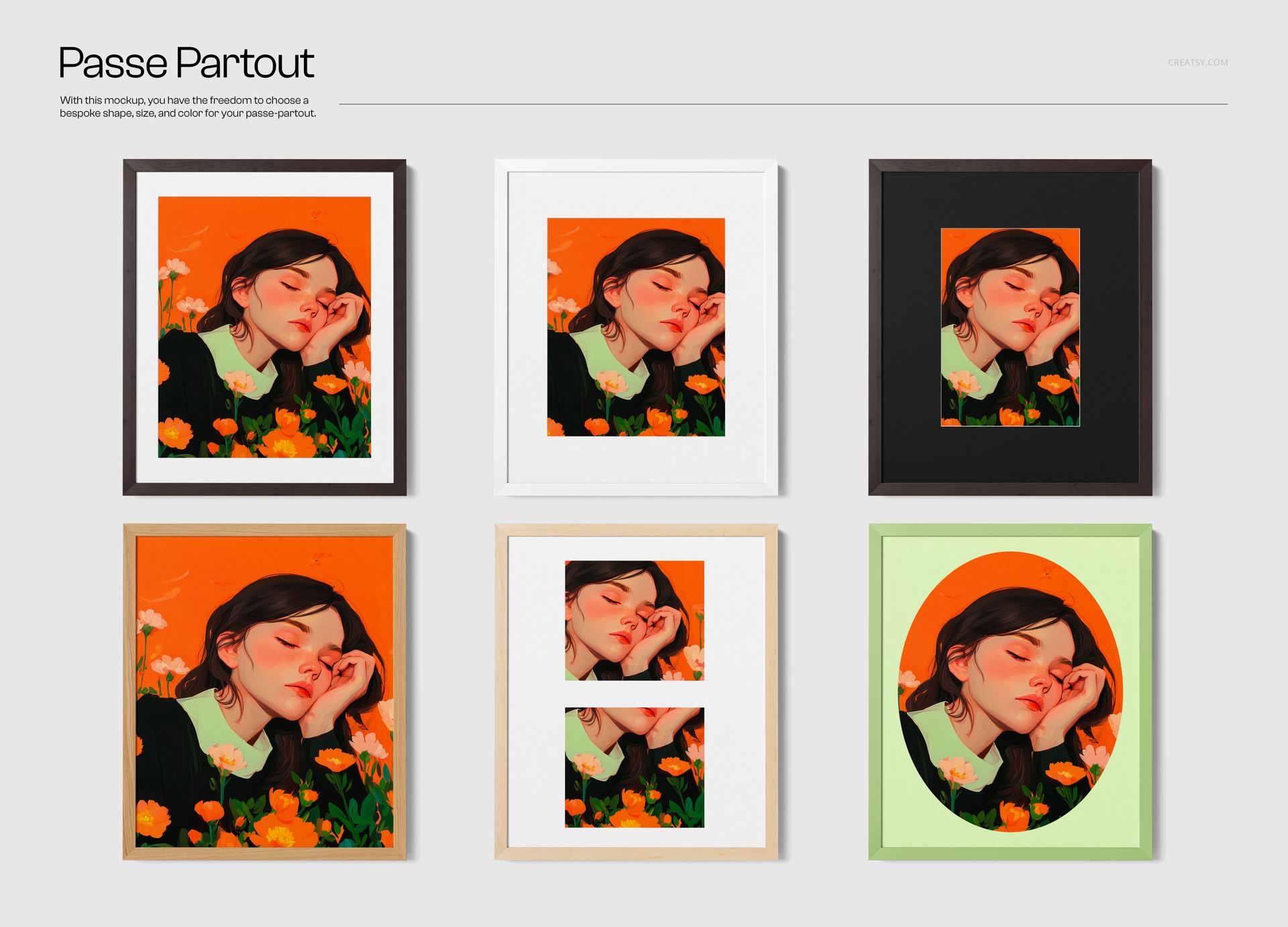
Six wood textures, customizable passe-partout layouts and optional glass finishes make it easy to prepare polished visuals for portfolios, client proposals, online stores and social media campaigns.
Included Files
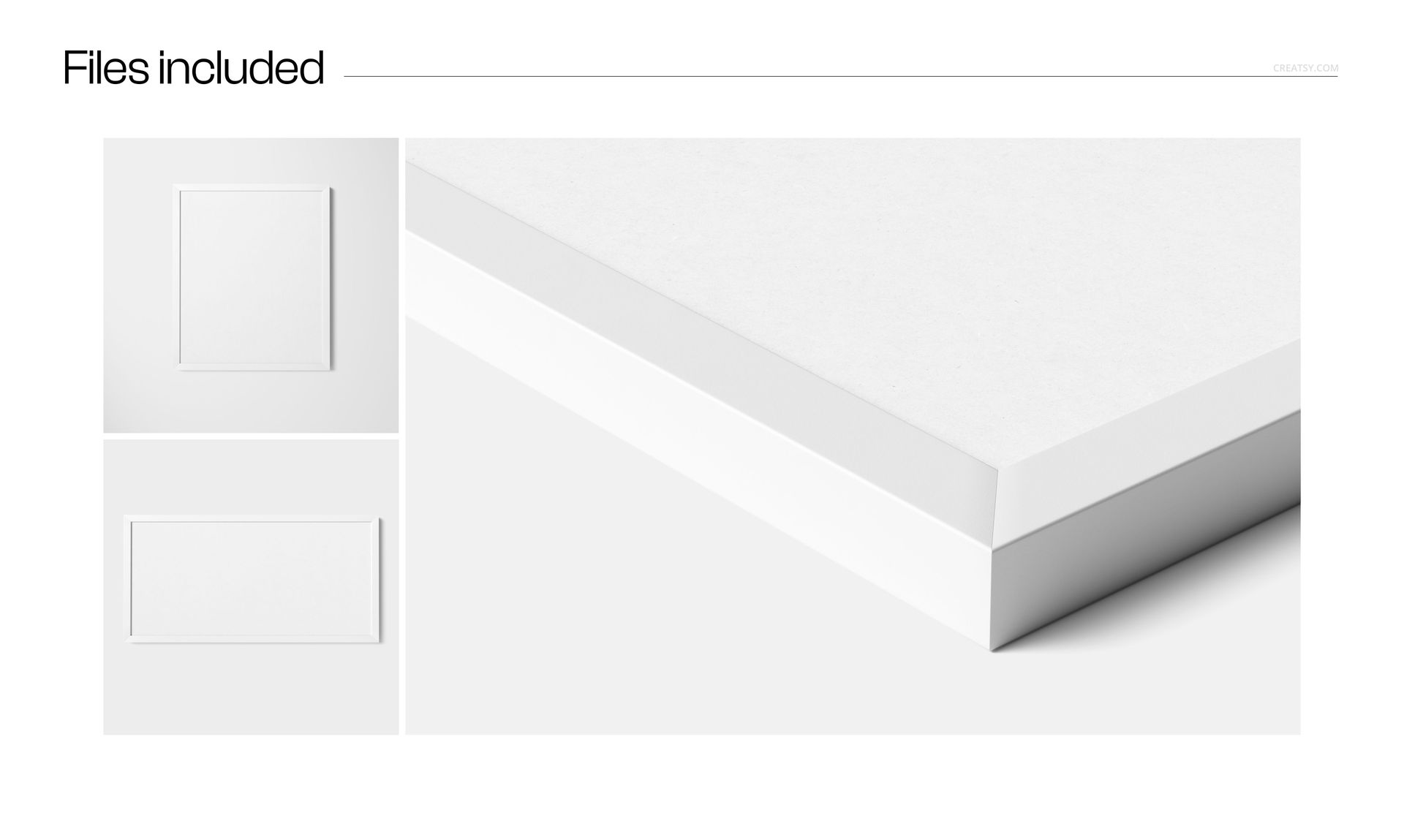
3 layered PSD mockup scenes
Approximately 6000 × 4000 px at 300 DPI
One detailed corner close-up scene
One vertical wall-mounted frame scene
One horizontal wall-mounted frame scene
Smart Object artwork replacement
Three Presentation Angles
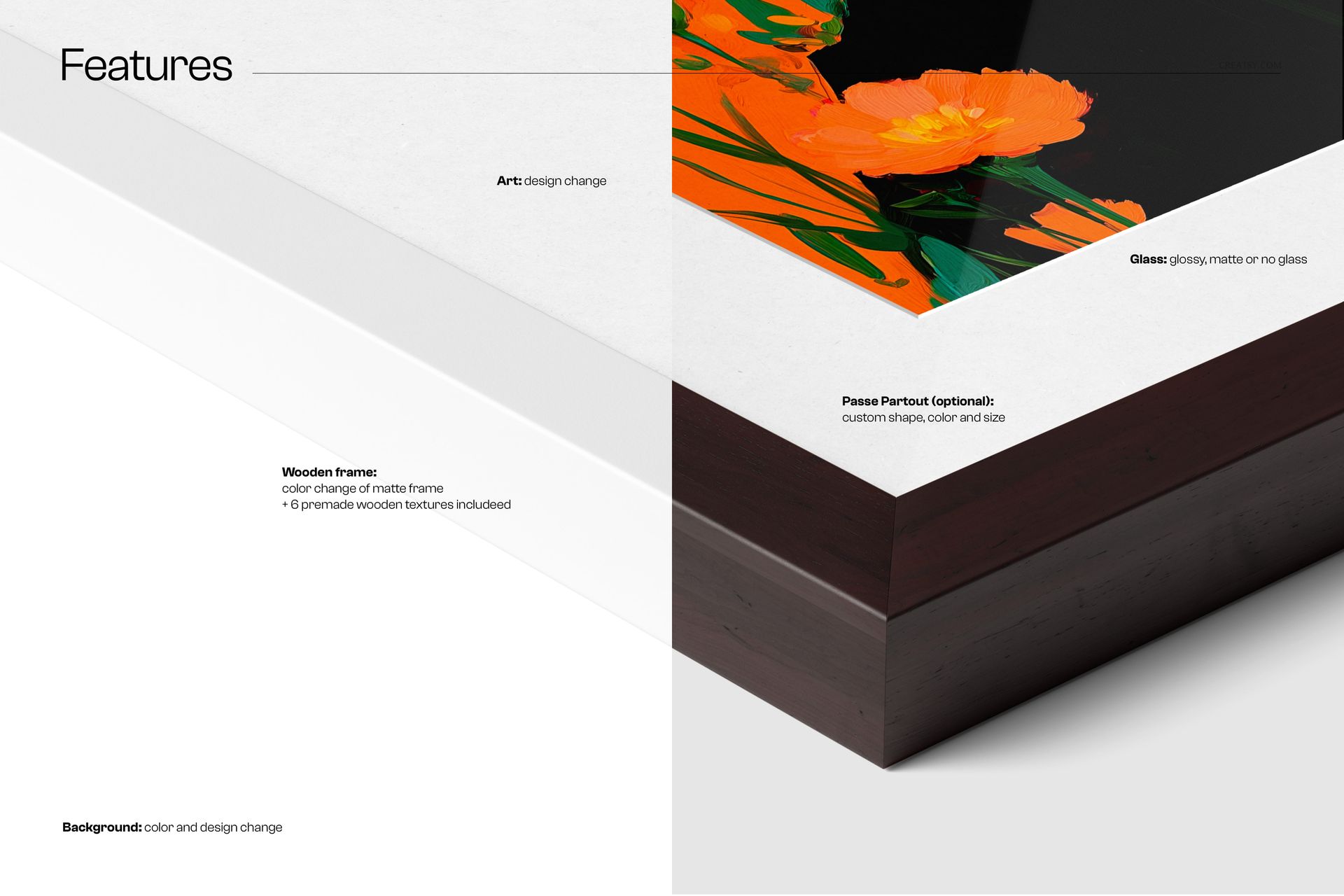
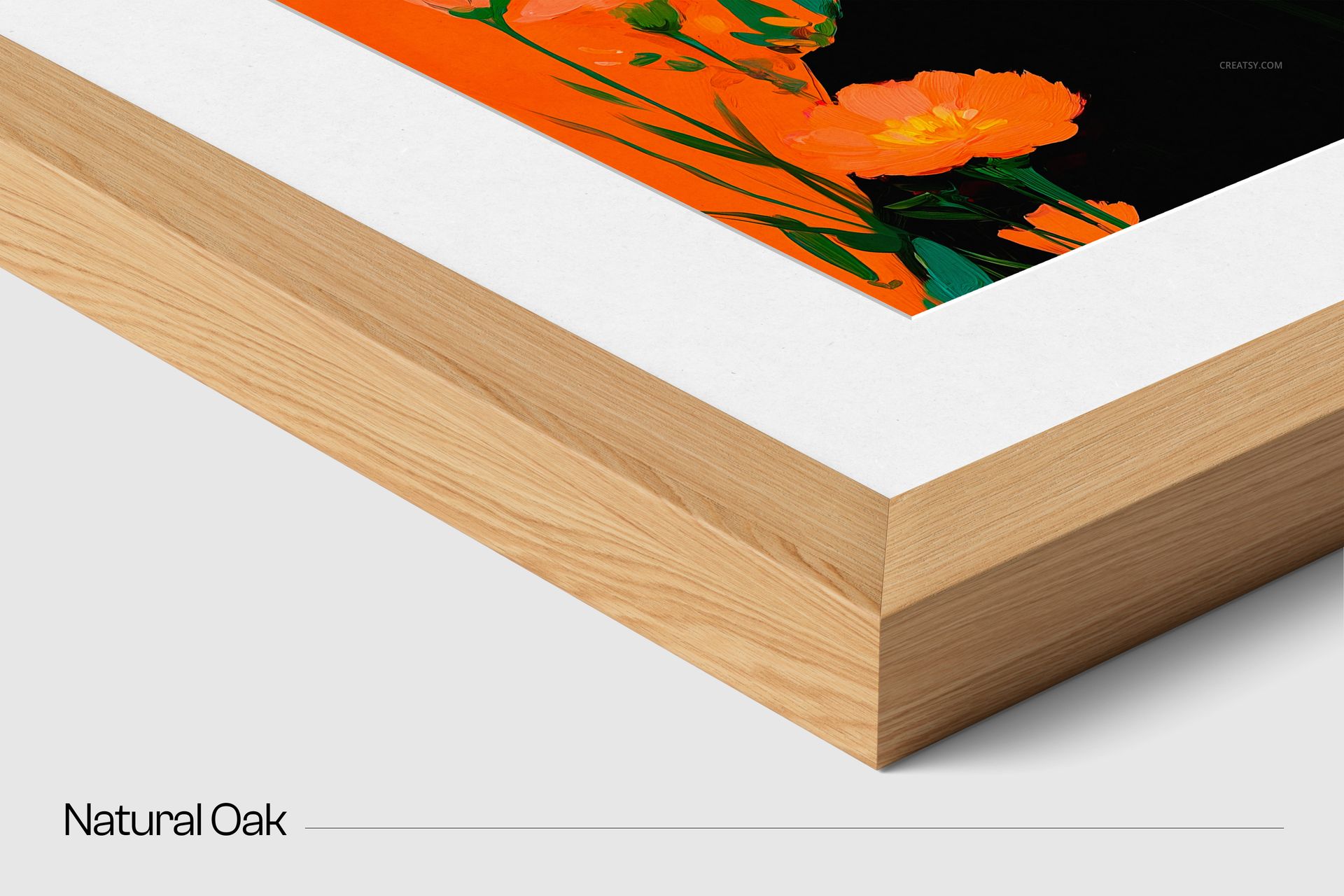
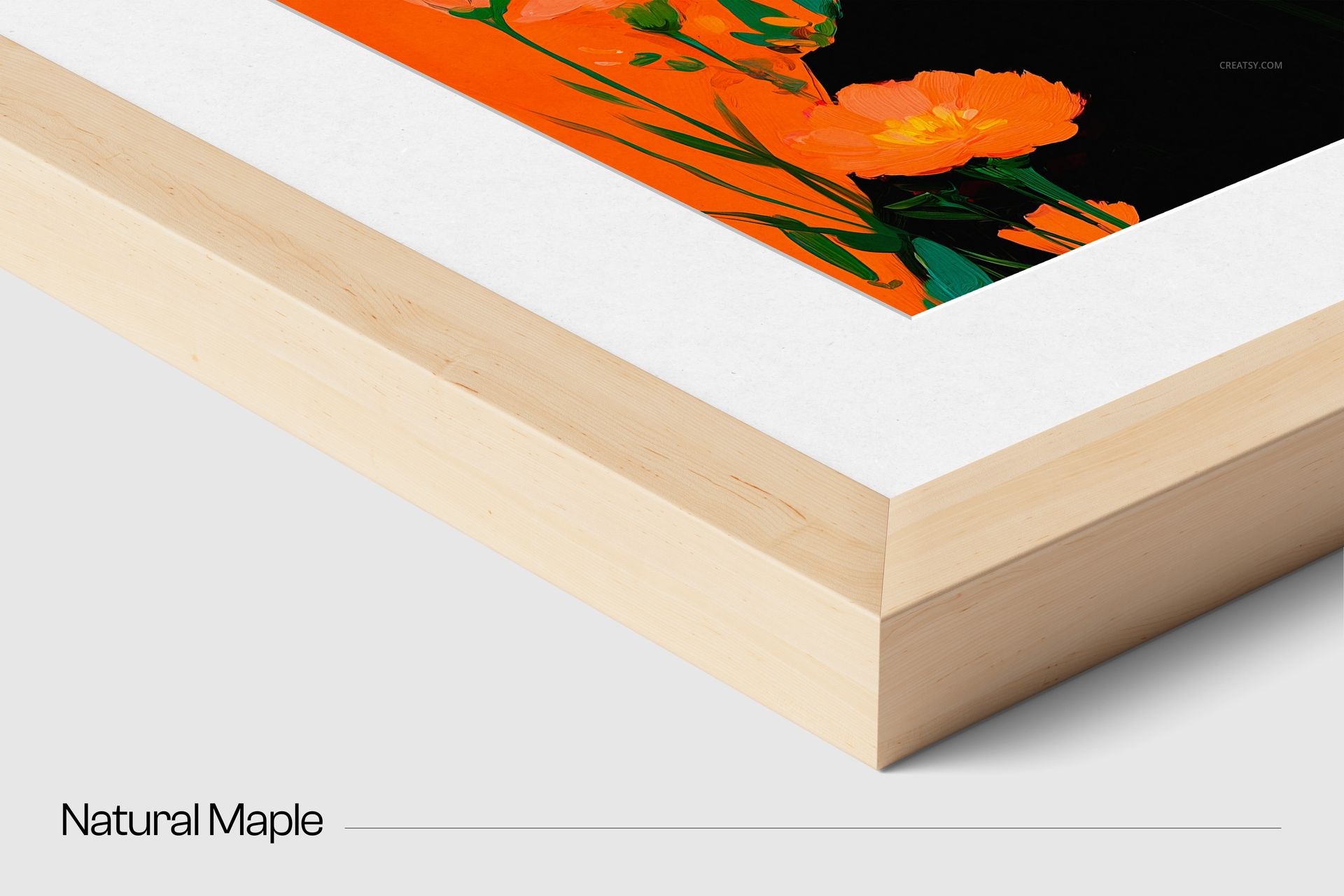
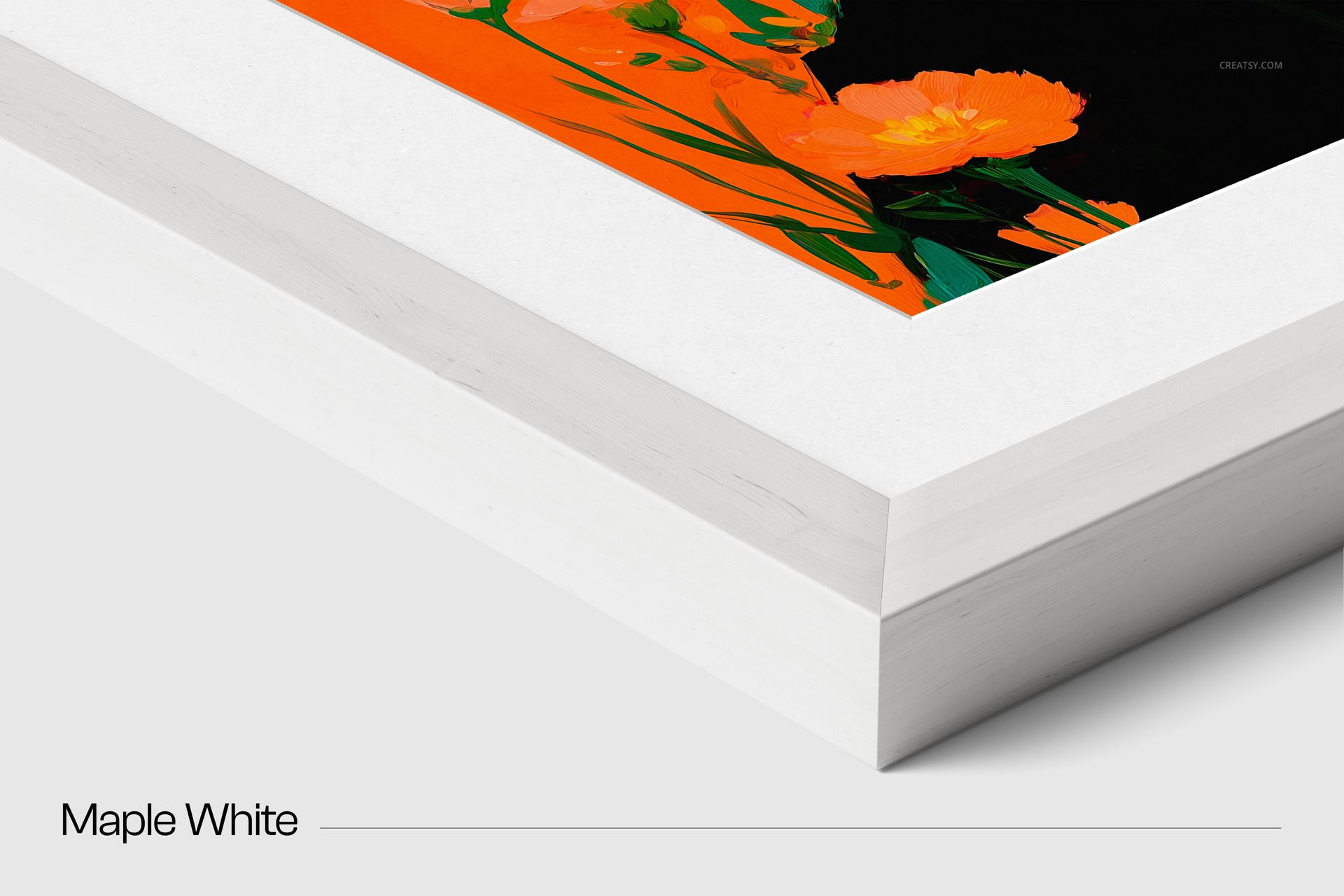
Use the close-up composition to highlight the wood grain, frame profile, mount and glass surface. The vertical and horizontal scenes show how portrait or landscape artwork looks as a complete framed display, giving you flexible images for product listings and presentation decks.
Wood and Frame Customization
Black oak, alder brown, walnut, natural oak, natural maple and maple white textures
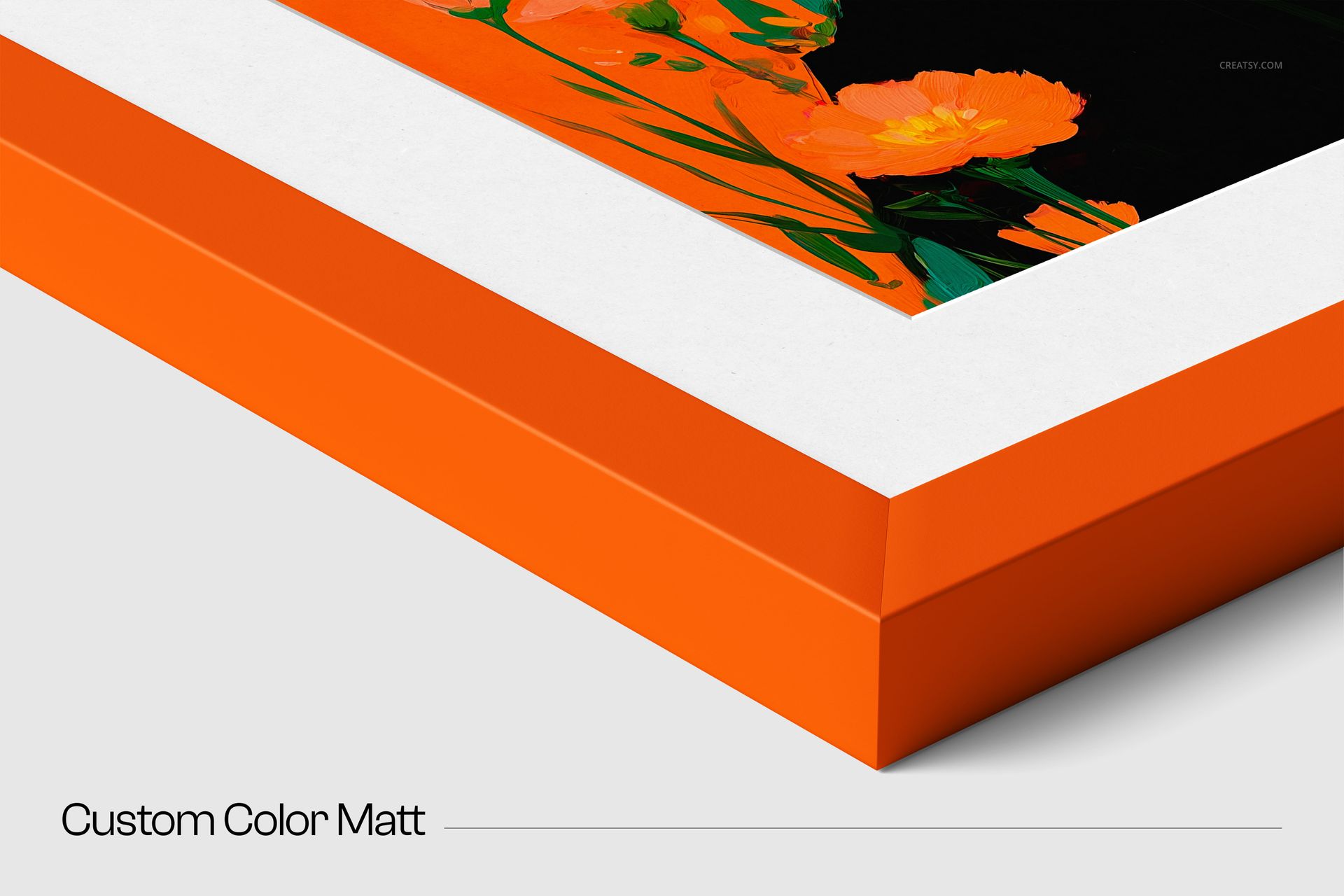
Customizable mount color
Six passe-partout styles, including large, small, oval, rectangular and split layouts
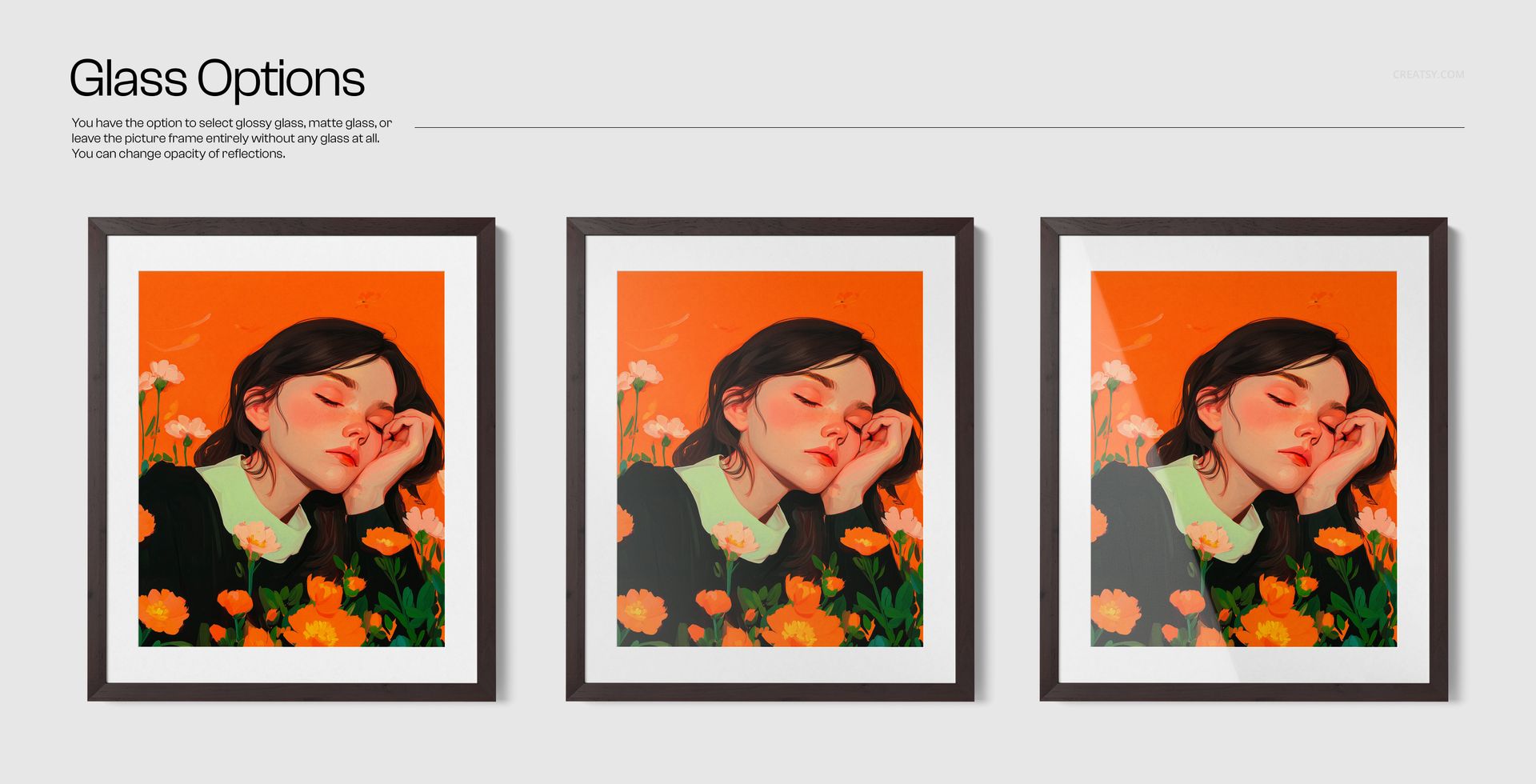
Glossy glass, matte glass or a glass-free presentation
Organized layers for efficient editing
Smart Object Workflow
Open the artwork Smart Object, place your poster, photograph or illustration and save the file to update the scene. The frame texture, mount, glass effect, shadows and lighting remain aligned around the replacement artwork.
Ideal Uses
Framed poster and art print product pages
Photography and illustration portfolios
Wall art previews for online stores
Client proposals and print approval presentations
Social media and advertising graphics
Wood finish and mount comparisons
This is a digital mockup set, not a physical wooden frame or printed artwork. Preview artwork is used for demonstration and is not included unless explicitly stated in the product files.