Picture Frame Mockup Set - Outdoor Edition

ID: 1305157973 | Updated: Feb 21, 2025

Product Details

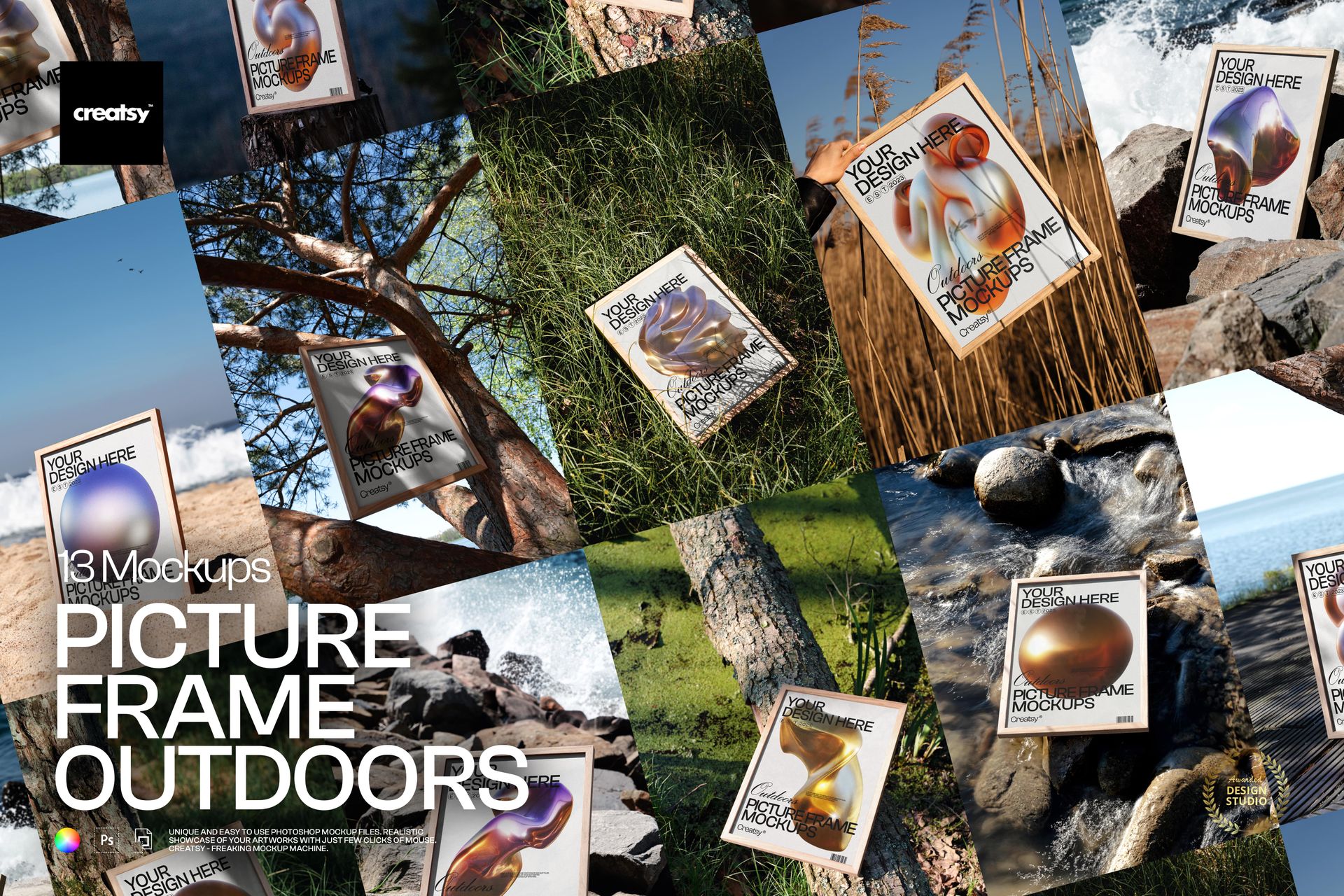
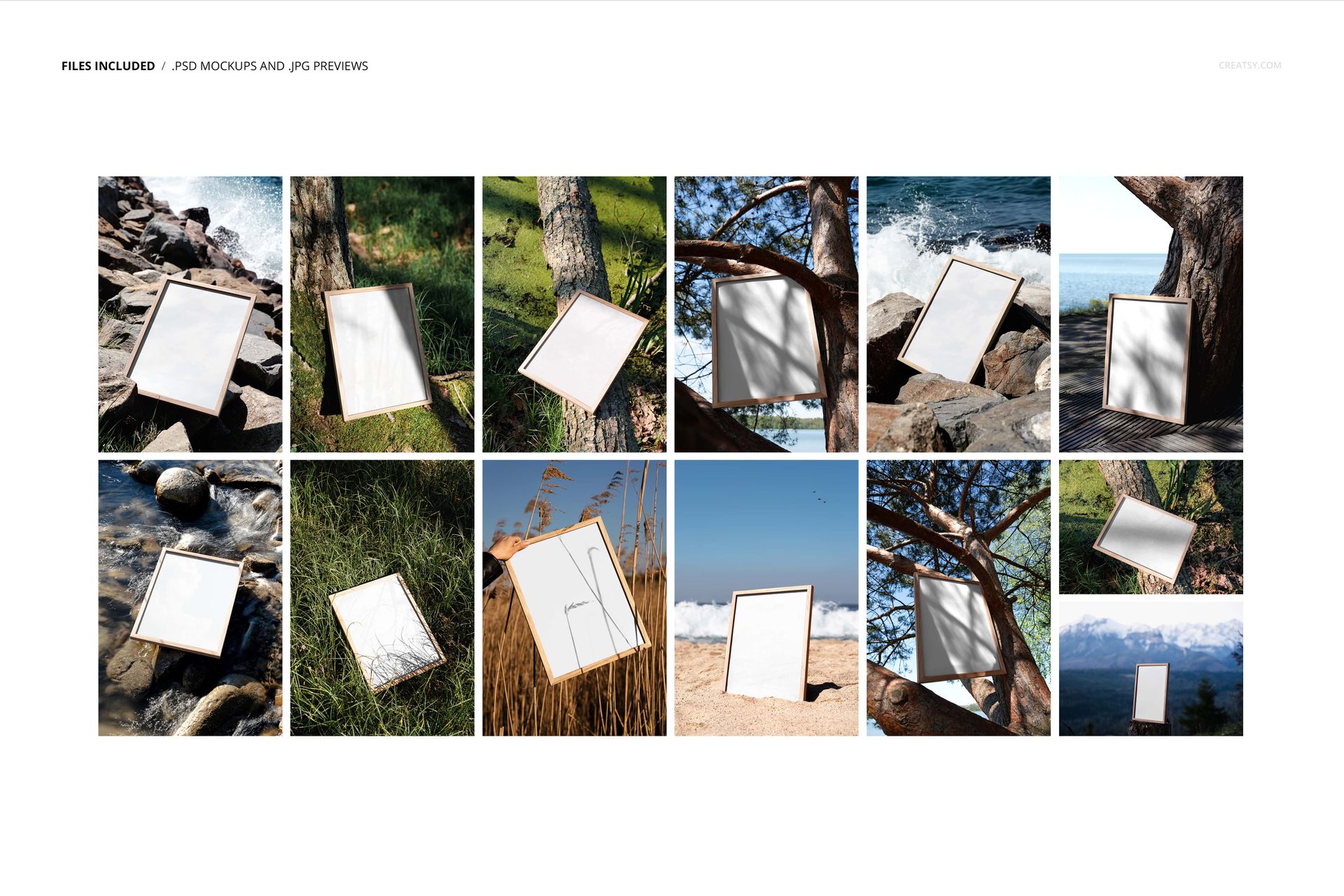
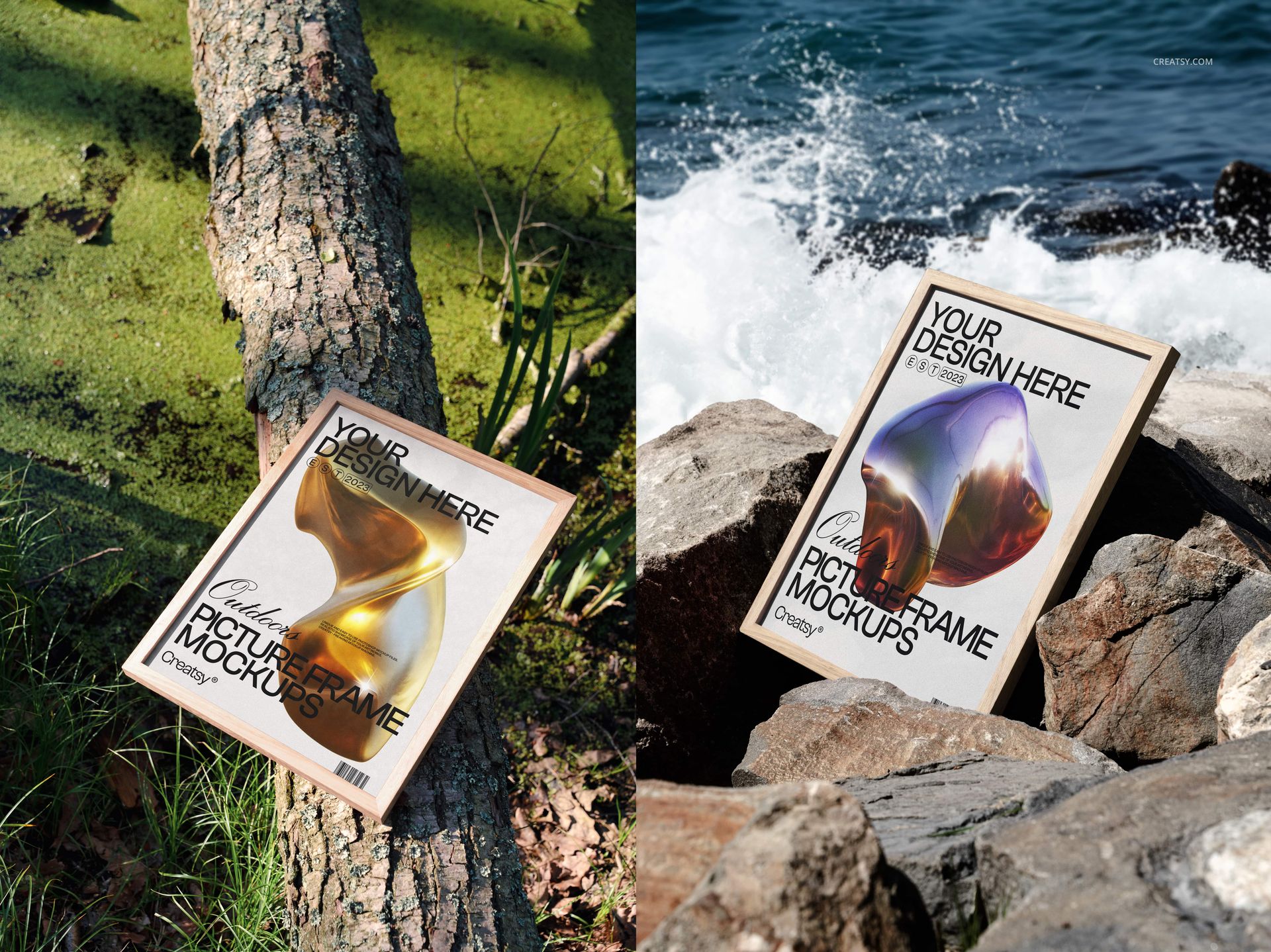
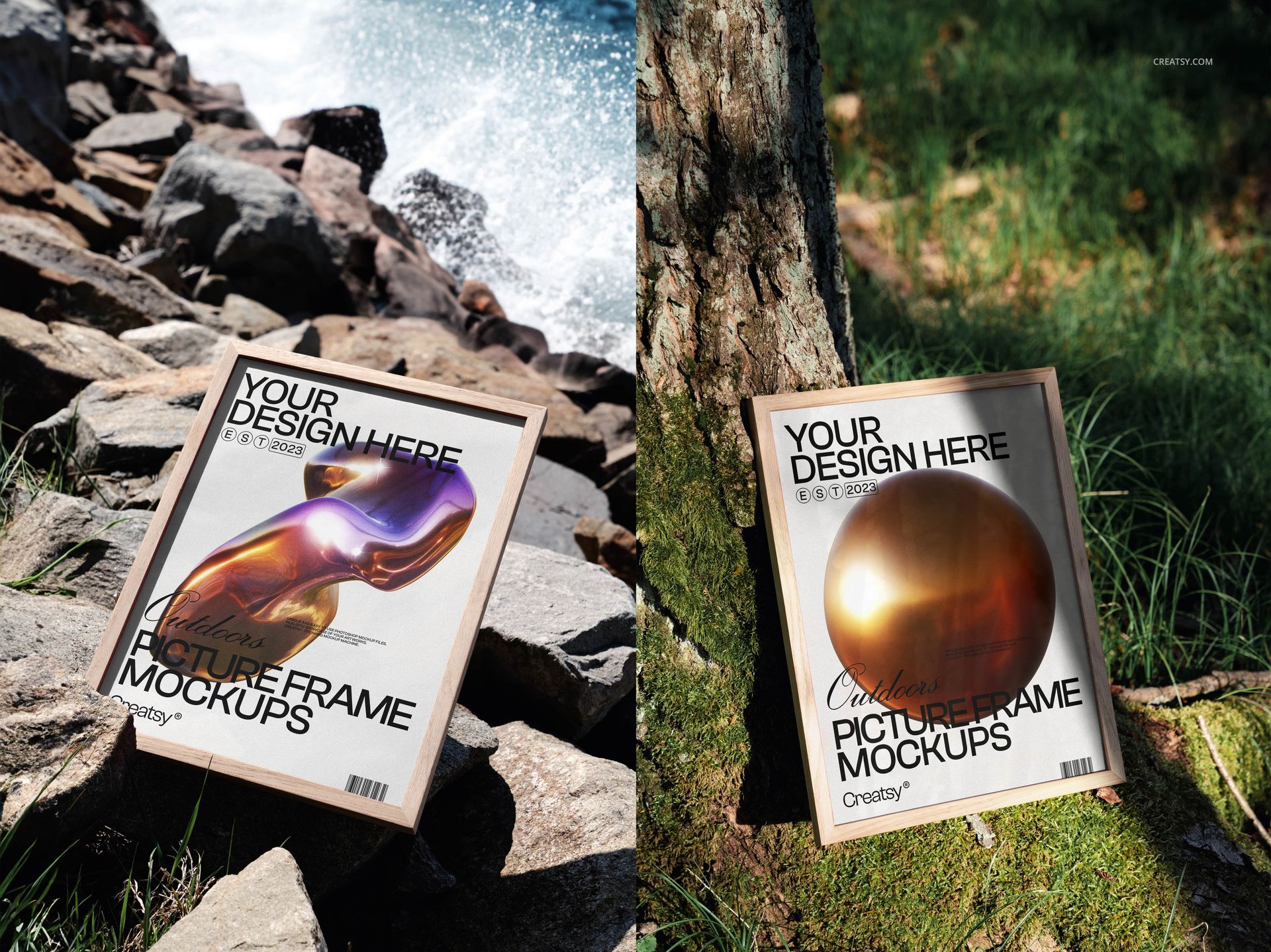
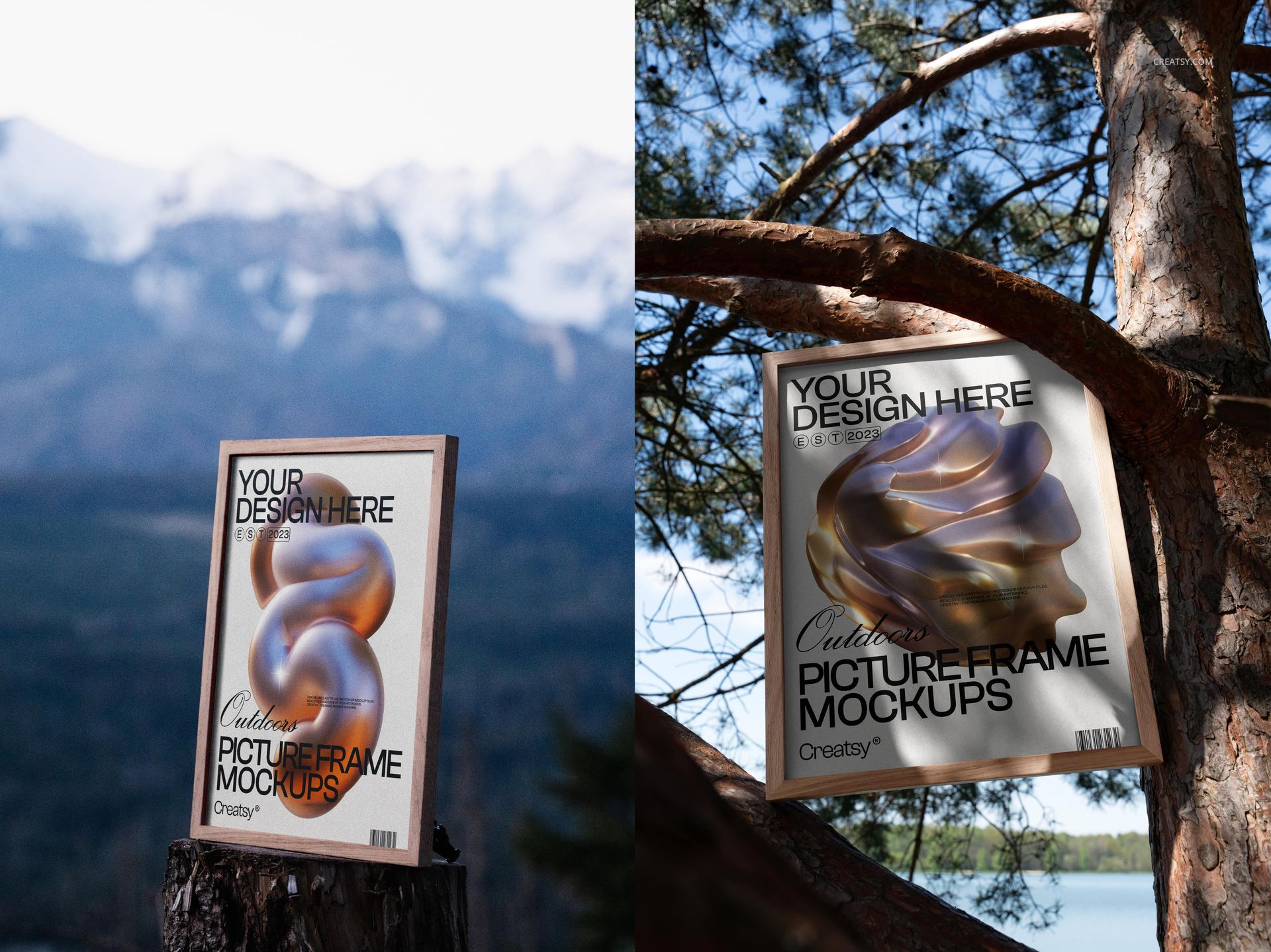
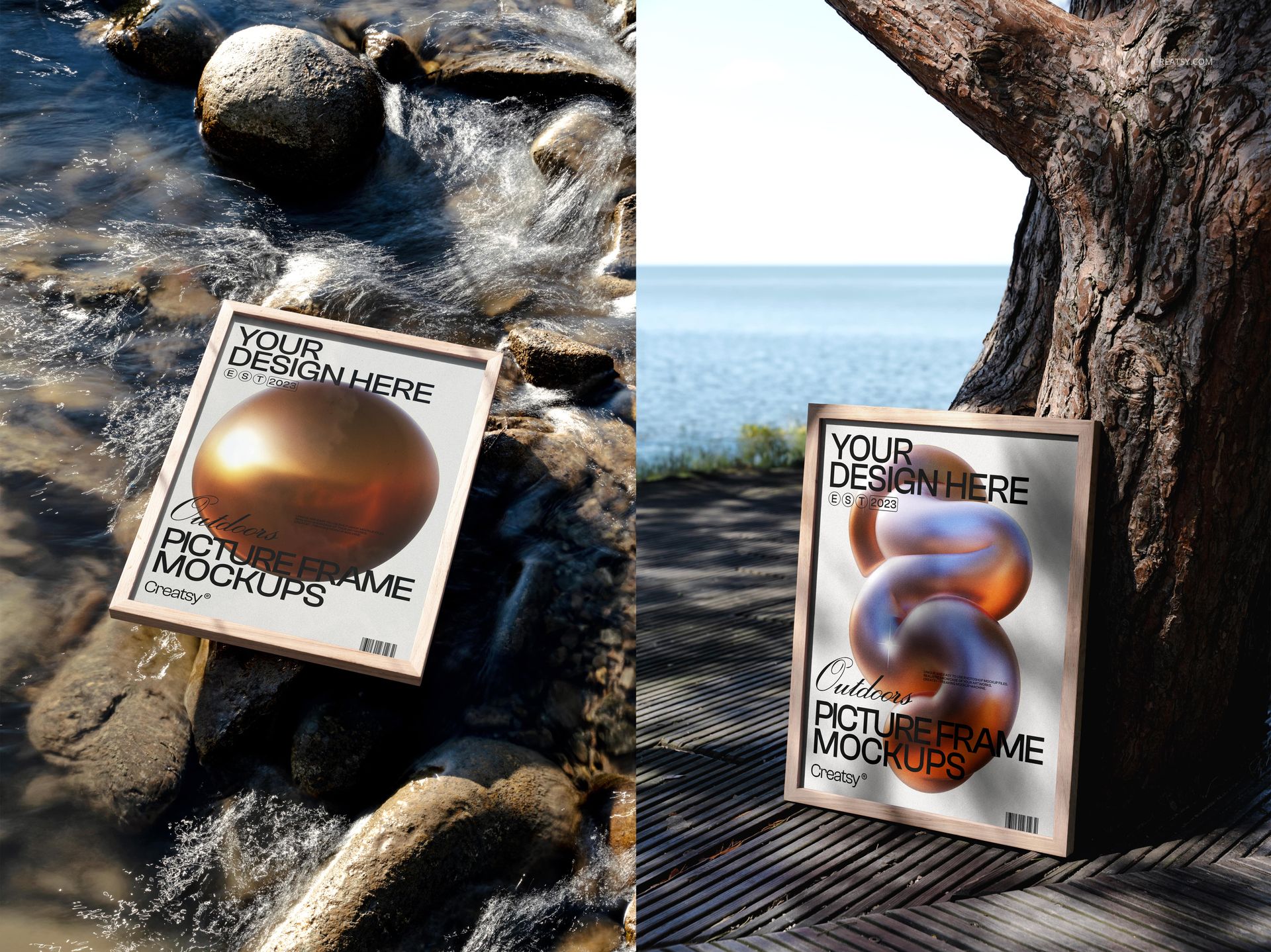
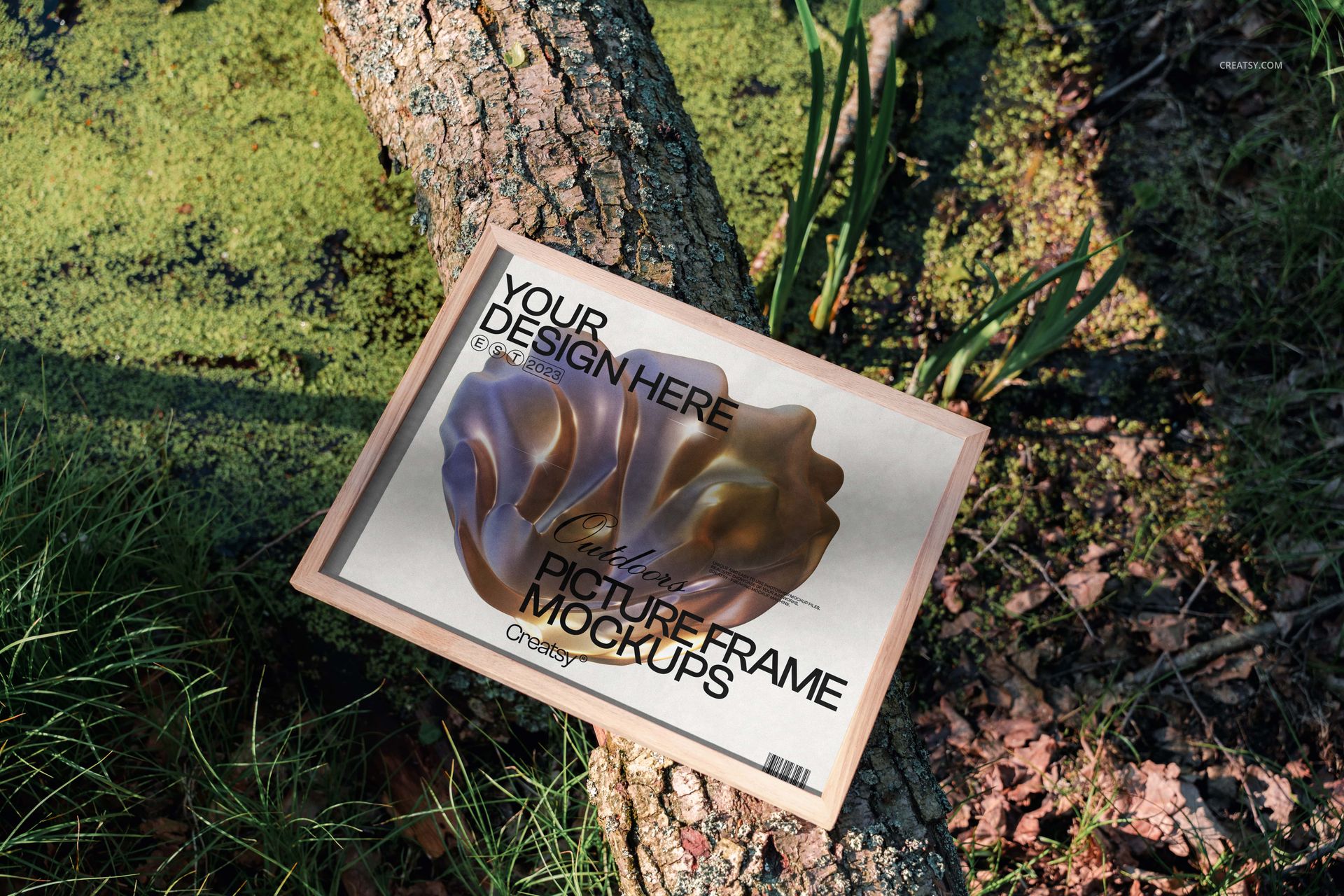
Thirteen PSD files placing picture frames in outdoor environments that no studio setup can replicate. Forest floors covered in fallen leaves, rocky shorelines where water meets stone, sunlit clearings between trees, sandy stretches near the ocean - each scene wraps the framed artwork in a specific mood that white-wall gallery mockups deliberately avoid. The files measure 6000 x 4000 pixels at 300 DPI, producing landscape-format images at print resolution. This mockup set requires Adobe Photoshop CC 2015 or newer and does not support Photopea or other free PSD editors.

What Outdoor Framing Changes

A framed print photographed against a white wall communicates product dimensions. A framed print photographed against a forest backdrop communicates feeling. The difference matters for artists, photographers, and print shops selling emotional work - landscape photography, nature illustration, abstract expressionism, botanical prints - where the purchasing decision depends on whether the buyer can imagine the piece in their personal space. These outdoor scenes provide that imaginative bridge. They suggest that the artwork belongs in a world of natural texture, seasonal color, and organic imperfection rather than in the sterile precision of a gallery wall.

Thirteen Scenes, Thirteen Contexts

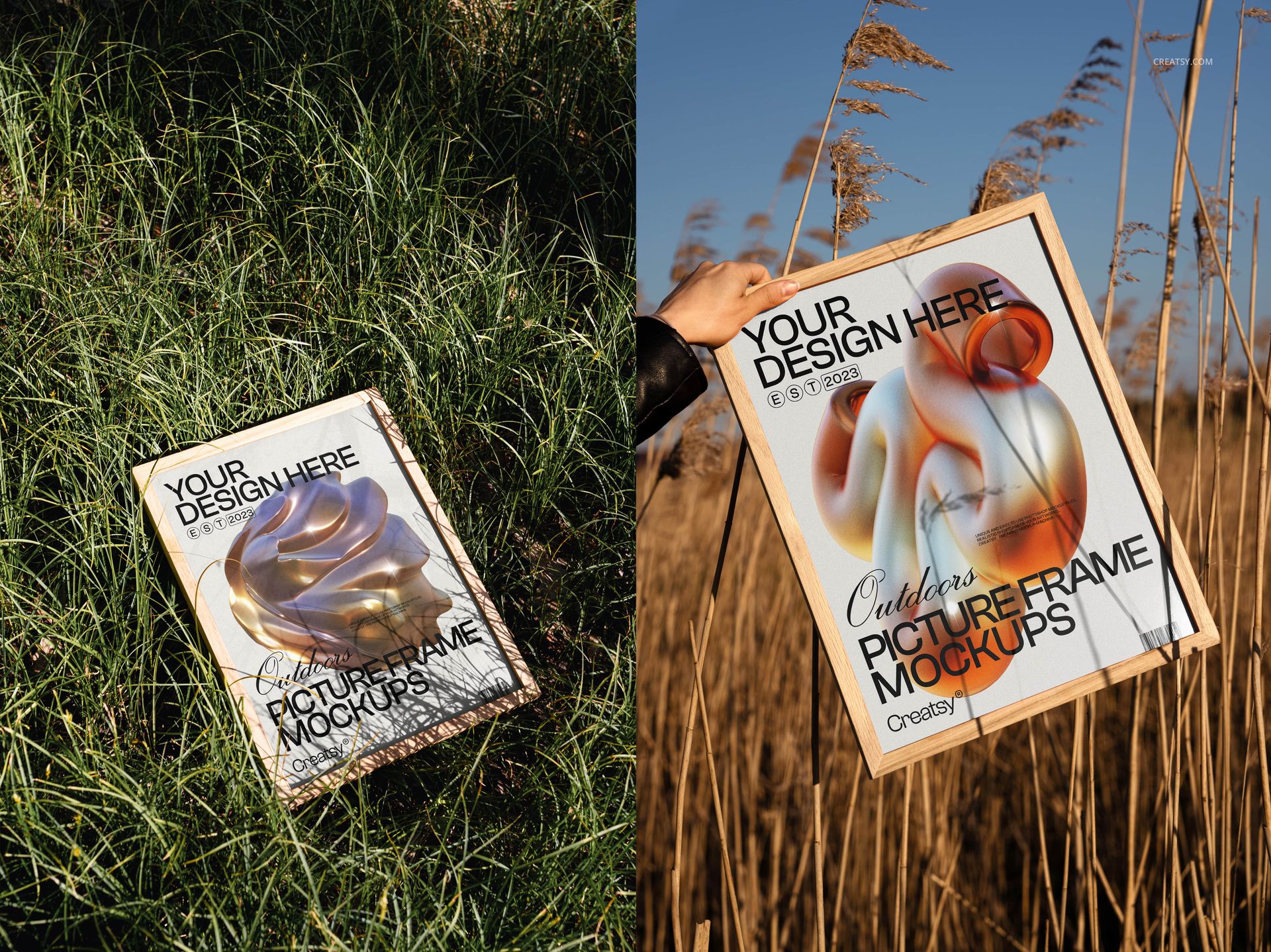
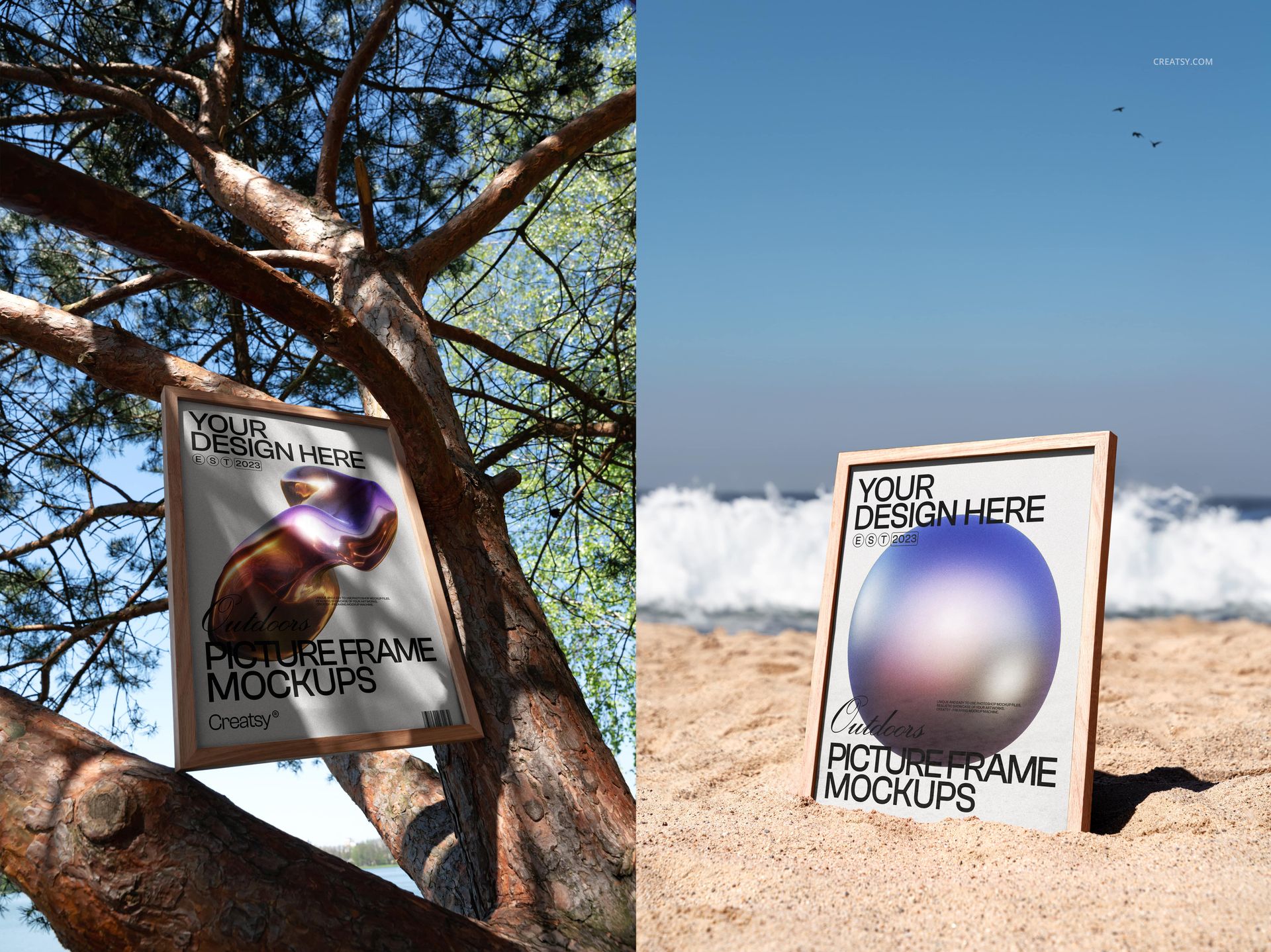
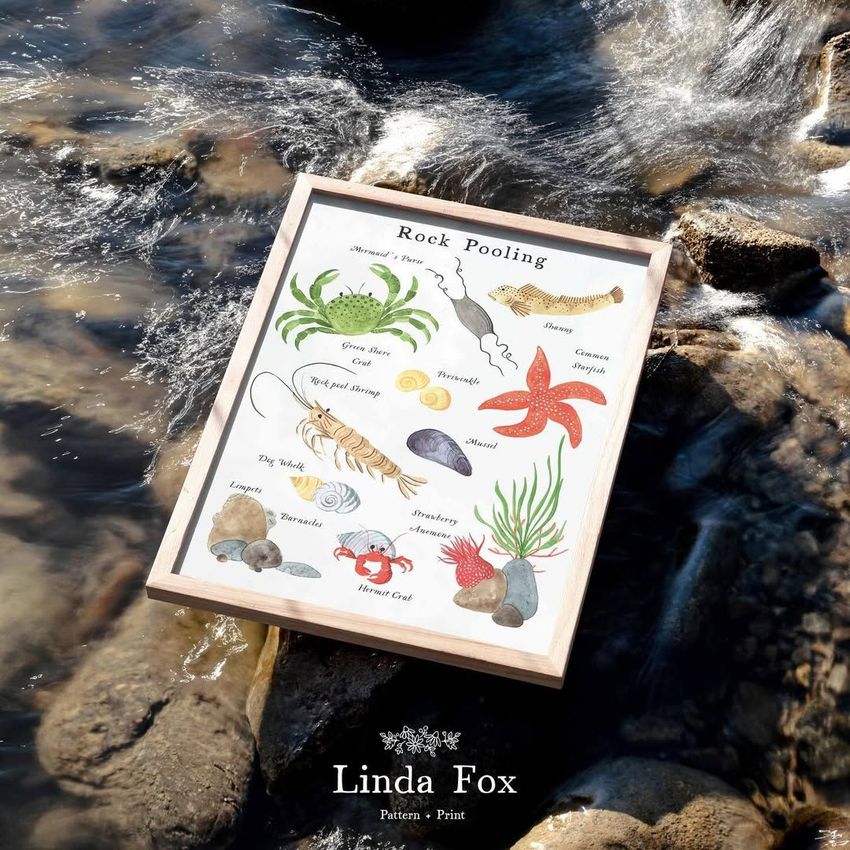
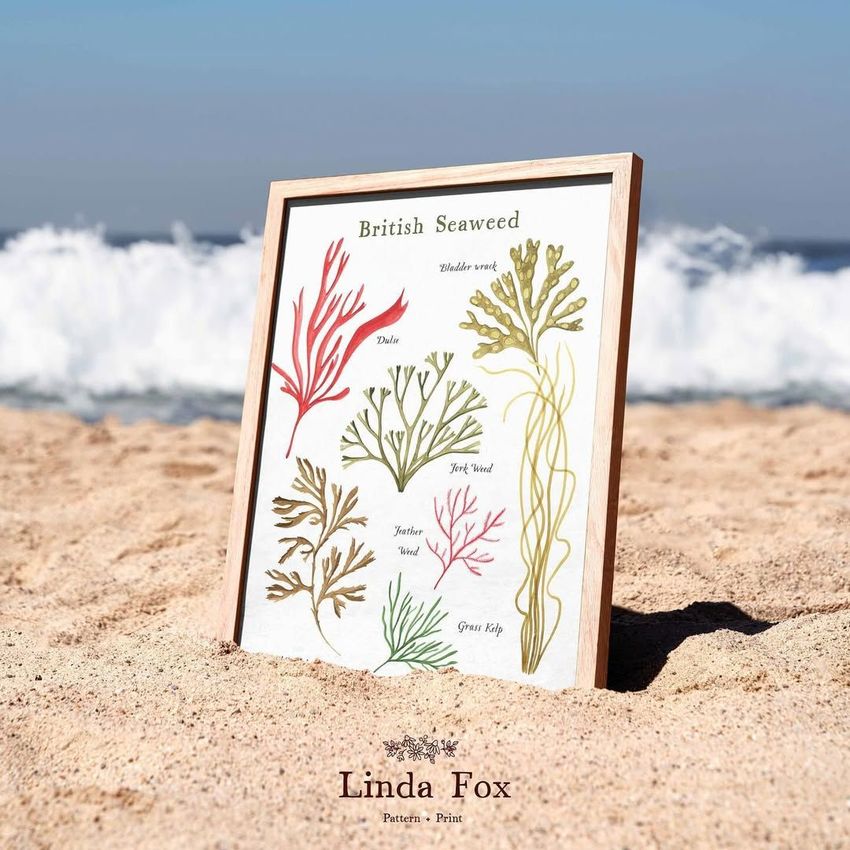
The set spans a range of natural environments: wooded areas where trees frame the frame, rocky surfaces where stone textures complement printed artwork, beach-adjacent scenes where sand and water create a coastal atmosphere, and open meadow compositions where natural light does the presentation work that studio strobes do in indoor setups. Some files feature single frame compositions for hero product images. Others arrange multiple frames in the same scene for collection presentations, series displays, or size comparison visuals where a buyer needs to see how different print dimensions relate to each other and to the surrounding environment.

Frame Construction and Presentation Style

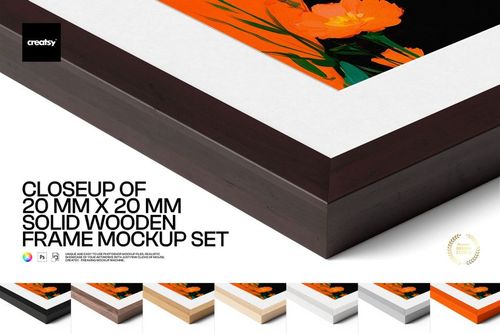
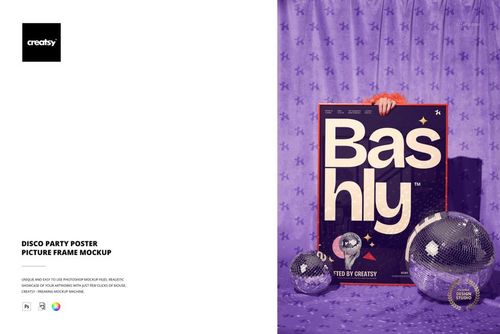
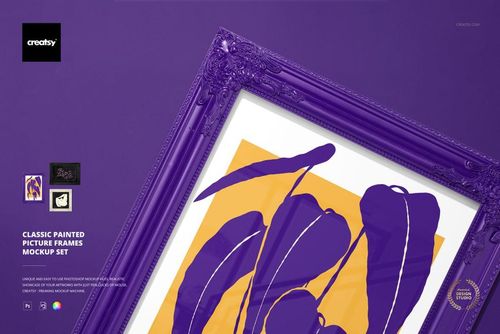
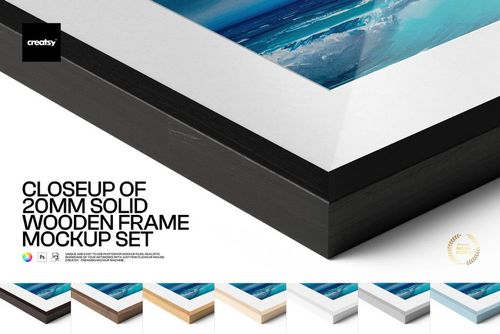
The frames shown in the screenshots use wooden construction with visible grain patterns that connect visually to the outdoor surroundings. This design choice reinforces the natural-materials aesthetic that runs through the entire set. The wood grain, combined with the outdoor backdrops, creates a cohesive visual language that reads as intentionally rustic, organic, and handcrafted rather than mass-produced. For print sellers targeting audiences who value sustainability, natural materials, and artisanal craftsmanship, this framing style communicates brand values through presentation alone.

Smart Object Workflow

Each of the thirteen PSD files contains smart object layers for the framed artwork areas. Open any file in Adobe Photoshop CC 2015 or newer, locate the smart object layer in the layers panel, and double-click the thumbnail to open the embedded design canvas. Place your artwork, photograph, illustration, or print design into the canvas, adjust scaling to fill the frame area, and save. The main document updates with your work mapped into the frame, complete with realistic lighting, shadow interaction between the frame and its outdoor surroundings, and the perspective adjustments that make the inserted artwork sit naturally within the scene rather than appearing pasted on top of it.

Color Presets and Scene Variations

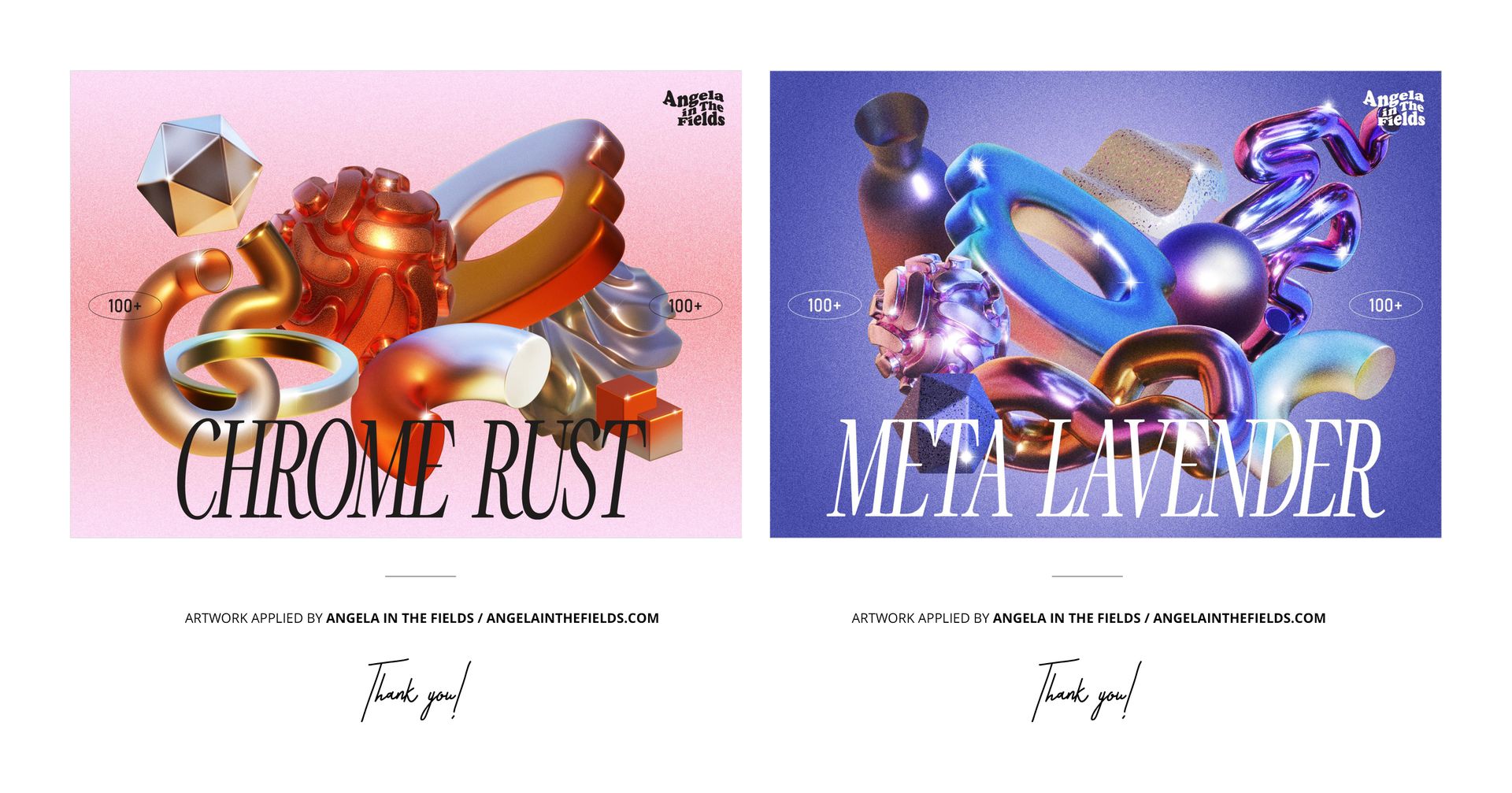
The product screenshots show labeled color presets including Chrome Rust and Meta Lavender, indicating adjustable color grading options within the PSD layer structure. These presets allow you to shift the overall mood of each scene - warming the autumn forest tones, cooling the coastal blues, or adding stylized color treatments that match specific brand aesthetics or seasonal campaign themes - without modifying your artwork or rebuilding the scene from scratch.

Technical Requirements

Each file measures 6000 x 4000 pixels at 300 DPI in landscape orientation. The total download package is 1.03 GB across thirteen PSD files. Files require Adobe Photoshop CC 2015 or newer and do not open correctly in Photopea, Affinity Photo, GIMP, or other alternative PSD editors due to advanced layer features and smart object structures that these editors cannot fully interpret. The landscape format produces images sized for website hero banners, Etsy listing carousels, portfolio galleries, and social media posts on platforms that favor horizontal compositions.

File details

Compatibility
PhotopeaAdobe Photoshop
Number of files included
26
Package size
1.02 GB1.02 GB|1.1 GB1.1 GB
Files type
.psd, .jpg
Files size
6000x4000
TEST FOR FREE

Reviews

Professional PSD mockups built in-house - editable, realistic, high-resolution, and supported by real people.


No reviews yet.

Made with Creatsy

Real designs. Real customers. See how creatives use Creatsy mockups to turn their artwork, branding, and product ideas into polished visuals.

MEET THE SHOP

Creatsy logo

Creatsy

Poland
4.7 (660)

Bring your ideas to life.

We're a family-run studio in Katowice, Poland, making PSD mockups by hand since 2016. Everything in this shop starts in our own studio. We shoot the photography, build the 3D, and put together every Smart Object PSD ourselves - then we test it, organize the layers, and only ship it once it actually works...
GO TO SHOP

HOW IT WORKS

3 clicks. That's it.

No tutorial needed. If you can copy-paste, you can use this.

  1. 1OpenDouble-click the smart object inside the PSD - in Adobe Photoshop, or free in your browser with Photopea.
  2. 2PasteDrop in your pattern, print, or artwork. Any design, any style.
  3. 3SaveHit save and the mockup wraps it in for you - shadows, folds, and lighting included.
FROM IDEA TO IMAGE

Built for real workflows

Show the finished print on the wall Poster, canvas, or acrylic - drop your art in and the client sees the hung piece before it goes to print.

See it on the product, not a swatch Drop your file into the smart object and the scene's lighting and folds wrap around it, so you judge the real thing before you commit.

Smart Objects

Edit once and you're done. Your artwork drops into a smart object and the mockup updates itself - no masking, no warping by hand.

Perfectly Organized

Named layers and folders you can actually navigate. Find what you need, change what you want, and get out fast.

Print-Ready

High-resolution files built to hold up on screen and in print. Exact size and DPI are in this product's Details above.