Paper Bag Type 1 Mockup Set
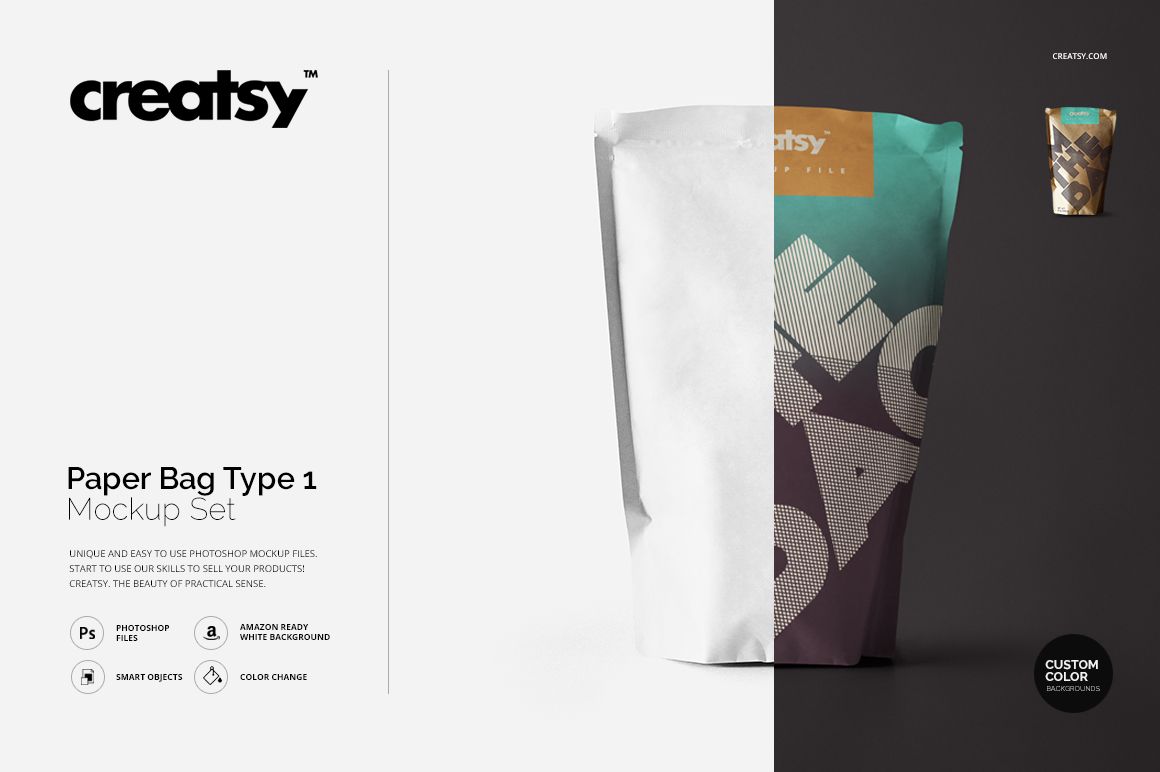
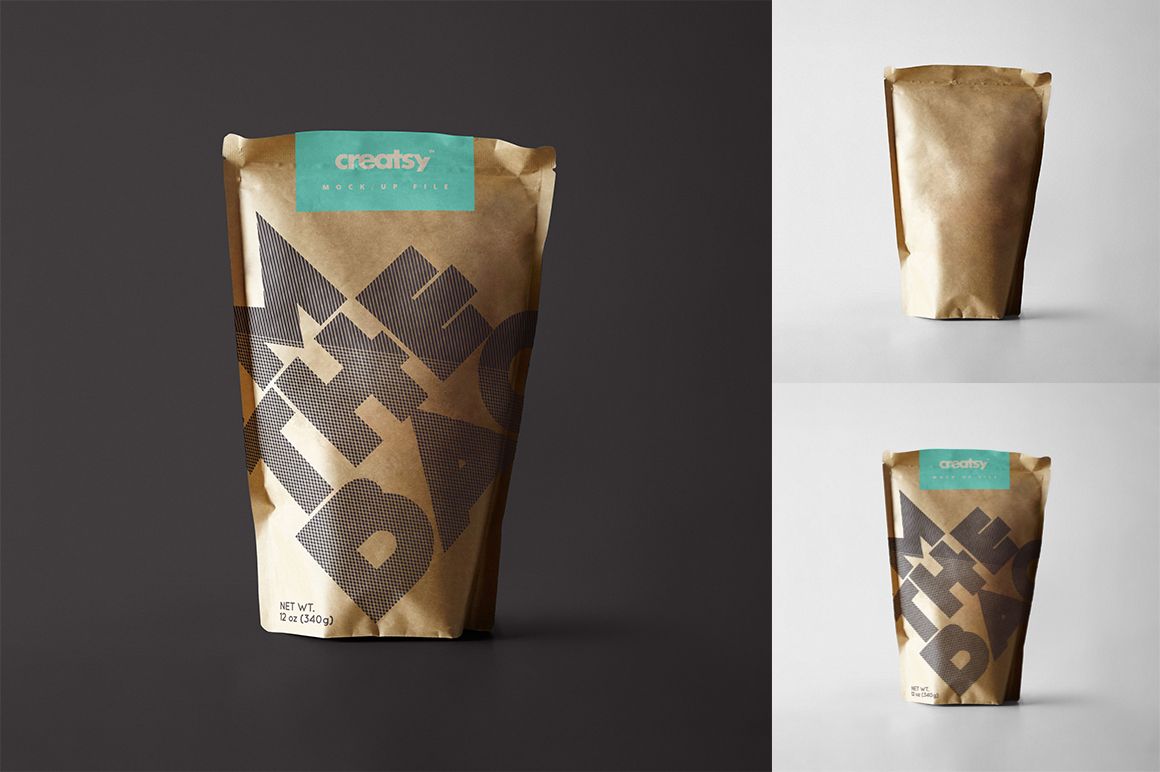
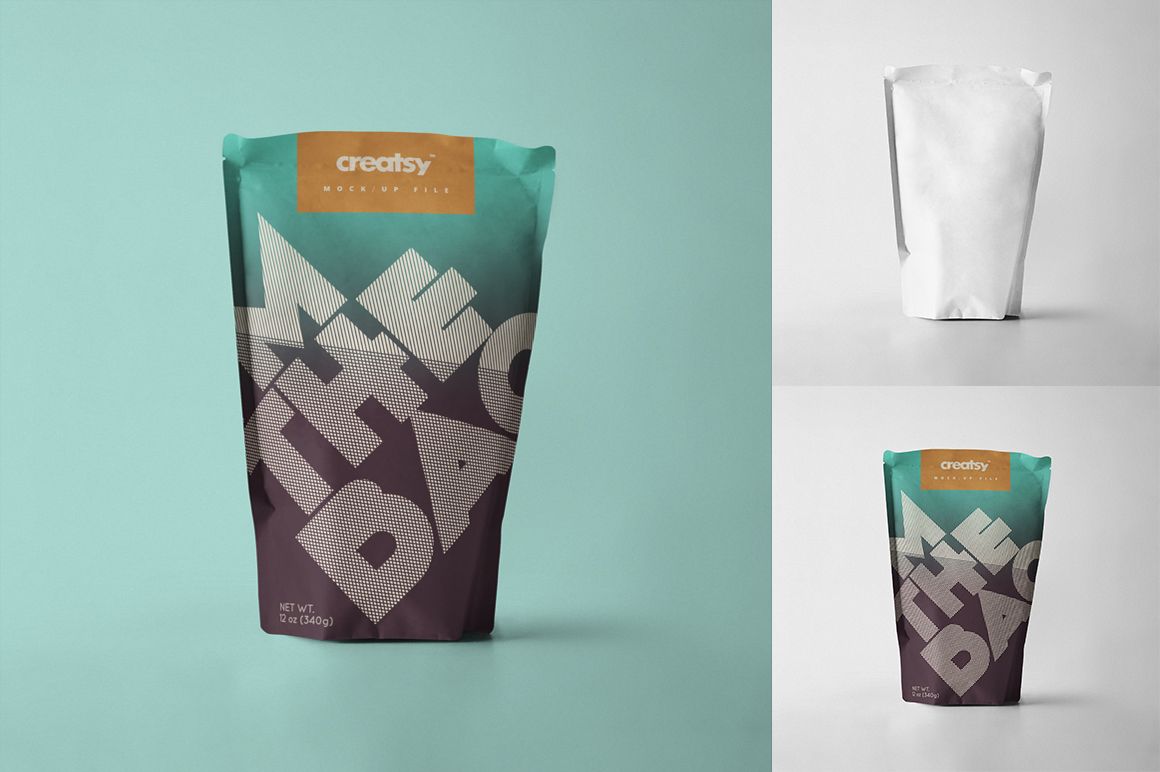
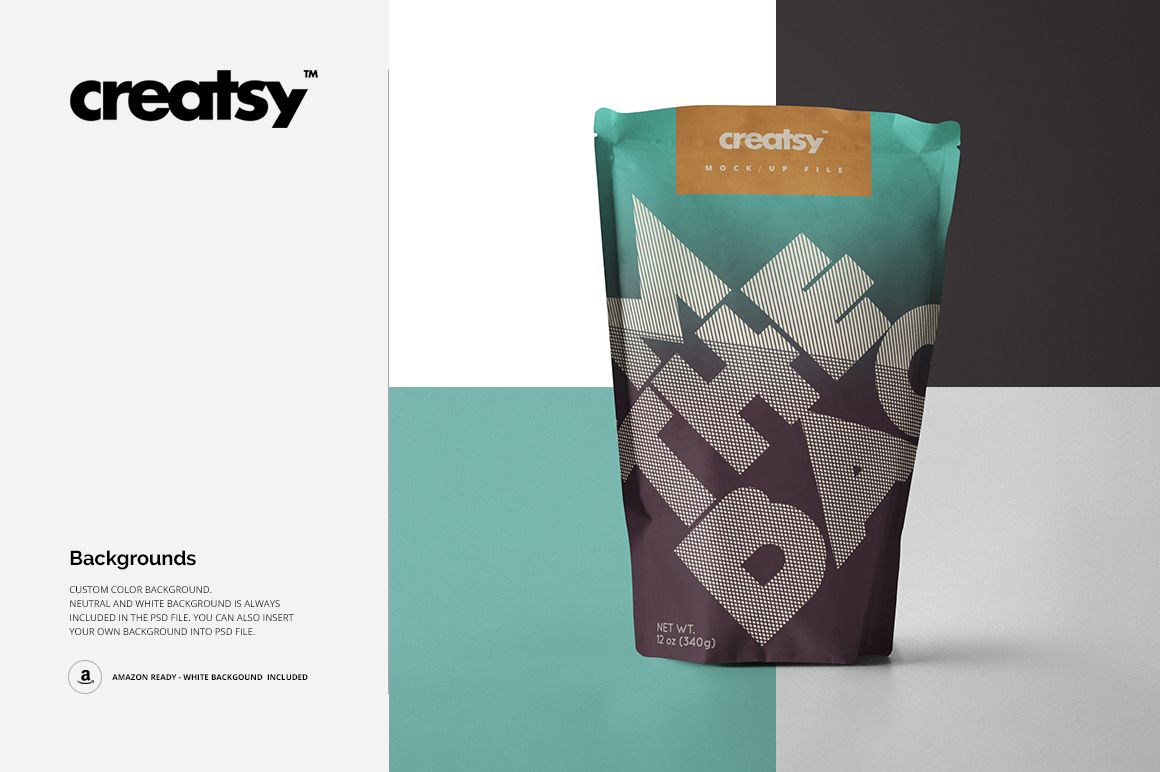
A folded top, softly creased sides and an upright silhouette give this kraft and white paper bag mockup set its character. Present a food brand, a label-style layout or an all-over pattern on paper that shows texture and depth instead of a flat artwork rectangle.
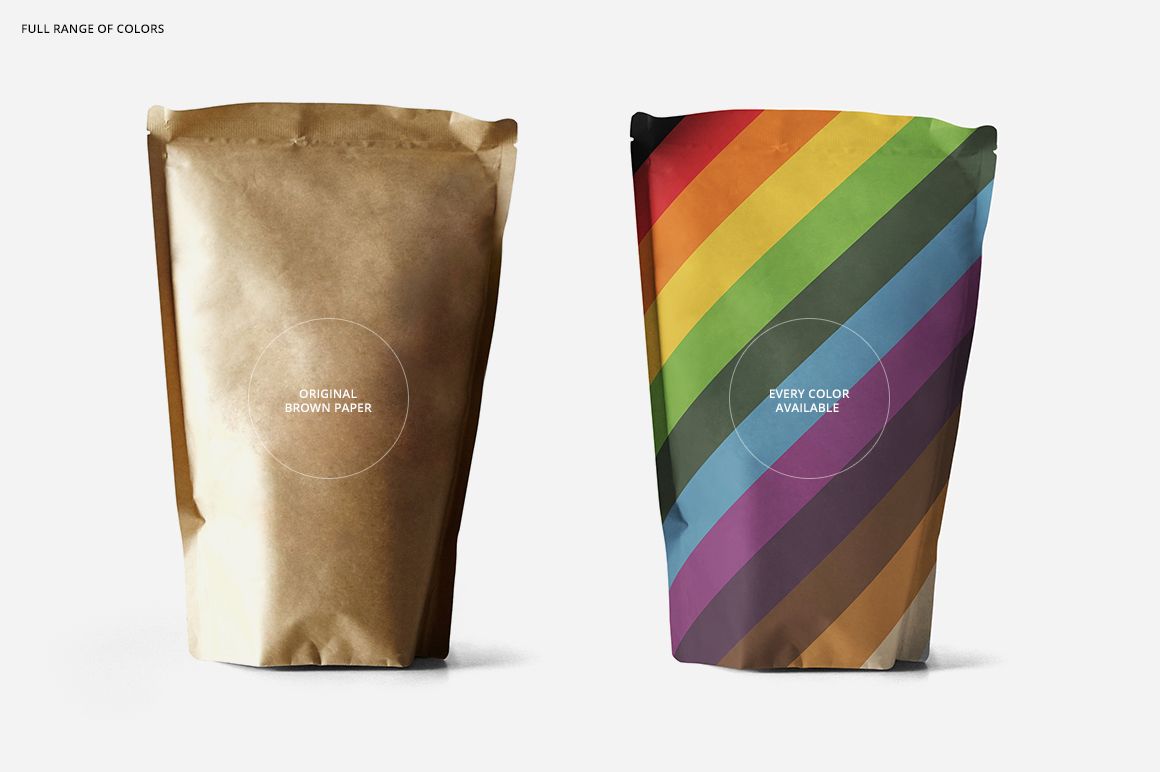
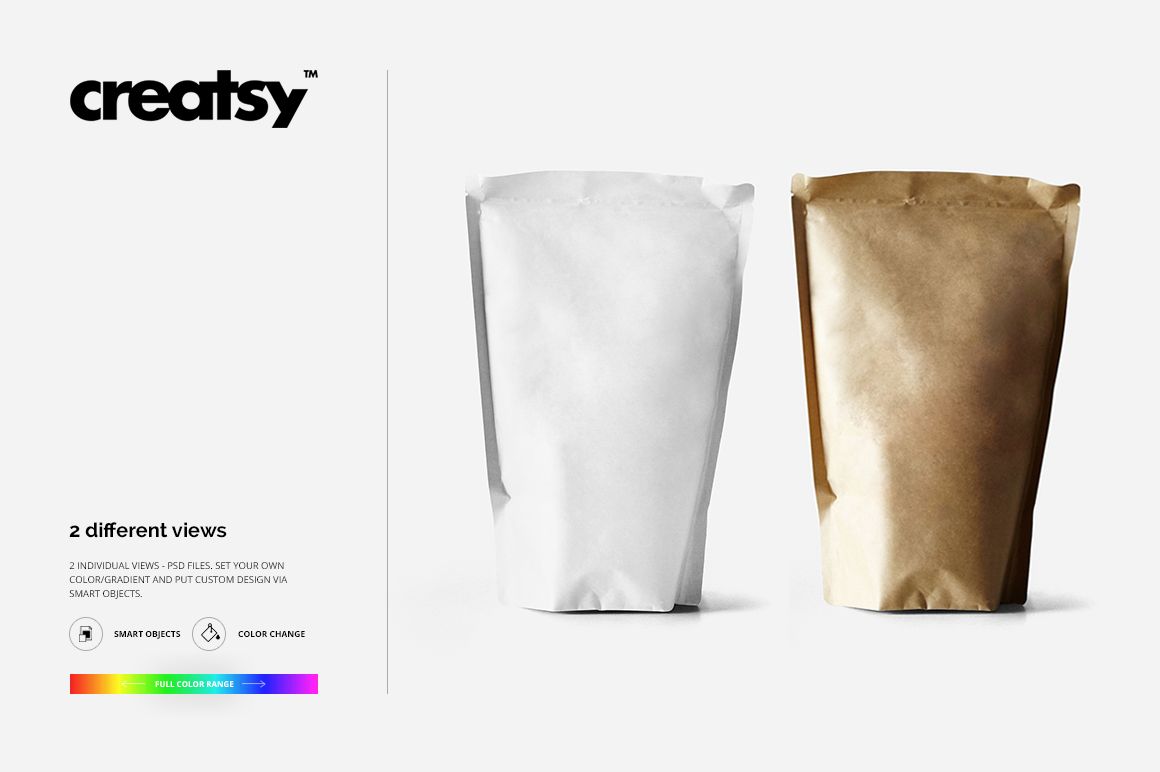
Two layered PSDs let you explore the Brown Paper and All Colors versions of the bag. Use the kraft treatment for a textured presentation, or start with the white version to develop custom colorways. The square composition keeps the pack central in a client presentation or portfolio.
What Is Included
2 layered PSD mockup files: Type 1 Brown Paper and Type 1 All Colors.
2 JPG previews and 1 TIF guide, 5 files in total.
Smart Object artwork replacement and well-organized layers.
Bag color and gradient options, plus custom-color, neutral or white backgrounds.
Compare Paper Treatments Without Changing the Design
Keep your logo size and artwork position consistent in both versions, then compare how the design reads against brown kraft and a lighter paper treatment. The photographed creases and grain add context when reviewing typography, small illustrations and repeat scale.
Easy Smart Object Editing
Open a PSD in Adobe Photoshop CS6 or newer or Photopea. Double-click the artwork Smart Object, place your design, adjust its scale and position, then save that Smart Object to update the mockup. Set the available color and background options before exporting your presentation.
Perfect For
A useful presentation set for food packaging designers, small food brands and surface pattern designers developing coffee, granola, bakery or dry-goods branding concepts. Match the illustrated bag shape to your intended packaging before presenting a final proposal.
Digital product only. No physical bag is supplied. The sample artwork shown in the previews is not included.