Baby Patchwork Quilt with Fleece Mockup Set
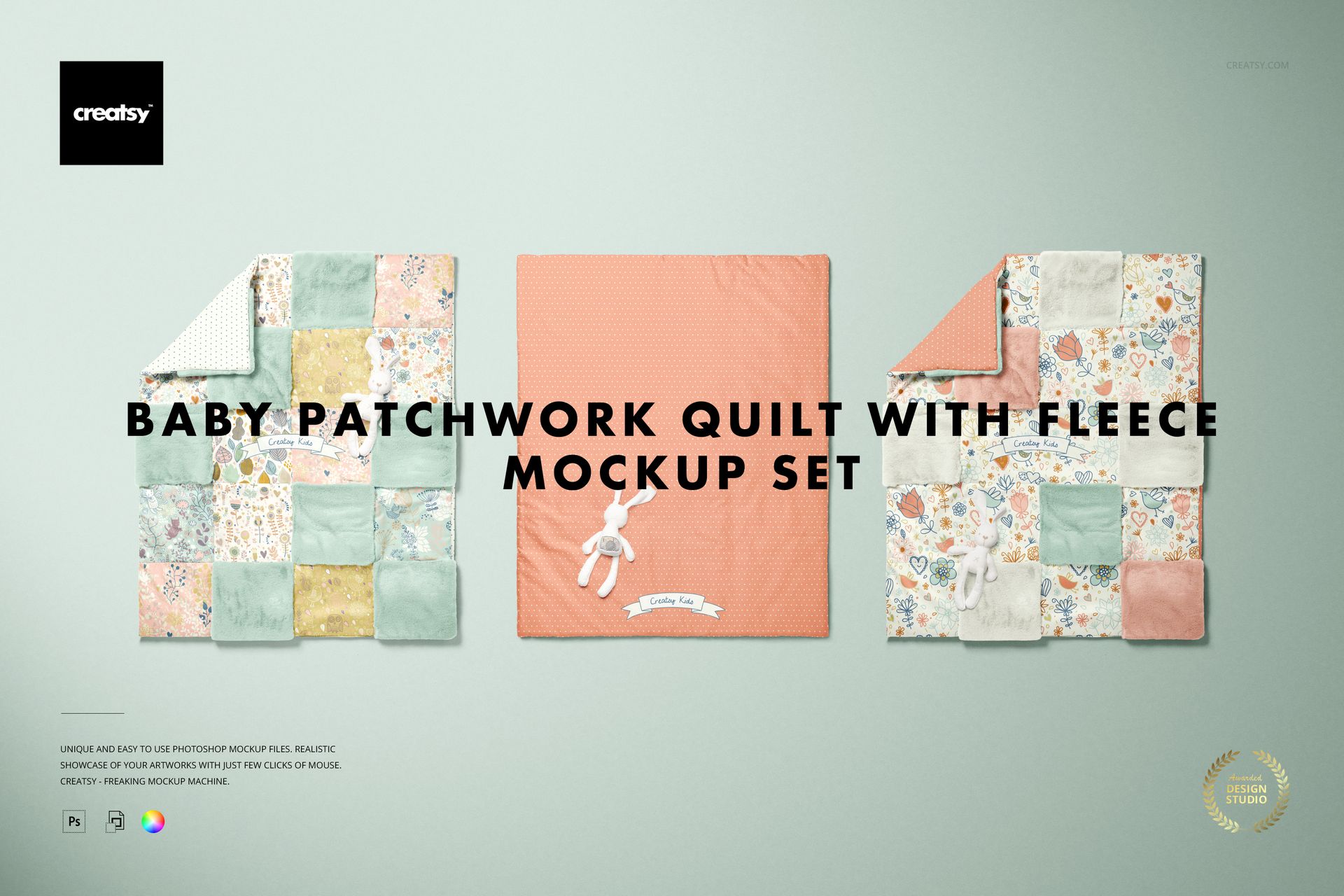
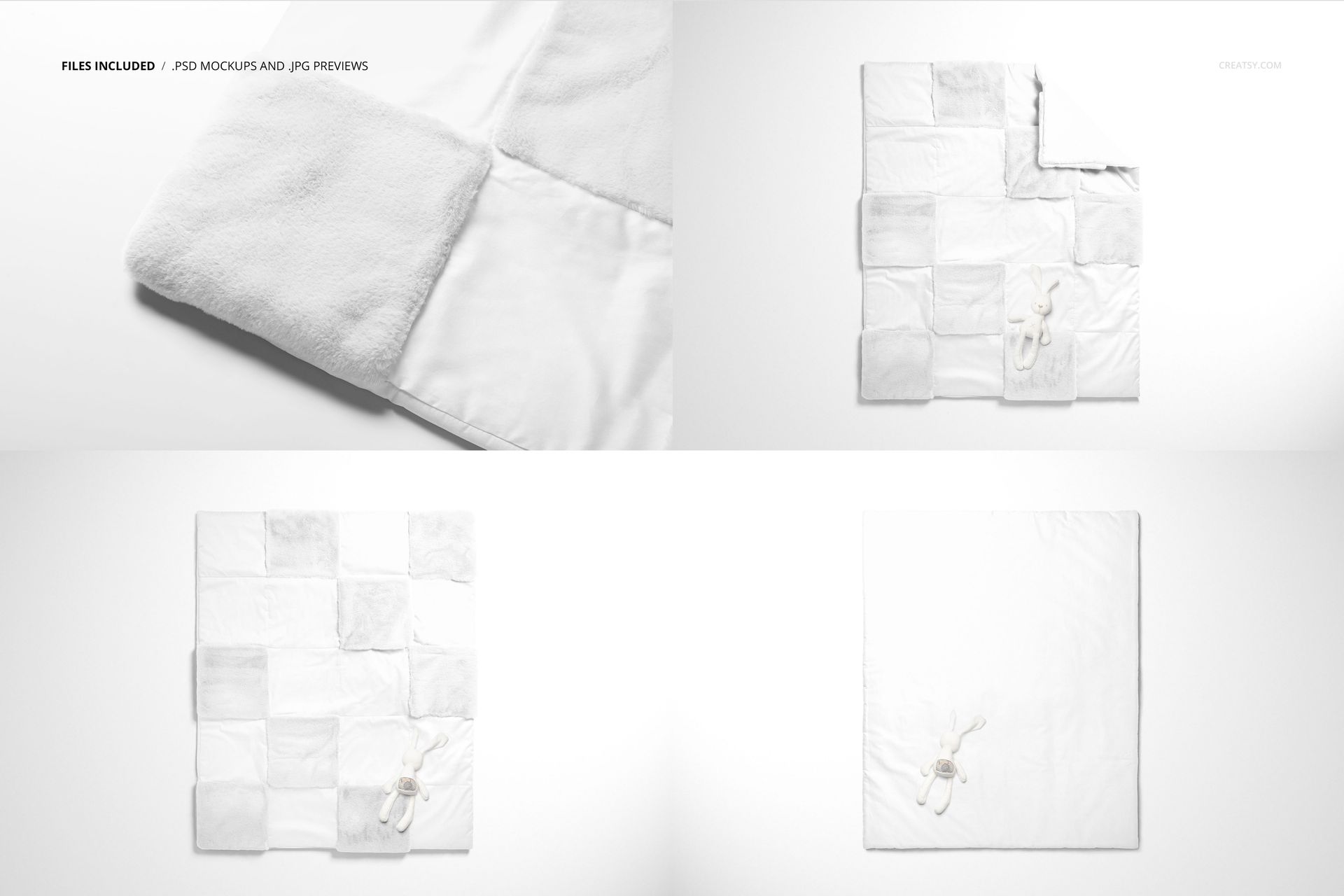
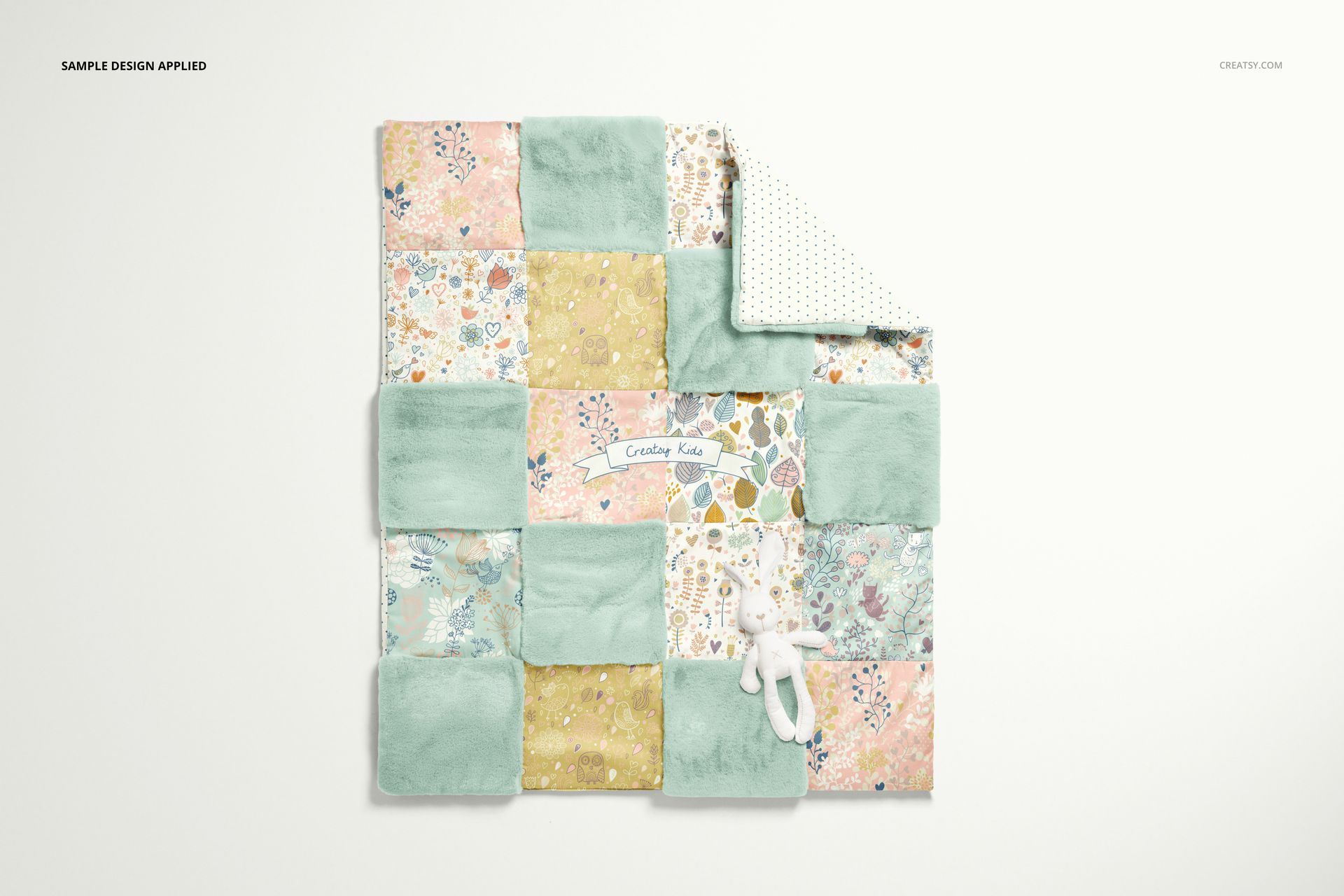
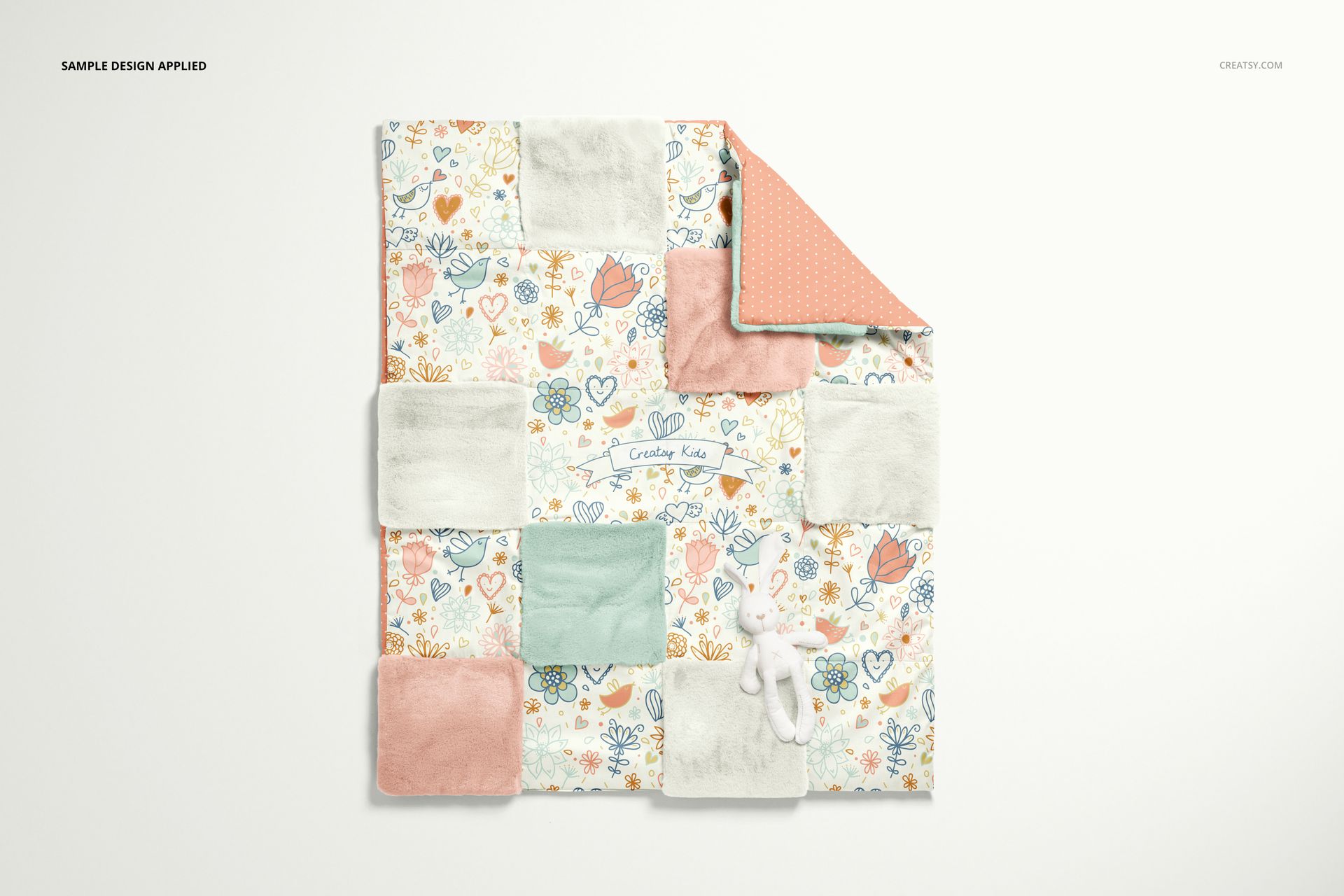
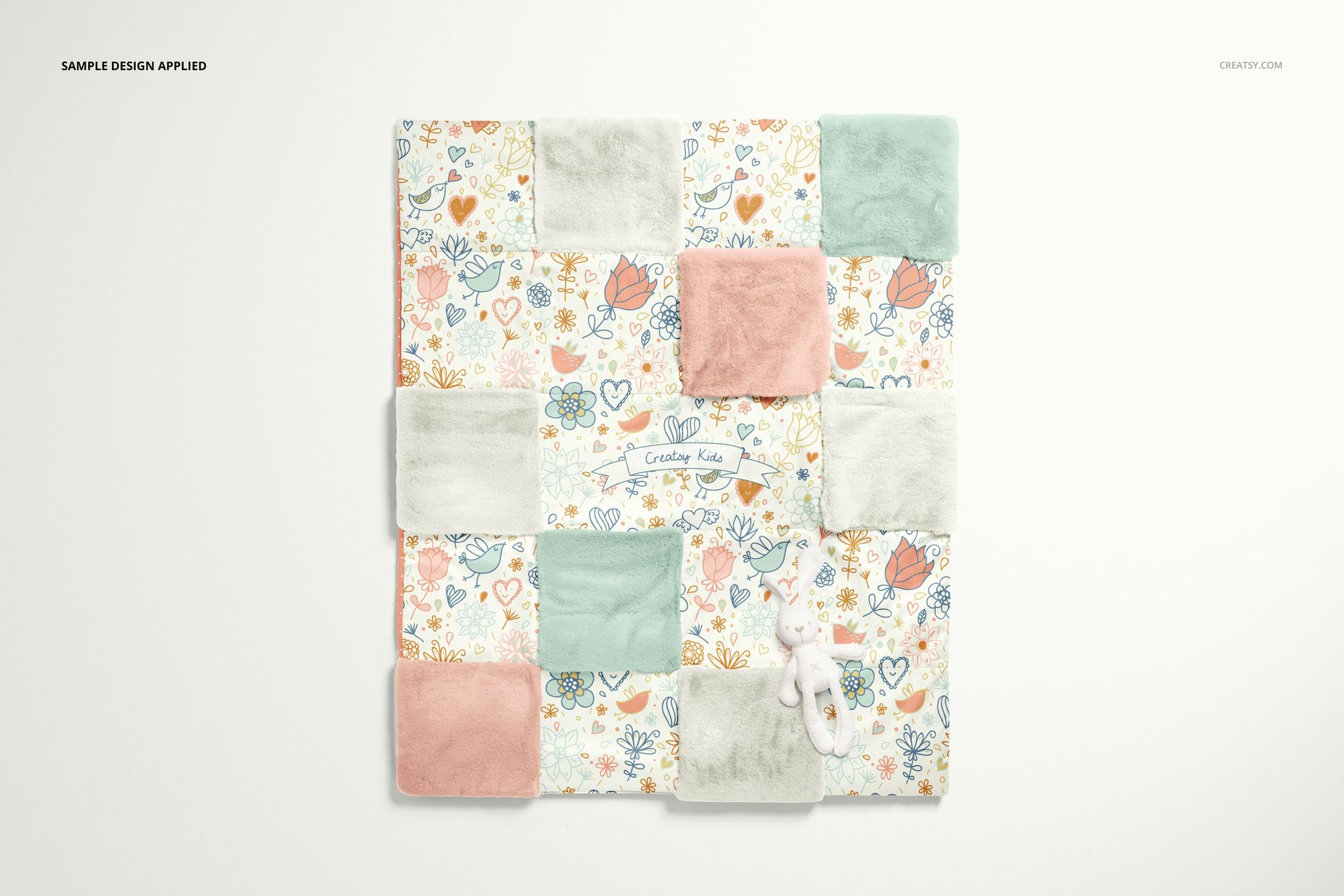
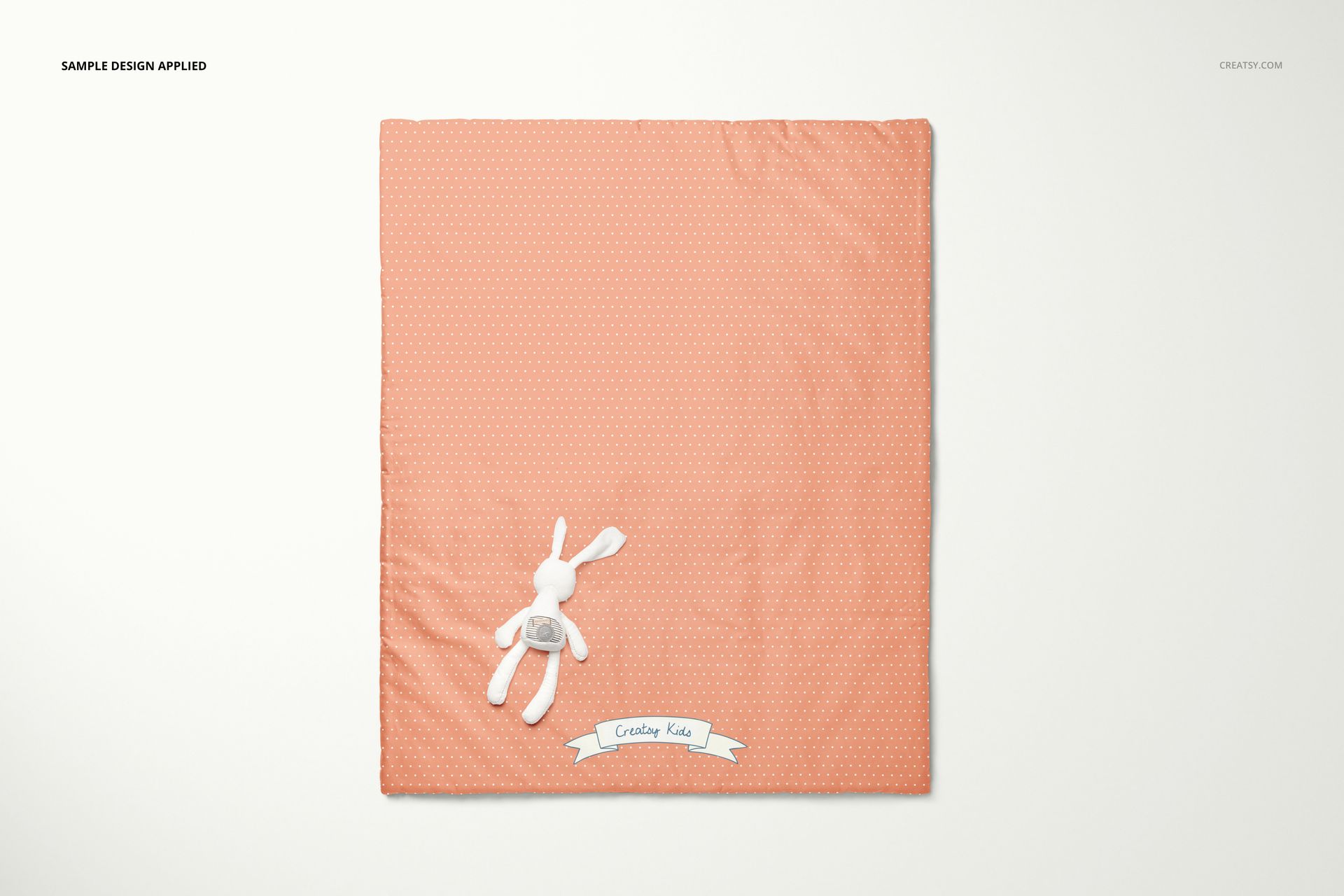
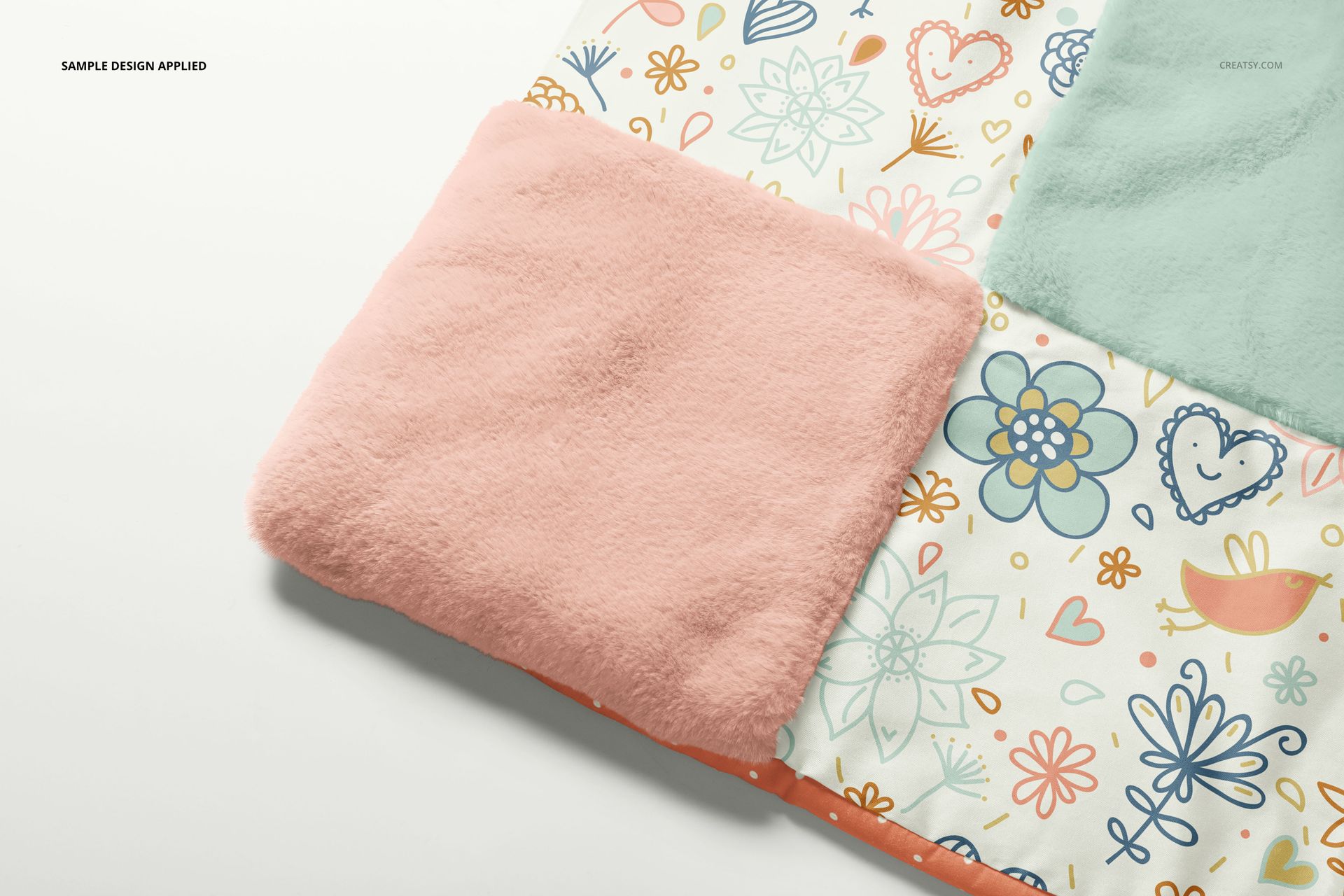
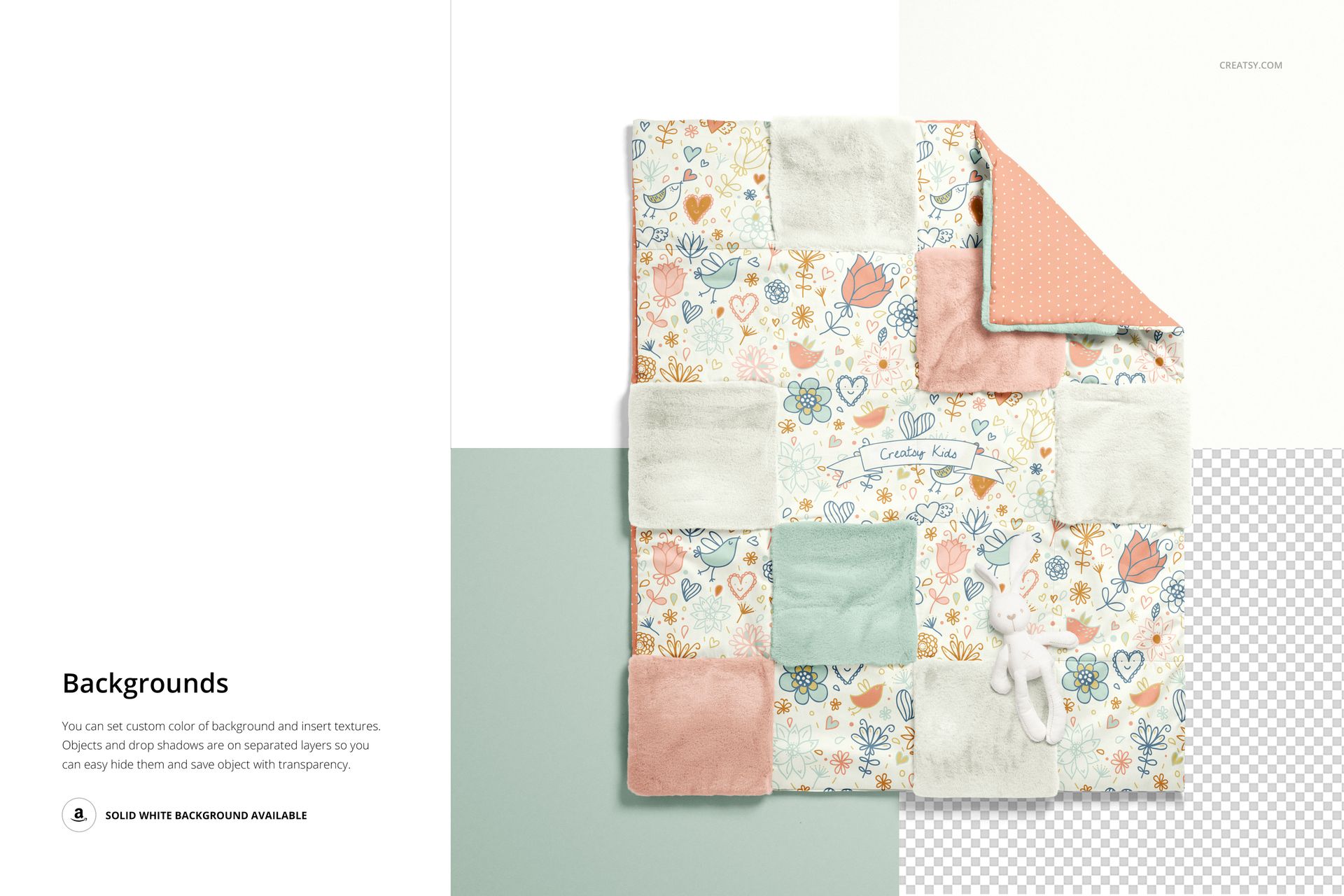
Bring several nursery prints together on one patchwork quilt. Four PSD views show the quilt face, turned-back corner, reverse and a closer fabric detail, so you can explore how patterned sections sit beside plain fleece squares rather than presenting each fabric in isolation.
What Is Included
4 layered PSD mockups at 6000 × 4000 px and 300 DPI.
4 JPG previews and 1 PDF user manual, 9 files altogether.
A baby patchwork quilt representing a 95 × 112 cm item.
Separate Patchwork Designs and Fleece Colors
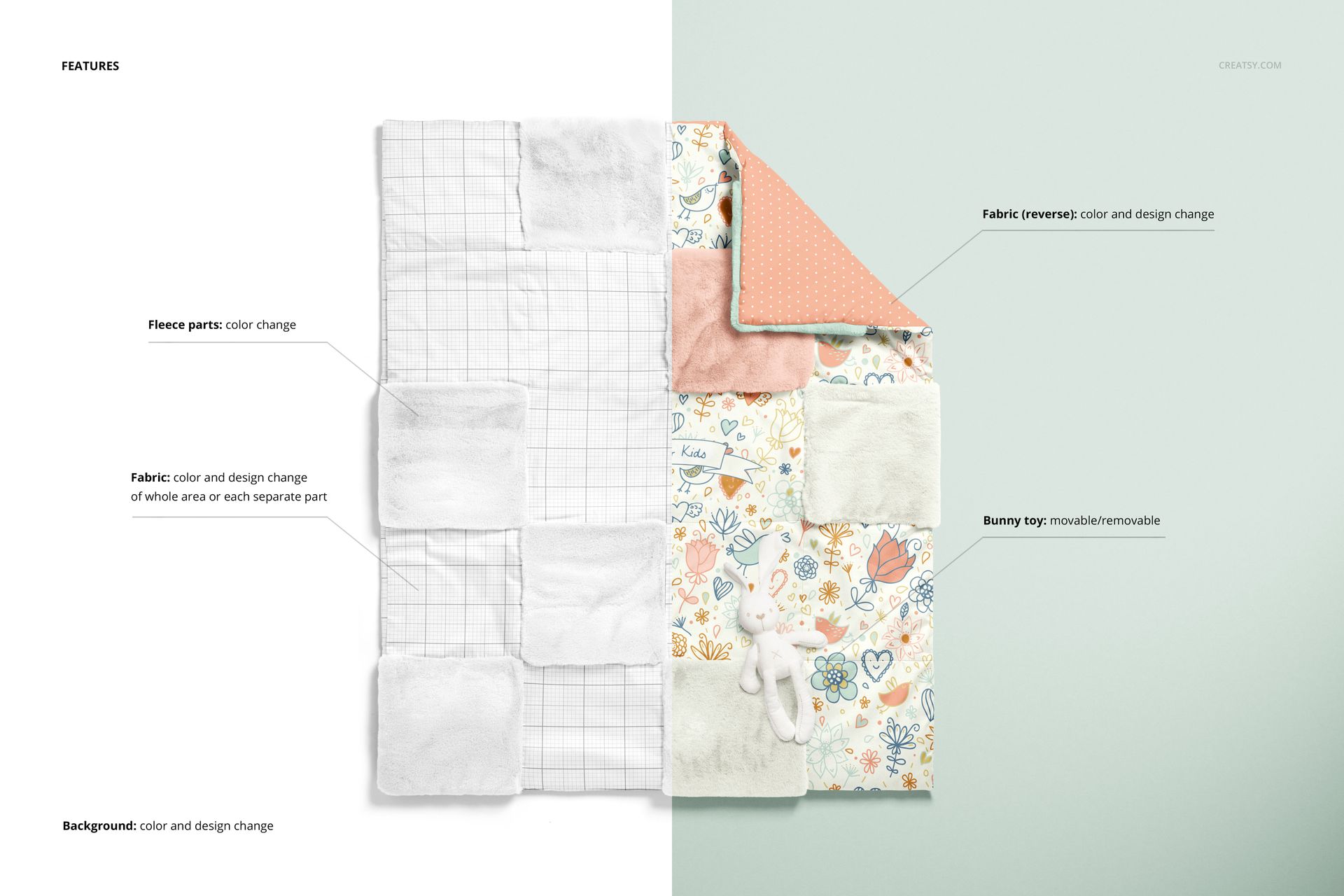
Apply a design across the fabric area or edit the separate fabric sections to build a coordinated patchwork. Change the color of the fleece squares, and customize the reverse fabric color and design. The bunny toy can be moved or removed, and the background accepts your own color or texture.
Easy Smart Object Editing
Work in Adobe Photoshop CC2015 or newer, or Photopea. Insert your patterns into the relevant Smart Objects, save them, then adjust the color layers. The organized layers and separate object and drop-shadow layers let you keep a styled preview or prepare an image with a transparent background.
Perfect For
Quilt makers, baby textile brands and surface pattern designers comparing fabric combinations, presenting coordinated print ranges or preparing client previews of a patchwork concept.
Digital mockup files only. No physical quilt, sewing instructions or sample patterns are included.