Colored Vinyl Record Tossed by Waves Mockup
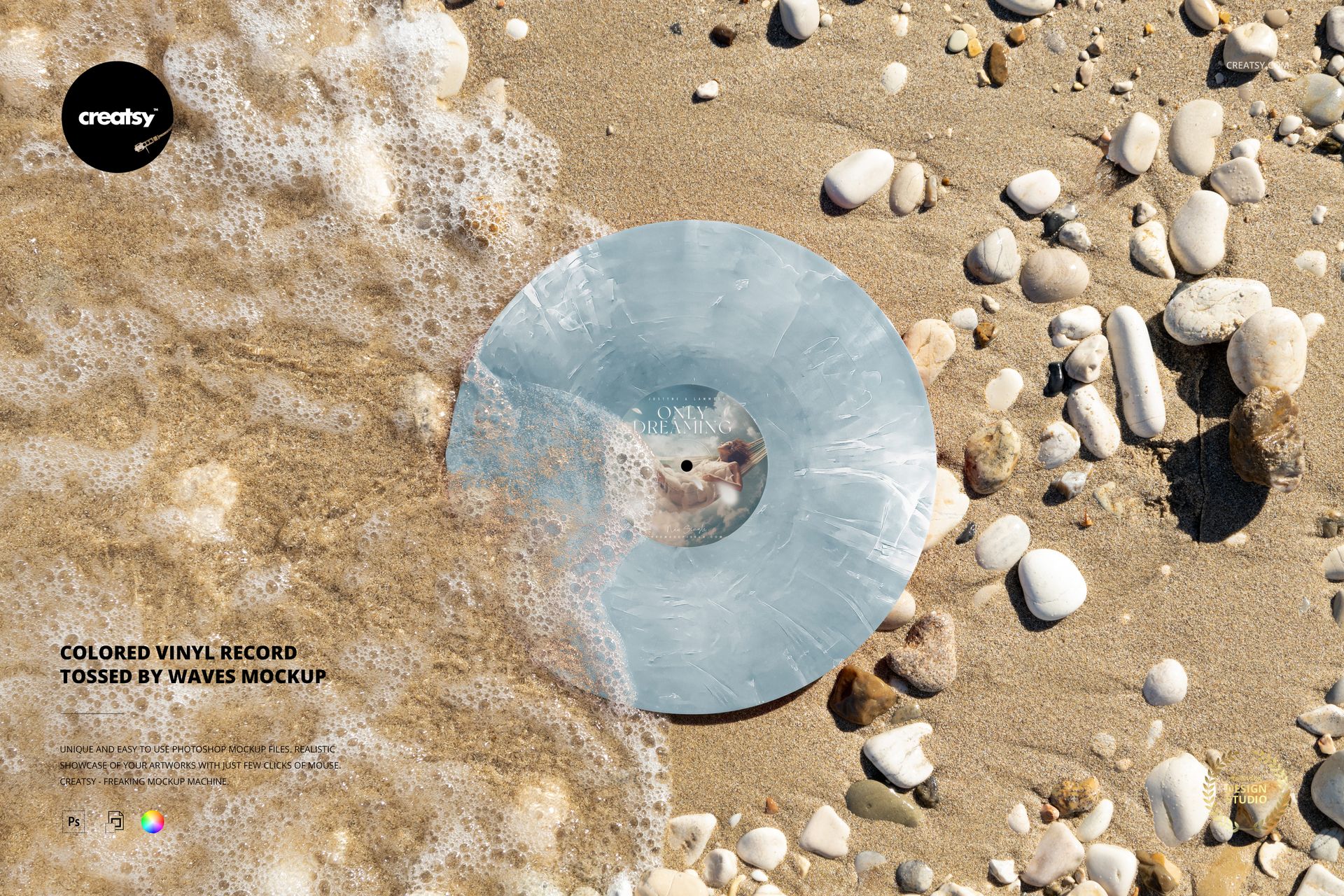
A breaking wave crosses the edge of a colored record on warm sand, with pale pebbles completing the shoreline. This vinyl record mockup captures the energy of moving water in a single still scene, giving a release announcement a more expressive setting than a conventional studio presentation.
What Is Included
1 layered PSD mockup, 6000 × 4000 px at 300 DPI.
1 JPG preview, 2 files in total.
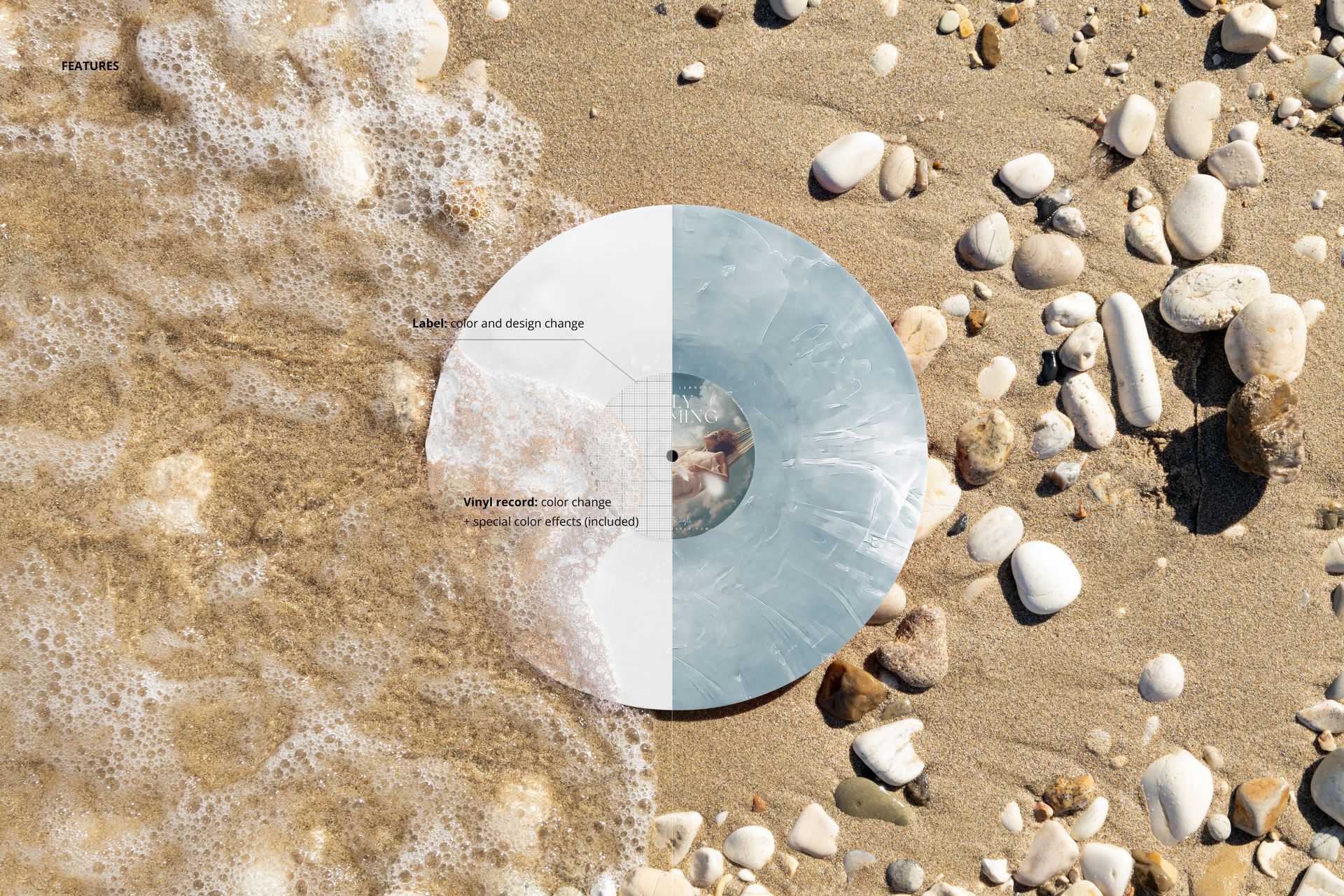
One landscape composition with editable label artwork and colors.
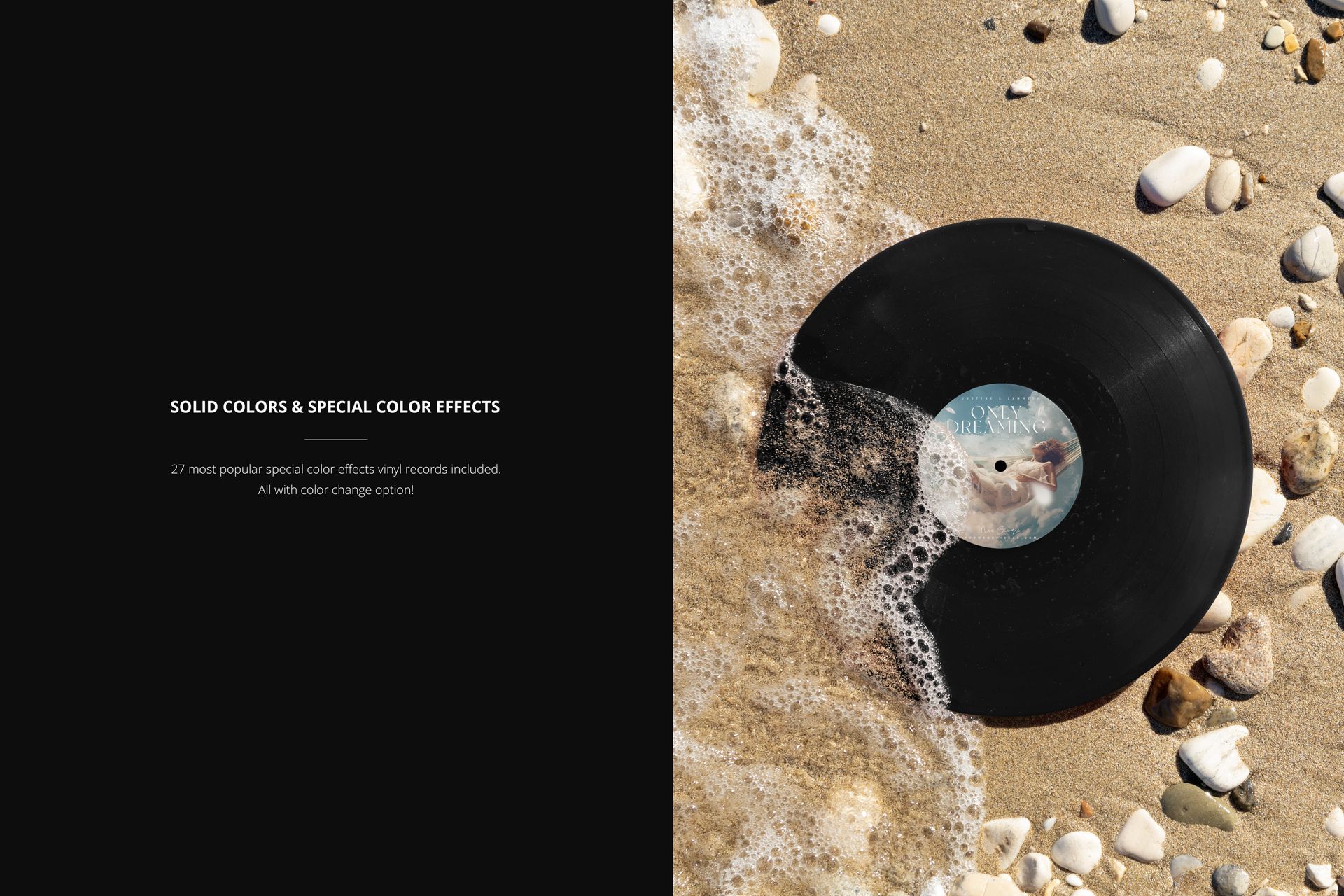
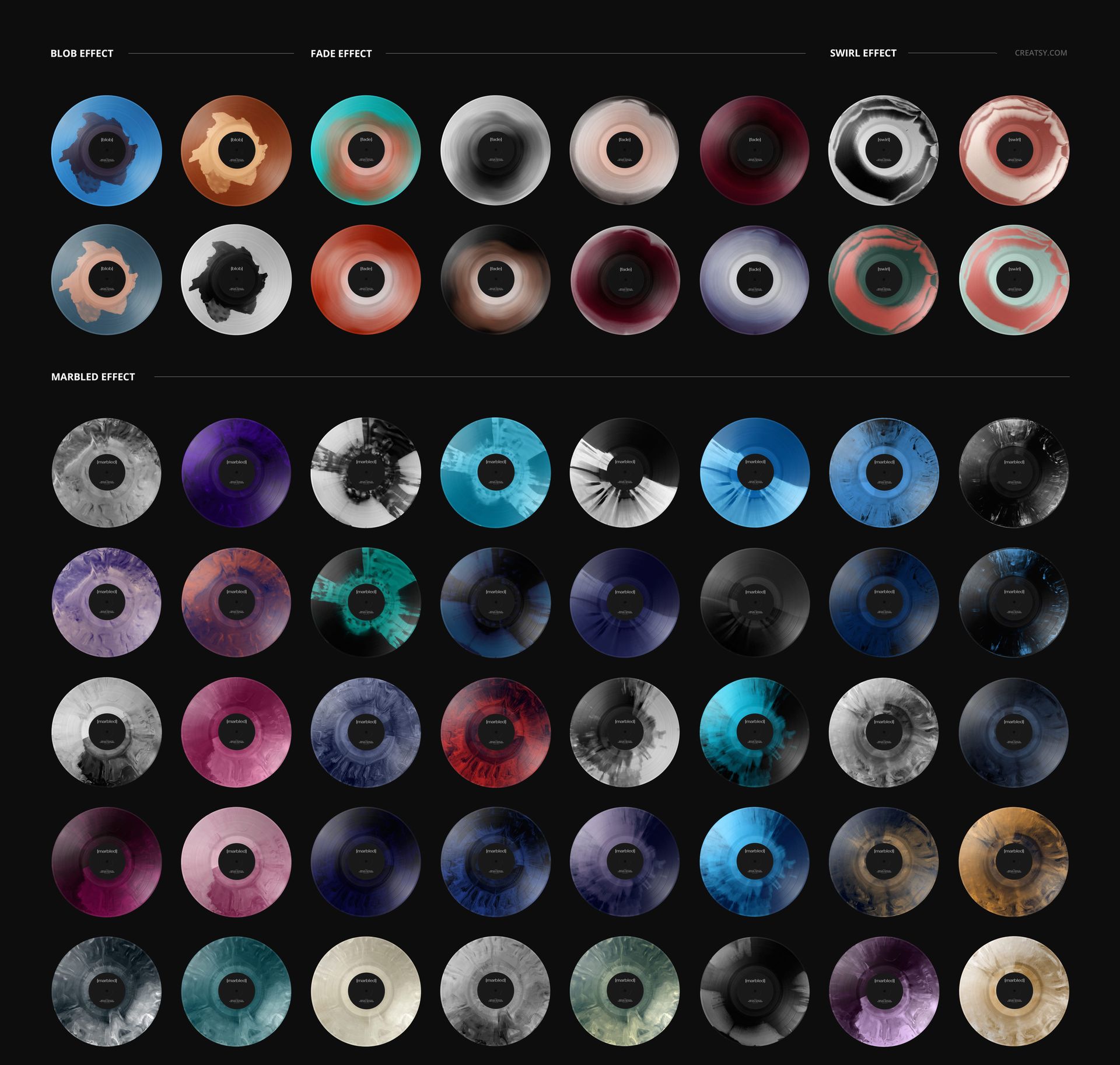
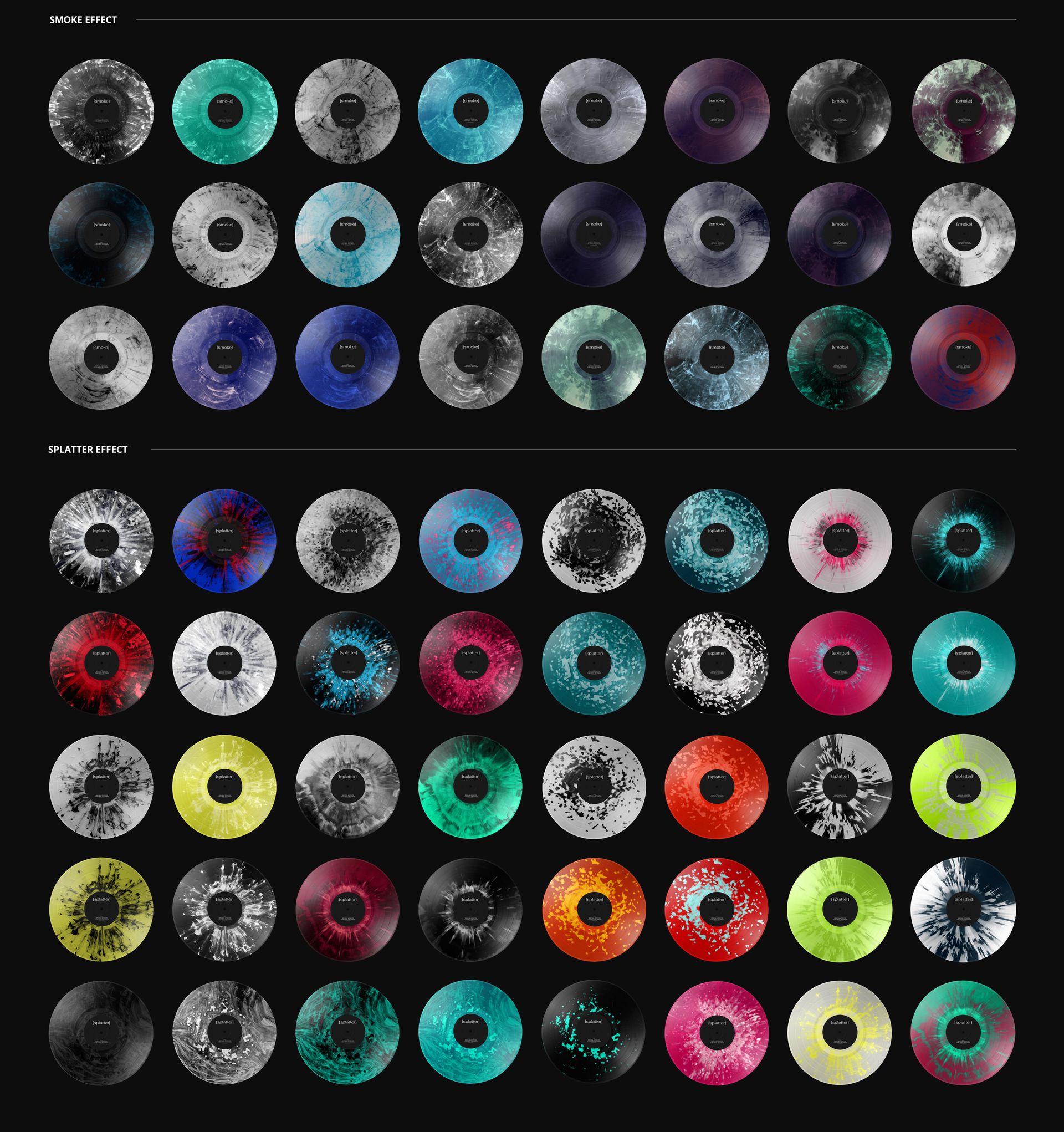
27 special vinyl color effects, with editable colors and solid-color options.
A Wave-Washed Colorway Presentation
The water and foam introduce texture across part of the disc while the sandy background contrasts with its circular shape. Try a restrained solid color for a bold silhouette, or use marbled, smoke, splatter, blob, fade or swirl effects to connect the record finish with your artwork.
Because the scene carries a strong sense of atmosphere, it works well as a campaign image alongside a separate, clearer view of the complete label.
Easy Smart Object Editing
Replace the center-label artwork through its Smart Object in Adobe Photoshop or Photopea. Save the Smart Object, return to the main document, and adjust the label color and record finish using the organized layers. Export the result for your chosen layout.
Perfect For
Present a summer release, an independent label campaign, a special-edition vinyl proposal or a music-design portfolio project with a distinctive shoreline image.
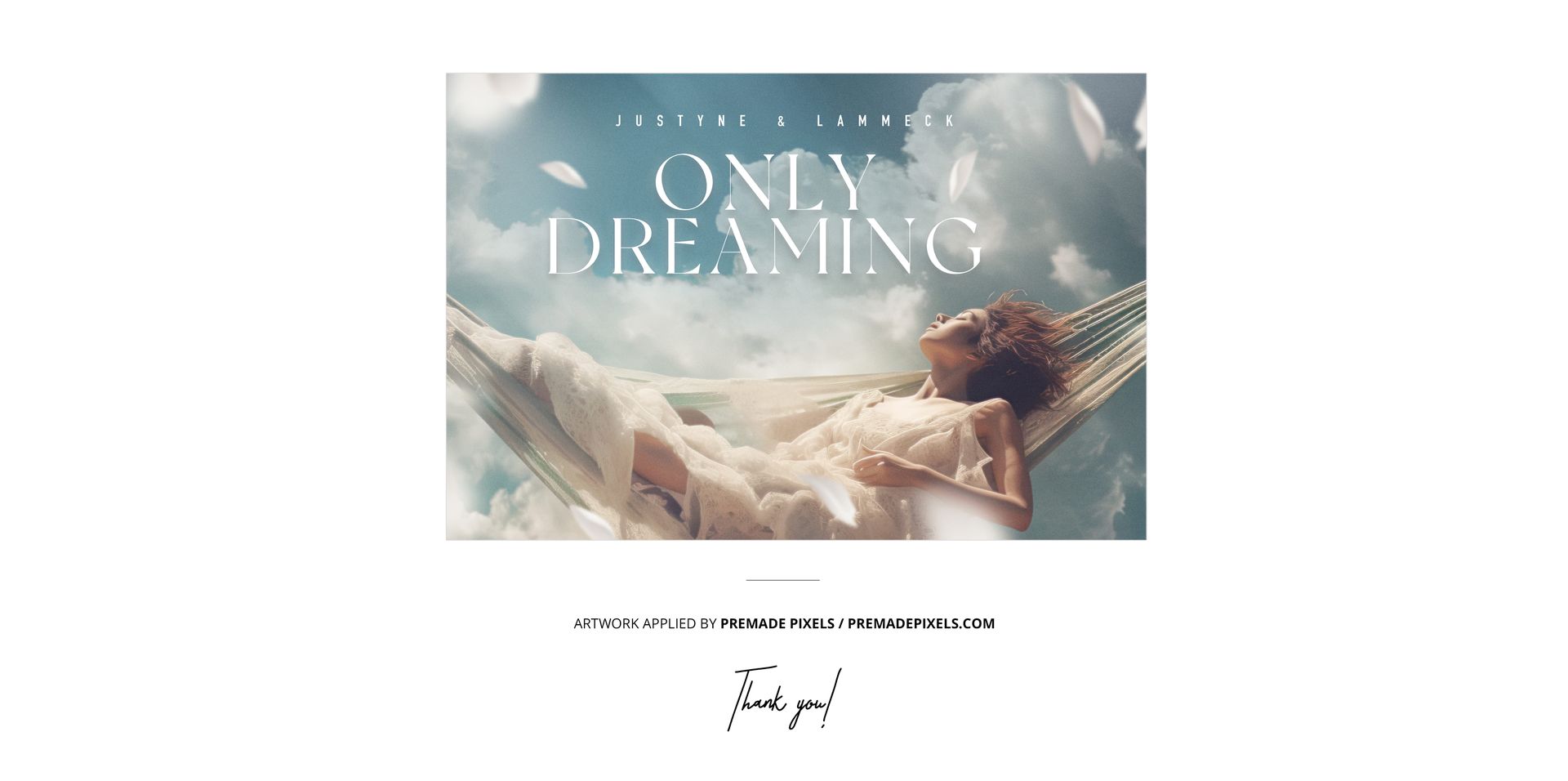
Digital mockup only. No physical record is supplied, and the sample artwork in the previews is not included.