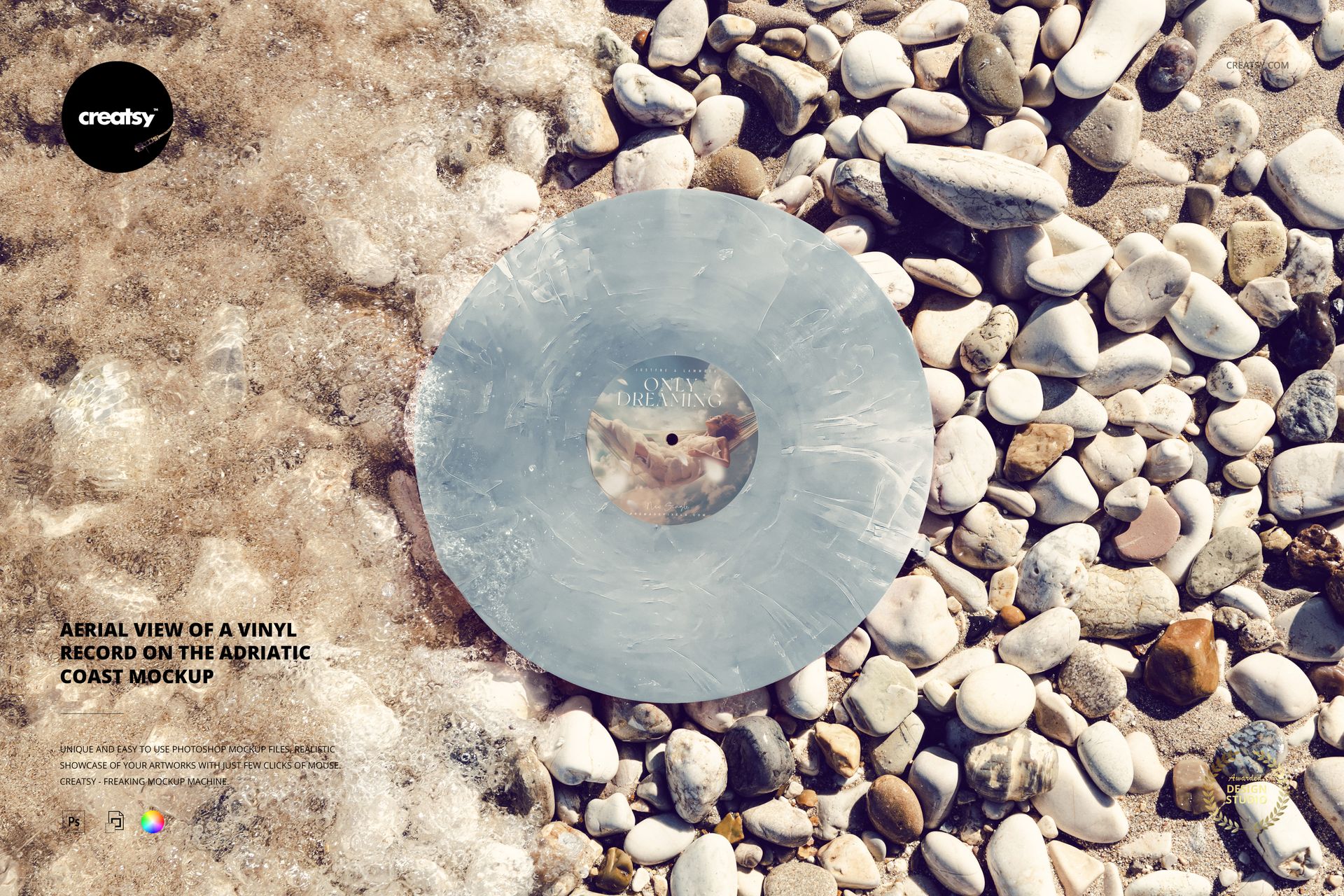
Aerial View of a Vinyl Record on the Adriatic Coast Mockup
Seen from above, a vinyl record rests where foamy water meets a bed of rounded coastal pebbles. The circular disc becomes the focus of this landscape mockup, with contrasting shore textures framing the label and the chosen vinyl finish.
This aerial view is useful for presenting the relationship between a center-label design and the full face of the record. It brings an outdoor setting to a colorway proposal without relying on a distant horizon or an upright perspective.
What Is Included
1 layered PSD mockup, 6000 × 4000 px at 300 DPI.
1 JPG preview, 2 files in total.
One overhead Adriatic shoreline scene.
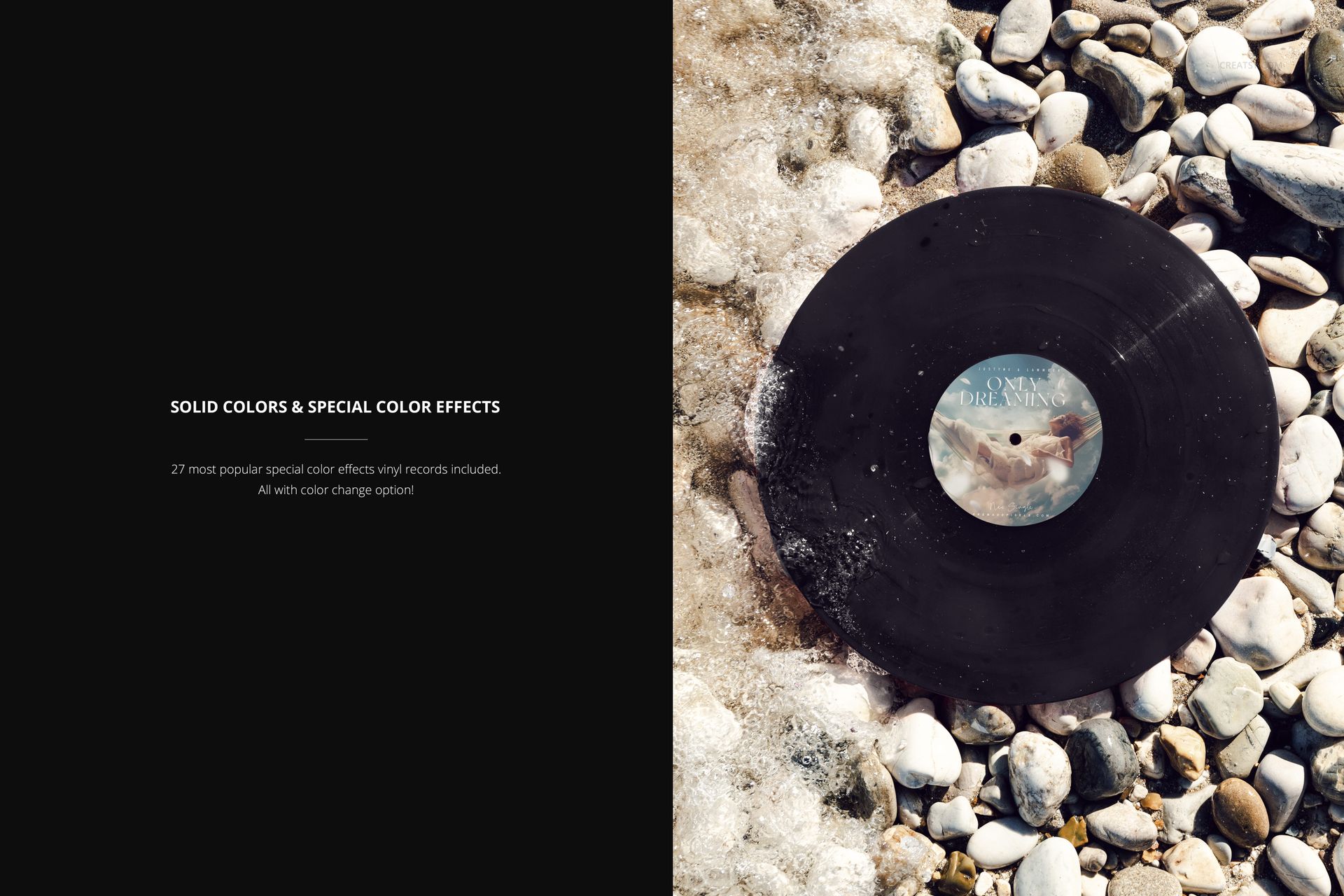
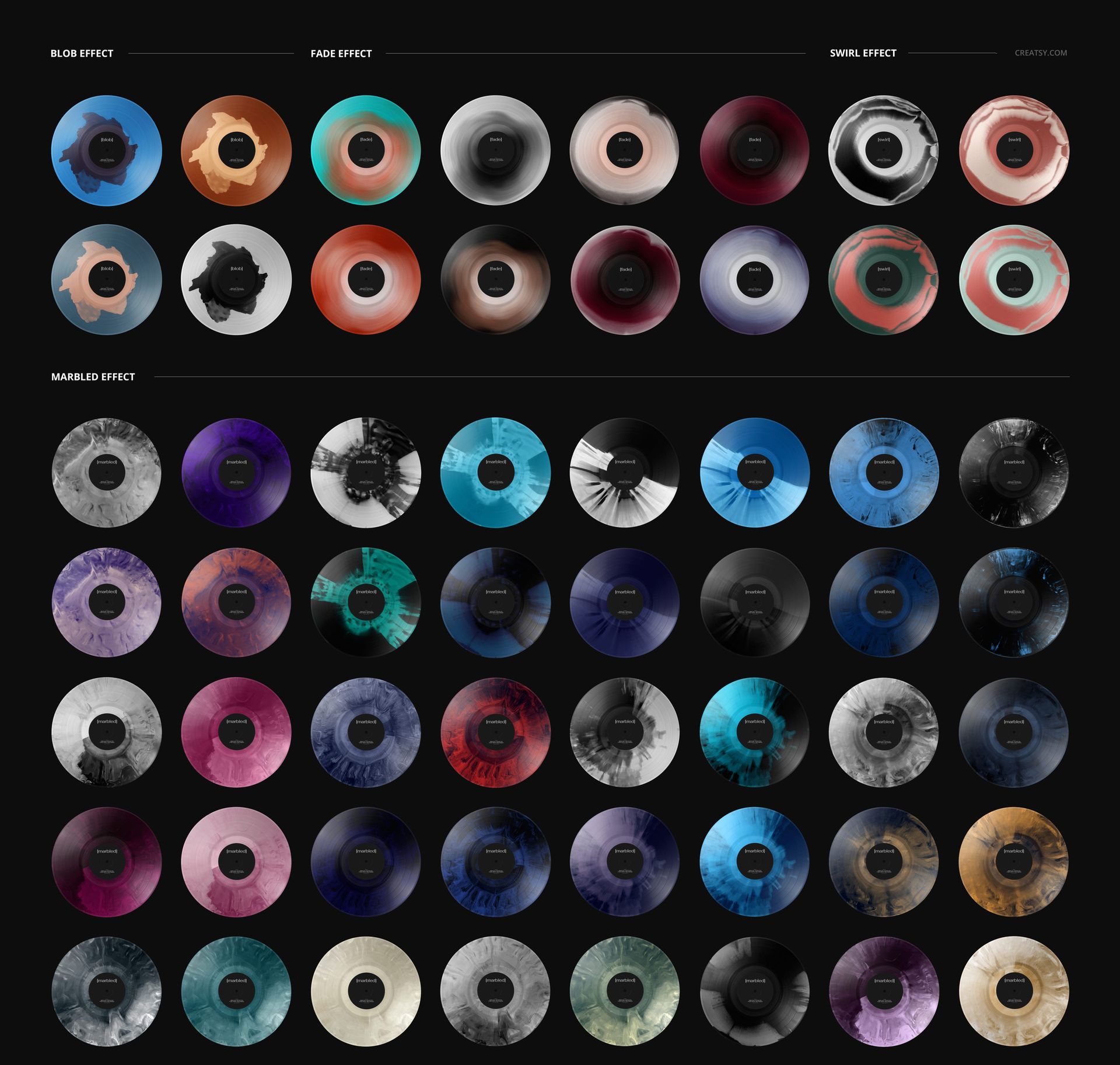
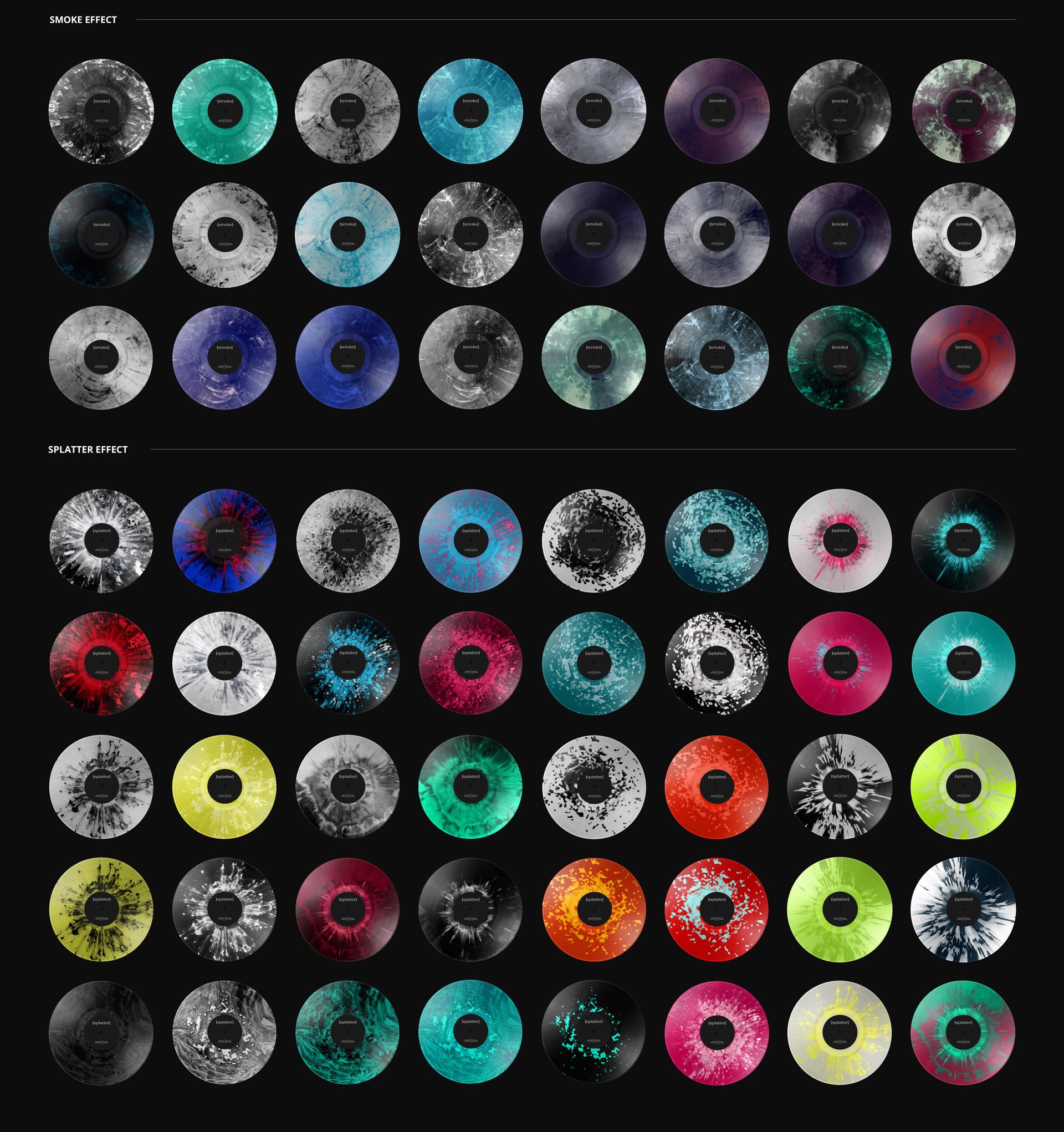
27 special vinyl color effects with color adjustment, plus solid-color options.
Let the Circular Artwork Lead
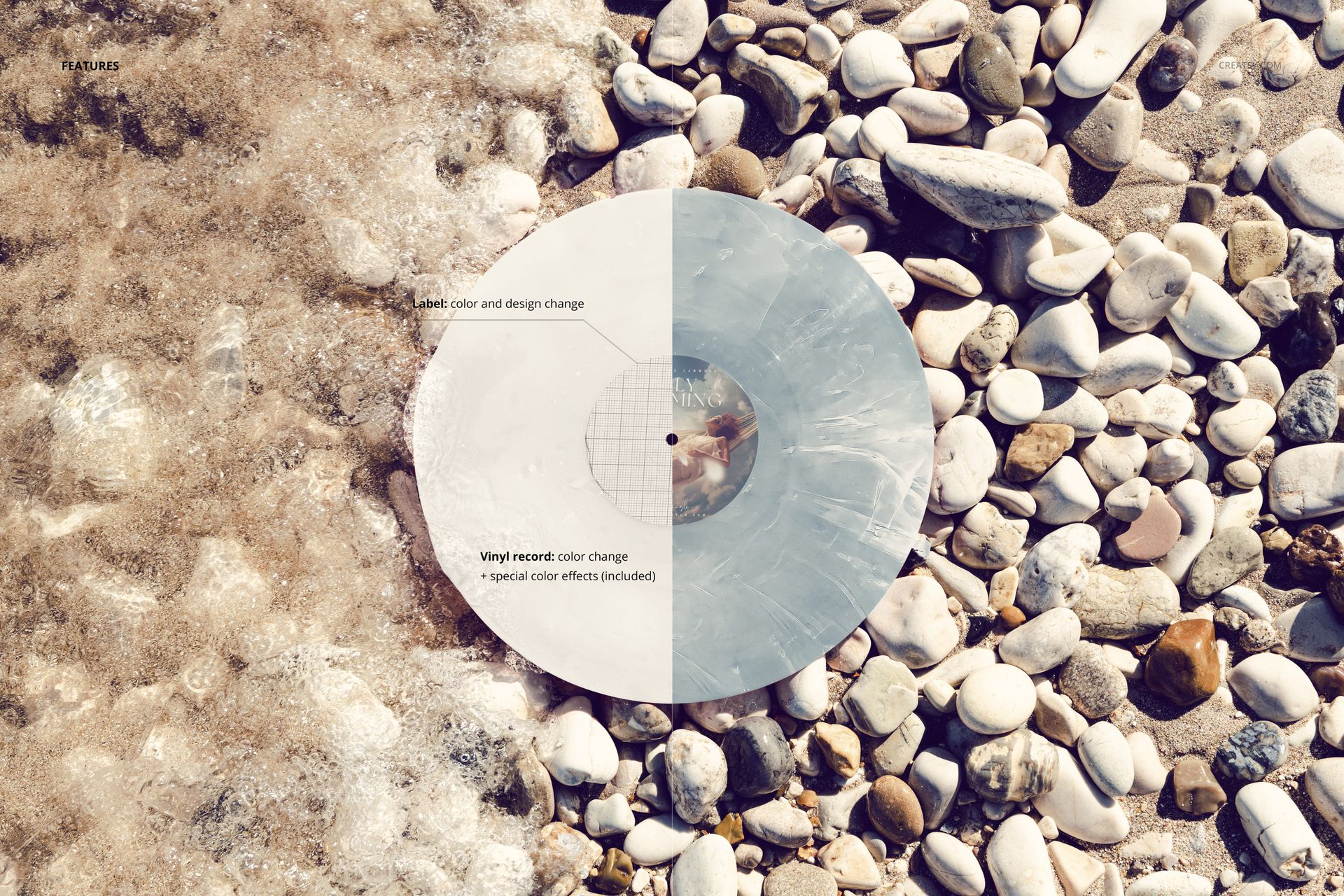
The near top-down view gives the label and surrounding vinyl finish a strong visual connection. Test marbled, smoke, splatter, swirl, fade and blob effects, then adjust the label and record colors to build a coherent release palette against the varied pebbles.
Easy Smart Object Editing
Add your label artwork to the Smart Object in Adobe Photoshop or Photopea and save the Smart Object to update the scene. Organized layers help you find the color and effect options, so you can export several design proposals from the same composition.
Perfect For
Use this view for record-label artwork portfolios, special-edition vinyl comparisons, musician launch imagery and coastal campaign presentations.
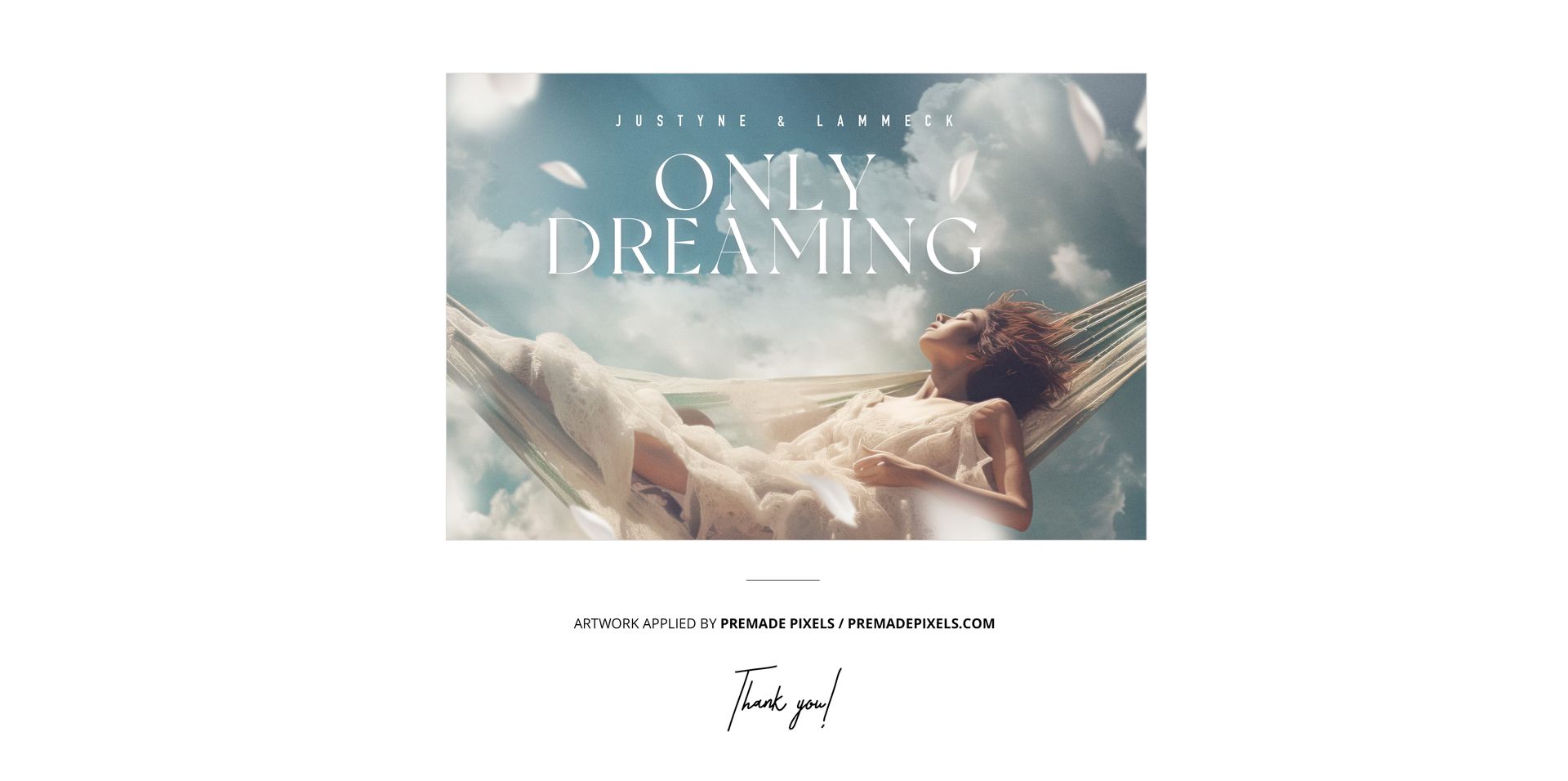
This is a digital presentation mockup. A physical record and the sample artwork shown in the previews are not included.