Kids Room Drum Lampshades with Plush Bunny Mockup

Product Details
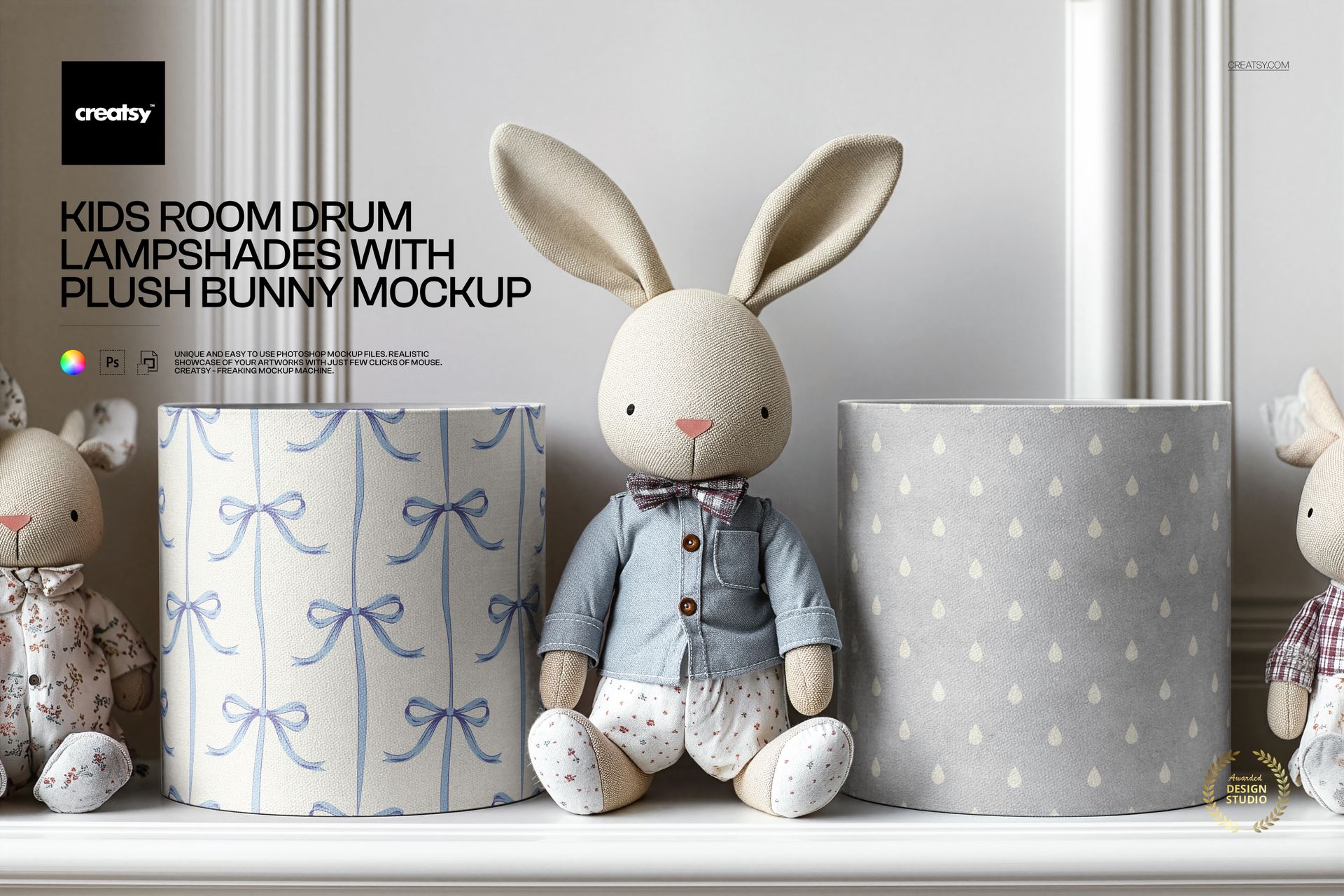
The Kids Room Drum Lampshades with Plush Bunny Mockup lets you present your pattern, illustration, or surface design on drum lampshade surfaces inside a styled children's bedroom scene. A decorative plush bunny sits beside the lampshades, adding nursery context that helps buyers visualize the product in a real room. The file measures 6000x4000 pixels at 300 DPI.
What's Inside
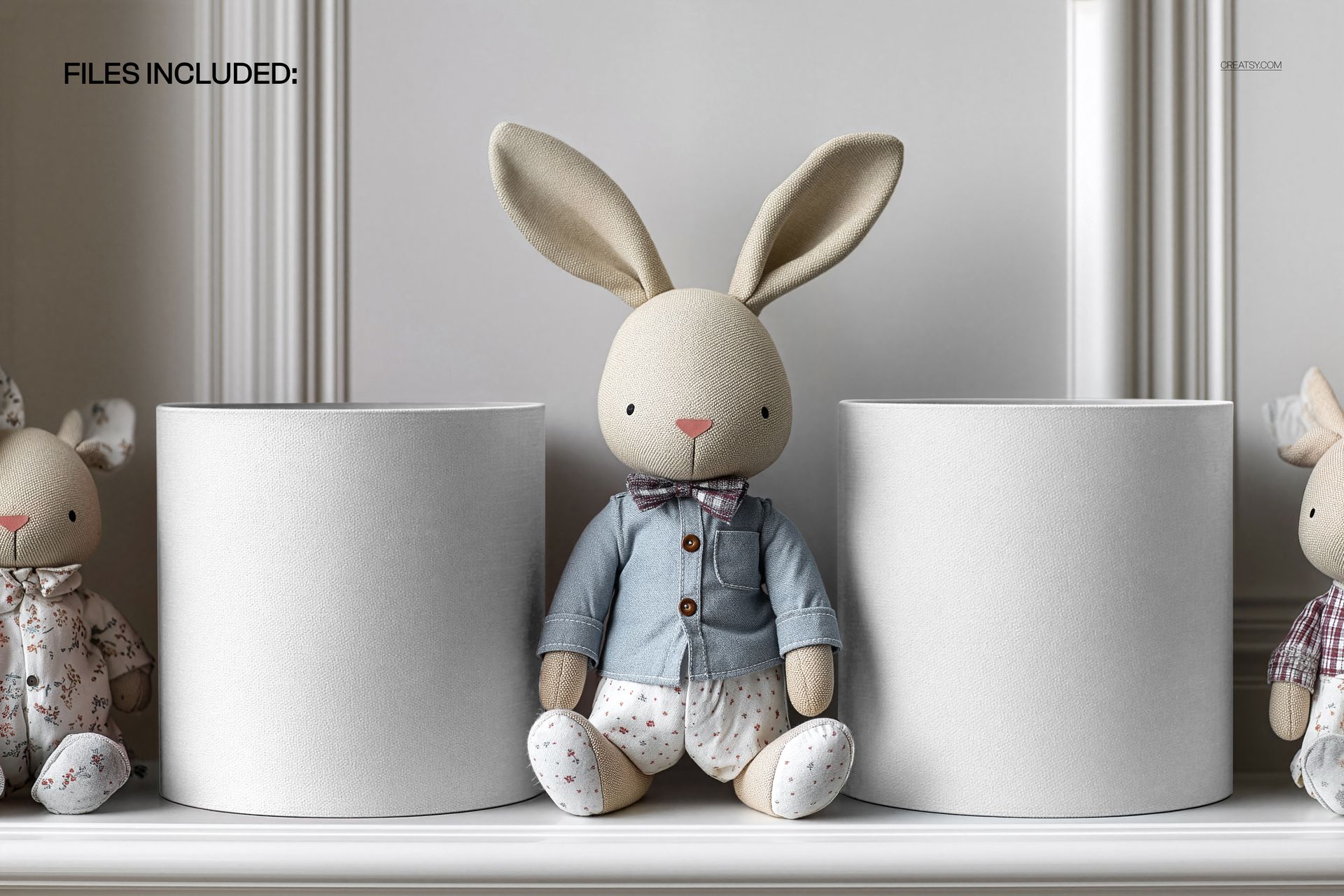
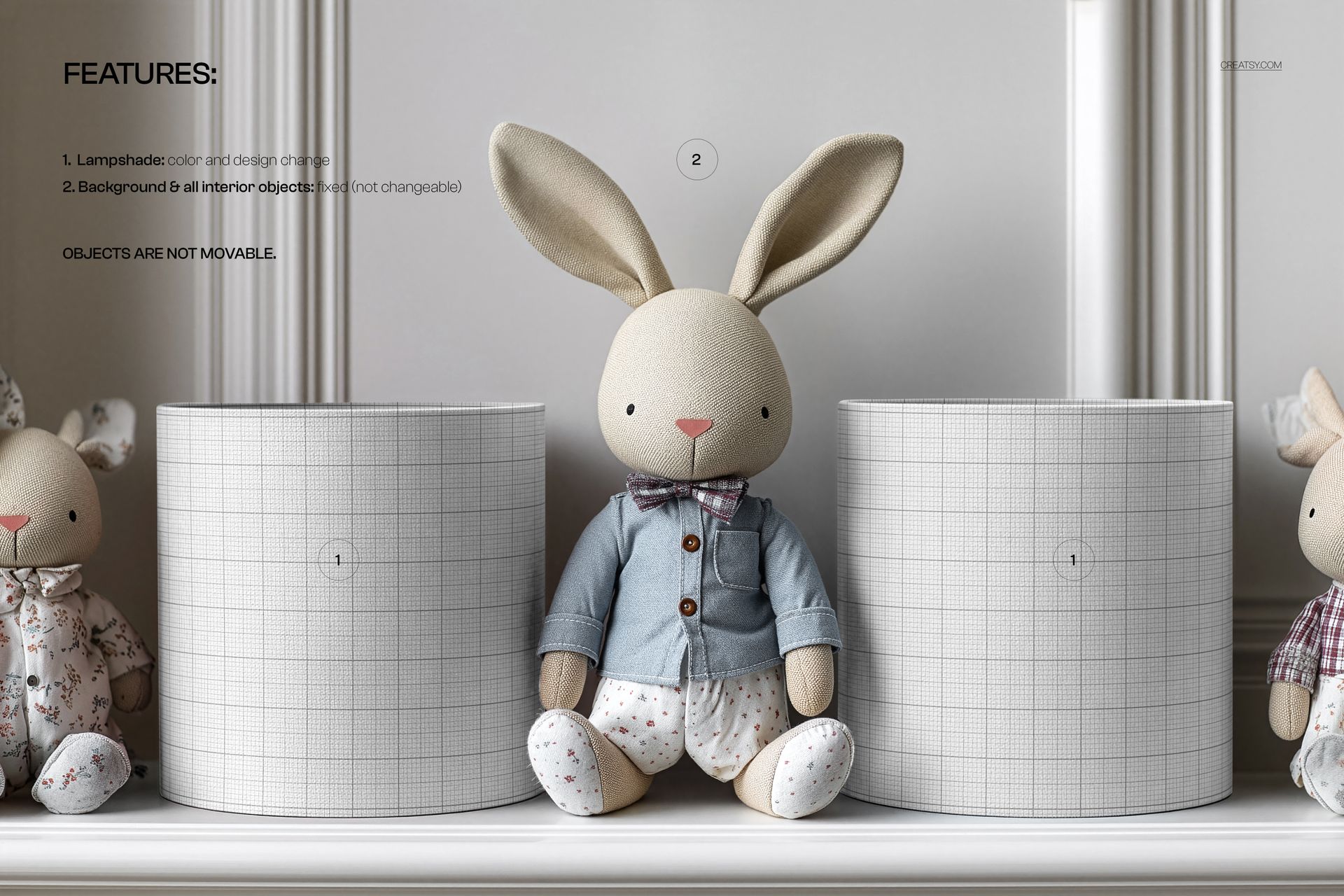
1 layered PSD file with an editable drum lampshade scene. Resolution: 6000x4000 pixels at 300 DPI. Smart object layers for design placement. Organized layer structure for straightforward editing. File size: 128.82 MB. Compatible with Adobe Photoshop CC 2020 or newer and Photopea (free online editor).
What You Can Customize
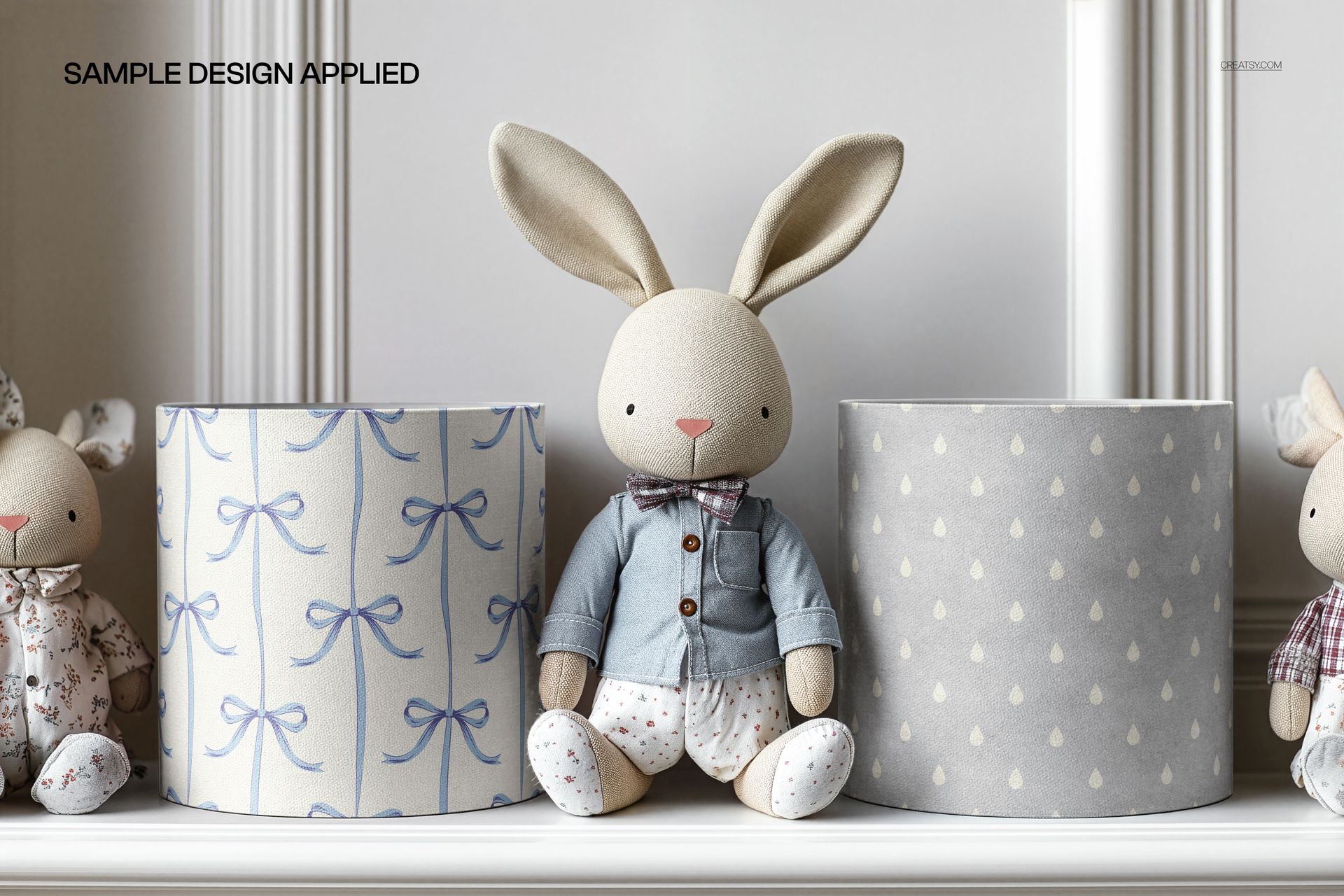
Apply your repeat pattern, illustration, or artwork to the lampshade surfaces. Test how your design reads on a cylindrical shape at realistic scale. Compare colorways and pattern densities before committing to a collection. The bedroom setting with plush bunny gives clients and buyers a sense of how the finished lamp looks in a children's room - something a flat swatch cannot do.
File Specifications
Format: PSD (Adobe Photoshop). Resolution: 6000x4000 pixels at 300 DPI. Total files: 1 PSD scene. File size: 128.82 MB. Compatibility: Adobe Photoshop CC 2020 or newer, Photopea (free online editor). Features: smart object layers, organized layers, styled kids room setting with plush bunny prop.
Who This Mockup Is For
Surface pattern designers creating home decor or nursery collections, textile designers testing lampshade artwork, children's product brands preparing product listings, Etsy and Shopify sellers building styled product photos for lamp or lighting accessories, branding designers presenting nursery interior concepts, and portfolio designers showing pattern work on functional home objects.
File details
- Compatibility
- Number of files included
- 2
- Package size
- 128 MB
|135 MB
- Files type
- .psd
- Files size
- 6000x4000


MEET THE SHOP

HOW IT WORKS
3 clicks. That's it.
No tutorial needed. If you can copy-paste, you can use this.
- 1OpenDouble-click the smart object inside the PSD - in Adobe Photoshop, or free in your browser with Photopea.
- 2PasteDrop in your pattern, print, or artwork. Any design, any style.
- 3SaveHit save and the mockup wraps it in for you - shadows, folds, and lighting included.
FROM IDEA TO IMAGE
Built for real workflows
Skip the photo shoot Show your artwork on the real product type for approvals or listings - no studio, no model, no sample.
See it on the product, not a swatch Drop your file into the smart object and the scene's lighting and folds wrap around it, so you judge the real thing before you commit.
Smart Objects
Edit once and you're done. Your artwork drops into a smart object and the mockup updates itself - no masking, no warping by hand.
Perfectly Organized
Named layers and folders you can actually navigate. Find what you need, change what you want, and get out fast.
Print-Ready
High-resolution files built to hold up on screen and in print. Exact size and DPI are in this product's Details above.