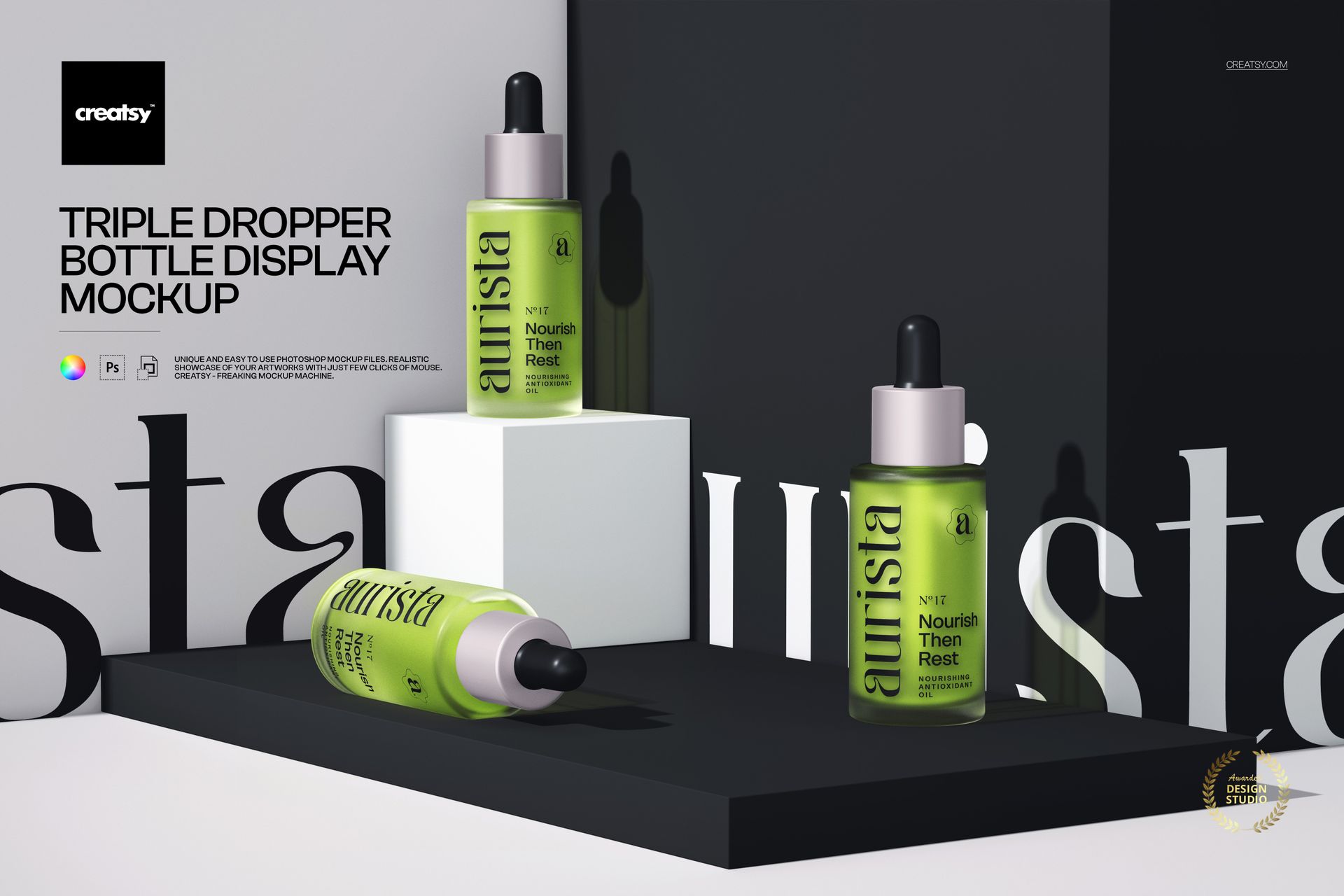
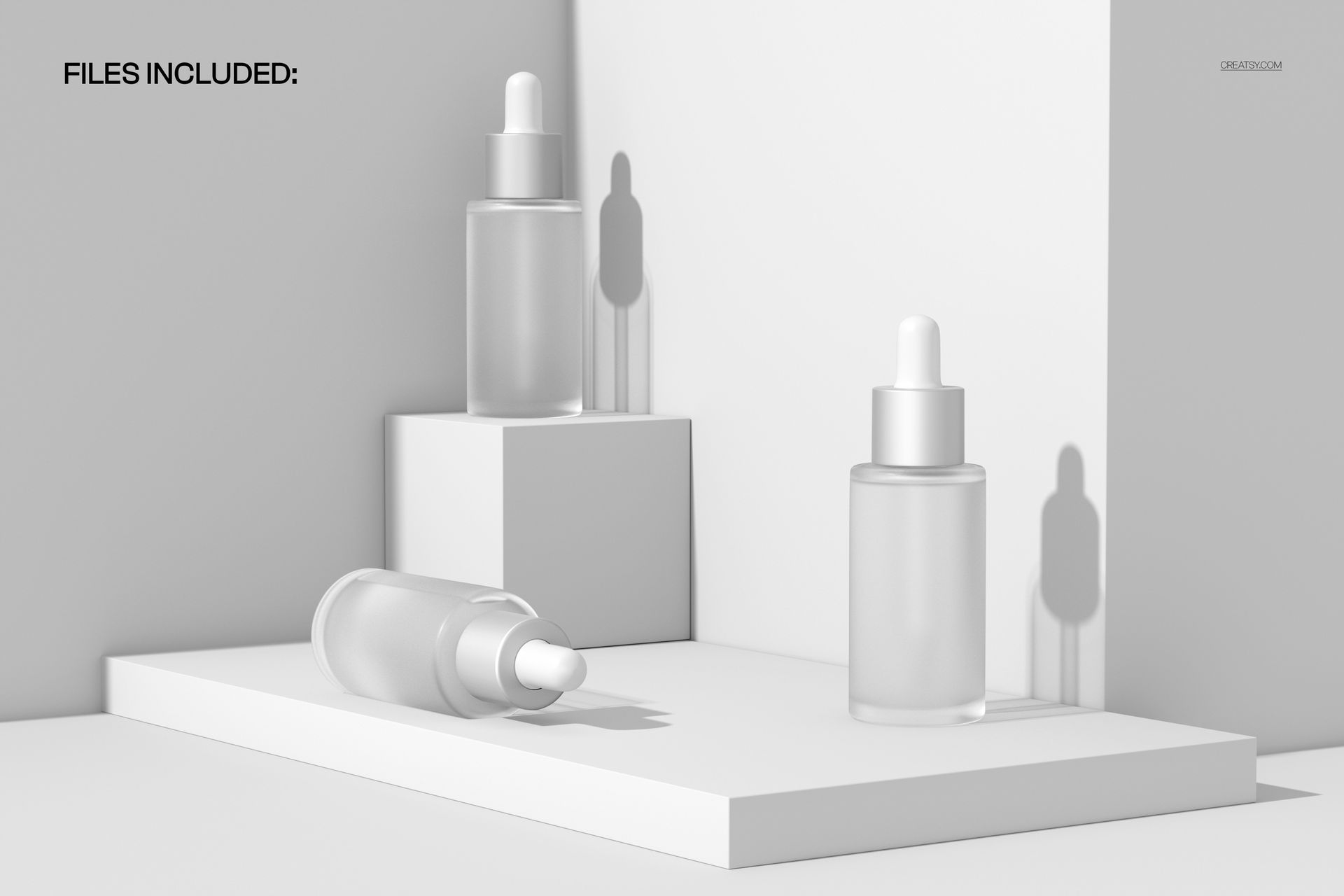
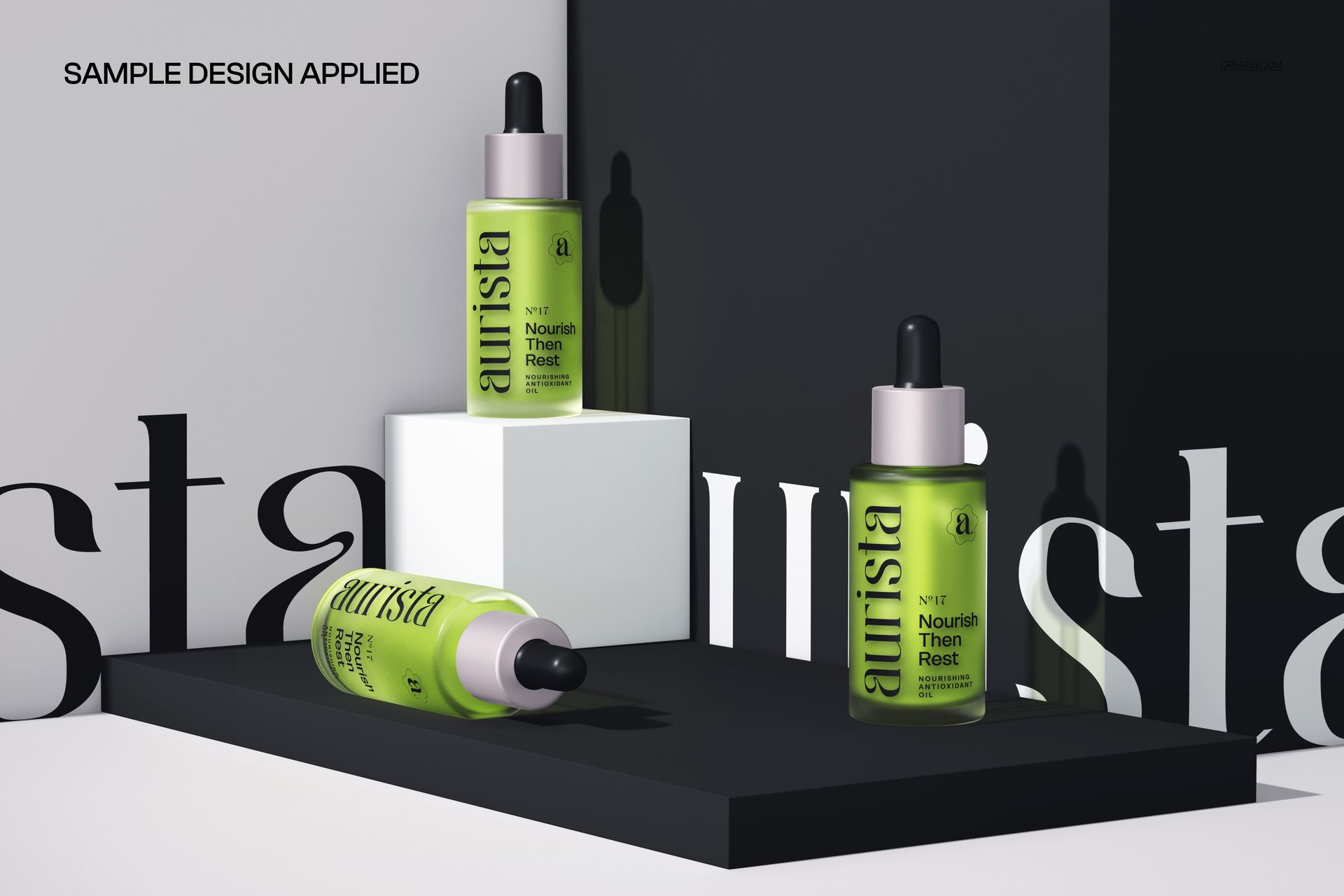
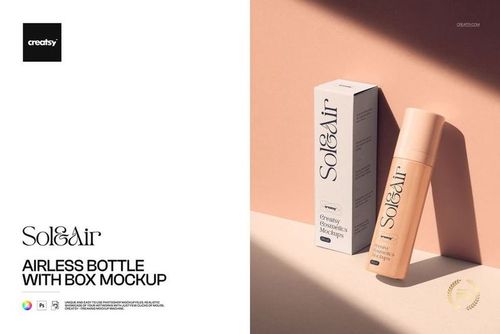
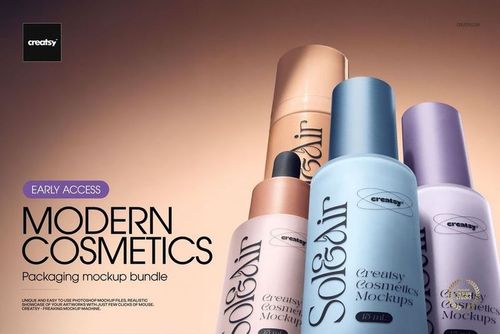
The Triple Dropper Bottle Display Mockup from Creatsy presents three cosmetic dropper bottles arranged in a clean display composition on a minimalist pedestal surface. The three-bottle layout gives you the visual impact of a full product line in a single image, making this mockup ideal for skincare brands, serum launches, essential oil collections, and any beauty product that uses glass dropper bottles. Show your complete range of formulations side by side with individual label designs, bottle colors, and liquid tints all visible in one cohesive scene.
Why This Mockup Works
Single-bottle product shots work for individual listings, but showcasing a full line of serums or oils together creates a stronger brand impression. Retail buyers, wholesale partners, and online shoppers respond to product range displays because they communicate brand depth and professional presentation. This triple-bottle composition lets you present your hero products, seasonal collections, or new launch lineup in one image that works as a homepage banner, Instagram post, email header, or wholesale catalog spread. The neutral pedestal setting keeps all visual attention on your bottle designs and label artwork.
What Is Included
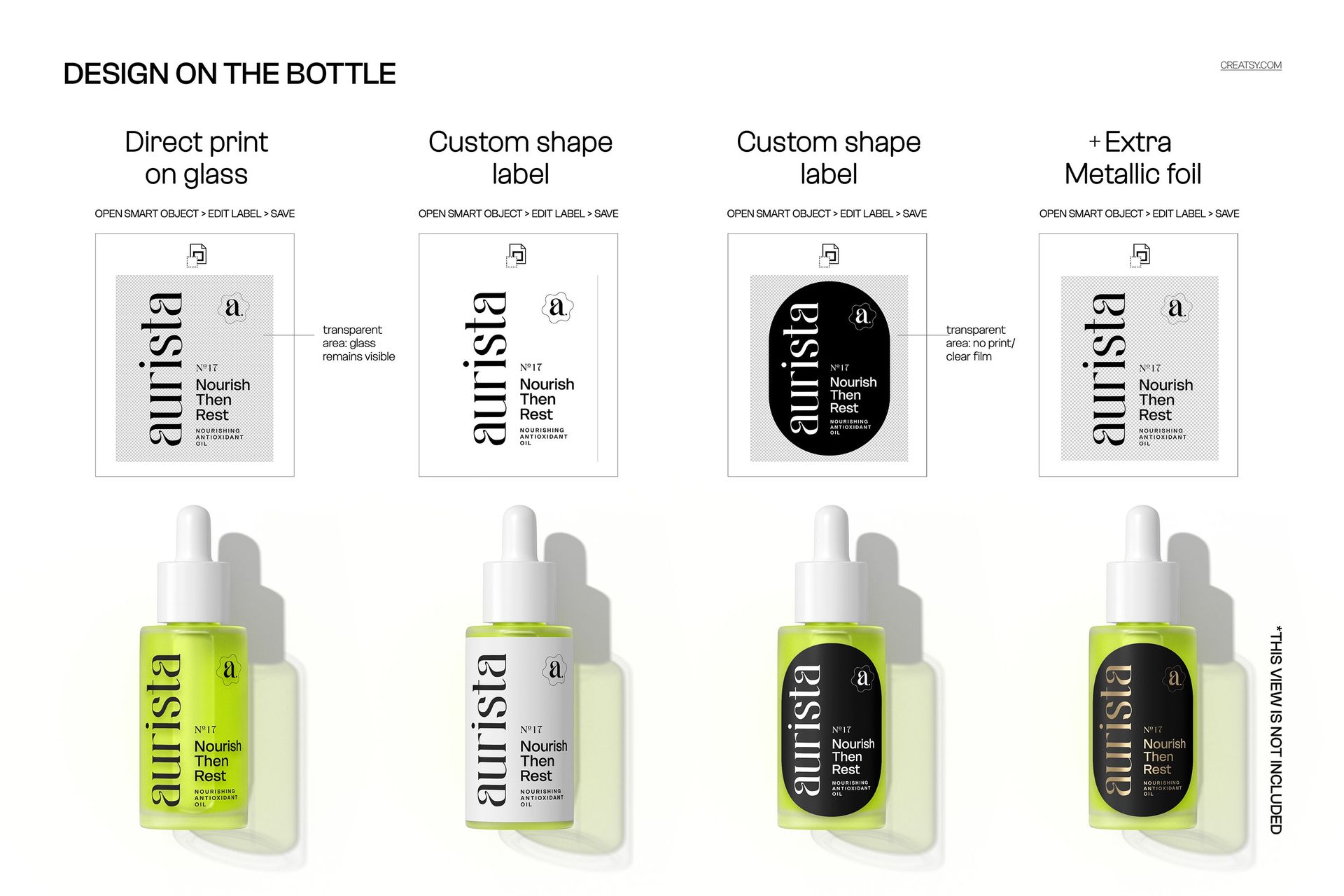
You receive 1 layered PSD file at 6000x4000 px and 300 DPI resolution. The composition features three dropper bottles arranged in a display formation with consistent lighting and shadow behavior across all three positions. All elements are organized in clearly labeled layers with smart objects for each bottle's label design. The file supports multiple label application styles including direct print on glass, custom-shape adhesive labels, and custom-shape labels with metallic foil accents, giving you flexibility to match your actual packaging specifications.
What You Can Customize
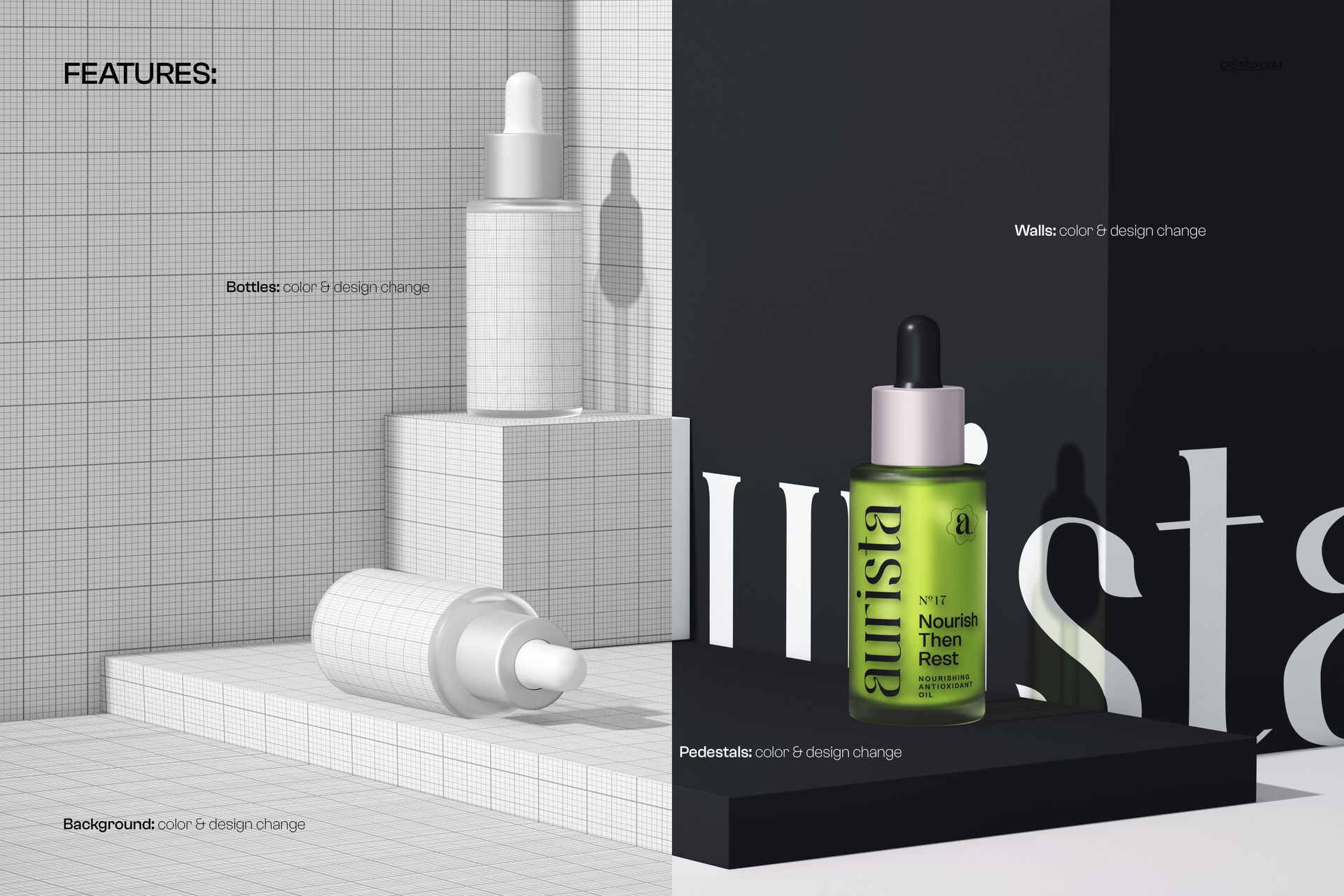
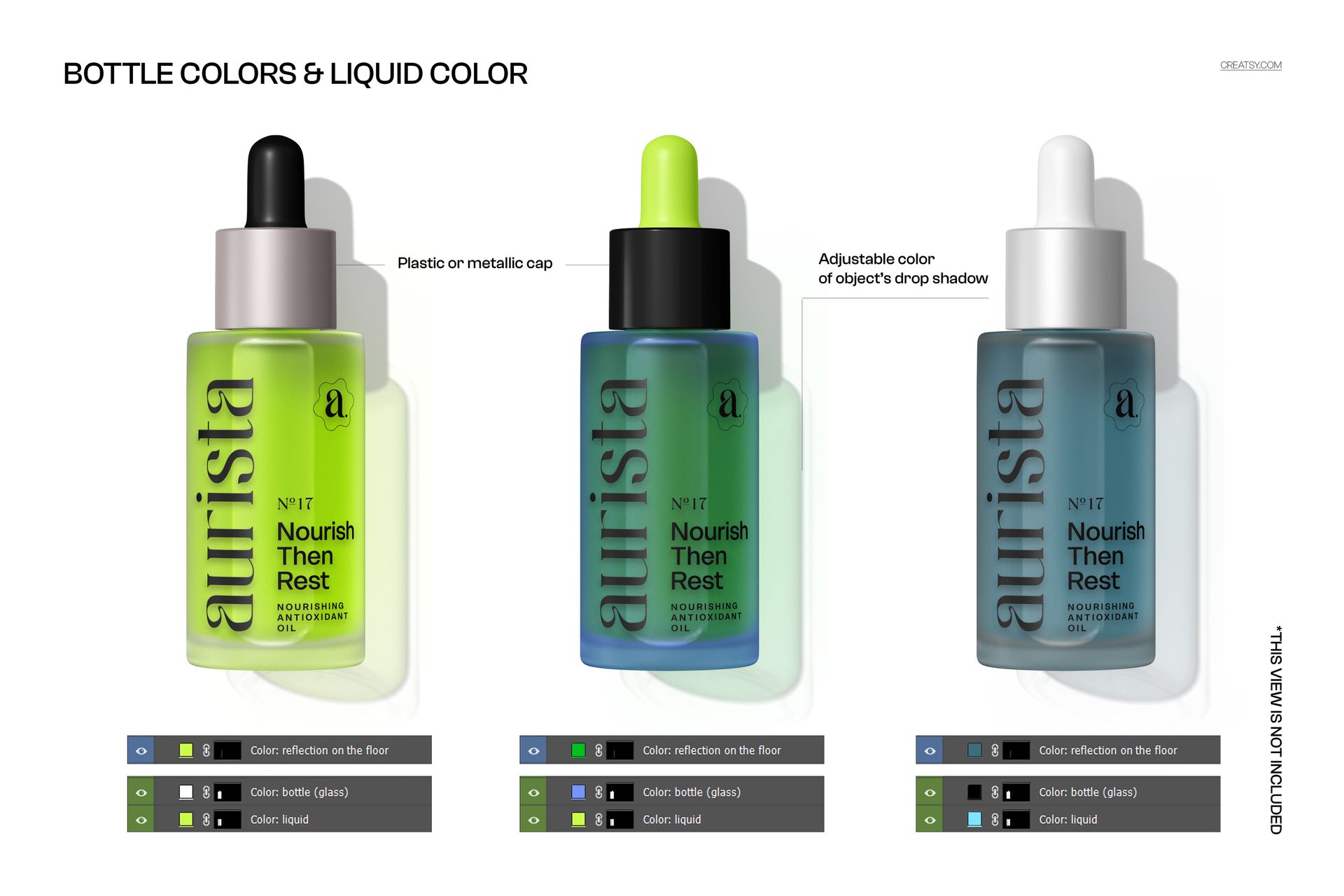
Each of the three bottles has independent smart object layers for its label design, so you can apply different artwork to each bottle or use the same design across all three. Bottle glass color is adjustable - switch between clear, frosted, amber, and other tint options. The liquid inside each bottle can be set to any color to represent different formulations in your line. Background color and surface material are controlled through dedicated layers. The dropper cap style remains consistent across all three bottles to maintain the cohesive product line appearance that makes this display composition effective.
Who This Mockup Is For
This mockup serves skincare and beauty brands launching serum, oil, or treatment product lines who need packaging visualization before production. Cosmetic packaging designers present label concepts showing how a full collection looks together. E-commerce beauty sellers on Shopify, Amazon, and direct-to-consumer websites use the triple display for homepage hero images and collection landing pages. Essential oil and wellness brands showcase their oil ranges in a professional product photography style. Brand designers and agencies create pitch presentations showing how a visual identity system works across multiple SKUs in the same product family.
File Specifications
Format: 1 PSD file with organized smart object layers. Canvas: 6000x4000 px. Resolution: 300 DPI for web, social media, print advertising, and catalog production. Compatibility: Adobe Photoshop CC 2020 or newer. Also works in Photopea, a free browser-based PSD editor with smart object support. File size: 457.85 MB.