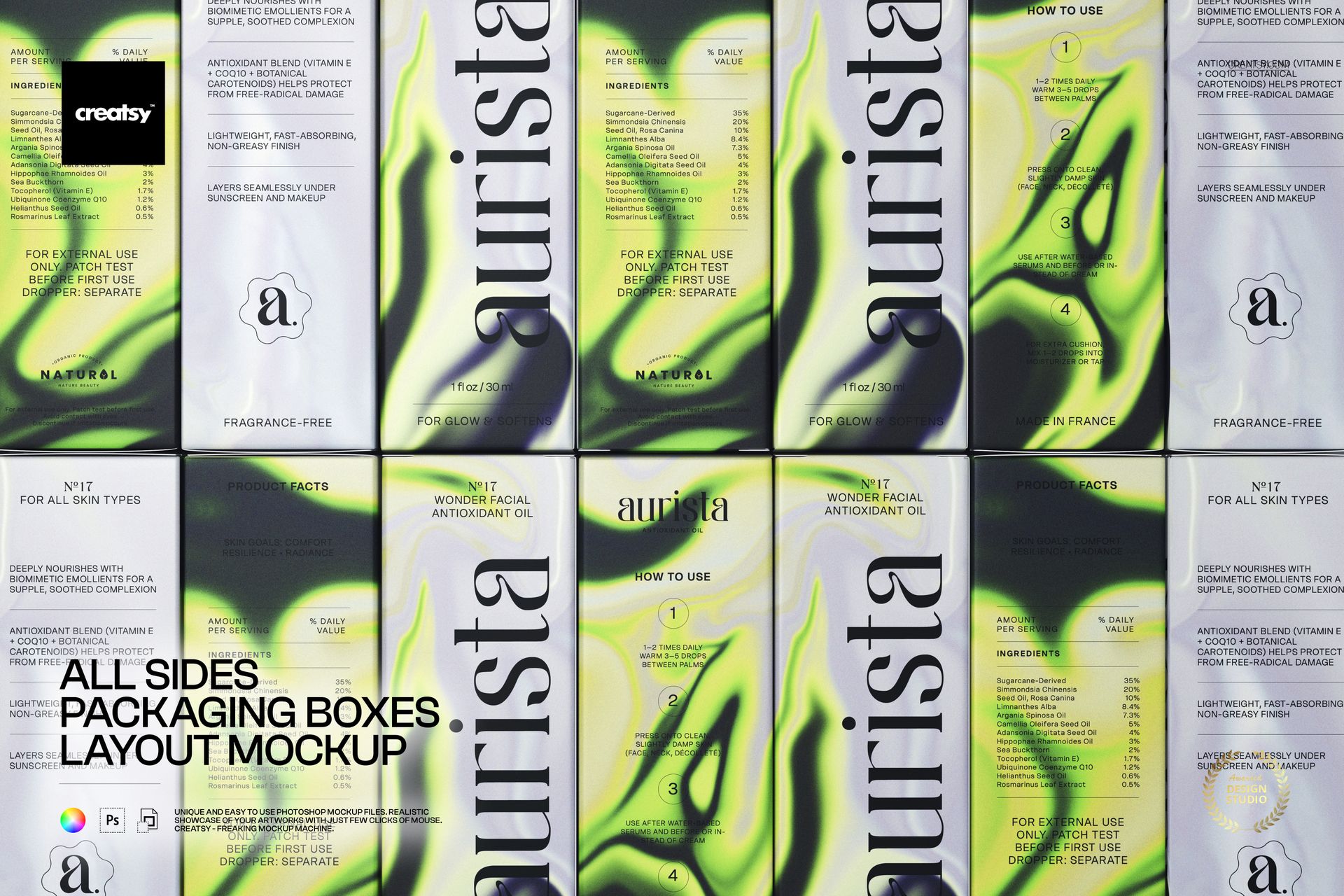
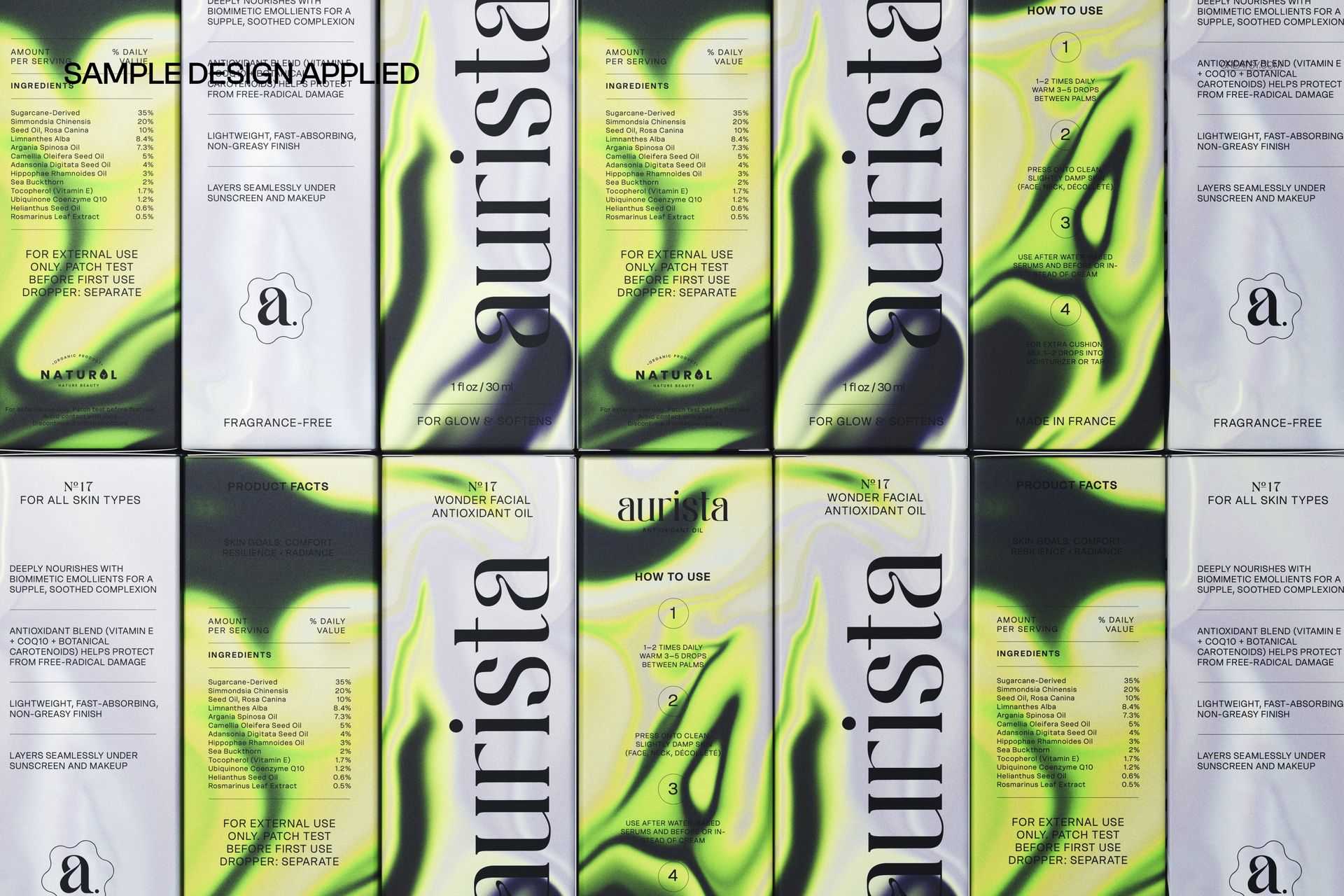
All Sides Packaging Boxes Layout Mockup presents a product box displayed from every angle in a single organized composition, showing the front, back, top, bottom, and side panels simultaneously so viewers can evaluate the complete packaging design in one image. The PSD file captures this all-sides layout on a clean surface with consistent lighting across every panel, making it the ideal format for packaging design approvals, client reviews, and quality control checks where every face of the box needs to be visible at the same time. Built for skincare and beauty brands, cosmetic packaging designers, and product development teams who need to present box artwork comprehensively before sending files to the printer.
Why This Mockup Works
A single-angle product shot only shows one or two faces of the packaging at a time, which forces clients to request multiple renders or flip through several mockup images to see the complete design. This layout mockup solves that problem by placing every panel of the box in one frame, arranged so the viewer can assess typography, color consistency, regulatory text placement, ingredient lists, and branding elements across all surfaces simultaneously. For skincare and body care products where packaging must include specific information on designated panels, this format makes the review process faster and more thorough because nothing is hidden behind the box or cut off by the viewing angle.
What Is Included
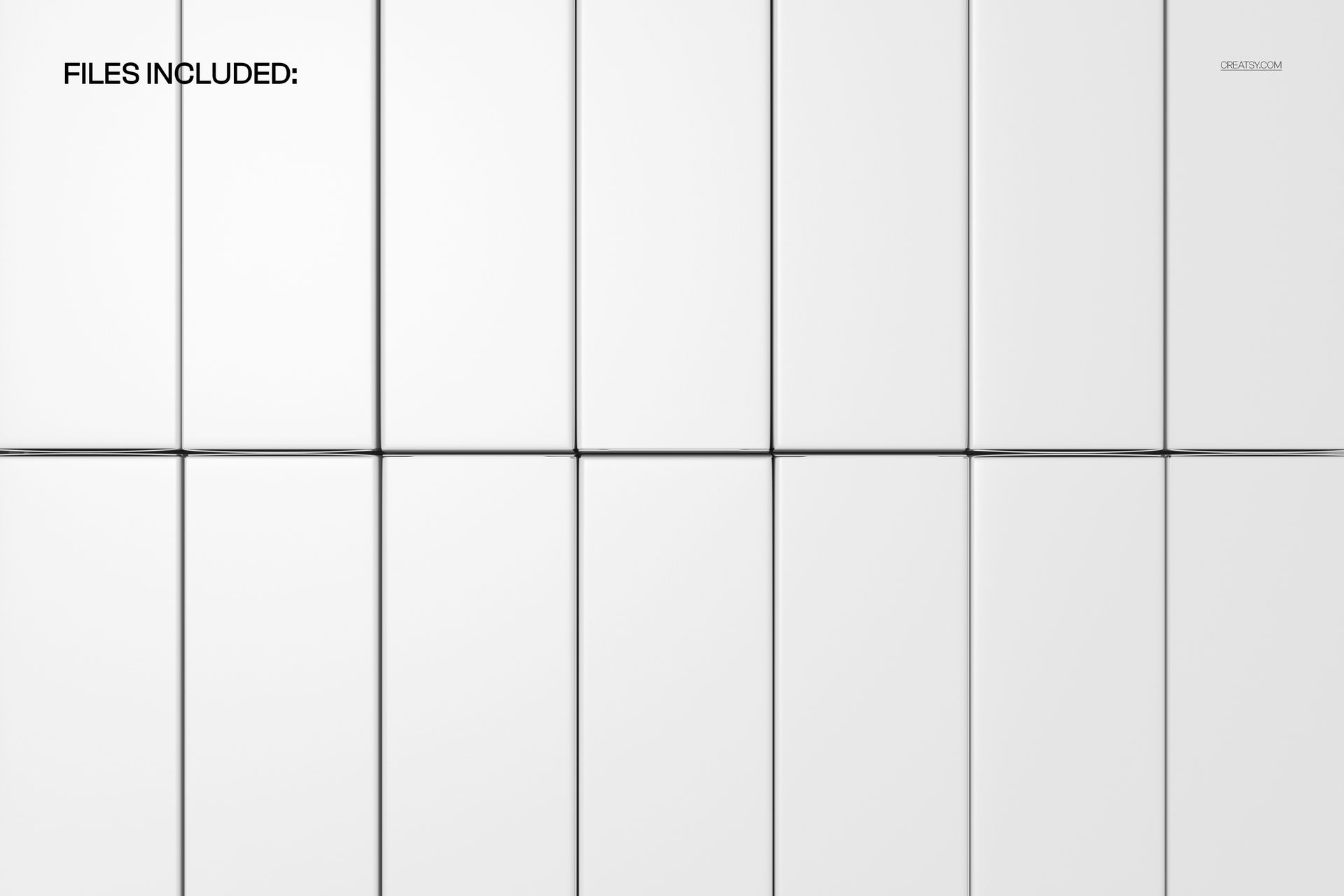
The download contains 1 PSD file at 6000x4000 pixels and 300 DPI. The file shows the packaging box from all sides in an organized layout with consistent lighting and a clean background. The total download size is 251.29 MB. The composition arranges every box panel clearly so that front, back, sides, top, and bottom are all visible and legible in the final export.
What You Can Customize
Open the PSD in Adobe Photoshop CC 2020 or later, or use the free browser-based editor at photopea.com. Locate the smart object layers covering each box panel surface, double-click to open them, and place your packaging artwork, product information, brand graphics, and regulatory text. Save and close each smart object to see your design applied to the corresponding panel in the layout composition. The displacement follows the box geometry for realistic placement on each surface. Well organized layers with clear naming let you work through each panel systematically.
Who This Mockup Is For
Skincare and beauty brands reviewing packaging artwork before production, where every panel must carry specific product information, ingredient lists, usage instructions, and regulatory markings. Cosmetic packaging designers presenting complete box designs to clients in a format that shows all surfaces at once for efficient approval. Product development teams coordinating between design, regulatory, and marketing departments where each group needs to verify different panels of the same box. Print-ready packaging studios that need a comprehensive visual proof showing every face of the box before files go to the production facility. E-commerce brands creating product listing images that show the full packaging design to online shoppers who cannot physically pick up and examine the box.
File Specifications
Format: PSD (Adobe Photoshop). Files: 1. Resolution: 6000x4000 px. DPI: 300. Download size: 251.29 MB. Compatibility: Adobe Photoshop CC 2020 and newer, Photopea (free browser-based editor). Smart object layers for each box panel surface. Well organized layer structure with clear naming. All-sides layout composition with consistent lighting on a clean background.