ID: 1768454485 | Updated: Oct 22, 2025

Product Details

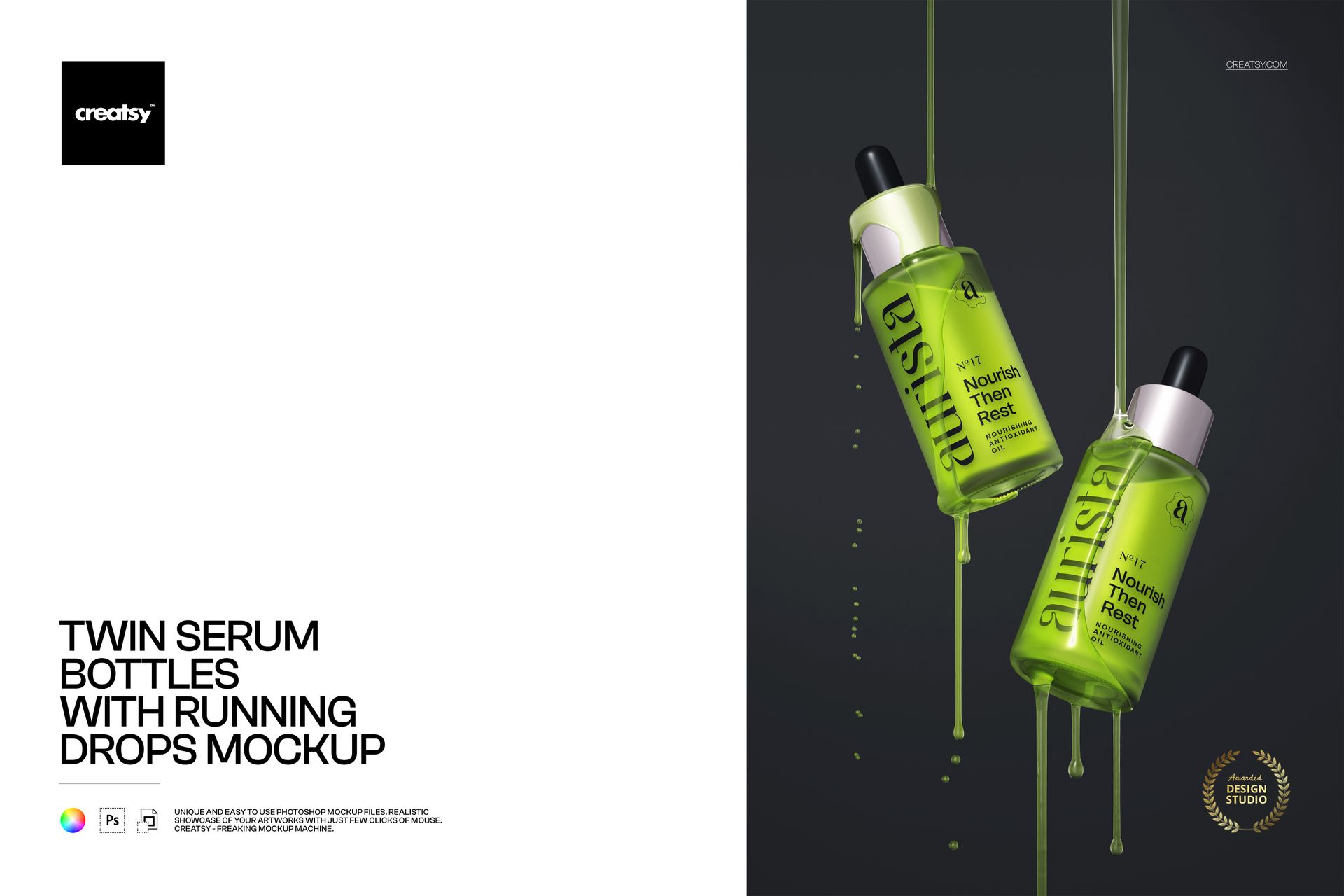
Twin Serum Bottles with Running Drops — PSD Mockup (6000×4000px, 300dpi)

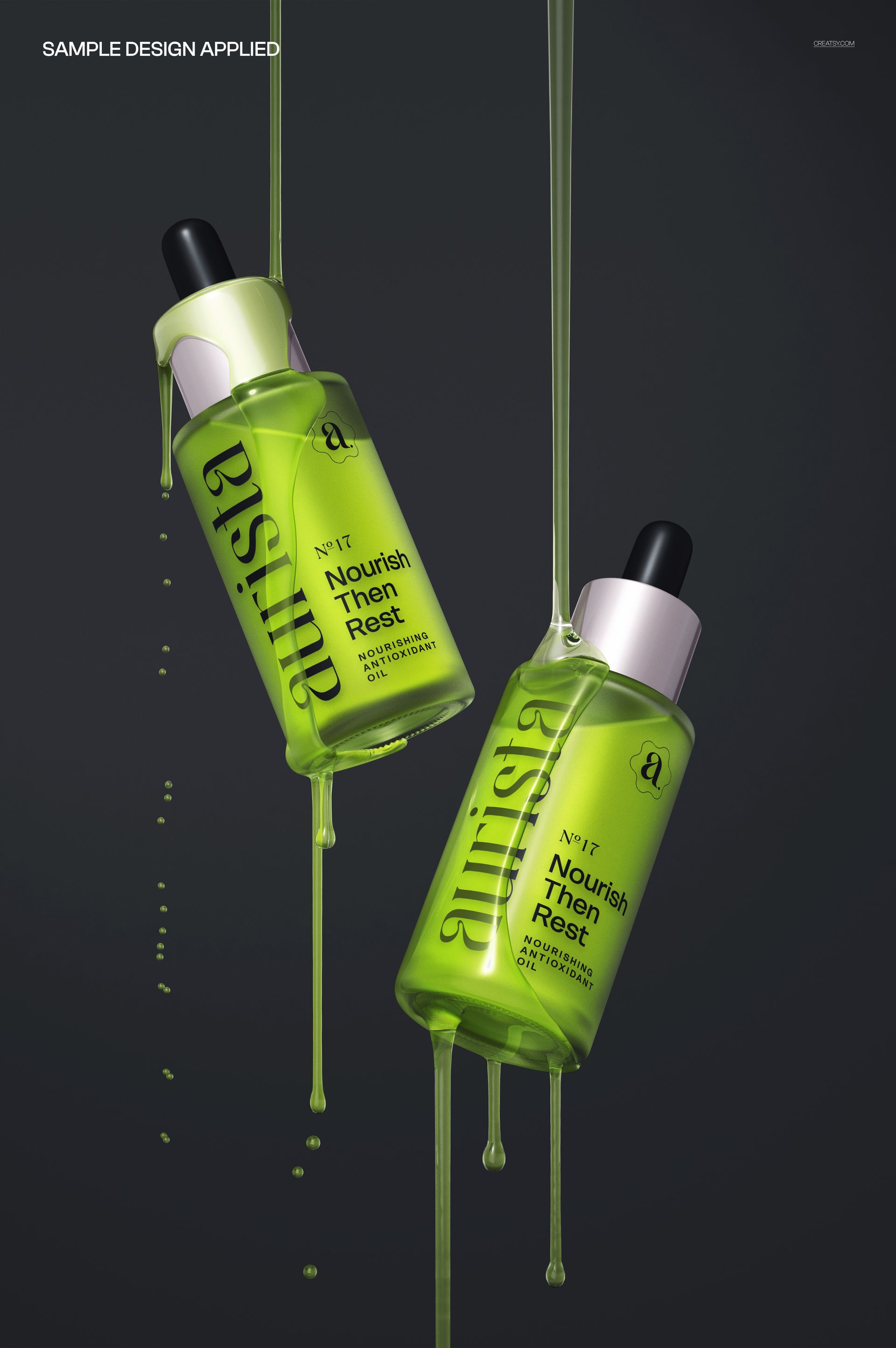
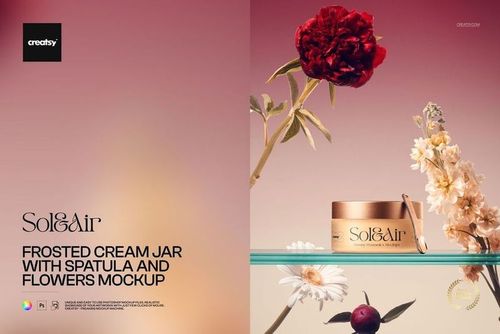
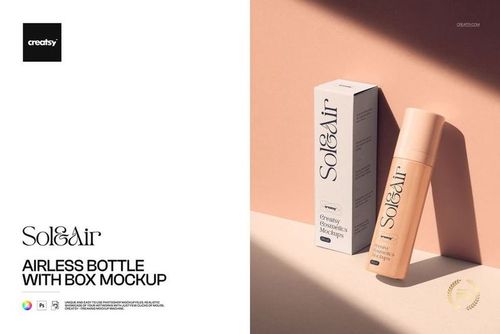
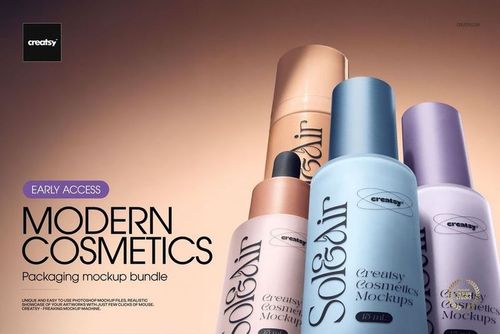
Showcase skincare and beauty packaging with a photorealistic scene of two serum dropper bottles with natural running drops. The download includes one layered PSD that works in Adobe Photoshop CC2020+ and Photopea. Replace the label via Smart Object, then fine-tune glass, dropper and liquid colours, toggle the droplet effects, and control highlights, shadows and reflections on separate layers. Export on a transparent background for quick placement in catalogues, e-commerce listings, social ads or pitch decks. Ideal for skincare brandscosmetics packaging designers and agencies who need fast, high-resolution visuals without photoshoots.


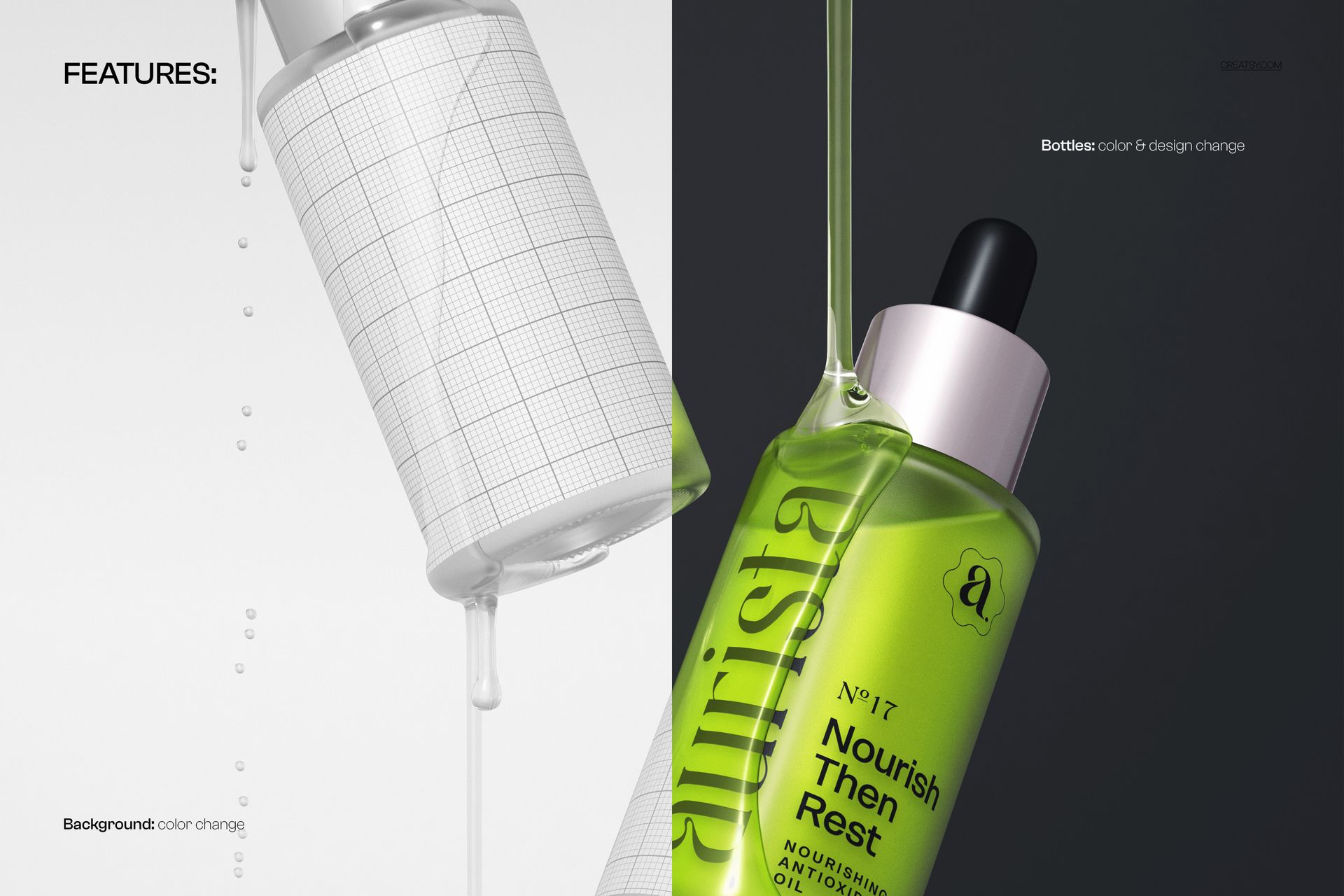
What you can customise


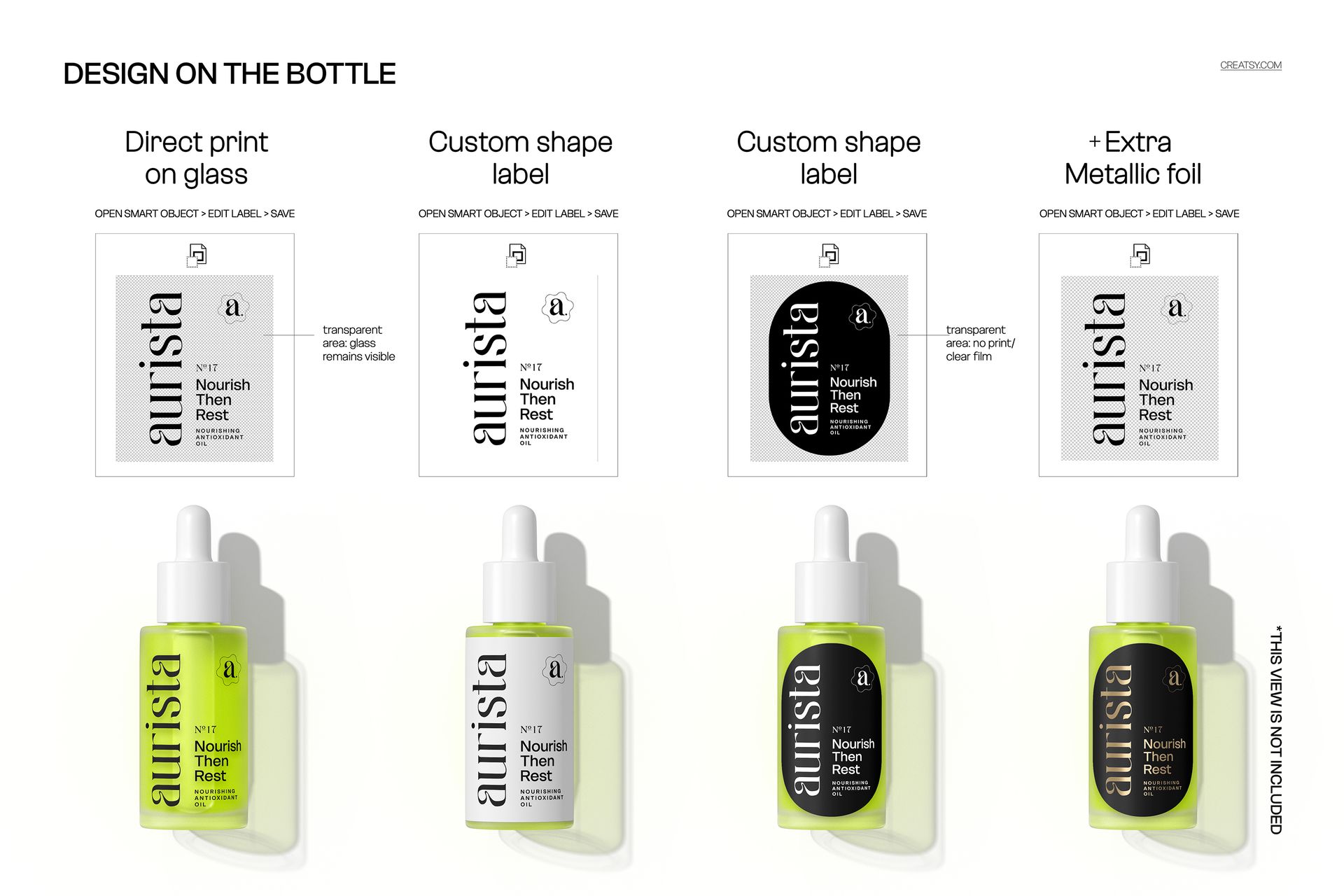
  • Label (via Smart Object) and print method: direct print on glass or custom-shaped labels
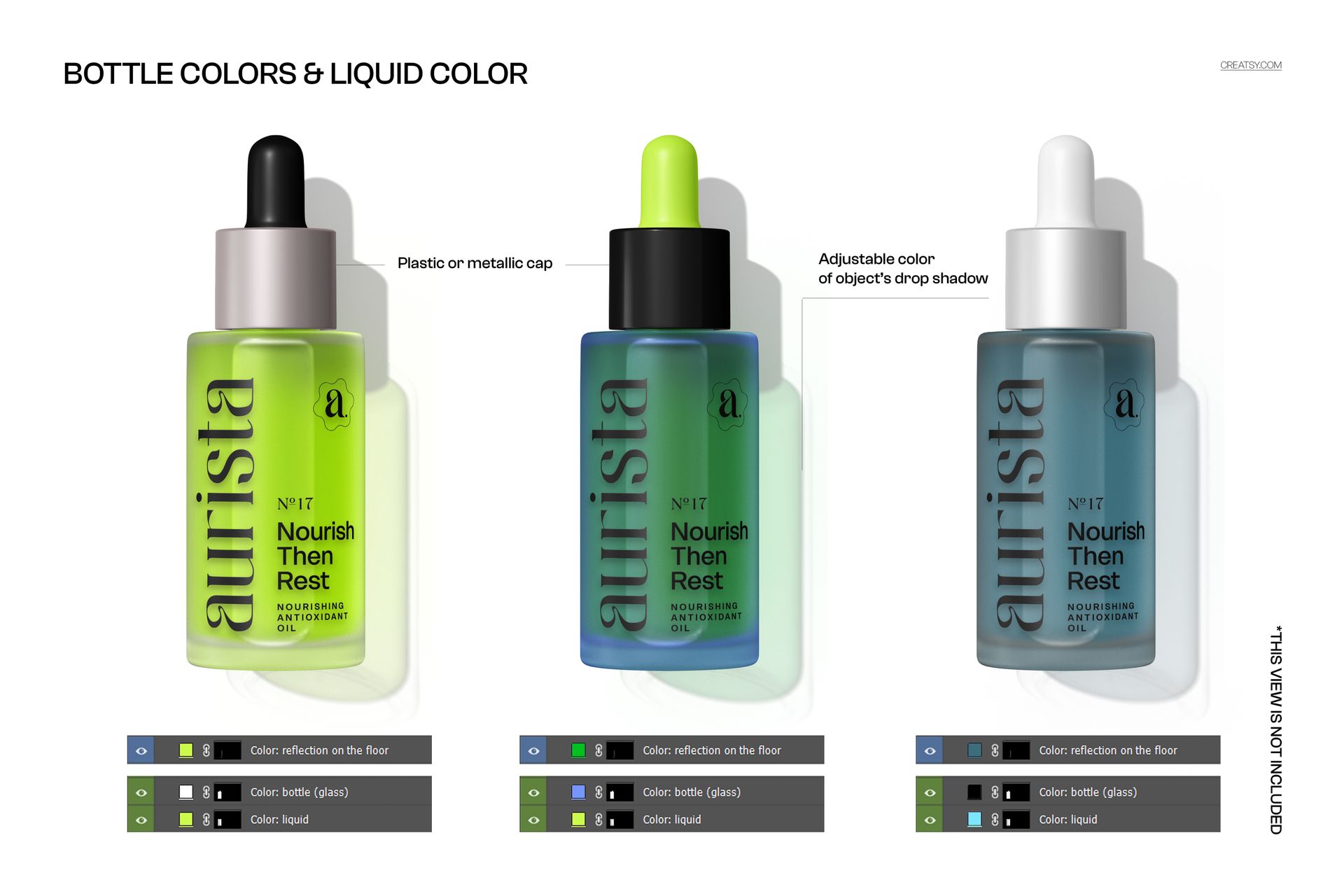
  • Colours of the glass, dropper and liquid; optional metallic accents
  • Droplet effectshighlightsshadows and reflections (each on separate layers)
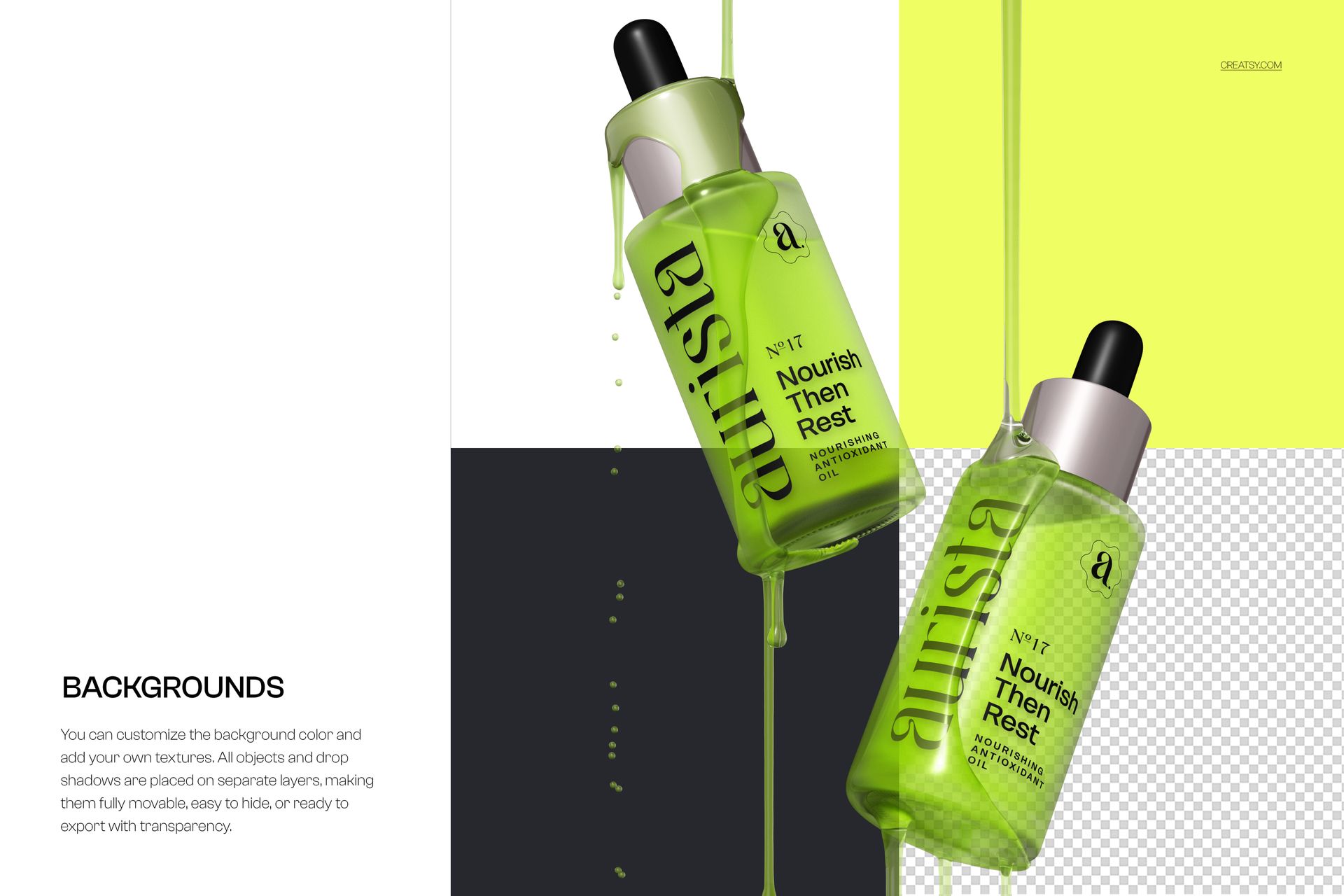
  • Background colour/texture and export on transparent background


Key features


  • High-resolution canvas: 6000×4000px, 300dpi — ready for print and web
  • Photoshop & Photopea compatible with Smart Objects for rapid customisation
  • Separate layers for full creative control
  • Perfect for showcasing skincare, cosmetics, oils and luxury beauty products


Why it helps

Save time on product shots, keep brand consistency across launches, and present premium skincare packaging with lifelike lightingrealistic droplets and pixel-sharp detail.

File details

Compatibility
PhotopeaAdobe Photoshop
Number of files included
2
Package size
444 MB444 MB|465 MB465 MB
Files type
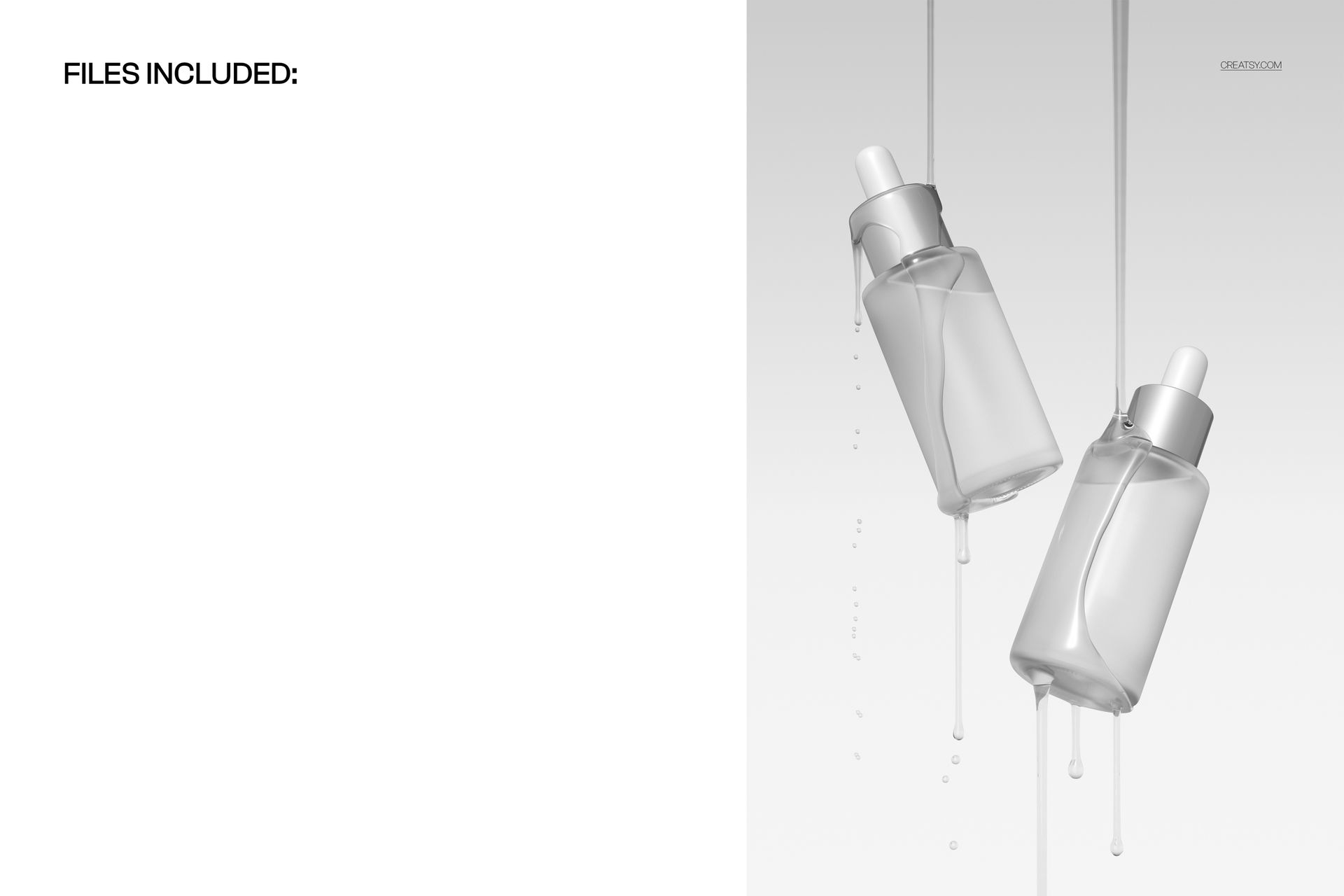
.psd, .jpg
Files size
6000x4000
TEST FOR FREE

MEET THE SHOP

Creatsy logo

Creatsy

Poland
4.7 (647)

Bring your ideas to life.

We're a family-run studio in Katowice, Poland, making PSD mockups by hand since 2016. Everything in this shop starts in our own studio. We shoot the photography, build the 3D, and put together every Smart Object PSD ourselves - then we test it, organize the layers, and only ship it once it actually works...
GO TO SHOP

HOW IT WORKS

3 clicks. That's it.

No tutorial needed. If you can copy-paste, you can use this.

  1. 1OpenDouble-click the smart object inside the PSD - in Adobe Photoshop, or free in your browser with Photopea.
  2. 2PasteDrop in your pattern, print, or artwork. Any design, any style.
  3. 3SaveHit save and the mockup wraps it in for you - shadows, folds, and lighting included.

FROM IDEA TO IMAGE

Built for real workflows

Skip the photo shoot Show your artwork on the real product type for approvals or listings - no studio, no model, no sample.

See it on the product, not a swatch Drop your file into the smart object and the scene's lighting and folds wrap around it, so you judge the real thing before you commit.

Smart Objects

Edit once and you're done. Your artwork drops into a smart object and the mockup updates itself - no masking, no warping by hand.

Perfectly Organized

Named layers and folders you can actually navigate. Find what you need, change what you want, and get out fast.

Print-Ready

High-resolution files built to hold up on screen and in print. Exact size and DPI are in this product's Details above.