Coil Binding Planner Mockup Set
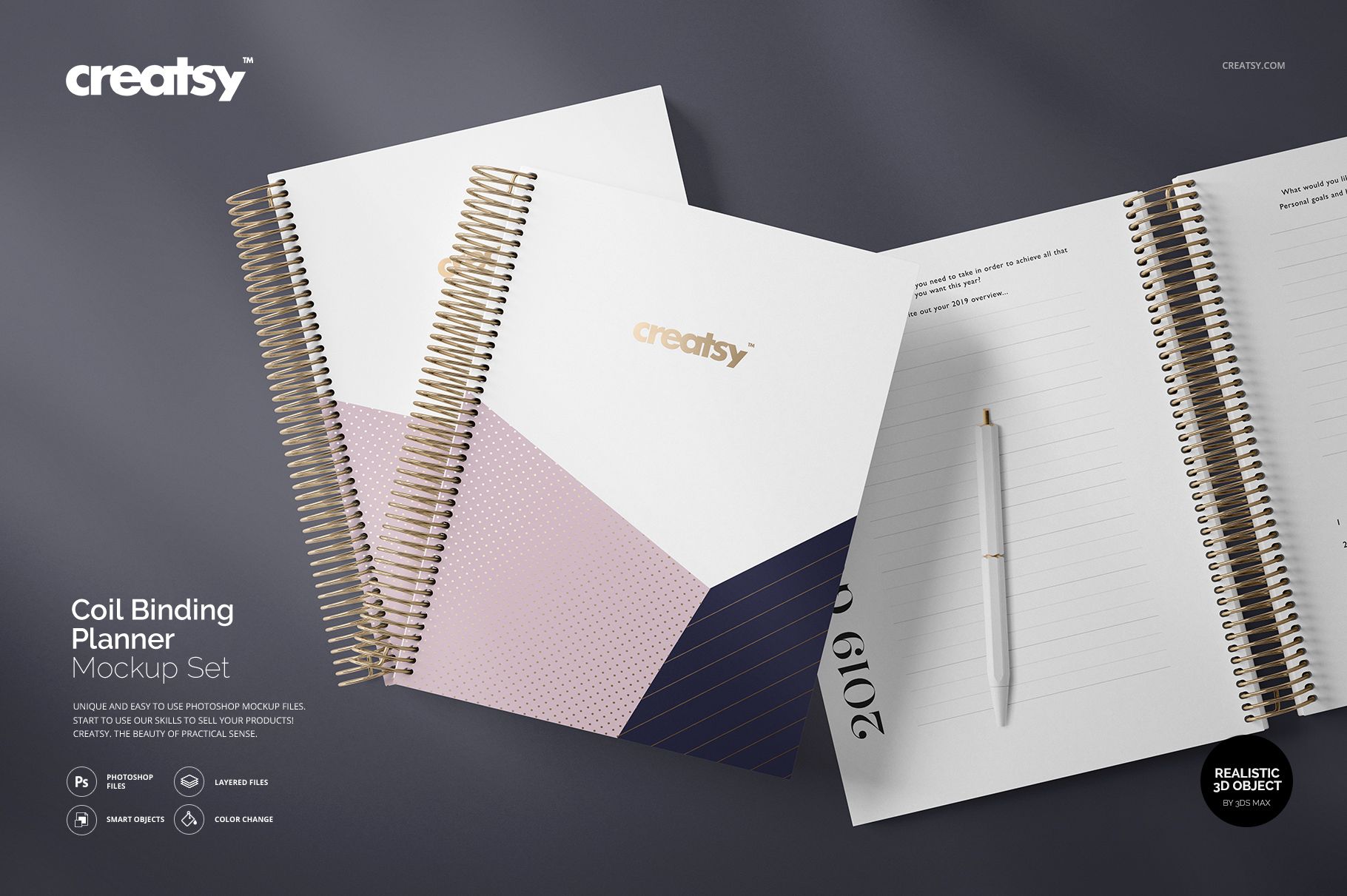
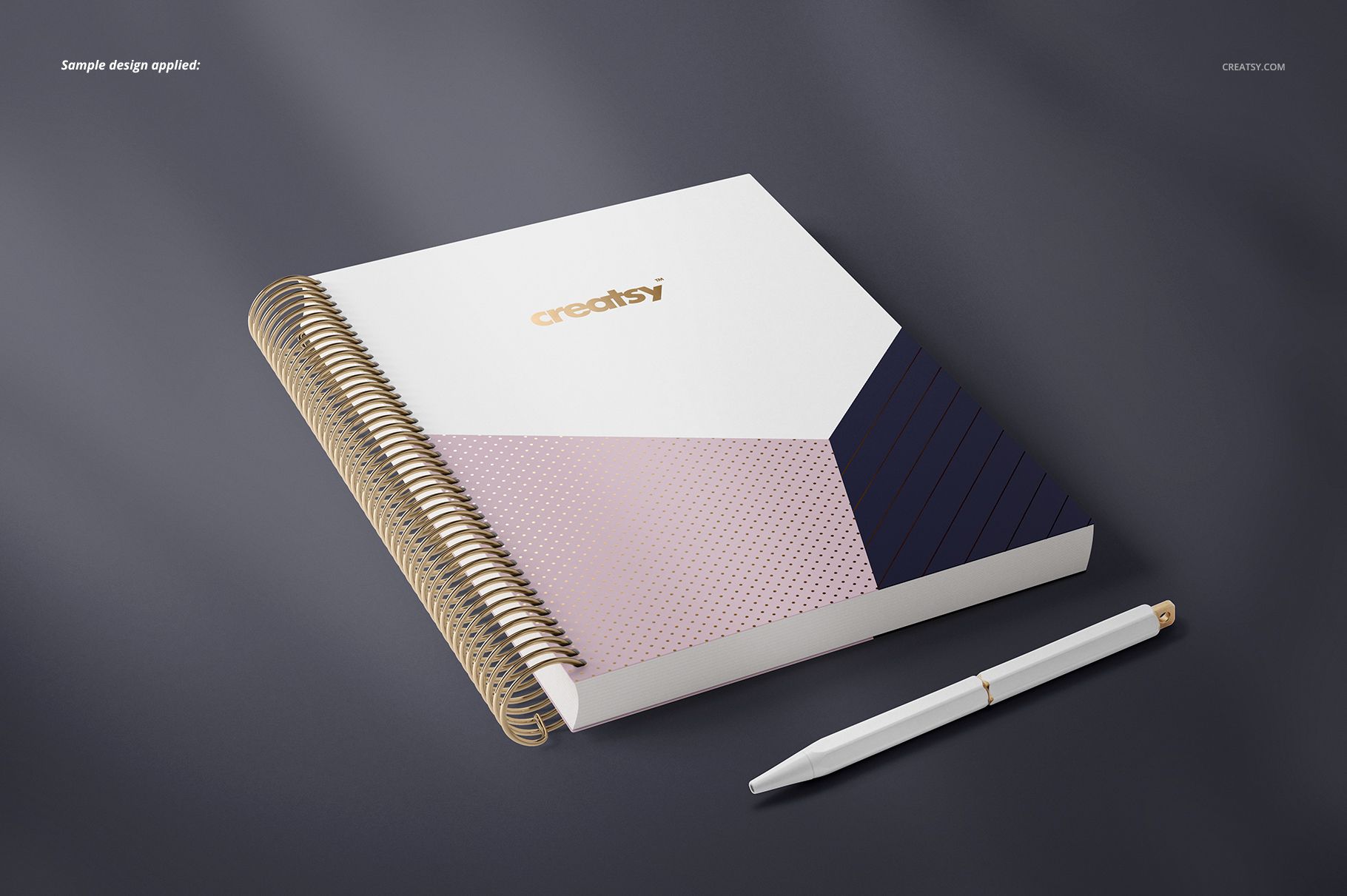
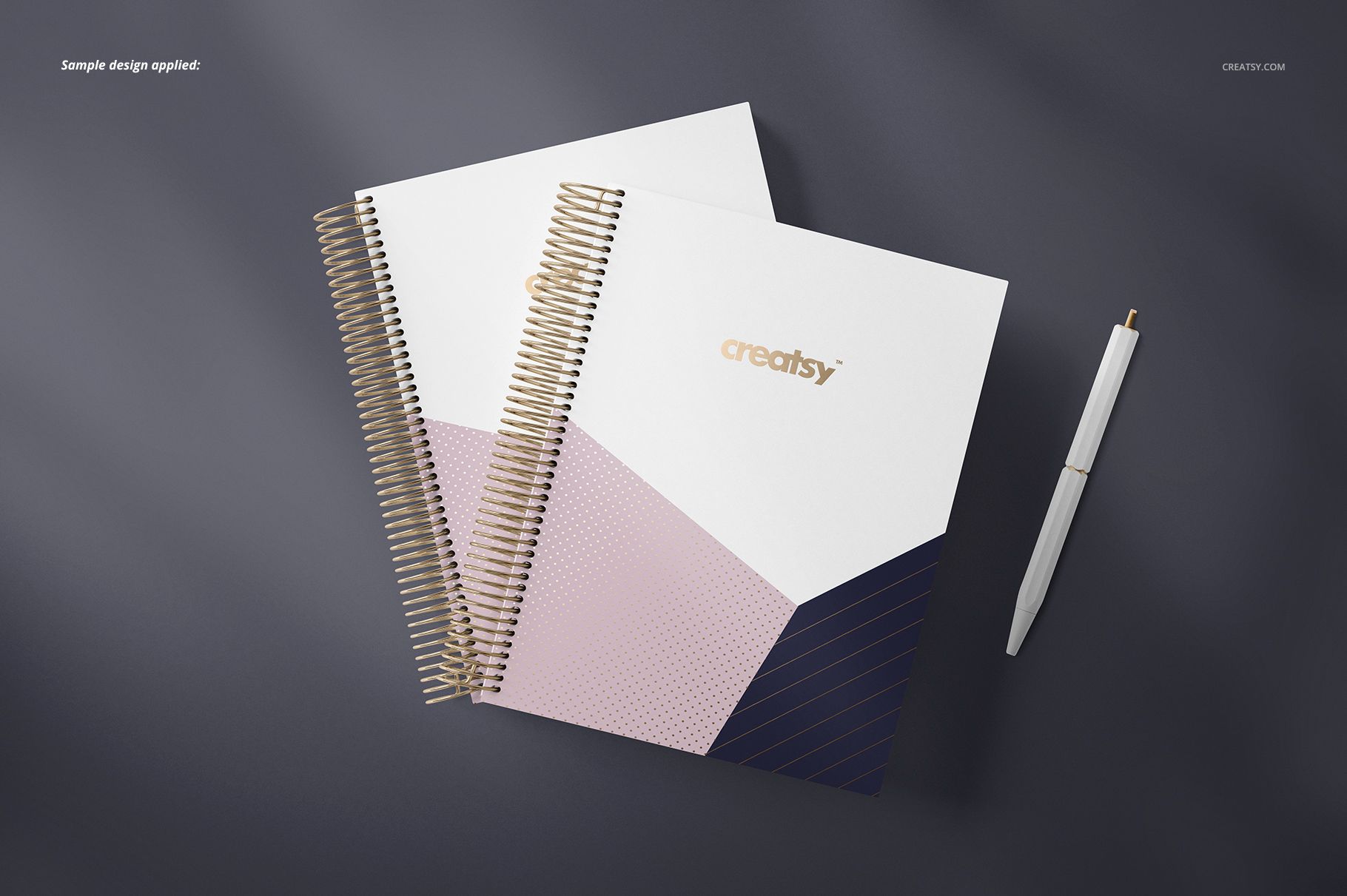
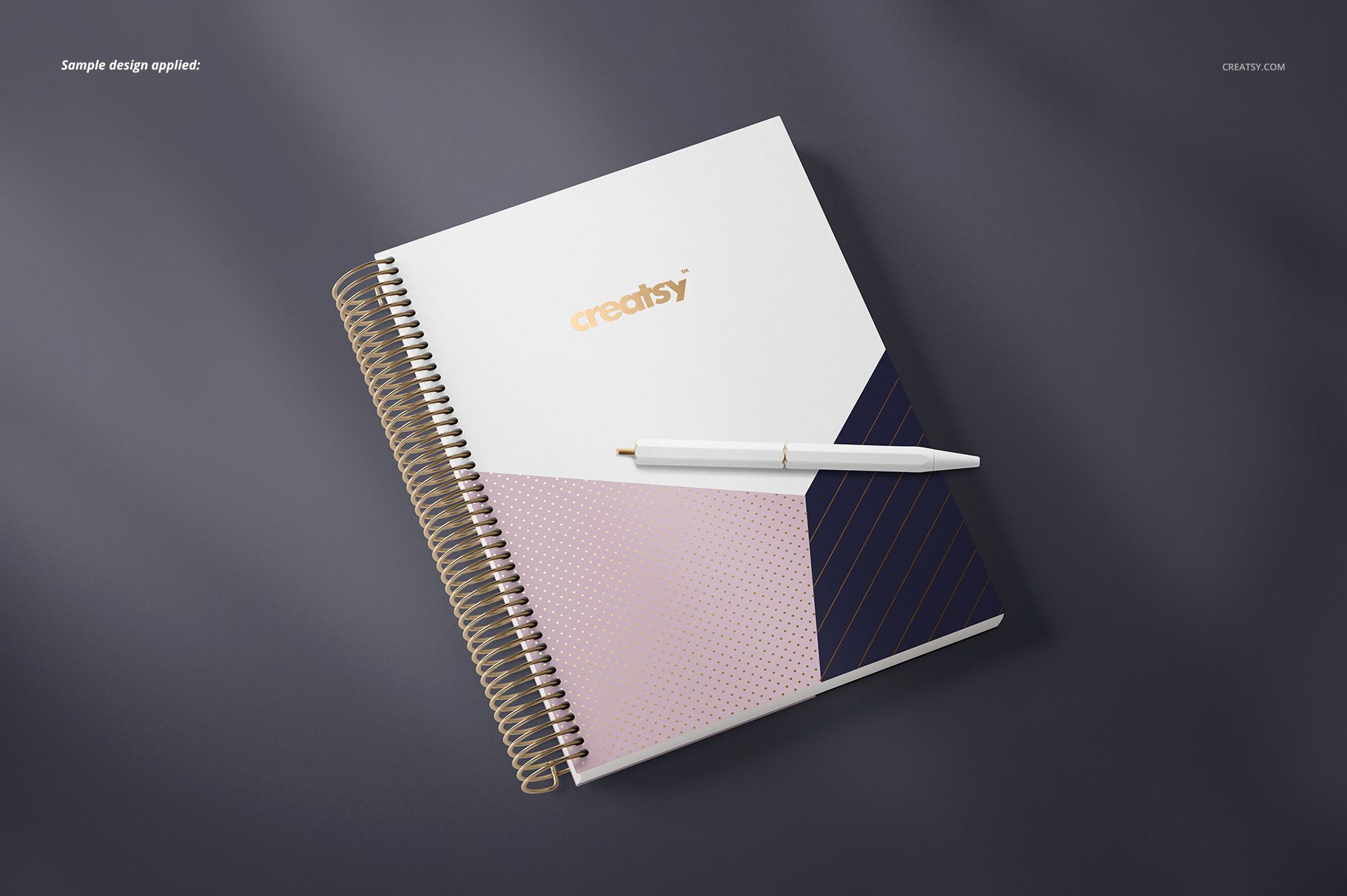
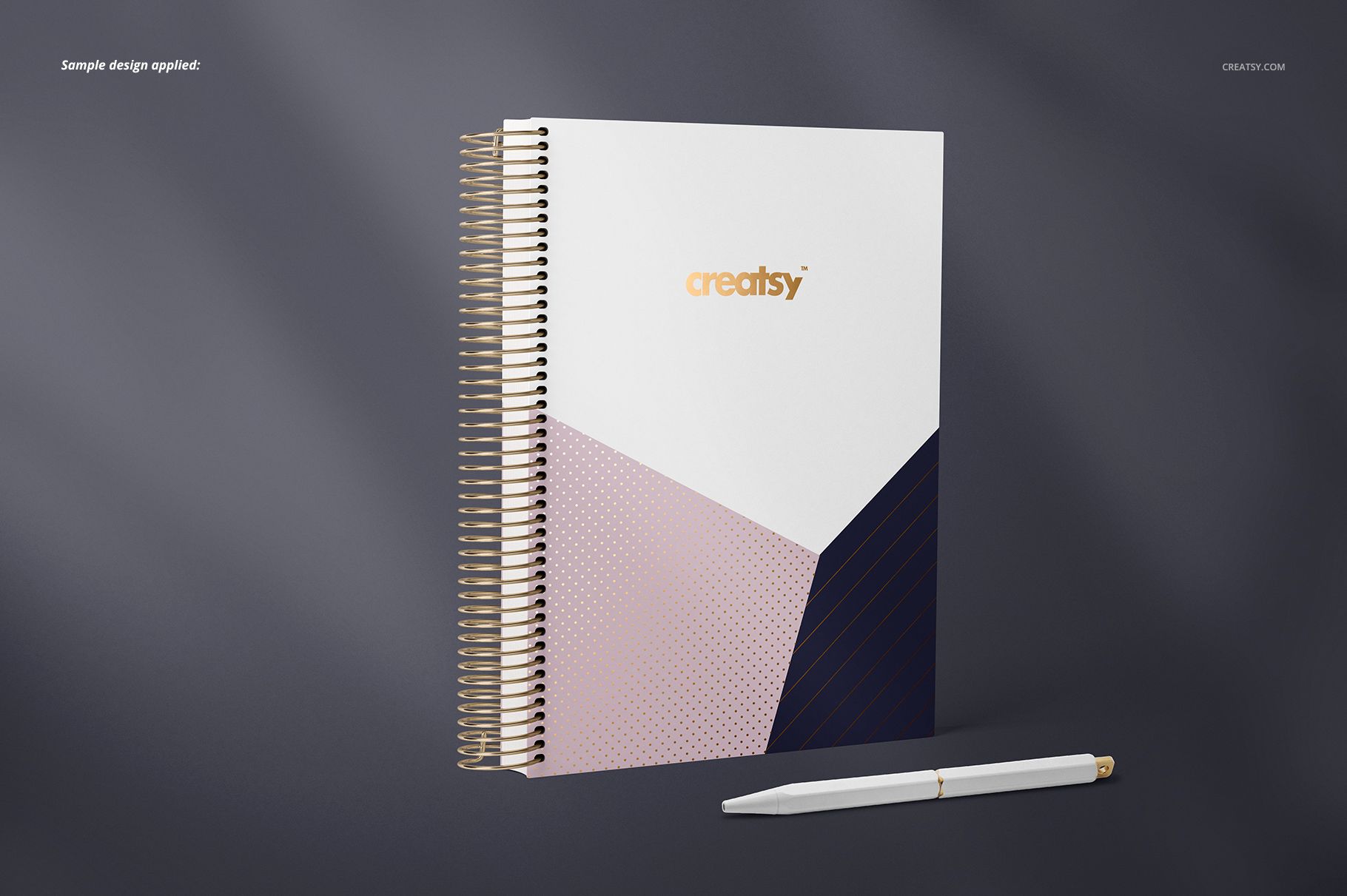
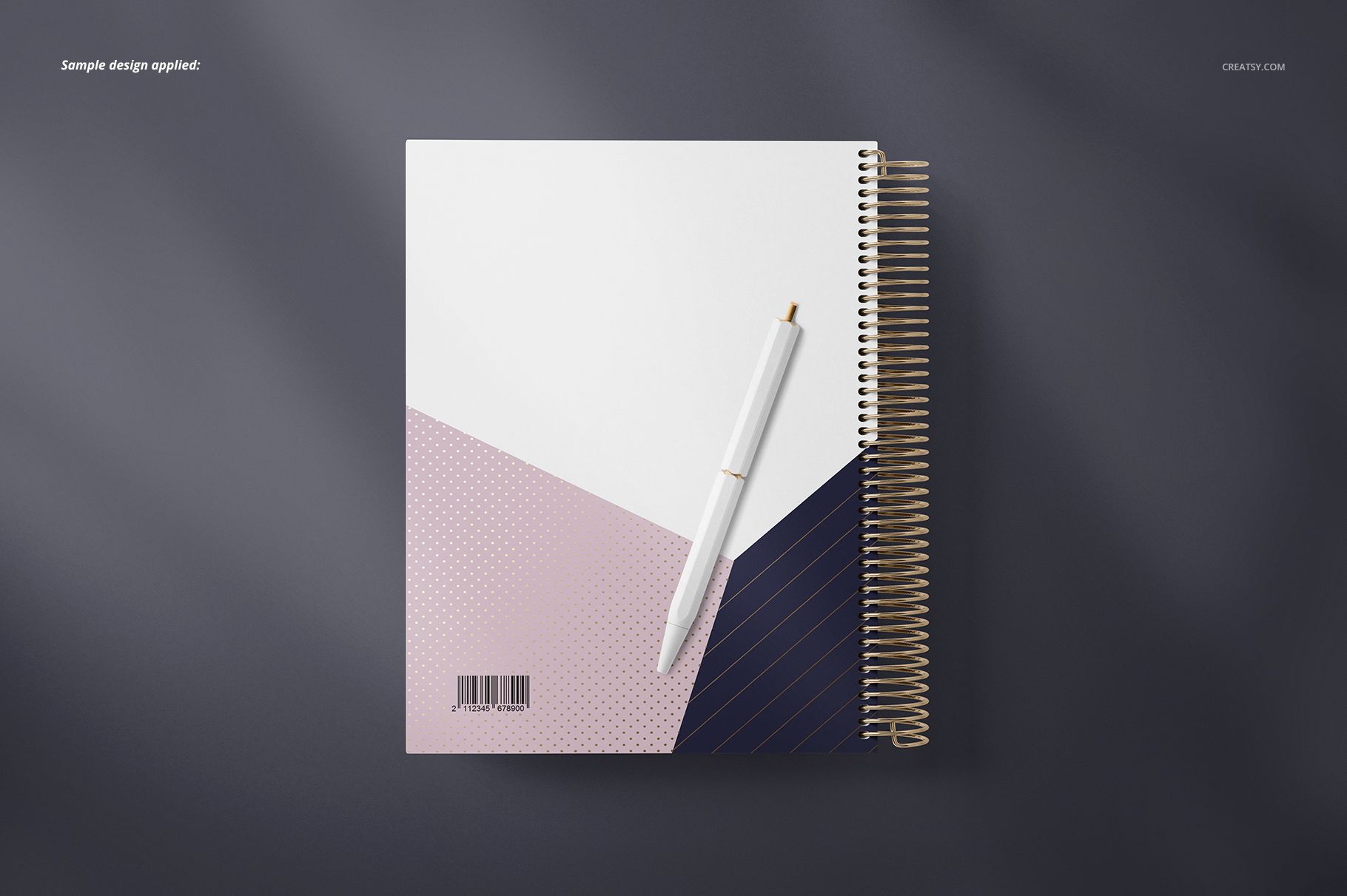
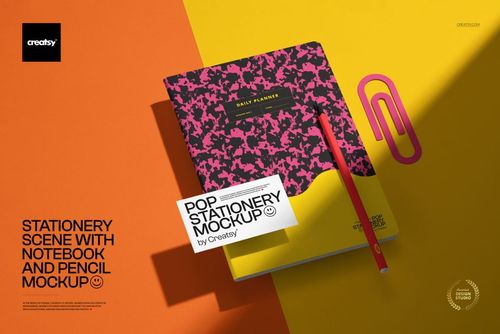
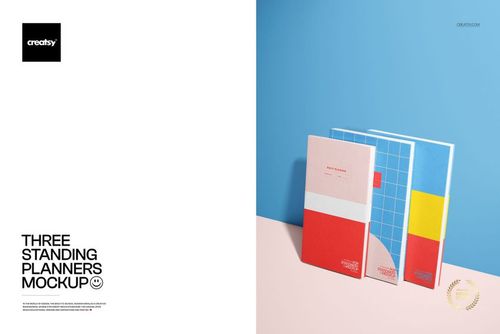
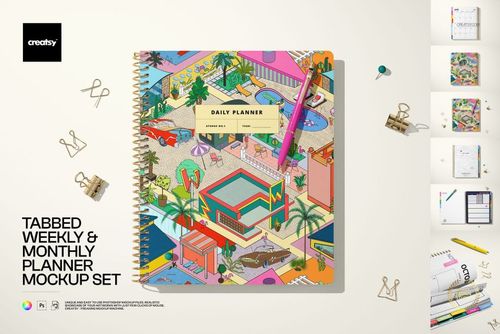
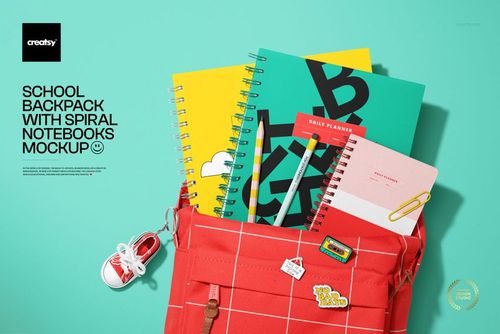
Present coordinated cover and interior page designs across seven coil-bound planner scenes. Front, back, open, angled, standing, and two-planner compositions let you compare artwork from several perspectives and build a complete visual story without photographing a physical sample.
What Is Included
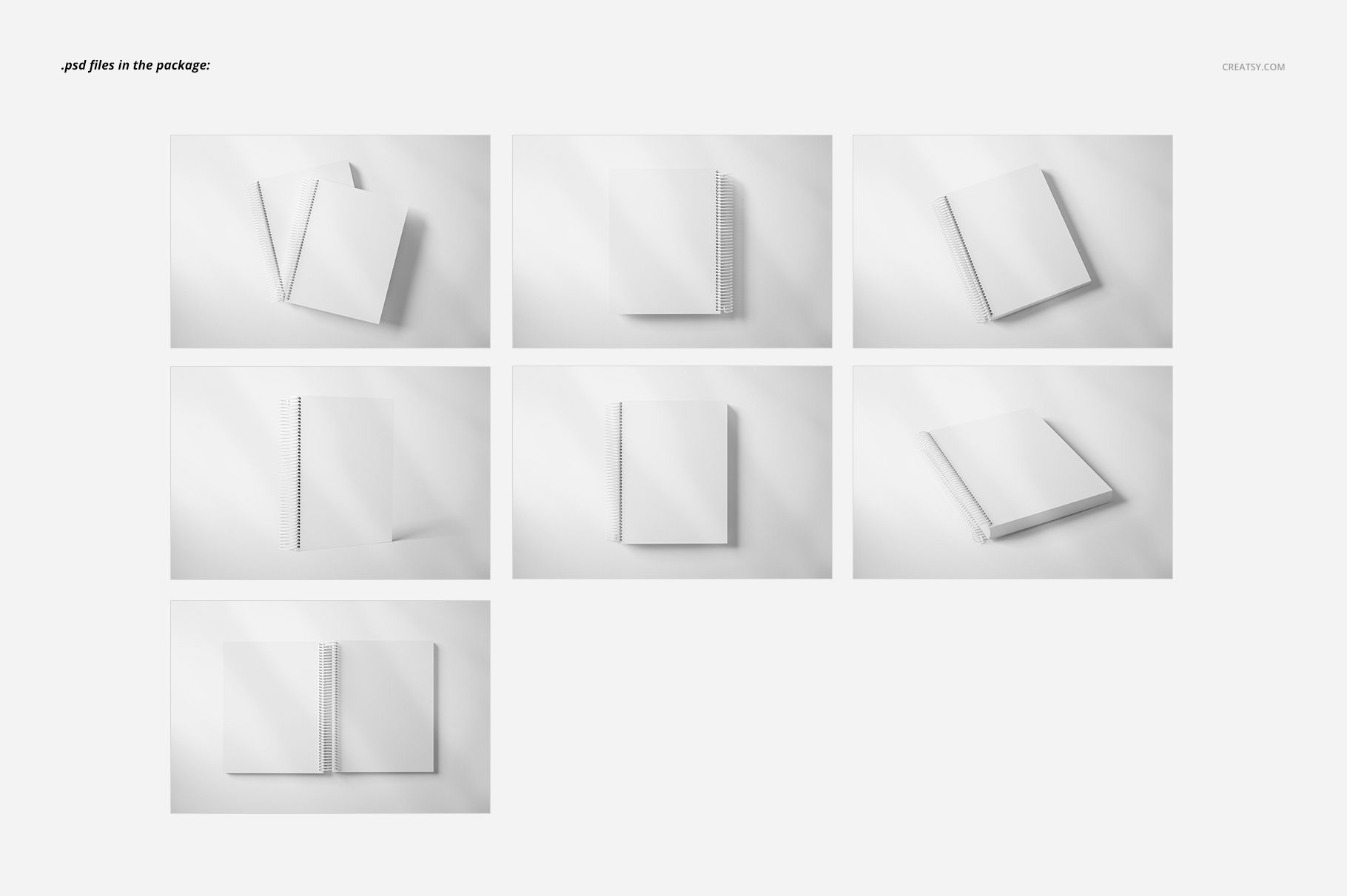
7 layered PSD mockup scenes
7 matching JPG scene previews
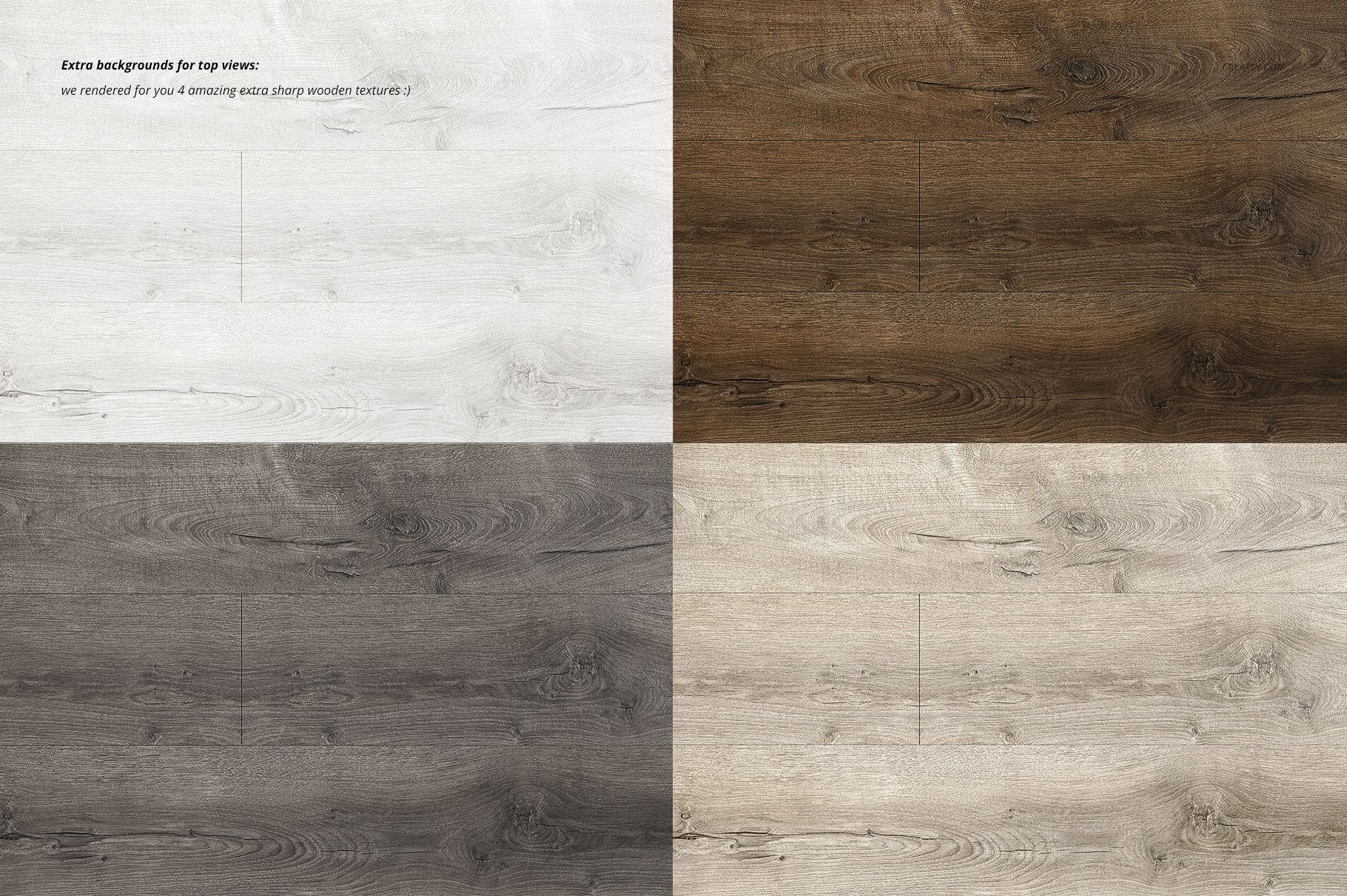
4 wooden texture JPG backgrounds
1 Guide.jpg reference image
Seven Distinct Planner Views
The set includes a two-planner composition, two lying angled scenes, an open top view, a back-cover top view, a front-cover top view, and a standing angled scene. Use the range to show coordinated covers, interior pages, alternate colorways, and a complete planner collection.
Easy Smart Object Editing
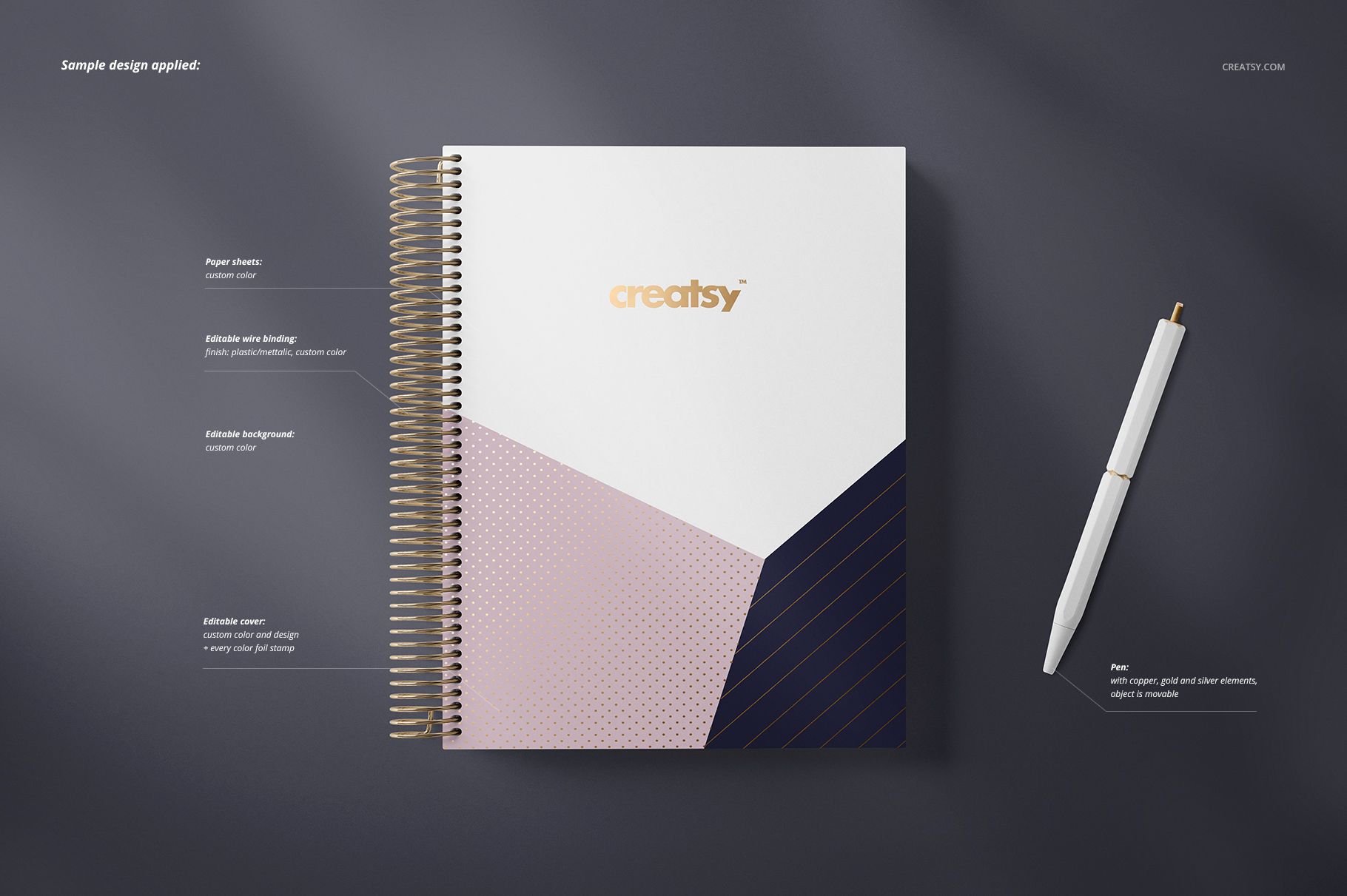
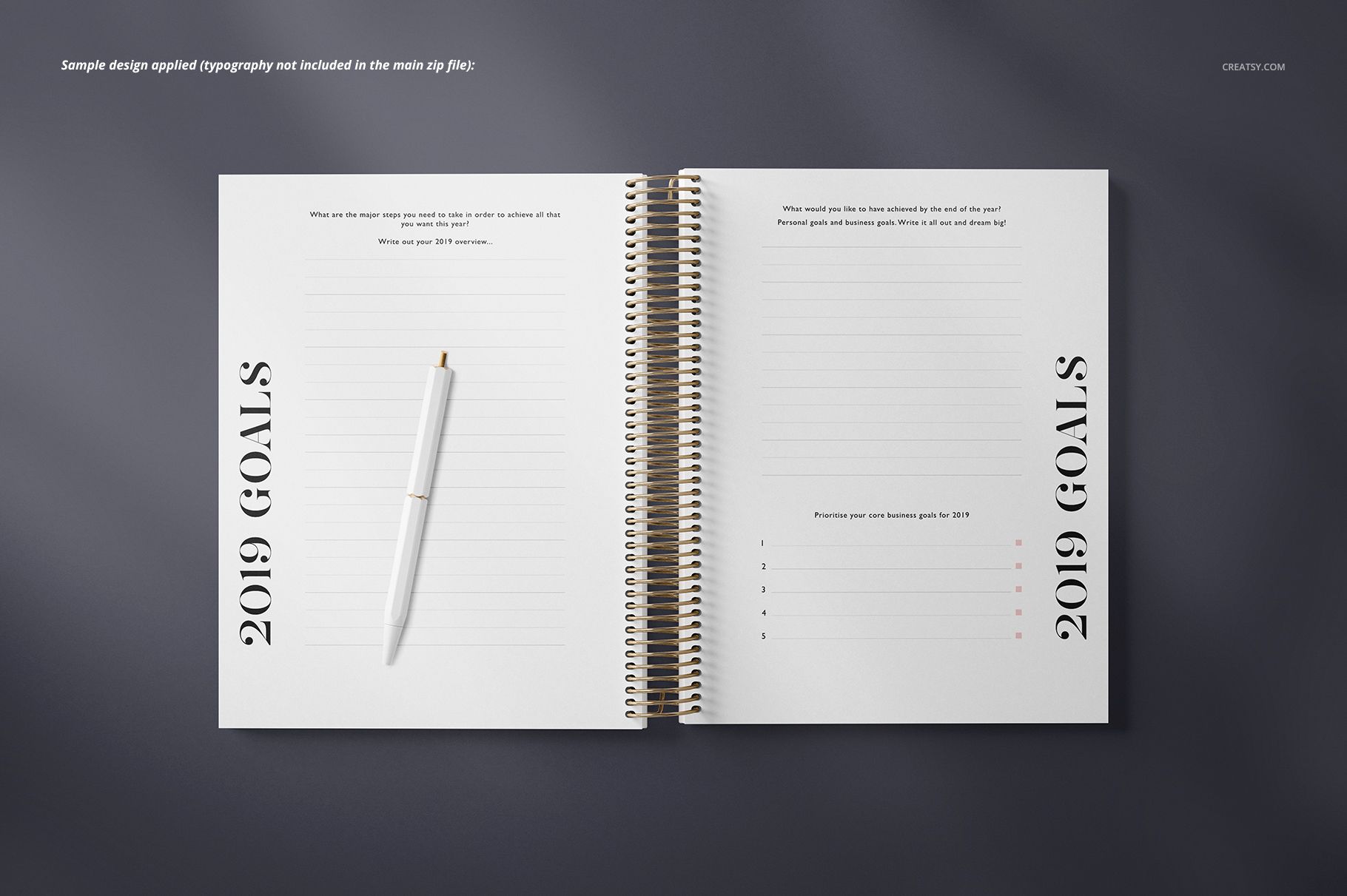
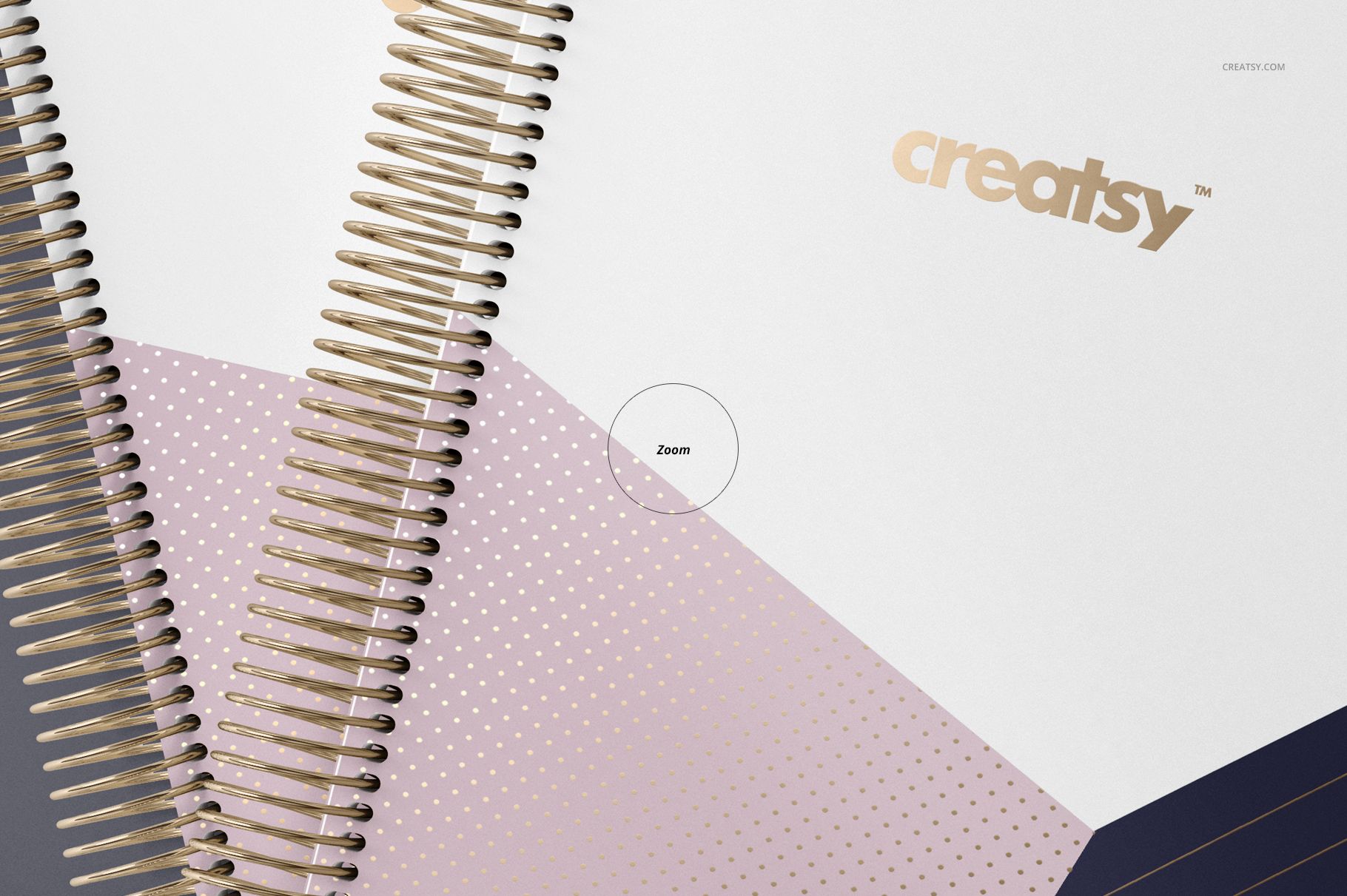
Replace cover and page artwork through prepared Smart Objects in the well-organized PSD files. Supported scene layers let you adjust cover colors, paper colors, the wire binding, backgrounds, and selected pen details.
Flexible Background Options
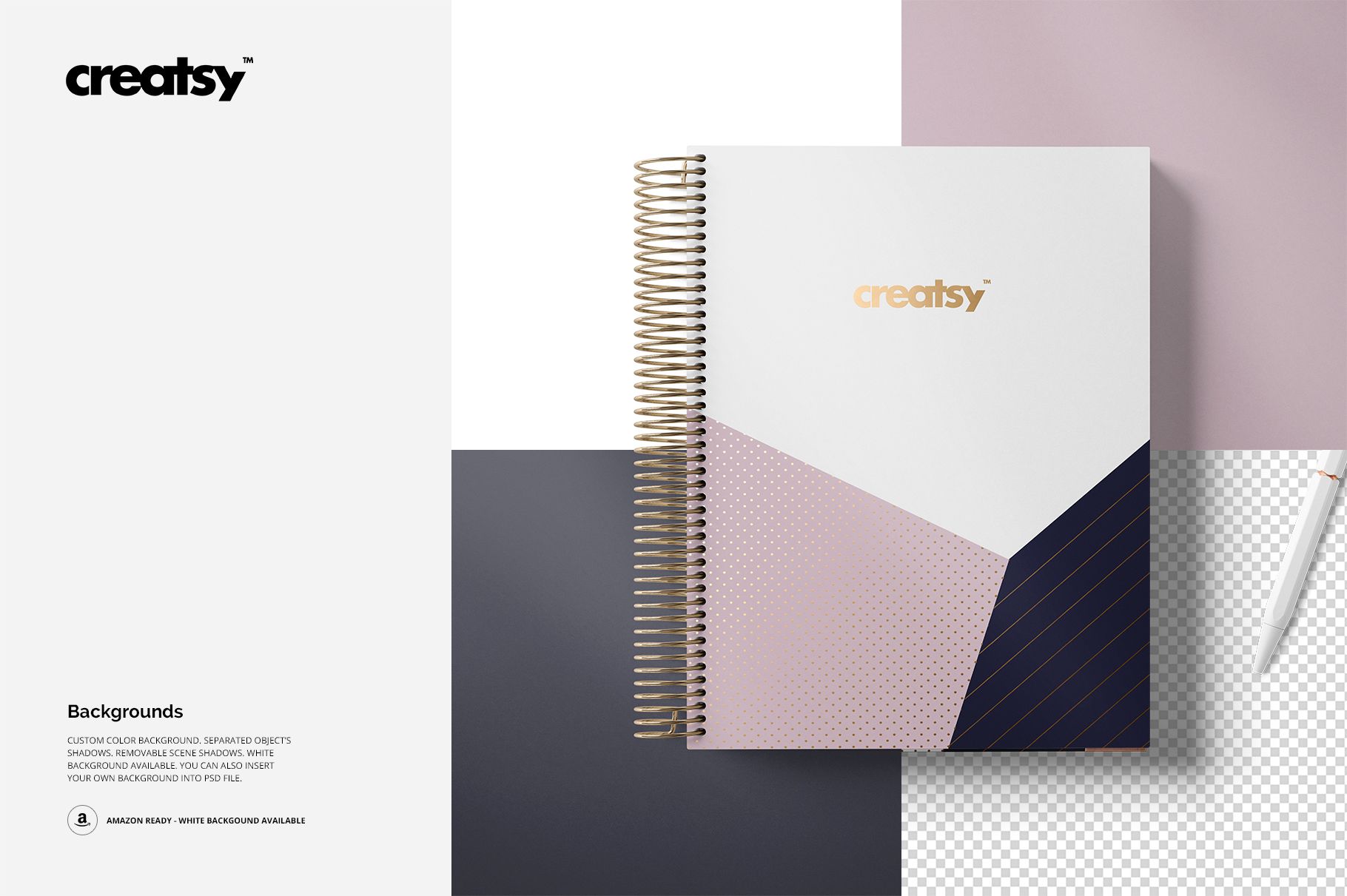
Four included wooden textures add variety to top-view presentations. Selected compositions also support custom or solid white backgrounds and include separated objects for flexible scene building.
Planner Measurements
Useful For
Planner cover and interior page presentations
Coordinated stationery and surface pattern collections
Front and back cover comparisons
Portfolio, client presentation, and product gallery images
Important Product Notes
This is a downloadable digital mockup product. No physical planner or stationery item will be shipped. Sample typography and patterns shown in the previews are not included.