Notebook Mockup Set (square holes)
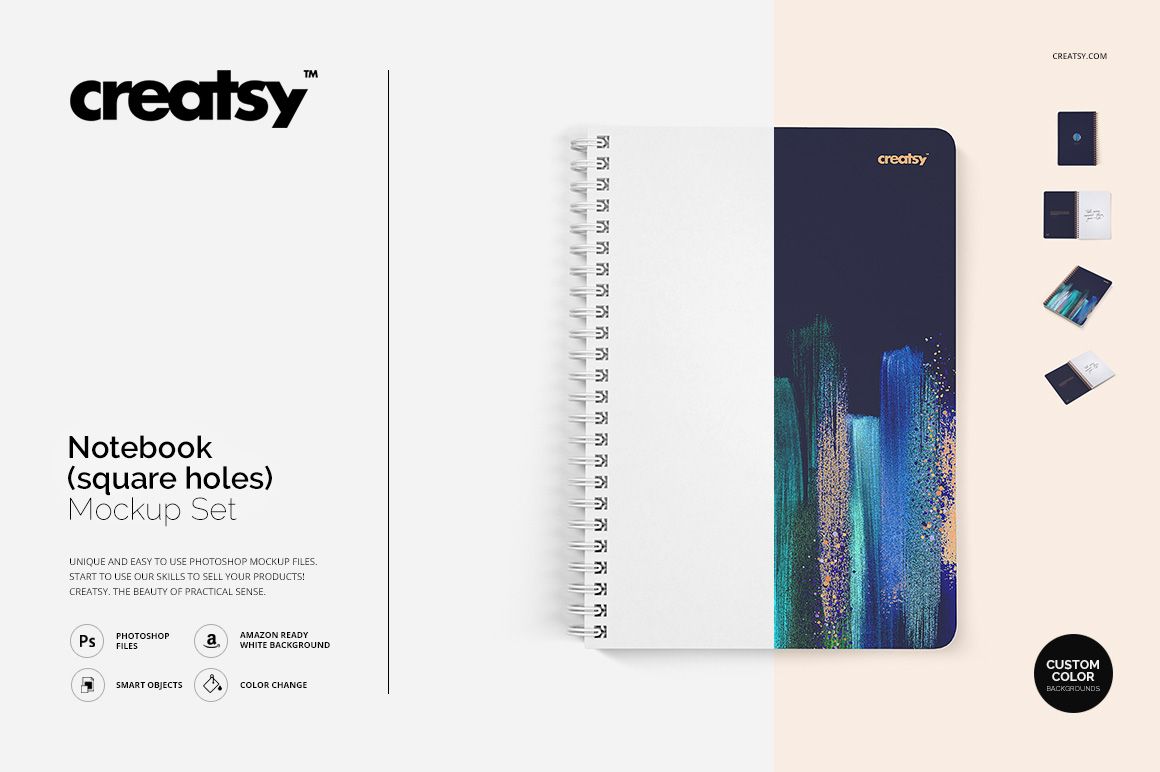
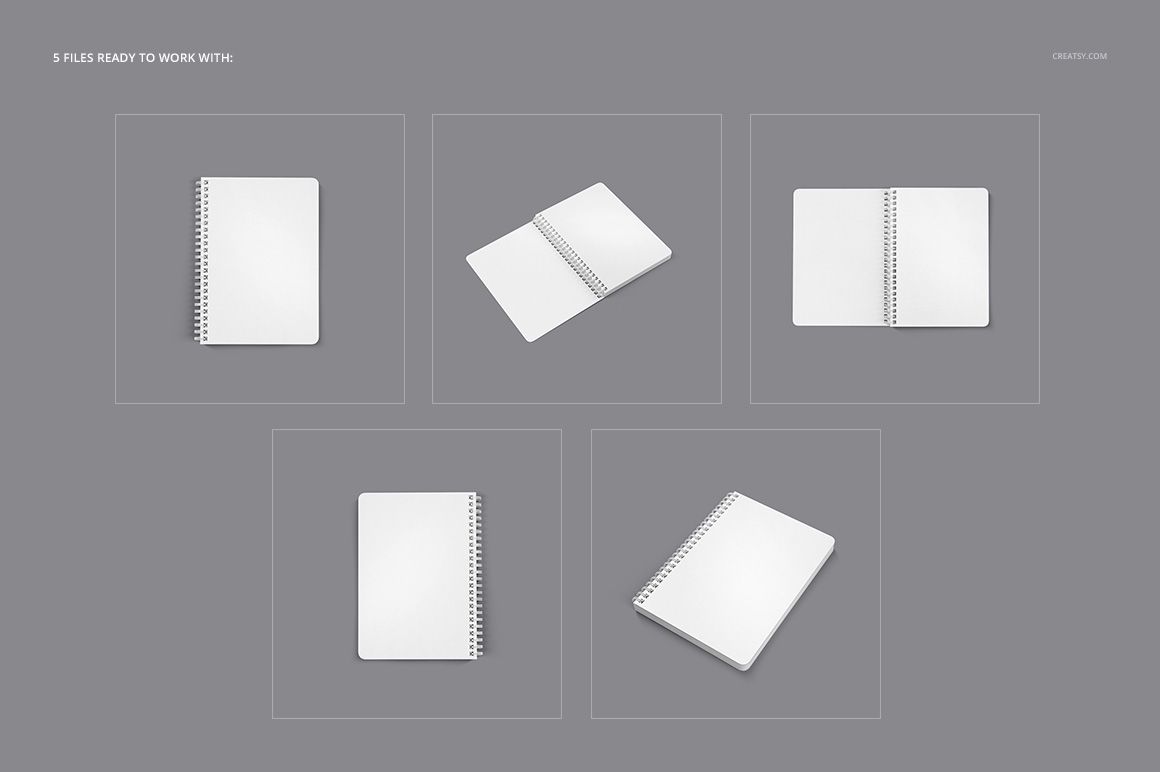
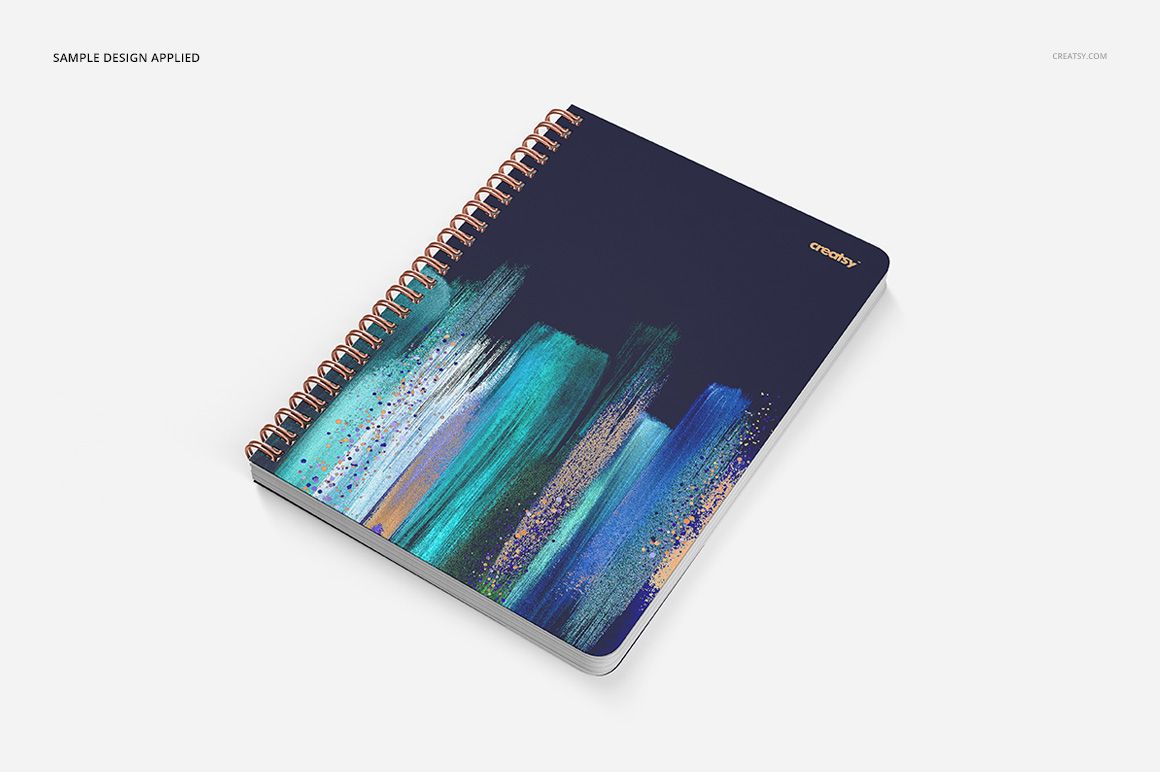
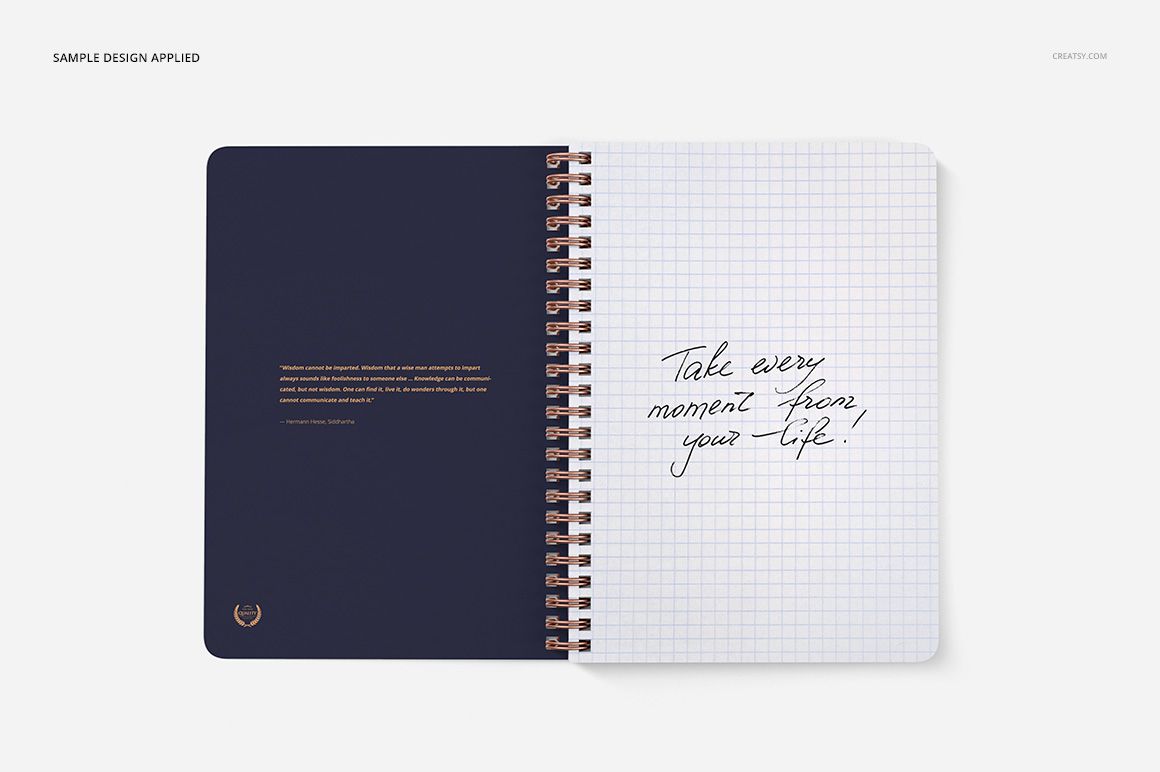
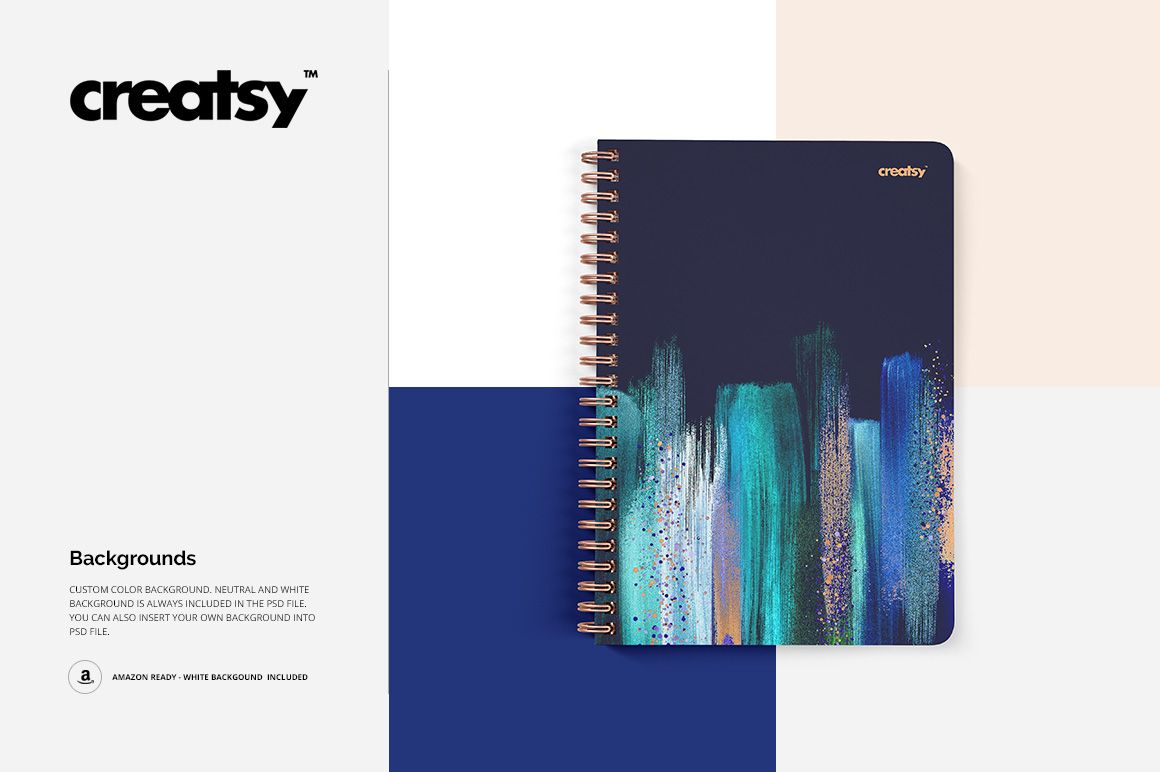
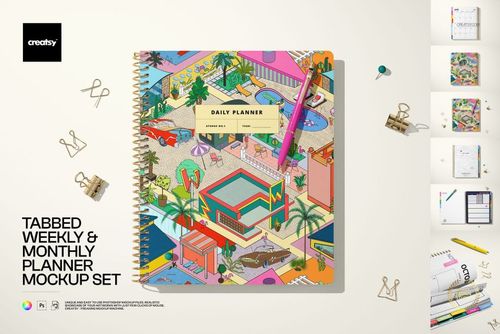
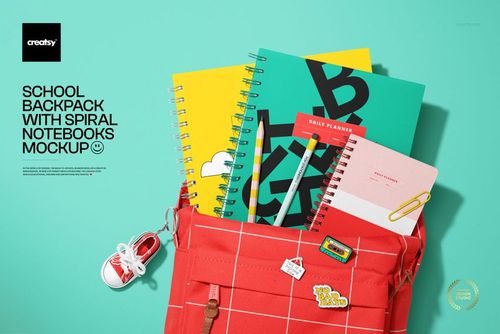
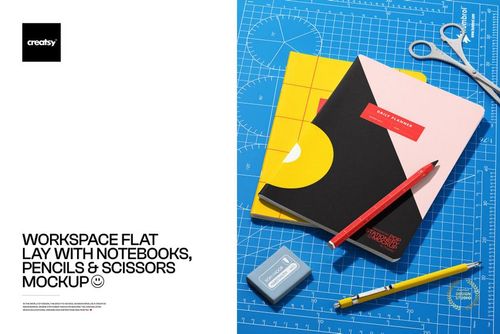
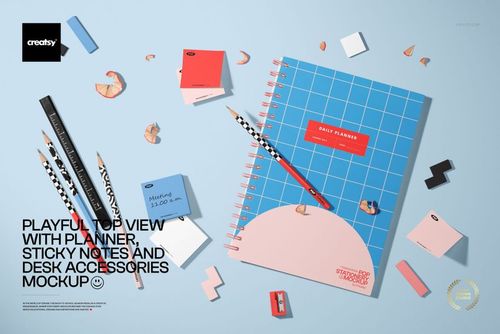
Turn one notebook concept into a clear series of product-ready visuals with five editable scenes. Distinctive square binding holes, closed cover views, angled compositions and open spreads make it easy to show how artwork works across the outside and inside of a spiral notebook.
The 4000 × 4000 px canvas keeps every scene consistent for portfolios, client reviews and online galleries. Use the set to compare cover directions, page layouts and colorways without preparing a physical sample.
What Is Included
5 layered PSD mockup files
5 JPG preview files
1 TIF guide file at 1000 × 1414 px
11 files in total
PSD and JPG files at 4000 × 4000 px
300 DPI per PSD
Smart Objects for artwork placement
Editable design and color options
Adobe Photoshop CS4 or newer and Photopea
Square-Hole Binding and Paper Options
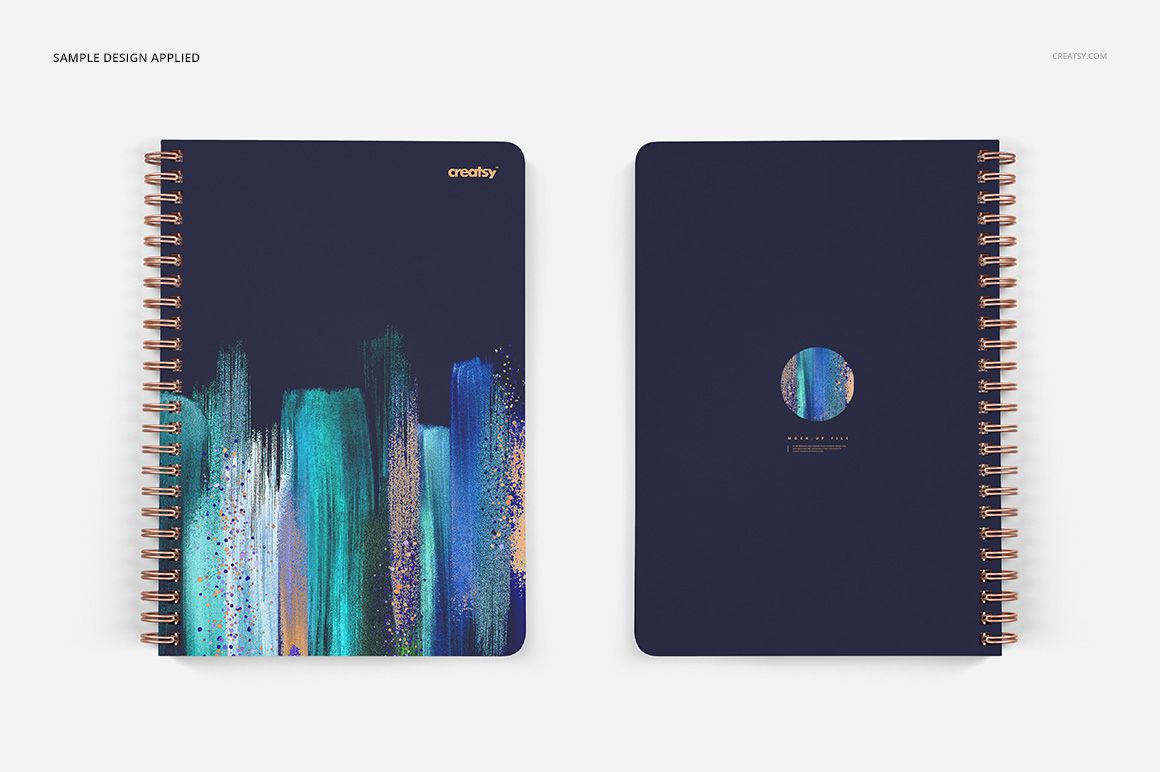
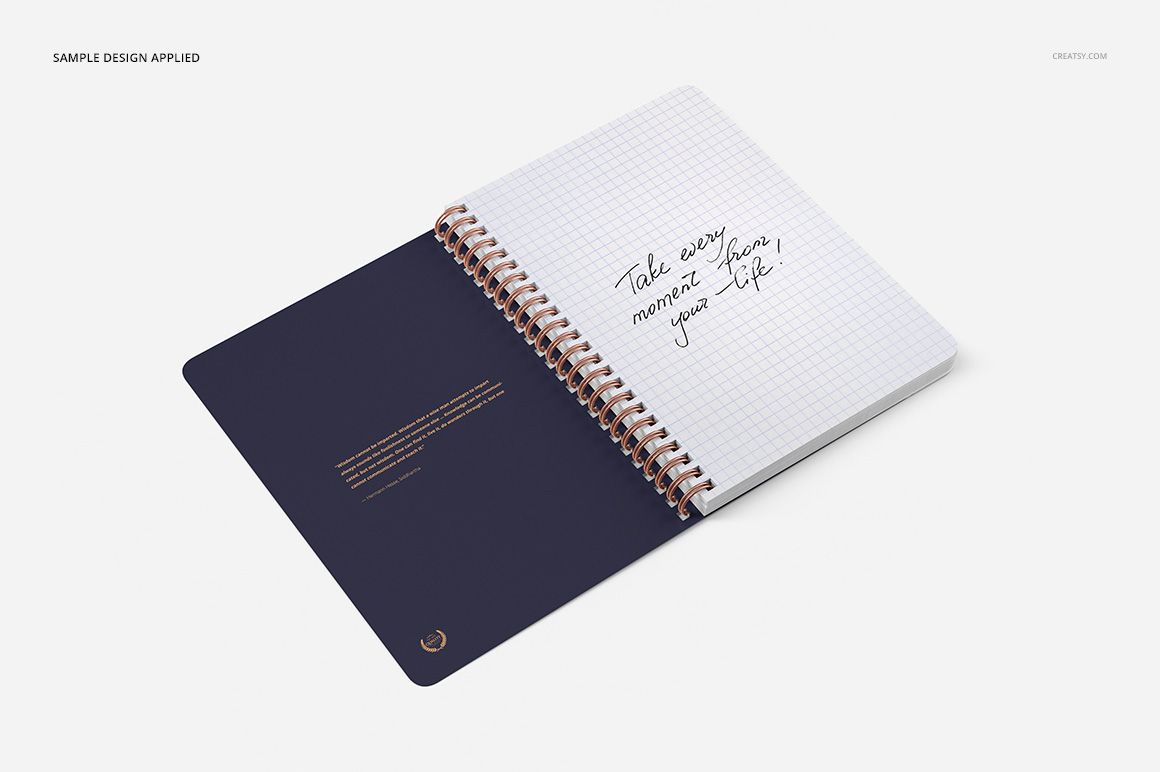
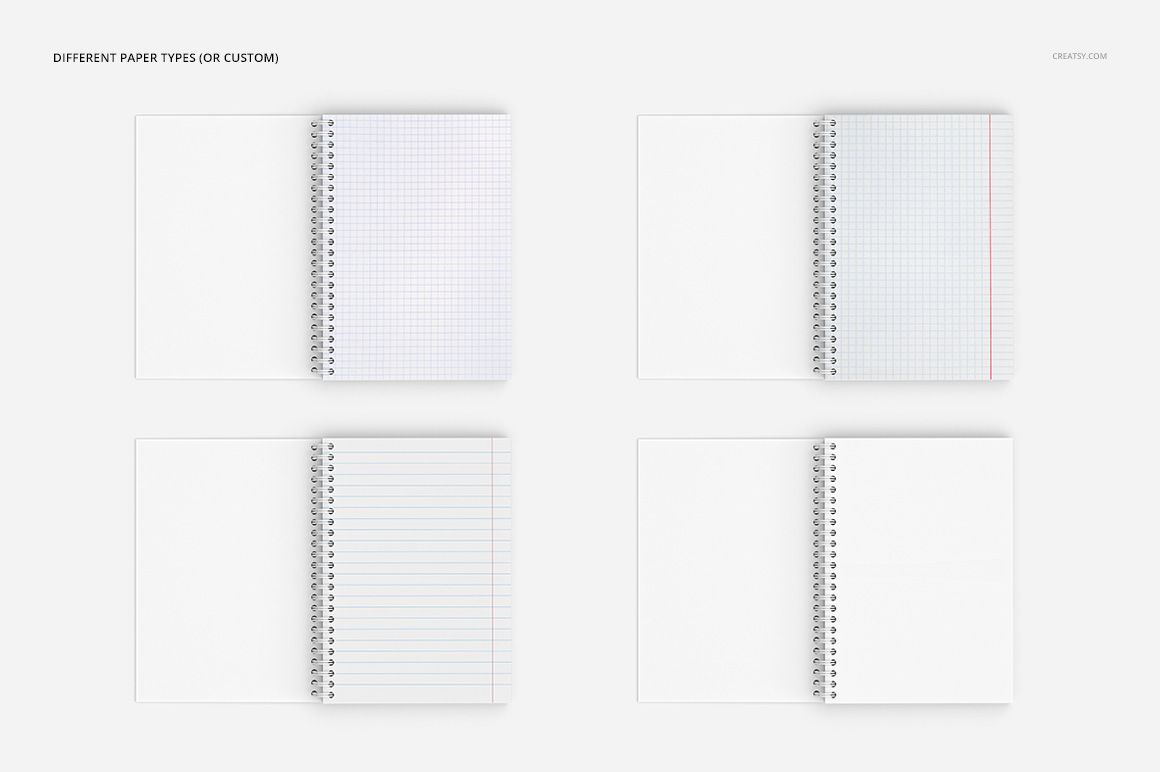
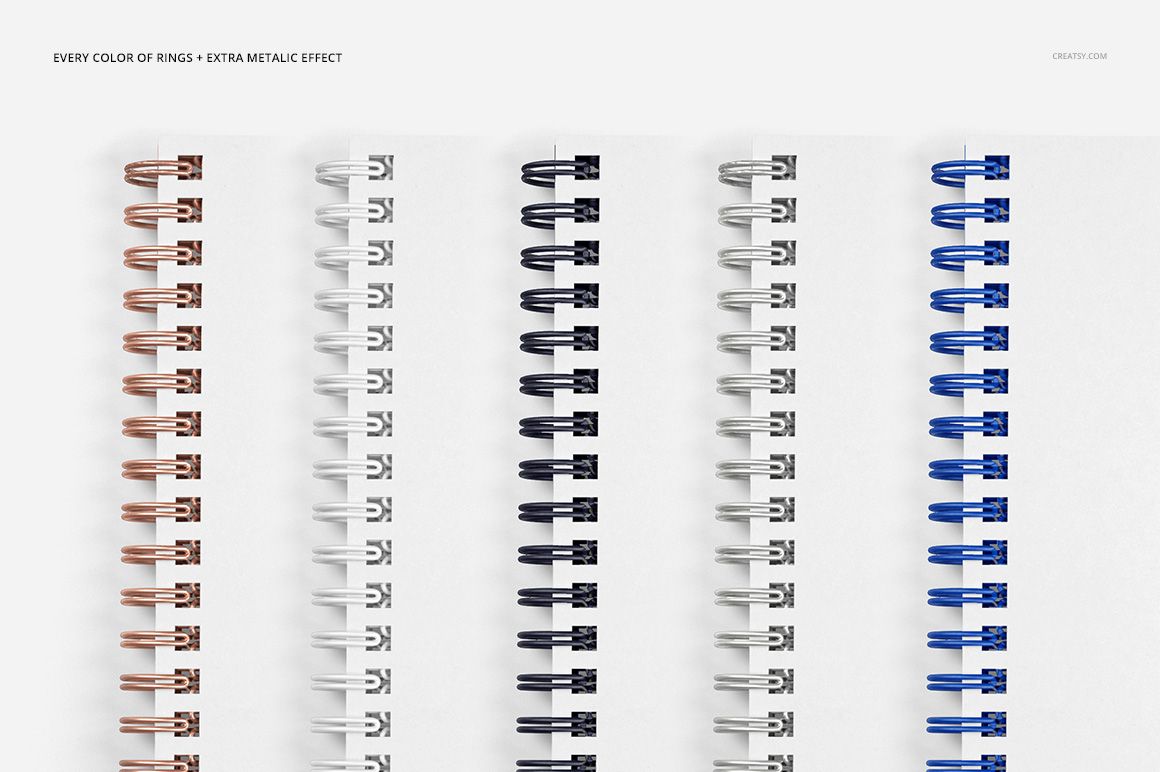
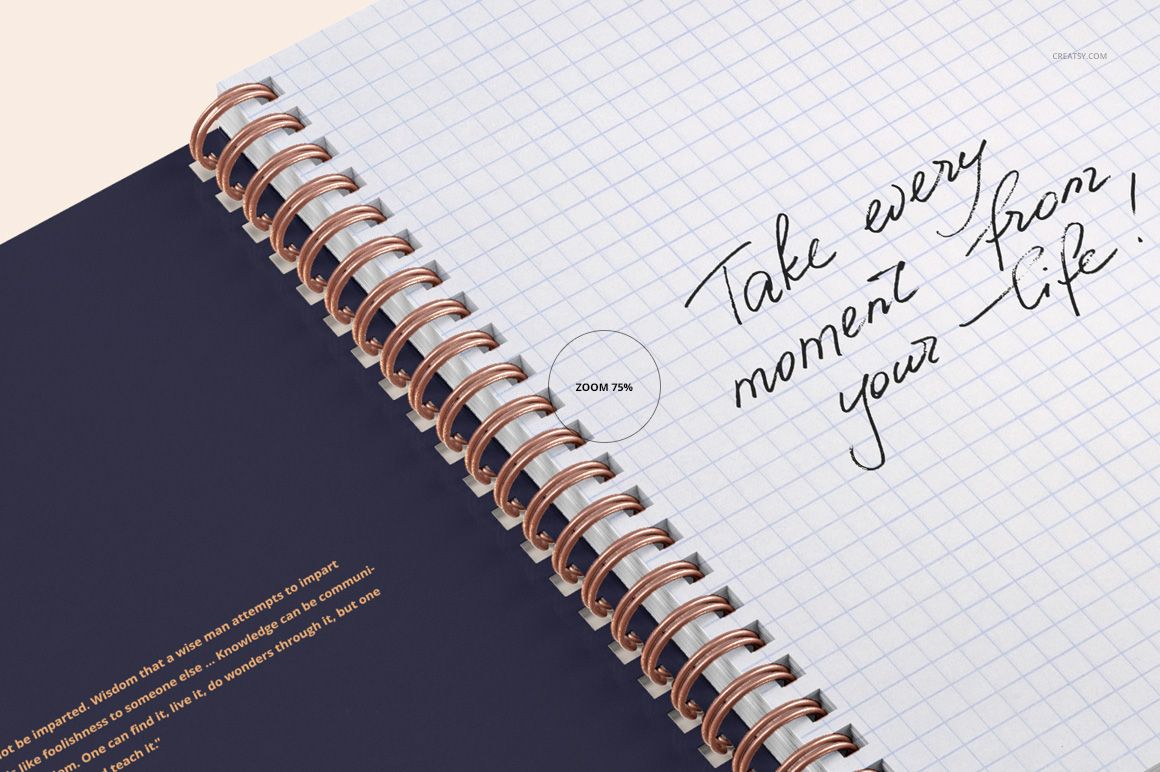
Present a front cover, an angled closed notebook or an open spread while keeping the square-hole spiral construction visible. The previews also show grid and lined paper treatments plus different metal spiral colors, helping each scene support a distinct creative direction.
Easy Smart Object Editing
Open the designated Smart Object, place cover or page artwork, save it and return to the scene. Coordinate the result with the available color layers in Adobe Photoshop or Photopea.
A Consistent Square Canvas
Each high-resolution scene uses the same square canvas, so closed views and open pages can sit together as one polished sequence. This makes it easier to prepare portfolio layouts, client comparisons and product imagery with a unified format.
Perfect For
Notebook and journal cover presentations
Surface pattern and illustration portfolios
Client reviews before printing
Stationery brand product galleries
Coordinated online and social media graphics
This is a digital mockup product. The sample artwork shown in the preview images is not included.