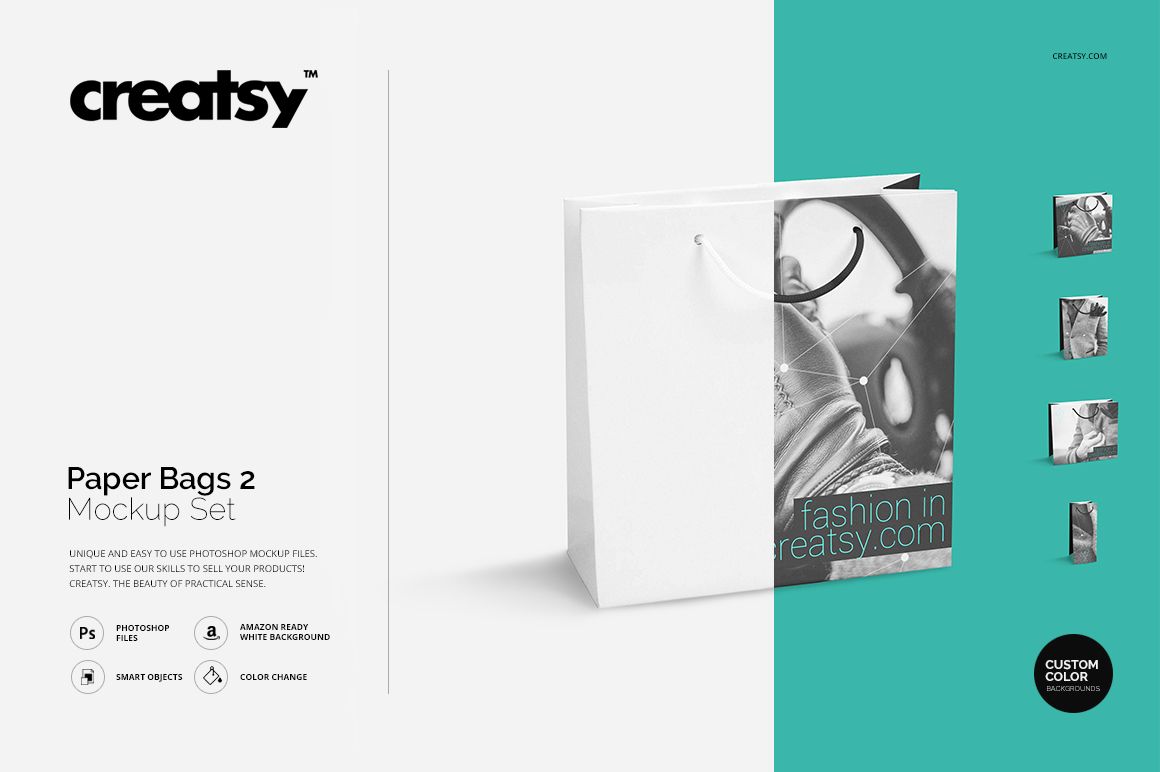
Paper Bags 2 Mockup Set
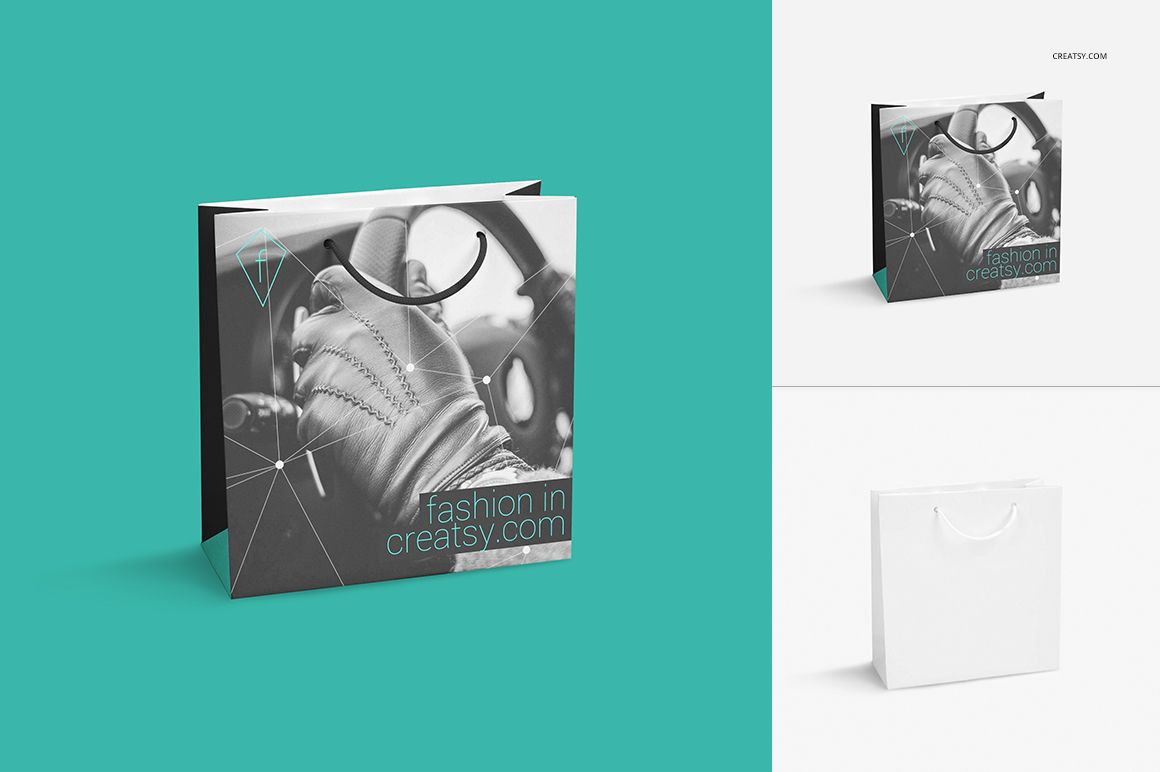
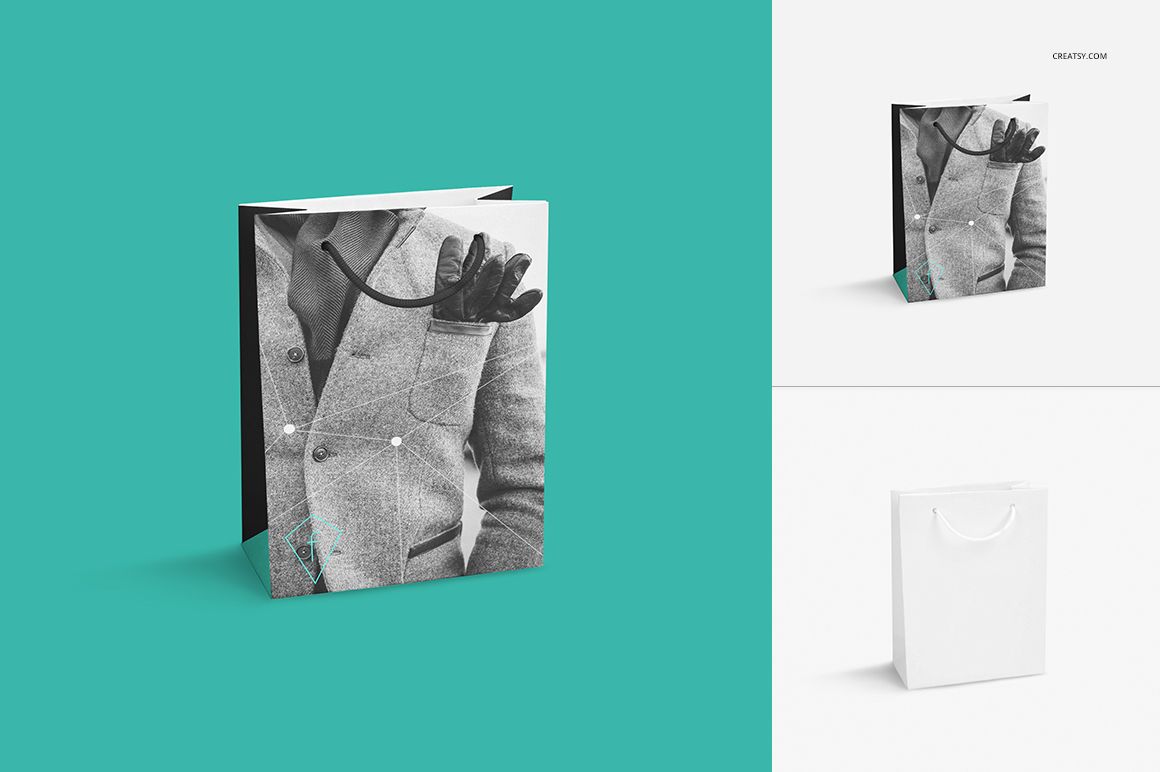
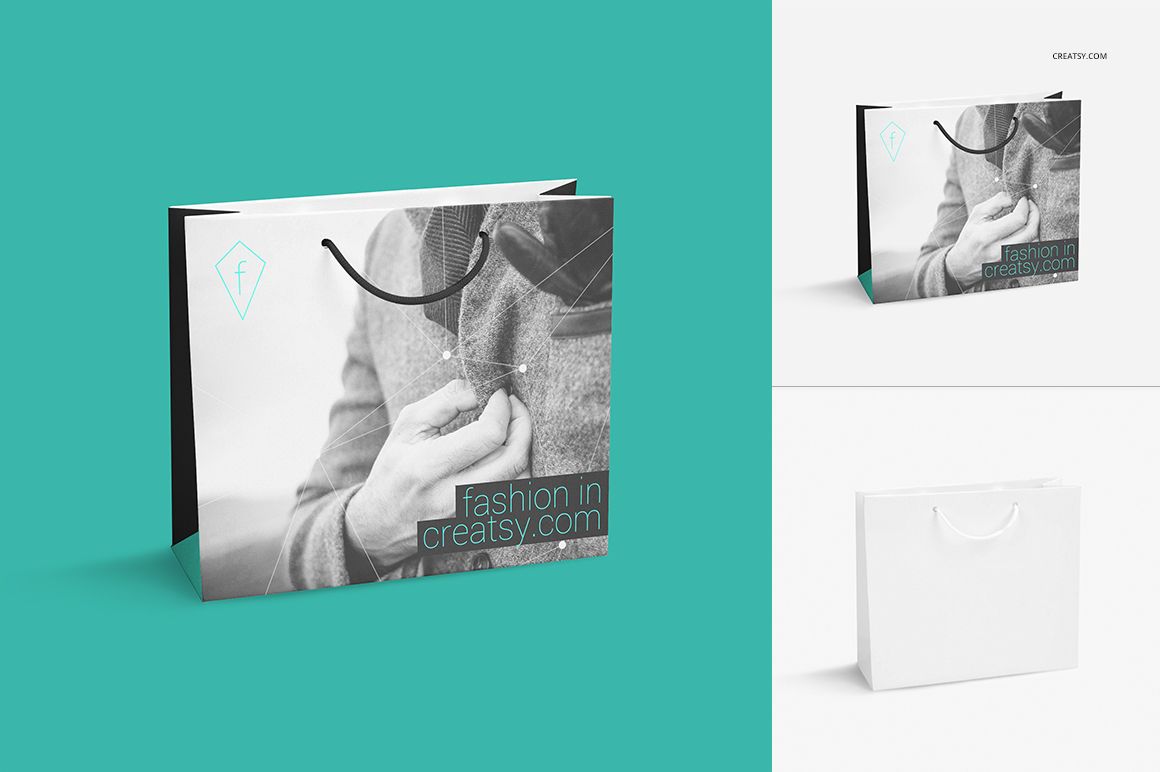
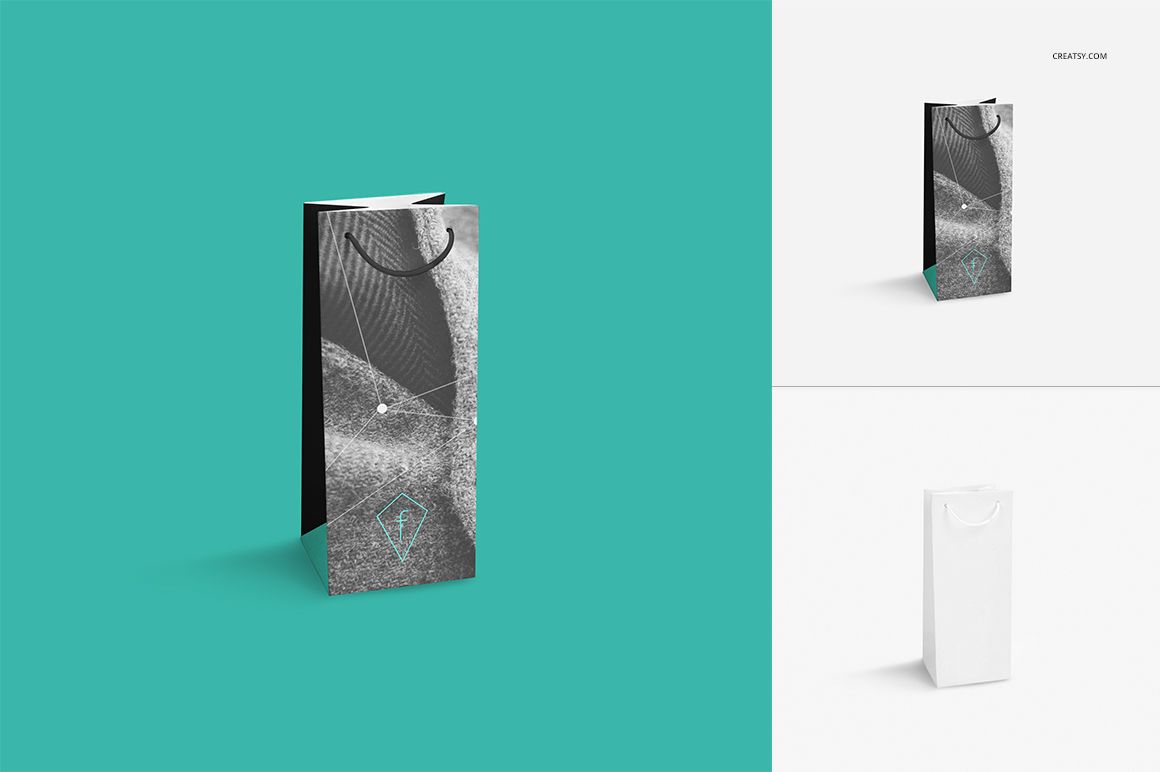
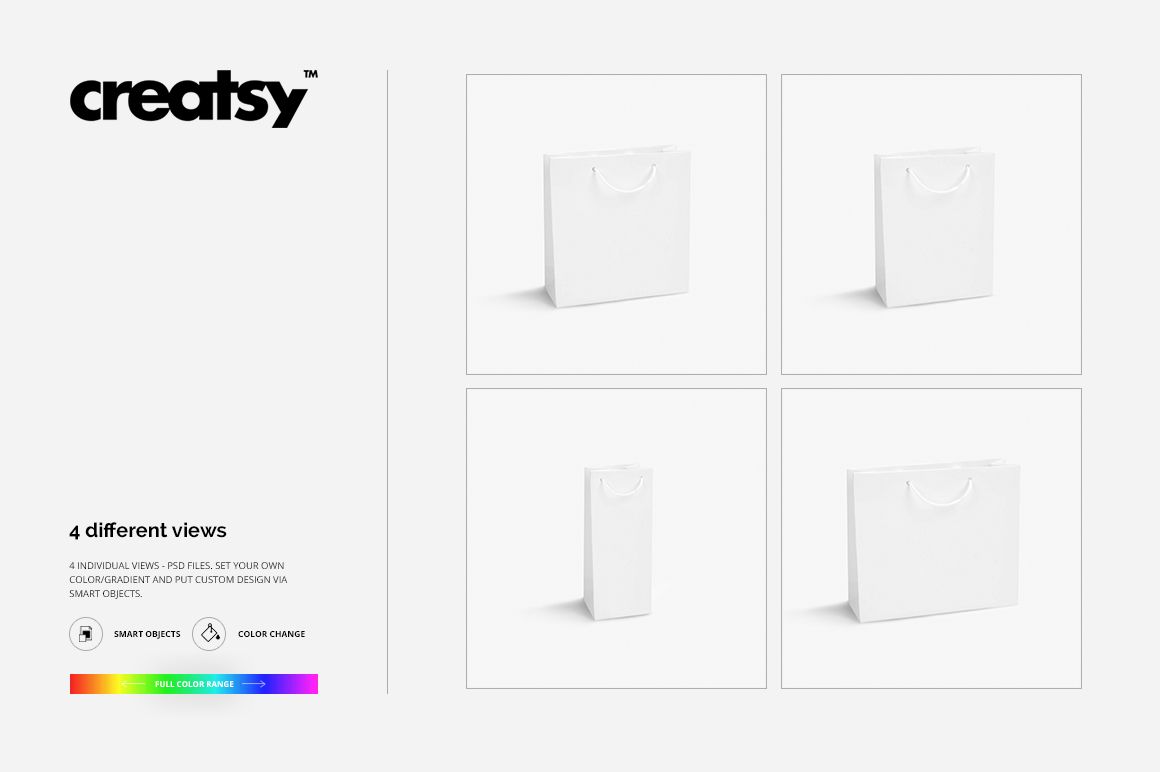
Carry a campaign image beyond the screen and onto a coordinated bag collection. Paper Bags 2 Mockup Set presents four paper bag formats with rope handles: square, horizontal, vertical and a slim wine-bag shape. Each has its own layered PSD on a square canvas, making the set useful for photographic branding, illustrated gift packaging and boutique presentation boards.
What Is Included
4 layered PSD mockups, one for each bag format, at 2300 × 2300 px and 300 DPI.
4 JPG previews at 2300 × 2300 px.
1 Guide.tif instruction file at 1000 × 1414 px, for 9 files in total.
One Image Direction, Four Bag Shapes
The prepared perspectives show the main printed panel, folded side and rope handles without surrounding lifestyle props. Compare a broad campaign crop with a narrower detail, or use different illustrations from the same collection. Change the design through Smart Objects and adjust colors or gradients to develop the visual direction.
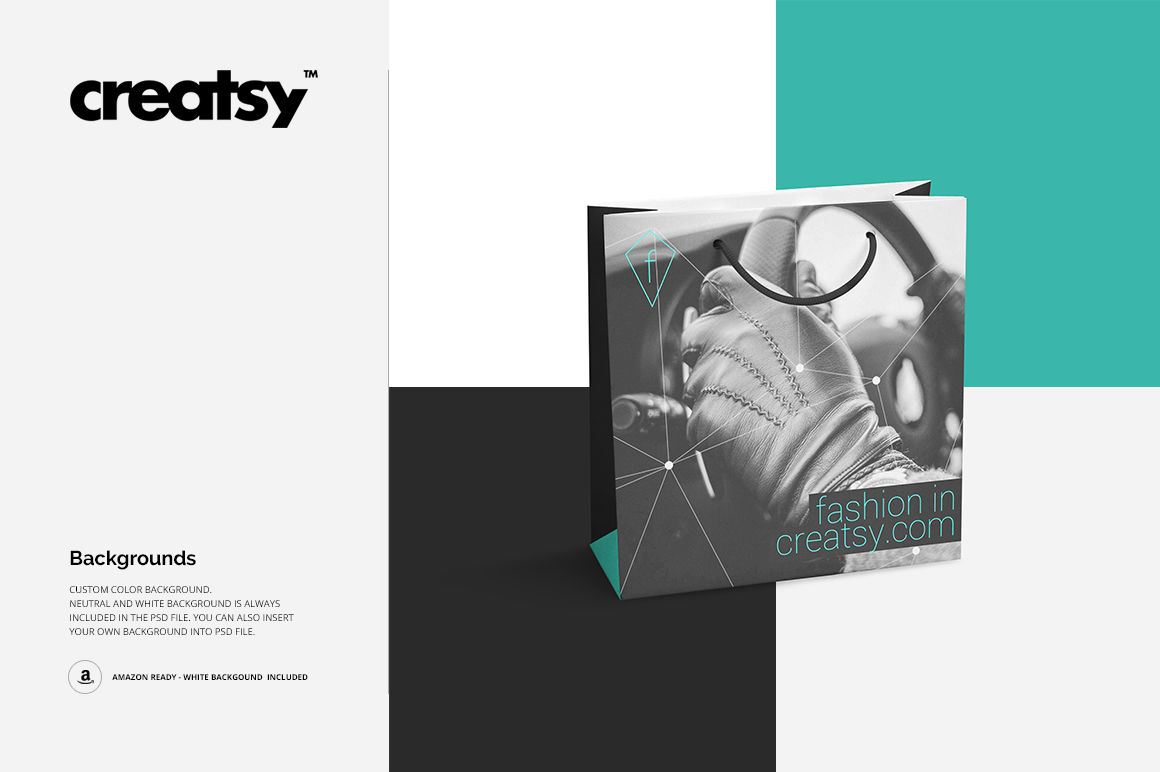
Neutral and white backgrounds are included, and you can set a custom background color or insert your own backdrop. The square document size stays consistent even though the bag silhouettes have different proportions.
Easy Smart Object Editing
Work in Adobe Photoshop CS4 or later, or Photopea. Open the PSD for your chosen format, place your artwork inside its Smart Object, save that object within the file and return to the main document to review the preview. Adjust the available color layers and export your presentation image. Repeat for the other formats you want to show.
Perfect For
Use the set for boutique branding proposals, fashion campaign packaging, gift-shop collections, wine-gift concepts and illustration portfolios. Four distinct silhouettes help a client see how an image-led identity can extend beyond a single bag.
This is a digital mockup product, not a physical bag or a manufacturing template. Sample photographs, patterns and other preview artwork are not included.