Paper Bag 4 Sizes Mockup Set
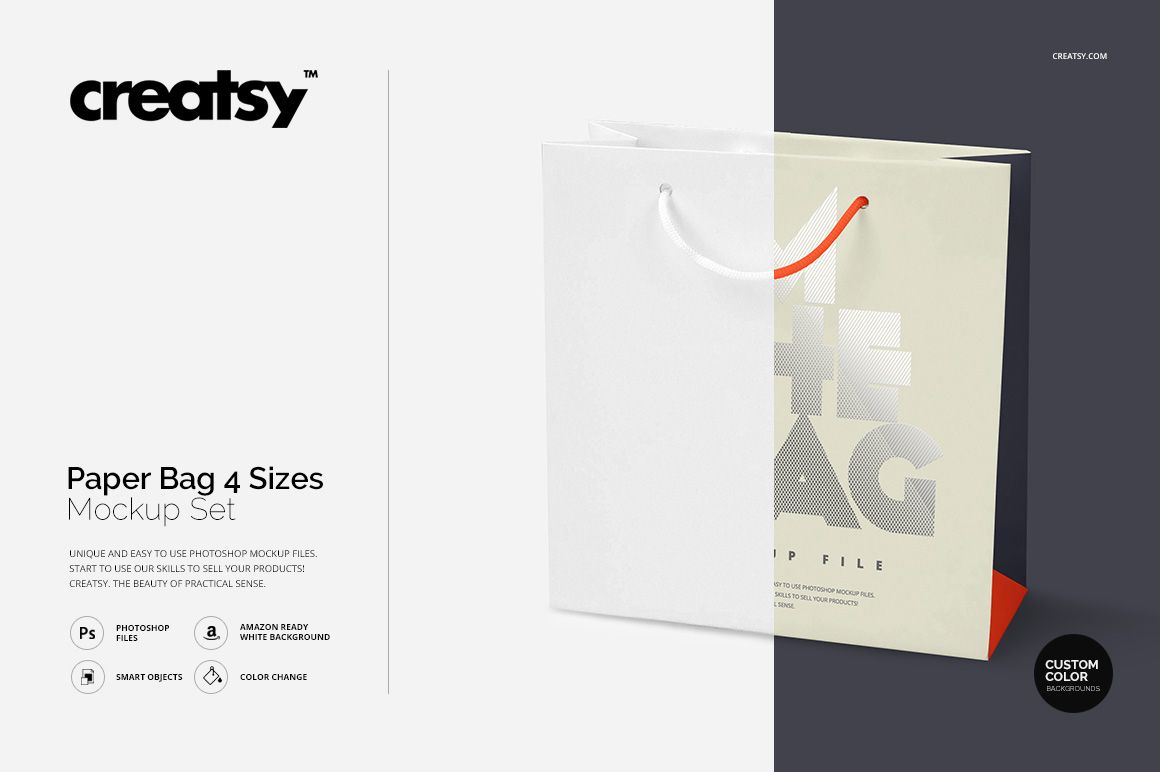
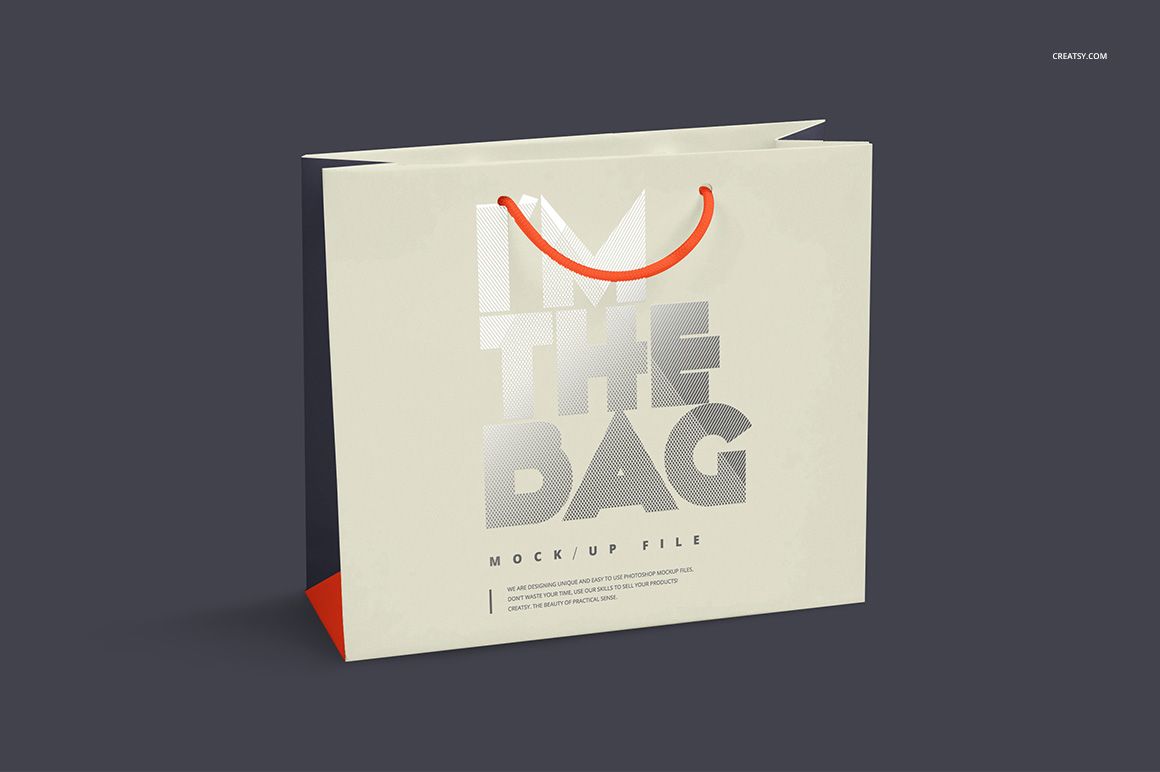
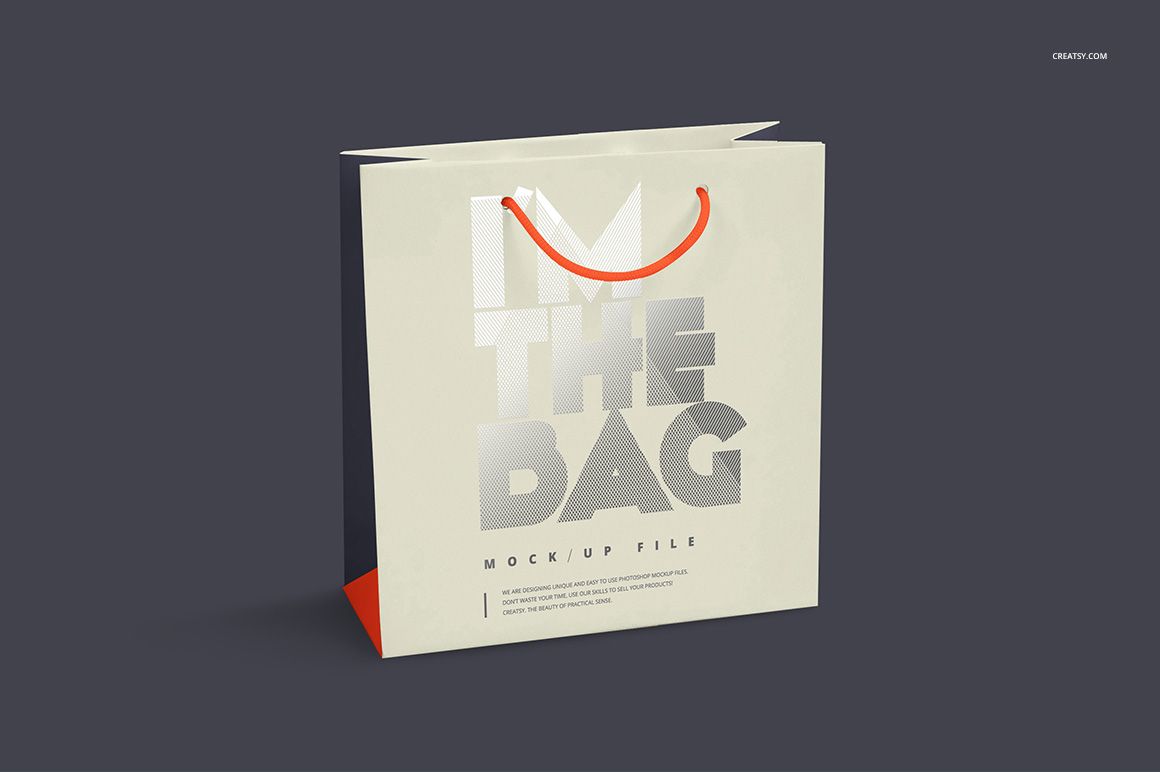
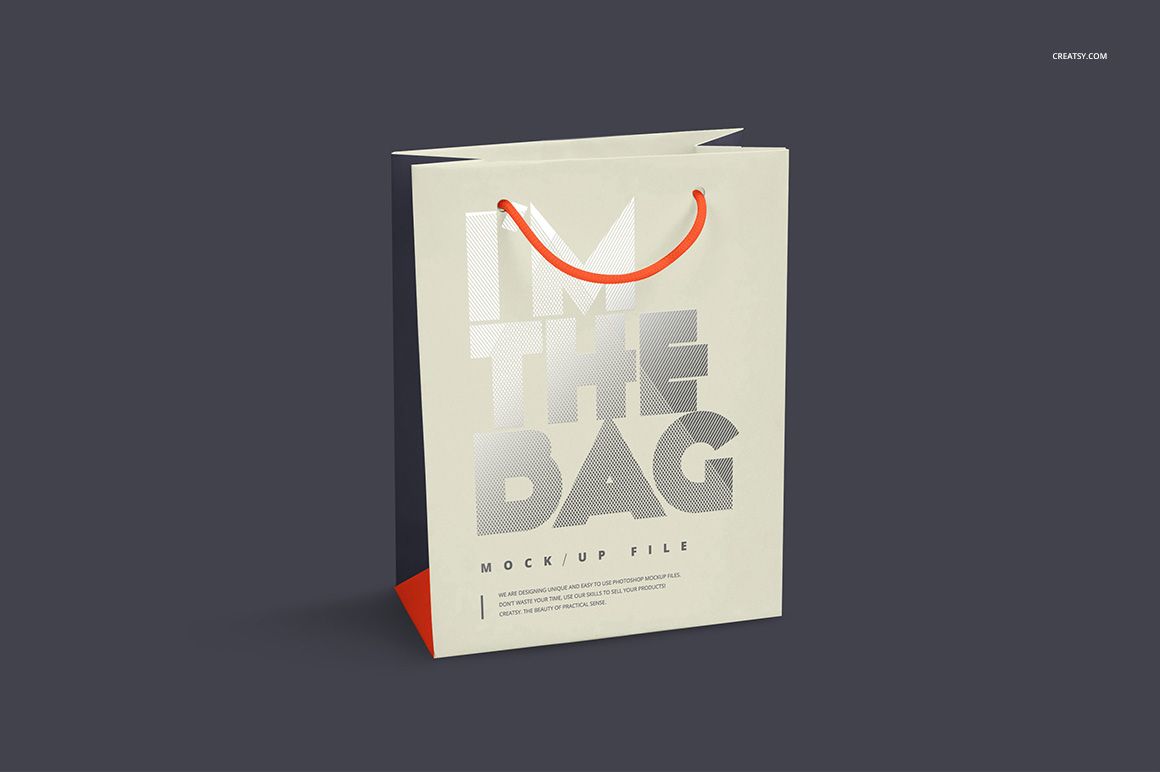
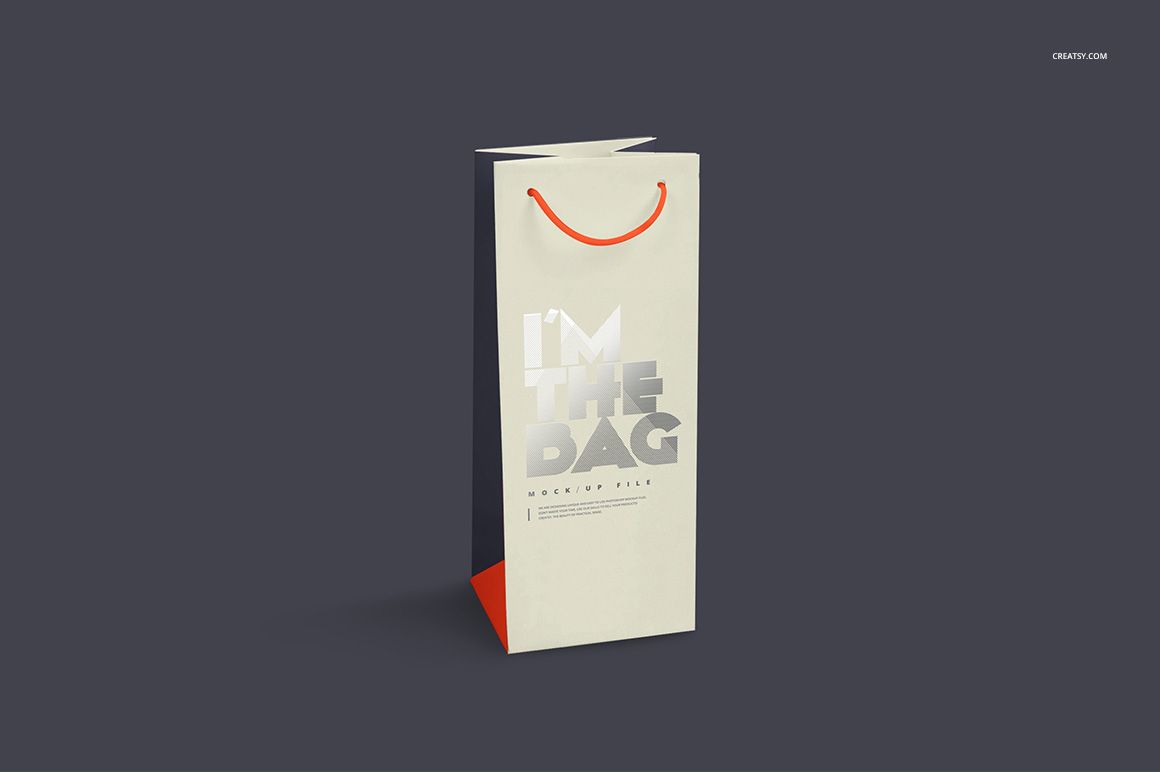
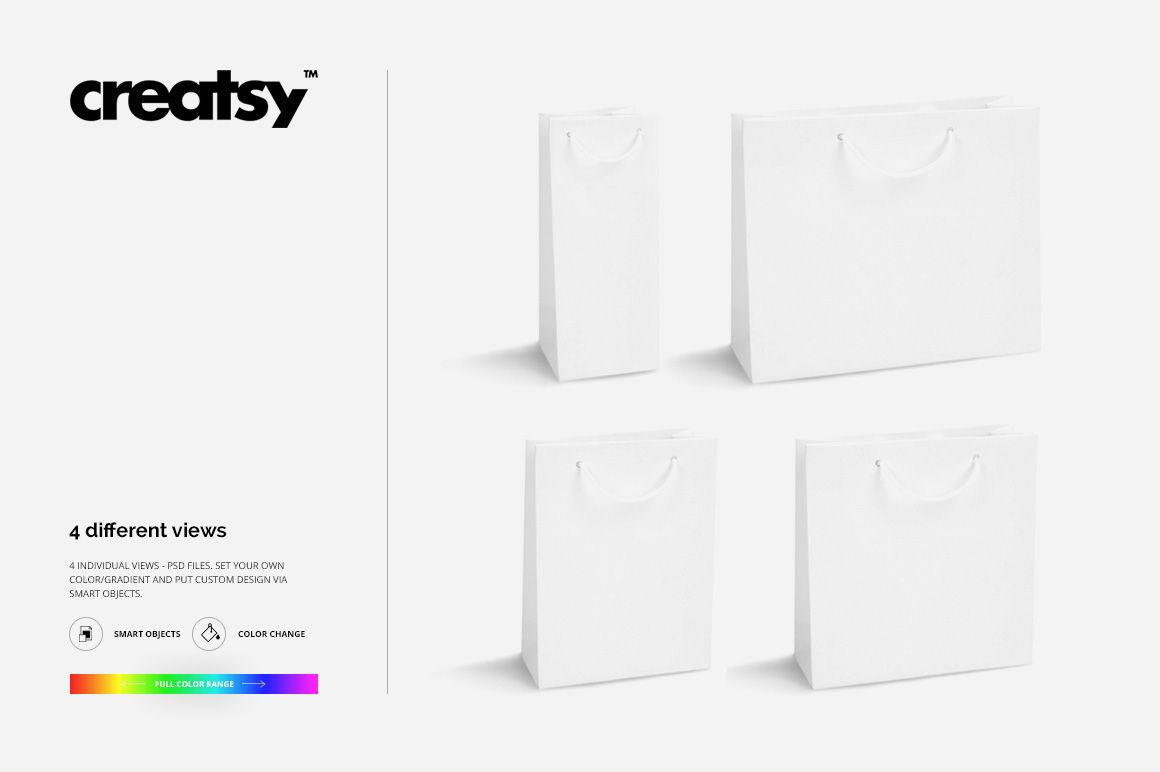
A bag collection needs more than one enlarged version of a logo. This set gives your identity four different proportions: square, horizontal rectangular, vertical rectangular and a tall, narrow wine bag. Rope handles, visible side folds and prepared lighting help show how the same branding reads on each format.
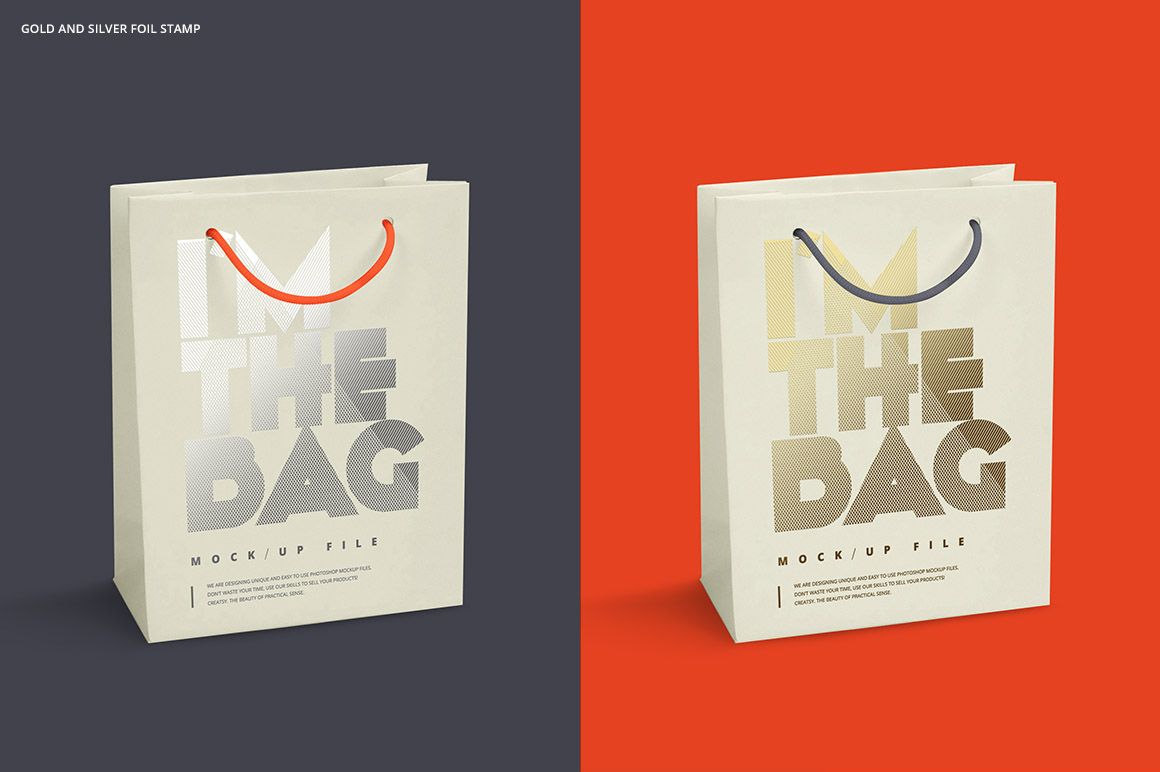
Use the four views to compare a compact mark, wide lettering or a repeat pattern across a coordinated gift packaging range. Gold and silver foil stamp effects add a second decision to the presentation: which finish best supports the artwork?
What Is Included
4 layered PSD mockups: Square, Rectangular Horizontal, Rectangular Vertical and Wine.
4 JPG preview images, one for each bag format.
1 Guide.tif instruction image, making 9 files in total. No PDF guide is included.
Four Proportions, One Visual Identity
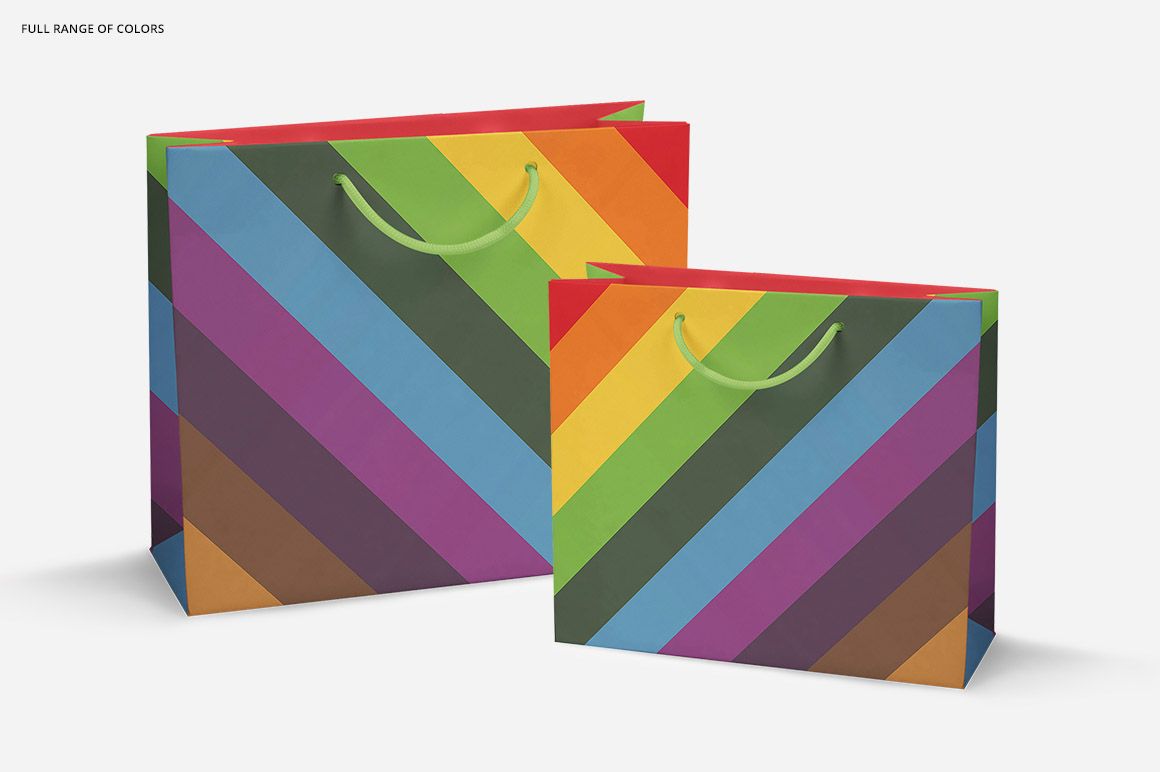
The broad horizontal bag gives a wordmark room to breathe, while the narrow wine format favors a more compact arrangement. Compare both with the square and portrait formats to build a family of bags that feels related without forcing the same layout onto every shape.
Easy Smart Object Editing
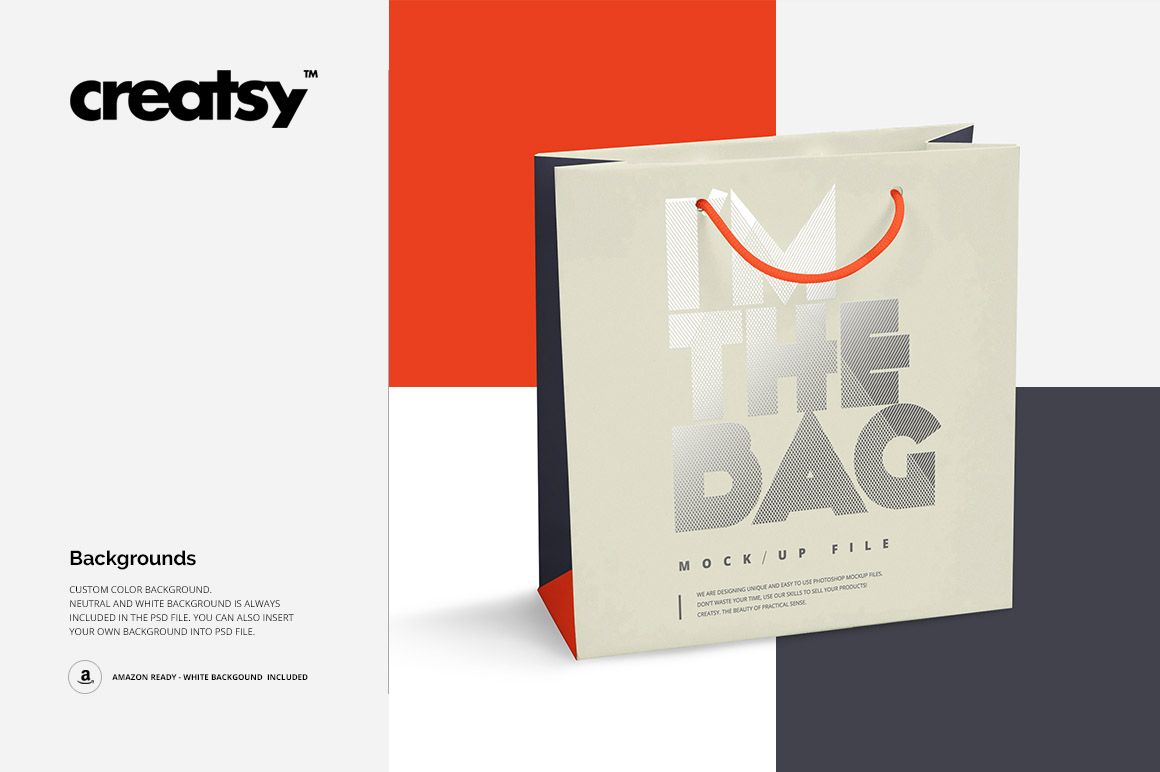
Place your design through Smart Objects, adjust colors or gradients and try the gold or silver foil stamp treatment. Customize the background color or insert your own background; neutral and white options are included. The preview examples also show contrasting rope handle colors and side panels.
Perfect For
Branding designers, gift retailers, boutiques and wine packaging designers can use this set for collection proposals, packaging portfolios and client presentations. This is a digital mockup product, not a supply of physical bags. The sample designs are for presentation and are not included as artwork assets.