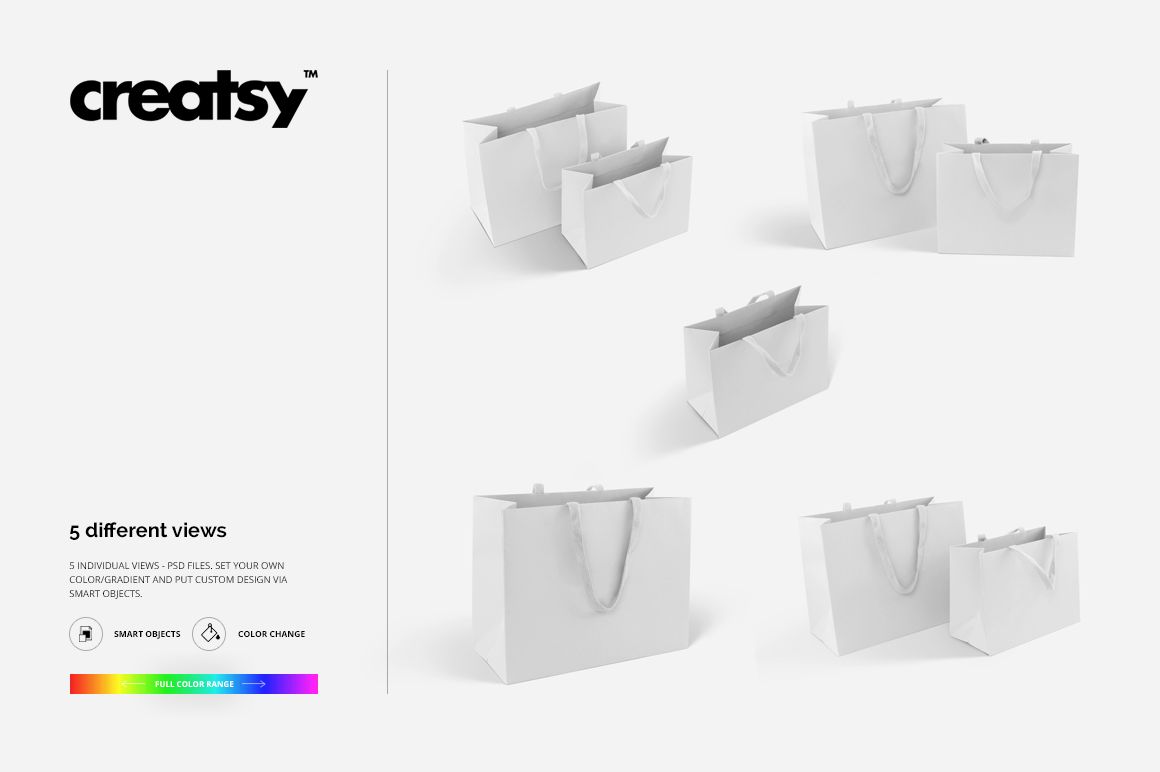
Two Paper Shopping Bags with Rope Handles Mockup Set
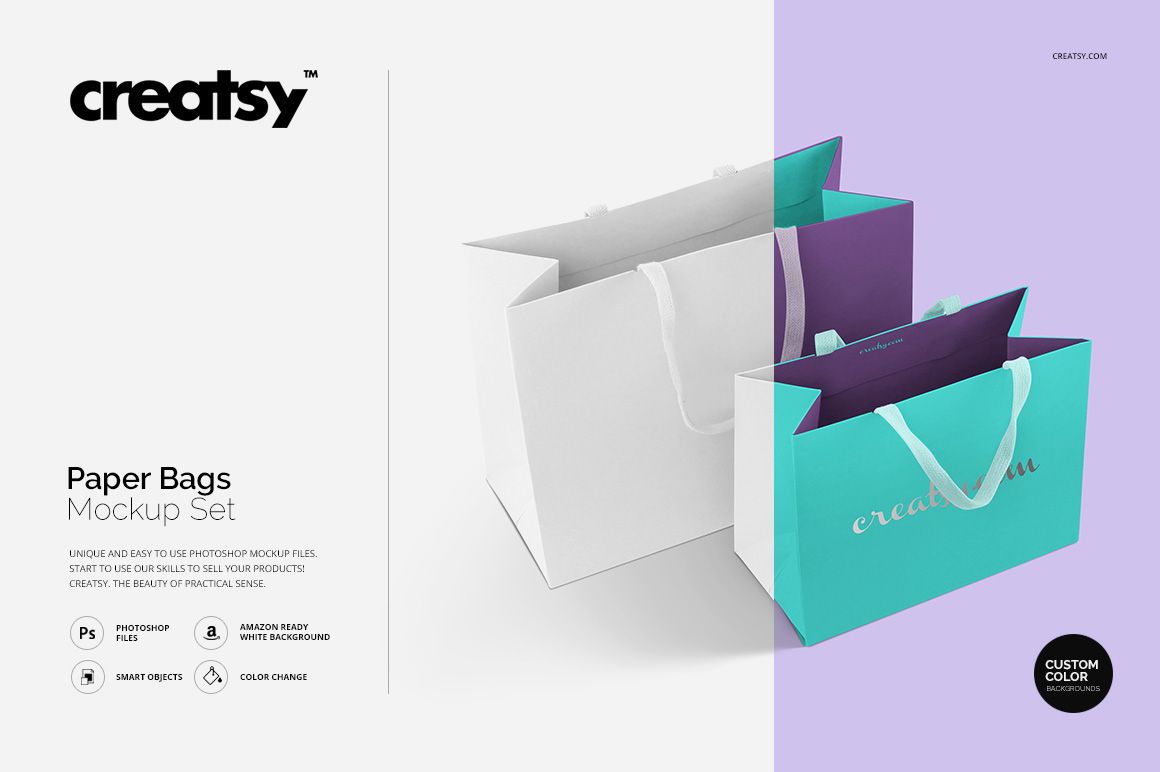
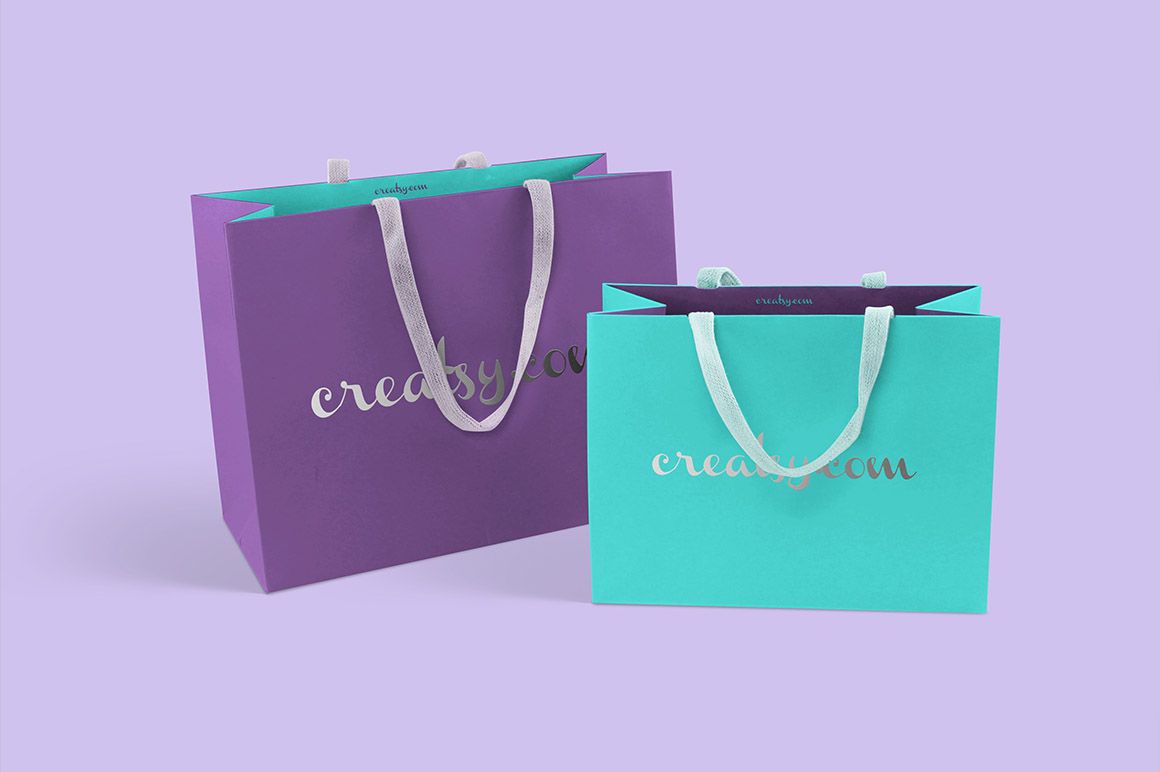
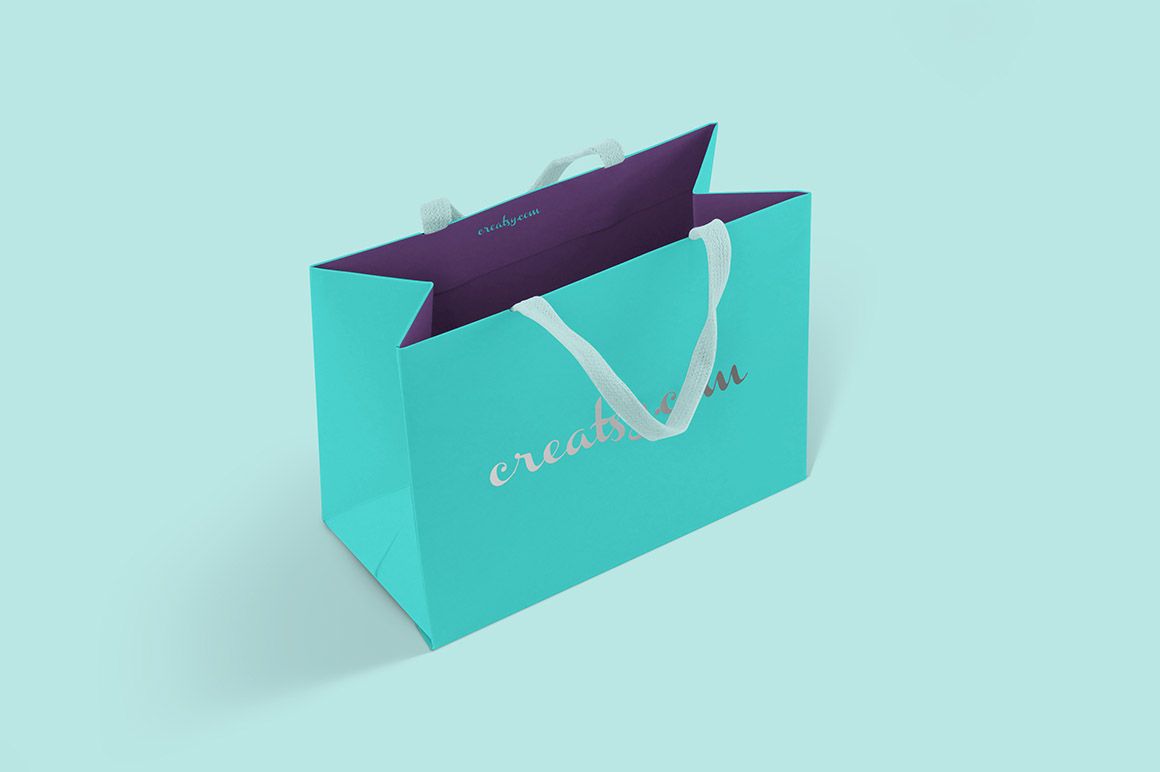
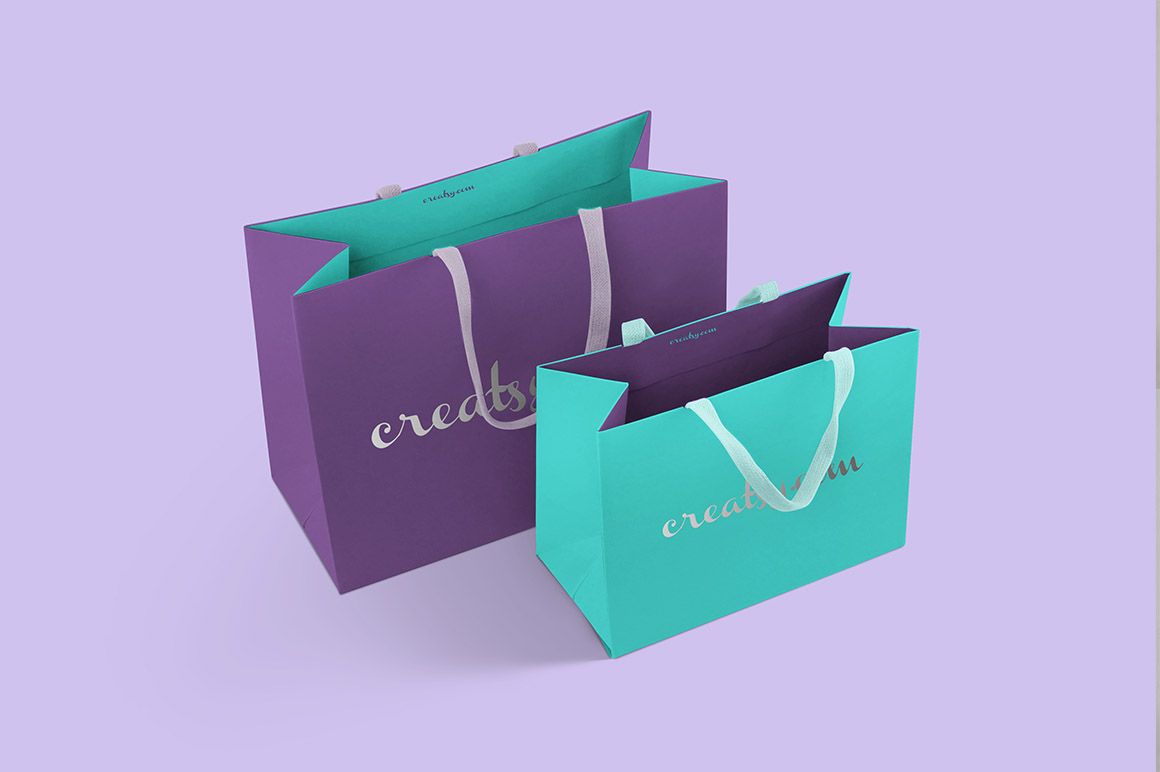
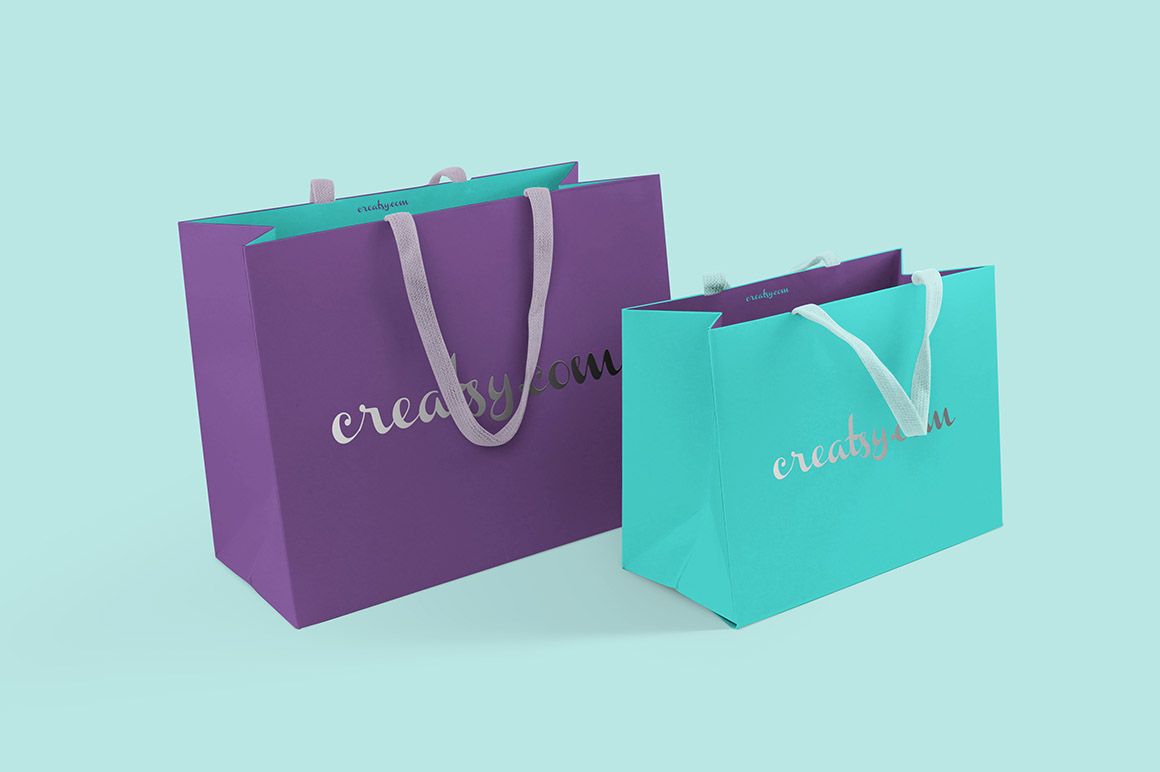
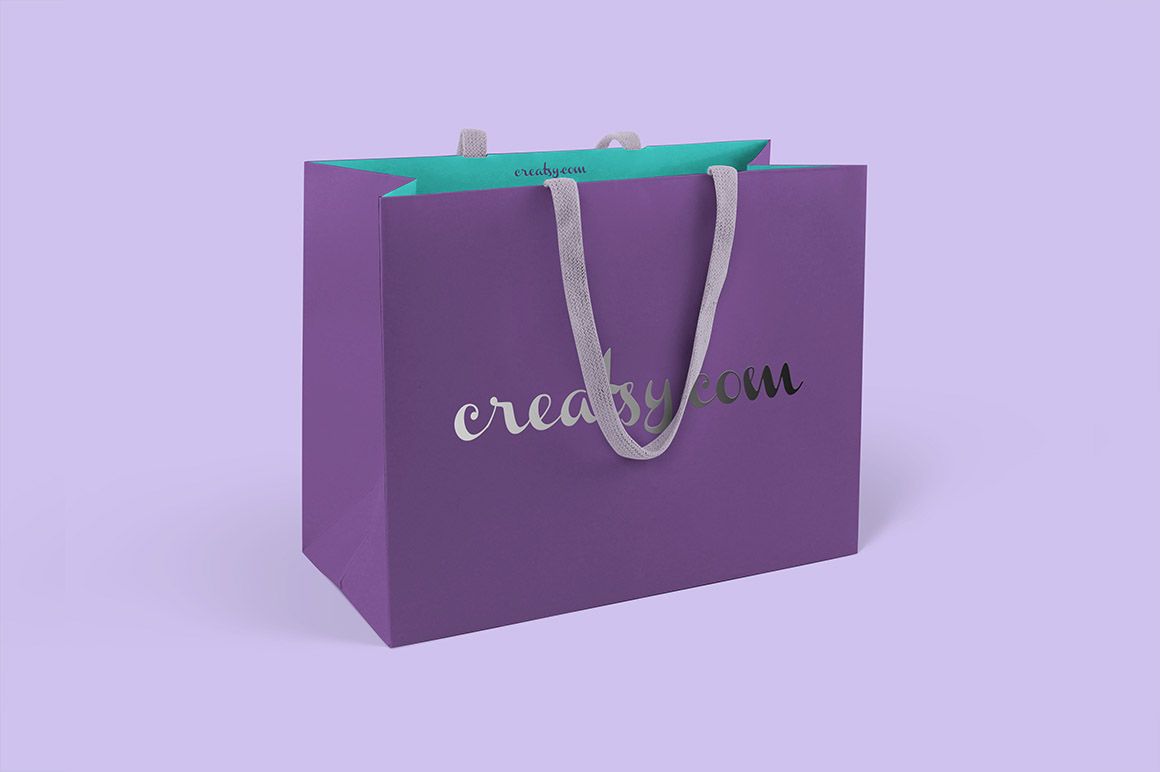
A silver wordmark can read very differently on a pale bag and a deep-colored one. Use this paper shopping bag mockup set to compare those choices across two bag sizes, with five prepared views showing the pair together and each size on its own. Open tops, visible interiors, folded sides and handles hanging across the front give your presentation more context than a flat artwork sheet.
The front-panel Smart Objects include options for silver or gold text, so you can explore a metallic lettering treatment alongside your color and pattern ideas. The paired views help explain how the two formats belong to one retail collection; individual views give each design enough space to be assessed.
What Is Included
5 layered PSD files with five views: three paired compositions and two individual bag views.
4000 × 3000 px mockup files at 300 DPI.
5 JPG files and a TIFF guide, 11 files in total.
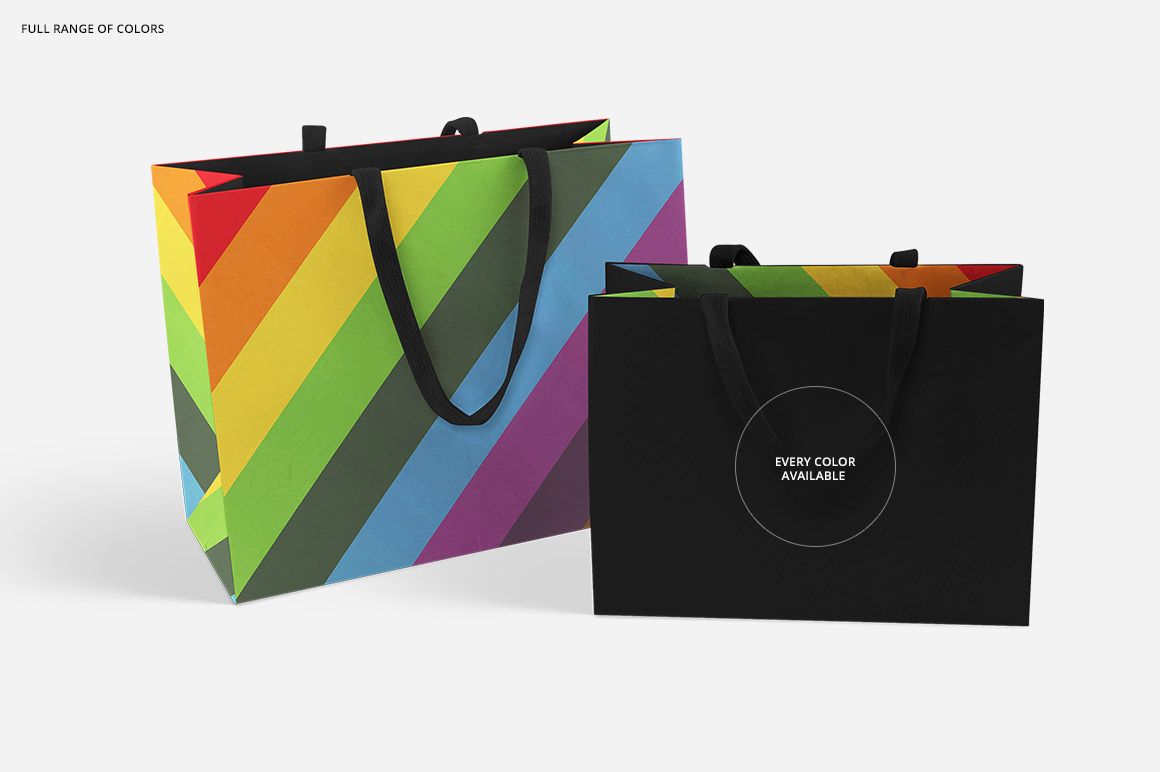
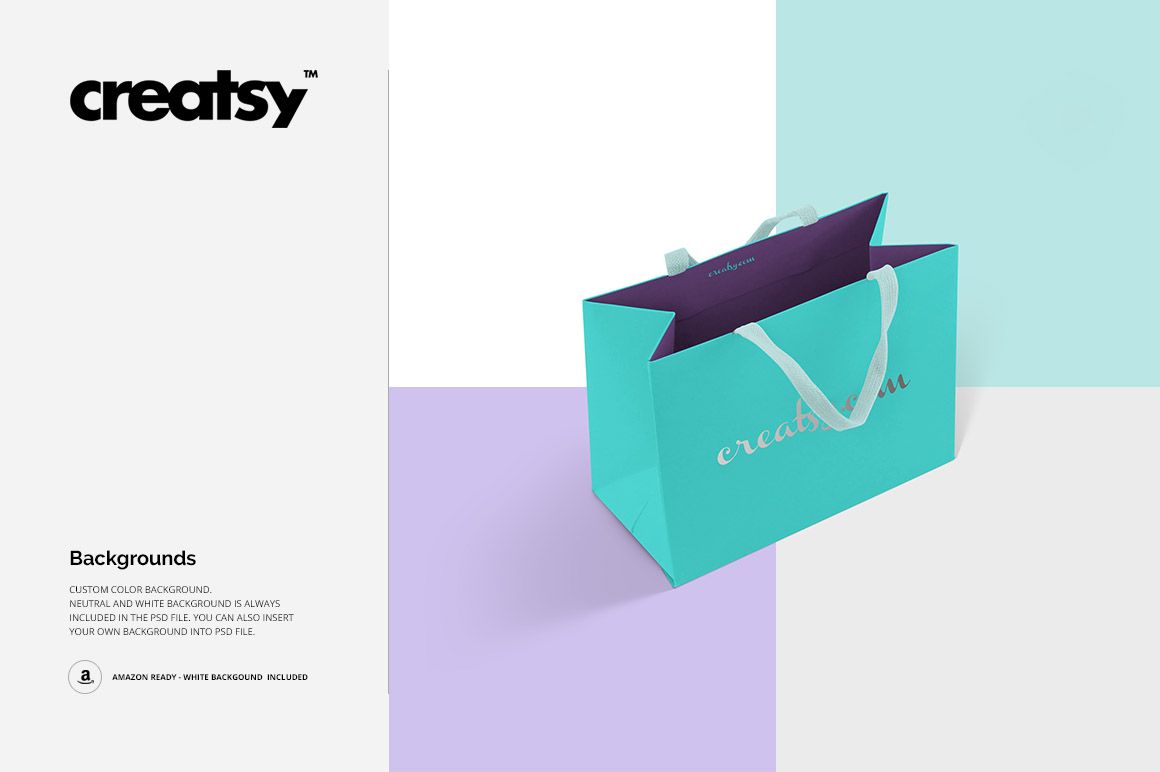
Smart Object artwork editing, changeable colors, silver and gold text options, and white, neutral or your own backgrounds.
Give the Wordmark Room Around the Handles
The handles overlap the front panels in the previews. Try positioning your main lettering where enough of the name remains visible in both the paired and individual compositions. A metallic treatment should still communicate the brand when part of a letter becomes bright or dark, so compare the effect at the final image size as well as close up.
Easy Smart Object Editing
Place your artwork in the organized Smart Objects, refine the colors and choose the background. The silver and gold text options are located inside the front-panel Smart Objects. The PSD files support Adobe Photoshop CS6 or newer and Photopea.
For Retail and Gift Packaging Proposals
Prepare boutique branding presentations, coordinated bag colorways, surface-pattern portfolios and campaign visuals. This is a digital mockup set, not a supply of physical bags. Add your own artwork; the example graphics in the previews are for presentation only and are not included.