Landscape Wedding Guest Book Mockup Set
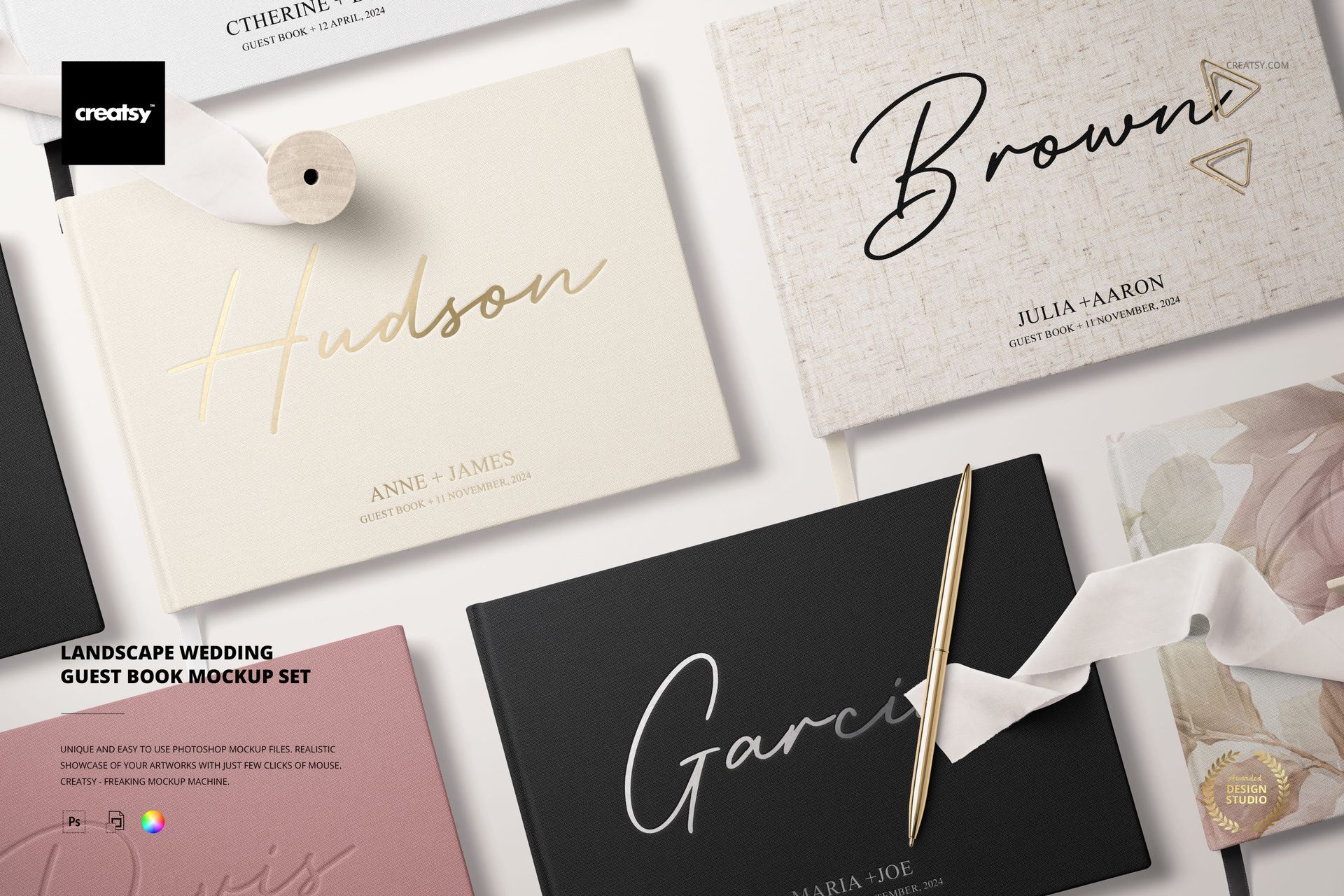
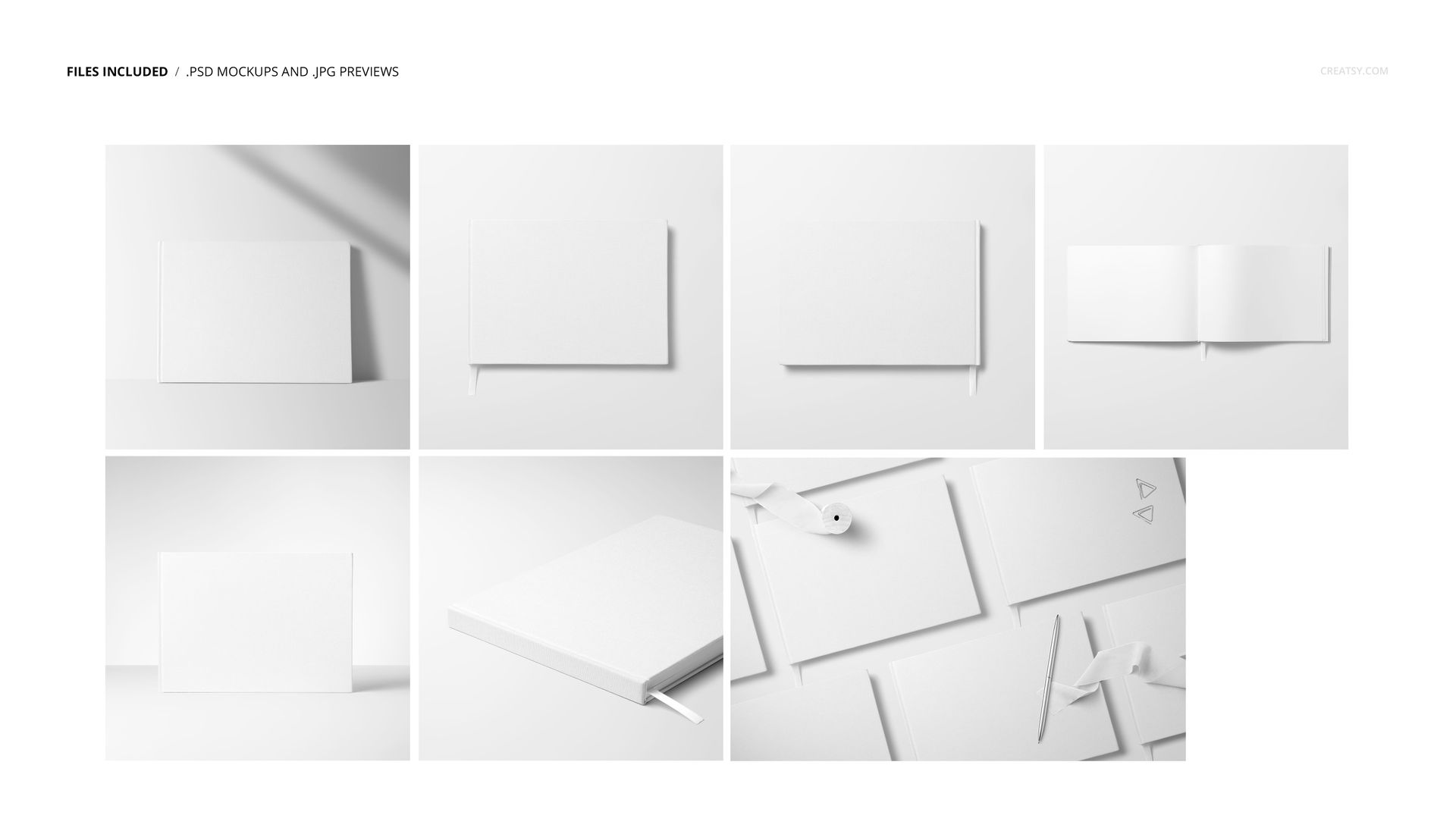
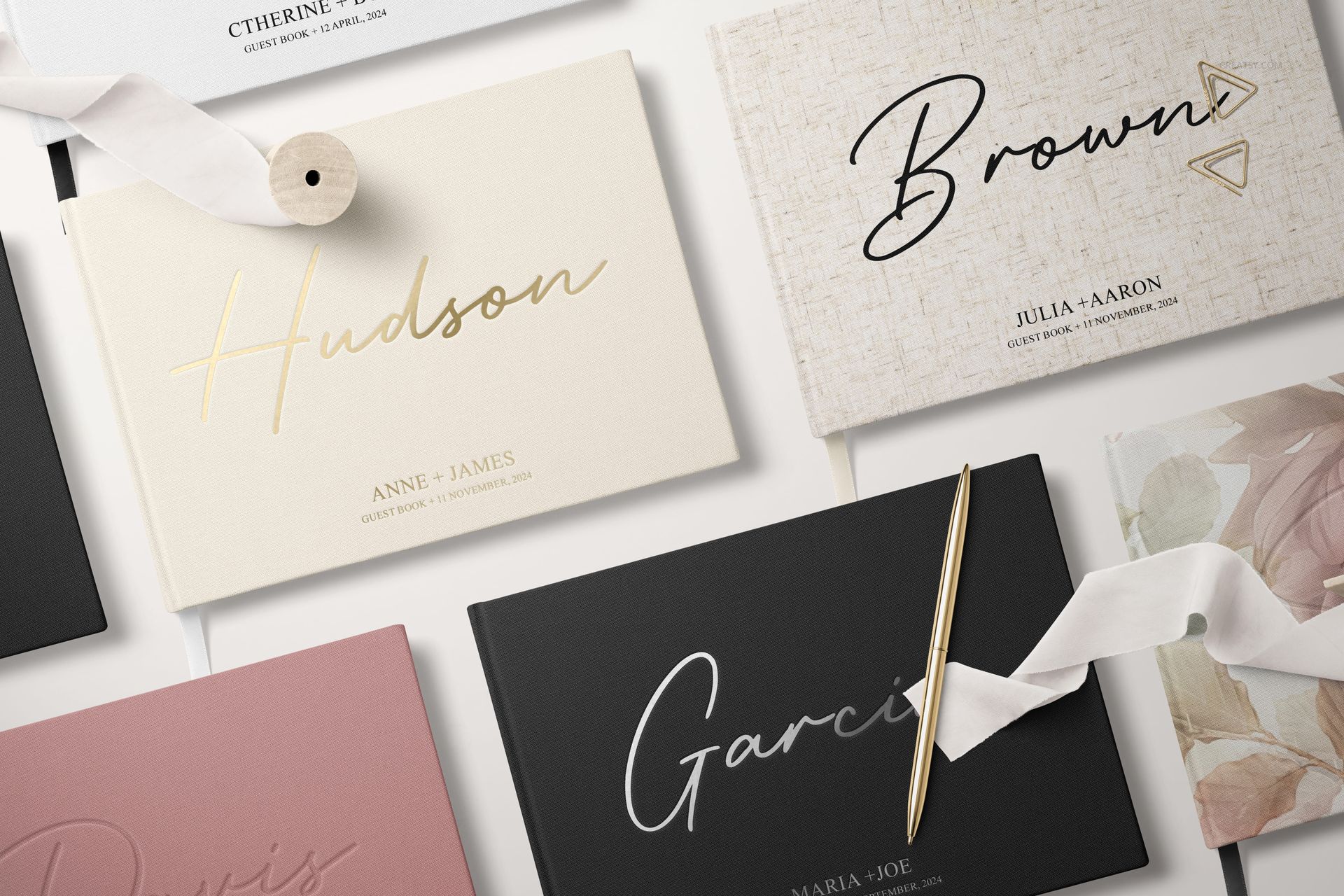
Present horizontal wedding guest book designs in polished, realistic scenes created for stationery collections, personalized products and professional client presentations. The Landscape Wedding Guest Book Mockup Set includes seven high-resolution mockups with varied angles and compositions, giving you everything you need to showcase covers, spines, open pages and complete guest book collections.
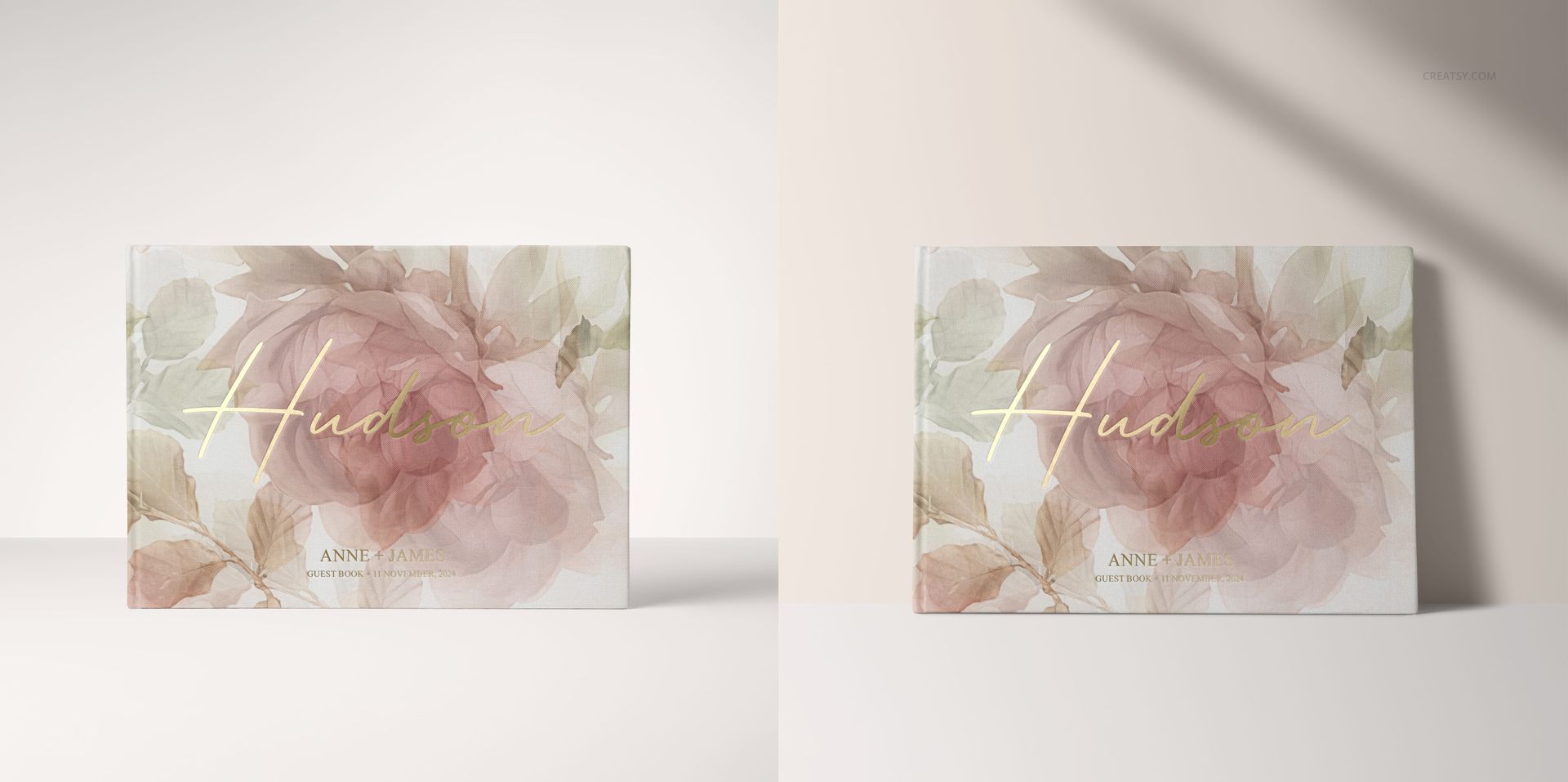
Use the set to present one personalized design or compare several cover options for your clients. Add names, wedding dates, monograms, typography, floral artwork or coordinated patterns to create visuals that feel elegant, personal and ready for a real celebration.
Show Guest Book Covers, Spines and Open Pages
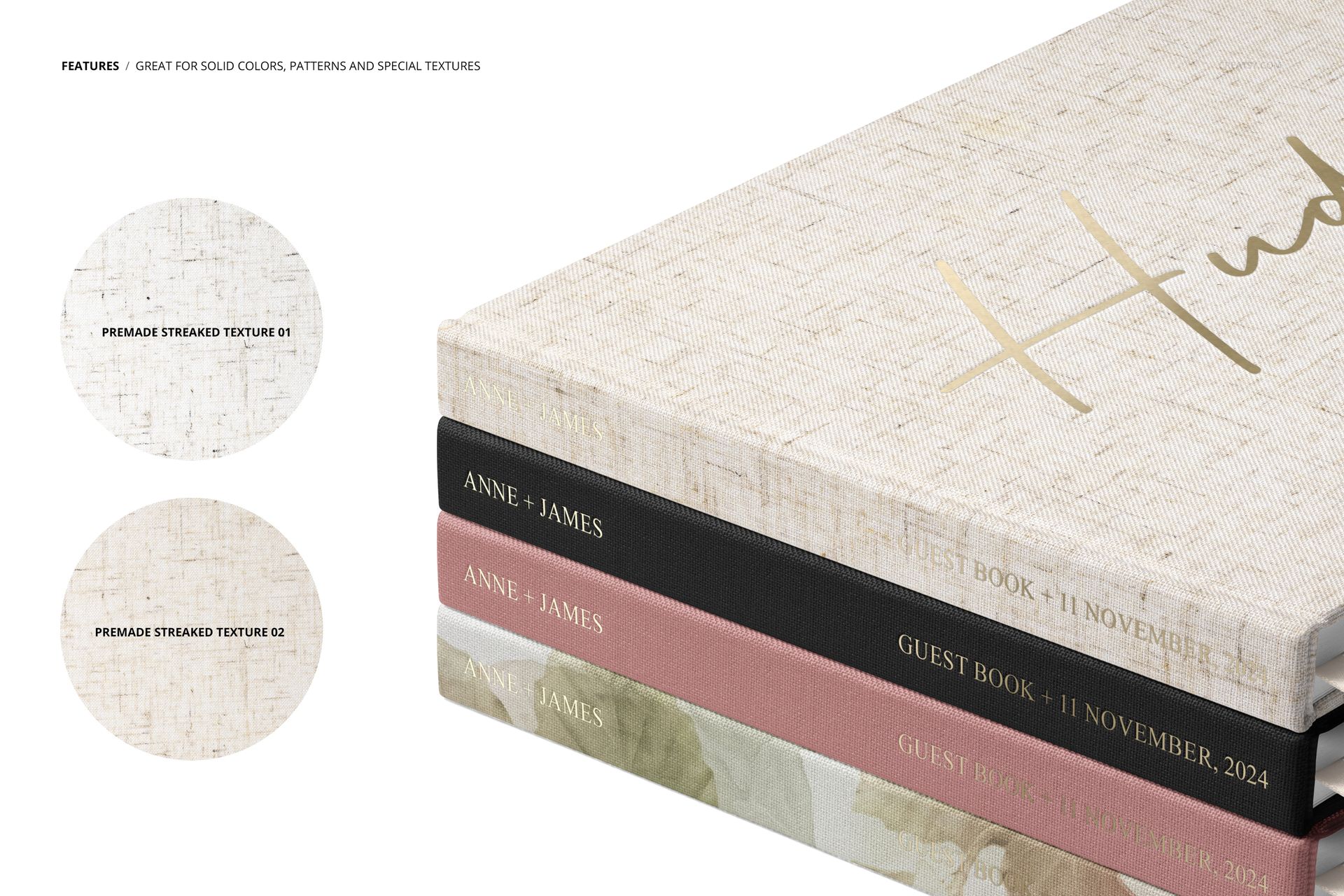
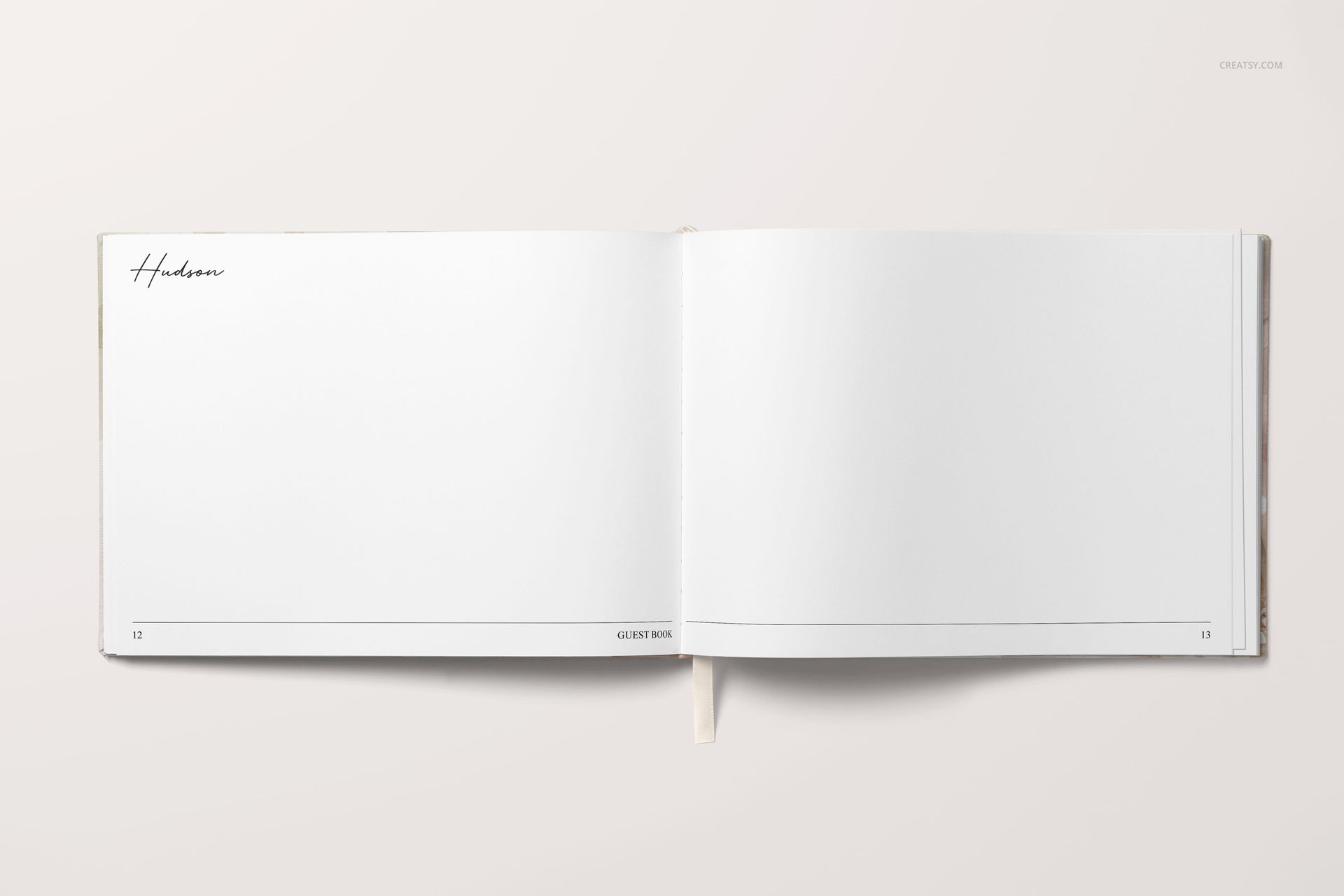
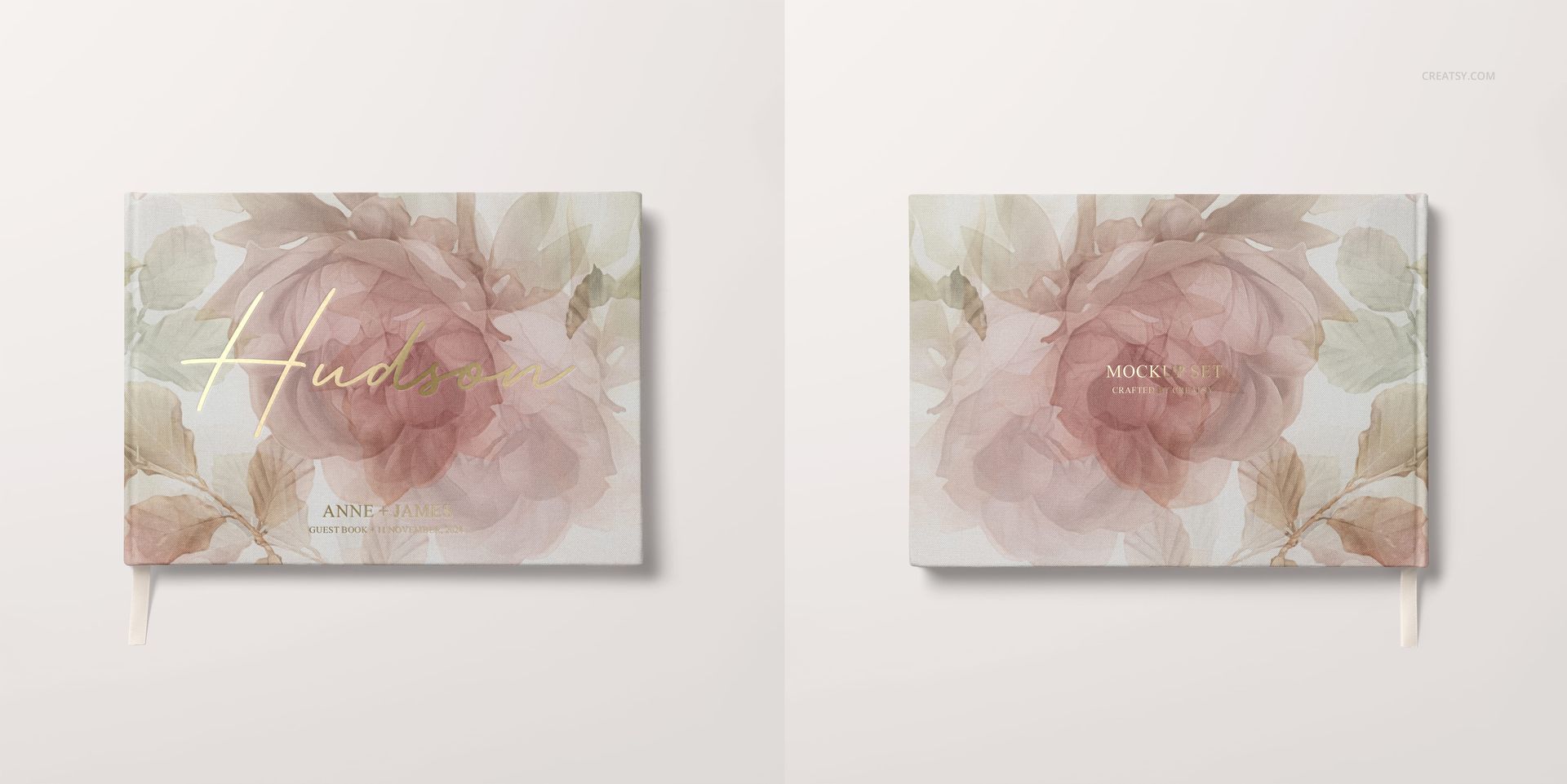
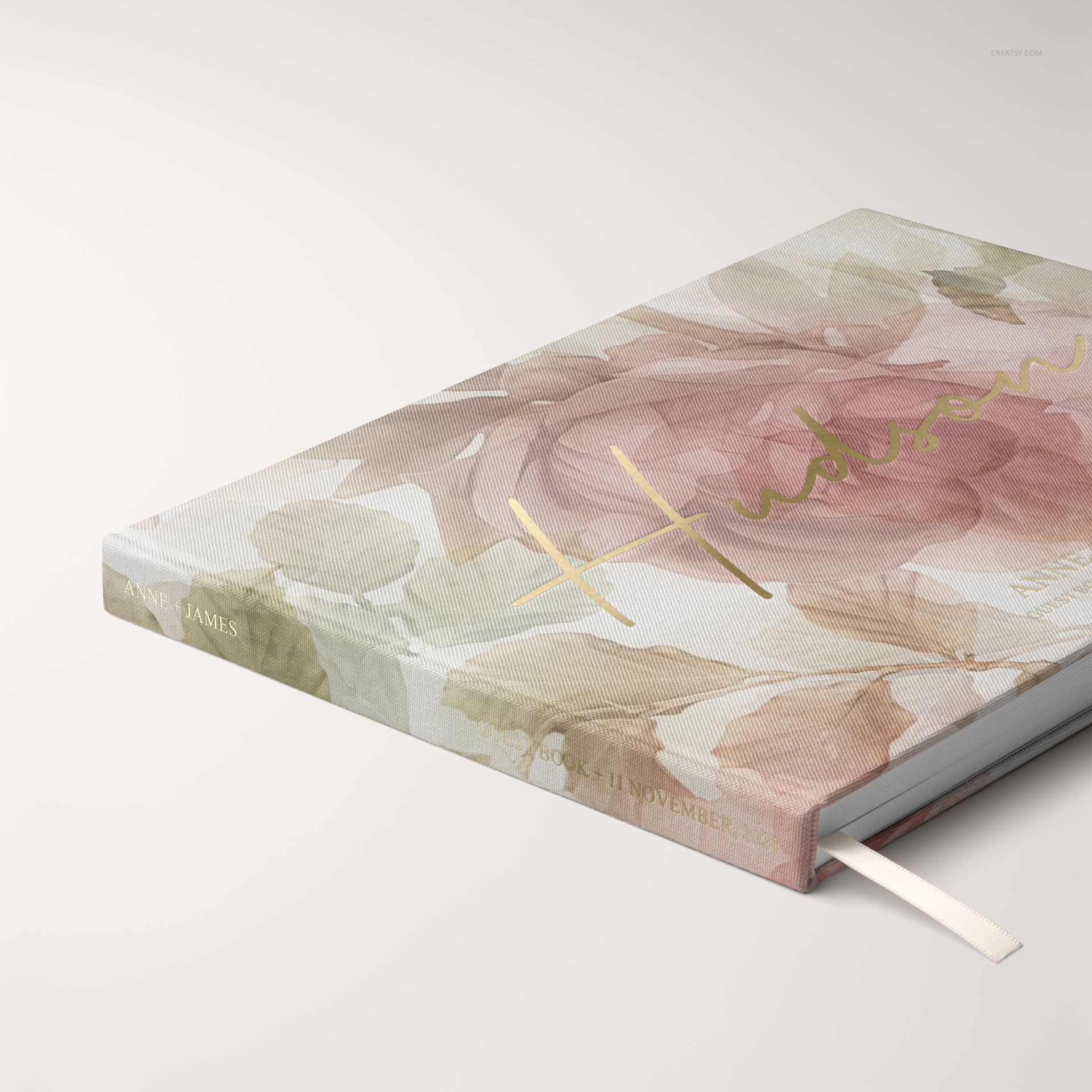
The set includes top-view group compositions, angled product views and detailed close-ups. Use the wider scenes to present coordinated collections, show the cover and spine from different perspectives, or focus on smaller details such as lettering, texture and material finish.
Soft shadows, clean studio lighting, ribbon details and carefully styled stationery elements give each scene a refined wedding feel while keeping the guest book design clearly visible.
Customize Lettering, Textures and Wedding Details
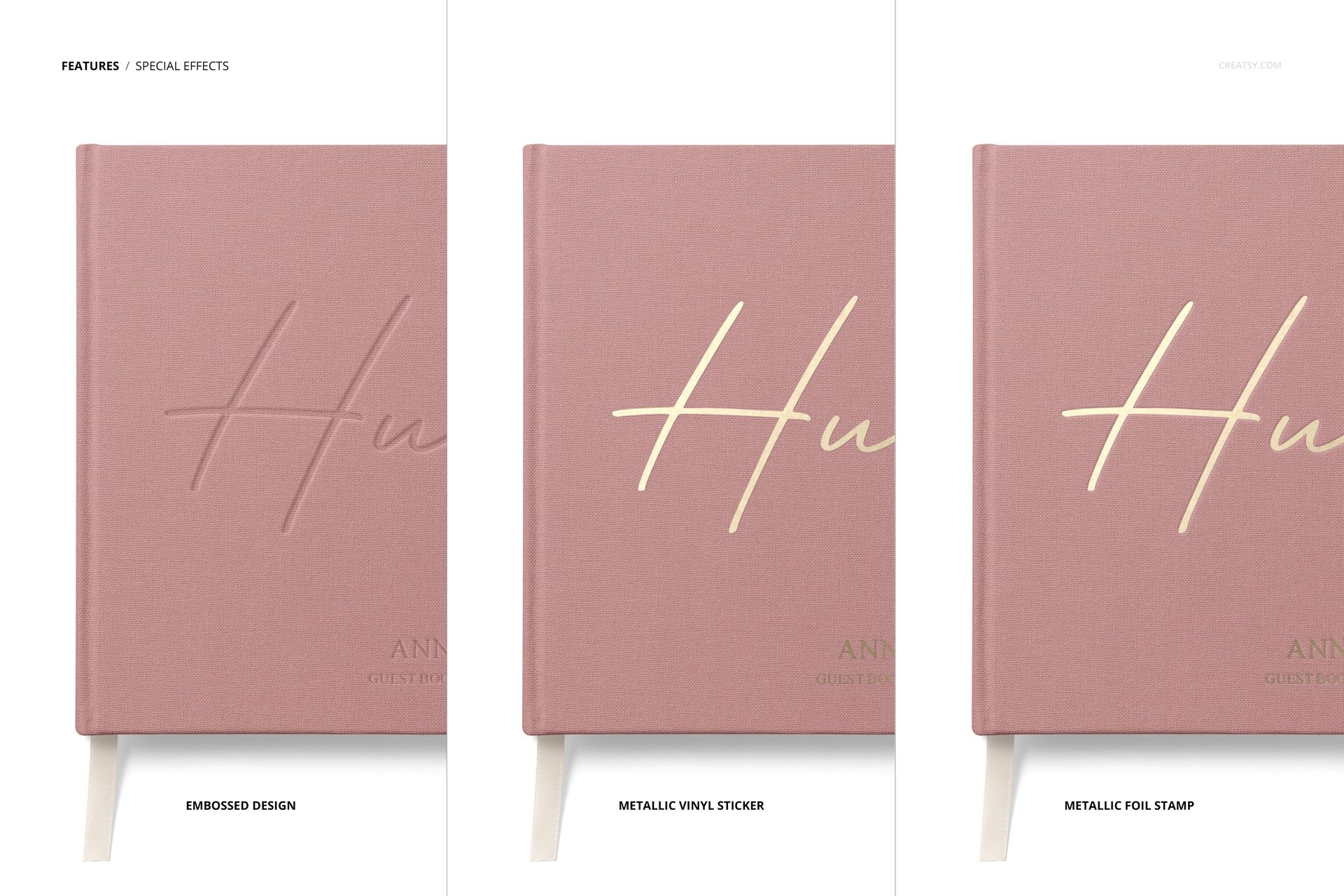
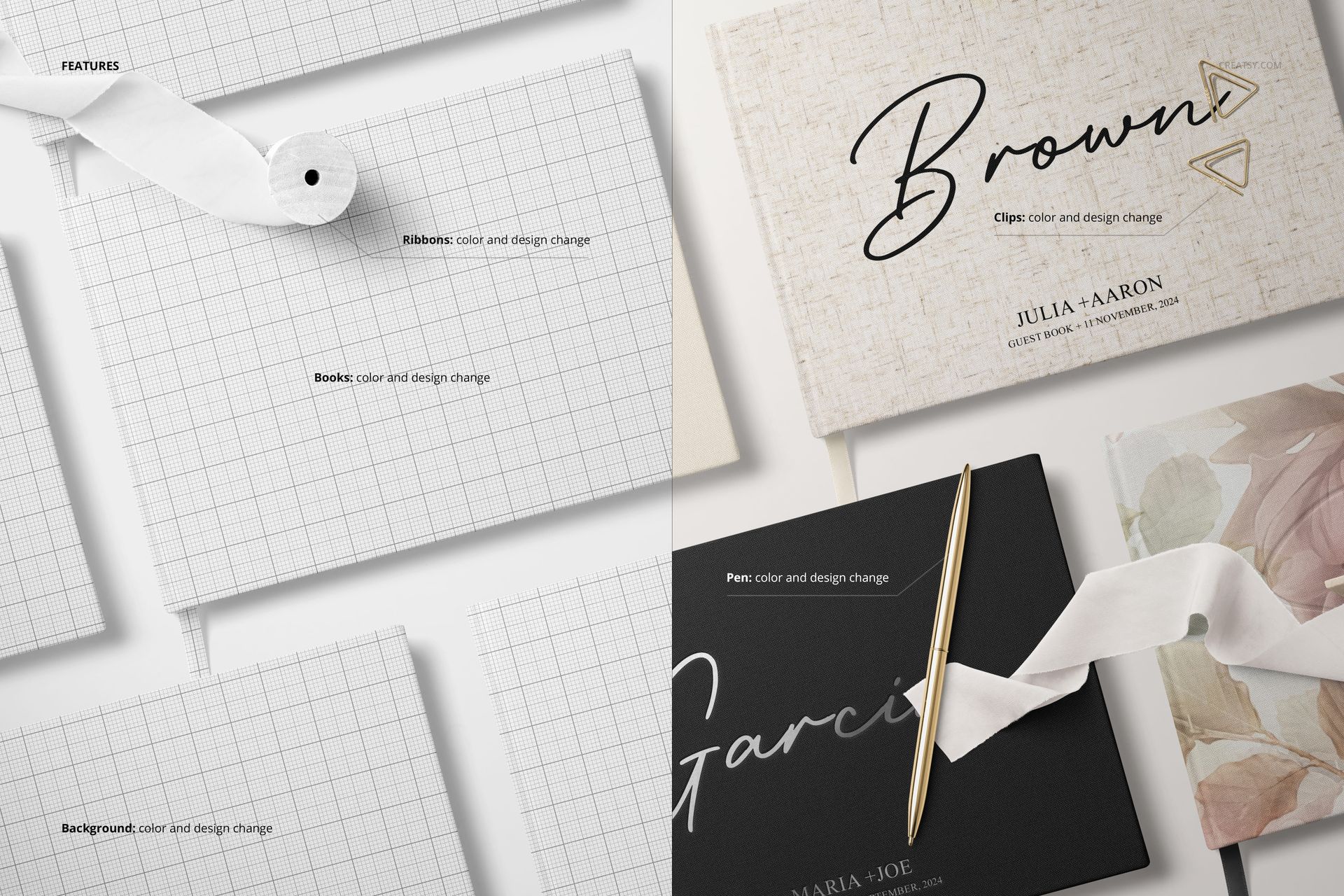
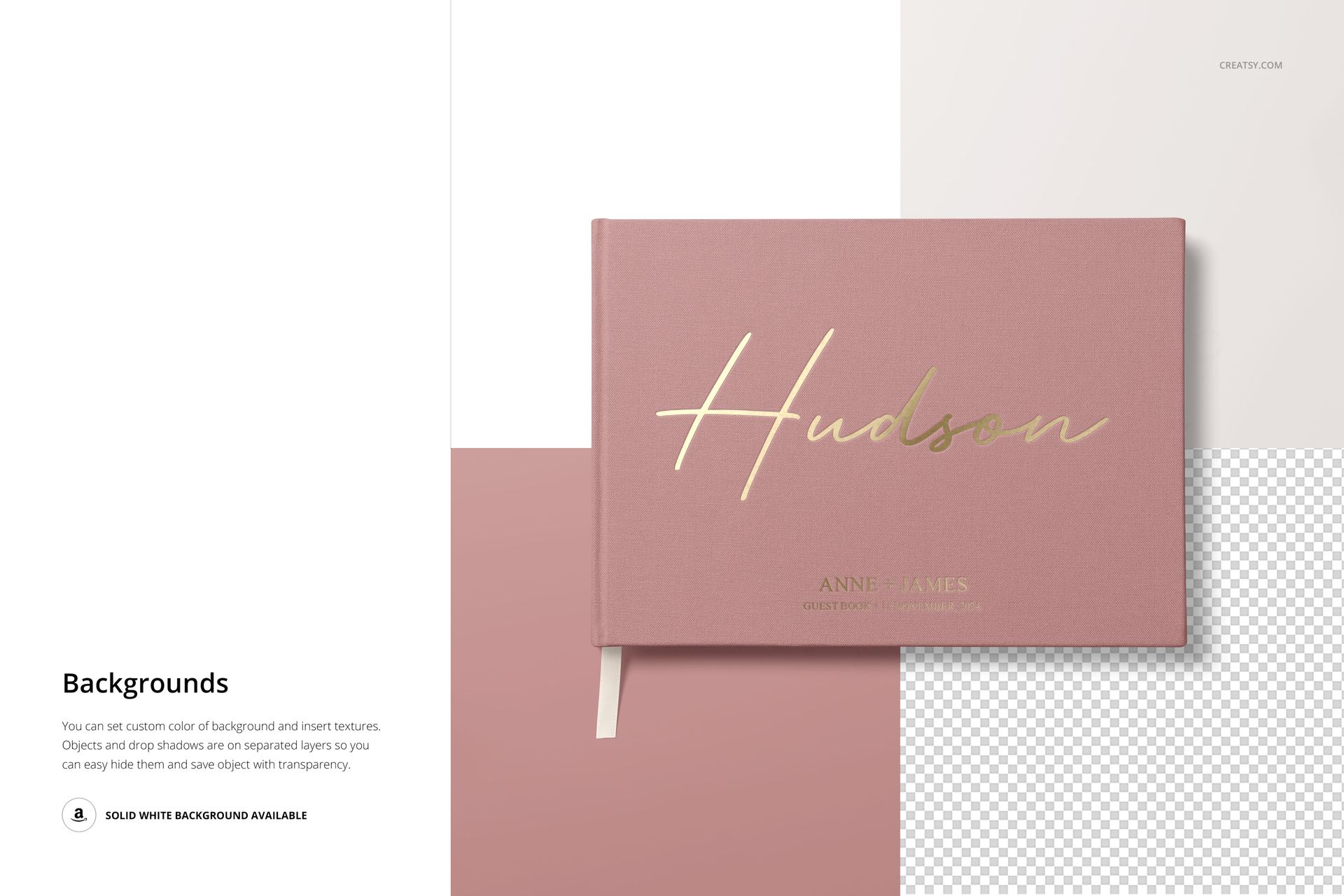
The mockups include presentations for embossed lettering, metallic foil stamping and metallic vinyl sticker effects. You can also work with the included streaked textures and customize available elements such as the ribbon, paper clips, pen and background.
Whether your collection is built around minimal typography, romantic florals, modern graphics or bold surface patterns, the set helps you create a cohesive guest book presentation without producing and photographing physical samples first.
Perfect for Wedding Designers and Personalized Product Sellers
Use these mockups for wedding stationery portfolios, customized guest book listings, client approval presentations, print shop catalogs, bridal product launches and social media campaigns. The varied scenes make it easy to build a complete product gallery while keeping every image visually consistent.
File Specifications
The files work in Adobe Photoshop CC2020 or newer and in Photopea.
The pack includes 6 PSD files and 1 PSB file.
Six scenes are 5000 × 5000 px and one scene is 6000 × 4000 px.
All editable files are prepared at 300 DPI.
The download also includes 7 JPG previews, for 14 files in total.
Check the screenshots for all available customization features.
The layers are clearly named and well organized.















Amazing experience as always with Creatsy. These mockups went above and beyond my expectations. Very easy to add my own designs and the end pictures are beautiful. Very reasonably priced too!
Thank you so much! We’re delighted that the Landscape Wedding Guest Book Mockup Set exceeded your expectations and was easy to customize. It means a lot to hear that you’re happy with the beautiful final images and the value of the set. Thank you for choosing Creatsy again and for your wonderful review!