Present Custom High Heel Sole Artwork Clearly
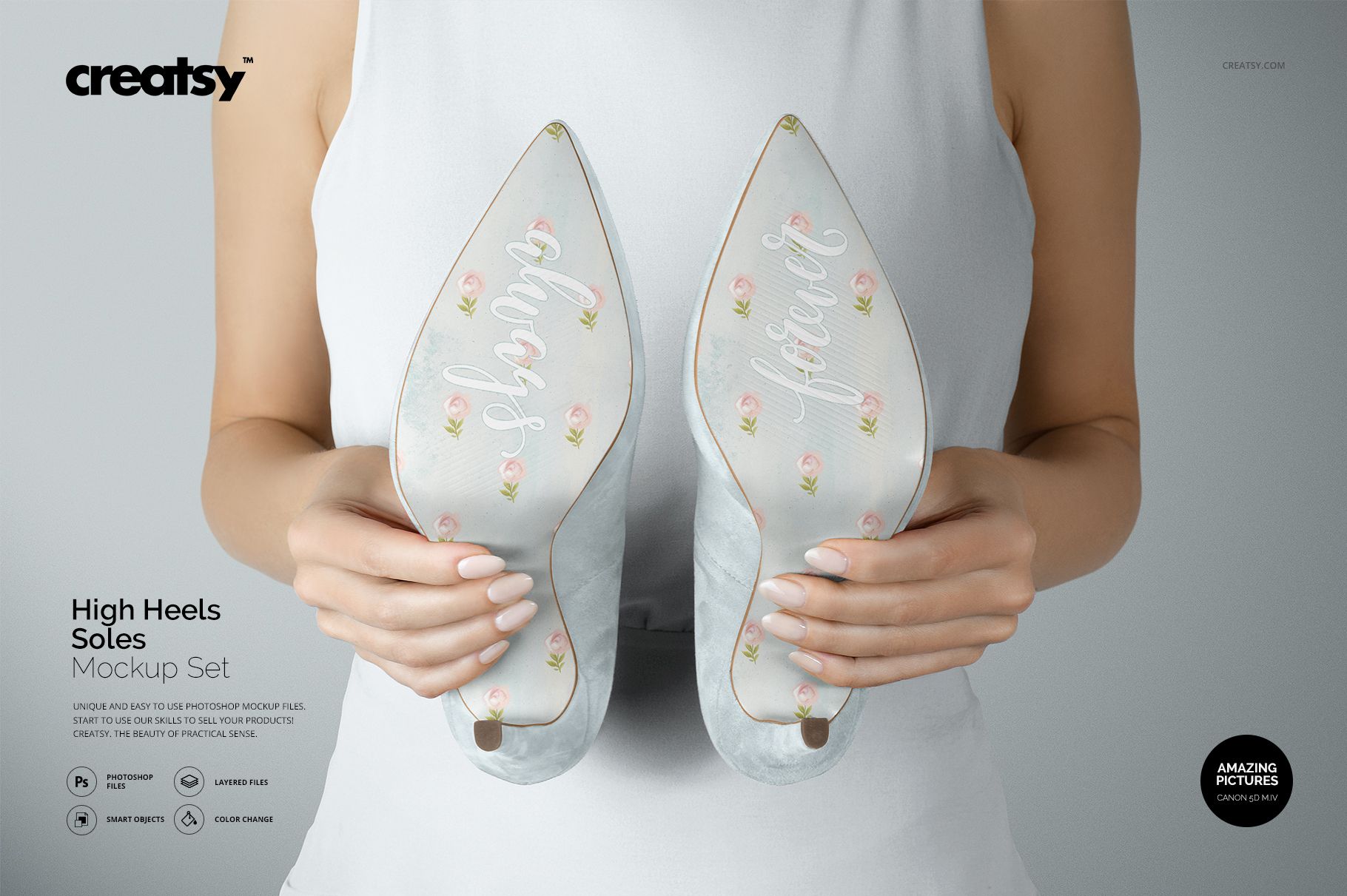
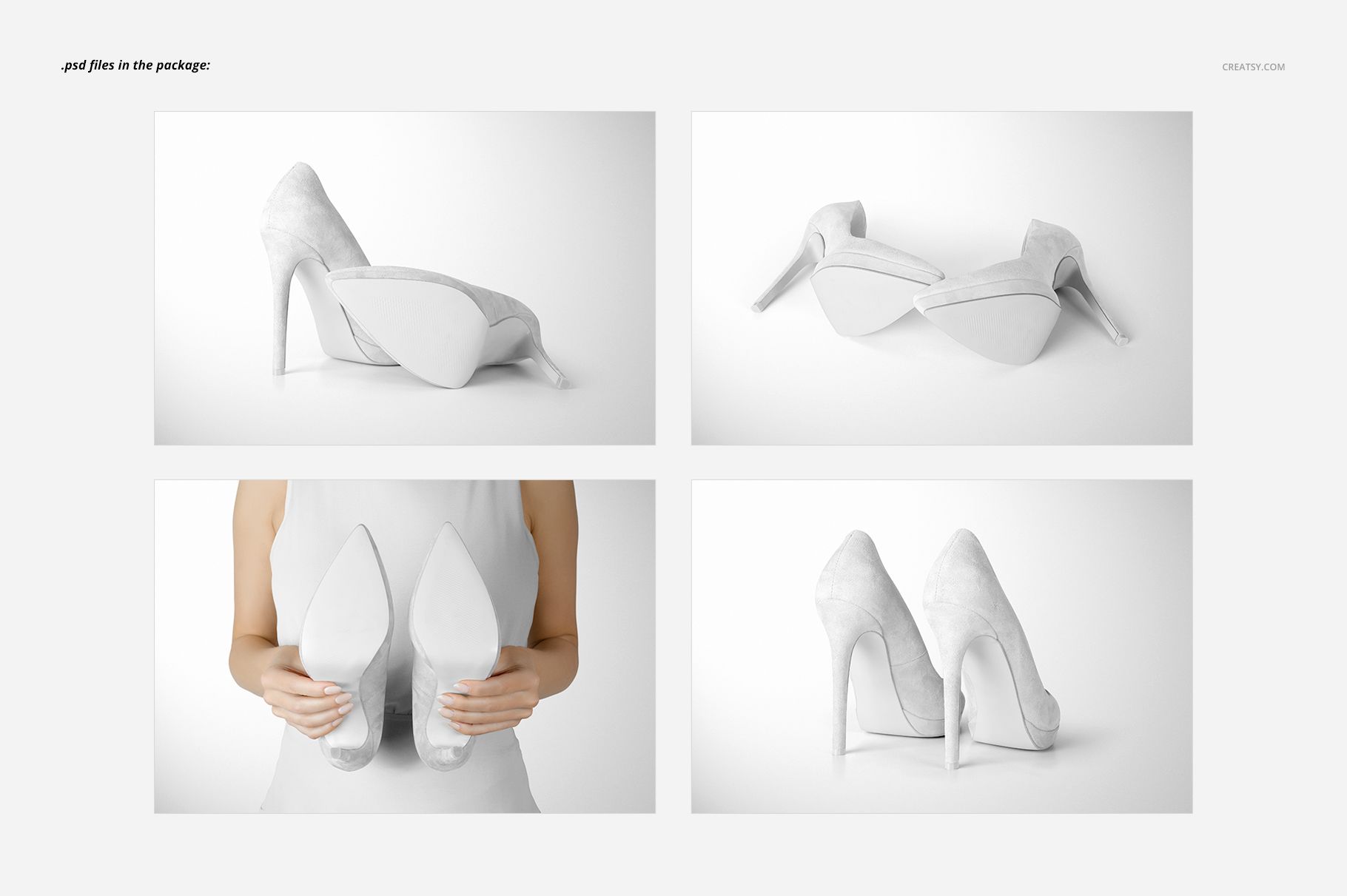
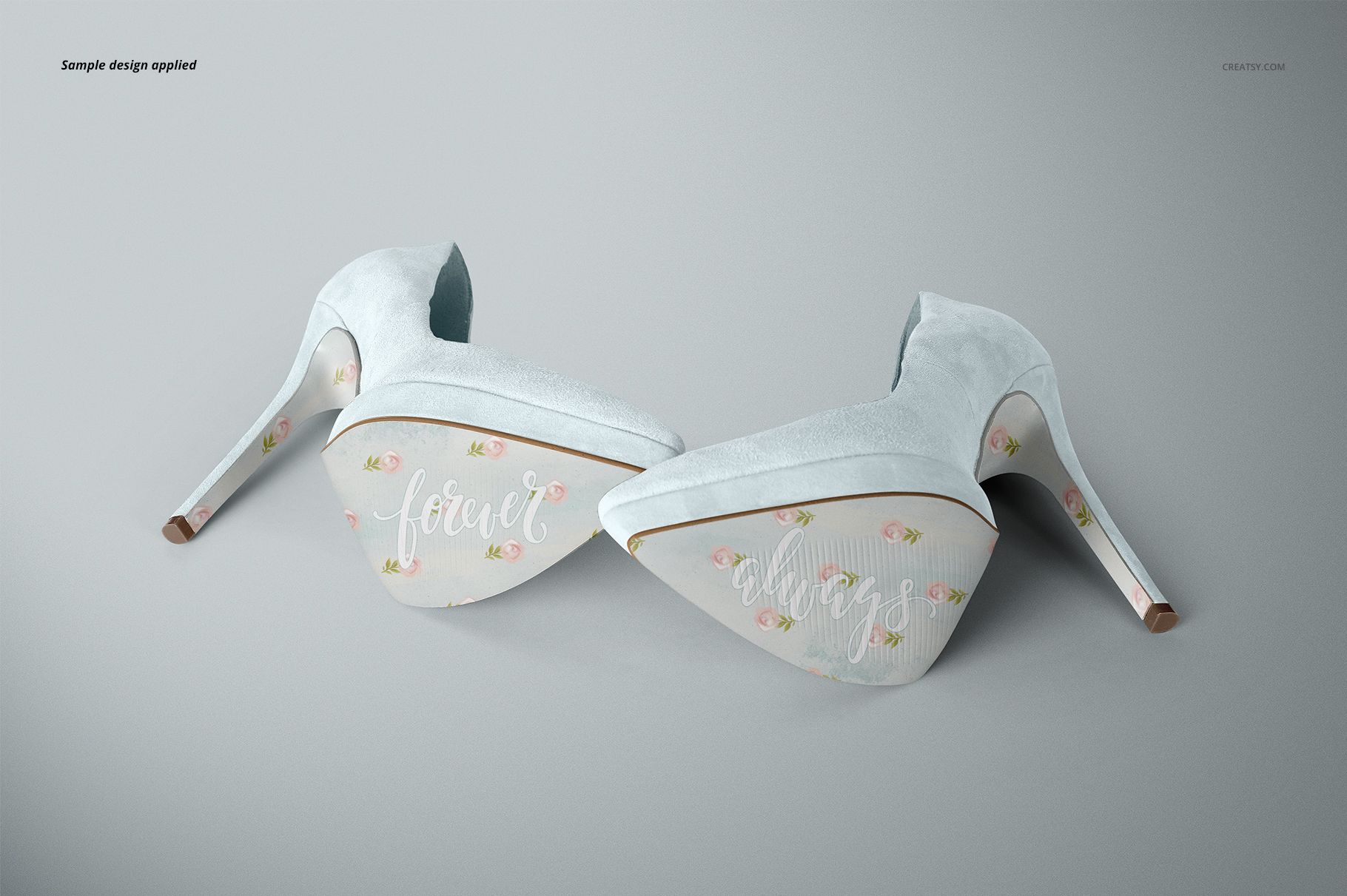
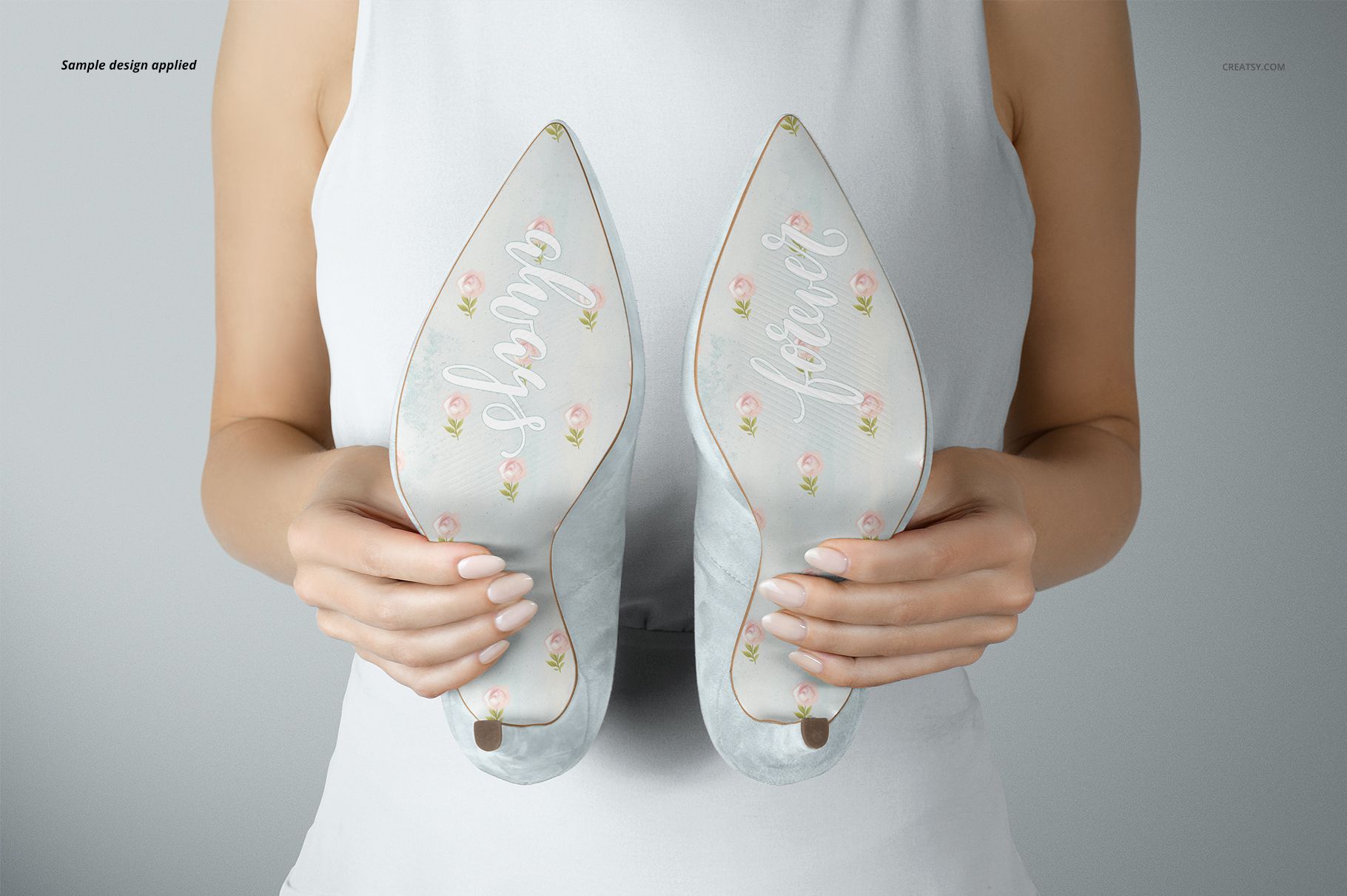
This bridal shoe sole mockup set contains four layered PSD scenes for showing personalized artwork on elegant high heels. The collection combines paired shoes, underside details, a rear view and a hand-held composition, so clients and shoppers can evaluate the design from complementary perspectives.
Use the scenes to present names, wedding dates, monograms, short messages, logos or decorative patterns for client approvals, ecommerce listings, lookbooks, social campaigns and portfolio case studies.
What Is Included
4 layered PSD mockup scenes
4 JPG scene previews at 4000 x 2667 px
1 Guide.jpg reference image at 3000 x 2121 px
9 files in total
Smart Object artwork placement and a layered editing structure
Compatibility with Adobe Photoshop CC2015 or later and Photopea
Artwork, Background and Shadow Controls
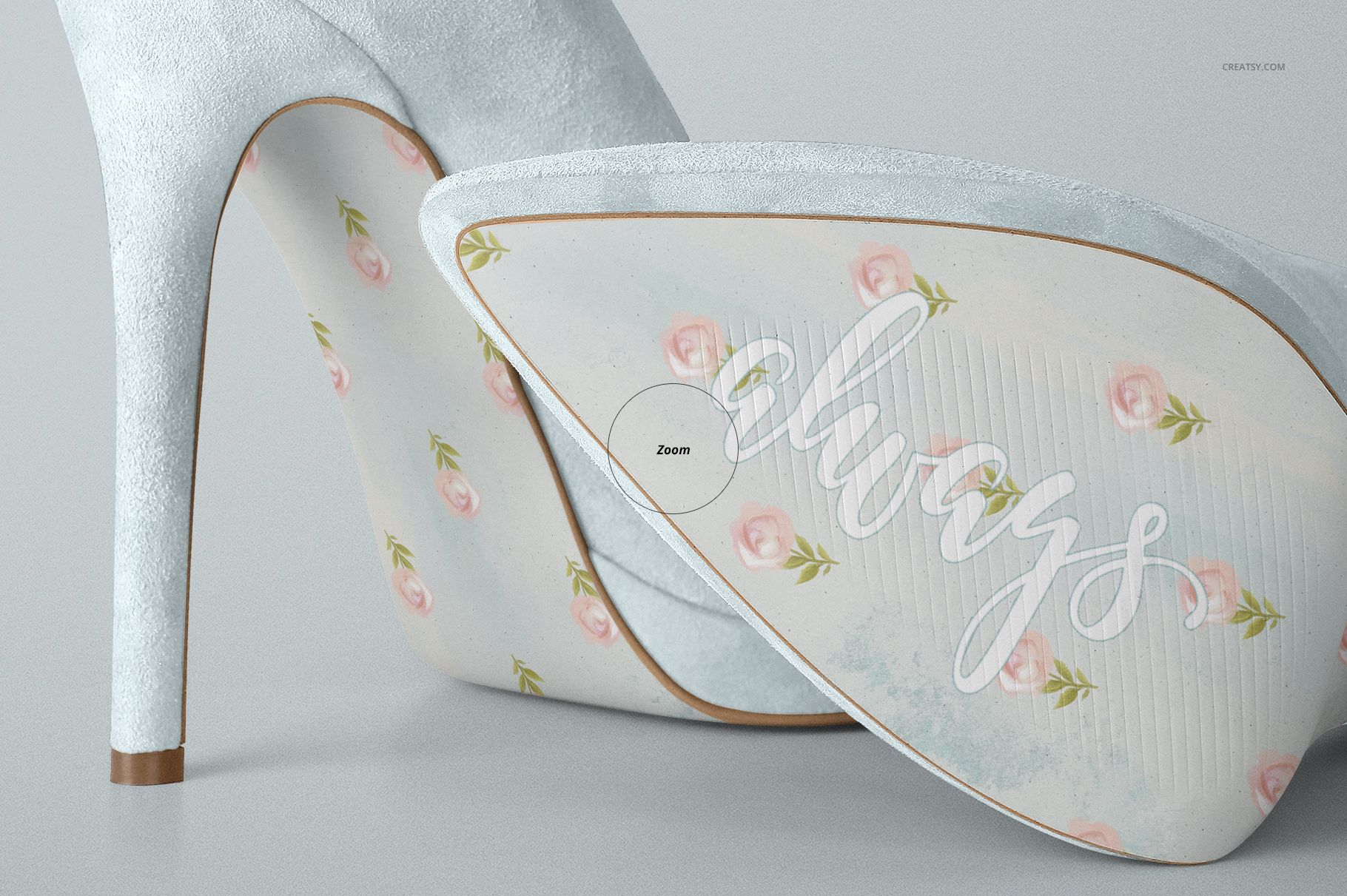
Place your design in the relevant Smart Object, save it and return to the main scene. The artwork follows the existing sole perspective while the photographed lighting and surface detail remain in place.
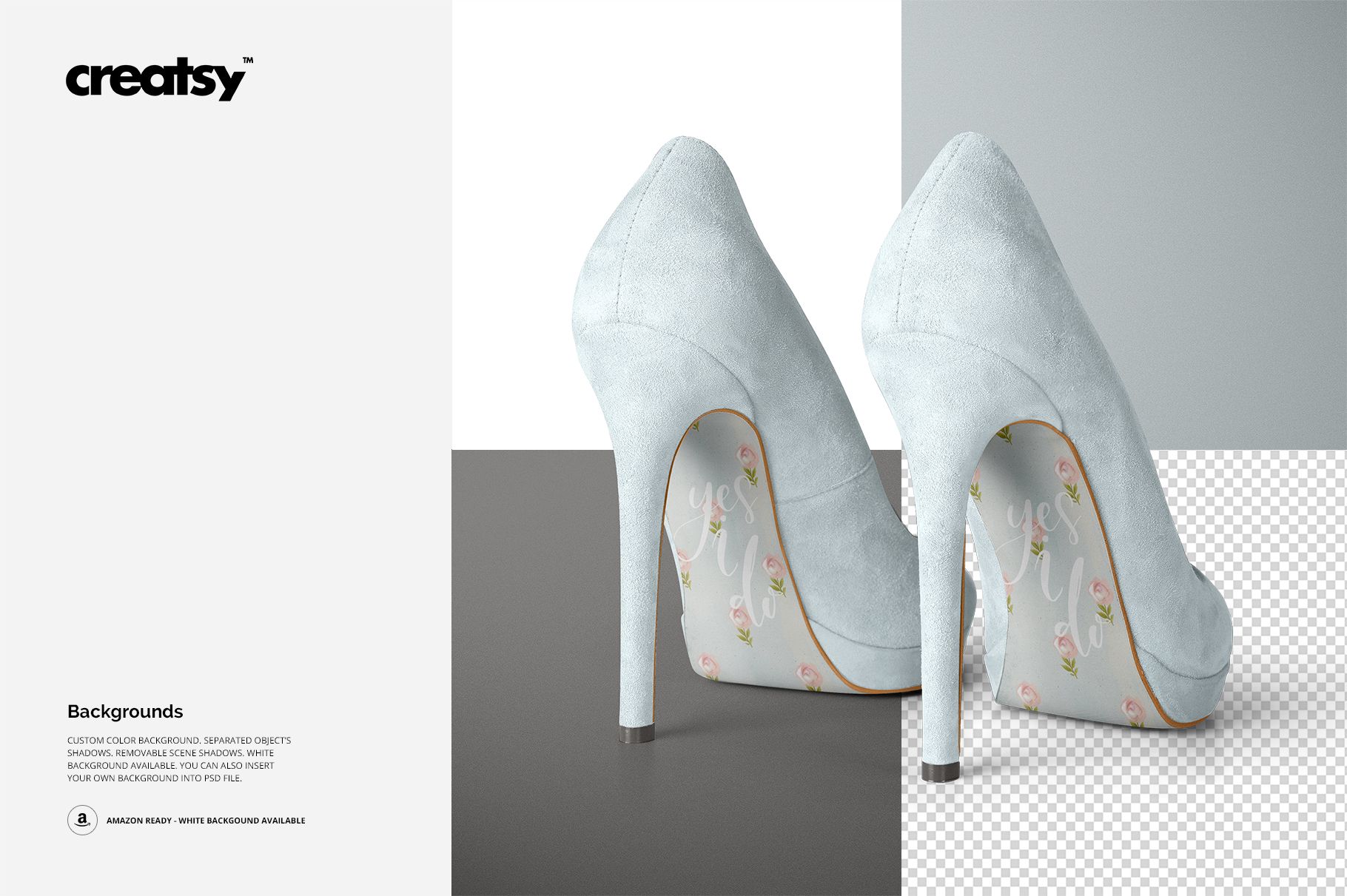
Current product information identifies controls for the sole artwork, shoe suede, heel tips, dress and background. Options can vary by scene. The feature overview also confirms a custom-color background, separated object shadows, removable scene shadows, a clean white-background option and the ability to insert your own background.
Four Scenes for a Useful Product Gallery
Use an underside view to examine lettering and placement, side and rear compositions to show the high heel silhouette, and the hand-held scene to communicate scale. Combine a clean catalog image with a more expressive background to build a varied but consistent presentation.
Important Information
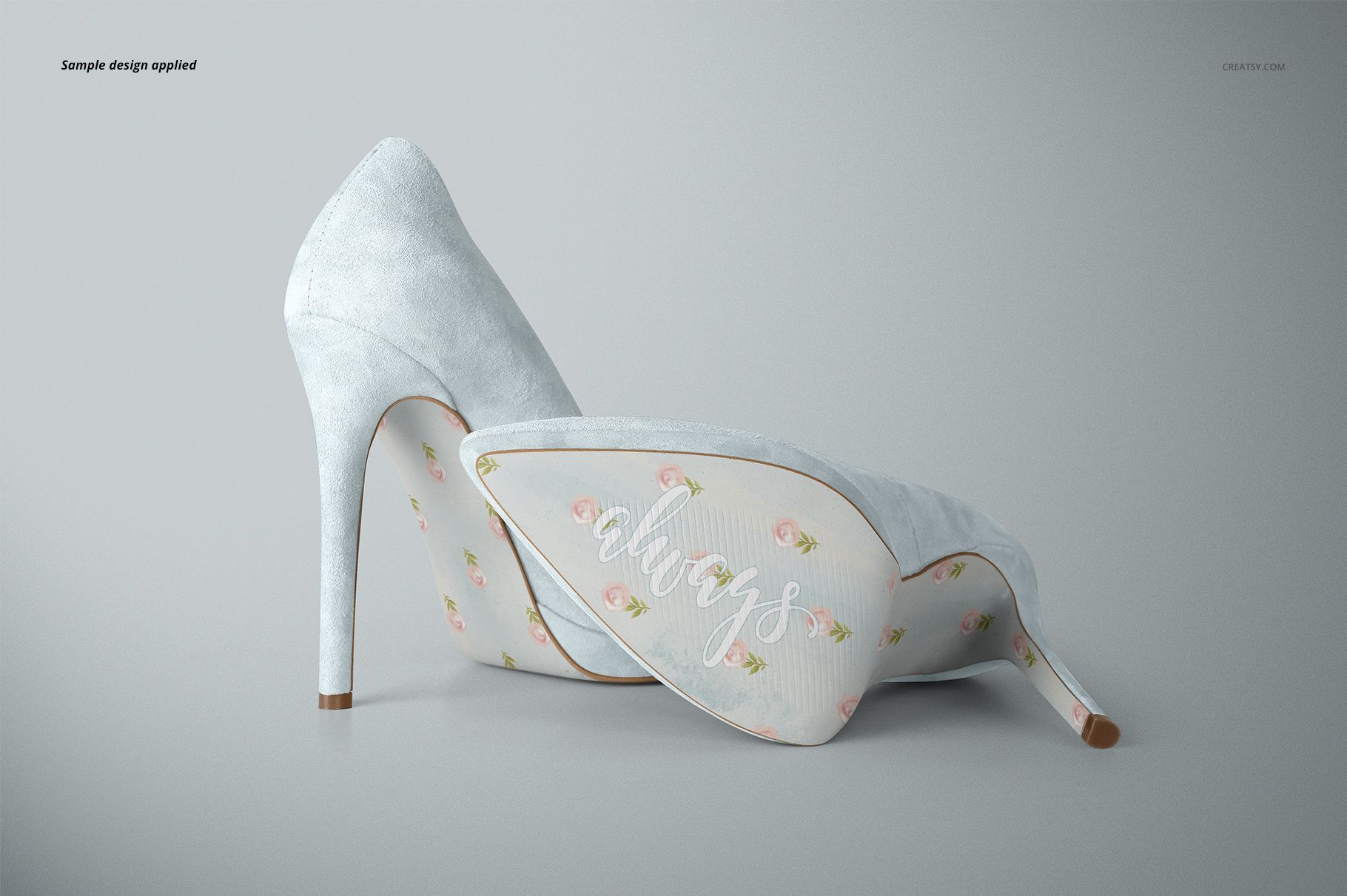
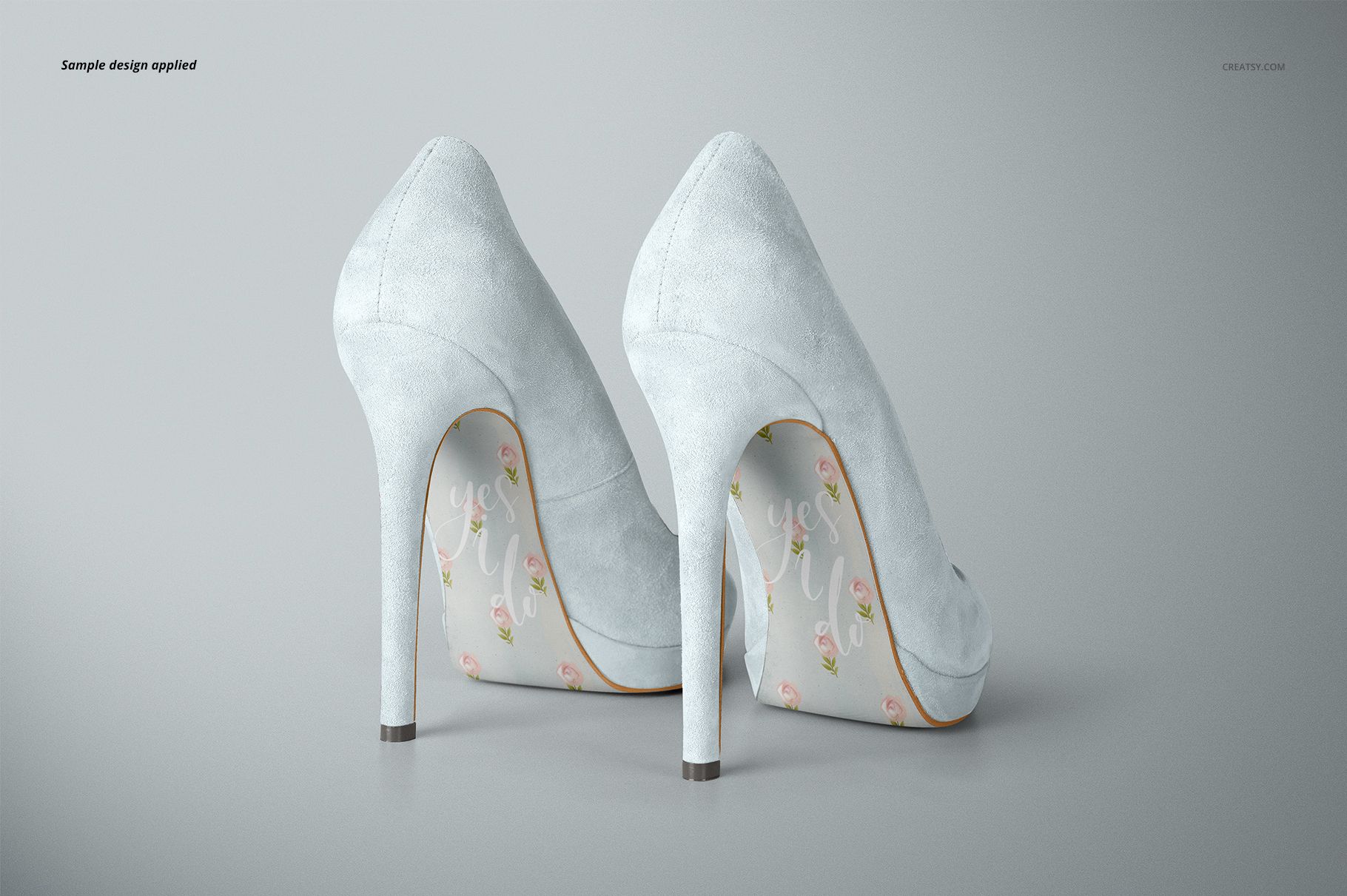
This is a digital mockup set for presenting your own designs. The floral pattern and lettering shown in the screenshots are sample artwork and are not included. Physical shoes are not included.