Wedding Planner Mockup Set

Product Details
Wedding Planner Mockup Set
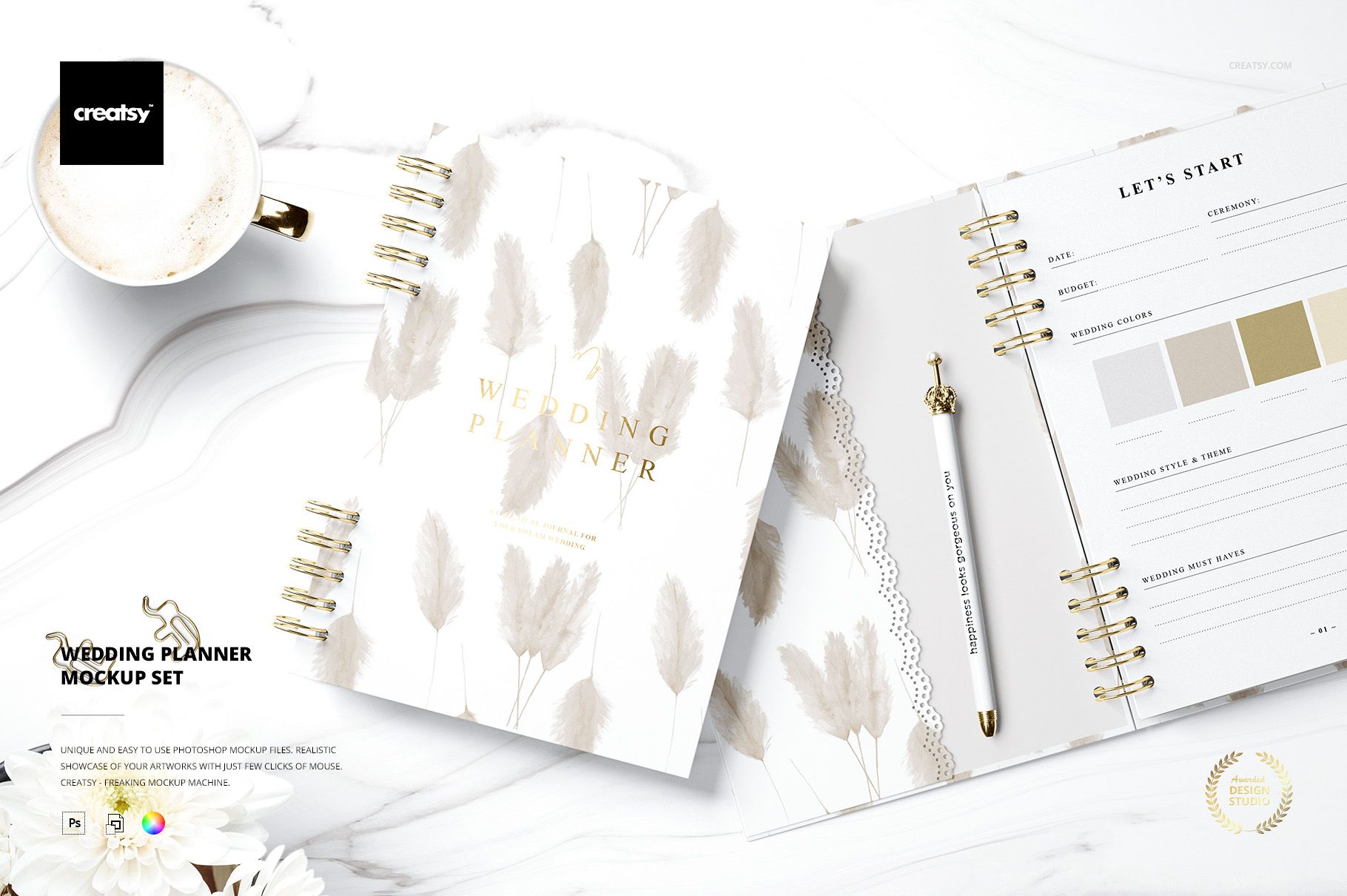
A wedding planner is part workbook, part keepsake and part source of calm during one of the busiest seasons in a couple’s life. Its presentation should show more than a pretty cover.
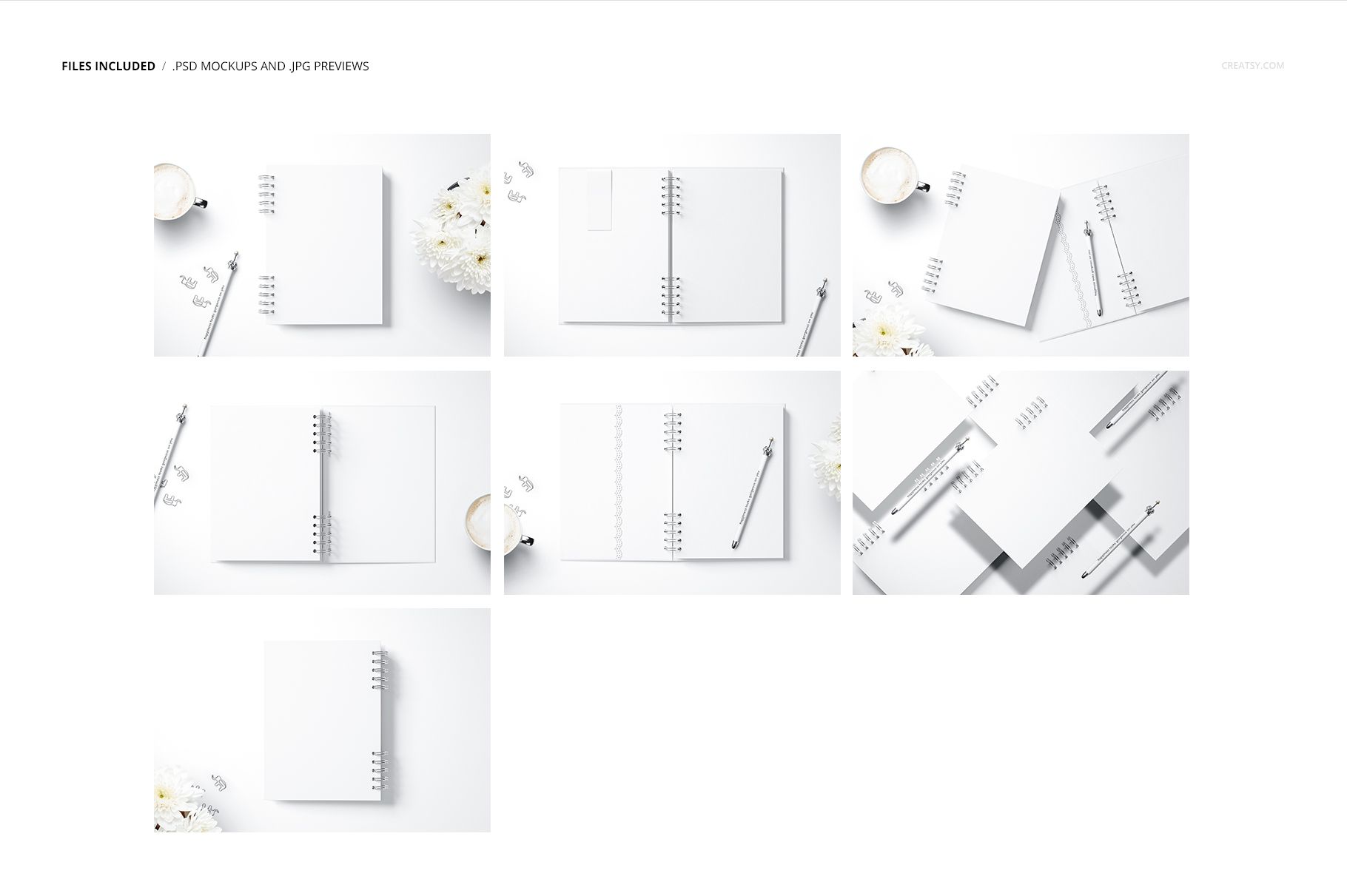
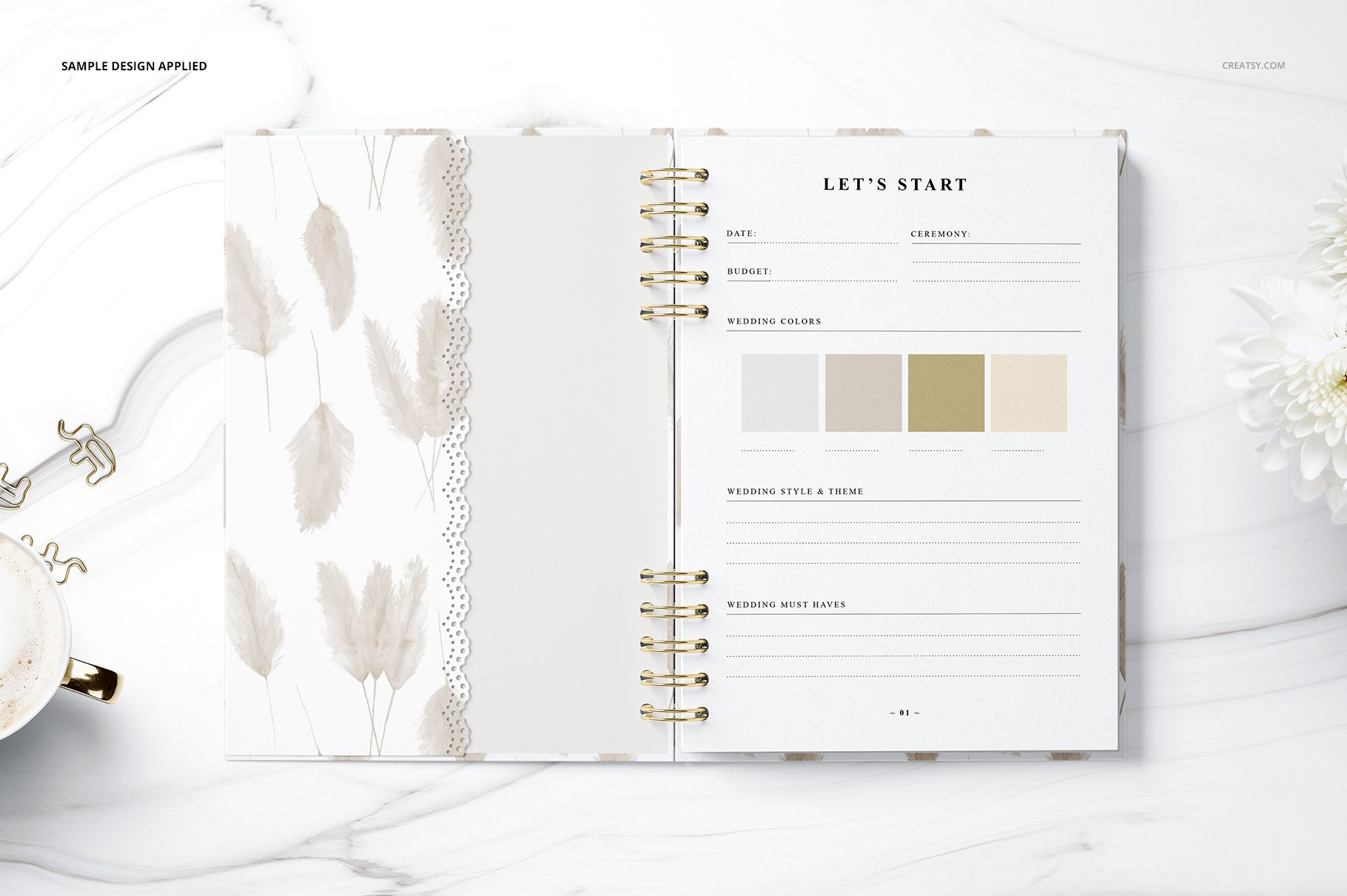
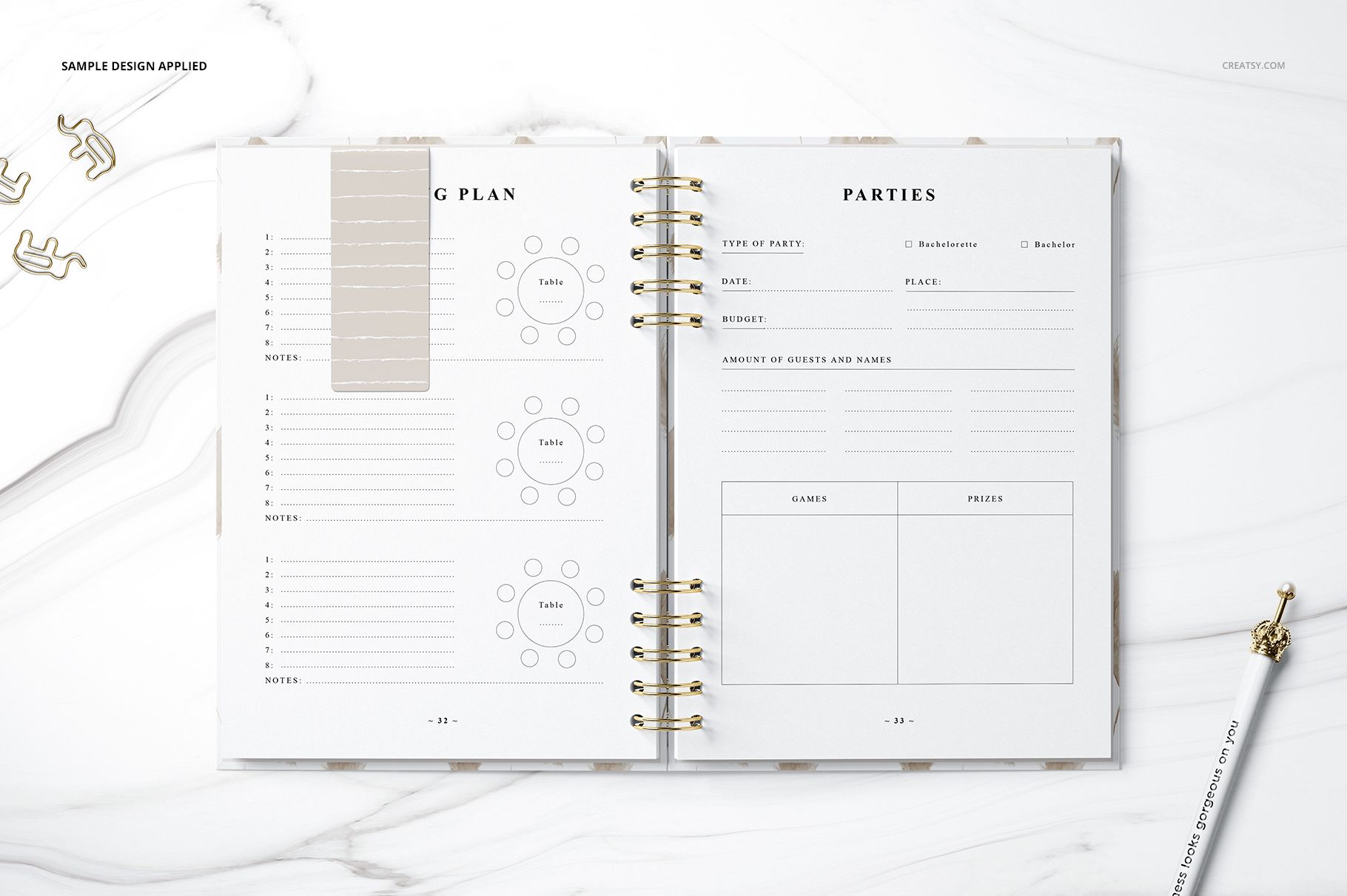
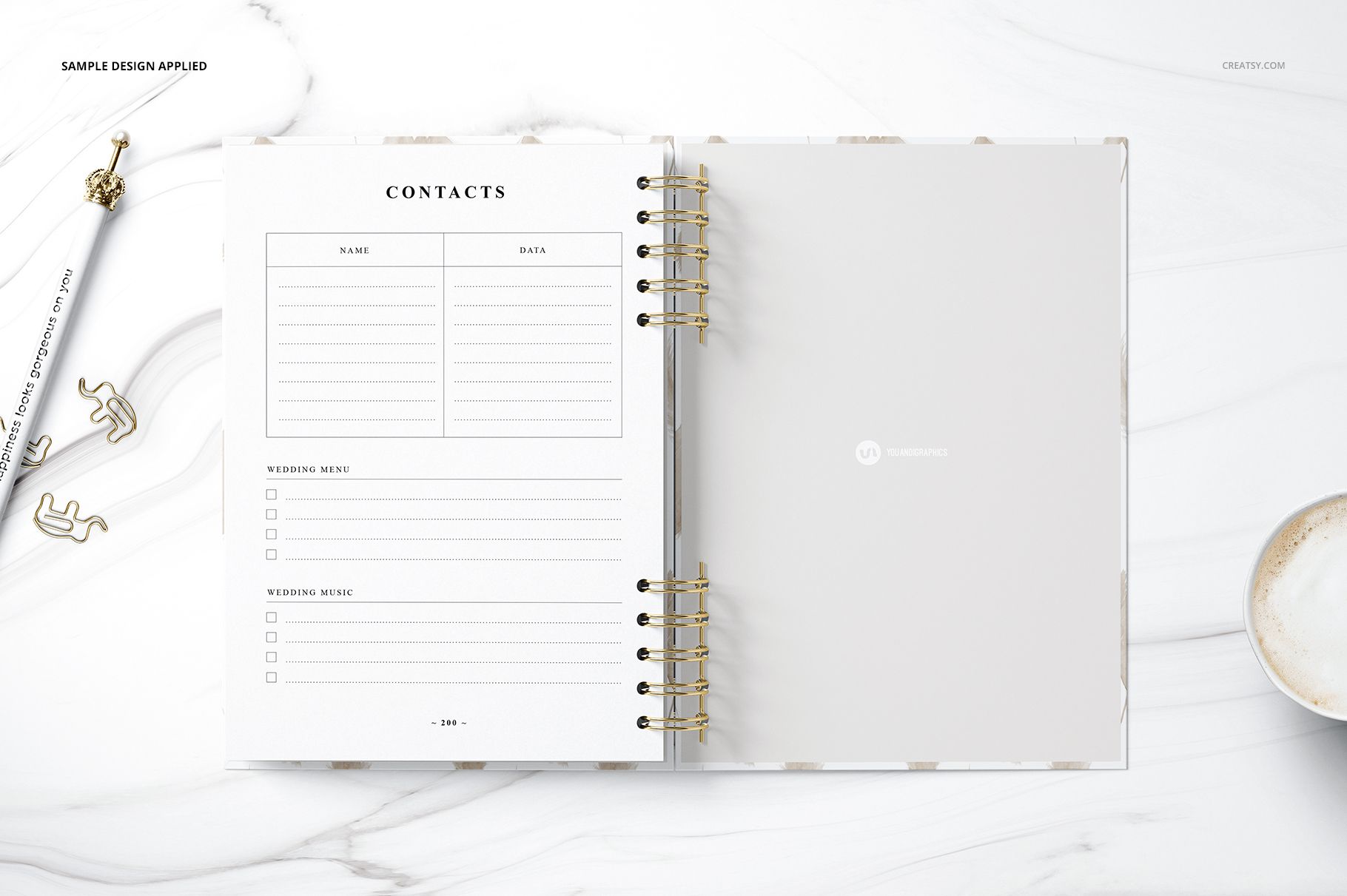
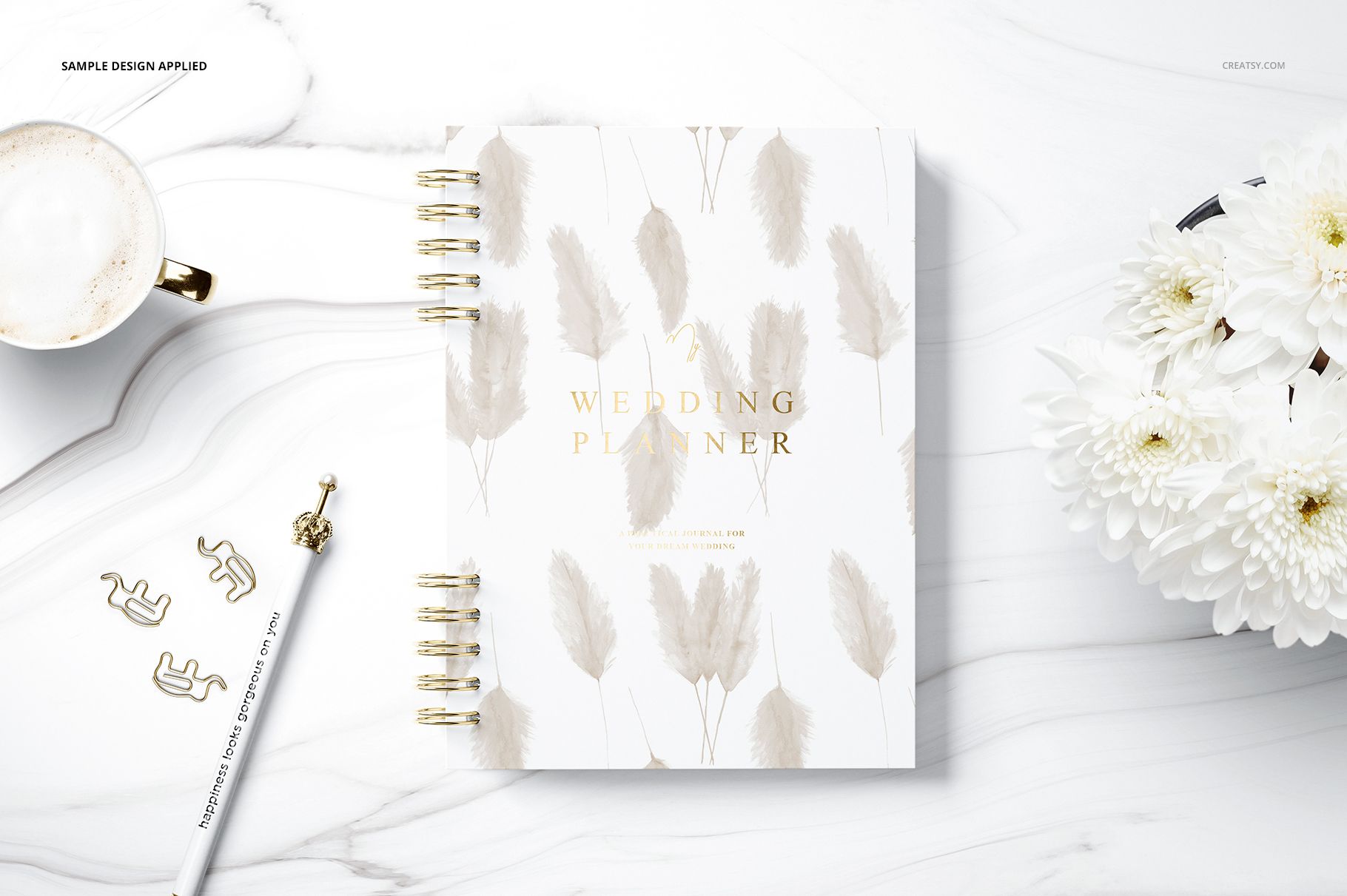
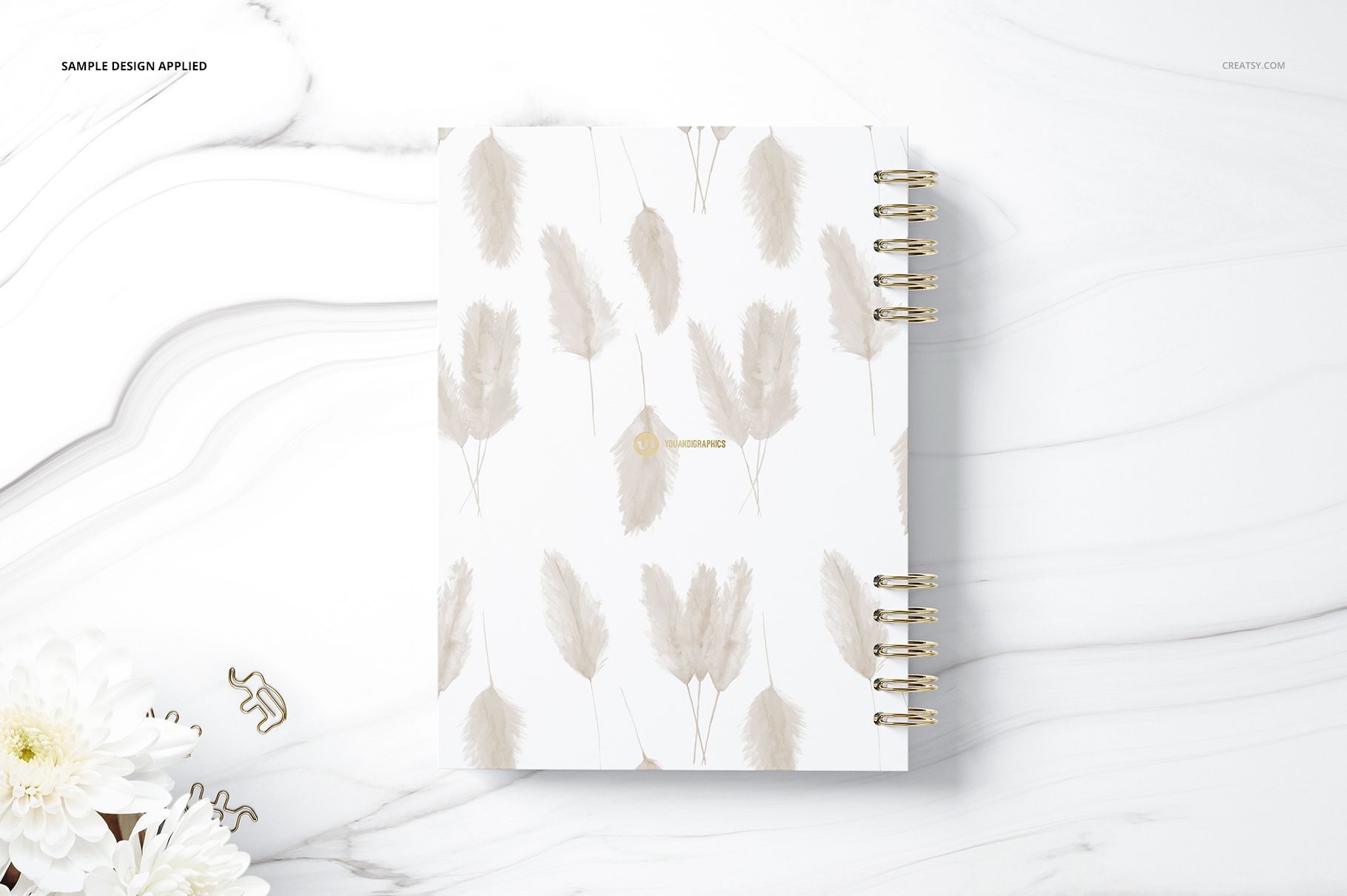
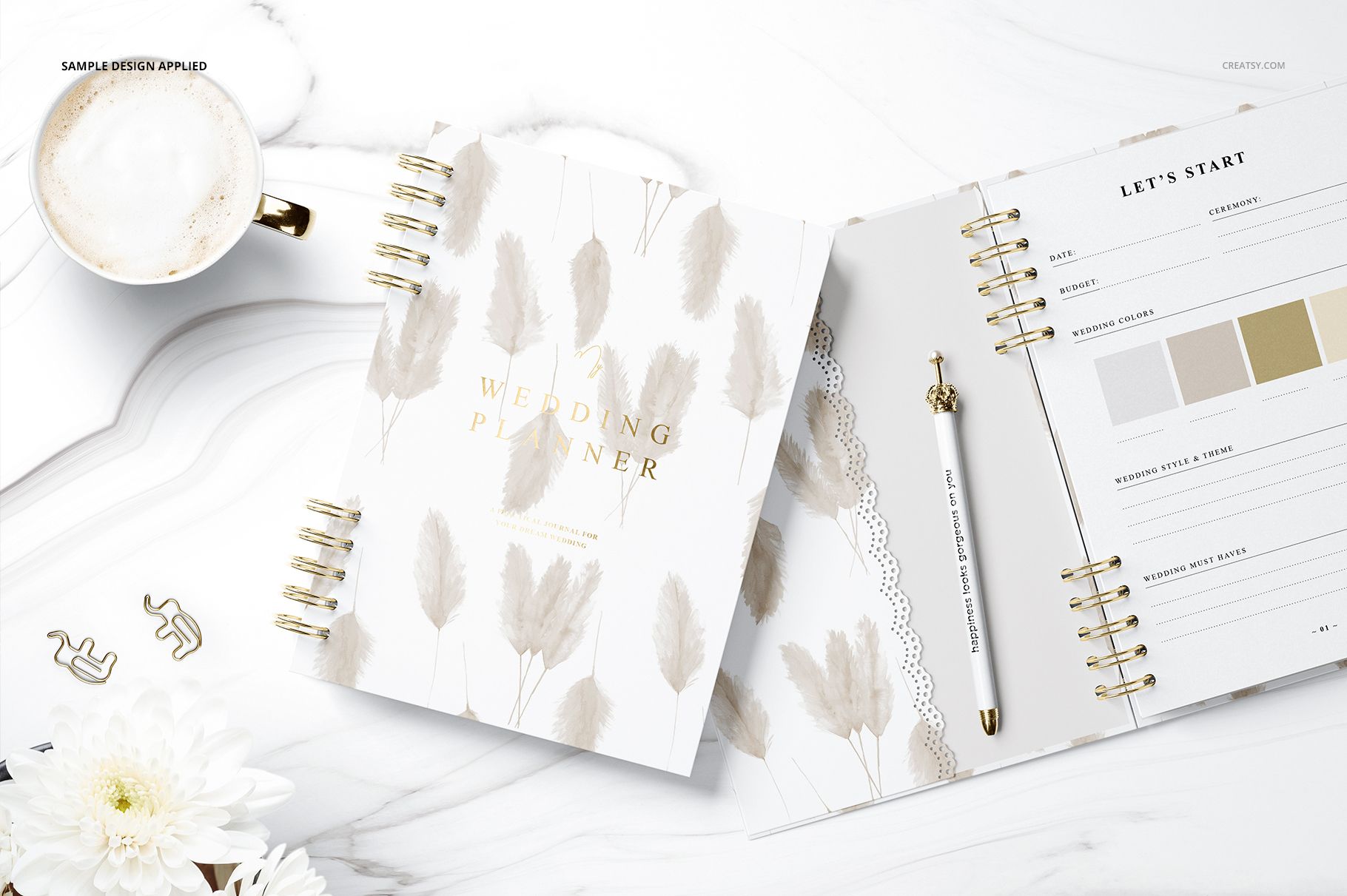
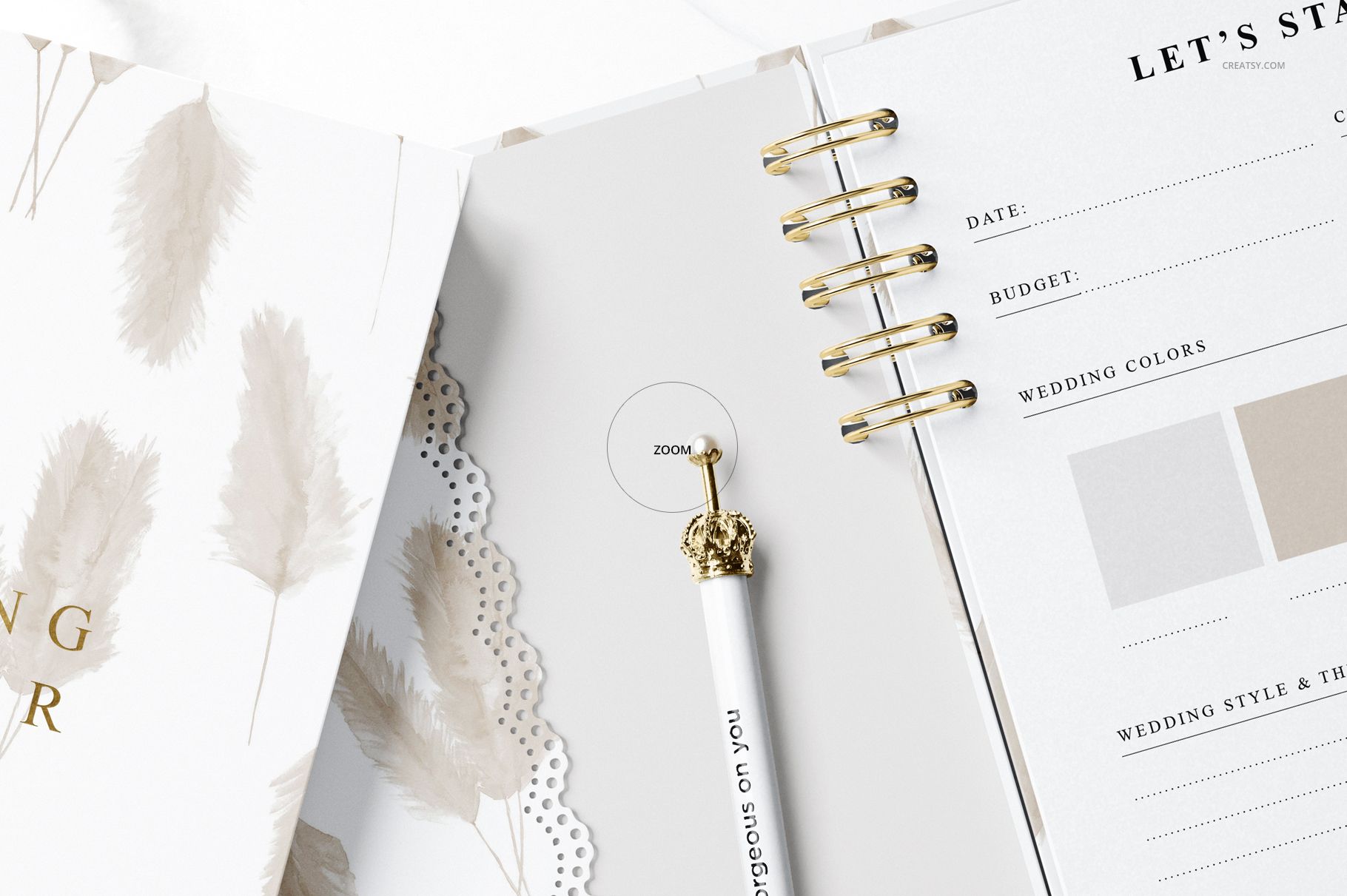
The Wedding Planner Mockup Set includes seven high-resolution PSD scenes created to showcase both the outside and inside of a spiral-bound wedding planner. Use the closed views to introduce cover artwork, typography and patterns, then move to the open planner scenes to present planning sections, tables, guest lists, contacts and other organized page layouts.
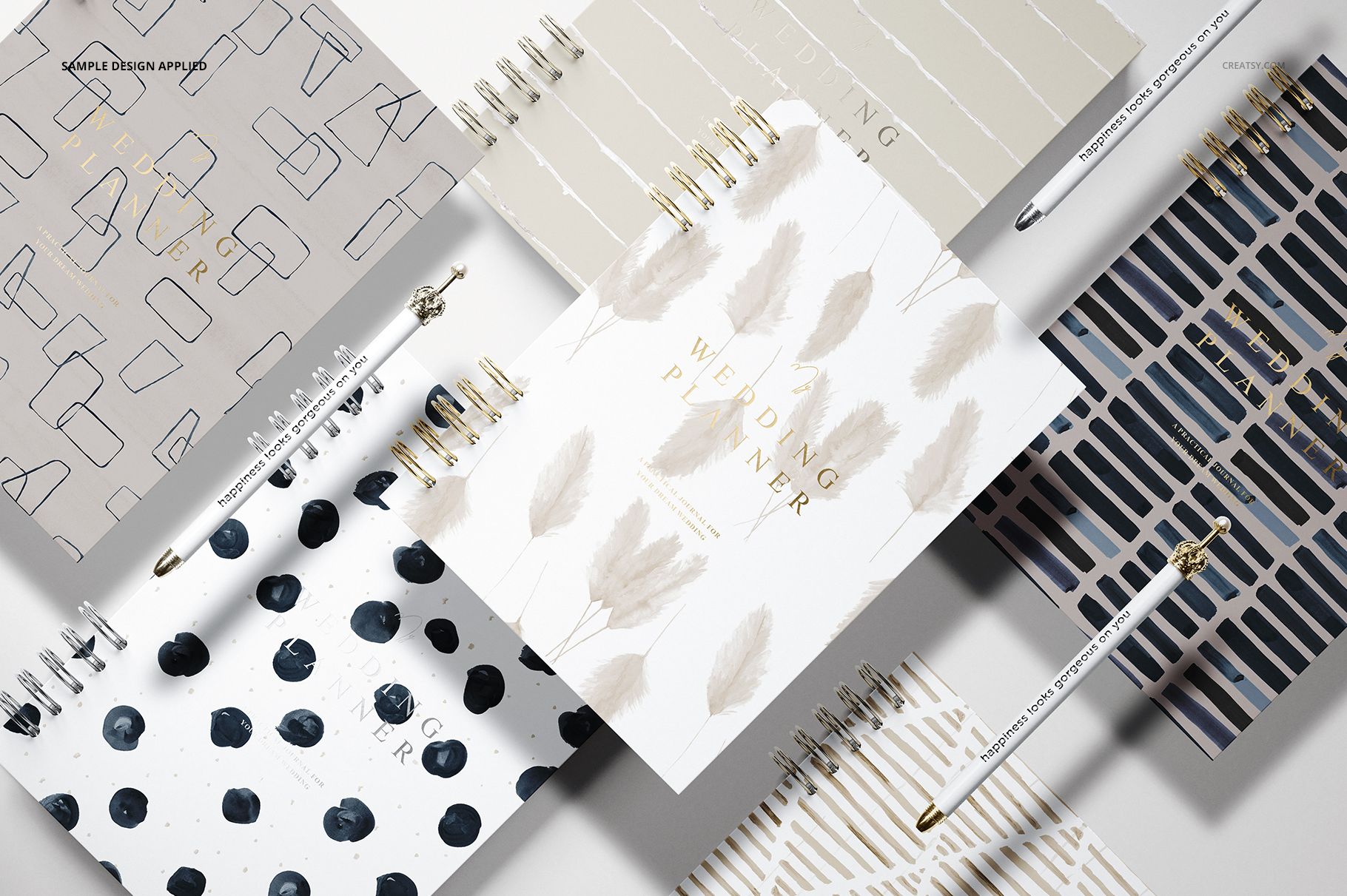
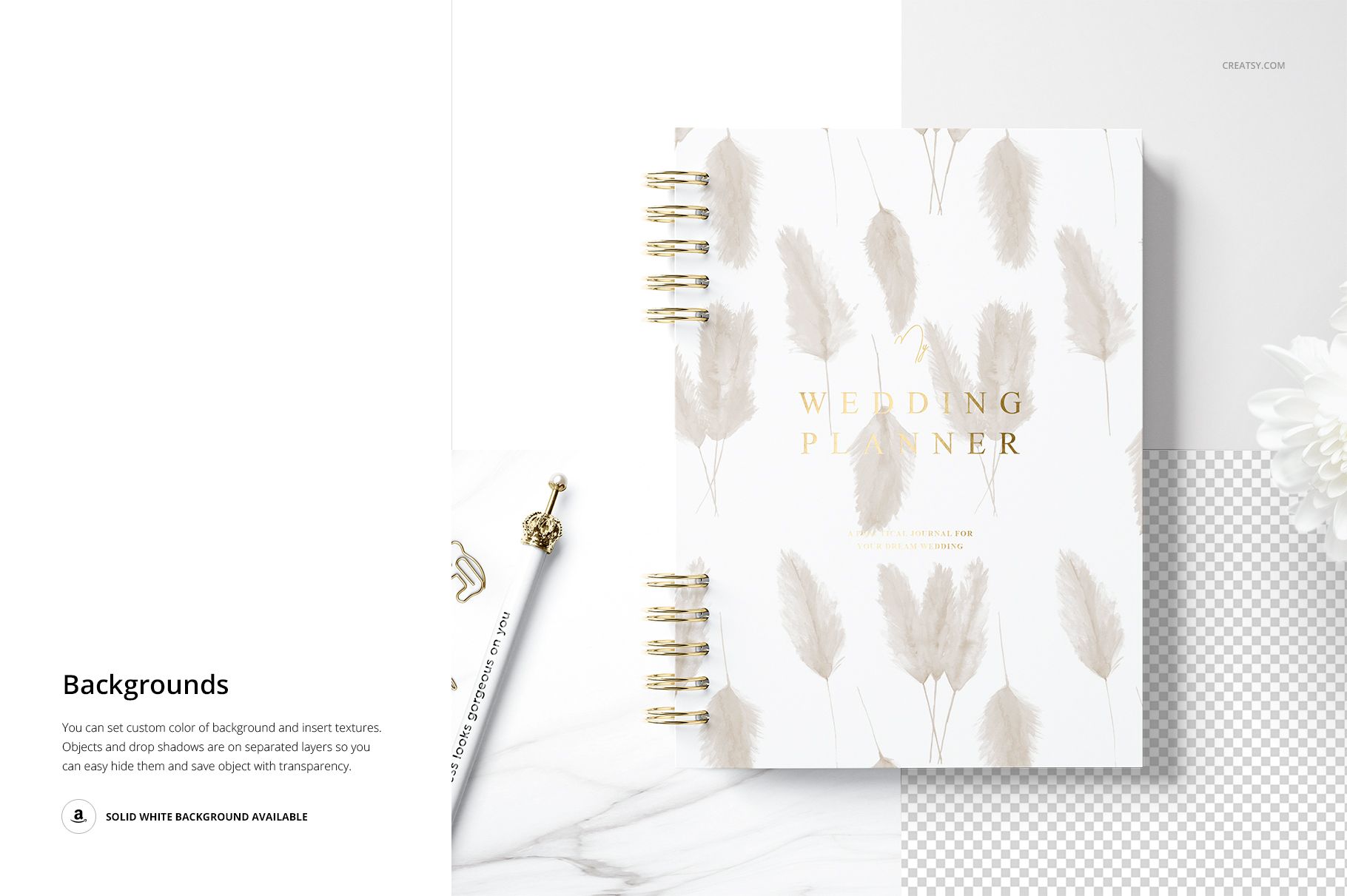
The gallery combines close product views, open-page compositions, flat lays and grouped planner scenes. Styling details such as pens, flowers, a coffee cup, marble surfaces and darker backgrounds help you create a varied product gallery without losing the refined wedding stationery mood.
Show the Planner, Not Only the Cover
A cover may attract attention, but the inside pages explain why the planner is useful.
This set gives you space to present the complete product experience. Show the front cover first, then reveal how the interior helps couples organize information, collect details and keep wedding plans in one place.
Use the mockups to display:
Custom wedding planner covers
Bridal planner typography
Floral and abstract patterns
Wedding planning page layouts
Guest list tables
Contact sections
Organized planning worksheets
Coordinated cover and interior designs
Several planner colorways
A complete wedding stationery collection
This makes the set useful for product listings, client presentations and portfolio projects where a single closed-planner image would not communicate enough.
Seven Scenes for a Complete Product Gallery
The set includes enough visual variety to build a full sequence of product images around one planner design.
You can begin with a polished closed-cover view, continue with an open planner showing the page layout, add a closer image of the planning tables and finish with a group composition showing several coordinated cover designs.
The scenes shown on the product page include:
Spiral-bound planners displayed from several angles
An open planner styled with a cup and gold pen
Closed planners with coordinated cover artwork
Open wedding planning sections viewed from above
Guest list tables presented on a marble surface
Open pages with a contacts section
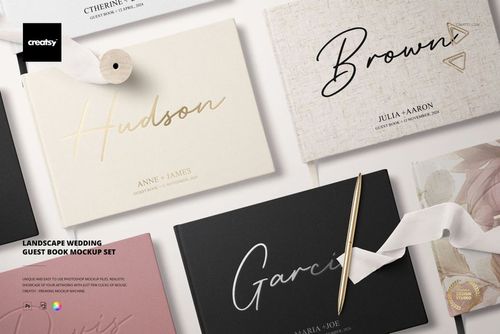
Several planner designs arranged together in a flat lay
Together, these views help customers understand the cover, binding, internal structure and overall style of the planner.
Create a Bridal Planner That Feels Cohesive
A wedding planner usually combines several visual systems within one product.
The cover may feature a decorative pattern or elegant title, while the inside pages need a clear hierarchy that makes information easy to organize. Fonts, lines, tables, headings and accent colors should feel connected without making the planner difficult to use.
Use the mockups to review:
The scale of artwork on the cover
Title and name placement
The relationship between cover and page colors
Typography hierarchy inside the planner
Table and worksheet legibility
The balance between decoration and function
Whether several sections feel like one product
How the planner looks open and closed
Seeing all these elements inside realistic scenes can make design decisions easier than evaluating separate flat artwork files.
Who Is It For?
Wedding stationery designers
Present a custom bridal planner alongside invitations, menus, guest books, envelopes and other products from a coordinated wedding collection.
Planner brands
Create realistic launch images for physical wedding organizers, engagement planners and bridal planning workbooks before arranging a photoshoot.
Event planners and wedding professionals
Visualize a branded planning book for clients, premium service packages, consultation materials or welcome kits.
Printable and template creators
Show how completed planner layouts could look inside a physical spiral-bound product rather than relying only on flat page previews.
Print shops and stationery manufacturers
Promote wedding planner printing services with realistic cover and interior-page presentations.
Branding studios
Extend a wedding business identity onto practical stationery and show how logos, colors and typography work across a complete planner.
Illustrators and surface pattern designers
Apply artwork to planner covers and introduce patterns as part of a bridal stationery or licensing collection.
A Stronger Way to Present Interior Pages
Planner buyers often want to know what is inside before they choose a product.
Open-page mockups make that information easier to communicate. They can show whether the planner includes structured tables, guest information, contacts or other planning categories, while also presenting the layout style and visual hierarchy.
Use the open views to highlight:
Section headings
Guest list layouts
Contact information pages
Planning tables
Notes and writing areas
Page typography
Decorative elements
Coordinated colors
Readable spacing
The relationship between facing pages
This is particularly useful for product galleries where the first image creates interest and the next images need to explain the planner in more detail.
Designed for Wedding Product Launches
The finished visuals can support an entire planner launch rather than one isolated mockup.
Use them for:
Wedding planner product pages
Bridal stationery catalogs
Client proposal decks
Wedding business websites
Instagram and Pinterest content
Planner collection announcements
Wholesale presentations
Print service portfolios
Behance case studies
Digital lookbooks
Newsletter graphics
Wedding fair materials
Brand identity presentations
Client approval images
The seven scenes allow you to repeat the same visual identity across several compositions without making the gallery feel repetitive.
Compare Several Planner Directions Before Printing
Producing a physical spiral-bound planner can require printing, binding, page testing and material decisions. A mockup gives you a faster way to compare concepts while the design is still editable.
Use the set to test:
Alternative cover patterns
Several title treatments
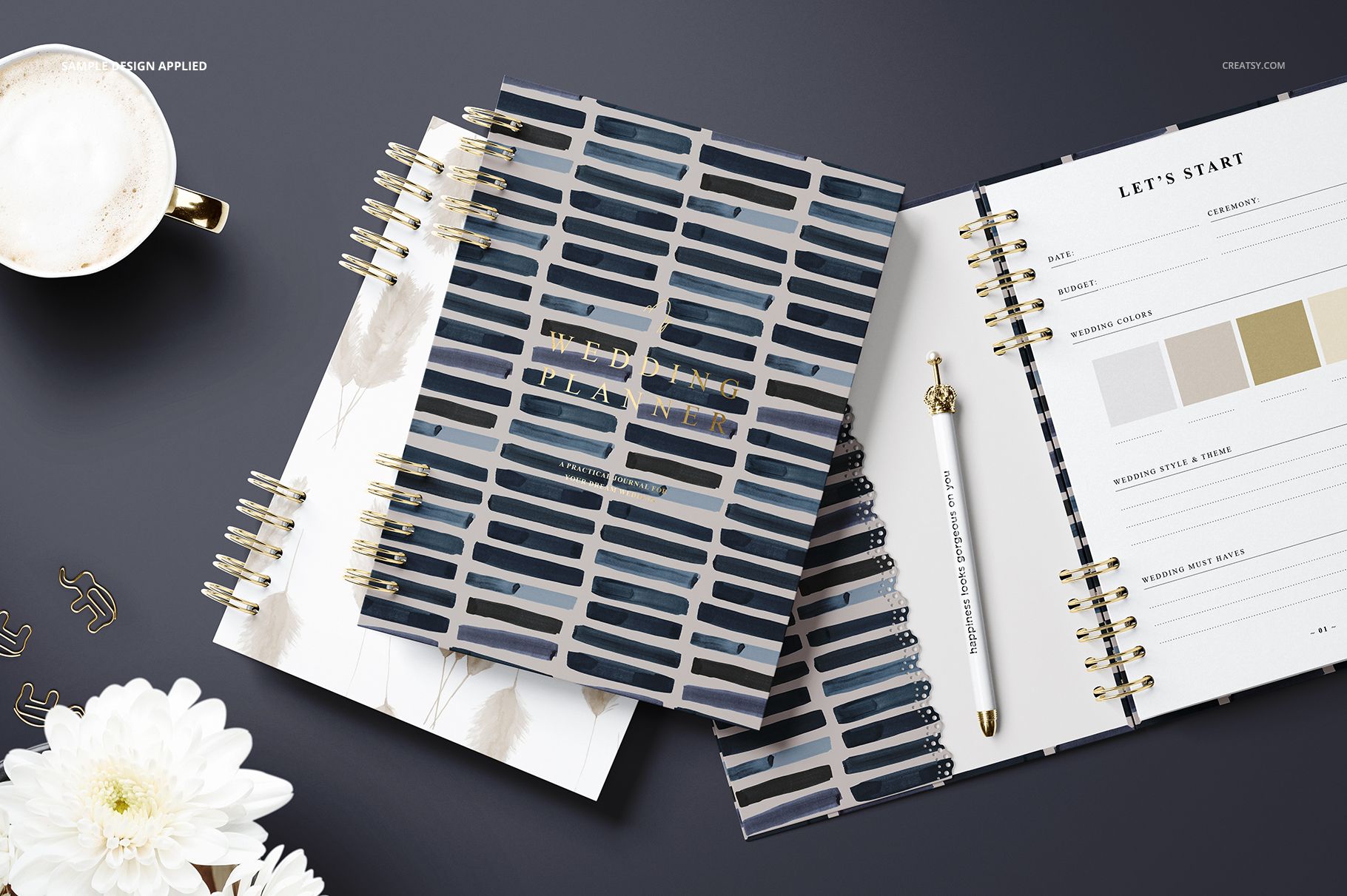
Light and dark planner variations
Different interior color palettes
Multiple page-layout directions
One planner in several colorways
A hero cover with coordinating designs
Minimal and decorative bridal styles
The mockups are intended for visual presentation. Final page dimensions, margins, binding clearance, bleed and print requirements should still be confirmed with the printer or manufacturer.
Easy Smart Object Editing
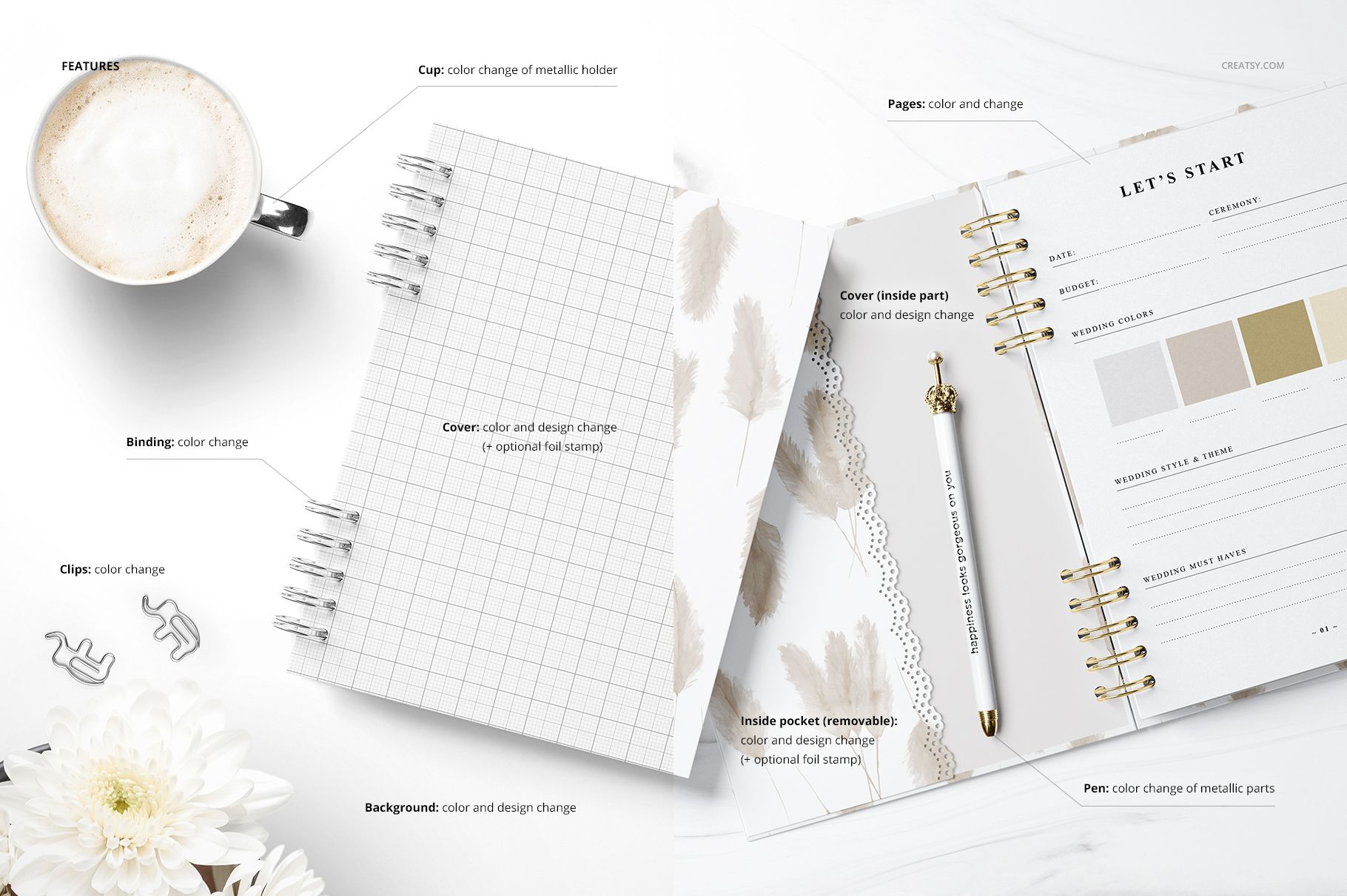
Open a PSD in Adobe Photoshop CC2015 or newer, locate the editable Smart Object or design layer and add your cover or page artwork. Save the edited layer to update the planner inside the existing perspective, lighting and shadows.
The product page lists Smart Objects, editable color layers and well-organized PSD files, helping you prepare several coordinated product visuals without manually recreating each scene.
Check the product screenshots and included user manual for the exact editable components available in each of the seven scenes.
What You Can Showcase
Use the Wedding Planner Mockup Set to present:
Wedding planner cover designs
Open bridal planner pages
Wedding planning worksheets
Guest list layouts
Contact pages
Custom spiral-bound planners
Wedding organizer collections
Floral and abstract planner patterns
Personalized bridal stationery
Planner typography systems
Coordinated planner colorways
Wedding business branding
Client planner concepts
Printable planner presentations
Professional product listing images
File Specifications
Editable mockups: 7 PSD files
Supporting previews: 7 JPG files
Documentation: 1 PDF user manual
Total number of files: 15
PSD dimensions: 6000 × 4000 px
Resolution: 300 DPI
Minimum Photoshop version: Adobe Photoshop CC2015
Editable components: color and design
Editing workflow: Smart Objects and editable color layers
Layers: well organized
File formats: PSD, JPG and PDF
Package size: approximately 3.92 GB for Windows and 4.21 GB for macOS
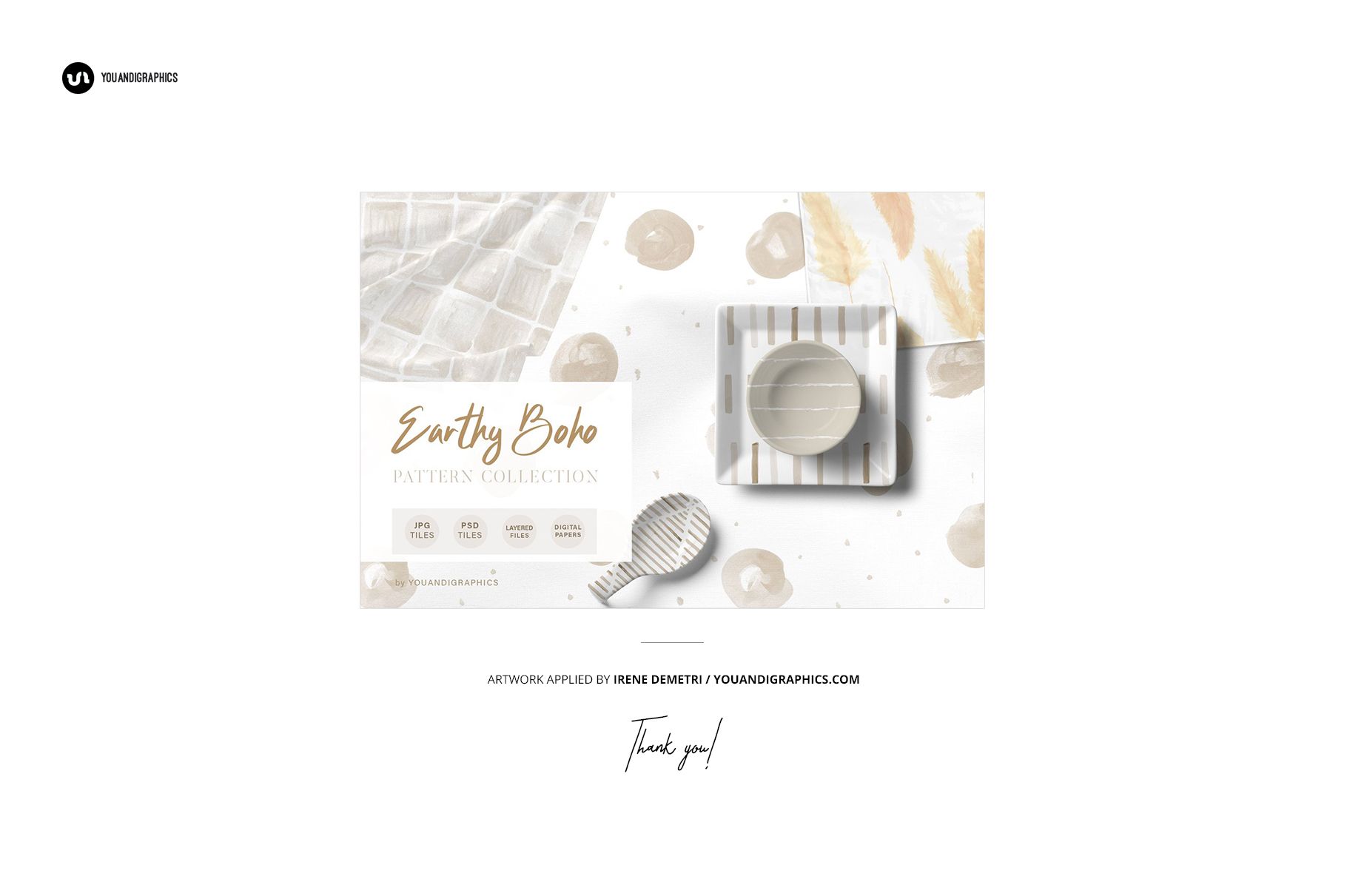
Preview design by Irene Demetri: www.youandigraphics.com
Preview artwork is not included with the download
Preview Artwork Credit
The example design featured on the planner in the main product preview images is by Irene Demetri. You can explore more of her work at https://www.youandigraphics.com/.
The artwork is used for presentation purposes only and is not included with the Wedding Planner Mockup Set. Add your own cover and interior page designs to customize the PSD files.
Made with Creatsy Customer Credit
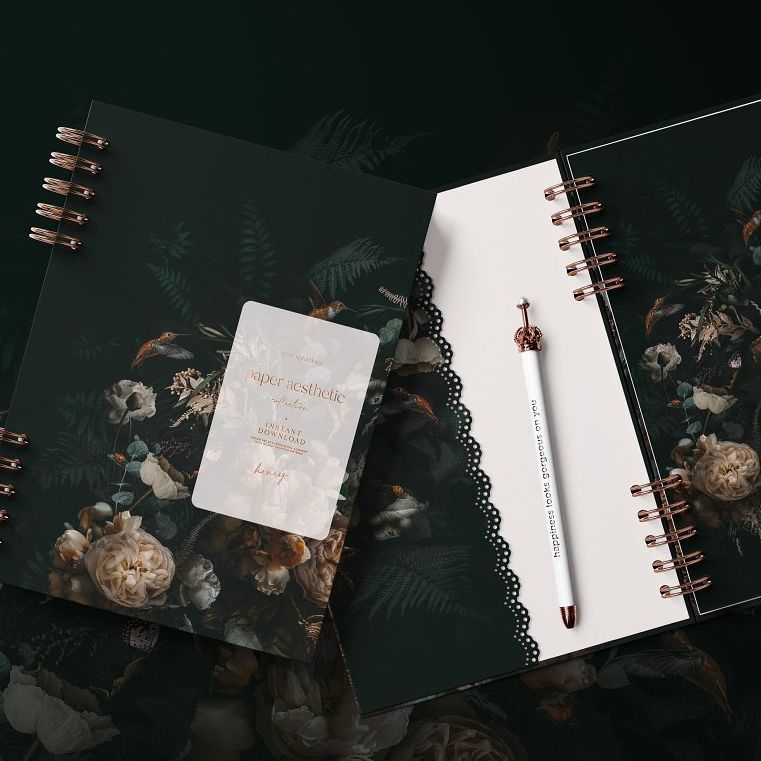
The product page features Honey by Paper Aesthetic in the Made with Creatsy customer showcase.
Paper Aesthetic: instagram.com/paperaestheticco
The project presents two spiral-bound planners with dark floral cover designs and a coordinated stationery scene. It demonstrates how the mockup can support an expressive pattern collection while maintaining an elegant wedding-focused presentation. The Honey artwork is shown as customer inspiration and is not included with the mockup files.
Help Customers See the Complete Planning Experience
A wedding planner is purchased for its organization, but it is often chosen because the design makes the planning process feel more personal and enjoyable.
The Wedding Planner Mockup Set helps you communicate both sides of the product. Closed views introduce the cover and visual identity, while open scenes reveal the structured pages that make the planner useful.
Use the set when one cover image is not enough and your wedding planner deserves a complete, polished presentation from the first page to the final detail.
File details
- Compatibility
- Package size
- 3.92 GB
|4.21 GB
- Files type
- .psd, .jpg, .pdf
- Files size
- 6000x4000


Reviews
Professional PSD mockups built in-house - editable, realistic, high-resolution, and supported by real people.
Made with Creatsy
Real designs. Real customers. See how creatives use Creatsy mockups to turn their artwork, branding, and product ideas into polished visuals.
MEET THE SHOP
- $1615$19.00
- $1870$22.00
- $1615$19.00
- $2125$25.00

HOW IT WORKS
3 clicks. That's it.
No tutorial needed. If you can copy-paste, you can use this.
- 1OpenDouble-click the smart object inside the PSD - in Adobe Photoshop, or free in your browser with Photopea.
- 2PasteDrop in your pattern, print, or artwork. Any design, any style.
- 3SaveHit save and the mockup wraps it in for you - shadows, folds, and lighting included.
FROM IDEA TO IMAGE
Built for real workflows
Skip the photo shoot Show your artwork on the real product type for approvals or listings - no studio, no model, no sample.
See it on the product, not a swatch Drop your file into the smart object and the scene's lighting and folds wrap around it, so you judge the real thing before you commit.
Smart Objects
Edit once and you're done. Your artwork drops into a smart object and the mockup updates itself - no masking, no warping by hand.
Perfectly Organized
Named layers and folders you can actually navigate. Find what you need, change what you want, and get out fast.
Print-Ready
High-resolution files built to hold up on screen and in print. Exact size and DPI are in this product's Details above.


buen servicio de atención, el mock up es increíble
¡Muchas gracias, Diana! Nos alegra muchísimo saber que te encantó el mockup y que tuviste una buena experiencia con nuestro servicio de atención. Agradecemos mucho tu reseña y tus 5 estrellas. --- Thank you so much, Diana! We’re delighted to hear that you loved the mockup and had a great experience with our customer support. We truly appreciate your kind review and 5-star rating!