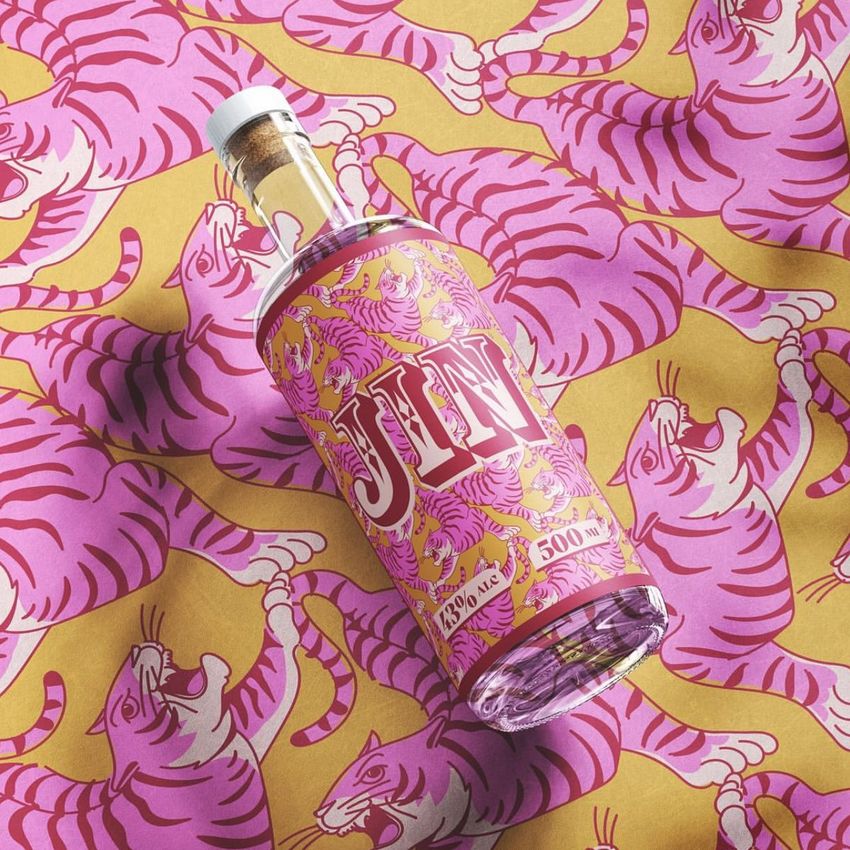
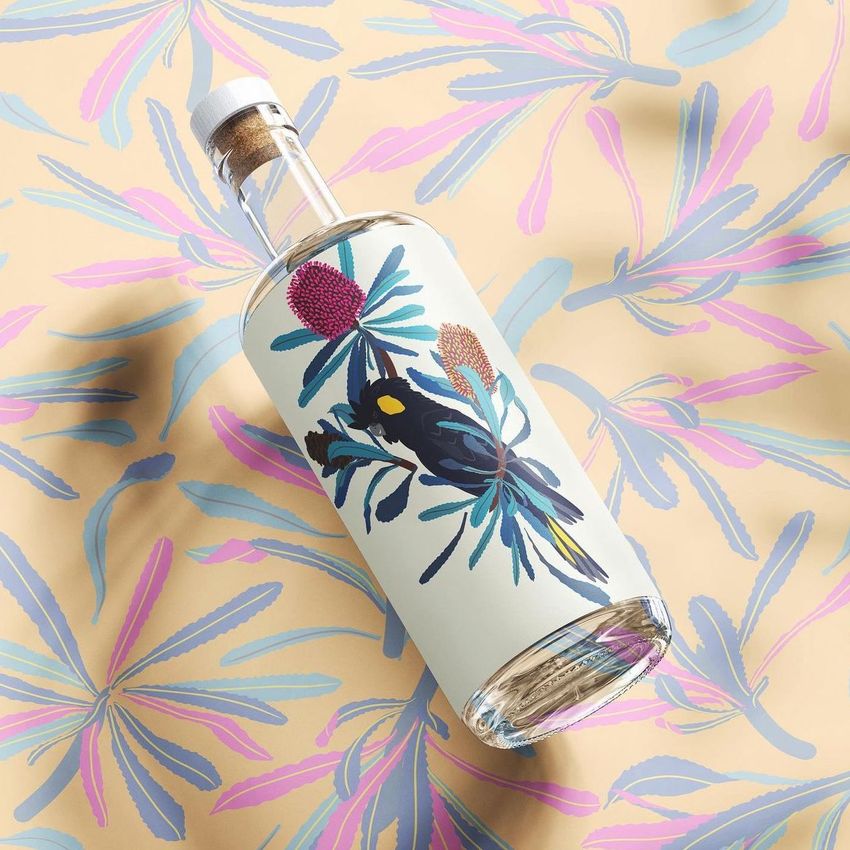
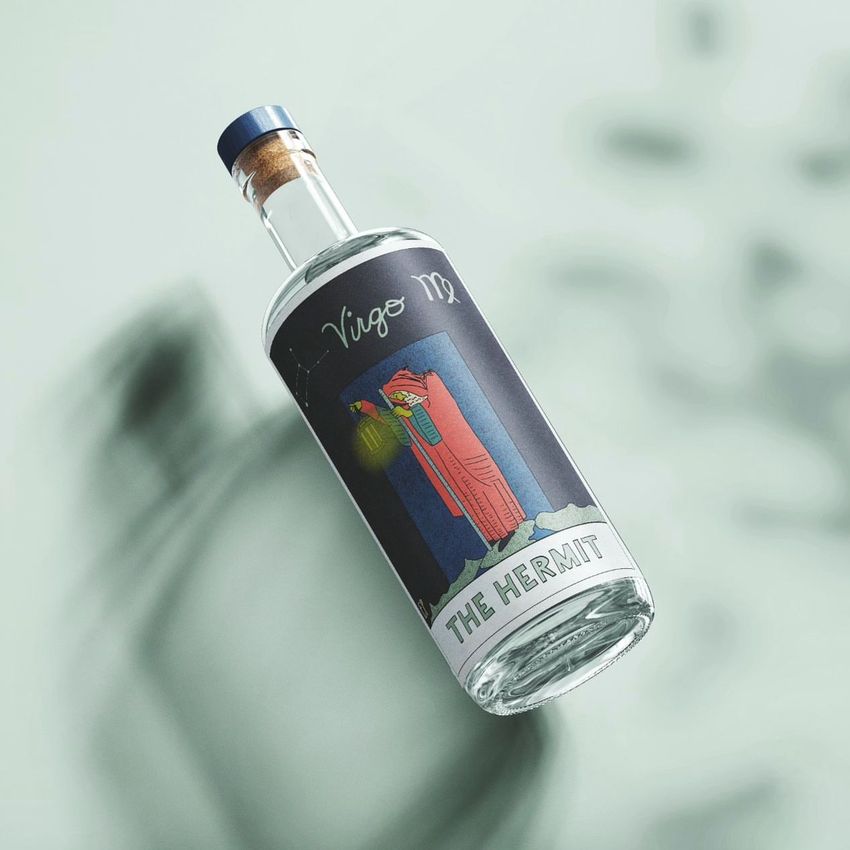
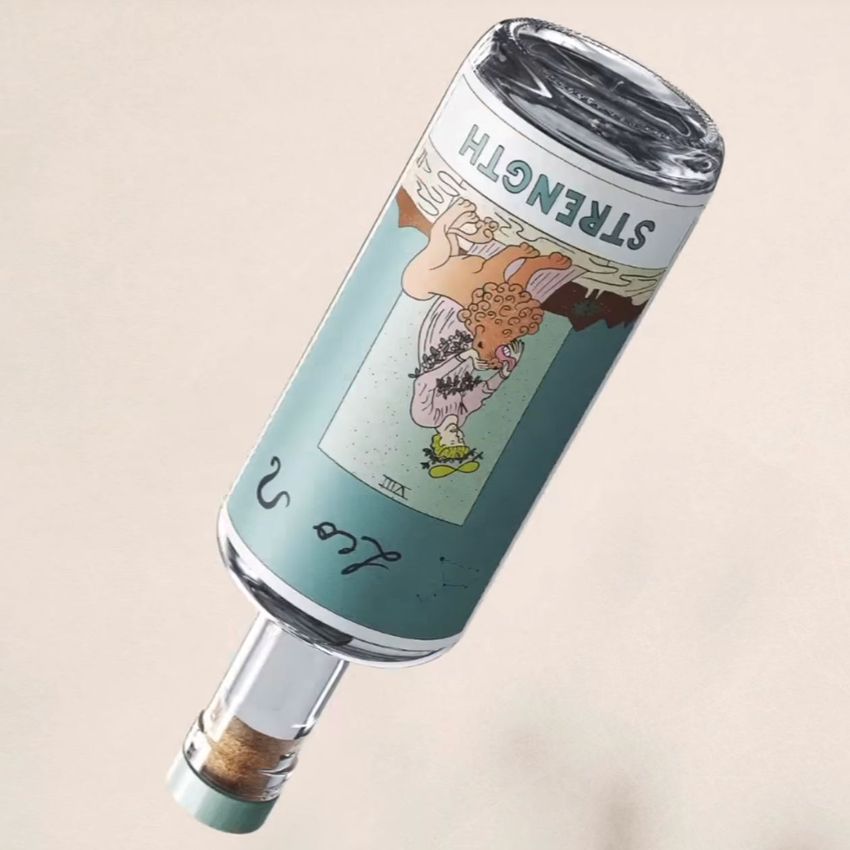
Classic Corked Glass Bottle Mockup

ID: 1143808341 | Updated: Feb 17, 2025

Product Details

Classic Corked Glass Bottle Mockup

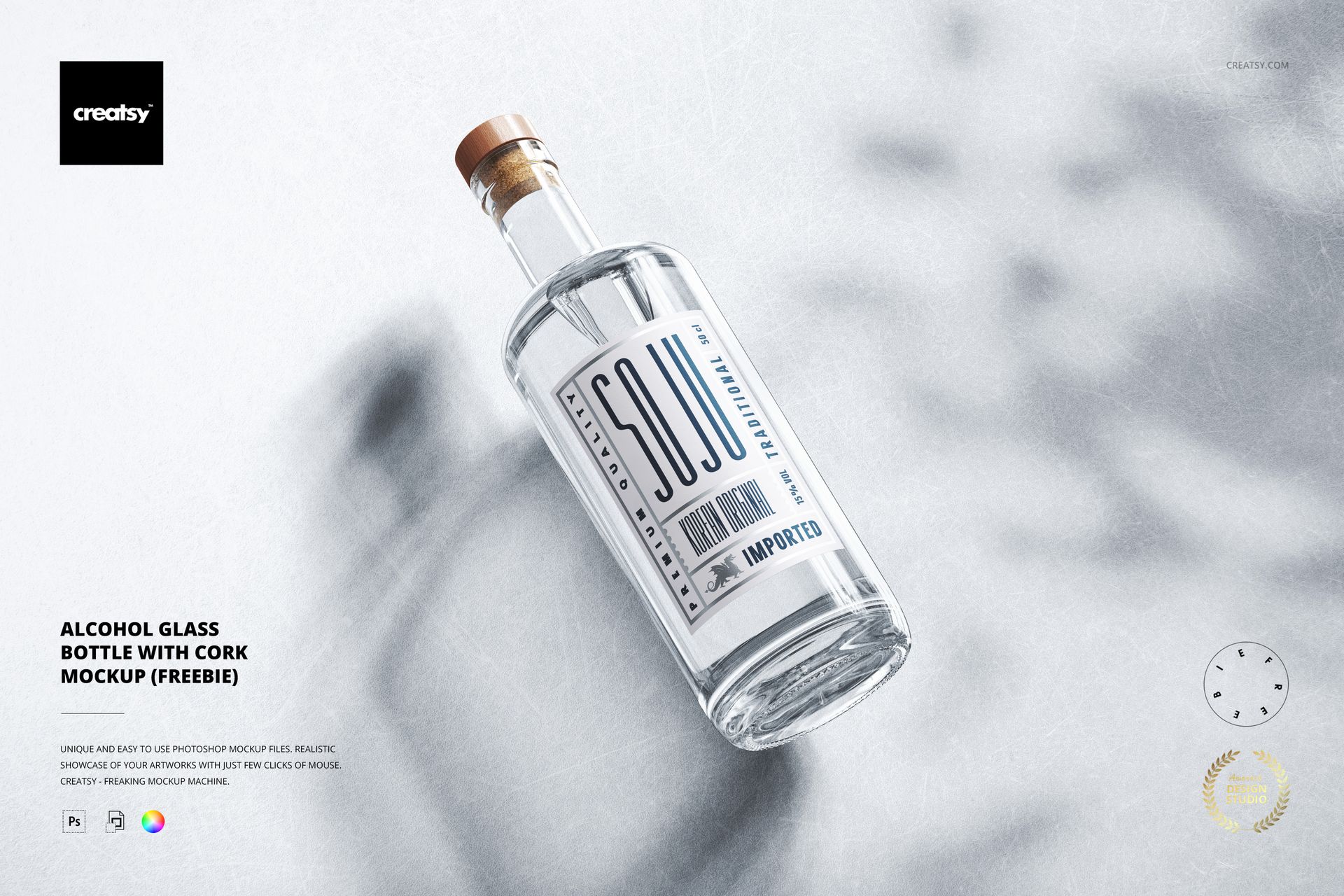
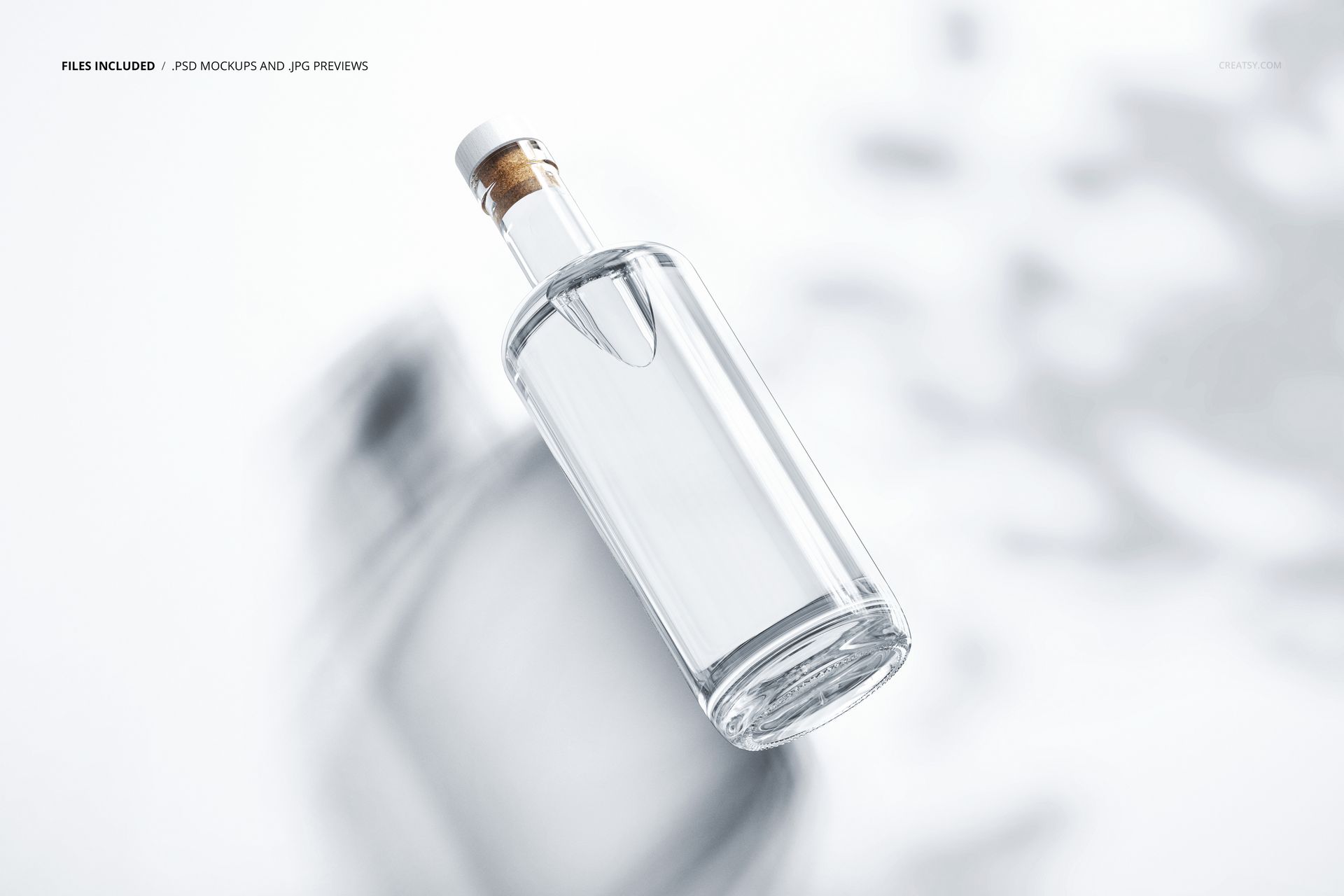
Present a spirits label on a clear glass bottle with a cork stopper and wooden cap. This single-scene mockup places the bottle at a diagonal over a textured surface, with plant shadows and a cool-light treatment that can be removed. It suits label concepts where the glass, cap and printed artwork need to feel like one considered package.

What Is Included

  • 1 layered PSD scene at approximately 6000 × 4000 px and 300 DPI.

  • 1 JPG preview, 1 bright stone texture JPG and 1 PDF user manual; 4 files in total.

  • Organized layers for artwork, color and presentation adjustments.

Label, Foil and Atmosphere

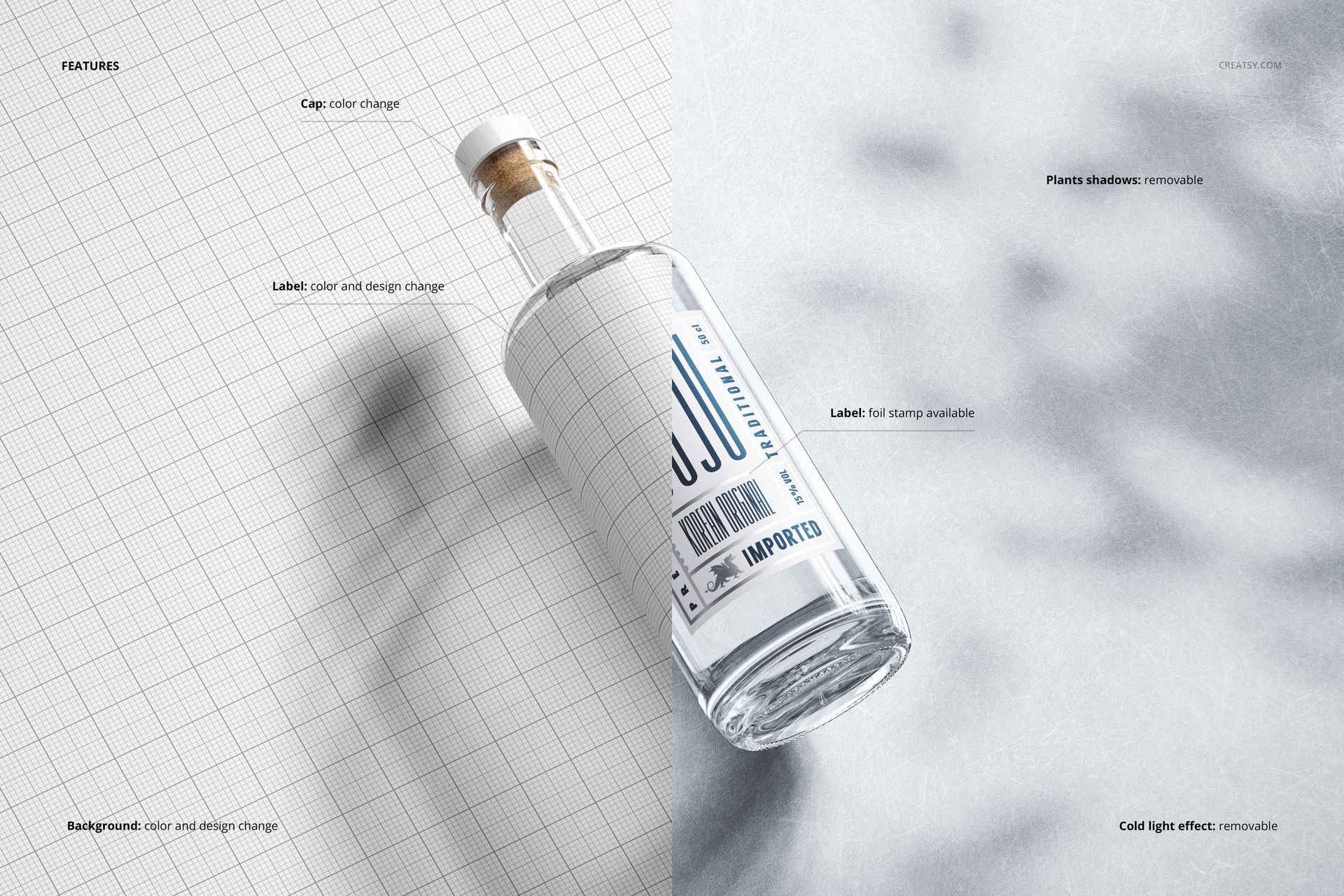
Change the label color and design, adjust the cap color and apply the available foil-stamp effect to the label. Customize the background color or design, then switch the plant shadows and cold-light effect on or off to compare a styled campaign image with a quieter presentation.

Easy Smart Object Editing

Open the PSD in Adobe Photoshop CC2020 or newer, or Photopea. Replace the label artwork through its Smart Object, save the object to update the bottle and refine the color layers. Keep a layered working copy before exporting the finished image.

Perfect For

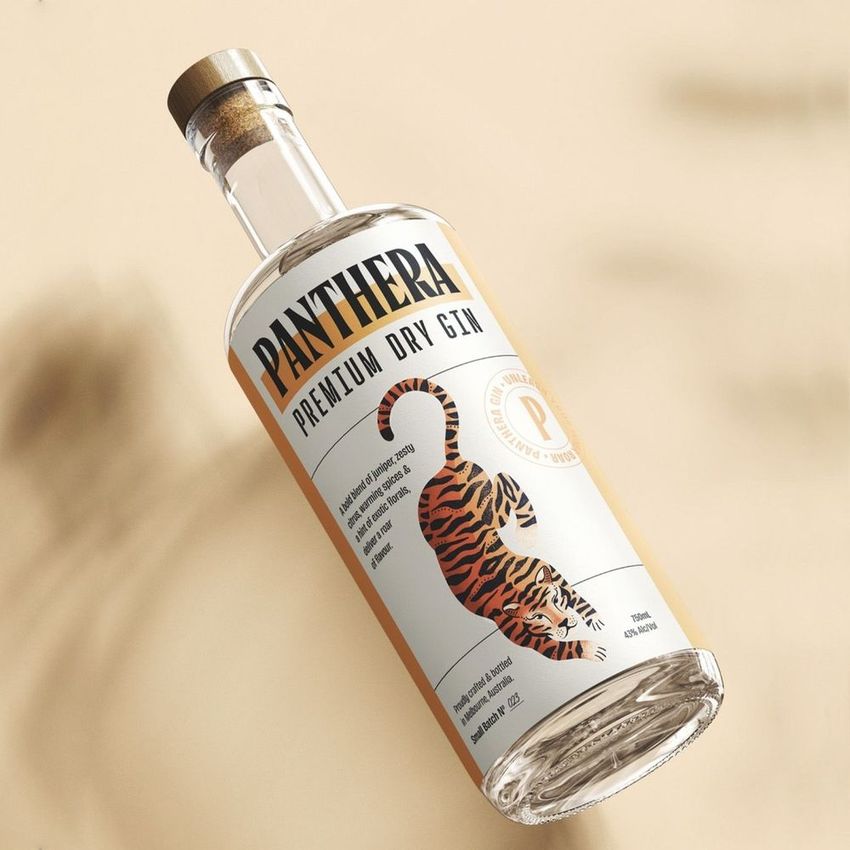
  • Gin, vodka, liqueur and craft spirits branding concepts.

  • Packaging designers comparing label typography and foil accents.

  • Distillery presentations, portfolio case studies and bottle launch visuals.

Digital mockup files only. No physical bottle is supplied, and the example label artwork is not included.


File details

Compatibility
PhotopeaAdobe Photoshop
Package size
269 MB269 MB|282 MB282 MB
Files type
.psd, .jpg, .pdf
Files size
6000x4000
TEST FOR FREE

Reviews

Professional PSD mockups built in-house - editable, realistic, high-resolution, and supported by real people.

5 (6 ratings)
Sort by:

Much Dwi_Roma N avatar
Much Dwi_Roma N
May 6, 2025

love it

Malgorzata Hapon avatar
Malgorzata Hapon Author
Sep 14, 2026

Thank you! So glad you love the bottle mockup.


Ceci_Ramírez avatar
Ceci_Ramírez
Feb 23, 2025

Thank you

Malgorzata Hapon avatar
Malgorzata Hapon Author
Sep 14, 2026

You’re very welcome, Ceci! Enjoy creating with it.


sa_ba1 avatar
sa_ba1
Jan 26, 2025

gh

Malgorzata Hapon avatar
Malgorzata Hapon Author
Sep 14, 2026

Thank you for taking the time to leave a review.


611design avatar
611design
Nov 10, 2024

Great mockup but i had a few problems downloading and opening the file on windows.

Malgorzata Hapon avatar
Malgorzata Hapon Author
Jun 9, 2026

Thank you so much for your review! We’re so glad you liked the mockup, and we truly appreciate your support.


Dan_Guz avatar
Dan_Guz
Apr 29, 2024

Excelente trabajo, muchas gracias

Malgorzata Hapon avatar
Malgorzata Hapon Author
Jun 9, 2026

¡Muchas gracias por tu reseña! Nos alegra mucho saber que te gustó el mockup. Agradecemos mucho tu apoyo ✨


lfl avatar
lfl
Jan 5, 2024

Very easy to apply the customizations (color and texture). Looks very professional. Highly recommend. I didn't need support. Some zip files (from everywhere) are tough to open. Just download 7-Zip app if that is the case and unzip/extract inside that app.

Malgorzata Hapon avatar
Malgorzata Hapon Author
Sep 14, 2026

Thank you for your thoughtful review! We’re glad the color and texture adjustments were easy to use and that you’re happy with the result. We also appreciate you sharing your extraction tip with other designers.


Made with Creatsy

Real designs. Real customers. See how creatives use Creatsy mockups to turn their artwork, branding, and product ideas into polished visuals.

MEET THE SHOP

Creatsy logo

Creatsy

Poland
4.7 (681)

Bring your ideas to life.

We're a family-run studio in Katowice, Poland, making PSD mockups by hand since 2016. Everything in this shop starts in our own studio. We shoot the photography, build the 3D, and put together every Smart Object PSD ourselves - then we test it, organize the layers, and only ship it once it actually works...
GO TO SHOP

HOW IT WORKS

3 clicks. That's it.

No tutorial needed. If you can copy-paste, you can use this.

  1. 1OpenDouble-click the smart object inside the PSD - in Adobe Photoshop, or free in your browser with Photopea.
  2. 2PasteDrop in your pattern, print, or artwork. Any design, any style.
  3. 3SaveHit save and the mockup wraps it in for you - shadows, folds, and lighting included.

FROM IDEA TO IMAGE

Built for real workflows

Get the label signed off before the print run Wrap your design onto the box, pouch, or bottle and show the client exactly what ships.

See it on the product, not a swatch Drop your file into the smart object and the scene's lighting and folds wrap around it, so you judge the real thing before you commit.

Smart Objects

Edit once and you're done. Your artwork drops into a smart object and the mockup updates itself - no masking, no warping by hand.

Perfectly Organized

Named layers and folders you can actually navigate. Find what you need, change what you want, and get out fast.

Print-Ready

High-resolution files built to hold up on screen and in print. Exact size and DPI are in this product's Details above.